On this page
A startup inbox is a soft target: one convincing phishing email can hand over a password, a payment or a customer list. The tools below filter spam, block phishing links and, in one case, encrypt every message, all at published per-user prices a small team can afford. SpamTitan is our first pick — at ninety cents per user per month it is the cheapest filter here, and it blocks the threats that matter before they reach the inbox.
How we researched this
We looked for email security tools with a published dollar price and a plan a startup can buy without a sales call, then read each price on the vendor site on November 27, 2026. We judged them on spam and phishing protection, ease of setup and the trial or free tier each one carries. Quote-only platforms, euro-only pricing and tools with no published price were left out.
Compare the tools
| Name | Best for | Starting price | Free plan | |
|---|---|---|---|---|
| SpamTitan | Startups that want the cheapest per-user spam and phishing filter | $0.90/user/month | No free plan; free trial available | Visit |
| MX Guarddog | Startups with many shared inboxes that want filtering priced per address | $0.25/email address/month | Free option via website links; 30-day free trial | Visit |
 MailRoute | Startups that want a simple filter in front of any mail host | $2/user/month | No free plan; 30-day free trial | Visit |
| Microsoft Defender for Office 365 | Startups already running Microsoft 365 that want protection in the same console | $2/user/month | No free plan; free trial available | Visit |
| IRONSCALES Email Protect | Startups that want staff training and phishing simulation alongside filtering | $3.11/mailbox/month | Free Starter tier available | Visit |
| Paubox Email Suite | Health and compliance-focused startups that need automatic email encryption | $32/month | No free plan; 14-day free trial | Visit |
| Sentaro | Small teams on Microsoft 365 or Google Workspace that want a light add-on | $6/user/month | First account free | Visit |
The email security software for startups, compared
1. SpamTitan
Best for: Startups that want the cheapest per-user spam and phishing filter
Paid tool Starting price: $0.90/user/month · Ninety cents per user per month, or twelve dollars per user per year, for small teams; the vendor describes it as starting at ninety cents per user per month
Free plan: No free plan; free trial available
This SpamTitan plan is the cheapest per-user filter in this comparison, and it is built for small teams that need phishing and spam blocked before the inbox. It scans every message for spam, malware and phishing links, and its allow lists let a startup keep mail flowing from trusted senders. Setup is a simple DNS change, so a team can be protected in an afternoon without a dedicated admin.
What we like
- Lowest per-user price in this comparison
- Blocks spam, malware and phishing links before the inbox
- Simple DNS setup with no dedicated admin needed
Watch out for
- No free plan, only a free trial
- Advanced reporting sits on the higher tiers
How to try it
- Point your mail records at SpamTitan with a DNS change
- Add your trusted senders to the allow list
- Review the quarantine daily for the first week and release anything genuine
2. MX Guarddog
Best for: Startups with many shared inboxes that want filtering priced per address
Paid tool Starting price: $0.25/email address/month · Twenty-five cents per email address per month, with aliases free and no limit on addresses or messages; a thirty-day free trial is included
Free plan: Free option via website links; 30-day free trial
This MX Guarddog plan charges by email address rather than by mailbox, which keeps the bill tiny for a startup with shared inboxes. It filters spam and phishing before mail reaches the server, and aliases cost nothing, so a team can run as many addresses as it likes. There is no limit on the number of addresses or messages, which suits a fast-growing team.
What we like
- Charged per address, with aliases free and no message limit
- Filters spam and phishing before mail reaches the server
- Thirty-day free trial with no card required
Watch out for
- No free plan beyond the trial and the website-link option
- Smaller vendor, with a simpler feature set than the big filters
How to try it
- Point your MX records at MX Guarddog
- Create aliases for every shared inbox at no extra cost
- Check the quarantine log after the first day and tune the filters
3. MailRoute
Best for: Startups that want a simple filter in front of any mail host
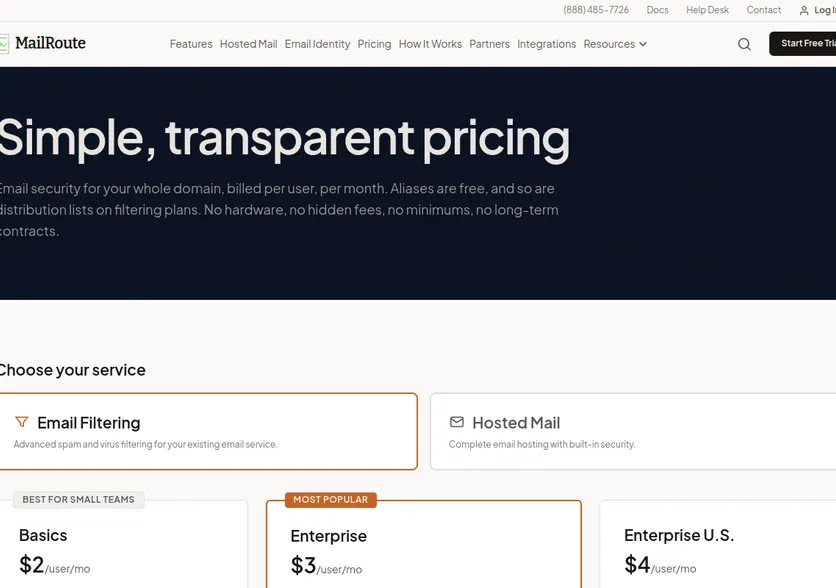
Paid tool Starting price: $2/user/month · Two dollars per user per month for the Basics plan; Enterprise costs three dollars and Enterprise US four dollars per user per month
Free plan: No free plan; 30-day free trial
This MailRoute plan is a simple hosted filter that blocks spam and phishing without a mailbox of its own. It works with any mail host, so a startup can keep its existing provider and add protection in front of it. The service also covers outbound mail, which helps a young domain stay off blocklists while it builds a sending reputation.
What we like
- Works in front of any mail host, with no migration needed
- Covers outbound mail to protect the domain reputation
- Thirty-day free trial to test the filtering live
Watch out for
- No free plan, only a thirty-day trial
- No built-in mailbox, so it pairs with another provider
How to try it
- Point your MX records at MailRoute
- Send a test phishing email and confirm it is blocked
- Turn on outbound filtering to protect your domain reputation
4. Microsoft Defender for Office 365
Best for: Startups already running Microsoft 365 that want protection in the same console
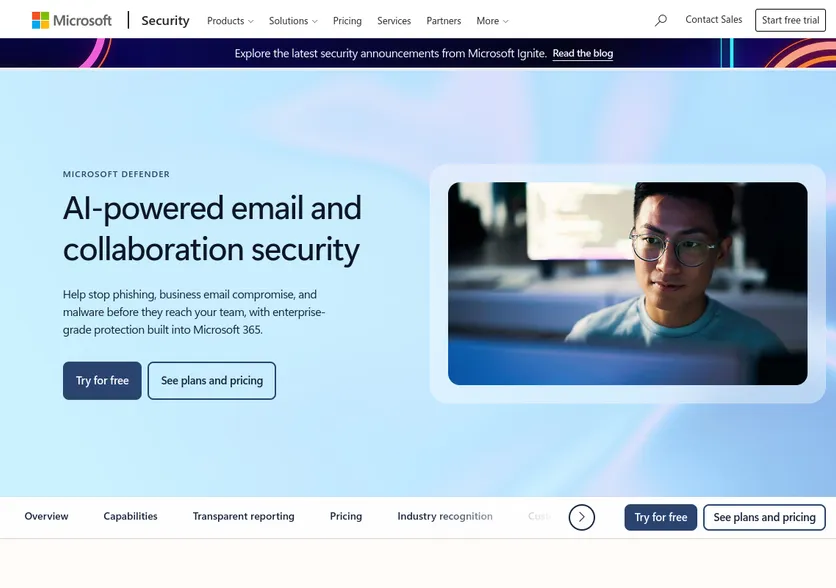
Paid tool Starting price: $2/user/month · Two dollars per user per month for Plan 1, paid yearly; Plan 2 costs five dollars per user per month; also included in Microsoft 365 Business Premium and E3
Free plan: No free plan; free trial available
This Microsoft Defender for Office 365 plan is the natural pick for a startup already on Microsoft mail, since it adds phishing and malware protection inside the same console. Plan 1 covers anti-phishing and safe links, while Plan 2 adds automated investigation for teams that want more depth. The same protection also ships inside Microsoft 365 Business Premium, so check your existing plan before you buy it twice.
What we like
- Built into the Microsoft 365 console, with no extra vendor to manage
- Safe links and anti-phishing included from Plan 1
- Also included in Business Premium, so many teams already own it
Watch out for
- Priced per user, so a large team pays for every seat
- Plan 2 costs more than double Plan 1 for automated investigation
How to try it
- Open the Microsoft 365 admin centre and find Defender
- Turn on safe links and anti-phishing for every user
- Run a simulated phishing campaign to test the protection
5. IRONSCALES Email Protect
Best for: Startups that want staff training and phishing simulation alongside filtering
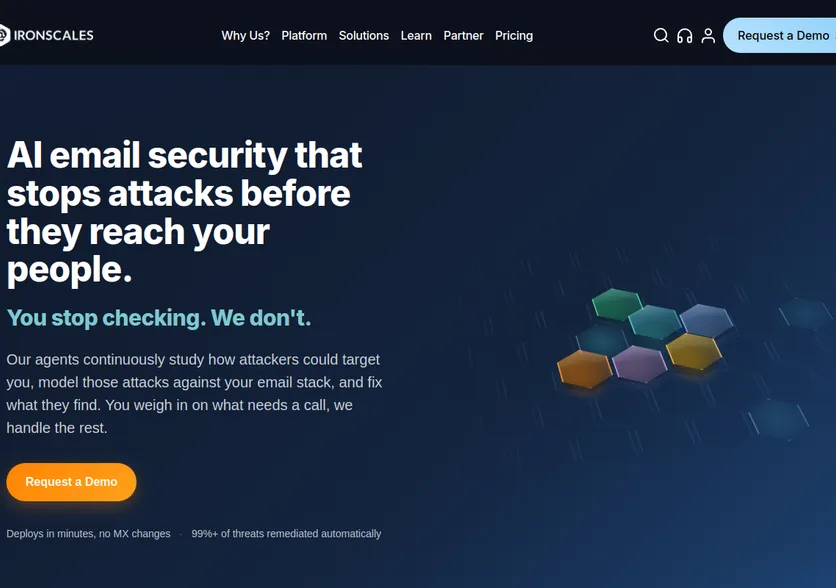
Paid tool Starting price: $3.11/mailbox/month · Three dollars and eleven cents per mailbox per month with annual billing, per the vendor's own pricing page; the vendor also offers a free Starter tier
Free plan: Free Starter tier available
This IRONSCALES Email Protect plan pairs automated phishing detection with one-click reporting for every employee. Its machine learning spots the lookalike domains and brand impersonation that simple spam filters miss, and the simulation tools train staff with realistic phishing tests. A free Starter tier lets a small team try the reporting button before it pays anything.
What we like
- Machine learning spots brand impersonation and lookalike domains
- One-click reporting button trains staff to flag real threats
- Free Starter tier to try before paying
Watch out for
- The published price assumes annual billing
- Full simulation features need the higher plans
How to try it
- Connect your mail provider and let it scan the inbox
- Send the first phishing simulation to the whole team
- Review the click report and retrain the staff who clicked
6. Paubox Email Suite
Best for: Health and compliance-focused startups that need automatic email encryption
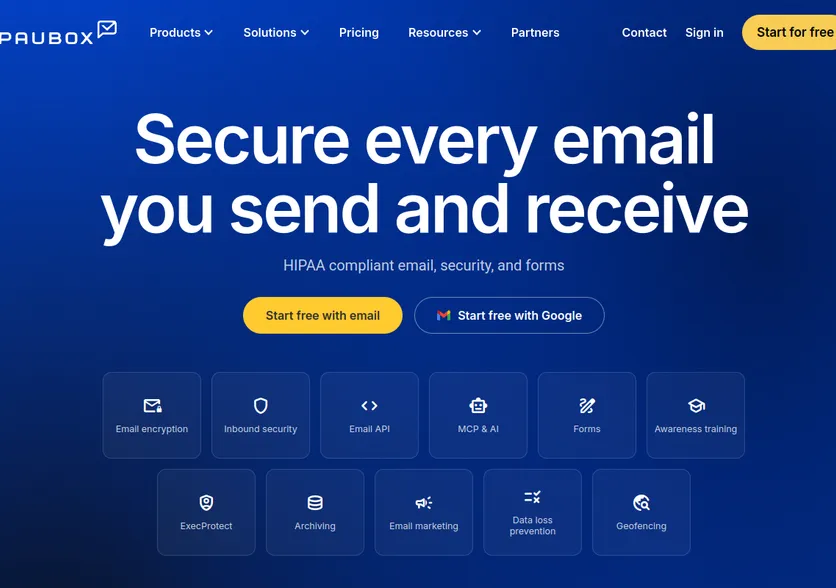
Paid tool Starting price: $32/month · Thirty-two dollars a month for the Email Suite Standard plan billed annually for one to five senders, or forty-two dollars billed monthly; Plus costs sixty-five dollars and Premium seventy-five dollars a month
Free plan: No free plan; 14-day free trial
This Paubox Email Suite plan encrypts every message automatically, which makes it the pick for a startup handling health data or other sensitive mail. There is nothing to install and no portal for recipients to open, so encrypted email behaves like normal email. A signed business associate agreement is included, which health startups need for compliance.
What we like
- Automatic encryption with nothing to install and no recipient portal
- Business associate agreement included for health compliance
- Fourteen-day free trial to test the setup
Watch out for
- Priced per sender group, so a larger team pays more
- The cheapest plan covers only one to five senders
How to try it
- Connect your mail provider to Paubox
- Send a test email and confirm it arrives encrypted
- Download the signed business associate agreement for your records
7. Sentaro
Best for: Small teams on Microsoft 365 or Google Workspace that want a light add-on
Paid tool Starting price: $6/user/month · Six dollars per user per month, with the first account free; works as an add-on for Microsoft 365 and Google Workspace
Free plan: First account free
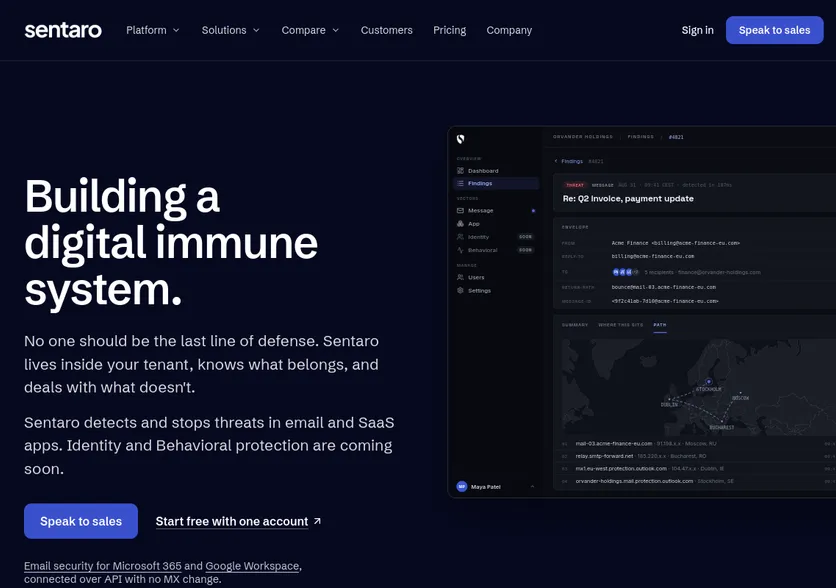
This Sentaro plan is a lightweight add-on that layers email security over Microsoft 365 and Google Workspace. It adds phishing and spam protection without replacing the mail host, so a startup keeps the inbox it already knows. The first account is free, which lets a solo founder protect their own mailbox before the team joins.
What we like
- Layers over Microsoft 365 and Google Workspace without migration
- First account free, so a founder can start alone
- Simple add-on setup with no new inbox to learn
Watch out for
- A newer vendor with a smaller feature set than the big filters
- Pricing page is thin on detail about the higher tiers
How to try it
- Connect your Microsoft 365 or Google Workspace account
- Enable the phishing filter on the first mailbox
- Add the rest of the team once the first account is protected
Prices above were checked on each vendor’s own website on Nov 27, 2026 and can change — the vendor’s page is the final word. Vendor links are editorial: nobody paid to be listed or ranked here. Vendors who want a featured listing can see how it works on our Get listed page.
How a startup should lock down its inbox
Start with a filter in front of your mail, because blocking a phishing email costs far less than cleaning up after one. Point your mail records at the filter, add your trusted senders to the allow list, and check the quarantine every day for the first week so genuine mail is never lost. Once the filter is trusted, add a second layer: a reporting button for staff, or encryption if you handle sensitive data.
Train the team with a simulated phishing email once a month, and treat clicks as a training signal rather than a punishment. Check your existing subscriptions before you buy, since Microsoft 365 Business Premium already includes Defender, and several filters offer a free tier for the first mailbox. Keep the price per user in mind as you hire, because a per-user filter grows with the headcount.
Before you buy
- Check whether your existing plan already includes email security before you buy
- Confirm the filter works with your mail host, with no migration needed
- Make sure phishing simulation or staff reporting is included in the plan
- Test the quarantine process so genuine mail is never lost for days
- Price the tool at twice your current headcount to avoid a surprise bill
Official websites
Official websites of the products reviewed above. Features and prices were checked against these sites when this guide was written, and they can change, so confirm on the vendor site before you buy.
Frequently asked questions
What is the cheapest email security software for a startup?
MX Guarddog starts at twenty-five cents per email address per month, and SpamTitan starts at ninety cents per user per month, so both cost less than a dollar per seat. MX Guarddog suits a team with many shared inboxes, because aliases are free and there is no message limit. SpamTitan suits a team that wants a simple per-user filter with a free trial. For a five-person startup, either one costs under ten dollars a month.
Does Microsoft 365 already include email security?
Microsoft 365 Business Premium and E3 include Defender for Office 365 Plan 1, so a startup on either plan already has phishing and safe-link protection. Plan 1 costs two dollars per user per month on its own, and Plan 2 costs five dollars with automated investigation. Check your subscription in the admin centre before you buy a separate filter, because paying twice for the same protection is a common mistake.
Should a startup encrypt its email?
It depends on what you send. A startup handling health records, legal files or financial data should encrypt, and Paubox does it automatically with a signed business associate agreement included. A startup sending ordinary business mail can skip encryption and spend the money on phishing protection instead. If you do encrypt, pick a tool with no recipient portal, because clients will not open a separate website to read your email.
How do I know if my filter is working?
Send yourself a test phishing email from a lookalike domain and confirm the filter blocks it or files it in quarantine. Check the quarantine daily for the first week, and release anything genuine so the filter learns your real mail. Run a monthly phishing simulation and watch the click rate fall over time. If the click rate stays flat for three months, the training is not landing and the message needs to change.
Can I add email security without changing my mail host?
Yes, most of the tools here sit in front of your existing mail host and need only a DNS change to start filtering. MailRoute, SpamTitan and MX Guarddog all work this way, so you keep your current inbox and add protection around it. The add-ons for Microsoft 365 and Google Workspace, such as Sentaro, connect inside the mail system itself. Either way, there is no migration and no new inbox to learn.
Pick the filter that fits your mail host, then switch on the trial and send yourself a test phishing email today.
Browse Security & Privacy tools