On this page
An enterprise does not buy perks for one team; it buys them for ten thousand people in ten countries, and the wrong tool turns into a pile of unused gift cards. The tools below were picked for large employers that need stipends, recognition and rewards in one system, with reporting that proves the money worked. We compared eight platforms on published price, scale and how well they handle tax and compliance. Assembly is our first pick, because its recognition, rewards and AI assistant run in Slack and Teams where enterprise staff already work.
How we researched this
We started with perks platforms that publish a per-person or flat annual price and work for a workforce of more than one thousand people, then read each price on the vendor site on November 27, 2026. We judged them for an enterprise that needs stipends, recognition and rewards in one system, with reporting that proves the spend worked. We dropped quote-only perks platforms and tools built for small teams, because an enterprise needs a price it can budget and a tool that scales across countries, not just one office.
Compare the tools
| Name | Best for | Starting price | Free plan | |
|---|---|---|---|---|
 Assembly | Enterprises that want recognition inside Slack and Teams | $3/user/month | No free plan; demo available | Visit |
| Nectar | Enterprises that want recognition and rewards in one platform | $5/employee/month | No free plan; demo available | Visit |
| Compt | Enterprises that want stipends instead of gift cards | $3,000/year | No free plan; demo available | Visit |
 Bonusly | Enterprises that want peer recognition in public | $3/user/month | Free plan available | Visit |
| Guusto | Enterprises that want simple gift-card rewards | $150/month | Free tier for basic reward sending | Visit |
 Matter | Enterprises that want recognition inside Slack and Teams | $3/user/month | Free plan, unlimited users | Visit |
| Fringe | Enterprises with staff in many countries | $3/employee/month | No free plan; demo available | Visit |
 Kudos | Enterprises that want recognition with no markup on points | $2–$5/user/month | No free plan; free trial available | Visit |
The employee perks software for enterprise, compared
1. Assembly
Best for: Enterprises that want recognition inside Slack and Teams
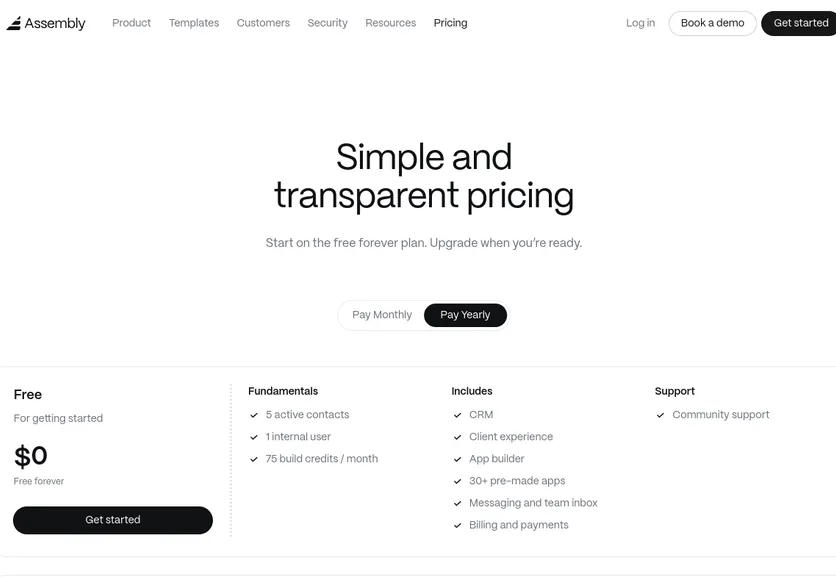
Paid tool Starting price: $3/user/month · Three dollars per user a month billed annually for the Empower plan, with Enterprise on a custom quote; Assembly was acquired by Quantum Workplace in January 2026 and still operates as Assembly.
Free plan: No free plan; demo available
This Assembly plan runs recognition, rewards and an AI assistant in Slack and Microsoft Teams, which suits an enterprise where staff already work in chat. Empower costs three dollars per user a month billed annually, while Enterprise is a custom quote for larger teams. Assembly was acquired by Quantum Workplace in January 2026 and still operates as Assembly, so the brand and the product are unchanged.
What we like
- Recognition and rewards inside Slack and Teams
- AI assistant writes recognition for you
- Works for teams of any size
Watch out for
- Enterprise pricing is a custom quote
- No free plan, only a demo
How to try it
- Book a demo for one department
- Set up recognition in Slack or Teams
- Add rewards and the AI assistant
2. Nectar
Best for: Enterprises that want recognition and rewards in one platform
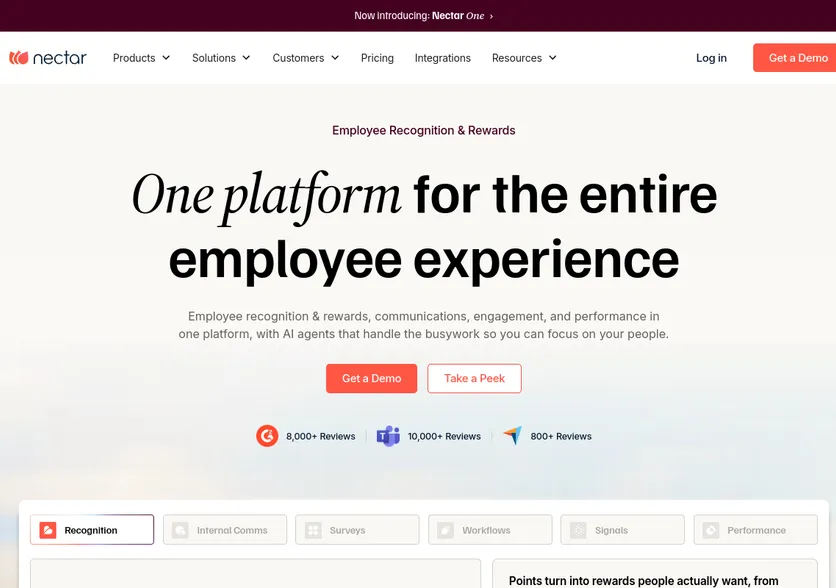
Paid tool Starting price: $5/employee/month · Five dollars per employee a month billed annually for the Plus tier, with Premium at six dollars; Nectar now presents pricing as industry bundles, so confirm the bundle quote, and rewards are funded separately.
Free plan: No free plan; demo available
This Nectar plan gives an enterprise peer recognition, rewards and challenges in one platform, with a catalogue that works across countries. Plus costs five dollars per employee a month billed annually, while Premium costs six dollars and adds more features. Nectar now presents pricing as industry bundles, so confirm the bundle quote, and rewards are funded separately at face value.
What we like
- Peer recognition, rewards and challenges in one place
- Catalogue works across countries
- Strong reporting on recognition and spend
Watch out for
- Pricing is now presented as industry bundles
- Rewards are funded separately at face value
How to try it
- Book a demo for one department
- Set up recognition and the rewards catalogue
- Launch challenges for the first quarter
3. Compt
Best for: Enterprises that want stipends instead of gift cards
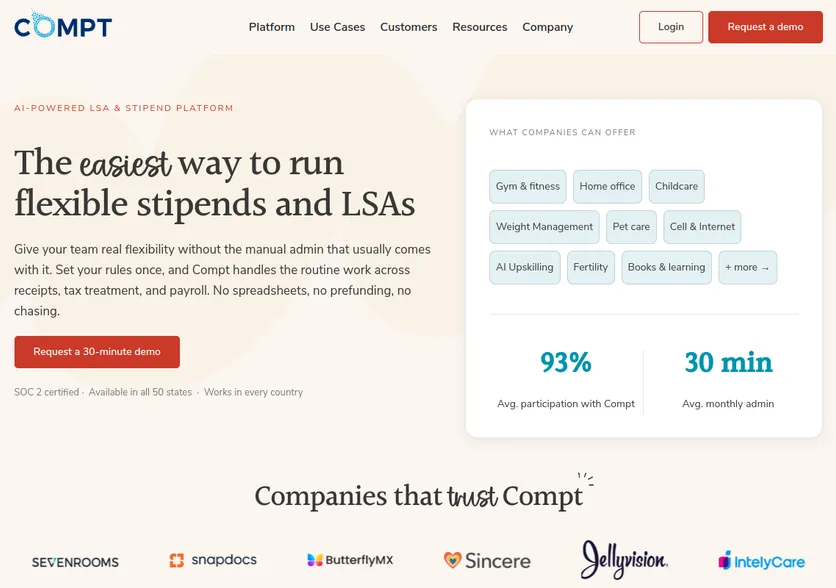
Paid tool Starting price: $3,000/year · Three thousand dollars a year for the base program, covering up to fifty employees with unlimited categories and stipend programs; the software fee is a fixed annual tier by headcount, not a per-person monthly rate, and Compt never requires prefunding of benefit balances.
Free plan: No free plan; demo available
This Compt plan runs employee stipends, for an enterprise that gives every employee a fixed allowance for wellness, learning or home office. The base programme costs three thousand dollars a year for up to fifty employees, with unlimited categories and stipend programmes, with a fixed annual fee by headcount. Compt never requires prefunding of benefit balances, so the money stays with the company until staff spend it.
What we like
- Stipends for wellness, learning and home office
- Fixed annual fee by headcount, not per person
- No prefunding of benefit balances
Watch out for
- Base programme covers up to fifty employees
- No free plan, only a demo
How to try it
- Book a demo and ask for the price at your headcount
- Set up the first stipend category for one team
- Add more categories once the first one works
4. Bonusly
Best for: Enterprises that want peer recognition in public
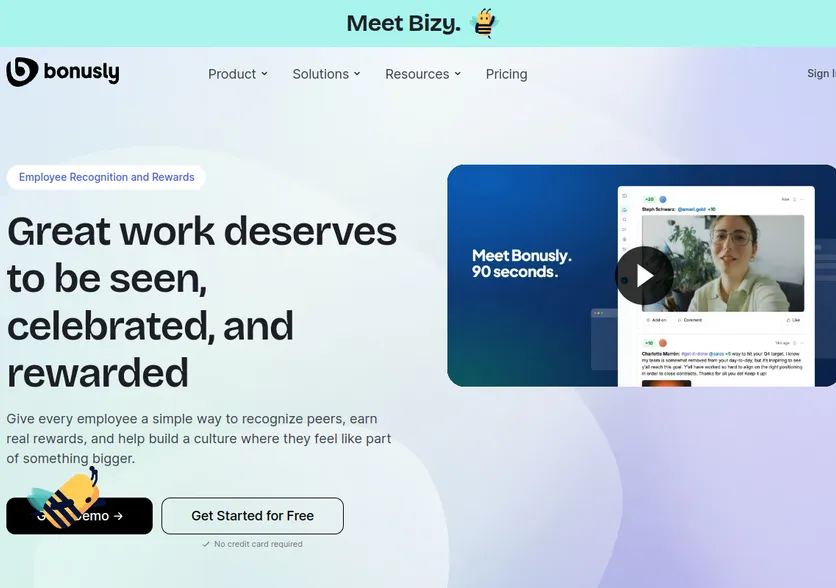
Paid tool Starting price: $3/user/month · Three dollars per user a month for the Team plan without the Bizy AI add-on, billed annually at thirty dollars per user a year; Team with Bizy AI is fifty dollars per user a year, and rewards are billed at face value on top.
Free plan: Free plan available
This Bonusly plan runs peer recognition and rewards in one platform, which suits an enterprise that wants staff to thank each other in public. Team costs three dollars per user a month without the Bizy AI add-on, billed annually at thirty dollars per user a year, while Team with Bizy AI costs fifty dollars per user a year. Rewards are billed at face value on top, so gift cards cost extra.
What we like
- Peer recognition that staff actually use
- Free plan available for small teams
- Rewards catalogue works across countries
Watch out for
- Rewards are billed at face value on top
- Bizy AI costs extra per user a year
How to try it
- Start on the free plan with one team
- Set up recognition and the rewards catalogue
- Upgrade to Team when you pass the free limits
5. Guusto
Best for: Enterprises that want simple gift-card rewards
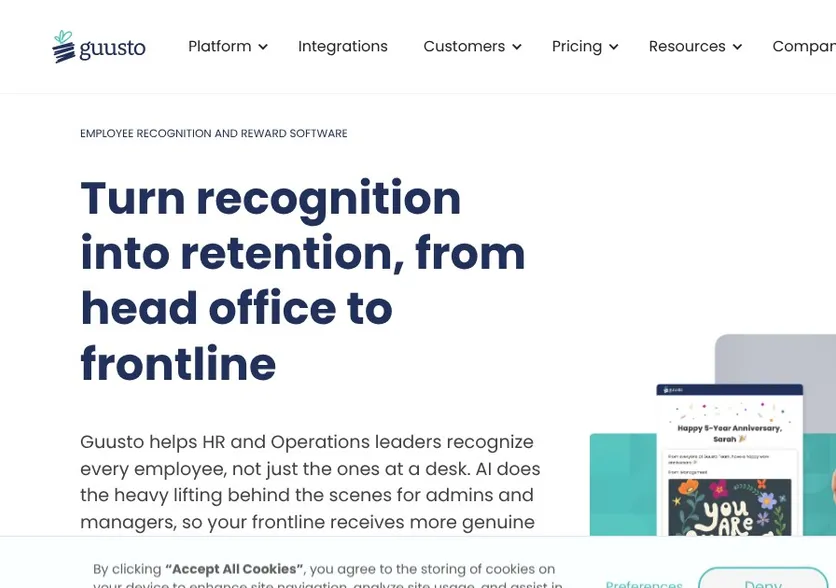
Paid tool Starting price: $150/month · One hundred and fifty dollars a month for the Lite plan, with Essential at four dollars per sender seat plus seventy cents per recipient seat a month and a two hundred dollar monthly minimum; rewards are billed at face value.
Free plan: Free tier for basic reward sending
This Guusto plan runs gift-card rewards for an enterprise that wants to thank staff without a points system that nobody understands. Lite costs one hundred and fifty dollars a month flat, while Essential costs four dollars per sender seat plus seventy cents per recipient seat a month, with a two hundred dollar monthly minimum. Rewards are billed at face value, so gift cards cost extra.
What we like
- Gift-card rewards with no points to manage
- Free tier for basic reward sending
- Works across countries with local gift cards
Watch out for
- Rewards are billed at face value on top
- Essential has a two hundred dollar monthly minimum
How to try it
- Start on the free tier for basic sending
- Set up the first reward for one team
- Upgrade to Lite or Essential when you need more
6. Matter
Best for: Enterprises that want recognition inside Slack and Teams
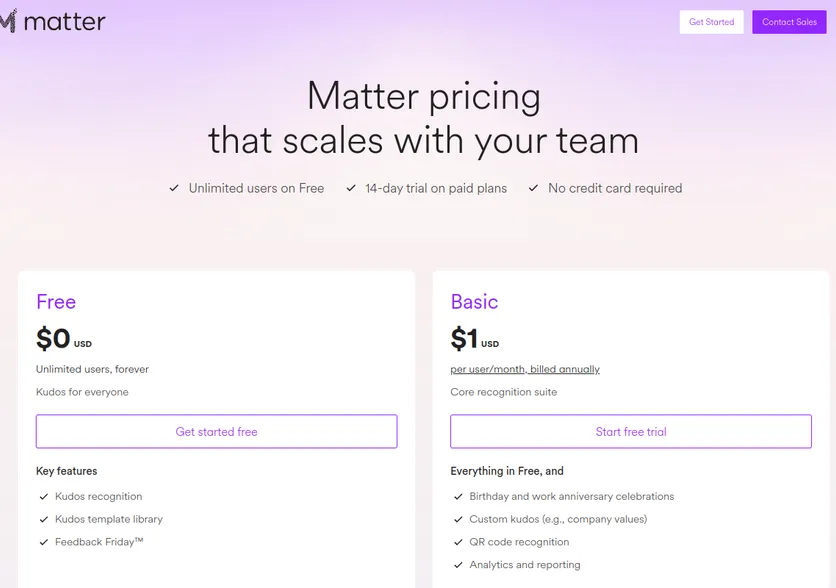
Paid tool Starting price: $3/user/month · Three dollars per user a month billed annually for the Pro plan, or four dollars billed monthly; Pro adds eGift cards, swag, spot awards and challenges to the Basic recognition suite, and rewards are billed at face value.
Free plan: Free plan, unlimited users
This Matter plan runs recognition and rewards in Slack and Microsoft Teams, which suits an enterprise where staff already work in chat. Pro costs three dollars per user a month billed annually and adds eGift cards, swag, spot awards and challenges to the Basic recognition suite. The free plan covers unlimited users, so a large employer can test recognition with the whole company before paying anything.
What we like
- Recognition and rewards inside Slack and Teams
- Free plan covers unlimited users
- Pro adds eGift cards, swag and challenges
Watch out for
- Rewards are billed at face value on top
- Surveys cost extra as an add-on
How to try it
- Start on the free plan with the whole company
- Set up recognition in Slack or Teams
- Upgrade to Pro for eGift cards and swag
7. Fringe
Best for: Enterprises with staff in many countries
Paid tool Starting price: $3/employee/month · Three dollars per employee a month for the Growth plan, covering organizations under one thousand employees; Scale is two dollars for one thousand to ten thousand employees, and Enterprise is a custom quote.
Free plan: No free plan; demo available
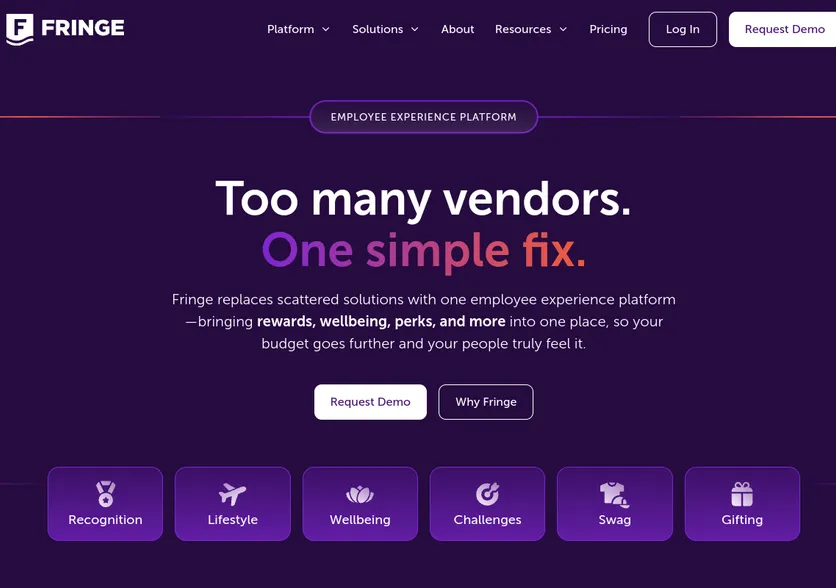
This Fringe plan runs a global lifestyle benefits marketplace, which suits an enterprise with staff in many countries who want different perks. Growth costs three dollars per employee a month for teams under one thousand people, while Scale costs two dollars for one thousand to ten thousand employees. Enterprise is a custom quote, and the catalogue covers travel, wellness, food and more, so staff pick what they actually want.
What we like
- Global marketplace with travel, wellness and food
- Staff pick the perks they actually want
- Price falls as headcount rises
Watch out for
- Enterprise pricing is a custom quote
- No free plan, only a demo
How to try it
- Book a demo for one department
- Set up the marketplace for one country first
- Add more countries once the first one works
8. Kudos
Best for: Enterprises that want recognition with no markup on points
Paid tool Starting price: $2–$5/user/month · Two to five dollars per user a month depending on user count and contract length, according to the vendor, with rewards funded at face value and no markup on points; confirm the exact rate on a quote.
Free plan: No free plan; free trial available
This Kudos plan runs peer recognition and rewards for an enterprise that wants staff to thank each other in public. The vendor quotes two to five dollars per user a month, depending on user count and contract length, with rewards funded at face value and no markup on points. Kudos has no pricing page, so confirm the exact rate on a quote, with recognition, rewards and analytics in one place.
What we like
- Peer recognition that staff actually use
- No markup on points or rewards
- Recognition, rewards and analytics in one place
Watch out for
- No pricing page, so the rate needs a quote
- Price depends on user count and contract length
How to try it
- Book a demo for one department
- Ask for a quote at your headcount
- Set up recognition and the rewards catalogue
Prices above were checked on each vendor’s own website on Nov 27, 2026 and can change — the vendor’s page is the final word. Vendor links are editorial: nobody paid to be listed or ranked here. Vendors who want a featured listing can see how it works on our Get listed page.
How an enterprise should run perks that staff actually use
Start with one stipend, not ten. Pick the benefit staff ask for most, such as wellness, learning or home office, and run it for one quarter before you add more. Measure who uses it and who does not, because a perk that only headquarters uses is a perk that wastes money. A large employer that launches every perk at once usually launches none of them well, because nobody was taught how to claim them.
Make it work in every country, not just at headquarters. Staff in other countries need gift cards and rewards that work where they live, and the system should handle tax and compliance for you. Check whether the price is per person or a flat annual fee, because a flat fee is often cheaper once you pass one thousand people. Give one person ownership of perks, because a programme with no owner turns into a pile of unused gift cards within a year.
Before you buy
- Check whether rewards and gift cards work in every country you operate
- Ask whether the price is per person or a flat annual fee
- Make sure the tool handles tax and compliance for rewards
- Count every employee, including contractors, before you buy
- Pick a tool with a demo so one department can test it first
Official websites
Official websites of the products reviewed above. Features and prices were checked against these sites when this guide was written, and they can change, so confirm on the vendor site before you buy.
Frequently asked questions
What is the best perks software for a large enterprise?
Assembly is the strongest pick for an enterprise that works in Slack and Teams, because recognition and rewards run where staff already are. Nectar suits an enterprise that wants recognition, rewards and challenges in one platform with a global catalogue. Compt suits an enterprise that wants stipends instead of gift cards, with a fixed annual fee by headcount. Pick the tool that matches the perk your staff actually want, not the one with the longest feature list.
How much do employee perks cost for an enterprise?
Assembly Empower costs three dollars per user a month billed annually, while Nectar Plus costs five dollars and Matter Pro costs three dollars. Compt base programme costs three thousand dollars a year for up to fifty employees, with a fixed annual fee by headcount. Guusto Lite costs one hundred and fifty dollars a month flat, and Fringe Growth costs three dollars per employee a month for teams under one thousand people. Rewards cost extra on every plan.
Do perks tools handle tax and compliance?
Most of them do, at least in part. Compt tracks every stipend and keeps a record for tax, while Guusto and Fringe handle gift-card tax in the countries where they operate. Assembly, Nectar and Bonusly report on recognition and spend, which helps finance prove the money worked. Check the local rules in every country you operate, because no tool replaces a tax adviser for cross-border rewards.
What is the difference between stipends and rewards?
A stipend is a fixed allowance that staff spend on what they choose, such as wellness, learning or home office, and Compt is built for this. A reward is a gift card or points that a manager gives for good work, and Bonusly, Nectar and Guusto are built for this. Many enterprises run both: a stipend for everyday benefits and rewards for recognition, so staff get a steady allowance and a thank-you when they earn one.
Can perks software work across countries?
Yes, if the catalogue works where your staff live. Fringe runs a global marketplace with travel, wellness and food, while Guusto and Nectar offer gift cards in many countries. Assembly and Matter work inside Slack and Teams, which staff use everywhere, but the rewards catalogue still needs to cover each country. Check that gift cards work locally before you buy, because a reward that cannot be spent is worse than no reward at all.
Compare the eight tools above, then run one stipend for one quarter in one department before you roll perks out to the whole company.
Browse Business Tools tools