On this page
A construction rota has to survive the job site: crews move between locations, workers call in sick at dawn, and hours need to land against the right job. The right tool builds the week around sites and trades, tracks hours with GPS, and lets foremen swap shifts from their phones. We compared eight tools on published price, free starting options and how they hold up away from the office. Connecteam is our first pick — scheduling, time clocks and site checklists in one app, free for up to ten users.
How we researched this
We started with scheduling tools a construction firm can run without an operations manager, then read each price on the vendor site on November 27, 2026 and noted the free plan or trial each one carries. We judged them for a firm that covers multiple sites, moves crews mid-week and clocks in away from a desk. We dropped quote-only enterprise workforce platforms because a firm needs a published price it can budget around.
Compare the tools
| Name | Best for | Starting price | Free plan | |
|---|---|---|---|---|
 Connecteam | Construction firms that need scheduling, forms and checklists in one app | $29/mo | Free Small Business Plan for up to 10 users, all hubs included; 14-day free trial | Visit |
 Homebase | Small firms that want a free start and flat per-location pricing | $24/location/mo | Free Basic plan for one location and up to 10 employees; 14-day trial of All-in-One | Visit |
 Deputy | Firms that want auto-scheduling with overtime and labor law alerts | $5/user/mo | No free plan; 30-day free trial | Visit |
 When I Work | Firms that want the cheapest per-user scheduling with auto-scheduling | $2.50/user/mo | No free plan; 14-day free trial | Visit |
 Sling | Firms that want free scheduling for up to thirty workers | $1.70/user/mo | Free plan for up to 30 users; 15-day free trial on paid plans | Visit |
 Buddy Punch | Firms that need photo clock-ins and geofencing on every site | $4.99/user/mo + $19/mo base | No free plan; 14-day free trial | Visit |
 QuickBooks Time | Firms that bill jobs through QuickBooks and want hours to flow to payroll | $20/mo + $10/user/mo | No free plan; 30-day free trial | Visit |
 Findmyshift | Firms that want one flat team price instead of per-worker billing | $25/team/mo | Free plan for up to 5 team members; all features free for the first 3 months | Visit |
The employee scheduling software for construction, compared
1. Connecteam
Best for: Construction firms that need scheduling, forms and checklists in one app
Paid tool Starting price: $29/mo · Twenty-nine dollars a month billed annually for the Operations hub Basic plan covering the first thirty users, or thirty-five dollars month to month; Advanced costs forty-nine dollars and Expert ninety-nine dollars, with per-user fees above thirty users
Free plan: Free Small Business Plan for up to 10 users, all hubs included; 14-day free trial
This Connecteam platform runs scheduling inside an Operations hub that also handles time clocks, job forms and task management, which suits a construction firm that wants site checklists next to the rota. The Small Business plan is free for up to ten users with all hubs included, so a small crew may never pay. Above ten users, the Operations hub costs a flat twenty-nine dollars a month for the first thirty users, with GPS clock-ins built in.

What we like
- Free for up to ten users with every hub included
- Flat hub price covers the first thirty users
- Site forms and checklists sit beside the rota in one app
Watch out for
- Hubs are sold separately, so three hubs cost three subscriptions
- Scheduling depth is thinner than on scheduling-first tools
How to try it
- Open the Connecteam pricing page and start the free Small Business plan
- Add the crew and build the rota in the Operations hub
- Add site checklists and safety forms once scheduling is running
2. Homebase
Best for: Small firms that want a free start and flat per-location pricing
Paid tool Starting price: $24/location/mo · Twenty-four dollars per location a month billed annually for the Essentials plan, or thirty dollars month to month; Plus costs fifty-six dollars billed annually and All-in-One ninety-six dollars, each with unlimited employees
Free plan: Free Basic plan for one location and up to 10 employees; 14-day trial of All-in-One
This Homebase platform gives a small construction firm a free Basic plan for one location and up to ten people, which covers a single crew outright. Paid plans charge per location with unlimited employees, so the bill stays flat as the firm adds workers. GPS time tracking, advanced scheduling and team messaging sit in the Essentials plan, and the Plus plan adds an AI scheduling assistant for busy weeks.

What we like
- Free plan covers a small crew outright
- Flat per-location price with unlimited employees
- GPS time tracking from the Essentials plan
Watch out for
- Per-location pricing multiplies if the firm runs several offices
- No job costing or project tracking on any plan
How to try it
- Open the Homebase pricing page and start the free Basic plan
- Add the crew and build the first rota by site
- Upgrade to Essentials when the firm passes ten people
3. Deputy
Best for: Firms that want auto-scheduling with overtime and labor law alerts
Paid tool Starting price: $5/user/mo · Five dollars per user a month billed annually for the Lite plan, or five dollars and fifty cents month to month; Core costs six dollars and fifty cents billed annually and Pro nine dollars, with a thirty-dollar monthly minimum on monthly plans
Free plan: No free plan; 30-day free trial
This Deputy scheduling tool fits a construction firm where the rota has to cover multiple sites, trades and shifts at once. Auto-scheduling and demand forecasting build the week around workload instead of repeating last week, while labor law compliance flags overtime before the payroll run. The Lite plan covers scheduling and time tracking for five dollars per user a month, with a thirty-day trial to test it on a live fortnight.

What we like
- Auto-scheduling builds the week around real workload
- Labor law compliance flags overtime before payroll
- One per-user price covers scheduling and time tracking
Watch out for
- No free plan, so even a small firm pays from day one
- Per-user billing climbs fast with a large field crew
How to try it
- Open the Deputy pricing page and start the thirty-day trial
- Add the crew with roles, trades and pay rates
- Turn on auto-scheduling and review the draft rota before publishing
4. When I Work
Best for: Firms that want the cheapest per-user scheduling with auto-scheduling
Paid tool Starting price: $2.50/user/mo · Two dollars and fifty cents per user a month for the Essentials plan; Pro costs five dollars and Premium eight dollars, with no separate annual rate published and a five percent discount for annual billing at checkout
Free plan: No free plan; 14-day free trial
This When I Work app covers a construction firm rota for two dollars and fifty cents per user a month on Essentials, the cheapest per-user entry in this comparison. Auto scheduling, multi-week rotas, shift swaps and team messaging come with the entry plan, which matches how a construction firm runs when a worker calls in sick at five in the morning. The interface is simple enough that a site foreman can rebuild the day in minutes.

What we like
- Cheapest per-user entry in this comparison
- Auto scheduling included from the entry plan
- Shift swaps handle sick calls without a phone tree
Watch out for
- No free plan since the old free tier was discontinued
- Time tracking is a paid add-on, not part of the base price
How to try it
- Open the When I Work pricing page and start the fourteen-day trial
- Add the crew and set availability by site
- Turn on auto scheduling and let workers swap shifts in the app
5. Sling
Best for: Firms that want free scheduling for up to thirty workers
Paid tool Starting price: $1.70/user/mo · One dollar and seventy cents per user a month billed annually for the Premium plan, or two dollars month to month; Business costs three dollars and forty cents billed annually and adds a kiosk clock, reports and paid time off management
Free plan: Free plan for up to 30 users; 15-day free trial on paid plans
This Sling app covers scheduling and messaging free for up to thirty users, which handles most small construction firms without a bill. The Premium plan adds a mobile time clock, timesheets, geofencing and labor cost tracking for one dollar and seventy cents per user a month on annual billing. Team messaging runs inside the same app, so a site change reaches the crew without a separate group chat.

What we like
- Free scheduling and messaging for up to thirty users
- Cheapest paid time clock in this comparison
- Geofencing and labor cost tracking on Premium
Watch out for
- Reports and paid time off management wait for the Business plan
- No job costing or offline mode for remote sites
How to try it
- Open the Sling pricing page and start the free plan
- Add the crew and publish the first rota by site
- Upgrade to Premium when you need the mobile time clock
6. Buddy Punch
Best for: Firms that need photo clock-ins and geofencing on every site
Paid tool Starting price: $4.99/user/mo + $19/mo base · Four dollars and ninety-nine cents per user a month billed annually for the Starter plan, or five dollars and ninety-nine cents month to month, plus a nineteen-dollar monthly base fee on every plan; Pro costs six dollars and ninety-nine cents billed annually and includes scheduling, which is a one-dollar add-on on Starter
Free plan: No free plan; 14-day free trial
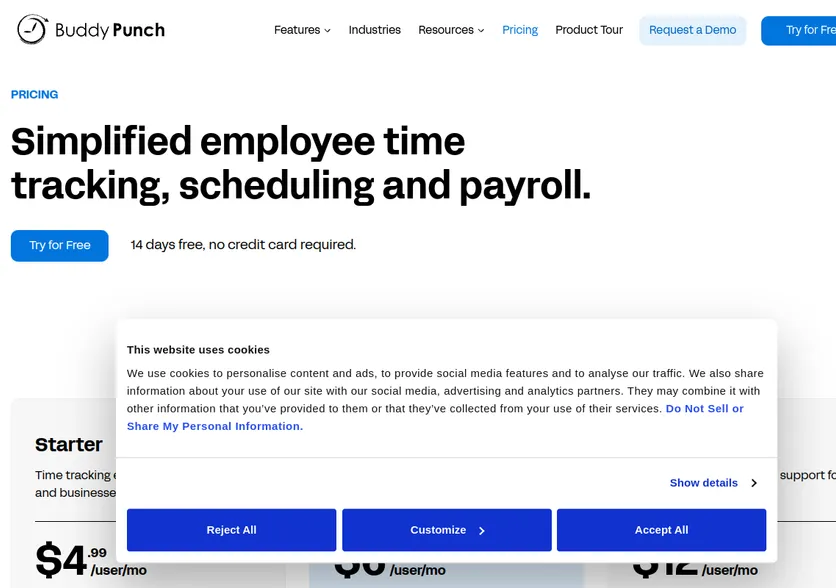
This Buddy Punch time clock is built for construction sites where buddy punching is a real risk, with GPS location on every punch and webcam photos on the Pro plan. The Starter plan tracks time, paid time off and overtime for four dollars and ninety-nine cents per user a month plus a nineteen-dollar base fee, with payroll integrations for QuickBooks, Gusto and ADP. Scheduling costs one dollar per user as an add-on on Starter and is included in Pro.
What we like
- GPS on every punch with photo verification on Pro
- Nineteen payroll integrations on every plan
- Administrators are free when they do not track hours
Watch out for
- Nineteen-dollar base fee makes it pricey for a tiny crew
- Scheduling is a paid add-on on the cheapest plan
How to try it
- Open the Buddy Punch pricing page and start the fourteen-day trial
- Add the crew and set up the GPS time clock
- Turn on the scheduling add-on or move to Pro for built-in scheduling
7. QuickBooks Time
Best for: Firms that bill jobs through QuickBooks and want hours to flow to payroll
Paid tool Starting price: $20/mo + $10/user/mo · Twenty dollars a month base fee plus ten dollars per user a month for the Time Premium plan, including one admin; Time Elite costs forty dollars plus twelve dollars per user and adds mileage and project tracking, with the base fee half price for the first three months
Free plan: No free plan; 30-day free trial
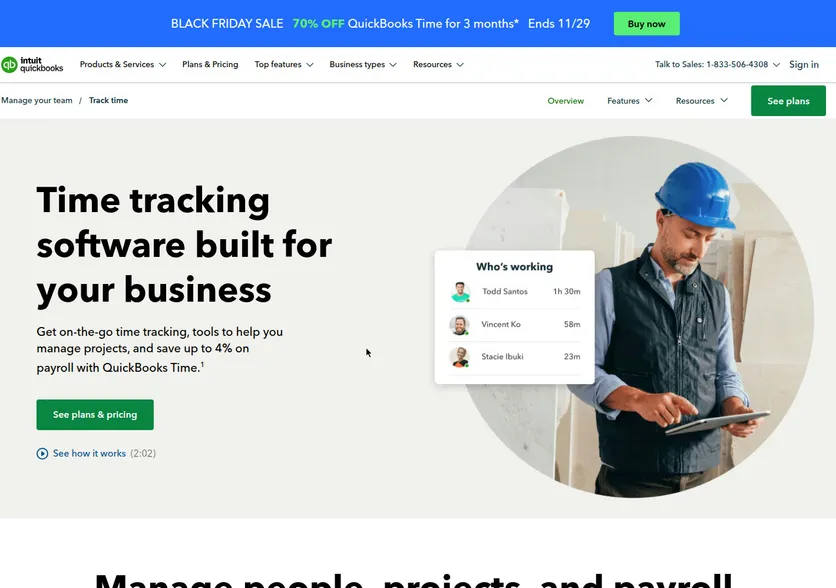
This QuickBooks Time tool, formerly TSheets, ties scheduling and time tracking straight into QuickBooks payroll, so crew hours flow to invoices without a spreadsheet in between. Premium costs a twenty-dollar monthly base fee plus ten dollars per user a month, covering GPS clock-ins, geofencing reminders, scheduling by job and timesheet approvals. For a firm already on QuickBooks, it is the shortest path from a rota to a billable job.
What we like
- Hours flow straight into QuickBooks payroll and invoicing
- GPS clock-ins and geofencing for every job site
- Scheduling by job or shift with timesheet approvals
Watch out for
- Requires a QuickBooks Online subscription to use
- Base fee plus per-user rate makes it the priciest tool here for small crews
How to try it
- Open the QuickBooks Time pricing page and start the thirty-day trial
- Connect your QuickBooks Online account and add the crew
- Build the rota by job and approve timesheets each week
8. Findmyshift
Best for: Firms that want one flat team price instead of per-worker billing
Paid tool Starting price: $25/team/mo · Twenty-five dollars per team a month billed annually for the Starter plan covering up to twenty team members, or twenty-eight dollars month to month; Business costs thirty-nine dollars billed annually for up to one hundred members and Enterprise seventy-eight dollars for up to three hundred
Free plan: Free plan for up to 5 team members; all features free for the first 3 months
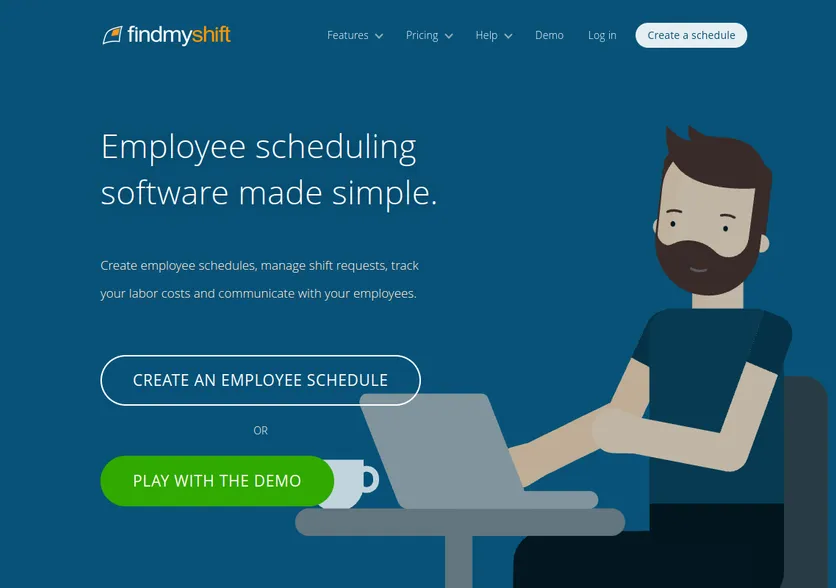
This Findmyshift rostering tool charges per team rather than per worker, so the bill stays flat as the crew grows within a plan. The free plan covers up to five team members, and Starter costs twenty-five dollars a team a month billed annually for up to twenty members with three months of forward planning. Business raises the cap to one hundred members with payroll calculation and self-scheduling, which suits a firm with several crews on different sites.
What we like
- Flat per-team price that does not rise with each hire
- All features free for the first three months
- Payroll calculation and self-scheduling on Business
Watch out for
- No mobile time clock with GPS on the free plan
- Interface is plainer than the scheduling-first tools here
How to try it
- Open the Findmyshift pricing page and start the free plan
- Add the crew and build the rota with drag and drop
- Upgrade to Business when the crew passes twenty members
Prices above were checked on each vendor’s own website on Nov 27, 2026 and can change — the vendor’s page is the final word. Vendor links are editorial: nobody paid to be listed or ranked here. Vendors who want a featured listing can see how it works on our Get listed page.
How a construction firm should pick a rota tool
Start by listing everyone who needs a seat on the rota, including field workers, foremen and office staff, because per-user tools charge for the whole crew. Then check whether the mobile app works where your people actually clock in: the site, the yard and the road. A GPS stamp on every punch proves hours on a disputed job and stops buddy punching.
Run a trial on one crew for a fortnight before you commit every site. Build the rota, let a foreman swap a shift, and approve a timesheet, because those three actions reveal more than a feature list. When you compare prices, cost the tool at your peak headcount, not today's, since seasonal workers push per-user bills up fast.
Before you buy
- Check whether the mobile app works offline, since job sites lose signal
- Confirm GPS clock-ins cover every site, not just the office
- Make sure the rota handles crews that move between sites mid-week
- Count every field worker, since per-user tools charge for the whole crew
- Ask whether job costing and payroll exports are included or paid add-ons
Official websites
Official websites of the products reviewed above. Features and prices were checked against these sites when this guide was written, and they can change, so confirm on the vendor site before you buy.
Frequently asked questions
What is the cheapest employee scheduling software for construction?
Sling is free for up to thirty users and Connecteam is free for up to ten users with all hubs included, so many small firms pay nothing. Homebase is free for one location and up to ten employees. The cheapest paid step is Sling Premium at one dollar and seventy cents per user a month billed annually, ahead of When I Work at two dollars and fifty cents.
Do construction firms need scheduling software with job costing?
Yes, if the firm bills clients by the job or by the hour. A rota that records hours against jobs shows which projects run over estimate and which crews finish fastest. QuickBooks Time is the strongest fit because hours flow into QuickBooks invoices, while Connecteam adds site forms and checklists beside the rota.
What time clock features matter most on a construction site?
A GPS time clock matters most, because crews clock in at the site, not the office. Homebase, Buddy Punch and Connecteam all record GPS on punches, and Buddy Punch adds webcam photos on Pro to stop buddy punching. Test the app on a real site before you buy, since signal drops and greasy hands break a tool that only works at a desk.
How should a small construction firm start with scheduling software?
Start with the free plan that fits your crew size, then add the team and publish one real fortnight. Sling, Connecteam and Homebase all offer free tiers that cover a small crew, so you can test the rota, the mobile app and shift swaps without paying. Move to a paid plan only when you need a GPS time clock or the free cap runs out.
Is per-team or per-user pricing better for a large construction crew?
Per-team tools like Findmyshift charge a flat twenty-five dollars a month for up to twenty members, so the bill does not move as the crew grows. Per-user tools like Deputy charge five dollars per person, so twenty workers cost one hundred dollars a month. A firm with a large field crew should price both models at its peak headcount, including seasonal workers.
Compare the eight tools above, then trial the top two on one crew for a fortnight before you move every site onto a rota.
Browse Business Tools tools