
On this page
Construction companies need one system for estimates, schedules, job costs, and invoices, and the seven tools below cover that job from twenty-nine dollars to four hundred ninety-nine dollars a month. Every price was checked on the vendor site on November 26, 2026, and the tools range from per-user field apps to flat-rate platforms with unlimited users. Some charge by the seat, others charge one flat fee for the whole company, and the cheapest plan is not always the cheapest deal once you add users. Jobber is our first pick — the cheapest entry price for small construction crews.
How we researched this
We started with the construction ERP and job management tools that publish a price on their own site, then checked each rate against the vendor pricing page on November 26, 2026 and noted the free plan or trial each one carries. We judged them for a construction company that needs estimates, scheduling, and job costing in one place, with a price a small crew can actually pay. We kept only tools with a published price, and we left out quote-only enterprise suites and tools that hide every rate behind a demo.
Compare the tools
| Name | Best for | Starting price | Free plan | |
|---|---|---|---|---|
 Jobber | Small construction and trade crews that want simple scheduling, quotes, and invoices | $29/month | No free plan; 14-day free trial | Visit |
 Fieldwire | Field teams that live on drawings, punch lists, and site tasks | $39/month | Free Basic plan for up to 5 users | Visit |
 Contractor Foreman | Small contractors that want flat-rate pricing by plan, not by seat | $49/month | No free plan; 30-day free trial | Visit |
 Housecall Pro | Service and repair contractors that book jobs online and dispatch techs | $59/month | No free plan; 14-day free trial | Visit |
 Knowify | Trade contractors that bill on AIA progress payments and live in QuickBooks | $99/month | No free plan; 14-day free trial | Visit |
 Buildxact | Residential builders that want fast takeoffs and estimates with unlimited seats | $169/month | Free Go plan with 5 AI estimate credits | Visit |
 Buildertrend | Residential builders and remodelers doing a million dollars or more in revenue | $499/month | No free plan; demo available | Visit |
The ERP software for construction companies, compared
1. Jobber
Best for: Small construction and trade crews that want simple scheduling, quotes, and invoices
Paid tool Starting price: $29/month · Core plan $29 a month billed annually for 1 user, or $49 month to month; Connect from $99 a month billed annually; Grow from $149; Plus from $399 for 5 users; each extra user $29 a month
Free plan: No free plan; 14-day free trial
Jobber is the field service software that small construction and trade crews use to schedule jobs, send quotes, and collect payments from one app. This Jobber Core plan costs twenty-nine dollars a month billed annually for one user, or forty-nine dollars month to month. Connect adds client reminders and QuickBooks sync from ninety-nine dollars a month billed annually, and Grow adds job costing from one hundred forty-nine dollars.

What we like
- Cheapest entry price in this list
- Simple scheduling, quotes, and invoicing in one app
- Fourteen-day trial with no card required
Watch out for
- Price rises fast as you add users and plans
- Card fees apply on every payment you take
How to try it
- Open the Jobber pricing page and pick Core for a one-person crew
- Try the fourteen-day trial on the Grow plan to test job costing
- Add extra users at twenty-nine dollars a month as the crew grows
2. Fieldwire
Best for: Field teams that live on drawings, punch lists, and site tasks
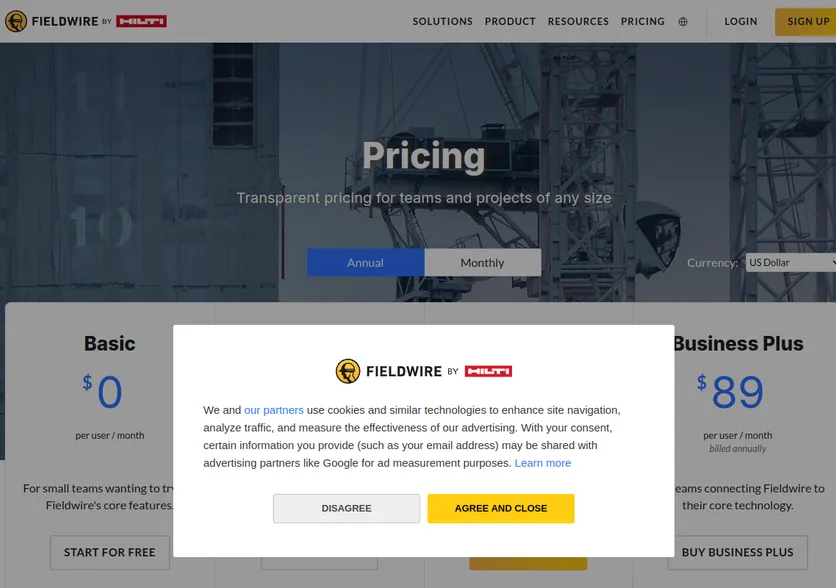
Paid tool Starting price: $39/month · Pro $39 a user a month billed annually, or $54 billed monthly; Business $64 a month billed annually; Business Plus $89; Basic free for up to 5 users, 3 projects, and 100 sheets
Free plan: Free Basic plan for up to 5 users
Fieldwire is the jobsite app from Hilti that puts drawings, tasks, and punch lists in every worker's pocket, with offline access on site. This Fieldwire Pro plan costs thirty-nine dollars a user a month billed annually for unlimited projects and sheets, with reports and exports included. Business adds custom forms and a BIM viewer for sixty-four dollars a user a month billed annually.
What we like
- Free Basic plan for small teams
- Offline access on the jobsite
- Unlimited projects and sheets on paid plans
Watch out for
- Priced per user, so large crews pay a lot
- RFIs and budgets need the top Business Plus plan
How to try it
- Open the Fieldwire pricing page and start on the free Basic plan
- Move to Pro once you need reports and unlimited sheets
- Upgrade to Business Plus for RFIs, submittals, and budgets
3. Contractor Foreman
Best for: Small contractors that want flat-rate pricing by plan, not by seat
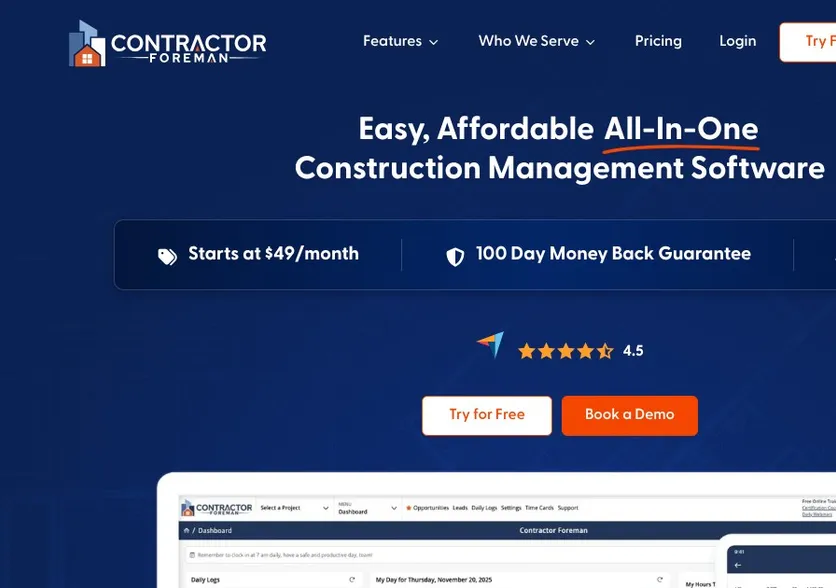
Paid tool Starting price: $49/month · Basic $49 a month billed annually for 1 user, annual billing only; Standard $105 a month billed annually for up to 3 users; Plus $166 for up to 8; Pro $221 for up to 15; Unlimited $332
Free plan: No free plan; 30-day free trial
Contractor Foreman is the all-in-one construction software for small and mid-sized contractors, with estimating, scheduling, daily logs, and financial tracking in one place. This Contractor Foreman Basic plan costs forty-nine dollars a month billed annually for one user, and the price is flat per company rather than per seat. Standard covers three users for one hundred five dollars a month billed annually, and Plus covers eight for one hundred sixty-six dollars.
What we like
- Flat-rate pricing that falls per person as you grow
- Unlimited projects on every plan
- Thirty-day trial and a hundred-day money-back guarantee
Watch out for
- Basic is annual billing only, no monthly option
- Local material prices start on the Plus plan
How to try it
- Open the Contractor Foreman plans page and pick Basic for a one-person crew
- Start the thirty-day trial before you pay anything
- Move to Plus once you need local material prices
4. Housecall Pro
Best for: Service and repair contractors that book jobs online and dispatch techs
Paid tool Starting price: $59/month · Basic $59 a month billed annually for 1 user, or $79 billed monthly; Essentials $149 a month billed annually for up to 5 users; MAX $299 a month billed annually for up to 8 users; HVAC, plumbing, and electrical trades pay higher rates
Free plan: No free plan; 14-day free trial
Housecall Pro is the field service software for home service and repair contractors, covering online booking, scheduling, dispatch, estimates, and payments. This Housecall Pro Basic plan costs fifty-nine dollars a month billed annually for one user, or seventy-nine dollars billed monthly. Essentials adds routes, flat-rate pricing, and QuickBooks sync for one hundred forty-nine dollars a month billed annually for up to five users.

What we like
- Online booking built in on every plan
- QuickBooks sync from the Essentials plan
- Fourteen-day trial with no card required
Watch out for
- HVAC, plumbing, and electrical trades pay higher rates
- MAX is booked through a demo, not self-serve
How to try it
- Open the Housecall Pro pricing page and choose your trade
- Start the fourteen-day trial on Basic
- Move to Essentials once you run more than one truck
5. Knowify
Best for: Trade contractors that bill on AIA progress payments and live in QuickBooks
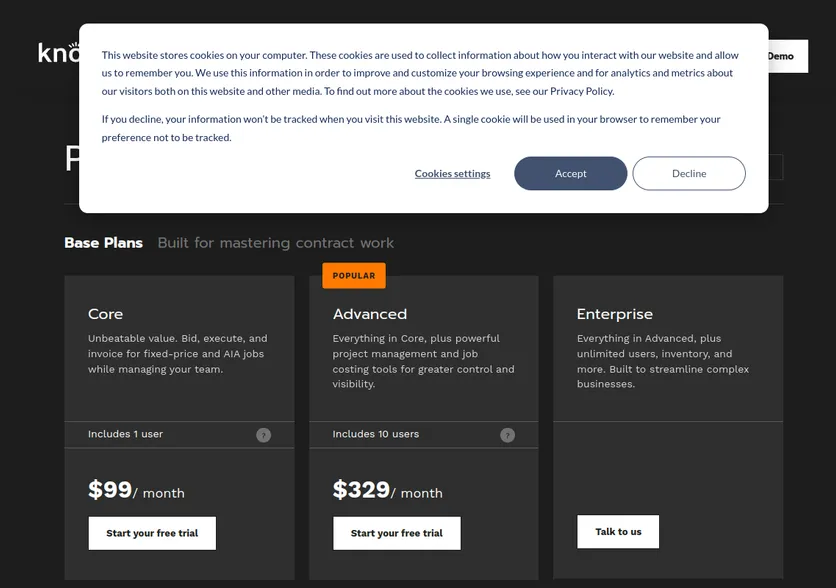
Paid tool Starting price: $99/month · Core $99 a month billed annually ($149 month to month); Advanced $329 a month billed annually ($399 month to month); Core includes 1 user and Advanced includes 10; each extra user $29 a month; Enterprise quoted
Free plan: No free plan; 14-day free trial
Knowify is the job management software for trade contractors that run fixed-price and AIA jobs, with the deepest QuickBooks sync in the trades. This Knowify Core plan costs ninety-nine dollars a month billed annually and covers estimates, contracts, change orders, and AIA invoicing for one user. Advanced adds job costing, budgets, and WIP reporting for three hundred twenty-nine dollars a month billed annually with ten users included.
What we like
- Deepest QuickBooks sync in the trades
- AIA billing built in on the entry plan
- No contract and no implementation fee
Watch out for
- Monthly billing costs fifty percent more on Core — ninety-nine dollars a month billed annually versus one hundred forty-nine month to month
- RFIs and submittals need the quoted Enterprise plan
How to try it
- Open the Knowify pricing page and check the Core plan limits
- Start the fourteen-day trial with a real AIA job
- Move to Advanced once you need job costing and WIP reporting
6. Buildxact
Best for: Residential builders that want fast takeoffs and estimates with unlimited seats
Paid tool Starting price: $169/month · Foundation $169 a month billed annually, or $199 billed monthly; Pro $339 a month billed annually; Master $509 a month billed annually; Go plan free with 5 AI estimate credits; all paid plans include unlimited users
Free plan: Free Go plan with 5 AI estimate credits
Buildxact is the estimating and job management software for residential builders and remodelers, built around fast digital takeoffs and quotes. This Buildxact Foundation plan costs one hundred sixty-nine dollars a month billed annually, or one hundred ninety-nine dollars billed monthly, with unlimited users on every paid plan. Pro adds job management and the estimate generator for three hundred thirty-nine dollars a month billed annually.

What we like
- Unlimited users on every paid plan
- Free Go plan to test AI estimating
- Fast digital takeoffs for residential work
Watch out for
- Annual plans need a twelve-month commitment
- AI add-ons cost extra on lower plans
How to try it
- Open the Buildxact pricing page and start on the free Go plan
- Move to Foundation once you need unlimited estimates
- Add Pro once you want job management beside estimating
7. Buildertrend
Best for: Residential builders and remodelers doing a million dollars or more in revenue
Paid tool Starting price: $499/month · Starting price $499 a month with unlimited users and projects, 10 percent off annual billing; final price depends on builder type, revenue, and team size and is set on a sales call; one-time onboarding fee reported from $499
Free plan: No free plan; demo available
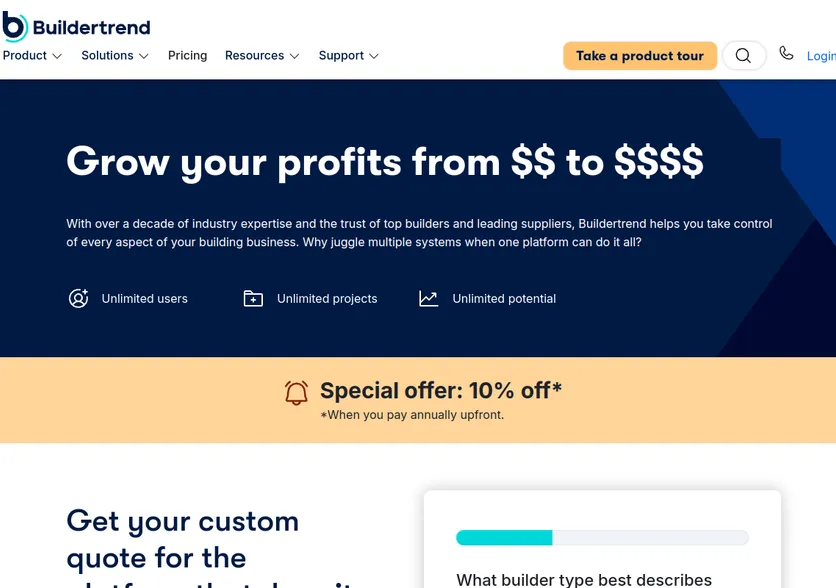
Buildertrend is the all-in-one construction platform for home builders and remodelers, covering scheduling, budgets, client selections, and change orders. This Buildertrend platform starts at four hundred ninety-nine dollars a month with unlimited users and unlimited projects. The final price depends on your builder type and annual revenue and is set on a sales call, so treat the starting price as the floor.
What we like
- Unlimited users and projects on every plan
- Client portal and selections built in
- Strongest all-in-one for residential builders
Watch out for
- Final price is set on a sales call, not on the page
- One-time onboarding fee on top of the monthly price
How to try it
- Open the Buildertrend pricing page and check the starting price
- Book a demo to get your final quote in writing
- Compare the onboarding fee before you sign
Prices above were checked on each vendor’s own website on Nov 26, 2026 and can change — the vendor’s page is the final word. Vendor links are editorial: nobody paid to be listed or ranked here. Vendors who want a featured listing can see how it works on our Get listed page.
What ERP software costs for a construction company in 2026
Construction software charges in two ways, and the model matters more than the headline price: per-user tools start cheap and grow with every hire, while flat-rate platforms cost more up front and stay the same as the crew grows. This list runs from twenty-nine dollars a month for one user to four hundred ninety-nine dollars a month for a whole company, and the per-user tools can pass the flat-rate tools once you reach ten or fifteen people. Annual billing cuts the monthly rate on most tools here, but it locks you in for a year, so weigh the saving against the freedom to leave.
Start with the free plan or trial on two tools and run a real job through each, from estimate to invoice. Check how fast the field app works offline, whether QuickBooks syncs cleanly, and what the price becomes at your real crew size. Pick the tool whose price still works at twice your current team, because construction software is hardest to change once the whole crew uses it.
Before you buy
- Check the price at your real crew size, because per-user tools pass flat-rate tools at ten or fifteen people.
- Compare annual and monthly billing, because most tools here cut the monthly rate when you pay for a year.
- Confirm what the entry plan leaves out, because RFIs, submittals, and local material prices often need a higher tier.
- Test the free plan or trial on a real job, because offline speed and QuickBooks sync matter more than the feature list.
- Ask about the final price in writing, because Buildertrend sets its price on a sales call and charges an onboarding fee.
Official websites
Official websites of the products reviewed above. Features and prices were checked against these sites when this guide was written, and they can change, so confirm on the vendor site before you buy.
Frequently asked questions
Which ERP software is best for a construction company in 2026?
Jobber, at twenty-nine dollars a month billed annually for one user, is the best pick for a small construction crew starting out. Fieldwire is the best field app at thirty-nine dollars a user a month billed annually, with a free plan for small teams. Buildertrend is the best all-in-one for residential builders at four hundred ninety-nine dollars a month with unlimited users.
How much does ERP software for a construction company cost?
Most tools in this list cost between twenty-nine dollars and four hundred ninety-nine dollars a month, with per-user tools at the low end and flat-rate platforms at the high end. A five-person crew pays about one hundred forty-nine dollars a month on Jobber or Housecall Pro billed annually, while Buildertrend charges four hundred ninety-nine dollars a month for the whole company. Expect about one hundred fifty dollars a month for a small crew.
Is there free ERP software for construction companies?
Yes, Fieldwire gives a free Basic plan for up to five users with three projects, and Buildxact gives a free Go plan with five AI estimate credits. The other tools here offer fourteen-day or thirty-day trials instead of a free plan. Start free on Fieldwire or Buildxact, then pay once you need unlimited projects or job costing.
What should I look for in ERP software for a construction company?
Check the price at your real crew size first, because per-user pricing grows with every hire while flat-rate pricing stays put. Check the field app, since crews work offline on site and a slow app wastes more money than the subscription saves. Check QuickBooks sync too, because most construction companies run their books there.
Do construction ERP tools charge per user or per company?
Both models appear in this list. Fieldwire, Jobber, and Knowify charge per user or per user band, so the bill grows with the crew. Contractor Foreman, Buildxact, and Buildertrend charge one flat monthly fee for the company, with unlimited users on Buildxact and Buildertrend. Flat-rate plans usually win once the crew passes ten people.
Need more business help? Try Toolsvine's free business tools right in your browser.
Browse Business Tools tools


