
On this page
Construction firms lose money when estimating, scheduling, job costing and invoicing live in separate systems, and an ERP built for builders pulls them into one record. The seven tools below run from about thirty-nine dollars per user a month to about one hundred ninety-nine dollars a month, and every price was checked on the vendor site on November 26, 2026. Some are full ERPs with accounting and inventory, while others cover the field and estimating side for smaller crews. Contractor Foreman is our first pick — the cheapest published ERP-style plan for small builders.
How we researched this
We started with the construction ERPs and management platforms that publish a price on their own site, then read each price on the vendor pricing page on November 26, 2026. We kept only tools with a published list price, which ruled out the big quote-only names, and we judged them for a builder who needs estimating, job costing and field coordination in one system. We also noted the free plan or trial each tool offers, so you can test it on a live job before you pay.
Compare the tools
| Name | Best for | Starting price | Free plan | |
|---|---|---|---|---|
 Contractor Foreman | Small builders and specialty contractors who want one flat plan instead of per-seat pricing | $49/month | No free plan; 30-day free trial | Visit |
 Odoo | Construction firms that want accounting, inventory, projects and CRM on one per-user price | $31.10/user/month | Free plan for 1 app and unlimited users | Visit |
 Microsoft Dynamics 365 Business Central | Mid-size construction firms already running Microsoft tools who need real ERP depth | $80/user/month | No free plan; free trial available | Visit |
 Knowify | Trade contractors who bill on progress and need AIA pay applications done right | $99/month | No free plan; 14-day free trial | Visit |
 Houzz Pro | Remodelers and builders who win work with design visuals and fast proposals | $199/month | Free plan available; 30-day free trial on paid plans | Visit |
 Leap CRM | Residential exterior and remodeling contractors who sell in the home | $79/month | No free plan; 14-day free trial | Visit |
 Fieldwire | Field teams that need plans, tasks and punch lists on every phone on site | $39/user/month | Free Basic plan for up to 5 users | Visit |
The ERP software for construction, compared
1. Contractor Foreman
Best for: Small builders and specialty contractors who want one flat plan instead of per-seat pricing
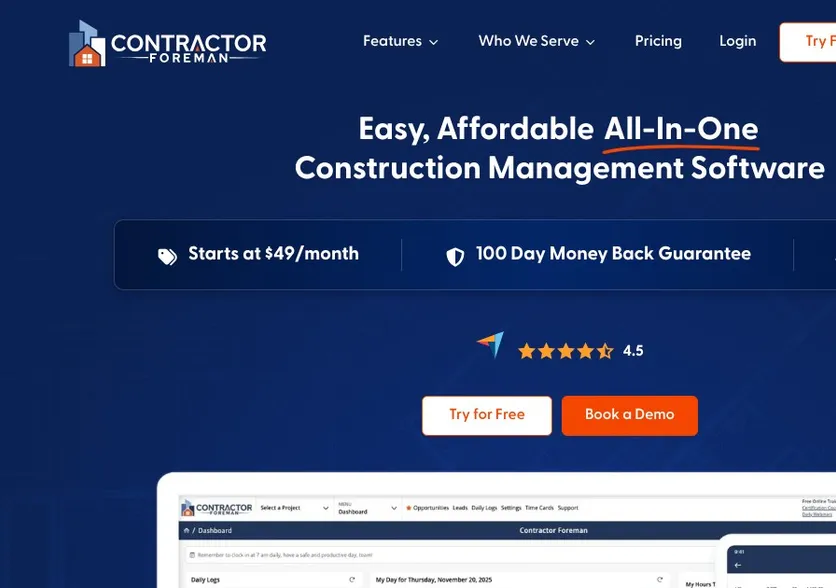
Paid tool Starting price: $49/month · Basic plan, forty-nine dollars a month billed annually for one user; Standard is one hundred five dollars a month for up to three users
Free plan: No free plan; 30-day free trial
Contractor Foreman packs estimating, scheduling, daily logs, change orders, invoicing and a client portal into one flat monthly plan, which is rare in construction software. This Contractor Foreman Basic plan costs forty-nine dollars a month on annual billing and covers one user, so a solo builder gets the whole toolkit without per-seat math. A small crew that wants every job from bid to invoice in one place will find the flat pricing easy to budget.
What we like
- Flat monthly price with no per-seat charges
- Estimating, scheduling and invoicing in one login
- Thirty-day trial on every plan
Watch out for
- Basic covers one user only, so a second login forces an upgrade
- Advanced reporting and setup help sit on the higher plans
How to try it
- Open the Contractor Foreman pricing page and start the thirty-day trial
- Build an estimate from a template and send it to a real client
- Log a day of field work and turn it into an invoice
2. Odoo
Best for: Construction firms that want accounting, inventory, projects and CRM on one per-user price
Paid tool Starting price: $31.10/user/month · Standard plan, thirty-one dollars and ten cents per user a month billed annually; new customers pay a lower first-year rate, and one app is free
Free plan: Free plan for 1 app and unlimited users
Odoo sells every business app for one per-user price, so a builder can run accounting, inventory, projects, sales and the client portal without stacking subscriptions. This Odoo Standard plan covers all apps on Odoo hosting, which keeps the setup simple for a firm without an IT team. A growing contractor can start with one free app and add the rest as the business grows, paying only for each user.
What we like
- One per-user price covers every app
- Free plan lets you start with a single app
- Strong inventory and project tools for the price
Watch out for
- Per-user pricing climbs fast as the crew grows
- Construction-specific workflows need setup, not defaults
How to try it
- Claim the free one-app plan and pick your most urgent need
- Add the project and accounting apps on the Standard plan
- Import one live job and run it end to end before rollout
3. Microsoft Dynamics 365 Business Central
Best for: Mid-size construction firms already running Microsoft tools who need real ERP depth
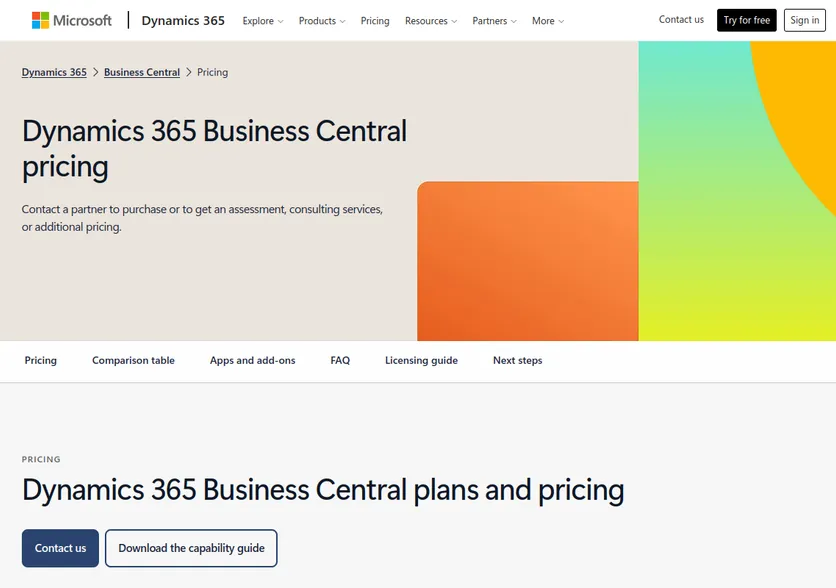
Paid tool Starting price: $80/user/month · Essentials plan, eighty dollars per user a month paid yearly; Premium is one hundred ten dollars and adds manufacturing and service management
Free plan: No free plan; free trial available
Business Central is Microsoft cloud ERP for small and mid-size firms, covering finance, sales, purchasing, inventory and job costing in one system. This Microsoft Dynamics 365 Business Central Essentials plan gives a construction firm the accounting core, while Premium adds the manufacturing and service tools bigger operations need. A firm already on Microsoft 365 will find the familiar login and the deep reporting hard to match.
What we like
- Real ERP depth with finance and inventory included
- Fits naturally with Microsoft 365 tools
- Published per-user prices with no quote maze
Watch out for
- Implementation usually needs a partner and a real budget
- Per-user pricing adds up across a whole office
How to try it
- Start the Business Central trial from the Microsoft pricing page
- Set up one job with costs, purchases and invoices
- Connect your Microsoft 365 accounts and test the reporting
4. Knowify
Best for: Trade contractors who bill on progress and need AIA pay applications done right
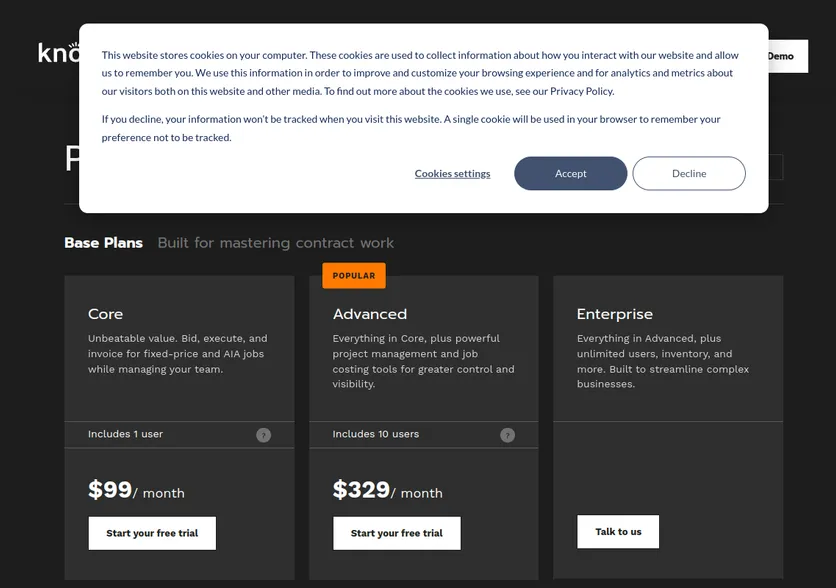
Paid tool Starting price: $99/month · Core plan, ninety-nine dollars a month billed annually (one hundred forty-nine month to month) for one user; Advanced is three hundred twenty-nine dollars a month billed annually (three hundred ninety-nine month to month) and includes ten users
Free plan: No free plan; 14-day free trial
Knowify is built for trade contractors who live on progress billing, with estimates, contracts, change orders and AIA pay applications in one flow. This Knowify Core plan covers one user and syncs with QuickBooks Online in both directions, so the books and the job stay in step. A contractor who sends a pay application every month will save hours on billing alone.
What we like
- AIA billing and retainage handled properly
- Deep two-way sync with QuickBooks
- Published prices with a fourteen-day trial
Watch out for
- Core covers one user, so a second login adds cost
- Enterprise features like RFIs need the quote-only tier
How to try it
- Start the fourteen-day trial from the Knowify pricing page
- Build an estimate and turn it into a progress billing schedule
- Sync one job to QuickBooks and check the numbers match
5. Houzz Pro
Best for: Remodelers and builders who win work with design visuals and fast proposals
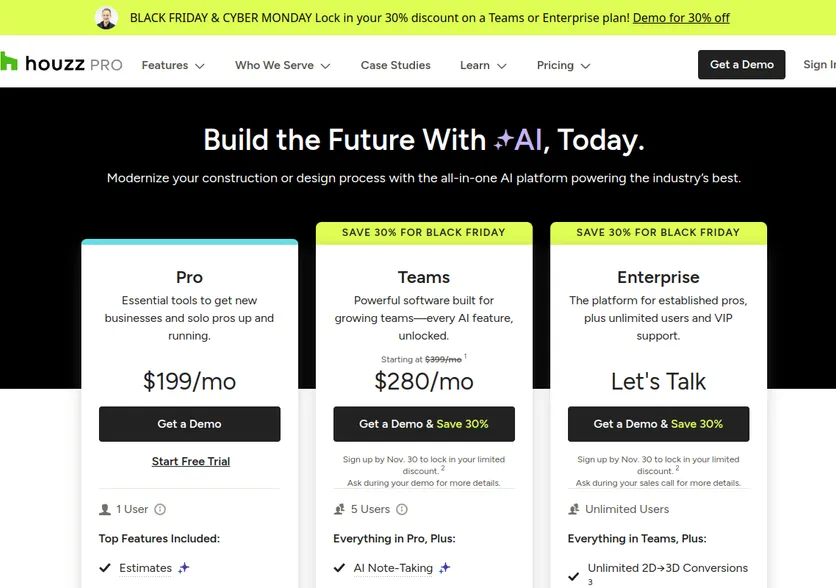
Paid tool Starting price: $199/month · Pro plan, one hundred ninety-nine dollars a month for one user; Teams starts at three hundred ninety-nine dollars a month for five users
Free plan: Free plan available; 30-day free trial on paid plans
Houzz Pro pairs estimating and project tools with 3D floor plans, selections and a public profile, so a remodeler sells the vision and manages the job in one system. This Houzz Pro Pro plan covers one user with estimates, invoices, takeoffs and bid management included. A design-led builder who wins jobs by showing homeowners the finished room will like the visual tools here.
What we like
- 3D floor plans and selections sell the job
- Estimates, invoices and takeoffs in one plan
- Published prices with a free plan to start
Watch out for
- Extra users cost fifty dollars a month each
- The trial turns into an annual subscription unless you cancel
How to try it
- Claim the free plan and build a 3D floor plan for a real room
- Send an estimate and invoice through the Pro trial
- Check the renewal terms before the thirty days end
6. Leap CRM
Best for: Residential exterior and remodeling contractors who sell in the home
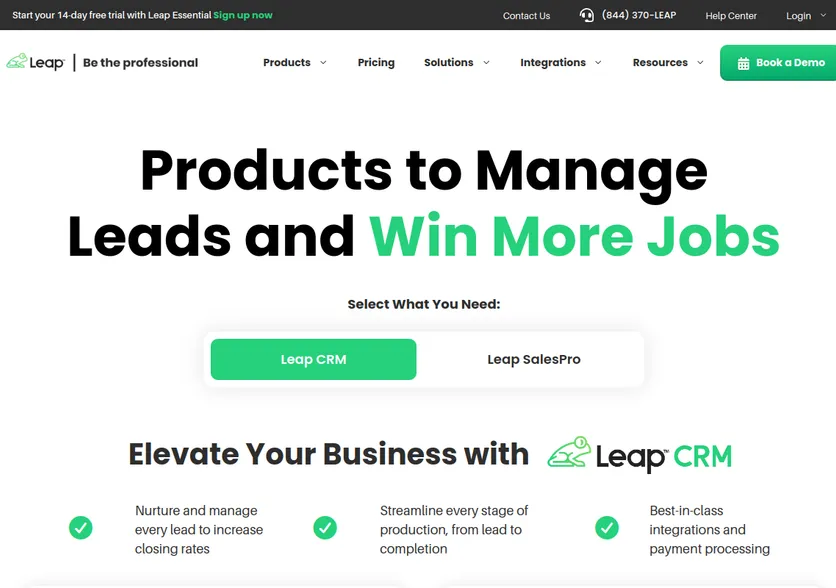
Paid tool Starting price: $79/month · Leap CRM Essential, seventy-nine dollars a month for a single user on a one-year contract; Team starts at two hundred ninety-eight dollars a month
Free plan: No free plan; 14-day free trial
Leap CRM, formerly JobProgress, runs the whole in-home sale for residential contractors, from lead capture and estimating to proposals, signatures and scheduling. This Leap CRM Essential plan costs seventy-nine dollars a month for one user and covers the estimating and proposal flow end to end. A roofer or remodeler who closes deals at the kitchen table will find the workflow fits the way they already sell.
What we like
- Built for in-home sales, not generic CRM
- Estimates, proposals and signatures in one flow
- Published prices with a fourteen-day trial
Watch out for
- Every plan runs on a one-year contract
- Essential is capped at one user
How to try it
- Start the fourteen-day trial on the Leap pricing page
- Build a proposal with an estimate and send it for signature
- Schedule the job and check the production flow
7. Fieldwire
Best for: Field teams that need plans, tasks and punch lists on every phone on site
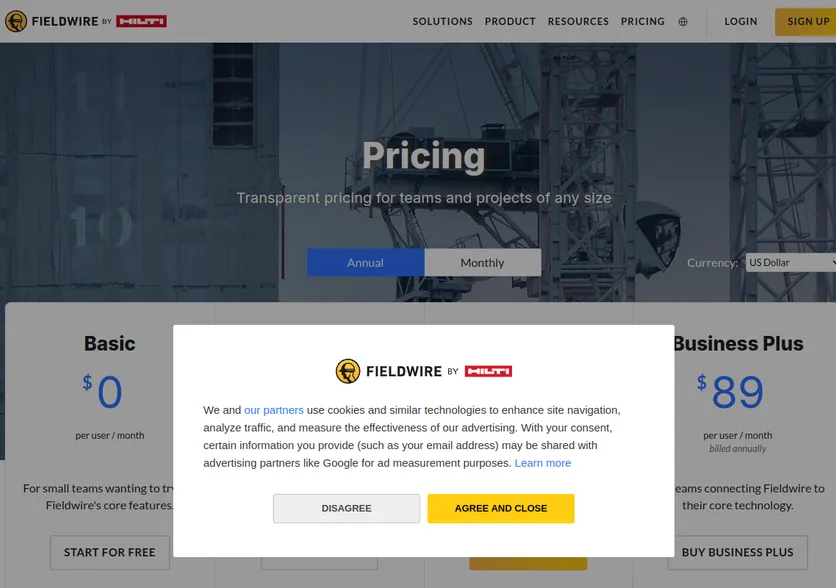
Paid tool Starting price: $39/user/month · Pro plan, thirty-nine dollars per user a month billed annually; Business is sixty-four dollars and Business Plus is eighty-nine dollars
Free plan: Free Basic plan for up to 5 users
Fieldwire is the field-first option on this list, giving every worker the plans, tasks, photos and checklists on a phone that works offline. This Fieldwire Pro plan adds unlimited projects and sheets plus reports and exports for thirty-nine dollars per user a month. A general contractor whose crews live on site rather than in the office will get more use from this than from a back-office ERP.
What we like
- Free Basic plan covers small crews
- Offline mobile access on every plan
- Unlimited projects and sheets on Pro
Watch out for
- No accounting or estimating depth, so it pairs with other tools
- RFIs, submittals and budgets need Business Plus
How to try it
- Claim the free Basic plan and load one plan set
- Assign tasks and punch items to the crew from the office
- Upgrade to Pro when you need reports and unlimited sheets
Prices above were checked on each vendor’s own website on Nov 26, 2026 and can change — the vendor’s page is the final word. Vendor links are editorial: nobody paid to be listed or ranked here. Vendors who want a featured listing can see how it works on our Get listed page.
What construction ERP software costs in 2026
Most construction ERPs in this list charge by the plan or by the user, and the gap between the cheapest and the dearest is wide, from about thirty-nine dollars per user a month to about one hundred ninety-nine dollars a month. Flat plans like Contractor Foreman stay the same no matter how many projects you run, while per-user tools like Business Central and Odoo grow with every login, so count your seats before you compare headline prices. The published price is only the license, and implementation, training and add-ons can cost more than the first year of software.
Start with a trial on two tools and run one live job through each, from estimate to invoice. Compare how fast you can price a change order, how the field team sees the plan, and whether the accounting sync actually matches. Pick the tool your crew will open every day, because an ERP nobody uses is the most expensive option of all.
Before you buy
- Count every login first, because per-user pricing on Odoo and Business Central grows with each seat you add.
- Check whether estimating and job costing sit in the plan you buy, because Fieldwire leaves them out entirely.
- Confirm the billing term, because annual billing cuts the monthly rate on most tools in this list.
- Test the mobile app on site, because a tool your crew cannot use offline will not survive the first week.
- Ask what implementation costs, because partner setup for Business Central can exceed the first year of licenses.
Official websites
Official websites of the products reviewed above. Features and prices were checked against these sites when this guide was written, and they can change, so confirm on the vendor site before you buy.
Frequently asked questions
Which ERP software is best for the construction industry in 2026?
Contractor Foreman is the best value for a small builder at forty-nine dollars a month with estimating, scheduling and invoicing in one flat plan. Odoo is the most flexible choice for a firm that wants accounting, inventory and projects on one per-user price. Business Central suits a mid-size firm already on Microsoft tools that needs real ERP depth, though implementation usually needs a partner.
How much does construction ERP software cost?
Published prices in this list run from about thirty-nine dollars per user a month for Fieldwire Pro to about one hundred ninety-nine dollars a month for Houzz Pro, with Contractor Foreman at forty-nine dollars a month for one user. Per-user tools grow with headcount, while flat plans stay fixed, so a five-person office can pay less on a flat plan than on a per-seat one. Implementation and training sit on top of the license.
Do I need a separate tool for estimating?
No, most tools here include estimating, though the depth varies. Contractor Foreman and Knowify build estimates from templates and cost data, while Fieldwire focuses on the field and leaves estimating to another app. Check that the plan you buy includes the estimating features you need, since some tools reserve takeoffs and bid management for higher tiers.
Is there a free ERP for construction firms?
Odoo offers a free plan for one app with unlimited users, and Fieldwire has a free Basic plan for up to five users and three projects. The other tools in this list offer free trials of fourteen to thirty days instead of a permanent free plan. A trial is enough to run one live job through the system before you commit.
What should I look for in construction ERP software?
Look for estimating, job costing, scheduling and invoicing in one system, plus a mobile app your field crew will actually use. Check the per-user cost if you plan to add staff, and confirm whether accounting syncs with the books you already keep. The best ERP is the one your office and your crews both open every day, not the one with the longest feature list.
Need everyday business help too? Try Toolsvine's free business tools right in your browser.
Browse Business Tools tools


