
On this page
An ecommerce brand outgrows spreadsheets the moment orders, stock and shipping stop matching up. The right ERP ties inventory, orders, purchasing and accounting together, so a sale on any channel updates stock everywhere at once. We compared seven tools on published price, order limits and how much setup a small brand can handle. Zoho Inventory is our first pick: twenty-nine dollars a month on annual billing, per organisation rather than per user, with a free plan for fifty orders a month.
How we researched this
We started with the inventory and order systems an ecommerce brand can buy without a sales call, then read each price on the vendor site on November 27, 2026 and noted the free plan or trial each one carries. We judged them for a brand selling on one to three channels with up to a few thousand orders a month. We dropped quote-only ERPs and enterprise suites because a small brand needs a published price it can budget around.
Compare the tools
| Name | Best for | Starting price | Free plan | |
|---|---|---|---|---|
 Zoho Inventory | Small ecommerce brands that want the cheapest per-organisation price | $29/month | Free plan for up to 50 orders a month | Visit |
 Katana | Ecommerce brands that make their own products and need production planning | $179/month | Free plan for up to 30 SKUs | Visit |
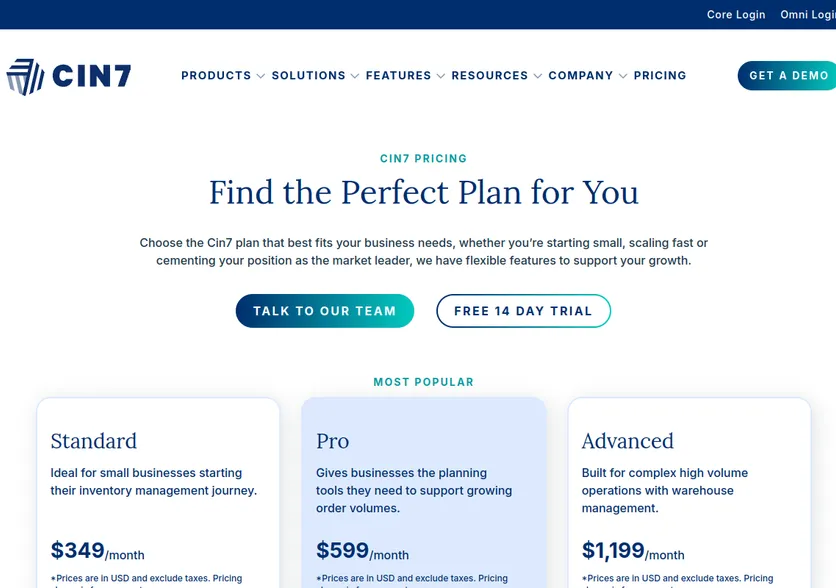
 Cin7 Core | Ecommerce brands selling on several channels that need one stock record | $349/month | No free plan; 14-day free trial | Visit |
 Odoo | Ecommerce brands that want one app for inventory, sales and accounting | $31.10/user/month | Free One App plan; 15-day free trial | Visit |
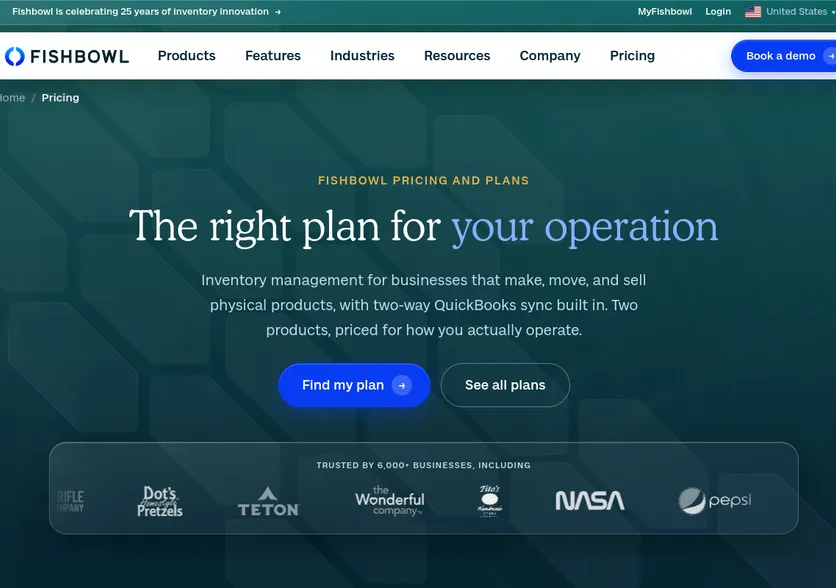
 Fishbowl | Ecommerce brands that need warehouse management with their inventory | $229/month | No free plan; demo available | Visit |
 inFlow | Small ecommerce brands that want simple inventory with order limits | $89/month | No free plan; 14-day free trial | Visit |
 Unleashed | Ecommerce brands that need serious inventory control at scale | $399/month | No free plan; free trial available | Visit |
The ERP software for ecommerce brands, compared
1. Zoho Inventory
Best for: Small ecommerce brands that want the cheapest per-organisation price
Paid tool Starting price: $29/month · Twenty-nine dollars a month billed annually on Standard, or thirty-nine dollars billed monthly, per organisation rather than per user; Professional costs seventy-nine dollars, Premium one hundred and twenty-nine dollars and Enterprise two hundred and forty-nine dollars a month on annual billing; the free plan covers fifty orders a month
Free plan: Free plan for up to 50 orders a month
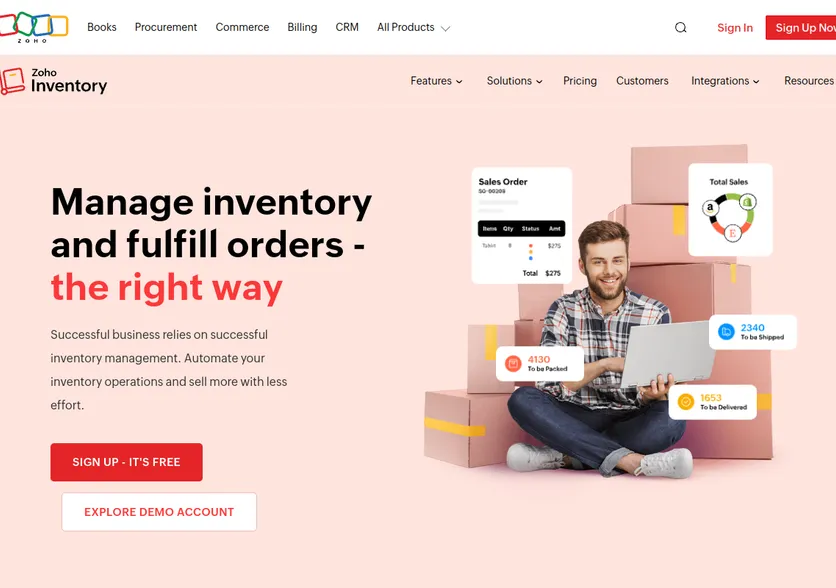
This Zoho Inventory system costs twenty-nine dollars a month on annual billing for Standard, and the price is per organisation rather than per user, so adding staff costs nothing extra. It covers multi-channel orders, stock, purchasing and shipping, with a free plan for fifty orders a month. It suits a small brand that wants a real inventory system at the lowest monthly price in this comparison.
What we like
- Per-organisation pricing, so staff seats cost nothing extra
- Free plan covers fifty orders a month for a real trial
- Multi-channel orders and stock in one login
Watch out for
- Order limits apply on the lower plans
- Advanced warehousing waits for the higher tiers
How to try it
- Start free with up to fifty orders a month
- Connect your sales channels and set the stock levels
- Upgrade to Standard when you pass fifty orders
2. Katana
Best for: Ecommerce brands that make their own products and need production planning
Paid tool Starting price: $179/month · One hundred and seventy-nine dollars a month billed annually on Starter; Standard costs three hundred and fifty-nine dollars and Professional seven hundred and ninety-nine dollars a month on annual billing, with Enterprise priced by quote; monthly billing costs about twenty percent more; the free plan covers up to thirty SKUs
Free plan: Free plan for up to 30 SKUs
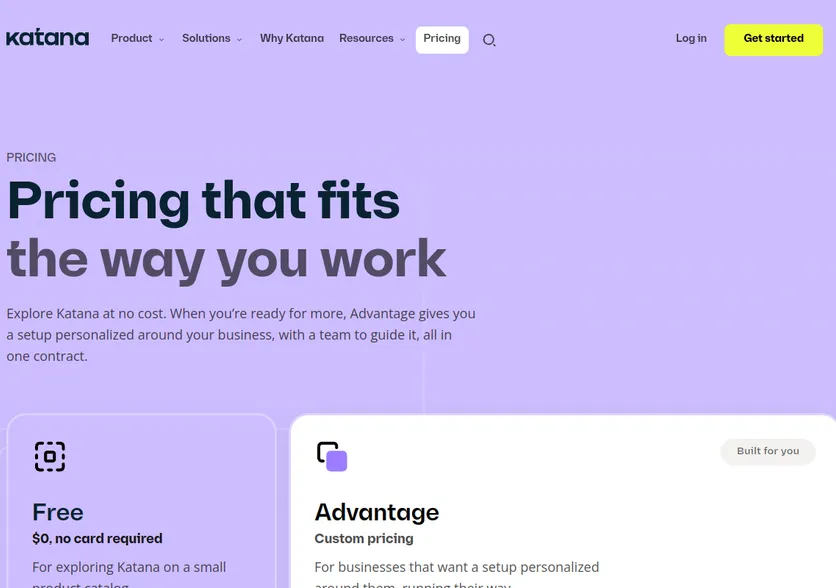
This Katana system is built for brands that manufacture what they sell, with production planning, raw material tracking and shop floor control alongside inventory and orders. Starter costs one hundred and seventy-nine dollars a month on annual billing, and the free plan covers up to thirty SKUs for a genuine test. It suits a brand whose stock problem starts in the workshop, not the warehouse.
What we like
- Production planning built in, not bolted on
- Free plan covers thirty SKUs for a real test
- Live stock across sales channels and the workshop
Watch out for
- Monthly billing costs about twenty percent more
- Enterprise pricing is by quote only
How to try it
- Start free with up to thirty SKUs
- Set up your first production order with raw materials
- Upgrade to Starter when you need live stock and planning
3. Cin7 Core
Best for: Ecommerce brands selling on several channels that need one stock record
Paid tool Starting price: $349/month · Three hundred and forty-nine dollars a month for Standard, with five users included; Pro costs five hundred and ninety-nine dollars and Advanced one thousand one hundred and ninety-nine dollars a month; a fourteen-day free trial is included; the billing term is not stated on the pricing page
Free plan: No free plan; 14-day free trial
This Cin7 Core system keeps one stock record across online stores, marketplaces and retail, so a sale anywhere updates availability everywhere. Standard costs three hundred and forty-nine dollars a month with five users included, and a fourteen-day trial lets a brand test the channel sync before paying. It suits a brand whose main pain is overselling the same item on two channels at once.
What we like
- One stock record across every sales channel
- Five users included on the Standard plan
- Fourteen-day trial to test the channel sync
Watch out for
- Billing term is not stated on the pricing page
- Higher tiers needed for advanced automation
How to try it
- Start the fourteen-day trial and connect your first sales channel
- Sync the stock and check the counts match everywhere
- Add the remaining channels once the first sync is clean
4. Odoo
Best for: Ecommerce brands that want one app for inventory, sales and accounting
Paid tool Starting price: $31.10/user/month · Thirty-one dollars and ten cents per user a month billed annually on Standard; the first-year discount is twenty-four dollars and ninety cents for twelve months, then the list price applies; monthly billing costs thirty-eight dollars and ninety cents and Custom costs sixty-one dollars a month on annual billing; the One App Free plan costs nothing
Free plan: Free One App plan; 15-day free trial
This Odoo system is the modular option in this comparison, with inventory, sales, purchasing and accounting as apps you add to one login. Standard costs thirty-one dollars and ten cents per user a month on annual billing, and the One App Free plan lets a brand run a single app at no cost. The first-year discount to twenty-four dollars and ninety cents is a promotion, so budget on the list price after twelve months.
What we like
- Modular apps you add as the brand grows
- Free One App plan for a single app at no cost
- Inventory, sales and accounting in one login
Watch out for
- First-year discount ends after twelve months
- Per-user billing adds up as the team grows
How to try it
- Start with the free One App plan for inventory
- Add the sales and accounting apps as the brand grows
- Check the list price after the first-year discount ends
5. Fishbowl
Best for: Ecommerce brands that need warehouse management with their inventory
Paid tool Starting price: $229/month · Two hundred and twenty-nine dollars a month billed annually on Essentials, covering two users; Growth costs four hundred and twenty-nine dollars for five users and Scale seven hundred and twenty-nine dollars for ten users; Advanced Warehouse starts at five hundred and ninety-five dollars and Advanced Manufacturing at six hundred and seventy-five dollars; an implementation package is required with every purchase
Free plan: No free plan; demo available
This Fishbowl system is the warehouse-led option here, with inventory, order management and warehouse control for brands that hold real stock. Essentials costs two hundred and twenty-nine dollars a month on annual billing for two users, and the higher tiers add more users and advanced warehouse or manufacturing features. An implementation package is required with every purchase, so budget for setup as well as the monthly price.
What we like
- Warehouse control built in from the entry plan
- Works with QuickBooks for accounting
- Advanced Warehouse and Manufacturing tiers for scale
Watch out for
- Implementation package required with every purchase
- Essentials covers only two users
How to try it
- Book a demo and bring your warehouse layout
- Check the implementation package cost before you budget
- Test the pick, pack and ship flow with a real order
6. inFlow
Best for: Small ecommerce brands that want simple inventory with order limits
Paid tool Starting price: $89/month · Eighty-nine dollars a month billed annually on Entrepreneur, covering two users, one hundred orders a month and one location; Small Business costs two hundred and forty-nine dollars a month; a fourteen-day free trial is included
Free plan: No free plan; 14-day free trial
This inFlow system is the simplest inventory tool in this comparison, with stock, orders and purchasing at eighty-nine dollars a month on annual billing for Entrepreneur. The plan covers two users, one hundred orders a month and one location, which is enough for a small brand that wants to stop tracking stock in a spreadsheet. A fourteen-day trial lets the team test it with real orders before paying.
What we like
- Simplest setup in this comparison
- Clear order and user limits on each plan
- Fourteen-day trial with real orders
Watch out for
- One hundred order limit on Entrepreneur
- One location only on the entry plan
How to try it
- Start the fourteen-day trial and import your product list
- Set the reorder points for your best sellers
- Upgrade when you pass one hundred orders a month
7. Unleashed
Best for: Ecommerce brands that need serious inventory control at scale
Paid tool Starting price: $399/month · Three hundred and ninety-nine dollars a month on Core, or three hundred and sixty-six dollars a month on the annual equivalent of four thousand three hundred and eighty-nine dollars a year; Pro costs seven hundred and twenty-nine dollars a month or six hundred and sixty-eight dollars on the annual equivalent; a ninety percent discount on the first three months is a promotion, not the list price; Core includes three users and one hundred sales orders a month
Free plan: No free plan; free trial available
This Unleashed system is the heavyweight inventory option in this comparison, with batch and serial tracking, landed cost and multi-warehouse control for brands that hold serious stock. Core costs three hundred and ninety-nine dollars a month, or three hundred and sixty-six dollars on the annual equivalent, and includes three users and one hundred sales orders a month. The ninety percent discount on the first three months is a promotion, so budget on the list price.
What we like
- Batch and serial tracking for regulated or complex stock
- Multi-warehouse control on the entry plan
- Landed cost tracking for imports
Watch out for
- Highest entry price in this comparison
- First-three-months discount is a promotion, not the list price
How to try it
- Start a trial and import your full product catalogue
- Set up batch tracking for the products that need it
- Check the per-user cost for extra staff before you commit
Prices above were checked on each vendor’s own website on Nov 27, 2026 and can change — the vendor’s page is the final word. Vendor links are editorial: nobody paid to be listed or ranked here. Vendors who want a featured listing can see how it works on our Get listed page.
How an ecommerce brand should pick its ERP
Start with the order volume, not the feature list. A plan that covers one hundred orders a month is a bargain until the brand sells one hundred and one, and the next tier can triple the bill. Count your orders across every channel, then check the user and location limits at your expected volume in six months. A per-organisation price beats a per-user price once the team passes about five people.
Test the stock sync with real orders before you commit. Connect one sales channel in the trial, sell a few items and check that the stock count updates everywhere it should. Ask about implementation costs as well, since some vendors require a paid package with every purchase. Pick the system that keeps stock right on your busiest day, not the one with the longest feature list.
Before you buy
- Count your monthly orders, because several plans cap orders as well as users
- Check whether the price is per user or per organisation before you compare
- Confirm the sales channels and accounting app you use are connected
- Ask what implementation costs, since some vendors require a paid package
- Test the stock sync with a real order before you switch off the old system
Official websites
Official websites of the products reviewed above. Features and prices were checked against these sites when this guide was written, and they can change, so confirm on the vendor site before you buy.
Frequently asked questions
What is the cheapest ERP software for an ecommerce brand?
Zoho Inventory Standard costs twenty-nine dollars a month on annual billing, per organisation rather than per user, and it has a free plan for fifty orders a month. inFlow Entrepreneur costs eighty-nine dollars a month on annual billing. Odoo Standard costs thirty-one dollars and ten cents per user a month. For a small team, Zoho Inventory is the cheapest monthly bill in this comparison.
Should we pick per-user, per-organisation or per-order pricing?
Per-user pricing, such as Odoo at thirty-one dollars and ten cents a month, charges for every person who logs in, so the bill grows with the team. Per-organisation pricing, such as Zoho Inventory at twenty-nine dollars a month, costs the same however many staff use it. Per-order or per-SKU pricing, such as inFlow with a one hundred order limit, caps how much you can sell before the next tier. Work out the bill at your real headcount and order volume.
Can one system keep stock right across our store and marketplaces?
Yes, and this is the main reason to buy an inventory ERP. A multi-channel system keeps one stock record, so a sale on your store, a marketplace or a retail till updates availability everywhere at once. Without it, the same item sells twice and you cancel an order. Cin7 Core, Zoho Inventory and Katana all sync stock across channels, though the channel list differs by plan, so check yours is covered.
How hard is it to switch from spreadsheets to an inventory ERP?
Most vendors in this comparison offer a free trial or a free plan, and the trial is the time to test the move. Import your product list, connect one sales channel and run a month of real orders through the trial before you switch. Check whether the vendor charges an implementation fee, since Fishbowl requires a paid implementation package with every purchase.
What limits should we check before we buy?
The order limit matters most. inFlow Entrepreneur covers one hundred orders a month and Unleashed Core covers one hundred sales orders a month, so a brand that grows past that must step up a tier. User limits matter next: Fishbowl Essentials covers two users and Cin7 Core Standard covers five. Check the limits at your expected volume in six months, not just today.
Compare the seven tools above, then trial one with a month of real orders before you move your whole catalogue.
Browse Business Tools tools


