On this page
A home builder prices a house the same way every time: measure the drawings, apply the assemblies, add the labour, and send a proposal the client can trust. The trouble is that spreadsheets make every one of those steps manual, and a single missed quantity can erase the profit on the whole job. We compared seven tools on published price, takeoff speed and how well they handle residential work. Buildxact is our first pick — the only tool here built for home builders from the ground up, with estimating, scheduling and job management in one subscription.
How we researched this
We started with the estimating tools home builders actually use to price new homes, additions and remodels, then read each price on the vendor site on November 27, 2026 and noted the trial each plan carries. We judged them for a builder who prices from drawings, needs accurate quantities for framing and finishes, and wants the estimate to turn into a proposal without retyping. We dropped quote-only estimating platforms and generic construction suites with no residential takeoff, because a bid built on guesswork is worse than no bid at all.
Compare the tools
| Name | Best for | Starting price | Free plan | |
|---|---|---|---|---|
 Buildxact | Home builders who want estimating, scheduling and job management in one subscription | $169/month | Free Go plan with 5 credits | Visit |
 JobTread | Home builders who want the bid price to become the job budget automatically | $159/month | No free plan; 30-day money-back guarantee | Visit |
 Houzz Pro | Home builders who win work through Houzz and want estimating beside their leads | $199/month | Free plan available | Visit |
 Clear Estimates | One-person home builders who want the cheapest way to stop estimating in spreadsheets | $59/month | No free plan; 30-day free trial | Visit |
 PlanSwift | Home builders who want the fastest takeoff from digital plan sets | $166.67/seat/month | No free plan; 14-day free trial | Visit |
 STACK Takeoff & Estimate | Home builders who want takeoff and estimating in one cloud workspace | $299/user/month | Free plan: 1 active project per month | Visit |
 Bluebeam Revu | Home builders who want precise drawing measurement to feed their estimates | $260/user/year | No free plan; 30-day free trial | Visit |
The estimating software for home builders, compared
1. Buildxact
Best for: Home builders who want estimating, scheduling and job management in one subscription
Paid tool Starting price: $169/month · Foundation costs one hundred and sixty-nine dollars a month billed annually, or one hundred and ninety-nine dollars month to month; Pro costs three hundred and thirty-nine dollars a month billed annually; Master costs five hundred and nine dollars a month billed annually; the free Go plan includes five credits, and annual billing saves fifteen percent with a twelve-month commitment
Free plan: Free Go plan with 5 credits
This Buildxact plan was designed for residential builders, so its estimating flow follows the way a house is actually priced: frame, roof, electrical, plumbing and finishes, each with its own quantities. The estimate becomes a quote, a schedule and a purchase order without leaving the workspace, which saves the retyping that eats a small builder's week. A free Go plan with five credits lets a builder test the flow on a real job before spending anything.

What we like
- Built for residential builders, with a pricing flow that follows a house
- Estimates become quotes, schedules and purchase orders in one place
- Free Go plan lets you test the workflow on a real job
Watch out for
- Annual billing needs a twelve-month commitment
- Takeoff is lighter than a dedicated takeoff-only tool
How to try it
- Start on the free Go plan and estimate one small residential job
- Turn the estimate into a quote and check how it reads for the client
- Compare Foundation and Pro against the number of homes you build a year
2. JobTread
Best for: Home builders who want the bid price to become the job budget automatically
Paid tool Starting price: $159/month · One hundred and fifty-nine dollars a month billed annually, or one hundred and ninety-nine dollars month to month, including one internal user; extra users cost sixteen dollars a user a month billed annually for the second through tenth user, with lower rates above that; no free trial, but a thirty-day money-back guarantee, and every feature is included on every plan
Free plan: No free plan; 30-day money-back guarantee
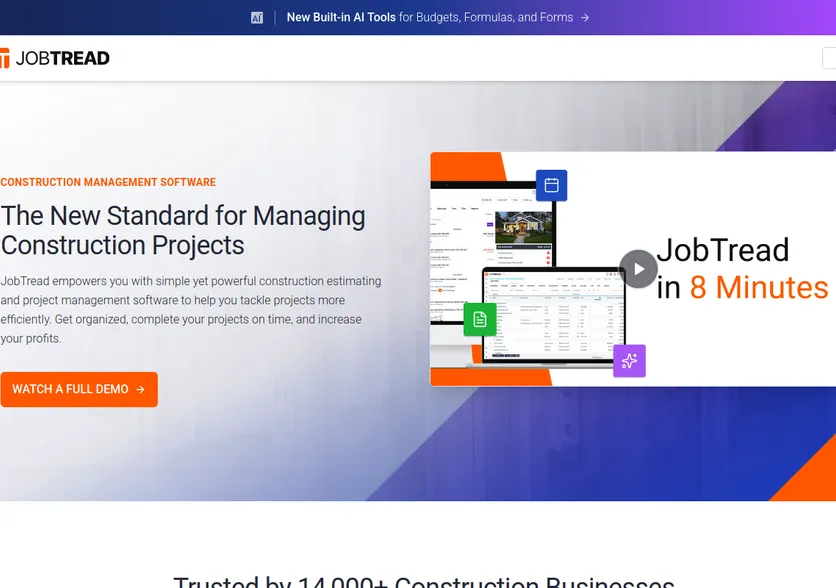
This JobTread plan suits builders who lose money between the bid and the build, because the estimate you win becomes the budget the job is measured against. Change orders, purchase orders and invoices all update that same budget, so a builder always knows whether a house is on track. Every feature is included on every plan, and the monthly base covers the first internal user before per-user fees begin.
What we like
- The winning bid becomes the job budget, so profit is tracked from day one
- Every feature is included on every plan, with no tier to outgrow
- Per-user cost falls as the team grows past ten users
Watch out for
- No free trial, only the thirty-day money-back guarantee
- Takeoff is simpler than a dedicated takeoff tool
How to try it
- Open the JobTread pricing page and check the user tier for your crew size
- Build one house estimate and follow it into the job costing view
- Test a change order and watch the job budget update
3. Houzz Pro
Best for: Home builders who win work through Houzz and want estimating beside their leads
Paid tool Starting price: $199/month · Pro costs one hundred and ninety-nine dollars a month for one user; Teams starts at three hundred and ninety-nine dollars a month for five users; extra users cost fifty dollars a user a month; a free plan is available, and an advertising add-on starts at four hundred and ninety-nine dollars a month
Free plan: Free plan available
This Houzz Pro plan puts estimating inside the same platform that brings in the leads, so a builder can answer an enquiry, build the estimate and send the invoice without switching tools. The Pro plan covers one user at one hundred and ninety-nine dollars a month, and the Teams plan adds four more seats for a growing firm. A free plan lets a builder try the platform before paying, which suits a small firm testing whether Houzz leads are worth the effort.

What we like
- Estimating sits beside lead capture, messaging and invoicing
- Free plan lets you test the platform before paying
- Teams plan covers five users for growing firms
Watch out for
- Estimating is simpler than a dedicated takeoff tool
- Advertising add-on starts at four hundred and ninety-nine dollars a month
How to try it
- Start on the free plan and build one house estimate
- Connect your Houzz leads so enquiries flow into estimates
- Check the Teams plan price once a second person needs access
4. Clear Estimates
Best for: One-person home builders who want the cheapest way to stop estimating in spreadsheets
Paid tool Starting price: $59/month · Standard costs fifty-nine dollars a month billed annually, or seventy-nine dollars month to month; Pro costs ninety-nine dollars a month billed annually; Franchise costs one hundred and ninety-nine dollars a month billed annually; thirty-day trial with no contract, Standard covers one login and Pro adds users at nine dollars a user a month
Free plan: No free plan; 30-day free trial
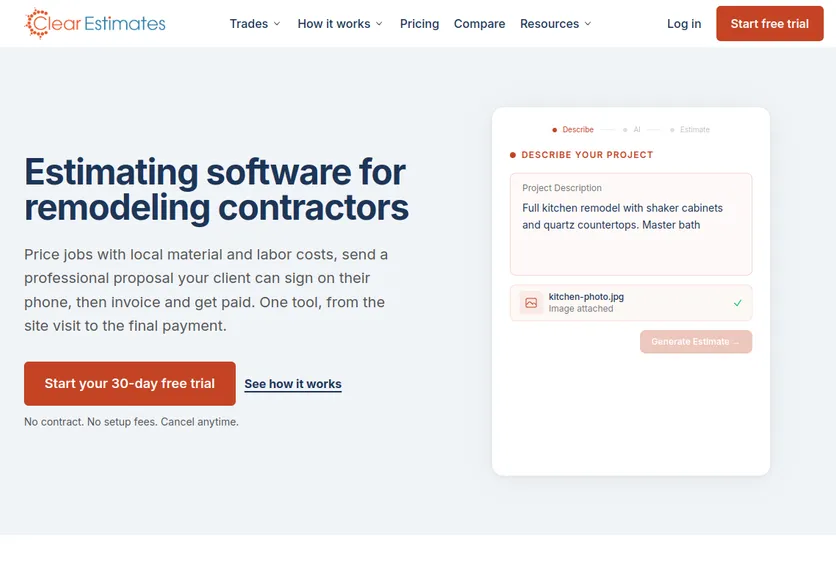
This Clear Estimates plan is the lowest-priced entry in this comparison, and it ships with pre-priced assemblies a small builder can use on the first day. Pick the assemblies for the job, adjust the quantities, and the estimate is ready to send as a professional proposal. There is no contract and a thirty-day trial, so a one-person builder can test it on a real bid and leave if it does not fit.
What we like
- Cheapest entry price in this comparison at fifty-nine dollars a month
- Pre-priced assemblies work on day one with no setup
- No contract, so you can leave whenever you like
Watch out for
- Standard covers only one login, so a second estimator costs extra
- Takeoff is assembly-based rather than drawing-based
How to try it
- Start the thirty-day trial and price one real house from the assemblies
- Check that the pre-priced assemblies match your local material costs
- Send the generated proposal to a client and see how it reads
5. PlanSwift
Best for: Home builders who want the fastest takeoff from digital plan sets
Paid tool Starting price: $166.67/seat/month · Essential costs two thousand dollars per seat a year, about one hundred and sixty-seven dollars a month, and Core costs three thousand dollars per seat a year; buying two or more seats drops the rate to one thousand five hundred dollars per seat on Essential; annual billing only, with a fourteen-day trial and no card required
Free plan: No free plan; 14-day free trial
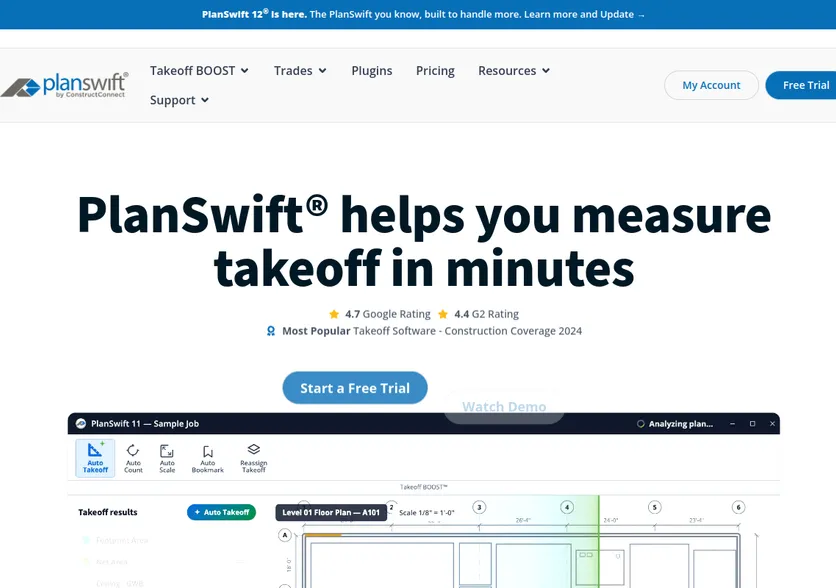
This PlanSwift takeoff measures quantities straight from digital drawings with point and click speed, which is why it is the tool most builders reach for when the plan set is large. The assemblies library stores standard wall, roof and foundation build-ups so every house prices the same way, and the per-seat price drops when you buy two or more seats. It is a takeoff specialist rather than a full job system, so it pairs well with a builder who already has project software.
What we like
- Fastest takeoff in this comparison, measured straight from digital drawings
- Assemblies library keeps standard build-ups priced consistently
- Per-seat price falls when you buy two or more seats
Watch out for
- Annual billing only, so the full year is paid up front
- No free plan, so the trial is the only way to test it
How to try it
- Open the PlanSwift pricing page and start the fourteen-day trial
- Import one recent plan set and run a full takeoff on it
- Build your standard wall and roof assemblies before the trial ends
6. STACK Takeoff & Estimate
Best for: Home builders who want takeoff and estimating in one cloud workspace
Paid tool Starting price: $299/user/month · Premium costs two hundred and ninety-nine dollars per user a month billed annually, or three hundred and forty-nine dollars month to month; Pro costs three hundred and forty-nine dollars a month billed annually; the free plan covers one active project a month, and paid plans run on twelve-month terms
Free plan: Free plan: 1 active project per month
This STACK Takeoff & Estimate plan keeps the takeoff and the estimate in one cloud workspace, so the numbers measured from the drawings land directly in the priced workbook for the house. The free plan covers one active project a month, which lets a small builder test the workflow on a real bid before paying. Collaboration tools let the estimator, the project manager and the owner work on the same job without emailing files around.

What we like
- Takeoff quantities flow straight into the priced estimate
- Free plan covers one active project a month
- Cloud collaboration keeps the estimator and the project manager on the same job
Watch out for
- Paid plans run on twelve-month terms with no monthly option at the headline price
- Premium tier is needed for the deeper reporting features
How to try it
- Start on the free plan with one live project
- Run the takeoff and check that quantities flow into the estimate
- Invite the project manager to review the same job before you upgrade
7. Bluebeam Revu
Best for: Home builders who want precise drawing measurement to feed their estimates
Paid tool Starting price: $260/user/year · Basics costs two hundred and sixty dollars per user a year, Core costs three hundred and thirty dollars, Complete costs four hundred and forty dollars, and Max costs five hundred and ninety dollars as an introductory price locked through the 2027 renewal
Free plan: No free plan; 30-day free trial
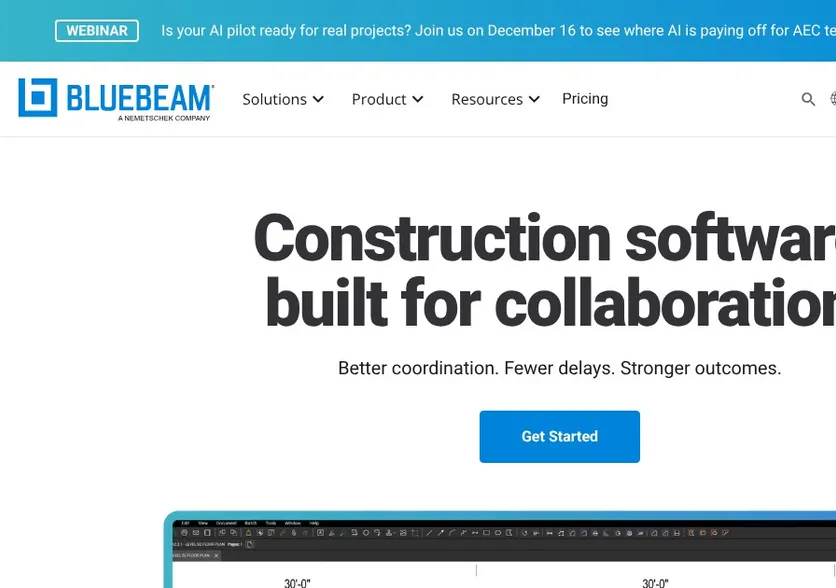
This Bluebeam Revu plan is the markup and measurement tool most builders already open every day, and its takeoff features measure drawings with the precision a house estimate needs. It is not a full estimating suite, but it pairs with any estimating tool in this comparison and handles the drawing side better than most of them. The Basics plan at two hundred and sixty dollars a user a year is the cheapest way to measure accurately.
What we like
- Most precise drawing measurement in this comparison
- The markup tool most builders already know how to use
- Cheapest per-user annual price here at two hundred and sixty dollars
Watch out for
- Not a full estimating suite, so it needs a pricing tool beside it
- Higher tiers are needed for the deeper collaboration features
How to try it
- Start the thirty-day trial on the Basics plan
- Measure one plan set and compare the counts against your last bid
- Export the measurements into your estimating tool and check the handoff
Prices above were checked on each vendor’s own website on Nov 27, 2026 and can change — the vendor’s page is the final word. Vendor links are editorial: nobody paid to be listed or ranked here. Vendors who want a featured listing can see how it works on our Get listed page.
How a home builder should estimate a house without losing the margin
Start the estimate from the drawings, not from a remembered price per square foot, because every house has a different mix of framing, roofing, electrical and finishes. Measure the structure first, then the systems, then the finishes, and price the site work last, since excavation and utilities are the items most often underpriced. A material database that updates with supplier pricing saves more money than any discount, because lumber and roofing prices move every month.
Keep one assemblies library for the work you repeat: a standard wall build-up, a roof section, a kitchen, a bathroom. When a new estimator joins, they price from the same assemblies instead of inventing their own, and the bids stay consistent from one house to the next. Check the seat count before you buy, since most takeoff tools charge per estimator, and confirm whether the renewal price matches the first-year price.
Before you buy
- Check the per-user cost at your real team size, since prices fall at larger crews
- Make sure the estimate turns into a client proposal without retyping every line
- Confirm the takeoff handles the drawings you actually receive, from PDFs to plan sets
- Ask whether material prices update automatically or need manual entry each month
- Check the trial length and whether a card is required before the trial starts
Official websites
Official websites of the products reviewed above. Features and prices were checked against these sites when this guide was written, and they can change, so confirm on the vendor site before you buy.
Frequently asked questions
What is the cheapest estimating software for home builders?
Clear Estimates Standard costs fifty-nine dollars a month billed annually, the lowest entry price in this comparison, and it includes a thirty-day free trial. JobTread starts at one hundred and fifty-nine dollars a month billed annually, while Buildxact Foundation costs one hundred and sixty-nine dollars a month billed annually. A one-person builder can start on Clear Estimates and move to Buildxact once scheduling and job management matter as much as the estimate itself.
How should a home builder price a house?
A home builder should price from quantities measured off the drawings, not from a remembered price per square foot, because every house has a different mix of framing, roofing, electrical and finishes. Takeoff software counts those quantities directly from the plan set and applies your assemblies, so the same house prices the same way. For a builder pricing three or more homes a month, the hours saved on takeoffs usually cover the subscription within the first month.
How does per-seat pricing work for home builder estimating tools?
Most estimating tools charge per estimator, so a three-person team pays three seats. PlanSwift charges two thousand dollars per seat a year on Essential, with a lower per-seat rate once you buy two or more seats. JobTread charges a flat monthly base that includes one internal user and adds a per-user fee above that. Count everyone who will open the tool, including project managers who only review estimates, before you compare prices.
Can estimating software handle change orders and variations?
Yes, and this is where a proper tool earns its price: you duplicate the original estimate, change only the affected assemblies or quantities, and the software reprices the variation with the same material rates. Buildxact and JobTread carry the estimate into scheduling and job costing, so a change order updates the job budget as well. A spreadsheet change order means retyping the whole section and hoping the formulas still point at the right cells.
What should I check before the free trial ends?
Run one real house end to end inside the trial, from importing the drawings to sending the proposal, and time how long the takeoff takes against your current method. Check that the material database covers the framing, roofing and finishes you actually build with, and confirm the export looks professional enough to send to a client. Most trials run fourteen to thirty days, and Buildxact, Clear Estimates and PlanSwift all offer one without asking for a card.
Compare the seven tools above, then price one real house through a free trial before you commit to a plan.
Browse Business Tools tools