On this page
An exhibitor does not buy a booth for the carpet: they buy it for the leads, and they want a report that proves the show paid for itself. The right analytics tool shows which booths drew the crowd, which sessions held attention and which scans turned into real conversations. We compared seven tools on published price, booth-level reporting and lead capture. Bizzabo is our first pick — the deepest analytics in this comparison, with a full event platform behind the numbers.
How we researched this
We started with the event platforms exhibitors actually use to measure trade shows and expos, then read each price on the vendor site on November 27, 2026 and noted the trial or demo each plan carries. We judged them for an exhibitor team that needs booth-level numbers, lead capture and a report that proves the show was worth the spend. We dropped quote-only event platforms and registration-only tools with no exhibitor reporting, because a show report that only counts attendance tells the exhibitor nothing.
Compare the tools
| Name | Best for | Starting price | Free plan | |
|---|---|---|---|---|
| Bizzabo | Exhibitors who want the deepest event analytics and a full event platform behind it | $499/user/month | No free plan; demo available | Visit |
 Accelevents | Exhibitors who run one big event and want to pay per event, not per year | $7,500/event | No free plan; demo available | Visit |
 EventMobi | Exhibitors who want event analytics plus badge printing and check-in in one platform | $3,000/event | No free plan; demo available | Visit |
 RegFox | Exhibitors who want to pay per registrant and nothing when nobody registers | $0.99/registrant | No free plan; pay per registrant only | Visit |
| Remo | Exhibitors who want table-based networking with analytics on every conversation | $299/month | No free plan; demo available | Visit |
 Airmeet | Exhibitors who run webinars and want analytics on every attendee | $167/month | No free plan; demo available | Visit |
| RingCentral Events | Marketing teams who run many webinars and want unlimited events at a published price | $99/organizer/month | No free plan; 30-day free trial | Visit |
The event analytics software for exhibitors, compared
1. Bizzabo
Best for: Exhibitors who want the deepest event analytics and a full event platform behind it
Paid tool Starting price: $499/user/month · Four hundred and ninety-nine dollars per user a month billed annually, with a three-user minimum, starting at about seventeen thousand nine hundred and ninety-nine dollars a year; Klik SmartBadge is quoted separately
Free plan: No free plan; demo available
This Bizzabo plan is the analytics leader in this comparison, with booth-level reporting that shows which sessions and sponsors actually drew the crowd. The entry price is four hundred and ninety-nine dollars per user a month billed annually, with a three-user minimum that makes the starting bill about eighteen thousand dollars a year. That is enterprise money, but it buys a full event platform with registration, networking and analytics in one place, and the Klik SmartBadge is quoted separately.
What we like
- Deepest booth-level analytics in this comparison
- Full event platform with registration and networking included
- Strong sponsor reporting for exhibitor teams
Watch out for
- Three-user minimum makes the starting bill about eighteen thousand dollars a year
- SmartBadge hardware is quoted separately
How to try it
- Open the Bizzabo pricing page and check the three-user minimum
- Book a demo and ask to see the booth-level analytics report
- Confirm whether Klik SmartBadge pricing is included in your quote
2. Accelevents
Best for: Exhibitors who run one big event and want to pay per event, not per year
Paid tool Starting price: $7,500/event · Professional starts at seven thousand five hundred dollars per event; Business starts at thirteen thousand five hundred dollars a year for unlimited events
Free plan: No free plan; demo available
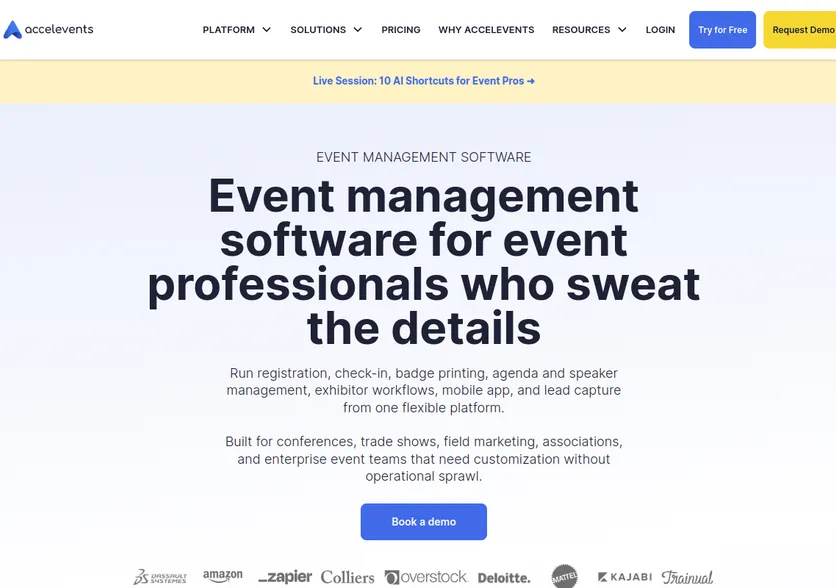
This Accelevents plan prices by the event, which suits an exhibitor who runs one or two big shows a year and does not want a twelve-month subscription. The Professional plan starts at seven thousand five hundred dollars per event, and the Business plan at thirteen thousand five hundred dollars a year covers unlimited events. Analytics cover registration, session attendance and lead capture, so the exhibitor team can show exactly what each show delivered.
What we like
- Per-event pricing suits exhibitors who run one or two shows a year
- Analytics cover registration, sessions and lead capture in one report
- Business plan covers unlimited events for frequent exhibitors
Watch out for
- No free plan or trial, only a demo
- Per-event price adds up fast for frequent exhibitors
How to try it
- Open the Accelevents pricing page and check the Professional event price
- Book a demo and ask to see the lead capture reporting
- Compare one event at seven thousand five hundred dollars against the yearly Business plan
3. EventMobi
Best for: Exhibitors who want event analytics plus badge printing and check-in in one platform
Paid tool Starting price: $3,000/event · Three thousand dollars per event or eight thousand nine hundred dollars a year for unlimited events; pre-printed badges start at three dollars and ninety-nine cents a badge; hardware rental starts at one thousand dollars for seven days
Free plan: No free plan; demo available
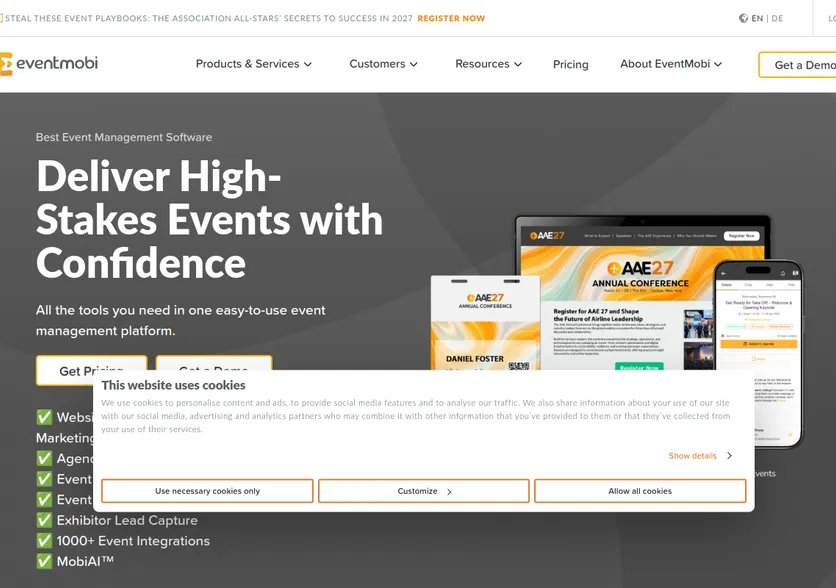
This EventMobi plan covers the whole event in one subscription, from registration and the attendee app to badge printing and the analytics that follow. The price is three thousand dollars per event or eight thousand nine hundred dollars a year for unlimited events, and pre-printed badges start at three dollars and ninety-nine cents a badge. The analytics show who checked in, which sessions they attended and which booths they scanned, which is exactly what an exhibitor needs to prove the show worked.
What we like
- Registration, badges and analytics in one subscription
- Per-event price suits exhibitors who run occasional shows
- Booth scan reporting shows which exhibitors drew the crowd
Watch out for
- Badge hardware rental is a separate cost
- Yearly plan only pays off if you run several events
How to try it
- Open the EventMobi pricing page and compare the per-event and yearly prices
- Book a demo and ask to see the booth scan reporting
- Check the badge price for your attendee count before you commit
4. RegFox
Best for: Exhibitors who want to pay per registrant and nothing when nobody registers
Paid tool Starting price: $0.99/registrant · No monthly fee on Standard; ninety-nine cents plus one percent per paid registrant, capped at four dollars and ninety-nine cents; Premium costs one dollar and ninety-nine cents plus one percent, capped at five dollars and ninety-nine cents; Professional costs four hundred and ninety-nine dollars a month billed annually; card processing is two point nine percent plus thirty cents
Free plan: No free plan; pay per registrant only
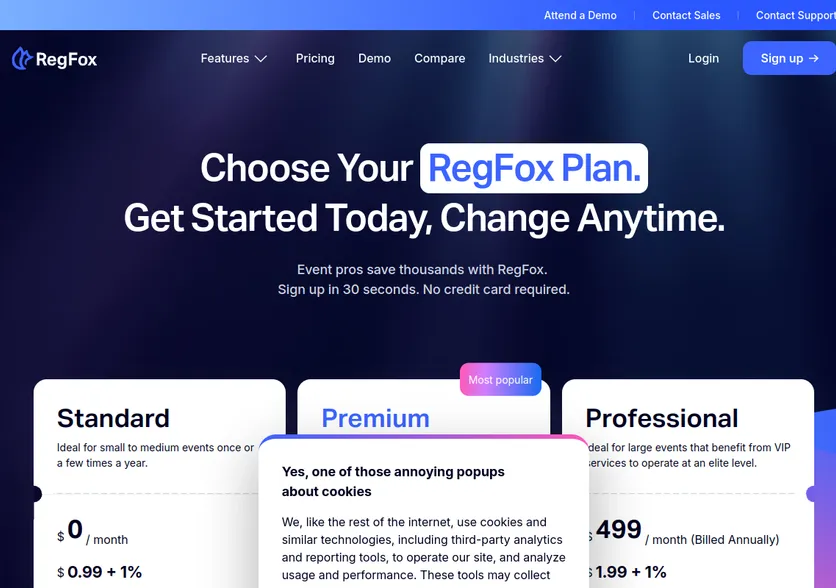
This RegFox plan charges nothing per month and nothing until someone registers, which makes it the lowest-risk analytics option in this comparison for a small exhibitor. The Standard plan costs ninety-nine cents plus one percent per paid registrant, capped at four dollars and ninety-nine cents, and the Professional plan costs four hundred and ninety-nine dollars a month billed annually. Registration analytics show where each registrant came from and which ticket types sold, so the exhibitor team can see the return on every promotion.
What we like
- No monthly fee, so you pay only when someone registers
- Per-registrant fee is capped at four dollars and ninety-nine cents
- Registration analytics show where every registrant came from
Watch out for
- Analytics are registration-focused rather than booth-focused
- Card processing fees sit on top of the per-registrant price
How to try it
- Open the RegFox pricing page and check the per-registrant cap
- Build a test registration page and check the analytics view
- Compare the Standard cap against your expected ticket price
5. Remo
Best for: Exhibitors who want table-based networking with analytics on every conversation
Paid tool Starting price: $299/month · Starter starts at two hundred and ninety-nine dollars a month for two hundred attendees per event and twenty organiser licences; one-time events start at six hundred and ninety-nine dollars; Enterprise is custom
Free plan: No free plan; demo available
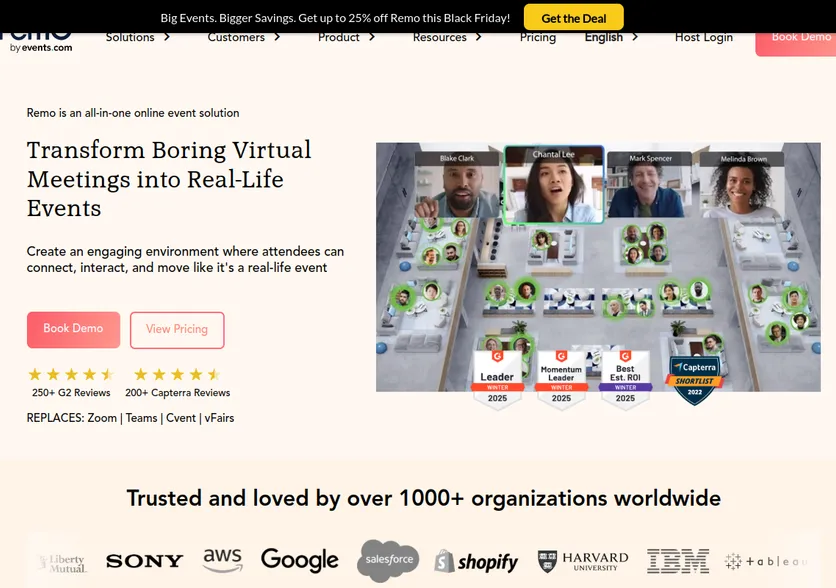
This Remo plan builds its analytics around the networking floor, where attendees sit at virtual tables and talk, so an exhibitor can see which tables drew the crowd and who met whom. The Starter plan starts at two hundred and ninety-nine dollars a month for two hundred attendees per event and twenty organiser licences, and one-time events start at six hundred and ninety-nine dollars. The analytics cover attendance, engagement and table activity, which suits an exhibitor team that values conversations over page views.
What we like
- Table-based networking analytics show who met whom
- One-time event pricing suits a single show
- Starter covers two hundred attendees per event
Watch out for
- No free plan, only a demo
- Networking analytics suit virtual events more than in-person expos
How to try it
- Open the Remo pricing page and check the Starter attendee limit
- Book a demo and ask to see the table activity analytics
- Compare the monthly plan against a one-time event price for a single show
6. Airmeet
Best for: Exhibitors who run webinars and want analytics on every attendee
Paid tool Starting price: $167/month · Premium Webinars costs one hundred and sixty-seven dollars a month billed annually, or one hundred and ninety-nine dollars month to month; the Events plan is quoted; Brand Conference starts at four thousand nine hundred and ninety-nine dollars
Free plan: No free plan; demo available
This Airmeet plan is the webinar specialist in this comparison, with analytics that track who attended, how long they stayed and which sessions held their attention. The Premium Webinars plan costs one hundred and sixty-seven dollars a month billed annually, and the Events plan is quoted for multi-session programmes. Brand Conference starts at four thousand nine hundred and ninety-nine dollars for a fully managed show, which suits an exhibitor team that wants the vendor to run the event.
What we like
- Strongest webinar analytics in this comparison
- Session attention reporting shows which talks held the room
- Brand Conference covers a fully managed show
Watch out for
- Events plan is quoted, so multi-session pricing needs a sales call
- Webinar-first design suits virtual shows more than in-person expos
How to try it
- Open the Airmeet pricing page and check the Premium Webinars price
- Book a demo and ask to see the session attention analytics
- Compare Premium Webinars against the quoted Events plan for multi-session shows
7. RingCentral Events
Best for: Marketing teams who run many webinars and want unlimited events at a published price
Paid tool Starting price: $99/organizer/month · Events Pro costs ninety-nine dollars per organiser a month billed annually, or one hundred and nineteen dollars month to month; Pro Plus costs one hundred and ninety-nine dollars a month billed annually; Enterprise costs two hundred and ninety-nine dollars a month billed annually; formerly Hopin, acquired by RingCentral in 2023; unlimited events and registrations on every plan
Free plan: No free plan; 30-day free trial
This RingCentral Events plan is the rare event platform that publishes its price, with Events Pro at ninety-nine dollars per organiser a month billed annually and unlimited events and registrations on every plan. It is the product Hopin became after RingCentral acquired it in 2023, and it keeps the virtual venue with stages, networking rooms and expo booths. The analytics cover attendance, engagement and booth activity, and a thirty-day trial lets a team test the dashboard before paying.
What we like
- Published price with unlimited events and registrations on every plan
- Virtual venue with stages, networking rooms and expo booths
- Thirty-day trial lets you test the analytics before paying
Watch out for
- Per-organiser pricing adds up for a large events team
- Virtual-first design suits online shows more than in-person expos
How to try it
- Open the RingCentral Events pricing page and check the Events Pro price
- Start the thirty-day trial and run one real webinar through it
- Check the analytics dashboard before the trial ends
Prices above were checked on each vendor’s own website on Nov 27, 2026 and can change — the vendor’s page is the final word. Vendor links are editorial: nobody paid to be listed or ranked here. Vendors who want a featured listing can see how it works on our Get listed page.
How an exhibitor should measure a show before the next one
Decide what counts as a result before the show opens, because a report that only counts attendance will not convince anyone to renew a booth. Track badge scans per booth, conversations per hour and leads collected per exhibitor, then compare those numbers against the cost of the space. A platform that reports at booth level gives every exhibitor a number they can take to their manager, while a platform that only reports totals leaves the team guessing.
Check the price model against your calendar, since per-event pricing suits a team that runs one show a year and per-user pricing suits a team that runs many. Confirm whether badge hardware and lead capture are included in the price or quoted separately, because a quoted add-on can double the real cost. Run the analytics dashboard on a real event before you commit, and check the renewal price before the first year ends.
Before you buy
- Count the users who need the analytics, since most platforms charge per user
- Check whether lead capture and badge scanning are included or quoted separately
- Make sure the reports show booth visits and scans, not just total attendance
- Confirm the trial or demo covers the analytics dashboard before you sign
- Verify the renewal price, since event platforms often discount the first year
Official websites
Official websites of the products reviewed above. Features and prices were checked against these sites when this guide was written, and they can change, so confirm on the vendor site before you buy.
Frequently asked questions
What is the cheapest event analytics software for exhibitors?
RegFox charges no monthly fee and only ninety-nine cents plus one percent per paid registrant, capped at four dollars and ninety-nine cents, which makes it the cheapest way to get registration analytics for a small show. RingCentral Events costs ninety-nine dollars per organiser a month billed annually with unlimited events and registrations. For a single event, EventMobi costs three thousand dollars per event, while Bizzabo starts at about eighteen thousand dollars a year with its three-user minimum.
What is the difference between booth analytics and attendance analytics?
Booth analytics show which exhibitors drew the crowd, how long visitors stayed and which badges were scanned, while attendance analytics only count how many people walked in. Bizzabo reports at booth level, EventMobi tracks booth scans and RingCentral Events reports on expo booth activity. If your exhibitors pay for booth space, they will ask for booth-level numbers, so pick a tool that reports them rather than one that only reports total attendance.
How does lead capture fit into event analytics?
Lead capture turns a badge scan into a contact with a name, a company and a note about the conversation, and the analytics then show which booths collected the most leads and which sessions produced them. Bizzabo, Accelevents and EventMobi all include lead capture in their analytics, while RegFox focuses on registration rather than on-floor leads. Check whether the lead capture hardware is included in the price or quoted separately before you compare plans.
How does per-user pricing work for event analytics tools?
Most event platforms charge per user or per organiser, so a five-person exhibitor team pays five seats. Bizzabo charges four hundred and ninety-nine dollars per user a month with a three-user minimum, while RingCentral Events charges ninety-nine dollars per organiser a month. Accelevents and EventMobi charge per event instead, which suits a team that runs one or two shows a year. Count everyone who needs the analytics dashboard before you compare prices.
What should I check before the demo or trial ends?
Book a demo and ask to see the actual analytics dashboard, not a slide deck, and check whether it reports booth visits, scans and leads rather than just total attendance. Confirm the trial or demo covers the reporting you need, since some platforms hide analytics behind the top tier. Ask whether badge hardware and lead capture are included in the price, because a quoted add-on can double the real cost of the show.
Compare the seven tools above, then book a demo of the analytics dashboard before you commit to a platform.
Browse Business Tools tools