On this page
A summit is not a broadcast: people come for the talks, but they return for the conversations, the meetings and the contacts they leave with. The right networking tool gives attendees a place to meet, a reason to stay after the session, and a way to find the people they came to see. We compared seven tools on published price, networking formats and attendee limits. RingCentral Events is our first pick — unlimited events at a published price, with a virtual venue that keeps networking front and centre.
How we researched this
We started with the event platforms summit organisers actually use to help attendees meet, then read each price on the vendor site on November 27, 2026 and noted the trial or demo each plan carries. We judged them for a summit where the networking matters as much as the talks, with attendees who need to find each other, book meetings and leave with real contacts. We dropped quote-only summit platforms and webinar-only tools with no networking features, because a summit without attendee networking is just a broadcast.
Compare the tools
| Name | Best for | Starting price | Free plan | |
|---|---|---|---|---|
| RingCentral Events | Summit teams who run many online events and want unlimited events at a published price | $99/organizer/month | No free plan; 30-day free trial | Visit |
| Remo | Summit organisers who want attendees to meet at virtual tables, not in a chat box | $299/month | No free plan; demo available | Visit |
 Airmeet | Summit organisers who run webinars and want analytics on every attendee | $167/month | No free plan; demo available | Visit |
 EventMobi | Summit organisers who want registration, badges and networking in one platform | $3,000/event | No free plan; demo available | Visit |
| HeySummit | Creators and educators who run virtual summits on a tight budget | $33/month | No free plan; free trial, no card required | Visit |
| BigMarker | Summit teams who want browser-based webinars with ticket sales built in | $29/month | No free plan; 7-day free trial | Visit |
| Zoom Events | Teams already on Zoom who want multi-session summits in the same account | $124.17/month | No free plan; demo available | Visit |
The event attendee networking software for summits, compared
1. RingCentral Events
Best for: Summit teams who run many online events and want unlimited events at a published price
Paid tool Starting price: $99/organizer/month · Events Pro costs ninety-nine dollars per organiser a month billed annually, or one hundred and nineteen dollars month to month; Pro Plus costs one hundred and ninety-nine dollars a month billed annually; Enterprise costs two hundred and ninety-nine dollars a month billed annually; formerly Hopin, acquired by RingCentral in 2023; unlimited events and registrations on every plan
Free plan: No free plan; 30-day free trial
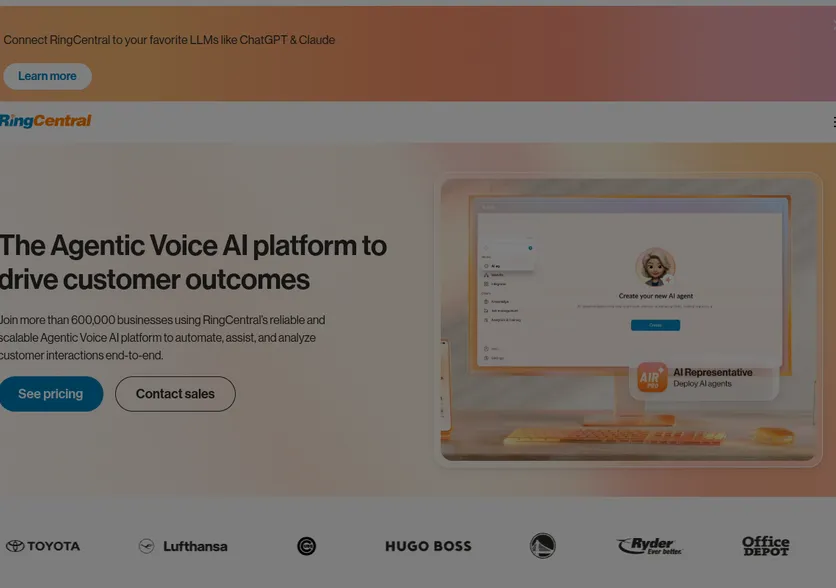
This RingCentral Events plan is the best value in this comparison for a team that runs summits all year, because every plan includes unlimited events and registrations for ninety-nine dollars per organiser a month billed annually. It is the product Hopin became after RingCentral acquired it in 2023, and it keeps the virtual venue with stages, networking rooms and expo booths. A thirty-day trial lets a summit team test the networking floor on a real event before paying.
What we like
- Published price with unlimited events and registrations on every plan
- Virtual venue with stages, networking rooms and expo booths
- Thirty-day trial lets you test the networking floor before paying
Watch out for
- Per-organiser pricing adds up for a large summit team
- Virtual-first design suits online summits more than in-person ones
How to try it
- Open the RingCentral Events pricing page and check the Events Pro price
- Start the thirty-day trial and run one real summit session through it
- Test the networking rooms and expo booths before the trial ends
2. Remo
Best for: Summit organisers who want attendees to meet at virtual tables, not in a chat box
Paid tool Starting price: $299/month · Starter starts at two hundred and ninety-nine dollars a month for two hundred attendees per event and twenty organiser licences; one-time events start at six hundred and ninety-nine dollars; Enterprise is custom
Free plan: No free plan; demo available
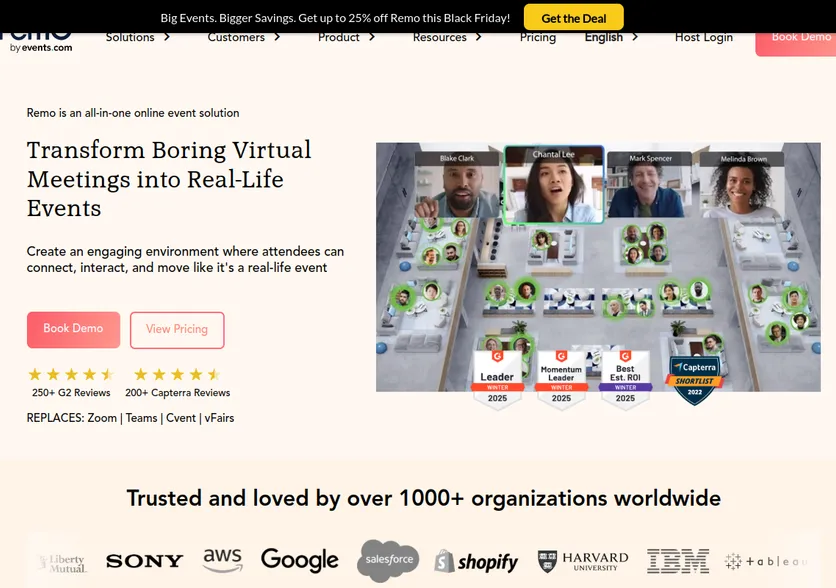
This Remo plan builds its networking around virtual tables, where attendees sit together and talk face to face on video, which feels far closer to a real summit than a chat sidebar. The Starter plan starts at two hundred and ninety-nine dollars a month for two hundred attendees per event and twenty organiser licences, and one-time events start at six hundred and ninety-nine dollars. The analytics show which tables drew the crowd and who met whom, so the organiser can prove the networking worked.
What we like
- Virtual tables make networking feel like a real summit
- One-time event pricing suits a single summit
- Analytics show which tables drew the crowd
Watch out for
- No free plan, only a demo
- Table networking suits virtual summits more than in-person ones
How to try it
- Open the Remo pricing page and check the Starter attendee limit
- Book a demo and sit at a virtual table yourself
- Compare the monthly plan against a one-time event price for a single summit
3. Airmeet
Best for: Summit organisers who run webinars and want analytics on every attendee
Paid tool Starting price: $167/month · Premium Webinars costs one hundred and sixty-seven dollars a month billed annually, or one hundred and ninety-nine dollars month to month; the Events plan is quoted; Brand Conference starts at four thousand nine hundred and ninety-nine dollars
Free plan: No free plan; demo available
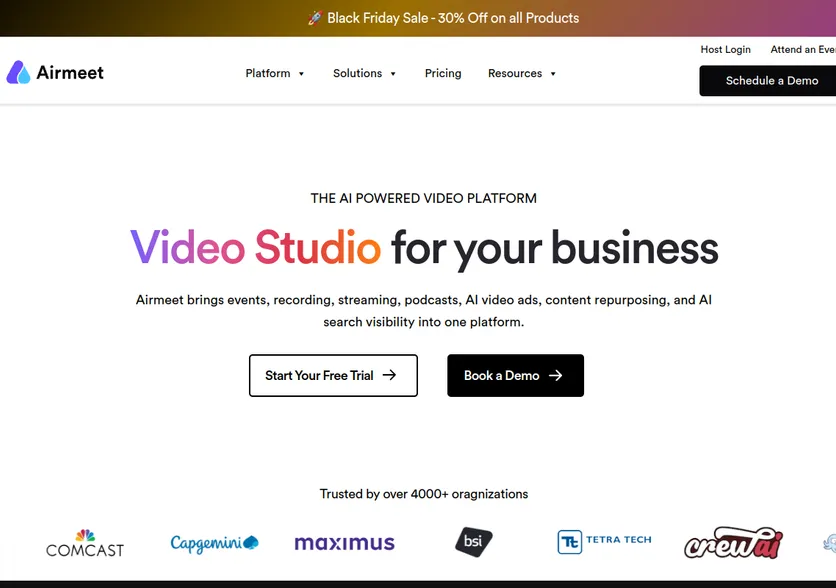
This Airmeet plan is the webinar specialist in this comparison, with a virtual venue that pairs a main stage with networking lounges and expo booths. The Premium Webinars plan costs one hundred and sixty-seven dollars a month billed annually, and the Events plan is quoted for multi-session summits. Networking features include lounges with tables, speed networking and one-to-one meetings, which give attendees a reason to stay after the talks end.
What we like
- Virtual venue with a stage, lounges and expo booths
- Speed networking and one-to-one meetings are built in
- Session analytics show which talks held the room
Watch out for
- Events plan is quoted, so multi-session pricing needs a sales call
- Webinar-first design suits virtual summits more than in-person ones
How to try it
- Open the Airmeet pricing page and check the Premium Webinars price
- Book a demo and test the networking lounges yourself
- Compare Premium Webinars against the quoted Events plan for a multi-session summit
4. EventMobi
Best for: Summit organisers who want registration, badges and networking in one platform
Paid tool Starting price: $3,000/event · Three thousand dollars per event or eight thousand nine hundred dollars a year for unlimited events; pre-printed badges start at three dollars and ninety-nine cents a badge; hardware rental starts at one thousand dollars for seven days
Free plan: No free plan; demo available
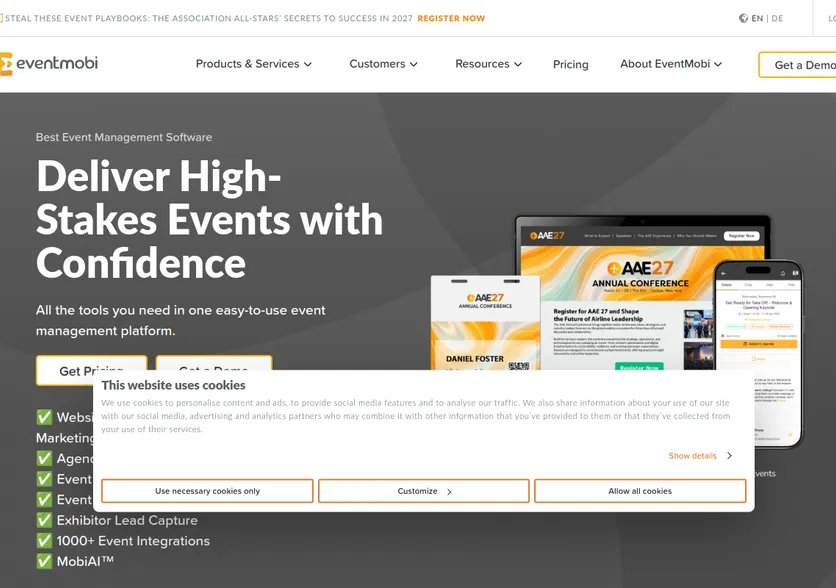
This EventMobi plan covers the whole summit in one subscription, from registration and the attendee app to badge printing and the networking that follows. The price is three thousand dollars per event or eight thousand nine hundred dollars a year for unlimited events, and pre-printed badges start at three dollars and ninety-nine cents a badge. The attendee app lets people message each other, book meetings and find each other by interest, which is what networking at a summit is actually for.
What we like
- Registration, badges and networking in one subscription
- Attendee app supports messaging and meeting booking
- Per-event price suits organisers who run occasional summits
Watch out for
- Badge hardware rental is a separate cost
- Yearly plan only pays off if you run several summits
How to try it
- Open the EventMobi pricing page and compare the per-event and yearly prices
- Book a demo and test the attendee app meeting booking
- Check the badge price for your attendee count before you commit
5. HeySummit
Best for: Creators and educators who run virtual summits on a tight budget
Paid tool Starting price: $33/month · Starter costs thirty-three dollars a month billed annually, or thirty-nine dollars month to month, for two hundred and fifty attendees and one active event; Growth costs sixty-six dollars a month billed annually; Success costs one hundred and fifty-eight dollars a month billed annually; the vendor lists prices in euros with dollars shown at its own conversion rate; a four percent transaction fee applies to ticket sales on Starter
Free plan: No free plan; free trial, no card required
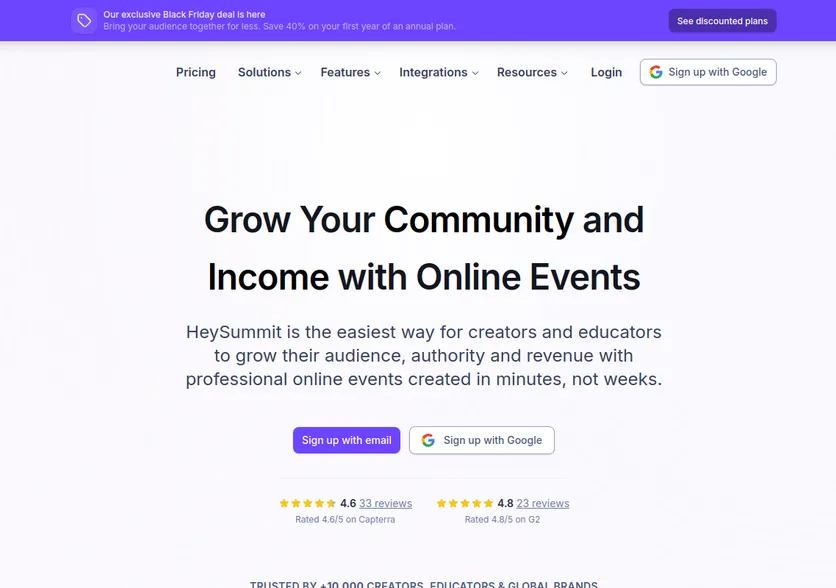
This HeySummit plan is the cheapest way into summit software in this comparison, with the Starter plan at thirty-three dollars a month billed annually for two hundred and fifty attendees and one active event. It handles registration pages, multi-speaker schedules, ticketing and speaker affiliates, and the Success plan adds an event lobby with networking. The vendor lists prices in euros with dollars shown at its own conversion rate, and a four percent transaction fee applies to ticket sales on Starter.
What we like
- Cheapest entry price in this comparison at thirty-three dollars a month
- Built for virtual summits, with speaker schedules and affiliates
- Free trial needs no card
Watch out for
- No built-in video streaming, so you need Zoom or a similar tool
- Transaction fee applies to every ticket sale
How to try it
- Open the HeySummit pricing page and check the Starter attendee limit
- Start the free trial and build one real summit page
- Check the transaction fee on your expected ticket sales before you commit
6. BigMarker
Best for: Summit teams who want browser-based webinars with ticket sales built in
Paid tool Starting price: $29/month · Basic costs twenty-nine dollars a month billed annually, or thirty-nine dollars month to month, for up to twenty-five attendees; Plus costs ninety-nine dollars a month billed annually for one hundred attendees; Elite costs one hundred and ninety-nine dollars a month billed annually for five hundred; Summit costs four hundred and ninety-nine dollars a month billed annually for one thousand; seven-day trial, no card required
Free plan: No free plan; 7-day free trial
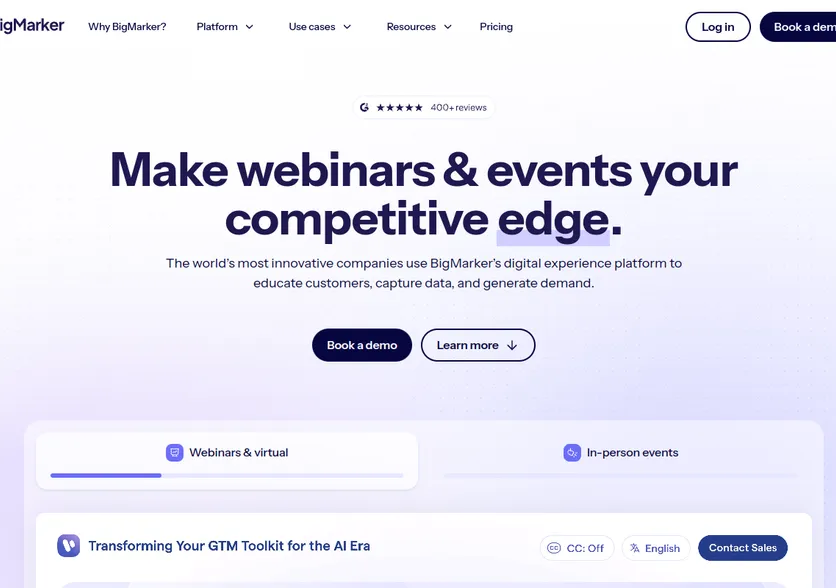
This BigMarker plan runs webinars entirely in the browser, with no downloads for attendees, and ticket sales are built in for live and recorded sessions. The Basic plan costs twenty-nine dollars a month billed annually for twenty-five attendees, Plus costs ninety-nine dollars for one hundred, Elite costs one hundred and ninety-nine dollars for five hundred, and Summit costs four hundred and ninety-nine dollars for one thousand. A seven-day trial with no card lets a summit team test the platform on a real session.
What we like
- Browser-based webinars with no downloads for attendees
- Ticket sales built in for live and recorded sessions
- Seven-day trial needs no card
Watch out for
- Basic caps at twenty-five attendees, so larger summits need a higher tier
- No free plan, only a seven-day trial
How to try it
- Open the BigMarker pricing page and check the Basic attendee limit
- Start the seven-day trial and run one real session through it
- Check the Plus price once your audience passes twenty-five people
7. Zoom Events
Best for: Teams already on Zoom who want multi-session summits in the same account
Paid tool Starting price: $124.17/month · Events costs one hundred and twenty-four dollars and seventeen cents a month billed annually, or one hundred and forty-nine dollars month to month, for one hundred attendees; a five-hundred-attendee configuration costs four hundred and fifteen dollars and eighty-three cents a month billed annually; a Zoom Workplace seat sits underneath the Events licence; pay-per-attendee starts at one hundred and twenty-five dollars per event for fifty attendees
Free plan: No free plan; demo available
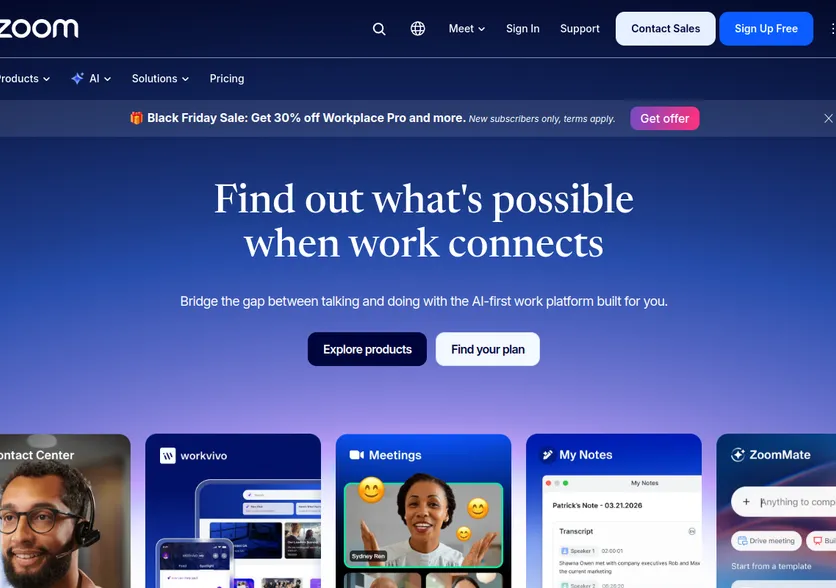
This Zoom Events plan adds multi-session summits, a lobby, networking, ticketing and hybrid features on top of Zoom Webinars, so a team that already lives in Zoom does not need another vendor. The Events plan costs one hundred and twenty-four dollars and seventeen cents a month billed annually for one hundred attendees, and a five-hundred-attendee configuration costs four hundred and fifteen dollars and eighty-three cents a month billed annually. A Zoom Workplace seat sits underneath the Events licence, and a pay-per-attendee option starts at one hundred and twenty-five dollars per event for fifty attendees.
What we like
- Multi-session summits, lobby and networking in the Zoom account you already use
- Pay-per-attendee option suits a single summit
- Attendee capacity scales to one hundred thousand on the top tiers
Watch out for
- Price rises steeply with attendee capacity
- A Zoom Workplace seat sits underneath the Events licence
How to try it
- Open the Zoom pricing page and check the Events plan for one hundred attendees
- Confirm the Zoom Workplace seat cost underneath the Events licence
- Compare the subscription against the pay-per-attendee option for a single summit
Prices above were checked on each vendor’s own website on Nov 27, 2026 and can change — the vendor’s page is the final word. Vendor links are editorial: nobody paid to be listed or ranked here. Vendors who want a featured listing can see how it works on our Get listed page.
How a summit organiser should make networking actually happen
Networking does not happen because a platform has a lobby: it happens because attendees are given a reason to enter it and a person to meet when they arrive. Schedule short networking breaks between sessions, seed the tables with hosts who start conversations, and use matchmaking so attendees are introduced to the people they came to see. A summit that only opens the lobby and hopes for the best will have an empty room by the second day.
Check the attendee limit on your plan before you invite anyone, since most platforms cap attendance per event and the upgrade can cost more than the ticket revenue. Confirm whether matchmaking and one-to-one meetings are included or sold as an add-on, and test the networking floor on mobile, because half your attendees will join from a phone. Run a small summit through the trial first and watch whether people actually meet.
Before you buy
- Count the attendees who will network, since most plans cap attendance per event
- Check whether matchmaking and one-to-one meetings are included or cost extra
- Make sure the networking works on mobile as well as desktop for attendees on the move
- Confirm the trial or demo covers the networking floor before you sign
- Verify the renewal price, since summit platforms often discount the first year
Official websites
Official websites of the products reviewed above. Features and prices were checked against these sites when this guide was written, and they can change, so confirm on the vendor site before you buy.
Frequently asked questions
What is the cheapest attendee networking software for summits?
BigMarker Basic costs twenty-nine dollars a month billed annually for twenty-five attendees, the lowest entry here, with a seven-day trial and no card required. HeySummit Starter costs thirty-three dollars a month billed annually for two hundred and fifty attendees and one active event. For unlimited events at a published price, RingCentral Events costs ninety-nine dollars per organiser a month billed annually. Count your attendees first, because the cheapest plan is the one that fits your audience without an upgrade.
What is the difference between table networking and speed networking?
Table networking puts attendees at small virtual tables where they talk face to face on video, which feels like a real summit. Speed networking pairs people for timed talks, while one-to-one meetings let attendees book a private slot with a speaker. Remo is built around virtual tables, Airmeet offers lounges and speed networking, and RingCentral Events includes networking rooms in its virtual venue. Pick the format your attendees will actually use, not the one that looks best in a demo.
Can networking software match attendees with each other?
Yes, and this is where a summit platform earns its price: the attendee app lets people search each other by interest, message each other and book a meeting slot, and the analytics show who met whom. EventMobi includes an attendee app with messaging and meeting booking, while Airmeet and RingCentral Events include networking rooms and one-to-one meetings. Check during the trial whether the matching is automatic or only manual, because automatic matchmaking saves the organiser hours of work.
How does pricing work for summit networking tools?
Most summit platforms charge per organiser or per attendee, so the bill depends on who runs the event and how many people attend. RingCentral Events charges ninety-nine dollars per organiser a month with unlimited attendees, while BigMarker charges by attendee capacity, from twenty-nine dollars a month for twenty-five attendees. HeySummit charges by registrant count, with Starter covering two hundred and fifty attendees. Count your organisers and your attendees before you compare prices.
What should I check before the demo or trial ends?
Book a demo and sit in the networking area yourself, because a networking floor that looks good in a video can feel empty when only a dozen people are in it. Check the attendee limit on your plan against the real audience size, and confirm the trial covers the networking features rather than only the webinar stage. Ask whether matchmaking is included or sold as an add-on, since that is the feature most likely to be quoted separately.
Compare the seven tools above, then run a small summit through a free trial before you commit to a platform.
Browse Business Tools tools