On this page
A private event is the best margin a restaurant can earn: one buyout, one set menu, one invoice, and a room full of guests who already paid. The trouble is that most restaurants still run those events on email and spreadsheets, so enquiries go unanswered and deposits go uncollected. We compared seven tools on published price, event features and booking flow. Perfect Venue is our first pick — the only tool here built only for venue booking, with floor plans and a fourteen-day trial that needs no card.
How we researched this
We started with the booking tools restaurants actually use for private events, then read each price on the vendor site on November 27, 2026 and noted the trial or demo each plan carries. We judged them for a restaurant that runs private dining, buyouts and ticketed events, needs floor plans and banquet event orders, and wants the booking to turn into a payment without retyping. We dropped quote-only venue platforms and reservation-only tools with no event features, because a private event is a sale, not a table.
Compare the tools
| Name | Best for | Starting price | Free plan | |
|---|---|---|---|---|
 Perfect Venue | Restaurants that want a dedicated event booking tool with floor plans and no per-cover fee on the top tier | $199/month | No free plan; 14-day free trial | Visit |
| Tripleseat | Restaurants that want the industry-standard event sales platform with unlimited users | $375/month | No free plan; demo available | Visit |
 Event Temple | Restaurants that want a simple monthly price for event sales and bookings | $249/month | No free plan; demo available | Visit |
 Eat App | Restaurants that want the cheapest entry with a free tier to start on | $69/month | Free plan available | Visit |
 OpenTable | Restaurants that want bookings from diners who already search OpenTable | $149/month | No free plan; demo available | Visit |
| Tock | Restaurants that sell prepaid tickets and want a booking platform built for that | $289/month | No free plan; demo available | Visit |
 Tablein | Small restaurants that want a simple booking tool priced in dollars with no surprises | $79/month | No free plan; 14-day free trial | Visit |
The event booking software for restaurants, compared
1. Perfect Venue
Best for: Restaurants that want a dedicated event booking tool with floor plans and no per-cover fee on the top tier
Paid tool Starting price: $199/month · Professional costs one hundred and ninety-nine dollars a month per location billed annually, or two hundred and thirty-nine dollars month to month; Premium costs two hundred and ninety-nine dollars a month billed annually, or three hundred and thirty-nine dollars month to month; Enterprise is quoted; fourteen-day trial with no card, thirty-day money-back guarantee; platform fee is half a percent on Professional and three tenths of a percent on Premium
Free plan: No free plan; 14-day free trial
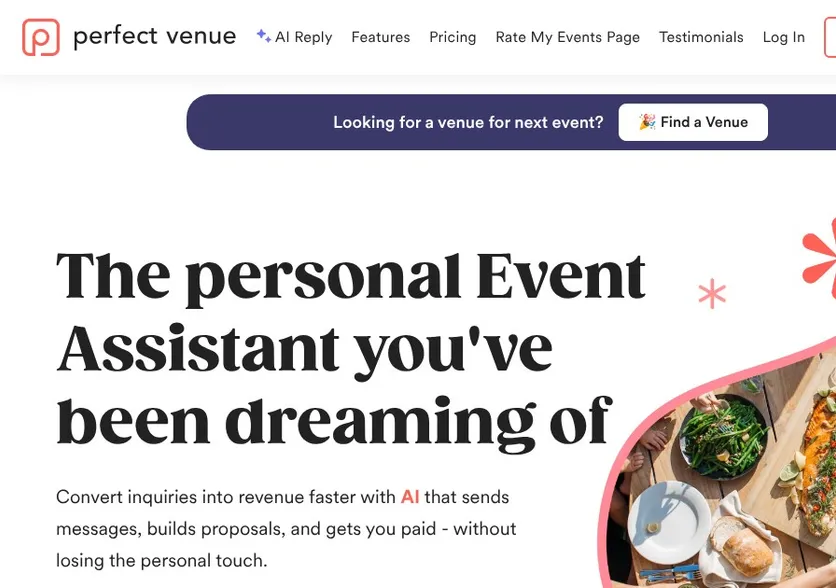
This Perfect Venue plan is built only for venue and event booking, with floor plans, banquet event orders and payment collection in one workspace. The Professional plan costs one hundred and ninety-nine dollars a month per location billed annually, and the Premium plan costs two hundred and ninety-nine dollars. A fourteen-day trial with no card and a thirty-day money-back guarantee let a restaurant test the booking flow on a real private event before paying.
What we like
- Built only for venue booking, with floor plans and banquet event orders
- Fourteen-day trial needs no card, plus a thirty-day money-back guarantee
- Premium plan cuts the platform fee to three tenths of a percent
Watch out for
- Priced per location, so a multi-site group pays per restaurant
- Platform fee applies on top of the monthly price
How to try it
- Open the Perfect Venue pricing page and start the fourteen-day trial
- Build a floor plan for your private dining room
- Run one real enquiry through the booking flow before the trial ends
2. Tripleseat
Best for: Restaurants that want the industry-standard event sales platform with unlimited users
Paid tool Starting price: $375/month · Starts at three hundred and seventy-five dollars per venue a month with unlimited users; Floor Plans, Direct Book and Tickets are quoted separately
Free plan: No free plan; demo available
This Tripleseat plan is the event sales platform most hotels and large restaurants already know, with lead tracking, banquet event orders and floor plans in one system. The price starts at three hundred and seventy-five dollars per venue a month, with unlimited users, so the whole events team can work in the same account without extra seat fees. Floor Plans, Direct Book and Tickets are quoted separately, so the real bill depends on which add-ons the restaurant needs.
What we like
- Industry-standard event sales platform with unlimited users
- Lead tracking, banquet event orders and floor plans in one system
- Unlimited users means the whole events team shares one account
Watch out for
- Add-ons are quoted separately, so the real bill is higher than the headline
- No free plan or trial, only a demo
How to try it
- Open the Tripleseat pricing page and check the starting venue price
- Book a demo and ask which add-ons are quoted separately
- Check the total price with the add-ons your restaurant actually needs
3. Event Temple
Best for: Restaurants that want a simple monthly price for event sales and bookings
Paid tool Starting price: $249/month · Two hundred and forty-nine dollars a month billed annually
Free plan: No free plan; demo available
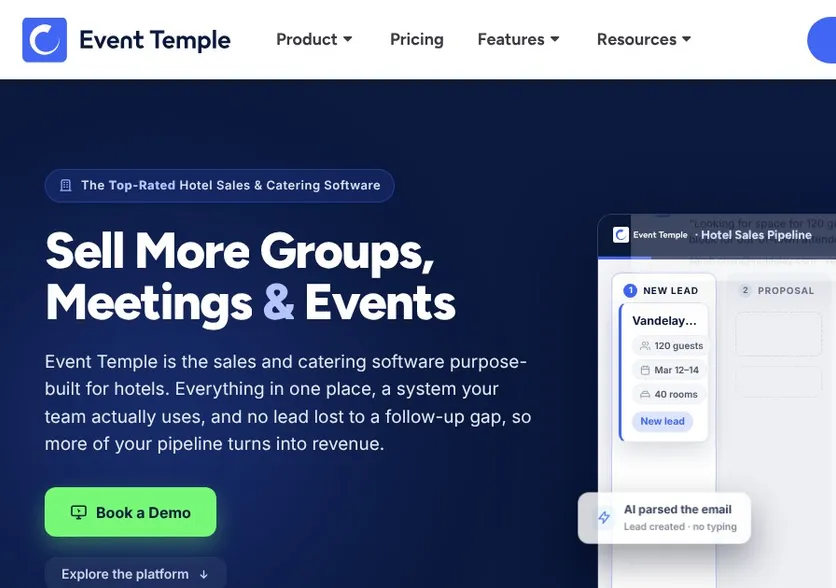
This Event Temple plan charges one flat price of two hundred and forty-nine dollars a month billed annually, with no per-user fees and no platform fee to calculate. It covers lead management, proposals, banquet event orders and payments for restaurants and venues that run private events every week. The flat price makes the budget easy to defend, and the demo shows the booking flow before a restaurant commits to anything.
What we like
- One flat monthly price with no per-user fees
- Lead management, proposals and payments in one place
- Simple pricing that is easy to defend to the owner
Watch out for
- No free plan or trial, only a demo
- Flat price only pays off if you run events every week
How to try it
- Open the Event Temple pricing page and check the flat monthly price
- Book a demo and ask to see the proposal and payment flow
- Compare the flat price against per-location tools for your restaurant count
4. Eat App
Best for: Restaurants that want the cheapest entry with a free tier to start on
Paid tool Starting price: $69/month · Sixty-nine dollars a month, with a free tier available
Free plan: Free plan available
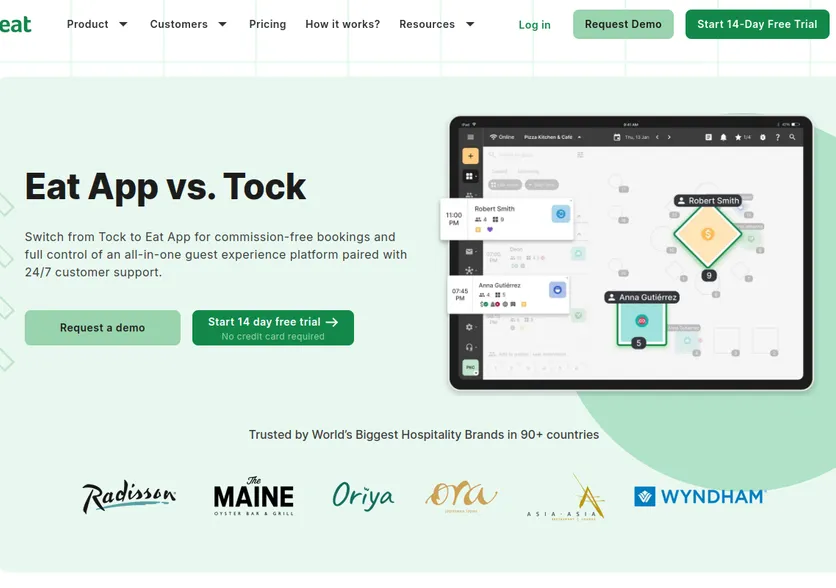
This Eat App plan is the cheapest entry in this comparison at sixty-nine dollars a month, and it offers a free tier for a restaurant that wants to test event booking before paying anything. It handles reservations, table management and event bookings in one system, so a restaurant that runs both walk-in dining and private events does not need two tools. The low price suits a small restaurant that books a handful of private events a month.
What we like
- Cheapest entry price in this comparison at sixty-nine dollars a month
- Free tier lets you test event booking before paying
- Reservations, tables and events in one system
Watch out for
- Event features are lighter than a dedicated booking platform
- Paid plan details are thinner than the bigger platforms
How to try it
- Start on the free tier and build one private event booking
- Test the table management beside the event booking
- Upgrade to the paid plan once the free tier limits your bookings
5. OpenTable
Best for: Restaurants that want bookings from diners who already search OpenTable
Paid tool Starting price: $149/month · Basic costs one hundred and forty-nine dollars a month plus one dollar and fifty cents per network cover, plus twenty-five cents per website cover or forty-nine dollars a month flat; Core costs two hundred and ninety-nine dollars a month plus one dollar per network cover; Pro costs four hundred and ninety-nine dollars a month plus one dollar per network cover; a two percent service fee applies to prepaid reservations; one-year auto-renewing contract
Free plan: No free plan; demo available
This OpenTable plan puts a restaurant in front of the diners who already search OpenTable for a table, which is a source of event bookings no other tool in this comparison can match. The Basic plan costs one hundred and forty-nine dollars a month plus one dollar and fifty cents per network cover, Core costs two hundred and ninety-nine dollars a month plus one dollar per network cover, and Pro costs four hundred and ninety-nine dollars a month. A two percent service fee applies to prepaid reservations, and plans auto-renew for one year.
What we like
- Diners already search OpenTable, so bookings find you
- Basic plan starts at one hundred and forty-nine dollars a month
- Core and Pro add more covers and marketing tools
Watch out for
- Per-cover fees add up fast for a busy restaurant
- One-year auto-renewing contract with no monthly option
How to try it
- Open the OpenTable pricing page and check the Basic monthly price
- Estimate your monthly network covers and add the per-cover fee
- Compare Basic, Core and Pro against your booking volume
6. Tock
Best for: Restaurants that sell prepaid tickets and want a booking platform built for that
Paid tool Starting price: $289/month · Essential costs two hundred and eighty-nine dollars a month plus three percent on prepayments; Premium costs four hundred and fifty-nine dollars a month plus two percent; Resy Platform costs two hundred and eighty-nine dollars a month and Platform 360 costs four hundred and fifty-nine dollars a month; American Express bought Tock in 2024 and is folding it into Resy, with the consumer app and site going dark in summer 2026 and a full merge expected in 2027
Free plan: No free plan; demo available
This Tock plan is built for restaurants that sell prepaid experiences, with ticketing, deposits and prepayment handling beside the table booking. The Essential plan costs two hundred and eighty-nine dollars a month plus three percent on prepayments, and the Premium plan costs four hundred and fifty-nine dollars a month plus two percent. American Express bought Tock in 2024 and is folding it into Resy, with the consumer app and site going dark in summer 2026 and a full merge expected in 2027, so check the transition before you commit.
What we like
- Built for prepaid experiences with ticketing and deposits
- Prepayment handling suits tasting menus and ticketed events
- Resy Platform offers the same price under the new brand
Watch out for
- Mid-merger into Resy, so the brand and product are changing
- Prepayment fee applies on top of the monthly price
How to try it
- Open the Tock pricing page and check the Essential monthly price
- Ask sales how the move to Resy affects existing Tock accounts
- Compare the prepayment fee against your average ticket price
7. Tablein
Best for: Small restaurants that want a simple booking tool priced in dollars with no surprises
Paid tool Starting price: $79/month · Starter costs seventy-nine dollars a month for fifty bookings a month, Growth costs one hundred and thirty-nine dollars a month for one hundred and fifty bookings, and Success costs two hundred and nine dollars a month for unlimited bookings; overage runs from sixty-seven cents to thirty-seven cents per booking; fourteen-day trial with no minimum term; vendor prices are euro-native with dollar equivalents published
Free plan: No free plan; 14-day free trial
This Tablein plan is the simplest booking tool in this comparison for a small restaurant, with a Starter plan at seventy-nine dollars a month for fifty bookings, Growth at one hundred and thirty-nine dollars for one hundred and fifty, and Success at two hundred and nine dollars for unlimited bookings. The vendor prices are euro-native with dollar equivalents published, and a fourteen-day trial with no minimum term lets a restaurant test the booking flow on a real week of covers.
What we like
- Starter plan at seventy-nine dollars a month is the second cheapest here
- Fourteen-day trial with no minimum term
- Unlimited bookings on the Success plan for two hundred and nine dollars
Watch out for
- Booking limits cap your monthly volume on the cheaper tiers
- Prices are euro-native with dollar equivalents shown
How to try it
- Open the Tablein pricing page and check the Starter booking limit
- Start the fourteen-day trial and take bookings through it
- Check the overage rate before you commit to a booking tier
Prices above were checked on each vendor’s own website on Nov 27, 2026 and can change — the vendor’s page is the final word. Vendor links are editorial: nobody paid to be listed or ranked here. Vendors who want a featured listing can see how it works on our Get listed page.
How a restaurant should turn an enquiry into a paid private event
Answer the enquiry fast, because a private event enquiry that waits a day usually books somewhere else. Send the proposal with the floor plan, the menu and the deposit terms in the same message, and take the deposit the moment the client agrees, since an unpaid hold is not a booking. A booking tool that turns the enquiry into a proposal and then into a banquet event order without retyping saves the hours that used to disappear into email.
Check the price model against your real volume, since per-location pricing suits a single restaurant and per-cover pricing suits a quiet one. Confirm whether the platform fee applies to your event bookings, because that fee can eat the margin on a ticketed event. Run one real private event through the trial and check that the banquet event order prints cleanly for the kitchen before you commit.
Before you buy
- Count the locations that need the tool, since most plans charge per restaurant
- Check whether the platform fee applies per booking or only on paid events
- Make sure the floor plans cover your actual dining rooms and private spaces
- Confirm the trial length and whether a card is required before the trial starts
- Verify the renewal price, since booking tools often discount the first year
Official websites
Official websites of the products reviewed above. Features and prices were checked against these sites when this guide was written, and they can change, so confirm on the vendor site before you buy.
Frequently asked questions
What is the cheapest event booking software for restaurants?
Eat App costs sixty-nine dollars a month with a free tier, the cheapest here. Tablein Starter costs seventy-nine dollars a month for fifty bookings a month. OpenTable Basic costs one hundred and forty-nine dollars a month plus one dollar and fifty cents per network cover, so the real cost depends on your covers. For a restaurant that books a handful of private events a month, Eat App or Tablein will cost less than OpenTable once the per-cover fees are added.
What is the difference between event booking and table reservations?
A dedicated event booking tool handles the whole private event: the enquiry, the proposal, the banquet event order and the payment. A reservation tool only books tables for walk-in diners and cannot manage a fifty-person buyout. Perfect Venue, Tripleseat and Event Temple are built for private events, while OpenTable and Eat App cover reservations with event features. Pick a dedicated tool if private events are a real revenue line, and a reservation tool if they are occasional.
How does per-location pricing work for restaurant booking tools?
Most booking tools charge per location, so a three-restaurant group pays three subscriptions. Perfect Venue charges one hundred and ninety-nine dollars a month per location, and Tripleseat starts at three hundred and seventy-five dollars per venue a month. OpenTable charges per month plus a fee per network cover, so a busy restaurant pays more than a quiet one. Count your locations and your monthly covers before you compare prices.
Can booking software take deposits and prepayments?
Yes, and this is where a booking tool earns its price: a guest books a table or a private event online, pays a deposit or prepays the ticket, and the restaurant sees the booking beside the walk-in reservations. Tock is built for prepaid experiences with ticketing and deposits, while OpenTable charges a two percent service fee on prepaid reservations. Check whether the platform fee applies to prepaid bookings, because it can eat the margin on a ticketed event.
What should I check before the free trial ends?
Run one real private event through the trial, from the first enquiry to the final payment, and time how long the proposal takes to build against your current method. Check that the floor plans cover your actual dining rooms and that the banquet event order prints cleanly for the kitchen. Confirm the trial covers the event features rather than only the reservation side, and ask whether the platform fee applies to your event bookings before you commit.
Compare the seven tools above, then run one real private event through a free trial before you commit.
Browse Business Tools tools