On this page
An event budget is a promise: the client agrees a number, and the planner has to deliver the event inside it, whatever the venue and the vendors charge in between. The right tool tracks the planned cost against the actual spend, chases the deposits, and warns the planner before a small overrun becomes a loss. We compared seven tools on published price, budgeting features and payment tracking. HoneyBook is our first pick — the best-known planner tool here, with proposals, contracts and payments beside the budget.
How we researched this
We started with the budgeting tools event planners actually use to price weddings, conferences and corporate events, then read each price on the vendor site on November 27, 2026 and noted the trial each plan carries. We judged them for a planner who needs a budget that tracks planned costs against actual spend, with deposits and vendor payments in the same view. We dropped quote-only planning platforms and spreadsheet templates, because a budget that cannot send an invoice or track a deposit is only half a tool.
Compare the tools
| Name | Best for | Starting price | Free plan | |
|---|---|---|---|---|
 HoneyBook | Event planners who want client management, contracts and budgeting in one tool | $29/month | No free plan; 7-day free trial | Visit |
| Aisle Planner | Wedding and event planners who want budgeting inside a full planning workspace | $49.99/month | No free plan; 30-day free trial | Visit |
 Dubsado | Small planning teams who want proposals, contracts and payments at a low monthly price | $35/month | No free plan; 21-day free trial | Visit |
| 17hats | Solo planners who want one simple plan with everything included | $50/month | No free plan; 7-day free trial | Visit |
 monday.com | Planning teams who want a visual board for every event budget and timeline | $9/seat/month | Free plan: up to 2 seats | Visit |
 ClickUp | Planning teams who want the cheapest per-seat project tool with unlimited storage | $9/user/month | Free Forever plan | Visit |
 Asana | Planning teams who want structured timelines and unlimited automations from the start | $10.99/user/month | Free Personal plan: up to 2 users | Visit |
The event budgeting software for planners, compared
1. HoneyBook
Best for: Event planners who want client management, contracts and budgeting in one tool
Paid tool Starting price: $29/month · Starter costs twenty-nine dollars a month billed annually, or thirty-six dollars month to month; Essentials costs forty-nine dollars a month billed annually, or fifty-nine dollars month to month; Premium costs one hundred and nine dollars a month billed annually, or one hundred and twenty-nine dollars month to month; a November 2026 fall offer shows thirty, thirty-eight and eighty-three dollars a month billed annually, which is a promotion rather than the list price; payment processing is two point nine percent plus twenty-five cents per card payment
Free plan: No free plan; 7-day free trial
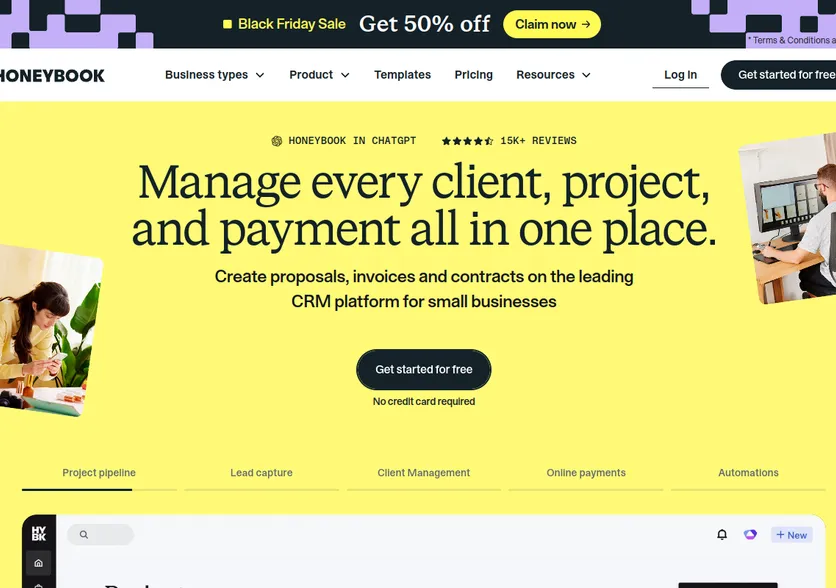
This HoneyBook plan is the best-known client management tool for event planners, with proposals, contracts, invoices and payments beside the budget. The Starter plan costs twenty-nine dollars a month billed annually, Essentials costs forty-nine dollars and Premium costs one hundred and nine dollars. A November 2026 fall offer shows lower annual prices, but those are a promotion rather than the list price, so the list figures are the ones to budget around.
What we like
- Proposals, contracts, invoices and payments in one place
- Starter plan at twenty-nine dollars a month is the cheapest here
- Built for client-facing planners with a professional look
Watch out for
- No free plan, only a seven-day trial
- Payment processing fees sit on top of the monthly price
How to try it
- Open the HoneyBook pricing page and check the Starter annual price
- Start the seven-day trial and build one real event budget
- Test the proposal and contract flow before the trial ends
2. Aisle Planner
Best for: Wedding and event planners who want budgeting inside a full planning workspace
Paid tool Starting price: $49.99/month · Sales Essentials costs forty-nine dollars and ninety-nine cents a month with no project tools; up to fifteen projects costs sixty-nine dollars and ninety-nine cents a month; sixteen to twenty-five projects costs one hundred and nine dollars and ninety-nine cents a month; twenty-six to fifty projects costs one hundred and sixty-four dollars and ninety-nine cents a month; fifty-one to one hundred projects costs two hundred and twenty-nine dollars and ninety-nine cents a month; ten percent off annual billing; thirty-day trial with a card required; unlimited users; Enterprise is quoted above one hundred projects
Free plan: No free plan; 30-day free trial
This Aisle Planner plan is built for planners who run weddings and large events, with budgeting, checklists, timelines and vendor management in one workspace. Pricing scales by project count, from forty-nine dollars and ninety-nine cents a month for the sales-only plan to two hundred and twenty-nine dollars and ninety-nine cents a month for fifty-one to one hundred projects. A thirty-day trial needs a card, and unlimited users are included, so the whole planning team shares one account.
What we like
- Budgeting, checklists, timelines and vendors in one workspace
- Unlimited users on every plan
- Pricing scales with your project count, not your team size
Watch out for
- Thirty-day trial needs a card
- Price rises with project count, so a busy year costs more
How to try it
- Open the Aisle Planner pricing page and check the project tier for your volume
- Start the thirty-day trial and build one real wedding budget
- Check the per-project cost once your volume passes fifteen projects
3. Dubsado
Best for: Small planning teams who want proposals, contracts and payments at a low monthly price
Paid tool Starting price: $35/month · Starter costs thirty-five dollars a month, or three hundred and thirty-five dollars a year, which is twenty-seven dollars and ninety-two cents a month; Premier costs fifty-five dollars a month, or five hundred and twenty-five dollars a year, which is forty-three dollars and seventy-five cents a month; twenty-one-day Premier trial with no card; extra brands cost ten dollars a month; first three users free, then twenty-five dollars a month for four to ten users
Free plan: No free plan; 21-day free trial
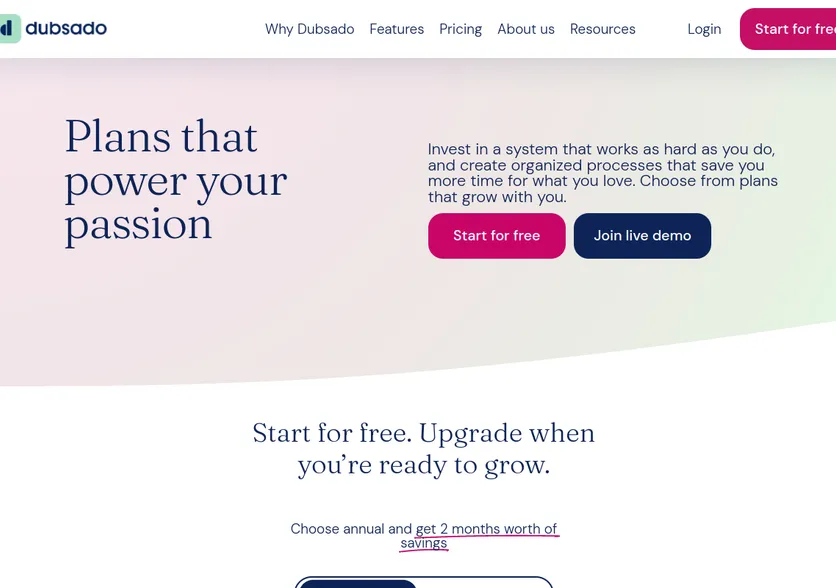
This Dubsado plan covers the whole client workflow for a small planning team, with proposals, contracts, forms, invoices and scheduling beside the budget. The Starter plan costs thirty-five dollars a month, or three hundred and thirty-five dollars a year, and the Premier plan costs fifty-five dollars a month, or five hundred and twenty-five dollars a year. A twenty-one-day Premier trial needs no card, and the first three users are free before extra seats cost twenty-five dollars a month.
What we like
- Proposals, contracts, forms and invoices in one workflow
- Twenty-one-day trial needs no card
- First three users free before extra seats are charged
Watch out for
- Per-user fees start above three users
- Scheduling and payments need the Premier plan for full use
How to try it
- Open the Dubsado pricing page and check the Starter annual price
- Start the twenty-one-day Premier trial with a real event budget
- Test the proposal and contract flow before the trial ends
4. 17hats
Best for: Solo planners who want one simple plan with everything included
Paid tool Starting price: $50/month · Fifty dollars a month billed annually for the single all-inclusive plan, or six hundred dollars a year; sixty dollars a month on monthly billing and eight hundred dollars for two years; a fifty percent first-purchase promotion is advertised, which is not the list price; seven-day trial; add-ons for time tracking and bank connection cost five dollars a month each
Free plan: No free plan; 7-day free trial
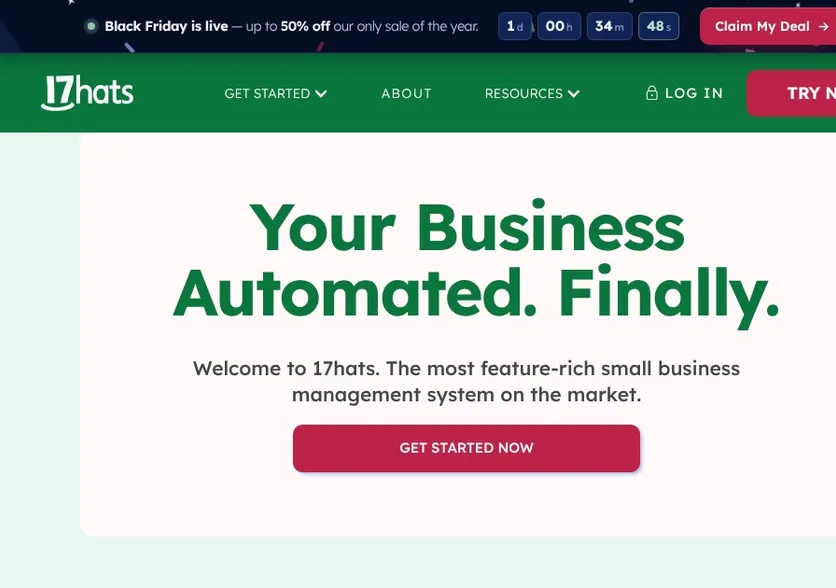
This 17hats plan is the simplest pricing in this comparison, with a single all-inclusive plan at fifty dollars a month billed annually, sixty dollars a month on monthly billing, or eight hundred dollars for two years. There are no tiers to compare and no features locked behind a higher plan, which suits a solo planner who wants to stop thinking about pricing. A fifty percent first-purchase promotion is advertised, but that is not the list price, and add-ons for time tracking and bank connection cost five dollars a month each.
What we like
- Single all-inclusive plan with no tiers to compare
- Two-year plan brings the price down to about thirty-three dollars a month
- Simple pricing that a solo planner can set and forget
Watch out for
- No free plan, only a seven-day trial
- Time tracking and bank connection are paid add-ons
How to try it
- Open the 17hats pricing page and check the annual price
- Start the seven-day trial and build one real event budget
- Check the add-on prices for time tracking and bank connection
5. monday.com
Best for: Planning teams who want a visual board for every event budget and timeline
Paid tool Starting price: $9/seat/month · Basic costs nine dollars per seat a month billed annually, or twelve dollars month to month; Standard costs twelve dollars per seat a month billed annually, or fourteen dollars month to month; Pro costs nineteen dollars per seat a month billed annually, or twenty-four dollars month to month; Enterprise is quoted; three-seat minimum, with seats sold in fixed buckets; free plan covers up to two seats, three boards and three docs
Free plan: Free plan: up to 2 seats
This monday.com plan gives a planning team a visual board for every event, with budgets, timelines, vendors and tasks in columns the whole team can see. The Basic plan costs nine dollars per seat a month billed annually, Standard costs twelve dollars and Pro costs nineteen dollars, and paid plans start at a three-seat minimum with seats sold in fixed buckets. The free plan covers up to two seats, and the Basic plan has no automations, so most planners will want Standard.

What we like
- Visual boards make every event budget easy to see at a glance
- Free plan covers up to two seats
- Standard plan adds automations and guest access for twelve dollars a seat
Watch out for
- Basic plan has no automations or integrations
- Seats are sold in fixed buckets, so a six-person team pays for ten
How to try it
- Start on the free plan with up to two seats
- Build one event budget board and test the timeline view
- Compare Standard against Basic once you need automations
6. ClickUp
Best for: Planning teams who want the cheapest per-seat project tool with unlimited storage
Paid tool Starting price: $9/user/month · Core plan, $9 a user a month billed annually ($12 billed monthly); Business $17 a user a month billed annually
Free plan: Free Forever plan
This ClickUp plan is the cheapest per-seat project tool in this comparison at seven dollars per user a month billed annually on Unlimited, with unlimited storage, Gantt charts, custom fields and native time tracking. The Business plan costs nine dollars a user a month billed annually billed annually and adds workload management, dashboards and heavier automations. The Free Forever plan covers unlimited tasks and members, so a small planning team can run a real event on the free tier before paying anything.

What we like
- Cheapest per-seat price in this comparison at seven dollars a user
- Unlimited storage and Gantt charts on the Unlimited plan
- Free Forever plan covers unlimited tasks and members
Watch out for
- AI features are a paid add-on, not included in the base plans
- Per-user pricing adds up for a large planning team
How to try it
- Start on the Free Forever plan and build one event budget
- Test the Gantt chart and time tracking on a real event
- Upgrade to Unlimited once the free storage cap slows you down
7. Asana
Best for: Planning teams who want structured timelines and unlimited automations from the start
Paid tool Starting price: $10.99/user/month · Starter costs ten dollars and ninety-nine cents per user a month billed annually, or thirteen dollars and forty-nine cents month to month; Advanced costs twenty-four dollars and ninety-nine cents per user a month billed annually, or thirty dollars and forty-nine cents month to month; Enterprise and Enterprise Plus are quoted; Personal plan is free for up to two users
Free plan: Free Personal plan: up to 2 users
This Asana plan gives a planning team structured timelines, reporting dashboards and unlimited automation rules from the Starter plan, which costs ten dollars and ninety-nine cents per user a month billed annually. The Advanced plan costs twenty-four dollars and ninety-nine cents a user a month billed annually and adds portfolios, goals and resource management. The Personal plan is free for up to two users, so a solo planner can start without paying and upgrade once the team grows.

What we like
- Unlimited automation rules from the Starter plan
- Timeline and Gantt views included at ten dollars and ninety-nine cents
- Free Personal plan covers up to two users
Watch out for
- Advanced plan more than doubles the Starter price
- Seats are sold in blocks above five users
How to try it
- Start on the free Personal plan with up to two users
- Build one event timeline and test the reporting dashboard
- Upgrade to Starter once you need Gantt views and unlimited automations
Prices above were checked on each vendor’s own website on Nov 27, 2026 and can change — the vendor’s page is the final word. Vendor links are editorial: nobody paid to be listed or ranked here. Vendors who want a featured listing can see how it works on our Get listed page.
How an event planner should build a budget that survives the event
Start the budget with every cost, not just the big ones, because the small lines are the ones that add up: the venue, the catering, the vendors, the decor, the staff, the marketing and a contingency of at least ten percent for the costs nobody planned. Track the planned cost against the actual spend as the event approaches, so a vendor overrun shows up while there is still time to fix it. A budget that is only reviewed after the event is a history lesson, not a tool.
Count the real cost per planner before you compare headline prices, because most tools charge per user and a five-person team pays five seats. A flat-price tool can be cheaper for a larger team, while a per-seat tool can be cheaper for a solo planner. Run one real event budget through the trial and check that the template covers your costs from venue to vendors before you commit.
Before you buy
- Count the planners who need a seat, since most tools charge per user per month
- Check whether the budget template covers your real costs, from venue to vendors
- Make sure the tool tracks payments and deposits, not just the planned budget
- Confirm the trial length and whether a card is required before the trial starts
- Verify the renewal price, since planning tools often discount the first year
Official websites
Official websites of the products reviewed above. Features and prices were checked against these sites when this guide was written, and they can change, so confirm on the vendor site before you buy.
Frequently asked questions
What is the cheapest event budgeting software for planners?
HoneyBook Starter costs twenty-nine dollars a month billed annually, the lowest entry here, with a seven-day trial. Dubsado Starter costs thirty-five dollars a month, or twenty-seven dollars and ninety-two cents a month when paid yearly. For a general project tool, ClickUp Core costs seven dollars per user a month billed annually, the cheapest per-seat price here. Count your planners first, because a per-seat price beats a flat price only for a small team.
What should an event budget include?
An event budget should list every cost before the event happens: the venue, the catering, the vendors, the decor, the marketing and a contingency of at least ten percent. HoneyBook, Aisle Planner and Dubsado all track the planned budget against the actual spend, so the planner can see the gap before it becomes a loss. A spreadsheet can hold the same list, but it cannot send the invoice, track the deposit or remind the planner when a payment is due.
How does per-user pricing work for event budgeting tools?
Most planning tools charge per user per month, so a five-person team pays five seats. ClickUp charges seven dollars per user a month on Unlimited, monday.com charges nine dollars per seat a month on Basic, and Asana charges ten dollars and ninety-nine cents per user a month on Starter. HoneyBook and Dubsado charge a flat monthly price whatever the team size. Aisle Planner charges by project count instead, so a busy year costs more than a quiet one.
Can budgeting software track deposits and vendor payments?
Yes, and this is where a proper tool earns its price: the planner builds the budget, sends the proposal, collects the deposit and tracks each vendor payment against the same job. HoneyBook and Dubsado handle proposals, contracts, invoices and payments in one workflow, while monday.com, ClickUp and Asana track the budget and the timeline but need a separate tool for payments. Pick a client-management tool if deposits and invoices matter, and a project tool if the timeline matters more.
What should I check before the free trial ends?
Run one real event budget through the trial, from the first cost estimate to the final invoice, and check that the budget template covers your real costs from venue to vendors. Confirm the trial covers the budgeting features rather than only the client portal, and check whether the renewal price matches the first-year price. Most trials run seven to thirty days, and HoneyBook, Dubsado and Aisle Planner all offer one, though Aisle Planner asks for a card.
Compare the seven tools above, then run one real event budget through a free trial before you commit.
Browse Business Tools tools