On this page
An exhibition hall lives or dies on its floor plan: exhibitors buy the booths they can see, and a clear map sells prime spots fast. The tools in this comparison range from five dollars a month to fifteen hundred dollars per event, and the right one depends on whether you draw the map yourself or hand the job to a design team. We compared eight tools on published price, booth-selling features and how fast a team can publish. Social Tables is our first pick — the exhibition industry standard, now part of Cvent, starting at forty-nine dollars a month.
How we researched this
We started with the floor plan tools exhibition organisers actually use to sell booths, then read each price on the vendor site on November 27, 2026 and noted the trial each plan carries. We judged them for a hall team that needs an interactive map, booth inventory and a way for exhibitors to pick their own spot. We dropped quote-only diagramming platforms and tools that publish no price, because a hall team needs a number it can budget around.
Compare the tools
| Name | Best for | Starting price | Free plan | |
|---|---|---|---|---|
| Social Tables | Exhibition teams that want the industry-standard interactive floor plan | $49/month | Free plan available | Visit |
| ExpoFP | Exhibition teams that want a vendor-built map for a large show | $149/month | No free plan; 7-day free trial | Visit |
| Mapd Events | Teams running one big show a year that want per-event pricing | $1,250/event | Free plan available; builds one event floor plan | Visit |
| Floors.live | Occasional show teams that want month-to-month billing | $69/month | No free plan; pay per event from $39 | Visit |
 Floorplanner | Small halls that need a cheap 3D floor plan editor | $5/month | Free plan available | Visit |
 RoomSketcher | Teams that want simple 2D and 3D hall drawings | $12/month | Free plan available | Visit |
 SmartDraw | Teams that also need seating charts and office layouts | $10.95/month | No free plan; 7-day free trial | Visit |
 Lucidchart | Teams that already use Lucidchart for other diagrams | $9/month | Free plan available | Visit |
The event floor plan software for exhibition halls, compared
1. Social Tables
Best for: Exhibition teams that want the industry-standard interactive floor plan
Paid tool Starting price: $49/month · Forty-nine dollars a month for the Standard plan on a twelve-month commitment, with an annual discount of about eighteen percent; Pro costs one hundred and fifty dollars a month and Premium three hundred and twenty dollars; now sold as Cvent Event Diagramming
Free plan: Free plan available
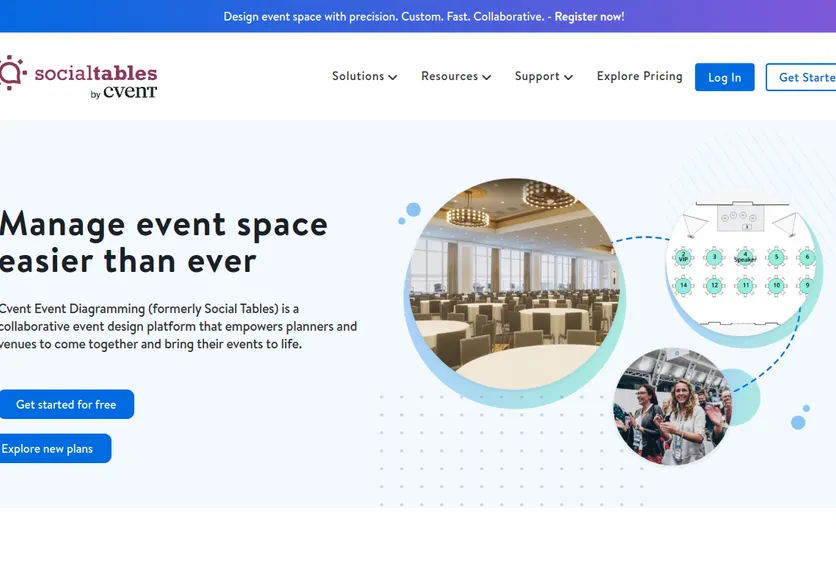
This Social Tables plan is the exhibition industry standard for interactive floor plans, now sold as Cvent Event Diagramming. Exhibitors browse the hall map, pick a booth and see its size and neighbours before they buy, which speeds up booth sales. The diagramming tools handle seating, spacing and capacity rules, so one map serves the sales team, the venue and the fire marshal.
What we like
- Interactive maps exhibitors can browse and buy from
- Seating, spacing and capacity rules built in
- Now part of Cvent, with a large event-software ecosystem
Watch out for
- Standard plan needs a twelve-month commitment
- Higher tiers jump quickly from forty-nine to one hundred and fifty dollars
How to try it
- Open the Social Tables pricing page and start the free plan
- Import your hall outline and drop booths onto the map
- Publish the interactive map and send exhibitors the booking link
2. ExpoFP
Best for: Exhibition teams that want a vendor-built map for a large show
Paid tool Starting price: $149/month · One hundred and forty-nine dollars a month for the do-it-yourself plan; team-built maps cost nine hundred and ninety dollars for Light, fifteen hundred for Standard and two thousand one hundred for Pro, each covering up to one hundred booths
Free plan: No free plan; 7-day free trial
This ExpoFP plan gives an exhibition team two ways to get a map: draw it yourself for one hundred and forty-nine dollars a month, or pay the vendor team to build it. The interactive map shows live booth availability, so exhibitors see what is taken the moment it sells. A seven-day free trial lets a team test the editor on a real hall before paying.
What we like
- Team-built maps for halls with up to one thousand booths
- Live booth availability shown on the interactive map
- Do-it-yourself plan for teams that draw their own layout
Watch out for
- Team-built maps cost extra and scale with booth count
- No free plan, only a seven-day trial
How to try it
- Open the ExpoFP pricing page and start the seven-day trial
- Choose the do-it-yourself plan or request a team-built quote
- Publish the map and link it from your exhibitor sales page
3. Mapd Events
Best for: Teams running one big show a year that want per-event pricing
Paid tool Starting price: $1,250/event · One thousand two hundred and fifty dollars per event for Booth Sales, and three thousand four hundred and ninety-nine dollars per event for Booth Plus; a free plan builds one event floor plan; no Map D transaction fees on booth sales
Free plan: Free plan available; builds one event floor plan
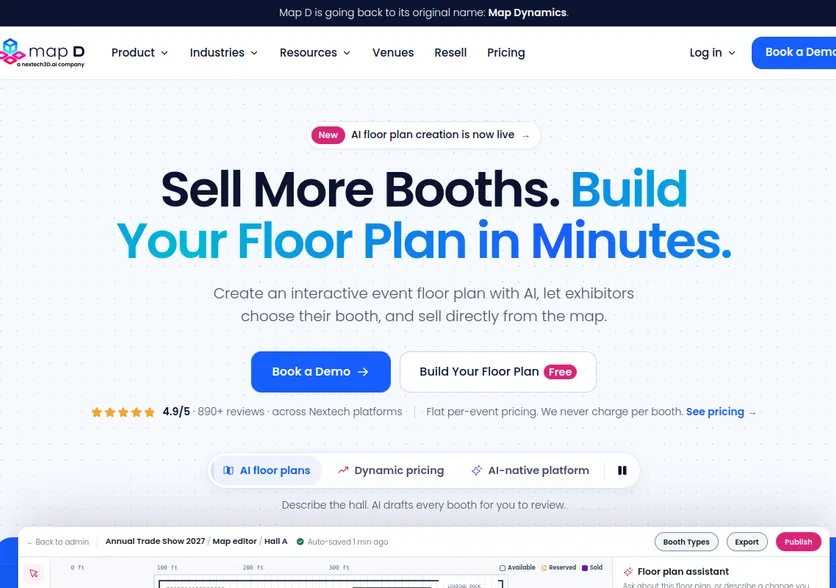
This Mapd Events plan sells booths by the event rather than by the month, which suits a team that runs one big show a year. Exhibitors pick their booth on an interactive map and the system tracks every sale in real time. The free plan builds one full event floor plan, so a small show can run its map without paying anything.
What we like
- Per-event pricing suits a single annual show
- No transaction fees on booth sales
- Free plan builds a complete event floor plan
Watch out for
- Booth Plus jumps to three thousand four hundred and ninety-nine dollars per event
- Per-event pricing gets expensive for teams running many shows
How to try it
- Open the Mapd Events floor plan page and start the free plan
- Build your hall map and mark the booths for sale
- Share the interactive map with exhibitors and track sales live
4. Floors.live
Best for: Occasional show teams that want month-to-month billing
Paid tool Starting price: $69/month · Sixty-nine dollars a month for Planner Pro, and one hundred and twenty-nine dollars a month for Studio; a per-event unlock costs thirty-nine dollars, or three for seventy-nine dollars; month to month with no annual commitment
Free plan: No free plan; pay per event from $39
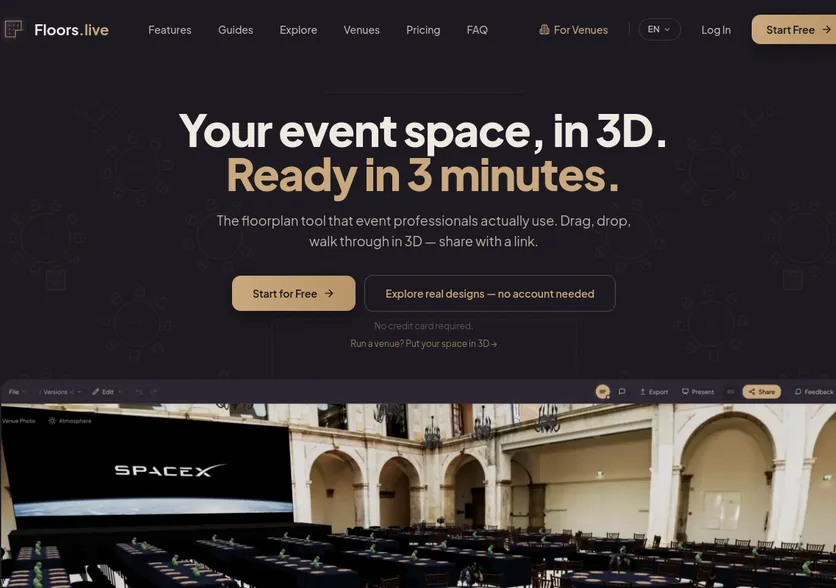
This Floors.live plan is built for teams that run occasional shows and dislike annual contracts. The Planner Pro tier covers the full floor plan editor at sixty-nine dollars a month, and a single event can be unlocked for thirty-nine dollars. The month-to-month billing means a team can pay only in the months it is actually planning a show.
What we like
- Month-to-month billing with no annual commitment
- Per-event unlock for a single show at thirty-nine dollars
- Simple pricing with no per-booth charges
Watch out for
- No free plan to test the editor
- Smaller feature set than the exhibition-specific platforms
How to try it
- Open the Floors.live pricing page and pick Planner Pro
- Draw your hall layout and set the booth inventory
- Publish the map and cancel between shows if you only need it seasonally
5. Floorplanner
Best for: Small halls that need a cheap 3D floor plan editor
Paid tool Starting price: $5/month · Five dollars a month for Plus, twenty-nine dollars a month for Pro and fifty-nine dollars a month for Team, excluding VAT; a free plan is available for basic floor plans
Free plan: Free plan available
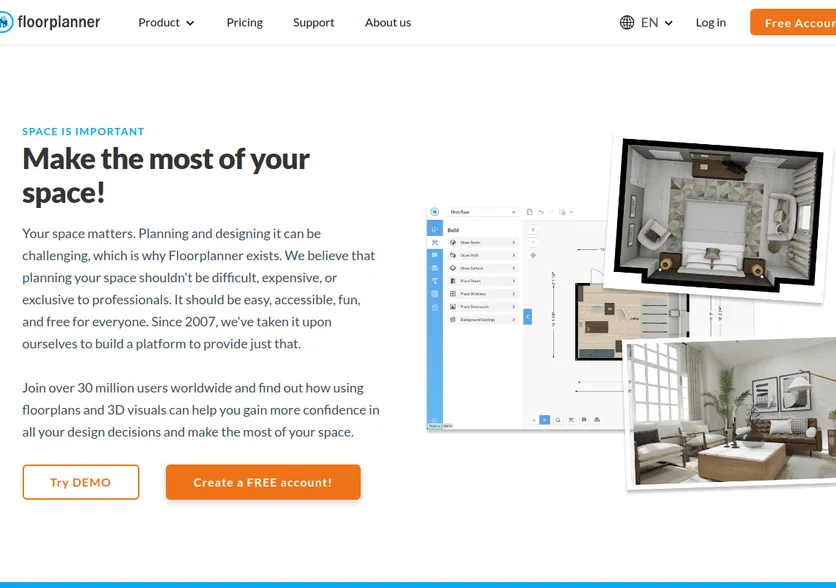
This Floorplanner plan is the cheapest paid floor plan editor in this comparison at five dollars a month. The 3D editor renders the hall in a view exhibitors understand at a glance, and the Pro tier adds higher-quality renders for sales materials. It does not sell booths by itself, so it suits a team that draws the map and takes bookings another way.
What we like
- Cheapest paid plan in this comparison at five dollars a month
- 3D renders that exhibitors understand at a glance
- Team plan at fifty-nine dollars a month for shared workspaces
Watch out for
- No built-in booth selling or availability tracking
- Prices exclude VAT, which adds to the bill outside the United States
How to try it
- Open the Floorplanner pricing page and start the free plan
- Draw the hall walls and drop booths into the 3D view
- Export the renders for your exhibitor sales pack
6. RoomSketcher
Best for: Teams that want simple 2D and 3D hall drawings
Paid tool Starting price: $12/month · Twelve dollars a month billed annually for Pro, or one hundred and forty-four dollars a year; the list price is twenty-four dollars a month on monthly billing; Team costs thirty-five dollars a month billed annually
Free plan: Free plan available
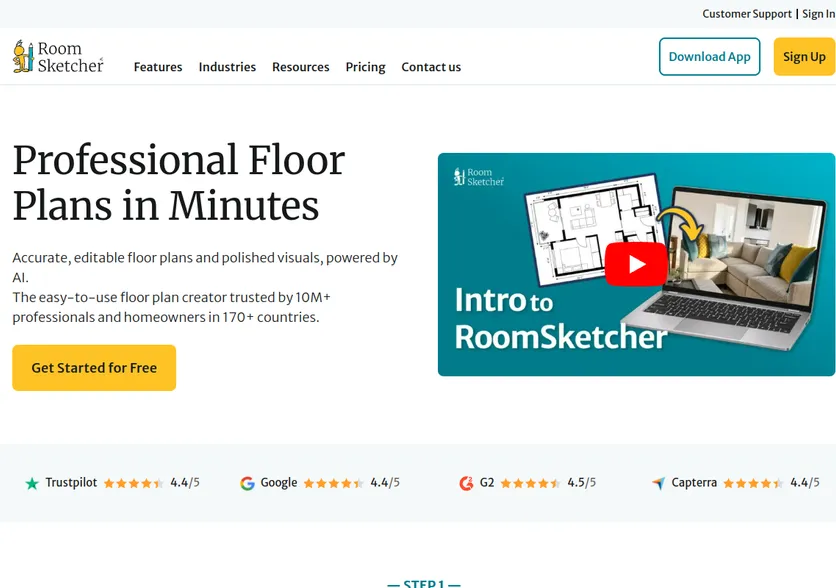
This RoomSketcher plan draws clean 2D and 3D floor plans at twelve dollars a month on annual billing. The editor is simple enough for a non-designer to learn in an afternoon, and the 3D views make a hall layout easy to show to exhibitors. It is a drawing tool first, so booth sales and availability tracking stay outside the product.
What we like
- Simple editor a non-designer can learn in an afternoon
- Clean 2D and 3D views for exhibitor sales packs
- Annual billing halves the monthly list price
Watch out for
- No booth selling or live availability features
- Monthly billing doubles the price to twenty-four dollars
How to try it
- Open the RoomSketcher pricing page and start the free plan
- Draw the hall outline and add booths in the 2D editor
- Switch to the 3D view and export images for exhibitors
7. SmartDraw
Best for: Teams that also need seating charts and office layouts
Paid tool Starting price: $10.95/month · Ten dollars and ninety-five cents a month billed annually for the Individual plan; new customers see an introductory seven dollars and ninety-five cents a month; Team costs six dollars and ninety-five cents per user a month as an introductory price
Free plan: No free plan; 7-day free trial
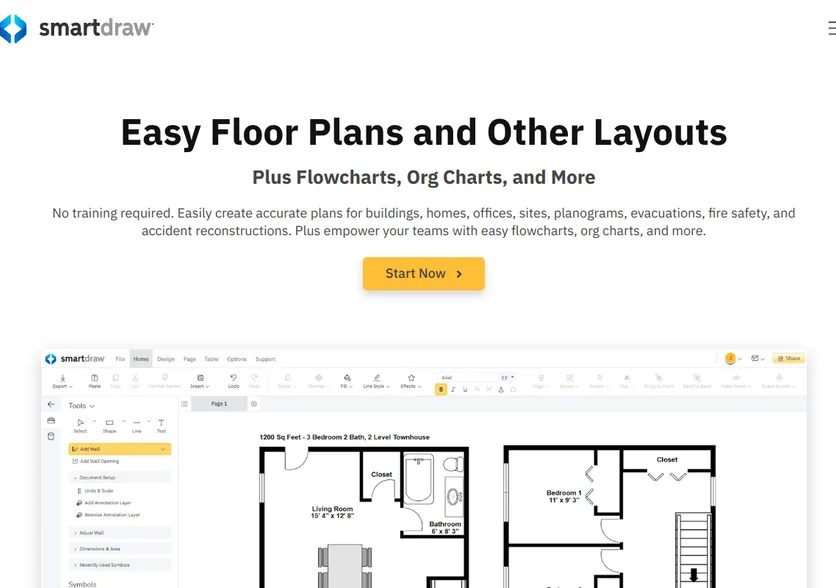
This SmartDraw plan is a general diagramming tool that draws exhibition floor plans alongside office layouts and seating charts. The template library includes floor plan starters, so a team can sketch a hall without starting from a blank page. The list price is ten dollars and ninety-five cents a month billed annually, with a lower introductory rate for new customers.
What we like
- Floor plan templates speed up the first draft
- One tool covers floor plans, seating and office layouts
- Introductory rate of seven dollars and ninety-five cents a month
Watch out for
- Introductory price rises to the ten dollar and ninety-five cent list price
- No exhibition-specific booth selling features
How to try it
- Open the SmartDraw pricing page and start the seven-day trial
- Pick a floor plan template and size it to your hall
- Add booths and export the plan for the venue team
8. Lucidchart
Best for: Teams that already use Lucidchart for other diagrams
Paid tool Starting price: $9/month · Nine dollars a month billed yearly for the Individual plan; Team costs ten dollars per user a month; a free plan is available with limited shapes and documents
Free plan: Free plan available
This Lucidchart plan is a cloud diagramming tool that many teams already use for org charts and process maps, so the floor plan lives in a tool the team knows. Real-time collaboration lets the sales team and the venue team edit the same hall map at once. The Individual plan costs nine dollars a month billed yearly, with a free plan for light use.
What we like
- Real-time collaboration on the same hall map
- A tool many teams already know from other diagrams
- Free plan for light floor plan work
Watch out for
- No exhibition booth selling or inventory features
- Team pricing is per user, so a large team adds up fast
How to try it
- Open the Lucidchart pricing page and start the free plan
- Pick a floor plan template and draw the hall outline
- Share the live diagram with the sales and venue teams
Prices above were checked on each vendor’s own website on Nov 27, 2026 and can change — the vendor’s page is the final word. Vendor links are editorial: nobody paid to be listed or ranked here. Vendors who want a featured listing can see how it works on our Get listed page.
How an exhibition hall should pick a floor plan tool
Start with who draws the map. If your team builds the layout itself, a do-it-yourself tool with drag-and-drop booths and live availability is the cheapest route, and you can publish in an afternoon. If the show has a thousand booths or a complex hall shape, a team-built map costs more up front but saves weeks of staff time and looks better to exhibitors. Check whether the price covers the number of booths you actually sell, because several tools charge more as the booth count grows.
Look closely at how exhibitors buy. A map that lets a buyer click a booth, see its size and price, and reserve it on the spot will sell the premium corners first, while a static PDF leaves that work to your sales team. Confirm the tool exports a print-ready plan for the fire marshal and the venue, and that the online map updates the moment a booth is sold so two exhibitors never buy the same space.
Before you buy
- Count your booths before you compare prices, because several tools charge more as the booth count grows
- Check whether exhibitors can click a booth and reserve it themselves, or whether your team takes every booking by phone
- Confirm the tool exports a print-ready plan for the venue and the fire marshal, not just an online map
- Ask whether the online map updates instantly when a booth sells, so two exhibitors never buy the same space
- Check the booth limit on the cheapest plan, because a small hall can outgrow a starter tier in one season
Official websites
Official websites of the products reviewed above. Features and prices were checked against these sites when this guide was written, and they can change, so confirm on the vendor site before you buy.
Frequently asked questions
What is the cheapest floor plan software for an exhibition hall?
Floorplanner Plus costs five dollars a month and includes a full 3D editor, which makes it the cheapest paid plan in this comparison. RoomSketcher Pro costs twelve dollars a month billed annually, and SmartDraw costs ten dollars and ninety-five cents a month billed annually. For a small hall with a simple layout, any of the three will draw a usable map, though none of them sells booths the way the exhibition-specific tools do.
Do exhibitors buy booths directly from the floor plan?
Yes, on the exhibition-specific tools. ExpoFP, Mapd Events and Social Tables all let an exhibitor click a booth, see its size and price, and reserve it without calling your team. The general diagramming tools such as Floorplanner, RoomSketcher and Lucidchart only draw the map, so your sales team still takes every booking by phone or email. If booth sales are the goal, pick a tool with built-in selling.
What does a team-built floor plan cost?
ExpoFP charges nine hundred and ninety dollars for a Light map, fifteen hundred dollars for Standard and two thousand one hundred dollars for Pro, each covering up to one hundred booths, with larger halls quoted individually. The price buys a finished map drawn by the vendor team, so your staff never touches the editor. A do-it-yourself plan such as Social Tables Standard at forty-nine dollars a month costs far less but needs someone on your team to draw.
Can I try floor plan software before paying?
Most of the tools here offer a free plan or a trial. Social Tables, Floorplanner, RoomSketcher and Lucidchart all have free plans, Mapd Events lets you build one event floor plan free, and ExpoFP offers a seven-day free trial. SmartDraw offers a seven-day trial as well. Start with the free tier on a real hall layout, because a sample map will not show whether the booth tools fit your sales process.
Does the price change with the number of booths?
Yes, on several tools. ExpoFP prices its team-built maps by booth count, starting at one hundred booths, and halls above one thousand booths are quoted individually. Mapd Events charges per event rather than per booth, so a big show costs the same as a small one on the same plan. Always count your booths before you compare prices, because the cheapest plan on paper can be the most expensive once your hall size is factored in.
Compare the eight tools above, then draw one real hall layout on a free plan before you commit to a paid tier.
Browse Business Tools tools