On this page
A wedding runs on payment schedules: a deposit to hold the date, a second payment before the tasting, and the balance before the day itself, each owed to a different vendor on a different date. The software has to send the invoice, collect the card, and chase the late payer, without the planner becoming the debt collector. We compared eight tools on published rates, payment schedules, and how they handle deposits and refunds. Stripe is our first pick — two point nine percent plus thirty cents per online payment with no monthly fee, which is the lowest online rate here.
How we researched this
We started with the payment tools a wedding business can actually use without an enterprise sales call, then read each price on the vendor site on November 27, 2026 and noted the trial or free tier each plan carries. We judged them for a business that collects deposits, balances and vendor payments on different dates, and needs invoices, contracts and refunds in one place. We dropped tools with no published price, including Rock Paper Coin, because a wedding business needs a rate it can quote to a couple before the contract is signed.
Compare the tools
| Name | Best for | Starting price | Free plan | |
|---|---|---|---|---|
 HoneyBook | Wedding businesses that want payment schedules inside the client flow | $29/month | No free plan; free trial, no card required | Visit |
 Dubsado | Wedding businesses that want flexible workflows with payments | $35/month | No free plan; 21-day free trial, no card required | Visit |
| 17hats | Solo wedding pros who want one flat plan with payment schedules | $50/month | No free plan; 7-day free trial | Visit |
| Stripe | Wedding businesses that take most payments online | 2.9% + $0.30 | No monthly fee; pay as you go | Visit |
 Square | Wedding vendors who take payments in person at the venue | 3.3% + $0.30 | Free plan with $0 a month; pay only when you take a payment | Visit |
| PayPal | Wedding vendors whose clients already trust the PayPal button | 2.99% + $0.49 | No monthly fee; pay as you go | Visit |
 QuickBooks Online | Wedding businesses that need invoicing tied to the books | $38/month | Free plan with limited invoices; Simple Start is $38 a month | Visit |
 Bonsai | Solo wedding pros who need contracts, invoices and payments in one app | $19/user/month | No free plan; free trial available | Visit |
The event vendor payment software for weddings, compared
1. HoneyBook
Best for: Wedding businesses that want payment schedules inside the client flow
Paid tool Starting price: $29/month · Twenty-nine dollars a month billed yearly for Starter, or thirty-six dollars billed monthly; Essentials is forty-nine dollars a month billed yearly and Premium one hundred nine dollars; card payments start at two point seven percent plus ten cents per transaction on the fees page, though the plan table shows two point nine percent plus twenty-five cents
Free plan: No free plan; free trial, no card required
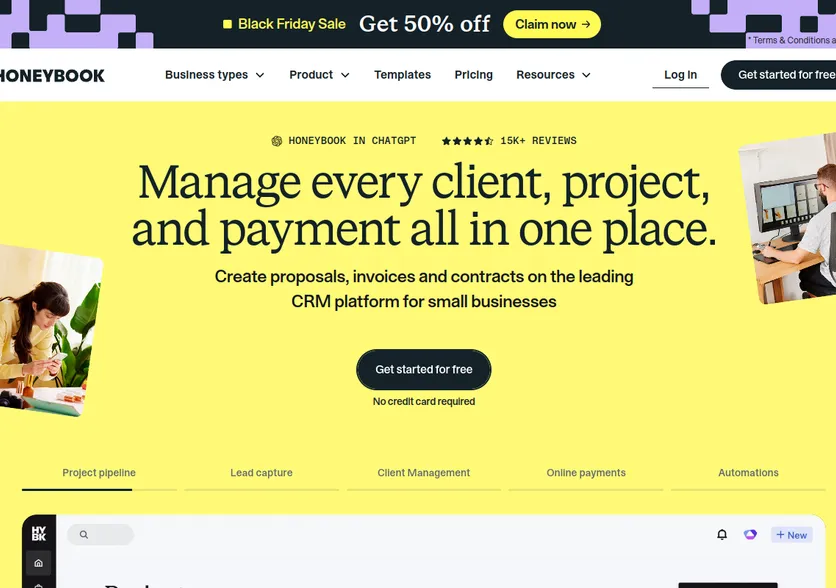
This HoneyBook plan ties payments to the client flow, with invoices and payment schedules built into the same proposal and contract the couple signs. Starter costs twenty-nine dollars a month billed yearly and covers unlimited clients and projects, a client portal and two live lead forms. Card payments start at two point seven percent plus ten cents per transaction on the fees page, though the plan table shows two point nine percent plus twenty-five cents, so confirm the rate at checkout.
What we like
- Payment schedules built into the proposal and contract
- Unlimited clients and projects on the entry plan
- Automatic reminders keep deposits arriving on time
Watch out for
- Scheduler and automations wait for the Essentials plan
- Two different card rates appear on the pricing page
How to try it
- Start the free trial and build one payment schedule end to end
- Set the deposit, second payment and balance dates before the contract goes out
- Turn on automatic reminders so late payers chase themselves
2. Dubsado
Best for: Wedding businesses that want flexible workflows with payments
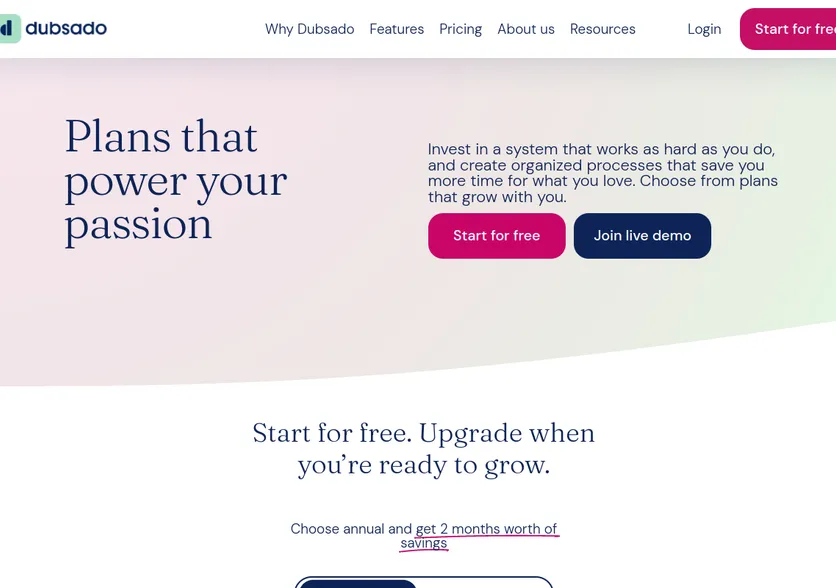
Paid tool Starting price: $35/month · Thirty-five dollars a month for Starter, or three hundred thirty-five dollars a year; Premier is fifty-five dollars a month or five hundred twenty-five dollars a year and adds scheduling, workflows and bookkeeping; the first three additional users are free
Free plan: No free plan; 21-day free trial, no card required
This Dubsado plan is the automation pick for a wedding business that likes to build its own payment process, with the most flexible workflow builder in this comparison. Starter costs thirty-five dollars a month or three hundred thirty-five dollars a year, and Premier costs fifty-five dollars a month or five hundred twenty-five dollars a year and adds scheduling, automated workflows and bookkeeping integration. Payment schedules, invoices and contracts all flow through the same workflow, and the first three additional users are free.
What we like
- Most flexible workflow builder in this comparison
- Payment schedules flow through the same workflow
- First three additional users are free
Watch out for
- Steeper learning curve than the guided tools here
- Scheduling and workflows wait for the Premier plan
How to try it
- Start the twenty-one-day trial on the full Premier plan
- Build one workflow that sends the invoice when the contract is signed
- Add the payment schedule with deposit and balance dates
3. 17hats
Best for: Solo wedding pros who want one flat plan with payment schedules
Paid tool Starting price: $50/month · Fifty dollars a month billed annually for the single all-inclusive plan, or six hundred dollars a year; sixty dollars a month on monthly billing and eight hundred dollars for two years; the subscription covers the owner and two other users, with each extra user at five dollars a month
Free plan: No free plan; 7-day free trial
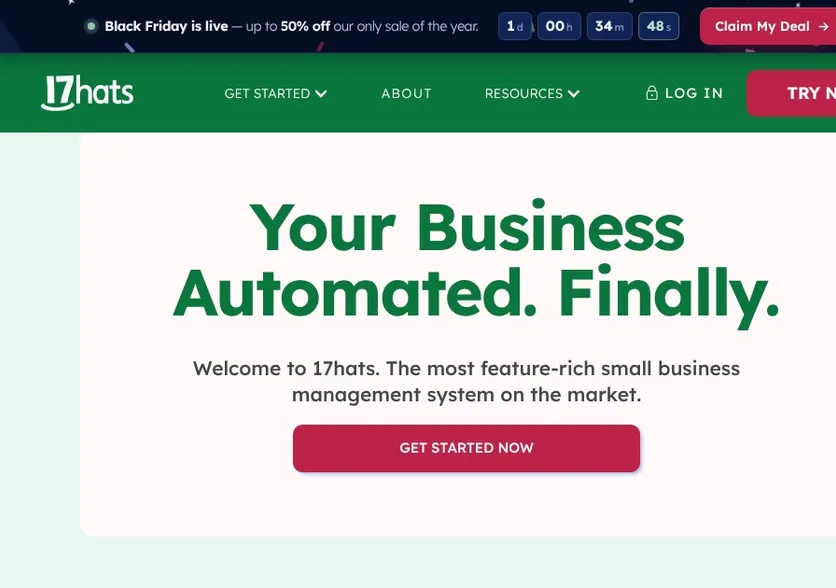
This 17hats plan is the budget all-in-one for a solo wedding business, with one flat plan instead of a tier maze. It costs fifty dollars a month billed annually, or sixty dollars a month on monthly billing, and eight hundred dollars for two years, and it covers quotes, contracts, a three-in-one document where leads select, sign and pay, invoices, payment schedules, recurring billing and a client portal. The subscription covers the owner and two other users, with each extra user at five dollars a month.
What we like
- One flat plan with no tier maze to learn
- Three-in-one document lets leads select, sign and pay
- Payment schedules and recurring billing included
Watch out for
- No vendor management tools on the features page
- Some add-ons cost extra on top of the flat plan
How to try it
- Start the seven-day trial and build one payment schedule
- Set up the three-in-one document for your next booking
- Turn on recurring billing for the retainer clients
4. Stripe
Best for: Wedding businesses that take most payments online
Paid tool Starting price: 2.9% + $0.30 · Two point nine percent plus thirty cents per successful domestic card charge online, with no monthly fee and no setup fee; in-person payments run two point seven percent plus five cents through Terminal; international cards add one point five percent
Free plan: No monthly fee; pay as you go
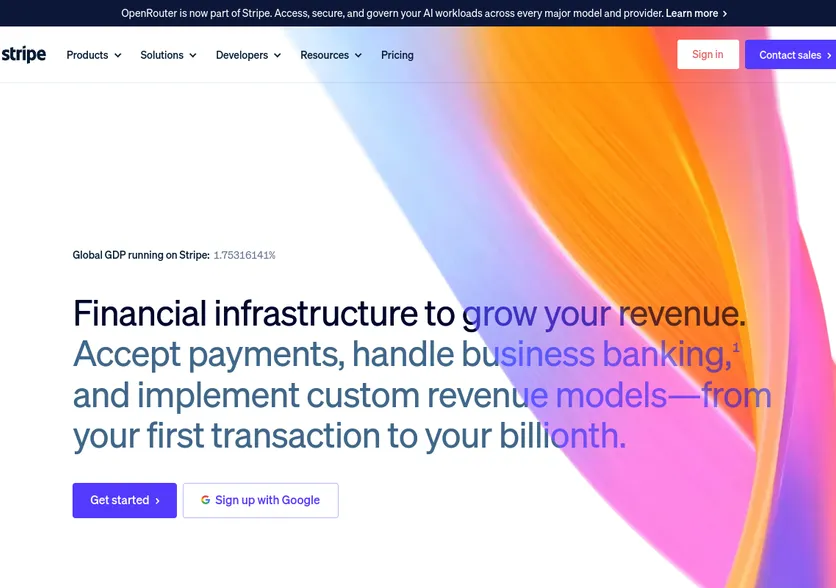
This Stripe plan is the default for online payments, and it is the cheapest online rate in this comparison at two point nine percent plus thirty cents per successful domestic card charge, with no monthly fee and no setup fee. The same integration covers payment links, invoicing, subscriptions and in-person payments through Terminal at two point seven percent plus five cents. A wedding business can send a payment link by email and get paid without building anything.
What we like
- Lowest online rate here with no monthly fee
- Payment links, invoicing and subscriptions in one place
- No setup fee and no charge for a disputed payment
Watch out for
- Billing, Tax and Radar are priced on top of the base rate
- Needs more setup than the all-in-one wedding tools
How to try it
- Open a Stripe account and create a payment link for the deposit
- Add the link to your invoice template so every bill is payable
- Turn on Smart Disputes before the first chargeback arrives
5. Square
Best for: Wedding vendors who take payments in person at the venue
Paid tool Starting price: 3.3% + $0.30 · Three point three percent plus thirty cents per online card payment on the Free plan, which costs zero dollars a month; in-person cards cost two point six percent plus fifteen cents; Plus at forty-nine dollars a month per location cuts the online rate to two point nine percent plus thirty cents
Free plan: Free plan with $0 a month; pay only when you take a payment
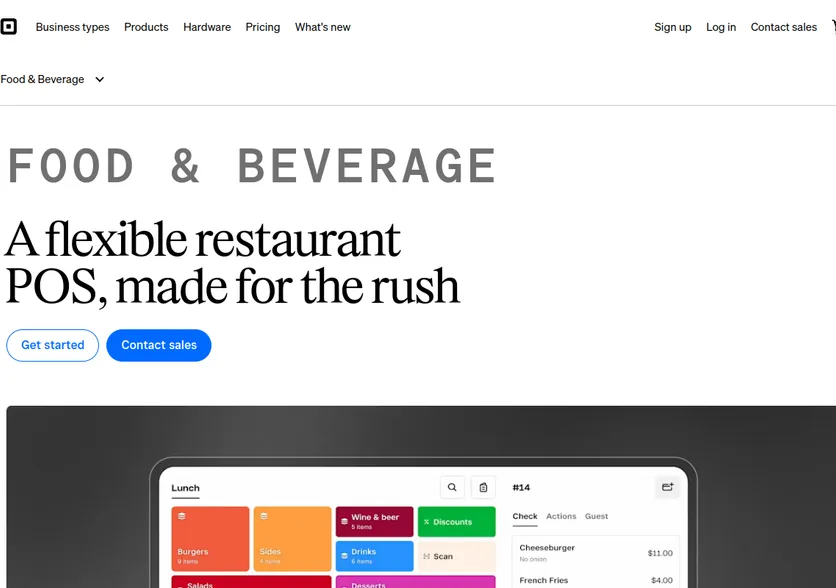
This Square plan is the in-person pick for a wedding vendor who takes cards at the venue, with the lowest flat in-person rate here at two point six percent plus fifteen cents on the Free plan. The Free plan costs zero dollars a month and includes the POS app, invoices, an online store and bookings, so a vendor can take a deposit online and the balance at the venue from the same account. Online card payments cost three point three percent plus thirty cents on the Free plan, which rose in January 2026.
What we like
- Lowest in-person rate here at two point six percent plus fifteen cents
- Free plan includes POS, invoices, store and bookings
- No monthly fee until you choose a paid plan
Watch out for
- Online rate is the highest here on the Free plan
- Plus costs forty-nine dollars a month per location
How to try it
- Open a free Square account and send the first invoice
- Take the balance in person with Tap to Pay on your phone
- Upgrade to Plus only when the online rate matters more than the fee
6. PayPal
Best for: Wedding vendors whose clients already trust the PayPal button
Paid tool Starting price: 2.99% + $0.49 · Two point nine nine percent plus forty-nine cents per standard card payment online, with no monthly fee; PayPal Checkout through the branded button costs three point four nine percent plus forty-nine cents; QR code transactions cost two point two nine percent plus nine cents
Free plan: No monthly fee; pay as you go
This PayPal plan earns its place on recognition alone, because buyers who already have a PayPal account can pay without reaching for a card, and that familiarity lifts conversion. A standard business account costs nothing a month, and standard card payments run two point nine nine percent plus forty-nine cents online. Invoicing reaches anyone with an email address, and QR payments cost two point two nine percent plus nine cents for a vendor who takes payments at the venue.
What we like
- Buyers trust the PayPal button at checkout
- Invoicing reaches anyone with an email address
- No monthly fee for a standard business account
Watch out for
- Branded Checkout costs more than the standard card rate
- Two online rates, so the buyer method changes what you pay
How to try it
- Open a business account and send the first invoice by email
- Add the PayPal button to your booking page for wallet buyers
- Check the rate on each payment type before you quote a couple
7. QuickBooks Online
Best for: Wedding businesses that need invoicing tied to the books
Paid tool Starting price: $38/month · Thirty-eight dollars a month for Simple Start, covering one user with invoicing, payments, bank feeds and basic reporting; Essentials is eighty-five dollars a month for three users and Plus is one hundred forty dollars a month for five users; card fees apply on invoice payments
Free plan: Free plan with limited invoices; Simple Start is $38 a month
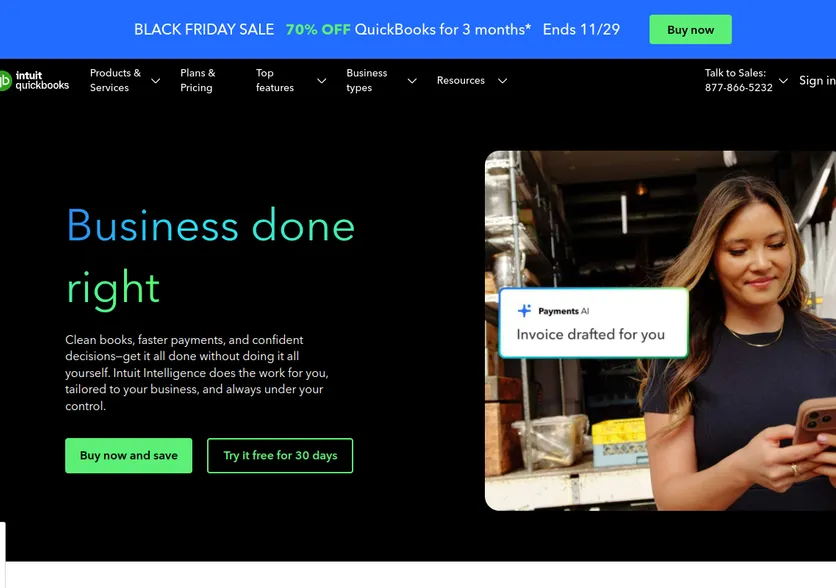
This QuickBooks Online plan is the bookkeeping pick for a wedding business that wants invoices tied to the accounts, not floating in a separate app. Simple Start costs thirty-eight dollars a month for one user and covers invoicing and payments, automated bank feeds, income and expense tracking and basic reporting. The price rose in August 2026, and the usual fifty percent off for three months for new customers is a first-term promotion, not the list price.
What we like
- Invoices tied to the books, not a separate app
- Bank feeds reconcile deposits automatically
- One user plus accountant seats on Simple Start
Watch out for
- Prices rise about once a year, usually in the summer
- Payroll and bill pay are priced as add-ons
How to try it
- Start Simple Start and connect the business bank account
- Send the first invoice with online payments turned on
- Reconcile the deposit against the bank feed the same week
8. Bonsai
Best for: Solo wedding pros who need contracts, invoices and payments in one app
Paid tool Starting price: $19/user/month · Nineteen dollars per user a month billed annually for Essentials, or twenty-five dollars billed monthly; covers invoicing with online payments, proposals, contracts, forms, the client portal and expense tracking
Free plan: No free plan; free trial available
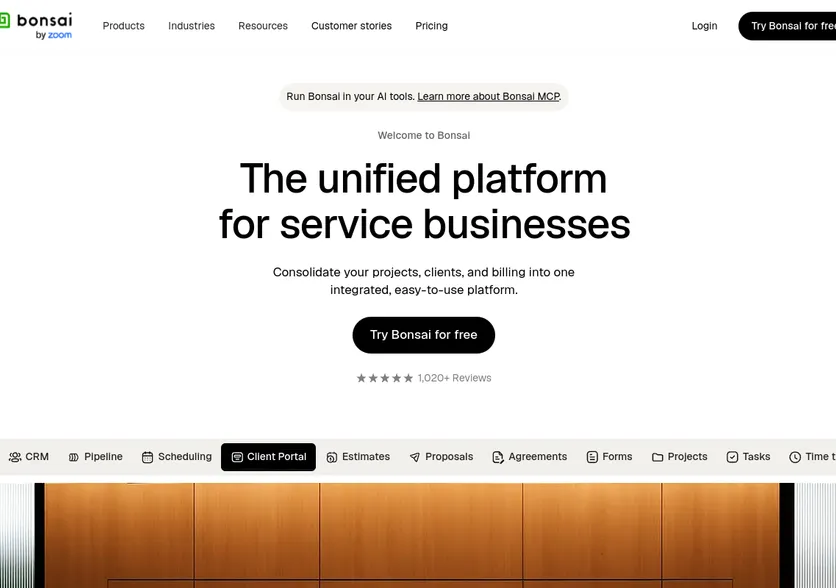
This Bonsai plan is the solo pick for a wedding professional who needs contracts, invoices and payments without a team plan. Essentials costs nineteen dollars per user a month billed annually, or twenty-five dollars billed monthly, and it covers invoicing with online payments, proposals, contracts, forms, the client portal and expense tracking. The price is per user, so a one-person business pays for one seat and nothing more.
What we like
- Cheapest per-user plan here for a solo business
- Contracts, invoices and payments in one app
- Expense tracking tied to each wedding project
Watch out for
- Priced per user, so a team pays for every seat
- No vendor management or planning tools built in
How to try it
- Start the trial and build one contract with its payment schedule
- Send the first invoice with online payments turned on
- Track the wedding expenses against the same project
Prices above were checked on each vendor’s own website on Nov 27, 2026 and can change — the vendor’s page is the final word. Vendor links are editorial: nobody paid to be listed or ranked here. Vendors who want a featured listing can see how it works on our Get listed page.
How a wedding business should collect vendor payments without chasing anyone
Put every payment on a dated schedule in the contract the couple signs. A deposit to hold the date, a second payment before the tasting and the balance before the day itself should each have their own invoice and due date. Automatic reminders do the chasing for you, and a payment link on every invoice means the couple can pay the moment they open the email.
Decide who carries the card fee before the first invoice goes out, and write it in the contract. A three percent fee on a ten-thousand-dollar wedding is three hundred dollars, and a surprise fee at checkout can cost the booking. Check the online rate against the in-person rate, because most wedding payments arrive through a link, and confirm refunds are easy, since weddings change plans.
Before you buy
- Check the online card rate, because most wedding payments arrive through a link, not a card reader
- Confirm payment schedules are included, because deposits and balances need different dates
- Make sure refunds and partial payments are easy, because weddings change plans
- Count the monthly fee against the processing rate at your real volume
- Check who carries the fee, because a three percent cut on a ten-thousand-dollar wedding is real money
Official websites
Official websites of the products reviewed above. Features and prices were checked against these sites when this guide was written, and they can change, so confirm on the vendor site before you buy.
Frequently asked questions
What is the cheapest way to take wedding payments?
Stripe is the cheapest online option at two point nine percent plus thirty cents per successful domestic card charge, with no monthly fee. Square is the cheapest in person at two point six percent plus fifteen cents on the Free plan, which costs zero dollars a month. PayPal standard card payments cost two point nine nine percent plus forty-nine cents online, with no monthly fee for a standard business account.
What is the best tool for wedding payment schedules?
HoneyBook is the strongest pick for wedding payment schedules, because invoices and payment schedules are built into the same proposal and contract the couple signs, with automatic reminders when a payment is late. Starter costs twenty-nine dollars a month billed yearly. Dubsado Premier also covers payment schedules, at fifty-five dollars a month or five hundred twenty-five dollars a year.
Should we charge the card fee to the couple?
Pass the fee to the couple when the ticket or package price is high enough that the fee is a small share, because the business then keeps the full price. Absorb it when the couple is price-sensitive or the contract already quotes an all-in price, because a surprise fee at checkout can cost the booking. Stripe and Square both let you choose per invoice, so decide once and apply it the same way every time.
How much does QuickBooks Online cost for a wedding business?
QuickBooks Online Simple Start costs thirty-eight dollars a month for one user, covering invoicing and payments, automated bank feeds, income and expense tracking and basic reporting. Essentials is eighty-five dollars a month for three users and Plus is one hundred forty dollars a month for five users. Card fees apply on invoice payments on top of the subscription.
Do these tools handle deposits and refunds?
Yes, HoneyBook, Dubsado and 17hats all handle deposits, balances and partial payments through payment schedules, and refunds are processed from the same invoice. Stripe and Square also handle partial payments and refunds from the payment link or invoice. Check the refund policy before you promise one, because card fees are usually not refunded when a payment is returned.
Compare the eight tools above, then collect one real deposit through the winner before the next wedding booking.
Browse Finance Calculators tools