On this page
A field technician finishes a job and should send the invoice before leaving the driveway, not after a long evening of paperwork. The eight tools below invoice from a phone, take card payments on site and track who has paid. Jobber leads because it is built for field service from the first screen, and the rest are ranked on the same test: how fast a technician can turn a finished job into money in the bank.
How we researched this
We checked every price on the vendor pricing page on November 28, 2026, and only included tools with a published US dollar list price. FieldPulse no longer publishes pricing tiers and sells by custom quote, so it is not in this list. Prices change, so confirm the current figure on the vendor site before you buy.
Compare the tools
| Name | Best for | Starting price | Free plan | |
|---|---|---|---|---|
 Invoice2go | Solo technicians who want the simplest invoicing app | $7.99/month | Free trial | Visit |
 FreshBooks | Technicians who track expenses and time as well as invoices | $23/month | 30-day free trial | Visit |
 Jobber | Field service teams that want quoting, scheduling and invoicing in one app | $29/month | 14-day free trial | Visit |
 Housecall Pro | Home service teams that dispatch technicians all day | $59/month | 14-day free trial | Visit |
 Service Fusion | Larger service companies running dozens of jobs a day | $192/month | 14-day free trial | Visit |
 Square Invoices | Technicians who want unlimited free invoicing with card payments | $0/month | Free plan | Visit |
| Zoho Invoice | Small teams that invoice under 500 times a year | $0/month | Free plan (forever free) | Visit |
 Wave | Technicians who want free invoicing with simple accounting | $0/month | Free plan (Starter) | Visit |
The mobile invoicing software for field technicians, compared
1. Invoice2go
Best for: Solo technicians who want the simplest invoicing app
Paid tool Starting price: $7.99/month · Seven dollars and ninety-nine cents a month on the Starter plan, or $79.99 a year, covering 30 invoices a year; Professional is $11.99 a month and Premium is $44.99 a month with unlimited invoices. A vendor-supplied listing shows $5.99 a month on the web, while the App Store shows $7.99, so confirm at checkout. Invoice2go is now part of BILL
Free plan: Free trial
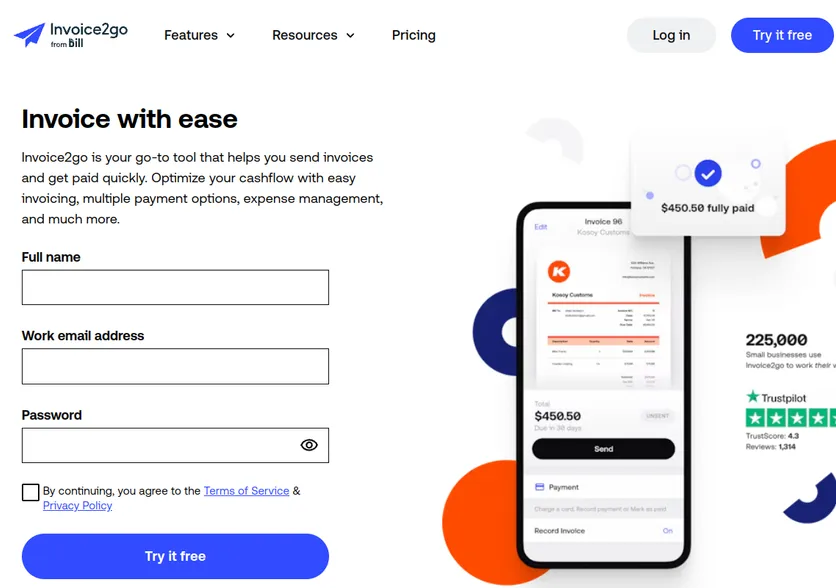
This Invoice2go plan costs seven dollars and ninety-nine cents a month, and it is the simplest invoicing app in this list. It creates professional invoices from a phone in a minute, sends them by email or text, and takes card payments on the spot. A solo technician who just needs to bill fast will find nothing in the way.
What we like
- The simplest invoicing app in this list
- Invoices sent by email or text from a phone
- Card payments taken on the spot
Watch out for
- The Starter plan covers only 30 invoices a year
- Listings disagree on the Starter price, so confirm at checkout
How to try it
- Sign up and create the first invoice from a phone
- Add the customer and send the invoice by email or text
- Take a card payment on site and check it arrived
2. FreshBooks
Best for: Technicians who track expenses and time as well as invoices
Paid tool Starting price: $23/month · Twenty-three dollars a month on the Lite plan; Plus is $43 a month and Premium is $70 a month. A $1 a month first-year promotion is not the list price. Lite covers five billable clients, and extra team members cost $11 a month each. Annual billing saves about 10 percent, at $248.40 a year
Free plan: 30-day free trial
This FreshBooks plan costs twenty-three dollars a month, and it pairs invoicing with expenses and time tracking in one place. It sends invoices from a phone, reminds customers who have not paid, and shows which jobs actually made money. A technician who also tracks mileage and materials will get more from FreshBooks than from an invoicing-only app.

What we like
- Invoicing, expenses and time tracking in one place
- Automatic payment reminders for late customers
- Clear profit reporting per job and per client
Watch out for
- The Lite plan covers only five billable clients
- Extra team members cost $11 a month each
How to try it
- Start a trial and create the first invoice from a phone
- Add expenses and time to the jobs they belong to
- Turn on payment reminders and check the profit report
3. Jobber
Best for: Field service teams that want quoting, scheduling and invoicing in one app
Paid tool Starting price: $29/month · Twenty-nine dollars a month billed annually on the Core plan; higher tiers add more users, quotes and automation. Jobber is built for field service, so invoicing is one part of a full job workflow
Free plan: 14-day free trial
This Jobber plan costs twenty-nine dollars a month on annual billing, and it is the most complete field service tool in this list. It quotes a job, schedules it, tracks the visit and invoices the customer from the same app, so nothing gets retyped. A technician can finish a job, send the invoice and take payment before leaving the site.

What we like
- Quoting, scheduling, invoicing and payments in one place
- Built for field service from the first screen
- Online booking and customer reminders included
Watch out for
- More than an invoicing-only app, so it costs more
- The full power needs the team to use the whole workflow
How to try it
- Start a trial and create a quote for the next job
- Schedule the visit and track it in the app
- Invoice the customer on site and take payment before leaving
4. Housecall Pro
Best for: Home service teams that dispatch technicians all day
Paid tool Starting price: $59/month · Fifty-nine dollars a month billed annually on the Basic plan; higher tiers add more users, automation and marketing tools. Housecall Pro is built for home service businesses, so invoicing sits inside a full job workflow
Free plan: 14-day free trial
This Housecall Pro plan costs fifty-nine dollars a month on annual billing, and it is built for home service businesses. It schedules jobs, dispatches technicians, sends invoices and takes payments from one app, with text reminders that cut no-shows. A team that visits homes all day will use the dispatch and messaging features as much as the invoicing.

What we like
- Scheduling, dispatch, invoicing and payments in one app
- Text reminders that cut no-shows
- Built for home service businesses
Watch out for
- Costs more than invoicing-only tools
- The full power needs the team to use the whole workflow
How to try it
- Start a trial and add the team and its service areas
- Schedule jobs and dispatch technicians from the app
- Invoice on site and take payment before leaving
5. Service Fusion
Best for: Larger service companies running dozens of jobs a day
Paid tool Starting price: $192/month · One hundred and ninety-two dollars a month billed annually on the Starter plan, or two hundred and twenty-five dollars month to month; higher tiers add more users and features. Some third-party listings show $208 or $245 a month, which the vendor pricing page does not support
Free plan: 14-day free trial
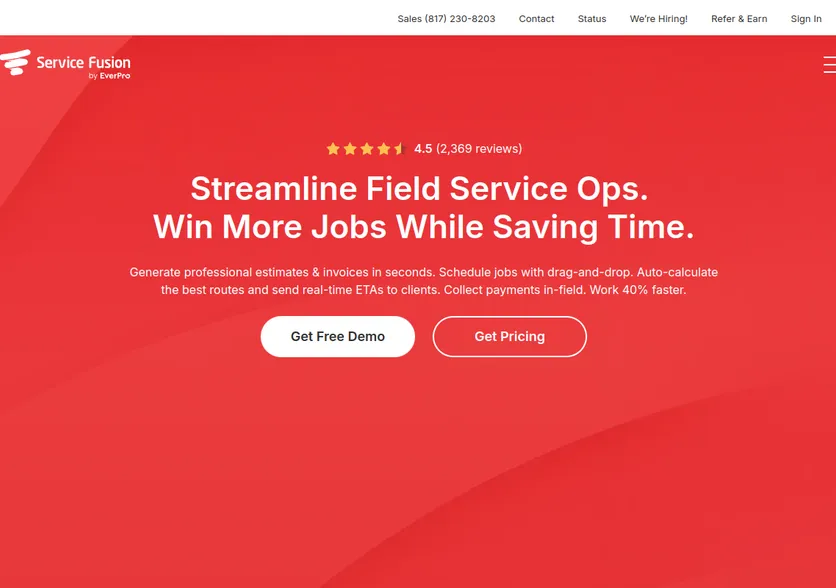
This Service Fusion plan costs one hundred and ninety-two dollars a month on annual billing, and it is the most powerful field service platform in this list. It handles scheduling, dispatch, estimating, invoicing and payments for teams that run dozens of jobs a day. A larger service company will use the depth, but a solo technician should start cheaper.
What we like
- The most powerful field service platform in this list
- Scheduling, dispatch, estimating and invoicing in one place
- Built for teams that run many jobs every day
Watch out for
- The highest price in this list by a wide margin
- Too much tool for a solo technician
How to try it
- Start a trial and add the team and its service areas
- Set up scheduling and dispatch for the next week of jobs
- Invoice on site and check payments in the dashboard
6. Square Invoices
Best for: Technicians who want unlimited free invoicing with card payments
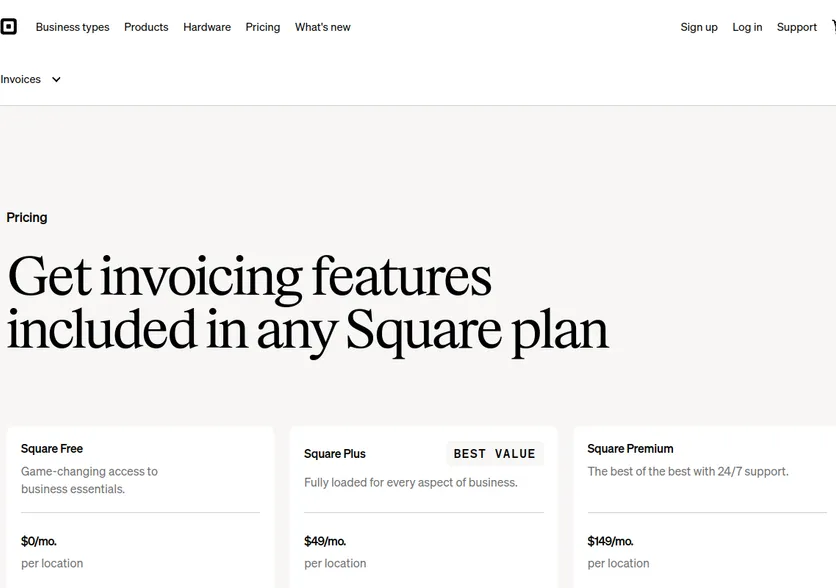
Paid tool Starting price: $0/month · Zero dollars a month for the free plan, with unlimited invoices and no monthly fee; card-paid invoices cost 3.3 percent plus thirty cents each, and Plus is $30 a month on the vendor invoices pricing page. One listing shows Plus at $49 a month under unified Square plans, which the invoices page does not support
Free plan: Free plan
This Square Invoices plan costs nothing a month, and it is the best free invoicing tool in this list. It sends unlimited invoices from a phone, takes card payments on site and tracks who has paid, with no monthly fee at all. A technician only pays when a customer pays by card, which makes it the safest start for a new business.
What we like
- Free with unlimited invoices and no monthly fee
- Card payments taken on site from a phone
- Automatic reminders for unpaid invoices
Watch out for
- Card payments cost 3.3 percent plus thirty cents each
- Listings disagree on the Plus plan price
How to try it
- Sign up for free and create the first invoice from a phone
- Send it to the customer and take a card payment on site
- Turn on reminders and check who has paid
7. Zoho Invoice
Best for: Small teams that invoice under 500 times a year
Paid tool Starting price: $0/month · Zero dollars a month, forever free, with no paid plans at all; the free plan covers two users, 500 invoices a year and three projects. There is nothing to upgrade to, which is both the strength and the limit of the tool
Free plan: Free plan (forever free)
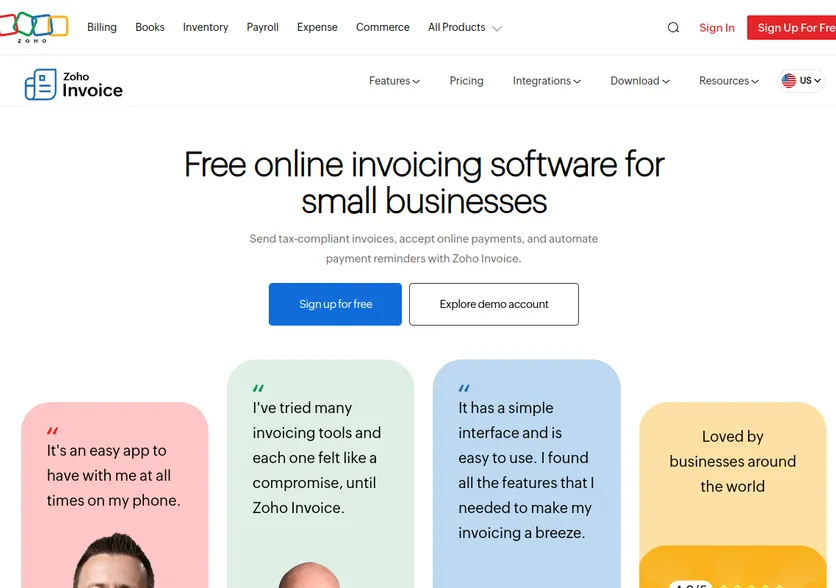
This Zoho Invoice plan costs nothing a month, because it is free forever with no paid plans at all. It creates professional invoices, tracks expenses and time, and sends payment reminders from a phone. A small team that invoices under five hundred times a year will never pay a cent, which is hard to beat.
What we like
- Completely free with no paid plans at all
- Professional invoices with expenses and time tracking
- Payment reminders and customer portal included
Watch out for
- Limited to two users and 500 invoices a year
- No paid tier to grow into when the team gets bigger
How to try it
- Sign up for free and create the first invoice from a phone
- Add the customer and send the invoice by email
- Turn on reminders and check who has paid
8. Wave
Best for: Technicians who want free invoicing with simple accounting
Paid tool Starting price: $0/month · Zero dollars a month on the Starter plan, with unlimited invoices; Pro is $19 a month, or $190 a year. Card payments cost 2.9 percent plus sixty cents each on Starter, or 2.9 percent plus no fixed fee for the first ten a month on Pro. One source shows Pro at $16 a month, which other November 2026 reads do not support
Free plan: Free plan (Starter)
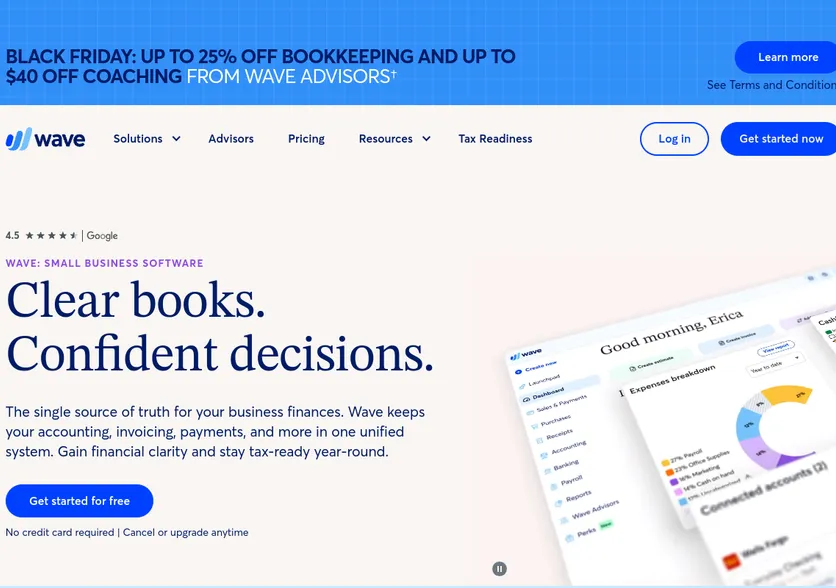
This Wave plan costs nothing a month, and it pairs free invoicing with accounting in one place. It sends unlimited invoices from a phone, tracks income and expenses, and takes card payments on site. A technician who also needs simple bookkeeping will get more from Wave than from an invoicing-only app.
What we like
- Free with unlimited invoices and no monthly fee
- Simple accounting and expense tracking included
- Card payments taken on site from a phone
Watch out for
- Card payments cost 2.9 percent plus sixty cents each
- One listing shows a lower Pro price that other reads do not support
How to try it
- Sign up for the free Starter plan and create an invoice
- Send it to the customer and take a card payment on site
- Connect a bank account and track income and expenses
Prices above were checked on each vendor’s own website on Nov 28, 2026 and can change — the vendor’s page is the final word. Vendor links are editorial: nobody paid to be listed or ranked here. Vendors who want a featured listing can see how it works on our Get listed page.
How a technician gets paid before leaving the job site
Send the invoice while the customer is still happy, because every hour that passes makes payment slower. Build the invoice on the phone before the job starts, fill in the work as it happens, and send it from the driveway with a card payment link attached. Turn on automatic reminders so the tool chases late payers instead of the technician, and check the paid list every Friday to catch anything that slipped through. Finally, keep the invoice template simple, because a customer who can read the bill in ten seconds will pay it faster than one who has to decode it.
Before you buy
- Build the invoice on the phone before the job starts
- Send the invoice from the driveway with a payment link attached
- Turn on automatic reminders so late payers get chased for you
- Check the paid list every Friday to catch anything unpaid
- Keep the invoice template simple so customers pay fast
Official websites
Official websites of the products reviewed above. Features and prices were checked against these sites when this guide was written, and they can change, so confirm on the vendor site before you buy.
Frequently asked questions
What is mobile invoicing software for field technicians?
It is software that creates and sends invoices from a phone, takes card payments on site, and tracks who has paid. A technician can finish a job, build the invoice, send it to the customer and take payment before leaving the site. The tools in this list range from free invoicing apps to full field service platforms, and the best fit depends on how many jobs the team runs and whether it also needs scheduling.
How much does mobile invoicing software cost?
Entry prices in this list run from zero dollars a month on Square Invoices, Zoho Invoice and Wave to one hundred and ninety-two dollars a month on Service Fusion, billed annually. Most tools charge a monthly fee, while the free tools earn money from card payment fees of about three percent plus thirty cents per transaction. Free plans exist on three tools, so a technician can start without paying.
Can I take card payments on site?
Yes, every tool in this list takes card payments on site, either through its own reader or through a payment link in the invoice. Square Invoices and Wave charge a processing fee of about three percent per card payment, while Jobber, Housecall Pro and Service Fusion include payments in their field service platforms. A technician who takes card payments every day should compare the processing fee, not just the monthly price.
Which tool is best for a solo technician?
Square Invoices is the best free start, with unlimited invoices and no monthly fee, while Invoice2go is the simplest paid app at seven dollars and ninety-nine cents a month. Zoho Invoice is completely free for teams invoicing under five hundred times a year. A solo technician should start free and only pay when the business needs scheduling or a full field service platform.
Do I need a field service platform or just invoicing?
Just invoicing is enough for a solo technician who schedules jobs by phone or text, and Square Invoices, Zoho Invoice or Wave will do the job for free. A team that runs many jobs a day needs Jobber, Housecall Pro or Service Fusion, which add quoting, scheduling, dispatch and payments in one app. Start with invoicing and upgrade when scheduling becomes the bottleneck, not before.
Compare the eight tools above, then start with the free plan or trial on the tool that fits how many jobs the team runs each day before you pay for a full year.
Browse Business Tools tools