On this page
How we researched this
We picked tools that are actively sold to freelancers, with prices published on the vendor's own site and checked on 2026-11-26. We favoured tools with a free plan or a cheap entry tier, because invoicing is the first thing a new freelancer needs and the last thing they should overpay for. We dropped vendors that only quote prices on request, and we ignored every promo price on the pages we read — the figures below are the list prices you will actually pay.
Compare the tools
| Name | Best for | Starting price | Free plan | |
|---|---|---|---|---|
 Invoice Ninja | Freelancers who want the best free plan in invoicing | $14/month | Free plan (free for up to 5 clients, unlimited invoicing) | Visit |
 FreshBooks | Freelancers who live on invoices and client work | $23/month | Free trial (30-day free trial) | Visit |
 Wave | Freelancers who want solid invoicing for almost nothing | $19/month | Free plan (Starter plan is free, unlimited invoices) | Visit |
| Invoicely | Freelancers who want the cheapest paid invoicing plan | $9.99/month | Free plan (free for 5 invoices a month, 3 clients) | Visit |
 Hiveage | Freelancers who want unlimited invoices on a free plan | $19/month | Free plan (free for up to 5 clients, unlimited invoices) | Visit |
| Billdu | Freelancers who want the cheapest way to look professional | $7.99/month | Free trial (7-day free trial, no credit card) | Visit |
 Square Invoices | Freelancers who take card payments in person and online | $0/month | Free plan (Square Free, $0/month; processing fees apply) | Visit |
 HoneyBook | Creative freelancers who sell projects, not hours | $29/month | Free trial (all plans start with a free trial) | Visit |
The 8 best invoicing software tools for freelancers
1. Invoice Ninja
Best for: Freelancers who want the best free plan in invoicing
Paid tool Starting price: $14/month · Ninja Pro, $14/month billed monthly; $140/year billed annually
Free plan: Free plan (free for up to 5 clients, unlimited invoicing)
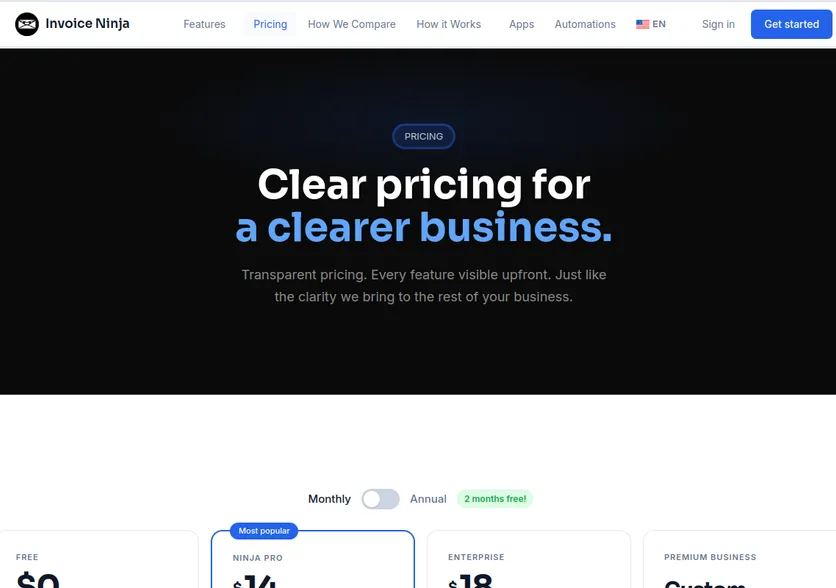
Invoice Ninja is the rare invoicing tool whose free plan is genuinely useful: up to 5 clients with unlimited invoicing, recurring billing and deposits, with no credit card required. The Ninja Pro plan costs $14 a month and removes the client cap while adding 11 invoice templates, custom designs, automatic payment reminders and Zapier integrations. It is open source at heart, with native apps for every platform, which makes it the best value pick here.
What we like
- Best free plan in this roundup
- Unlimited invoicing even on the free tier
- Open source with apps for every platform
Watch out for
- Free plan caps you at 5 clients
- Bank account sync needs the Enterprise plan
How to try it
- Sign up free and add your first client
- Create an invoice and connect Stripe or PayPal
- Turn on recurring billing for retainer clients
2. FreshBooks
Best for: Freelancers who live on invoices and client work
Paid tool Starting price: $23/month · Lite plan, $23 a month billed monthly; $19 a month billed annually; Plus is $43 a month
Free plan: Free trial (30-day free trial)
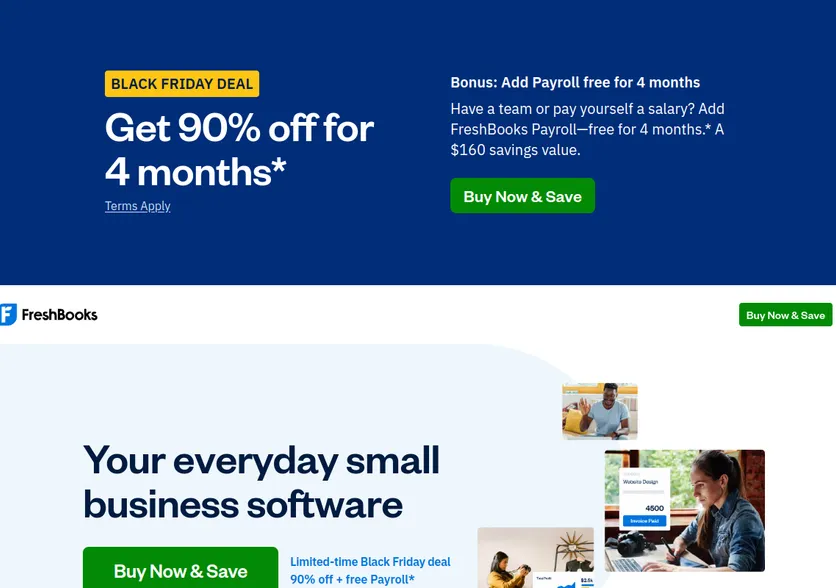
FreshBooks turns invoicing into the easiest part of your freelance day: its Lite plan costs $23 a month, covers 5 billable clients and sends polished, branded invoices that clients can pay online in one click. It also tracks time and expenses against each invoice, so the hours you bill match the hours you worked. Automatic late-payment reminders chase overdue invoices for you, which is the feature freelancers say pays for the subscription on its own.
What we like
- Best invoicing experience for freelancers
- Professional templates and client portal
- Automatic reminders chase late payments for you
Watch out for
- Lite caps you at 5 billable clients
- Extra team members cost $11 per person per month
How to try it
- Create an account and add your first client
- Send an invoice with your branding and payment link
- Set up automatic late payment reminders
3. Wave
Best for: Freelancers who want solid invoicing for almost nothing
Paid tool Starting price: $19/month · Pro plan, $19/month per business; Starter plan is free
Free plan: Free plan (Starter plan is free, unlimited invoices)
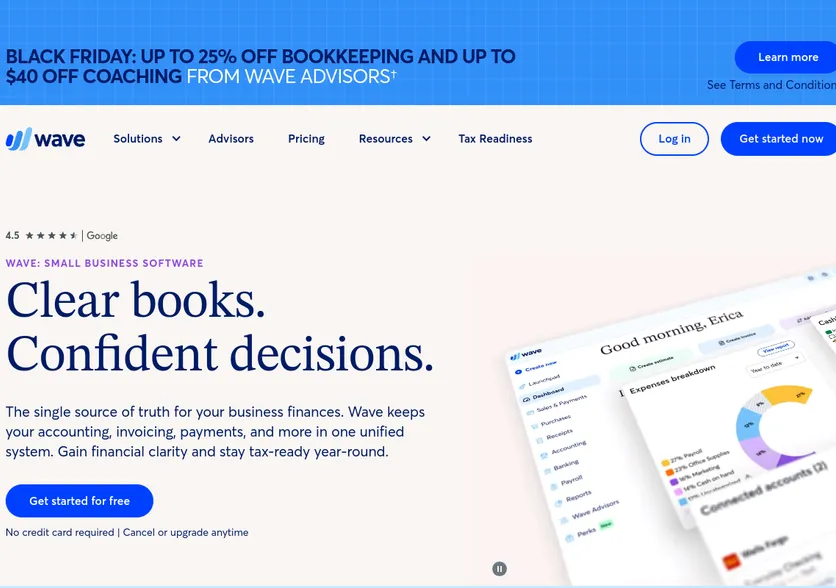
Wave is the cheapest serious way to invoice as a freelancer, because its free Starter plan includes unlimited invoices, estimates and bookkeeping records with no monthly fee at all. Upgrading to Pro at $19 a month adds automatic bank imports, receipt capture and late payment reminders, plus cheaper card processing. You only pay processing fees when clients pay by card, so a freelancer with low volume can run the whole business on Wave for almost nothing.
What we like
- Free Starter plan with unlimited invoicing
- Pro adds bank imports for $19 a month
- No monthly fee unless you upgrade to Pro
Watch out for
- Receipt capture costs extra on Starter
- Payroll is a separate add-on from $25 a month
How to try it
- Sign up and create your first invoice for free
- Add your bank to auto-import transactions on Pro
- Turn on online payments to get paid by card
4. Invoicely
Best for: Freelancers who want the cheapest paid invoicing plan
Paid tool Starting price: $9.99/month · Basic plan, $9.99/month; Professional is $19.99/month
Free plan: Free plan (free for 5 invoices a month, 3 clients)
Invoicely is a simple, no-frills invoicing tool with a generous free plan and the cheapest paid tier in this roundup. The Basic plan costs under $10 a month and covers 100 invoices a month, 25 saved clients, estimates, recurring invoices and card payments. The free plan allows 5 invoices a month for 3 clients with PayPal payments, which is enough to test the tool on real work before you pay anything.
What we like
- Cheapest paid plan in this roundup
- Simple interface with no learning curve
- Free plan needs no credit card
Watch out for
- Basic caps you at 100 invoices and 25 clients
- Smaller feature set than FreshBooks or Wave
How to try it
- Sign up free and add a client
- Create and send your first invoice
- Upgrade to Basic when you pass 5 invoices a month
5. Hiveage
Best for: Freelancers who want unlimited invoices on a free plan
Paid tool Starting price: $19/month · Basic plan, $19/month monthly billing; annual billing saves up to 17%
Free plan: Free plan (free for up to 5 clients, unlimited invoices)
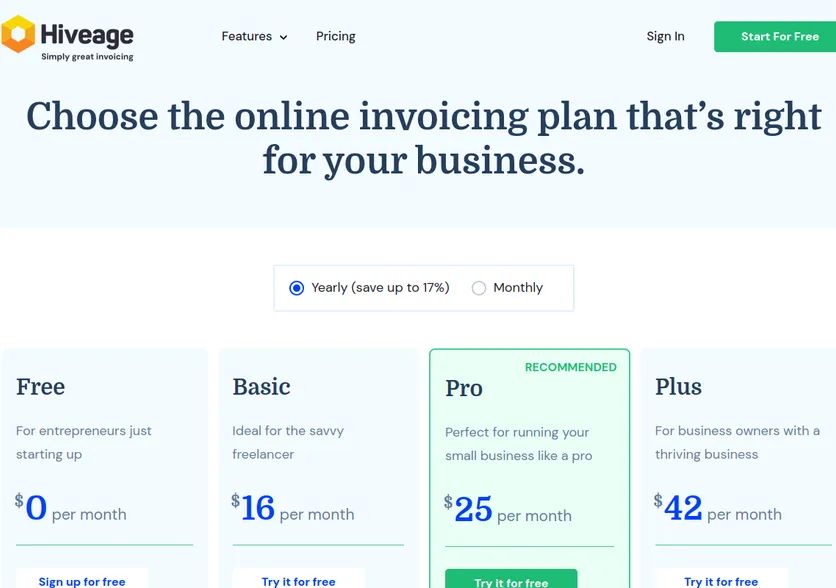
Hiveage is built for freelancers and small service businesses, with a free plan that allows unlimited invoices, estimates, time tracking and expense tracking for up to 5 clients. The Basic plan costs $19 a month and lifts the cap to 50 clients while adding recurring billing and financial reports. It connects to more than a dozen payment gateways, so clients can pay by card, PayPal or bank transfer without you changing how you work.
What we like
- Unlimited invoices on the free plan
- Connects to a dozen payment gateways
- Native iOS and Android apps included
Watch out for
- Automatic reminders need the $29 Pro plan
- Client caps force upgrades as your list grows
How to try it
- Sign up free and add your first clients
- Send an invoice and connect a payment gateway
- Upgrade to Basic when you pass 5 clients
6. Billdu
Best for: Freelancers who want the cheapest way to look professional
Paid tool Starting price: $7.99/month · Lite plan, $7.99/month monthly billing; $4.99/month on the annual plan
Free plan: Free trial (7-day free trial, no credit card)
Billdu is a straightforward invoice maker for small businesses, with unlimited invoices, expense tracking and client signatures on every plan. The Lite plan costs under $8 a month billed monthly and covers 10 clients, which is enough for a freelancer with a small, steady client list. The Standard plan at $14.99 a month adds estimates, payment reminders and receipts for 50 clients, which suits freelancers who send a lot of quotes.
What we like
- Cheapest monthly price in this roundup
- Unlimited invoices on every plan
- Client signature capture built in
Watch out for
- Lite caps you at 10 clients
- No free plan, only a 7-day trial
How to try it
- Start a free trial and add your business details
- Create an invoice from a template and send it
- Track the invoice status until it is paid
7. Square Invoices
Best for: Freelancers who take card payments in person and online
Paid tool Starting price: $0/month · Square Free plan, $0/month per location; online card processing 3.3% + 30¢ per payment
Free plan: Free plan (Square Free, $0/month; processing fees apply)
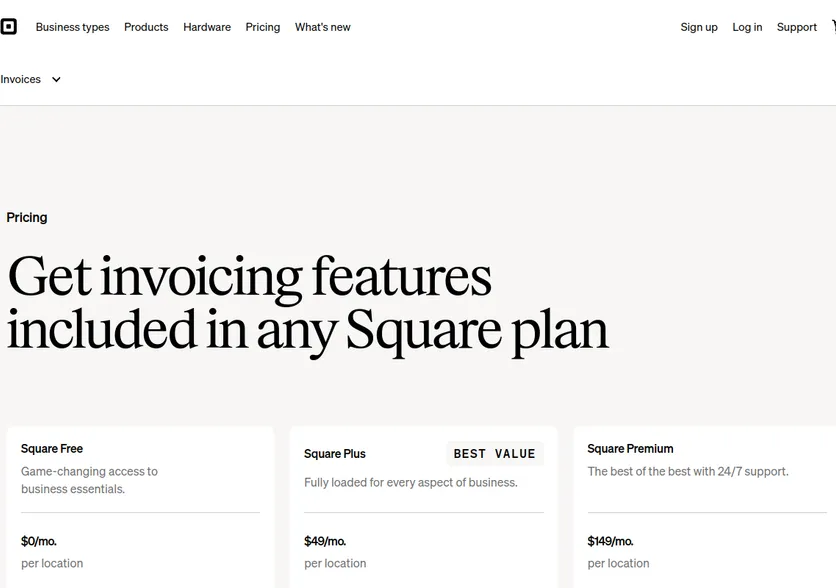
Square Invoices is the invoicing arm of Square, and it is free: the Square Free plan costs $0 a month per location and includes unlimited invoices, recurring invoices, estimates and contracts. You only pay processing fees when a client pays — 3.3 percent plus 30 cents per online payment. It is the best pick for freelancers who meet clients in person, because the same account takes tap, chip and card payments on the spot.
What we like
- Invoicing is free — you only pay processing fees
- Takes card payments in person and online
- Estimates and contracts included free
Watch out for
- Processing fees apply to every card payment
- Custom templates need the $49 Plus plan
How to try it
- Create a Square account and set up your business
- Send an invoice with a payment link or take a card in person
- Set up recurring invoices for retainer clients
8. HoneyBook
Best for: Creative freelancers who sell projects, not hours
Paid tool Starting price: $29/month · Starter plan, $29/month billed annually; $36 month-to-month
Free plan: Free trial (all plans start with a free trial)
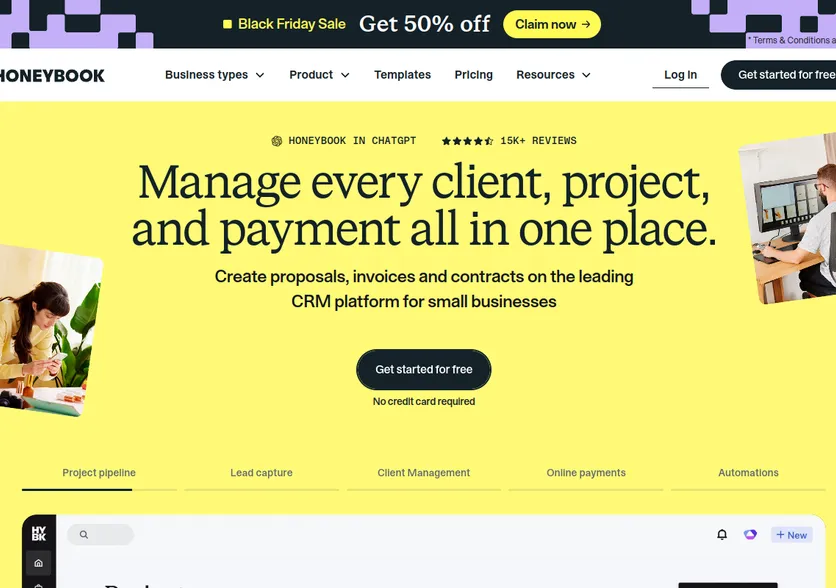
HoneyBook is less an invoicing tool and more a client business platform: proposals, contracts, invoices, scheduling and payments in one flow, which suits photographers, designers and event planners. The Starter plan costs $29 a month billed annually and covers unlimited clients and projects with invoices, proposals and contracts. Clients can book, sign and pay from a single file, which cuts the back-and-forth that usually delays payment.
What we like
- Proposals, contracts and payments in one file
- Built for creative client businesses
- Client portal that looks professional
Watch out for
- Priciest invoicing-only option here
- Essentials at $49 a month adds the useful automations
How to try it
- Start a trial and set up your service packages
- Send a proposal that clients can sign and pay in one file
- Track the project from booking to final payment
Prices above were checked on each vendor’s own website on Nov 26, 2026 and can change — the vendor’s page is the final word. Vendor links are editorial: nobody paid to be listed or ranked here. Vendors who want a featured listing can see how it works on our Get listed page.
How to pick invoicing software as a freelancer
Start with your real numbers: how many clients you bill and how many invoices you send each month. The cheapest plan often has a cap that forces an upgrade within months, so read the limits before the price. Then check how clients pay — card processing fees often cost more than the subscription itself, so compare the full cost, not just the monthly fee. Finally, send a real invoice on the free plan or trial: if the template looks professional and the client can pay in one click, you have found your tool.
Before you buy
- Check the client or invoice cap — cheap plans often limit how many clients you can bill
- Confirm your payment gateway works and check its processing fee
- Make sure recurring invoices and payment reminders are included
- Check whether the invoice branding can be removed on your plan
- Test the client portal yourself — clients will judge you by it
Official websites
Official websites of the products reviewed above. Features and prices were checked against these sites when this guide was written, and they can change, so confirm on the vendor site before you buy.
Frequently asked questions
What is the best invoicing software for freelancers?
Invoice Ninja is the best value: a genuinely useful free plan and a Pro plan at $14 a month with unlimited clients. FreshBooks is the easiest to use and the most professional, at $23 a month for Lite. Wave is the best free option, with unlimited invoicing on its free Starter plan, and Square Invoices is free too if you already take card payments.
Is there free invoicing software for freelancers?
Yes. Wave's Starter plan is free with unlimited invoices, Invoice Ninja is free for up to 5 clients with unlimited invoicing, and Hiveage is free for up to 5 clients as well. Square Invoices is free and only charges processing fees when clients pay by card. Invoicely is free for 5 invoices a month. Free plans cover the basics well, though automatic reminders and bank imports usually need a paid plan.
How much does Invoice Ninja cost per month?
Invoice Ninja Pro costs $14 a month billed monthly, or $140 a year billed annually, which works out to about $11.67 a month. The free plan covers up to 5 clients with unlimited invoicing, so you only need Pro when your client list grows past five. Enterprise starts at $18 a month for 1 to 2 users and adds bank sync and e-invoicing.
How do I choose invoicing software as a freelancer?
Start with how many clients and invoices you handle each month, because the cheapest plans all have caps — FreshBooks Lite allows 5 clients, Invoicely Basic allows 100 invoices. Then check how clients pay you: if they pay by card, compare processing fees, because they often cost more than the subscription. Finally, send a real invoice on the free plan or trial before you commit.
Do freelancers really need invoicing software?
Yes, if you invoice clients regularly. Invoicing software saves hours on creating, sending and chasing invoices, and it gives you clean records for tax time. A free plan from Wave, Invoice Ninja or Hiveage covers the basics at no cost, so there is little reason to build invoices in a spreadsheet once your client list grows past a handful of names.
Running the numbers on your freelance income? Try Toolsvine's free finance calculators for tax, pay and budgeting — right in your browser.
Browse Finance Calculators tools