On this page
Zoho Invoice is free for small businesses, which makes it hard to beat on price — but free stops being enough when the business needs nicer invoices, better time tracking, contracts or real bookkeeping. Below are the seven Zoho Invoice alternatives freelancers and small businesses actually buy, compared on price, invoice limits, payments and the free plan each one carries, with every price checked on the vendor site on November 26, 2026. FreshBooks is our first pick, the invoicing tool with the nicest templates and the least friction.
How we researched this
We started with the invoicing and accounting tools freelancers actually buy instead of Zoho Invoice, then read each price on the vendor site on November 26, 2026 and noted the free plan or trial each one carries. We kept only tools with a published price, dropped several names with no verifiable pricing, and judged each one for a freelancer or small business that wants to send professional invoices and get paid on time.
Compare the tools
| Name | Best for | Starting price | Free plan | |
|---|---|---|---|---|
 FreshBooks | Freelancers who want the nicest invoices with the least effort | $23/month | Free trial | Visit |
 QuickBooks Online | Small businesses that want the most complete bookkeeping | $38/month | Free plan | Visit |
 Xero | Small businesses that want unlimited users at a flat price | $27/month | Free trial | Visit |
 Wave | Very small businesses that want invoicing for almost nothing | $19/month | Free plan | Visit |
 Invoice Ninja | Freelancers who want unlimited clients at a low price | $14/month | Free plan | Visit |
 HoneyBook | Creative freelancers who sell projects, not hours | $29/month | Free trial | Visit |
 Bonsai | Freelancers who want contracts, time tracking and invoices together | $15/month | Free trial | Visit |
The Zoho Invoice alternatives, compared
1. FreshBooks
Best for: Freelancers who want the nicest invoices with the least effort
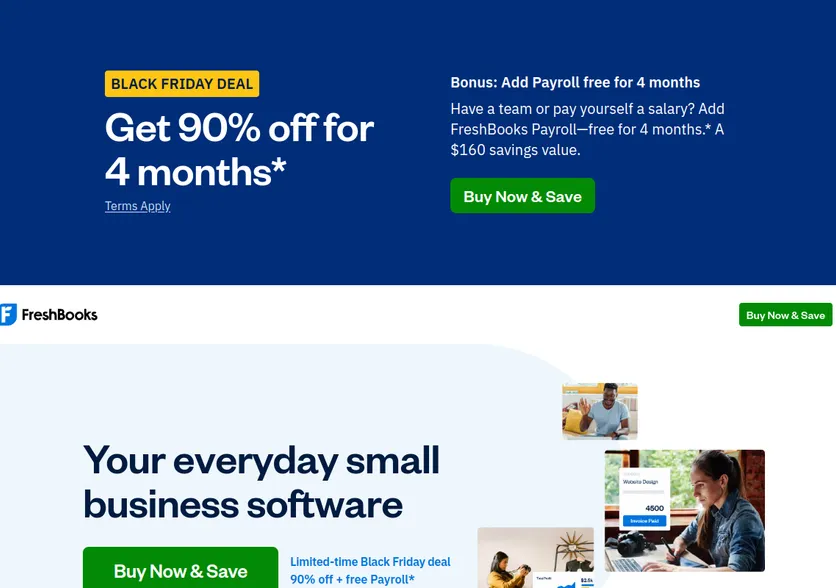
Paid tool Starting price: $23/month · Lite plan, $23 a month for 5 billable clients; Plus $43, Premium $70
Free plan: Free trial
FreshBooks is the invoicing tool freelancers love most, with clean templates, time tracking, expenses and online payments in one calm interface. It suits solo workers who send a handful of invoices a month and want them to look professional without fiddling with settings. The FreshBooks Lite plan bills monthly and covers five billable clients, with Plus and Premium above it for busier freelancers.
What we like
- The nicest invoice templates on this list
- Time tracking and expenses built in
- Clients can pay online from the invoice
Watch out for
- Lite caps you at five billable clients
- Extra team members cost more per month
How to try it
- Open freshbooks.com/pricing and start the free trial
- Add your clients and your branding to an invoice
- Send the first invoice and turn on payment reminders
2. QuickBooks Online
Best for: Small businesses that want the most complete bookkeeping
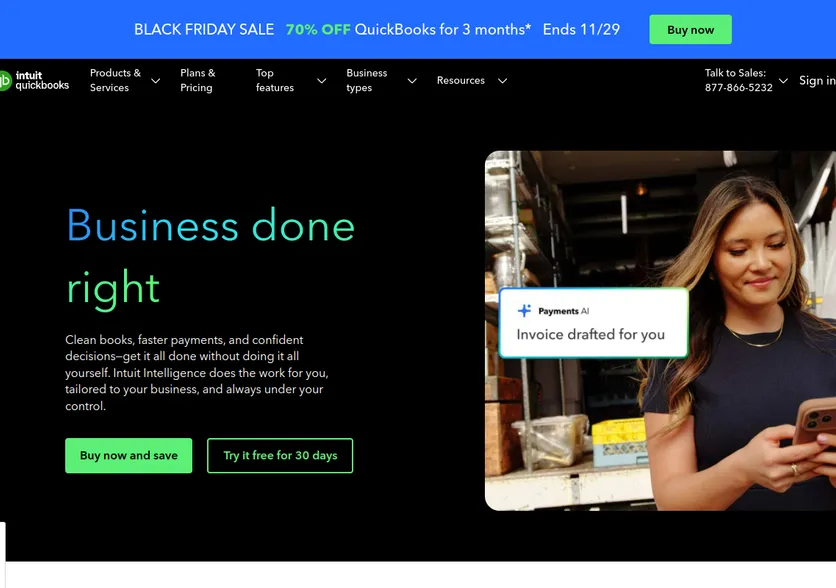
Paid tool Starting price: $38/month · Simple Start plan list price; 70% off for 3 months runs on the same page
Free plan: Free plan
QuickBooks Online is the most complete accounting tool on this list, with invoicing, expenses, payroll, inventory and reporting in one system. It suits small businesses that have outgrown a simple invoicing app and want real books they can hand to an accountant. The QuickBooks Online Simple Start plan bills monthly at its list price, with Essentials, Plus and Advanced above it for bigger teams.
What we like
- The most complete bookkeeping on this list
- Accountants everywhere know how to use it
- Scales from solo to a full finance team
Watch out for
- List price is higher than the promo shown on the page
- More complex than a freelancer needs
How to try it
- Open quickbooks.intuit.com/pricing and pick Simple Start
- Connect your bank and import past transactions
- Send your first invoice and set up payment reminders
3. Xero
Best for: Small businesses that want unlimited users at a flat price
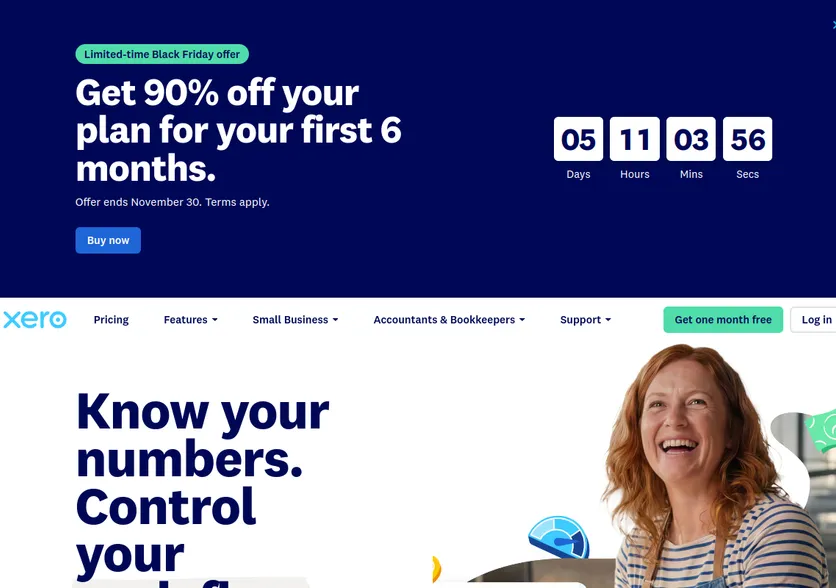
Paid tool Starting price: $27/month · Early plan; Growing $59, Established $97 — prices rose October 1, 2026
Free plan: Free trial
Xero is a cloud accounting tool with invoicing, bank reconciliation, expenses and reporting, and every plan includes unlimited users. It suits teams where several people touch the books, because nobody pays per seat. The Xero Early plan bills monthly and covers twenty invoices and five bills a month, with Growing and Established above it for busier businesses.
What we like
- Unlimited users on every plan — no per-seat fees
- Clean bank reconciliation that saves hours
- Strong app marketplace for add-ons
Watch out for
- Early plan caps invoices at twenty a month
- Prices rose in October 2026 — check the page
How to try it
- Open xero.com/us/pricing-plans and start the free trial
- Connect your bank and reconcile the first transactions
- Send invoices and set up automatic reminders
4. Wave
Best for: Very small businesses that want invoicing for almost nothing
Paid tool Starting price: $19/month · Pro plan, per business; Starter plan is free
Free plan: Free plan
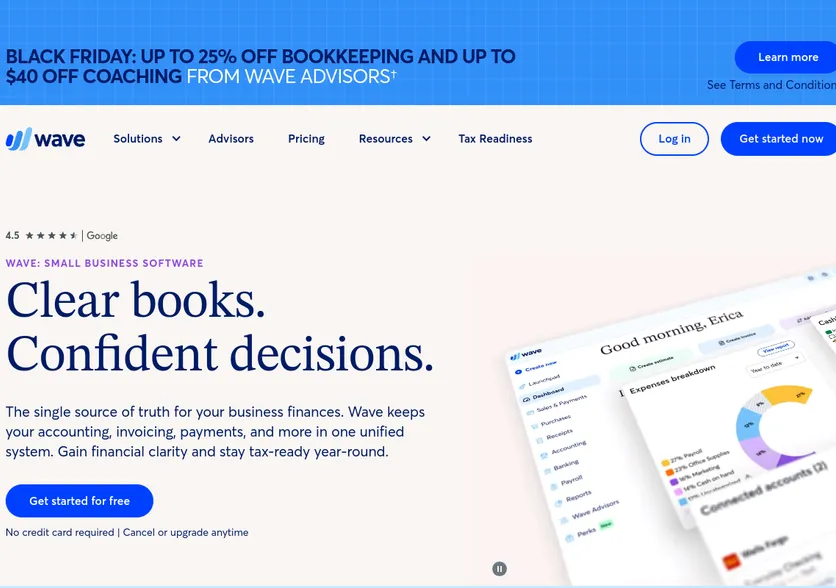
Wave is the cheapest serious invoicing tool on this list, with unlimited invoices, estimates and bookkeeping records on its free Starter plan and a Pro plan that adds bank imports, receipt capture and late payment reminders. It suits very small businesses that want to send professional invoices without a monthly bill. The Wave Pro plan bills monthly per business and includes everything in Starter plus automation and receipt tools.
What we like
- Unlimited invoices on the free Starter plan
- Pro adds bank imports and receipt capture
- No per-user fees — one price per business
Watch out for
- Fewer features than QuickBooks or Xero
- Payroll is a separate add-on
How to try it
- Open waveapps.com/pricing and create a free account
- Add your business details and invoice branding
- Send your first invoice and turn on reminders
5. Invoice Ninja
Best for: Freelancers who want unlimited clients at a low price
Paid tool Starting price: $14/month · Pro plan, billed monthly; $140 a year billed annually
Free plan: Free plan
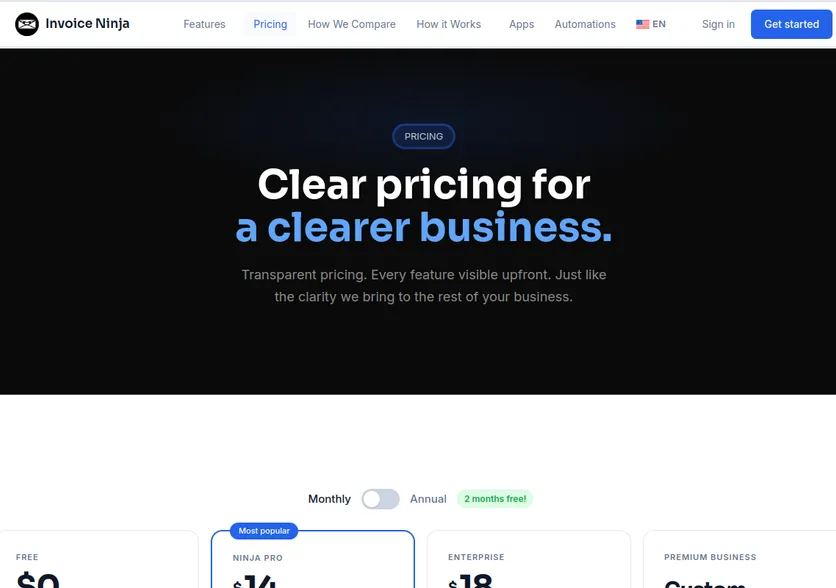
Invoice Ninja is an open-source invoicing tool with unlimited clients on its paid plans, plus time tracking, expenses and online payments. It suits freelancers who have outgrown the five-client caps on other tools but do not want to pay for a full accounting suite. The Invoice Ninja Pro plan bills monthly, or yearly for two months free, and removes the branding and client limits of the free plan.
What we like
- Unlimited clients on the Pro plan
- Open-source core with a self-host option
- Recurring billing and auto-reminders included
Watch out for
- Interface is plainer than FreshBooks
- Support is community-first on the low plans
How to try it
- Open invoiceninja.com/pricing and create a free account
- Add your clients and connect a payment gateway
- Send your first invoice and set up auto-billing
6. HoneyBook
Best for: Creative freelancers who sell projects, not hours
Paid tool Starting price: $29/month · Starter plan, billed annually; $36 billed monthly
Free plan: Free trial
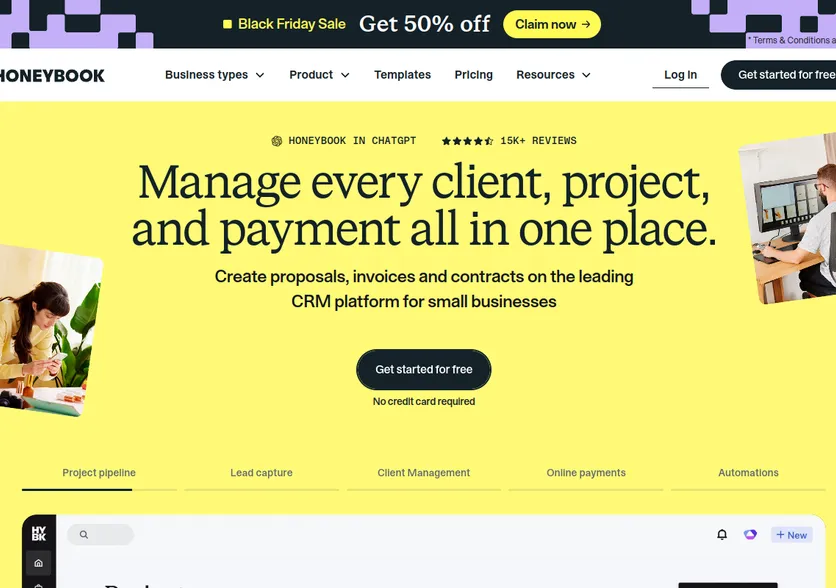
HoneyBook is a client platform for creative freelancers that bundles proposals, contracts, invoices and payments in one flow, so it fits photographers, designers and coaches who sell a project rather than an hour. The client portal keeps every file and payment in one place. The HoneyBook Starter plan bills monthly on annual billing and covers unlimited clients and projects with invoices and payments included.
What we like
- Proposals, contracts and invoices in one flow
- Client portal keeps files and payments together
- Built for creative freelancers, not accountants
Watch out for
- Weak bookkeeping — not a QuickBooks replacement
- Monthly billing costs more than the annual rate
How to try it
- Open honeybook.com/pricing and start the free trial
- Build a proposal with a contract and an invoice
- Send it to a client and track the payment in the portal
7. Bonsai
Best for: Freelancers who want contracts, time tracking and invoices together
Paid tool Starting price: $15/month · Basic plan, per seat, billed monthly; $9 billed annually
Free plan: Free trial
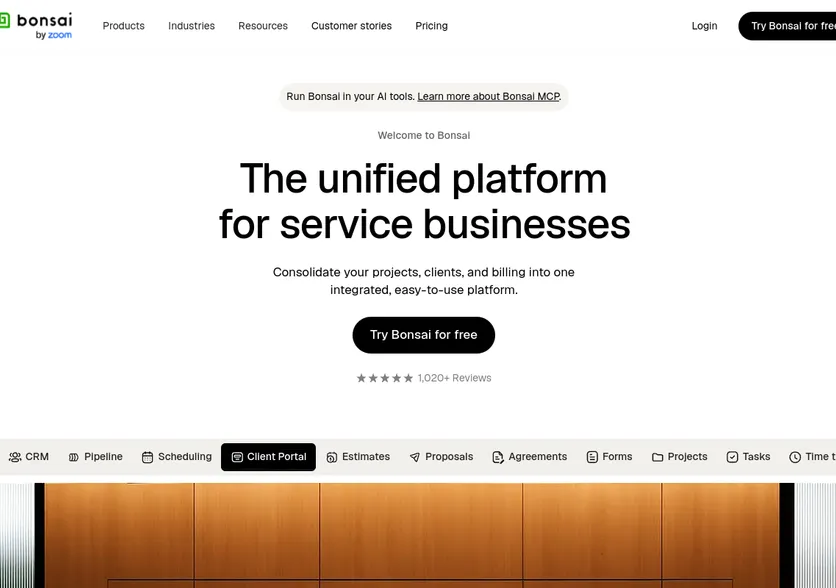
Bonsai is a freelance toolkit that bundles proposals, contracts, time tracking, invoices and payments, so it fits freelancers who want the whole client workflow in one subscription. The CRM keeps clients organized, and the templates make contracts painless. The Bonsai Basic plan bills monthly per seat and covers time tracking, tasks, CRM and unlimited clients and projects.
What we like
- Contracts, time tracking and invoices in one place
- Good templates for proposals and contracts
- Unlimited clients and projects on every plan
Watch out for
- Fewer automation features than the higher plans
- Per-seat pricing adds up for a small team
How to try it
- Open hellobonsai.com/pricing and start the free trial
- Add your clients and set up a contract template
- Track time, then invoice from the tracked hours
Prices above were checked on each vendor’s own website on Nov 26, 2026 and can change — the vendor’s page is the final word. Vendor links are editorial: nobody paid to be listed or ranked here. Vendors who want a featured listing can see how it works on our Get listed page.
What the invoicing tools cost in 2026
Price is the first filter, and the range is wide. The cheapest paid plan here costs fourteen dollars a month, the most expensive costs thirty-eight, and Wave lets a very small business invoice for free. Every price on this page was read on the vendor site on November 26, 2026, and the list prices are the ones to budget for, not the seasonal discounts some pages show.
Two things to check before you pay. First, count your invoices, because FreshBooks Lite caps billable clients at five and Xero Early caps invoices at twenty a month, and both caps force an upgrade sooner than most buyers expect. Second, add the payment fees, because a card fee of around three percent on every invoice matters more than a five-dollar gap in the subscription.
Before you buy
- Count your monthly invoices, because caps on the cheap plan force an upgrade fast.
- Check the payment fees, because card and bank fees matter more than the subscription.
- Test the invoice template, because clients judge you on the invoice they receive.
- Confirm the tax reports, because clean books at year end save real money.
- Try the mobile app, because most freelancers invoice from a phone, not a desk.
Official websites
Official websites of the products reviewed above. Features and prices were checked against these sites when this guide was written, and they can change, so confirm on the vendor site before you buy.
Frequently asked questions
Which Zoho Invoice alternative is best overall?
FreshBooks is the best pick for most freelancers, because its invoices look the most professional and the Lite plan costs twenty-three dollars a month. QuickBooks Online is the better pick for a real business, because it handles full bookkeeping, payroll and inventory. Wave is the best pick on a tight budget, because unlimited invoicing is free on its Starter plan.
Is Zoho Invoice really free, and why switch?
Zoho Invoice is free for businesses under a revenue threshold, which is hard to beat on price. The tools on this list earn their fee in other ways: FreshBooks has nicer invoices and better time tracking, QuickBooks has full bookkeeping, and HoneyBook and Bonsai bundle contracts and proposals. If the only need is sending invoices, Zoho Invoice free is fine; if the need is a business system, pay for one of these.
Can clients pay invoices online with these tools?
Most of them connect to Stripe, PayPal, Square or GoCardless, so clients can pay by card or bank transfer from the invoice itself. FreshBooks, QuickBooks, Xero and Wave all support online payments, and HoneyBook and Bonsai include payments in their client flow. Check the transaction fee before you pick, because card fees of around three percent add up on big invoices.
Can I move my invoices from Zoho Invoice to another tool?
Yes, and the migration is usually simple. FreshBooks, QuickBooks and Xero all import clients and invoice history from a CSV file, and most vendors offer a guided import or a support session for the move. Export clients, open invoices and payment history from Zoho first, then import them in small batches and check the totals before going live.
What should I check before choosing an invoicing tool?
Count your monthly invoices first, because the cheap plans cap them. FreshBooks Lite covers five billable clients, Xero Early covers twenty invoices a month, and Wave has no invoice cap at all. Then check payment fees and whether the plan includes the reports you need at tax time, because a cheap plan that needs an add-on for reports is not cheap.
Need the money maths too? Try Toolsvine's free finance calculators — work out invoices, tax and profit on your device, no uploads, no sign-up.
Browse Finance Calculators tools