On this page
An enterprise field sales team lives in two places at once: the rep is on the road logging visits from a phone, and the manager is in the office forecasting the quarter from the same data. The CRM has to serve both, with offline mobile access for the rep and forecasting, permissions and reporting for the manager. We compared seven tools on published price, mobile field features and enterprise depth. Salesforce Sales Cloud is our first pick, because it is the deepest CRM in this comparison with the largest integration ecosystem.
How we researched this
We started with the field sales CRMs enterprise teams actually buy, then read each price on the vendor site on November 27, 2026 and noted the trial each plan carries. We judged them for a sales team that works on the road, needs a mobile app that works offline and reports to managers who forecast by quarter. We dropped quote-only enterprise platforms and tools with no published price, because an enterprise buyer still needs a list price to start the budget conversation.
Compare the tools
| Name | Best for | Starting price | Free plan | |
|---|---|---|---|---|
 Freshsales | Small enterprise teams that want a CRM with calling and email built in | $9/user/month | No free plan; 21-day free trial | Visit |
 Pipedrive | Enterprise teams that want a simple visual pipeline reps actually update | $14/user/month | No free plan; 14-day free trial | Visit |
 Zoho CRM | Enterprise teams that want a full CRM suite at a low per-user price | $14/user/month | Free plan available (up to 3 users) | Visit |
 HubSpot Sales Hub | Enterprise teams already running HubSpot marketing or service tools | $15/seat/month | Free plan available (2 users); paid plans start at $15 a seat a month | Visit |
 Salesforce Sales Cloud | Large enterprise sales teams that need the deepest CRM on the market | $25/user/month | No free plan; 30-day free trial | Visit |
 Insightly | Enterprise teams that want CRM, project tracking and marketing in one tool | $29/user/month | No free plan; 14-day free trial | Visit |
| Microsoft Dynamics 365 Sales | Enterprise teams already running Microsoft 365 and Outlook | $65/user/month | No free plan; 30-day free trial | Visit |
The field sales software for enterprise, compared
1. Freshsales
Best for: Small enterprise teams that want a CRM with calling and email built in
Paid tool Starting price: $9/user/month · Growth costs nine dollars per user a month billed annually, or eleven dollars month to month; Pro costs thirty-nine dollars a month billed annually and Enterprise fifty-nine; the free plan was removed from the pricing page in July 2026 and a twenty-one-day trial is offered instead
Free plan: No free plan; 21-day free trial
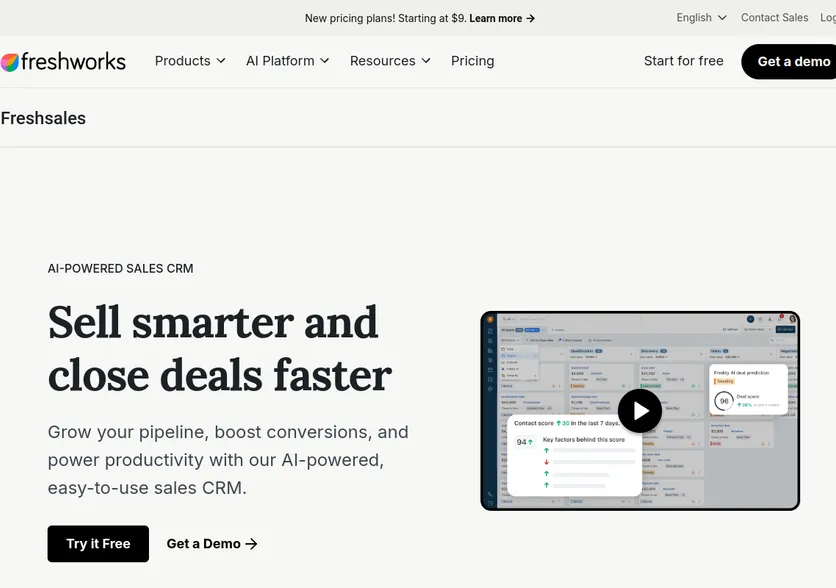
This Freshsales plan is the cheapest entry in this comparison, with a built-in phone, email and AI lead scoring on the Growth plan. It suits an enterprise team that wants a modern CRM without the implementation project a bigger platform demands. The free plan was removed from the pricing page in July 2026, so every user now starts on a paid plan or a twenty-one-day trial.
What we like
- Cheapest entry price in this comparison
- Built-in phone and email with no extra tool needed
- AI lead scoring included on the Growth plan
Watch out for
- No free plan since the July 2026 pricing change
- Enterprise features wait for the fifty-nine dollar tier
How to try it
- Start the twenty-one-day trial with one sales team
- Connect the built-in phone and test call logging
- Check AI lead scoring against your current pipeline
2. Pipedrive
Best for: Enterprise teams that want a simple visual pipeline reps actually update
Paid tool Starting price: $14/user/month · Essential costs fourteen dollars per user a month billed annually, or twenty-one to twenty-four dollars month to month; Advanced costs twenty-nine dollars a month billed annually, Professional fifty-nine, Power sixty-nine and Enterprise ninety-nine; a fourteen-day trial is included
Free plan: No free plan; 14-day free trial
This Pipedrive plan is the most visual CRM here, with a drag-and-drop pipeline that field reps can update from a phone between visits. The Essential plan covers the basics at fourteen dollars a user a month billed annually, and Advanced adds email sync and workflow automation. It is lighter on enterprise governance than Salesforce or Dynamics, so a team that needs strict permissions should look at the higher tiers or a bigger platform.

What we like
- Visual pipeline reps actually keep up to date
- Strong mobile app for updating deals between visits
- Clear per-user pricing with no hidden platform fee
Watch out for
- Lighter enterprise governance than Salesforce or Dynamics
- Advanced automation waits for the higher tiers
How to try it
- Start the fourteen-day trial and import your current pipeline
- Set up the mobile app for reps to update deals on site
- Test workflow automation on the Advanced plan before buying
3. Zoho CRM
Best for: Enterprise teams that want a full CRM suite at a low per-user price
Paid tool Starting price: $14/user/month · Standard costs fourteen dollars per user a month billed annually, or twenty dollars month to month; Professional costs twenty-three dollars a month billed annually, Enterprise forty and Ultimate fifty-two; the free plan covers up to three users
Free plan: Free plan available (up to 3 users)
This Zoho CRM plan gives an enterprise team a full CRM suite, including sales automation, forecasting and analytics, at fourteen dollars a user a month billed annually on Standard. The free plan covers three users, so a small team can test the real product before paying. The Enterprise tier at forty dollars a user a month adds the workflow depth and customisation a larger sales organisation needs.

What we like
- Full CRM suite at fourteen dollars a user a month
- Free plan covers three users for a real test
- Enterprise tier adds deep workflow customisation
Watch out for
- Interface takes time to learn at enterprise scale
- Some advanced features need the Enterprise tier
How to try it
- Start on the free plan with up to three users
- Test sales automation and forecasting on the Standard plan
- Compare Enterprise features before you commit the whole team
4. HubSpot Sales Hub
Best for: Enterprise teams already running HubSpot marketing or service tools
Paid tool Starting price: $15/seat/month · Starter costs fifteen dollars a seat a month billed annually, or twenty dollars month to month; Professional costs ninety dollars a seat a month billed annually plus a one-time onboarding fee of one thousand five hundred dollars, and Enterprise one hundred and fifty dollars a seat a month plus three thousand five hundred dollars onboarding; promotional prices as low as nine dollars a seat have appeared on HubSpot's own blog
Free plan: Free plan available (2 users); paid plans start at $15 a seat a month
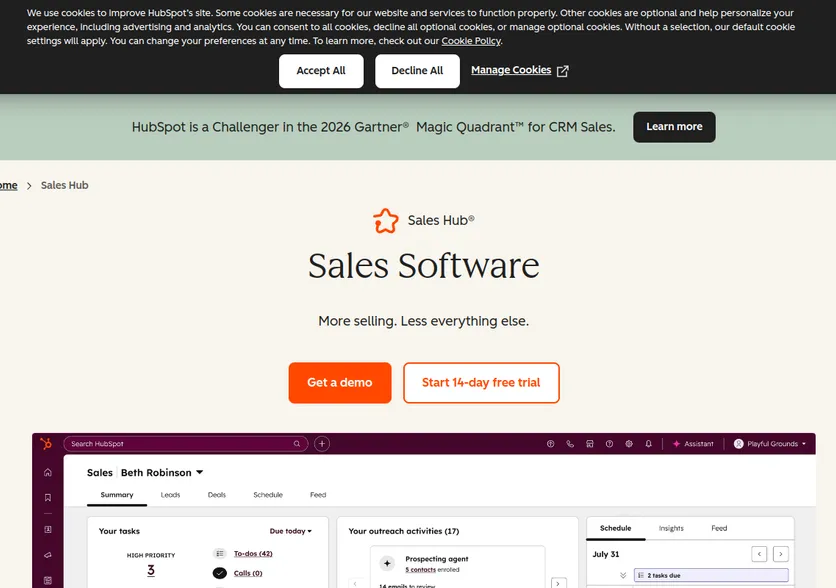
This HubSpot Sales Hub plan is the natural pick for an enterprise team already using HubSpot, because the CRM, marketing and service data sit in one place. Starter costs fifteen dollars a seat a month billed annually, while Professional adds automation, forecasting and a one-time onboarding fee of one thousand five hundred dollars. Promotional prices as low as nine dollars a seat appear on HubSpot's own blog, so ask sales for the current offer before you sign.
What we like
- CRM, marketing and service data in one place
- Free CRM tier for two users to start
- Strong reporting and forecasting on Professional
Watch out for
- Professional adds a one-time onboarding fee
- Per-seat costs climb fast at enterprise scale
How to try it
- Start on the free CRM and connect your marketing data
- Trial Professional automation with one sales team
- Ask sales for the current Starter price before signing
5. Salesforce Sales Cloud
Best for: Large enterprise sales teams that need the deepest CRM on the market
Paid tool Starting price: $25/user/month · Starter Suite costs twenty-five dollars per user a month on monthly or annual billing; Pro Suite costs one hundred dollars, Core one hundred and ninety-five, Advanced three hundred and ninety-five and Max five hundred and fifty dollars per user a month, all above Starter on annual billing only; the old Professional and Enterprise editions are no longer sold
Free plan: No free plan; 30-day free trial
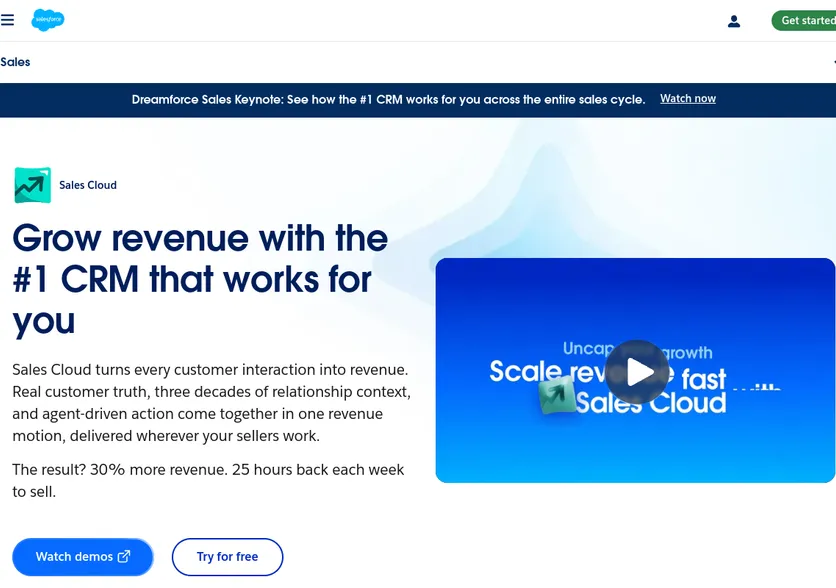
This Salesforce Sales Cloud plan is the deepest CRM in this comparison, with the new September 2026 editions starting at twenty-five dollars a user a month on Starter Suite. Pro Suite adds more automation at one hundred dollars, and Core, Advanced and Max climb to one hundred and ninety-five, three hundred and ninety-five and five hundred and fifty dollars for teams that need AI agents and full platform depth. It is the standard enterprise pick, but the implementation and admin effort are real, so budget for both.
What we like
- Deepest CRM feature set in this comparison
- Largest integration and app ecosystem on the market
- New editions start at twenty-five dollars a user a month
Watch out for
- Implementation and admin effort are the highest here
- Higher tiers are annual billing only
How to try it
- Start the thirty-day trial with a small sales team
- Map your sales process to the Starter Suite objects first
- Get an implementation quote before you commit to Core or above
6. Insightly
Best for: Enterprise teams that want CRM, project tracking and marketing in one tool
Paid tool Starting price: $29/user/month · Plus costs twenty-nine dollars per user a month billed annually; Professional costs forty-nine dollars and Enterprise ninety-nine; all plans are annual billing only with no monthly price shown, and a fourteen-day trial is included
Free plan: No free plan; 14-day free trial
This Insightly plan combines CRM with project management, so a field sales team can hand a won deal straight to delivery without a second system. Plus costs twenty-nine dollars a user a month billed annually, with Professional at forty-nine and Enterprise at ninety-nine. All plans are annual billing only, and there is no free plan, so the commitment is a full year from day one.
What we like
- CRM and project management in one tool
- Clean deal-to-delivery handover for field teams
- Simple pricing with three clear tiers
Watch out for
- Annual billing only, with no monthly option
- No free plan to test before paying
How to try it
- Start the fourteen-day trial with one sales team
- Test the deal-to-project handover on a real won deal
- Confirm the annual-only billing fits your budget cycle
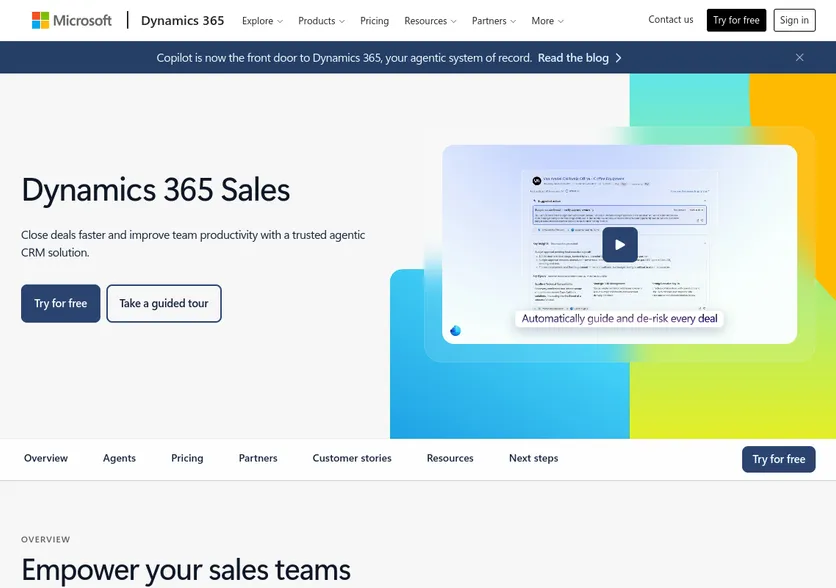
7. Microsoft Dynamics 365 Sales
Best for: Enterprise teams already running Microsoft 365 and Outlook
Paid tool Starting price: $65/user/month · Professional costs sixty-five dollars per user a month billed annually; Enterprise costs one hundred and five dollars and Premium one hundred and fifty; a Team Member licence costs eight dollars per user a month for read-only access
Free plan: No free plan; 30-day free trial
This Microsoft Dynamics 365 Sales plan is the natural CRM for an enterprise team already on Microsoft 365, because it lives inside Outlook and Teams and shares data with the rest of the Microsoft stack. Professional costs sixty-five dollars a user a month billed annually, with Enterprise at one hundred and five and Premium at one hundred and fifty. A read-only Team Member licence costs eight dollars a user a month for staff who only need to view records.
What we like
- Lives inside Outlook and Teams for Microsoft shops
- Strong forecasting and sales sequences on Professional
- Read-only Team Member licence at eight dollars a month
Watch out for
- Highest entry price in this comparison
- Needs Microsoft 365 to make full sense
How to try it
- Start the thirty-day trial and connect Outlook and Teams
- Test the sales sequence tools on one team
- Check the Team Member licence for read-only staff before buying full seats
Prices above were checked on each vendor’s own website on Nov 27, 2026 and can change — the vendor’s page is the final word. Vendor links are editorial: nobody paid to be listed or ranked here. Vendors who want a featured listing can see how it works on our Get listed page.
How an enterprise team should pick a field sales CRM
Start with the rep, not the dashboard: if the mobile app is slow, needs a constant connection or takes five taps to log a visit, the pipeline will rot and no amount of forecasting will fix it. Trial the app offline in a car park, because that is where the rep actually works. The best enterprise CRM is the one the reps update without being chased, so watch the trial usage numbers before you watch the feature list.
Then count the real first-year cost, not just the per-user price. HubSpot Professional adds a one-time onboarding fee, Salesforce implementations often need a partner, and several tools here are annual billing only. Check seat minimums, permission controls and whether the quoted price covers the tier your team actually needs, because the entry plan rarely does at enterprise scale. Get the renewal price in writing before you sign. A short pilot with one team tells you more than any demo.
Before you buy
- Count seats honestly, because enterprise CRM bills per user
- Check whether the quoted price needs annual billing
- Ask what onboarding costs on the tier you actually need
- Confirm the tool covers field visits, not just desk sales
- Test the mobile app offline before you roll it out to reps
Official websites
Official websites of the products reviewed above. Features and prices were checked against these sites when this guide was written, and they can change, so confirm on the vendor site before you buy.
Frequently asked questions
What is the cheapest field sales software for enterprise teams?
Freshsales Growth costs nine dollars per user a month billed annually, the lowest entry price here, with Pipedrive Essential and Zoho CRM Standard both at fourteen dollars. HubSpot Sales Hub Starter is fifteen dollars a seat a month billed annually. The enterprise-grade tiers cost far more: Salesforce Core is one hundred and ninety-five dollars a user a month and Dynamics 365 Sales Premium is one hundred and fifty.
Which CRM is best for a large enterprise sales team?
Salesforce Sales Cloud is the deepest enterprise CRM here, with the largest integration ecosystem and the most mature AI features on the higher tiers. Dynamics 365 Sales is the best pick for a Microsoft shop, because it lives inside Outlook and Teams. HubSpot Sales Hub suits a team that already runs HubSpot marketing, because the data sits in one place without integration work.
What makes a CRM good for field sales specifically?
Field sales means reps work on the road, so the mobile app has to work offline, log visits, capture notes and update deals between appointments. Desk CRMs that only work well in a browser will not get updated by a rep in a car park. Check the offline mode, the visit logging and the route planning before you buy, because a CRM the reps will not use is money wasted.
Do enterprise CRMs charge extra for onboarding?
Yes, but the cost adds up fast: Salesforce Professional onboarding is not charged on Starter, but HubSpot Professional adds a one-time fee of one thousand five hundred dollars and Enterprise adds three thousand five hundred. Salesforce implementations often need a partner, which can cost as much as the first year of licences. Ask for the full first-year cost, licences plus onboarding, before you compare prices.
How should an enterprise team trial a field sales CRM?
Start with a small team, import a real pipeline and run it for a month, because a demo with sample data hides the problems. Check that reps can log a visit, update a deal and sync offline from a phone. Measure whether the pipeline stays up to date, because a CRM that only managers open is not doing its job. Compare the renewal price too, since several tools here are annual billing only.
Compare the seven tools above, then trial your pick with one sales team for a month and check that deals, visits and forecasts all land in the same place before you roll it out company-wide.
Browse Business Tools tools