
On this page
Business file sharing is more than a shared folder: it decides who can open a client file, how far back you can recover a deleted version, and whether the vendor can read your data. The nine tools below run from five dollars to nineteen dollars a user a month, and every price was checked on the vendor site on November 26, 2026. Most need at least three paid seats, so a solo buyer still pays for a small team. Box is our first pick.
How we researched this
We started with the file sharing tools businesses actually buy, then read each price on the vendor pricing page on November 26, 2026 and noted the free plan or trial each plan carries. We judged them for a small business that needs shared folders, client sharing and admin controls, and we kept only tools with a published price. We dropped WeTransfer Pro because it sends files rather than running a shared drive, and we left out enterprise-only tools that publish no price.
Compare the tools
| Name | Best for | Starting price | Free plan | |
|---|---|---|---|---|
 Box | Teams who want unlimited storage and admin controls at the same price as Dropbox Standard | $5/user/month | Free Individual plan with 10 GB; 14-day free trial on business plans | Visit |
 Dropbox Business | Teams who want the smoothest file sync with version history and large transfers | $15/user/month | Free Basic plan with 2 GB; 30-day free trial on business plans | Visit |
 Google Drive | Teams already on Gmail and Google Docs who want storage inside the suite | $7/user/month | No free plan; 14-day free trial | Visit |
 OneDrive | Teams on Microsoft 365 who want OneDrive storage with Office apps included | $7/user/month | Free personal OneDrive plan with 5 GB; 30-day free trial on business plans | Visit |
 Sync | Small teams on a tight budget who want zero-knowledge encryption | $6/user/month | Free Starter plan with 5 GB; 30-day money-back guarantee | Visit |
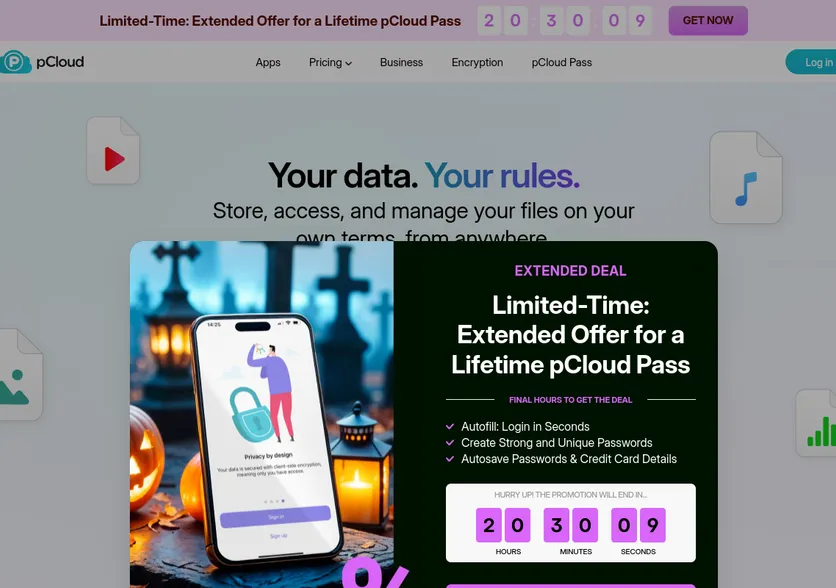
 pCloud Business | Small teams who want simple per-user storage with client-side encryption included | $7.99/user/month | Free personal plan with 10 GB; 30-day free trial on Business | Visit |
 Egnyte | Teams with offices and field staff who need files synced across sites | $10/user/month | No free plan; 15-day free trial | Visit |
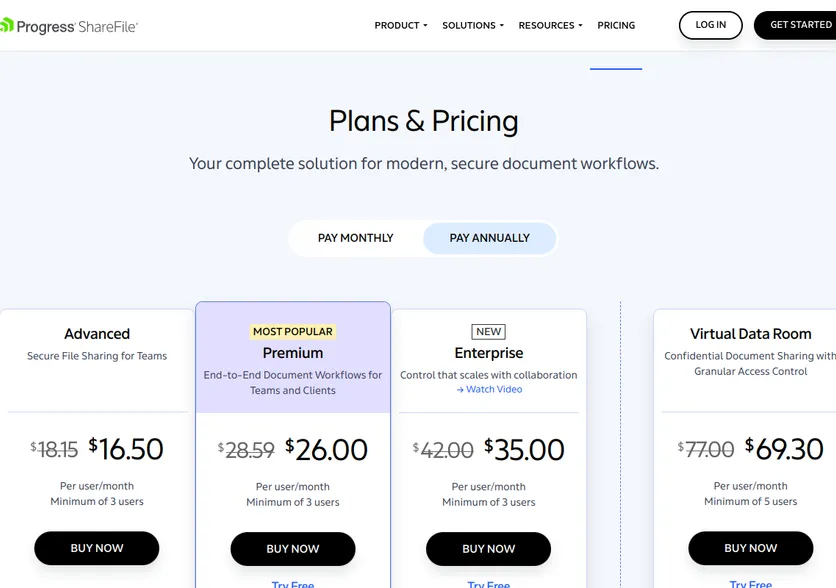
 ShareFile | Accounting and legal firms who need branded client portals and secure file requests | $16.50/user/month | No free plan; free trial available | Visit |
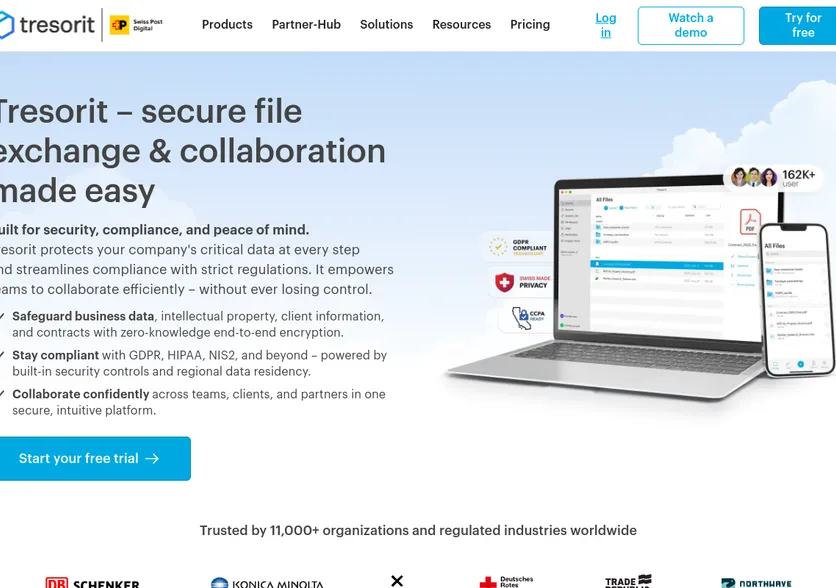
 Tresorit | Regulated teams who need zero-knowledge encryption with data residency choices | $19/user/month | No free plan; 14-day free trial | Visit |
The file sharing software for business, compared
1. Box
Best for: Teams who want unlimited storage and admin controls at the same price as Dropbox Standard
Paid tool Starting price: $5/user/month · Business Starter plan, $5 a user a month billed annually or $7 billed monthly for 3 to 10 users; Business $15 and Business Plus $25 a user a month on annual billing
Free plan: Free Individual plan with 10 GB; 14-day free trial on business plans
Box pairs cloud storage with sharing controls, e-signature, workflows and AI search on one permission model, and it works beside Office and Google apps. This Box Business Starter plan is the cheapest entry here, aimed at teams of three to ten people who need core sharing without enterprise compliance. A small business that shares client files every day gets unlimited storage from the Business plan without paying enterprise rates.

What we like
- Unlimited storage from the Business plan
- Strong admin controls and watermarking
- Works beside Office and Google apps
Watch out for
- Business plans need at least three users
- External collaborators need paid seats on Business
How to try it
- Open the Box pricing page and start the free trial
- Create a team folder and invite three colleagues
- Share a file with a client and set an expiry date
2. Dropbox Business
Best for: Teams who want the smoothest file sync with version history and large transfers
Paid tool Starting price: $15/user/month · Standard plan, $15 a user a month billed annually or $18 billed monthly with 3 TB of pooled team storage; Advanced $24 a user a month on annual billing
Free plan: Free Basic plan with 2 GB; 30-day free trial on business plans
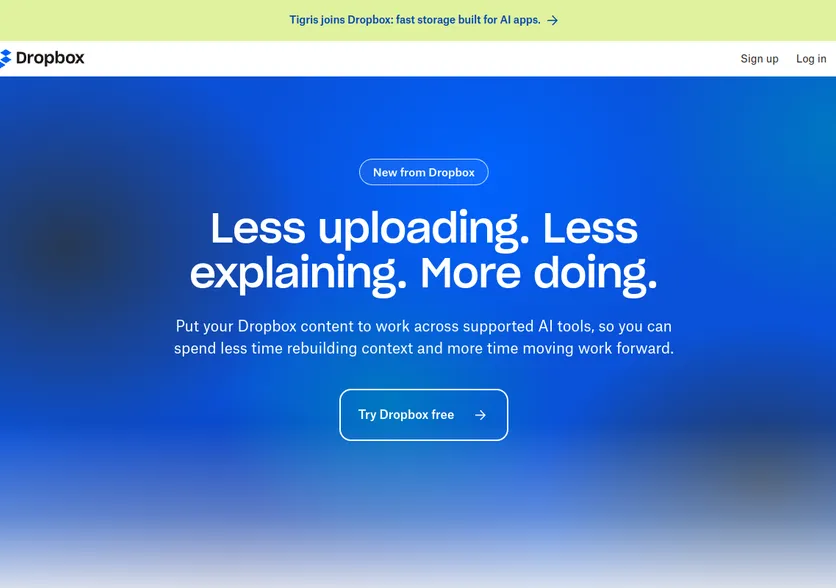
Dropbox Business is the sync specialist in this list, with fast desktop sync, team folders, groups and roles, plus file transfer up to 100 GB per transfer. This Dropbox Business Standard plan starts with 3 TB of pooled team storage and 180-day file recovery, which suits a team that edits shared files all day. A design or media team that lives in shared folders will feel the sync speed on every save.
What we like
- Fastest sync in this list for shared folders
- 100 GB transfers on the Standard plan
- 180-day file recovery included
Watch out for
- Storage is pooled, so heavy teams outgrow 3 TB
- Advanced is needed for longer history and single sign-on
How to try it
- Open the Dropbox business plans page and start the trial
- Create a team folder and set member roles
- Send a large file with Dropbox Transfer
3. Google Drive
Best for: Teams already on Gmail and Google Docs who want storage inside the suite
Paid tool Starting price: $7/user/month · Business Starter plan, $7 a user a month on annual billing or $8.40 on the flexible monthly plan; a 50 percent off first-three-months offer is not the list price
Free plan: No free plan; 14-day free trial
Google Drive arrives inside Google Workspace, so storage, Gmail, Docs, Sheets and Meet share one login and one admin console. This Google Drive Business Starter plan gives 30 GB of pooled storage per user with custom-domain email and video meetings included. A small team that already works in Google Docs gets file sharing without buying a separate drive at all.

What we like
- Storage inside the Google suite you already use
- Shared drives with pooled storage per user
- Custom-domain email included in the same price
Watch out for
- Starter storage is only 30 GB pooled per user
- No free business plan, only a trial
How to try it
- Open the Google Workspace pricing page and start the trial
- Create a shared drive for the team
- Move a project folder in and set sharing rules
4. OneDrive
Best for: Teams on Microsoft 365 who want OneDrive storage with Office apps included
Paid tool Starting price: $7/user/month · Business Basic plan, $7 a user a month on annual billing with 1 TB of storage per user; Business Standard and Business Premium cost more
Free plan: Free personal OneDrive plan with 5 GB; 30-day free trial on business plans
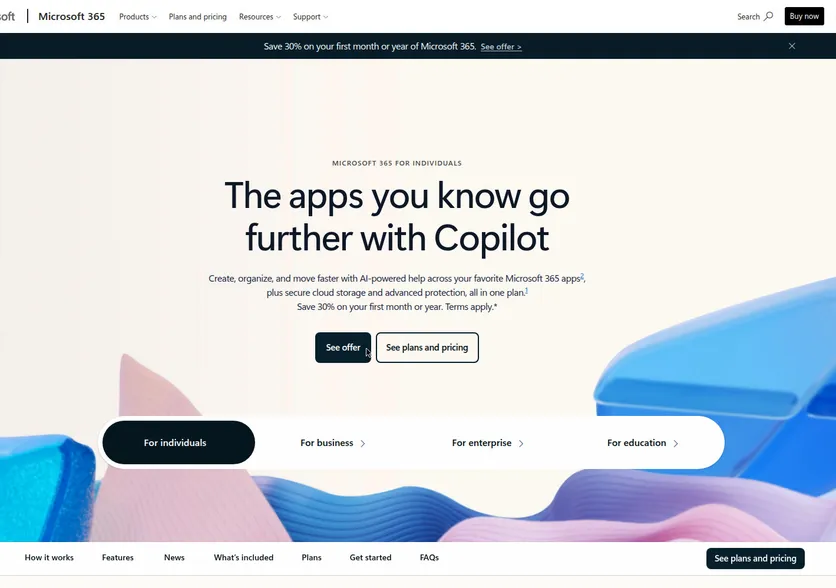
OneDrive arrives inside Microsoft 365 Business Basic, so file storage, Teams, SharePoint and web Office apps share one subscription. This OneDrive Business Basic plan gives 1 TB of storage per user with web and mobile Office apps included. A team that already lives in Outlook and Word gets business file sharing without a second bill.
What we like
- 1 TB of storage per user on the entry plan
- Office web apps included in the same price
- Deep integration with Outlook and Teams
Watch out for
- Desktop Office apps need the pricier Standard plan
- Storage is per user, not pooled across the team
How to try it
- Open the Microsoft 365 business page and start the trial
- Create a SharePoint team site for shared files
- Sync a folder to a desktop with OneDrive
5. Sync
Best for: Small teams on a tight budget who want zero-knowledge encryption
Paid tool Starting price: $6/user/month · Teams 1 TB plan, $6 a user a month billed annually or $8 billed monthly; a first-year $4.50 a month promo is not the list price
Free plan: Free Starter plan with 5 GB; 30-day money-back guarantee
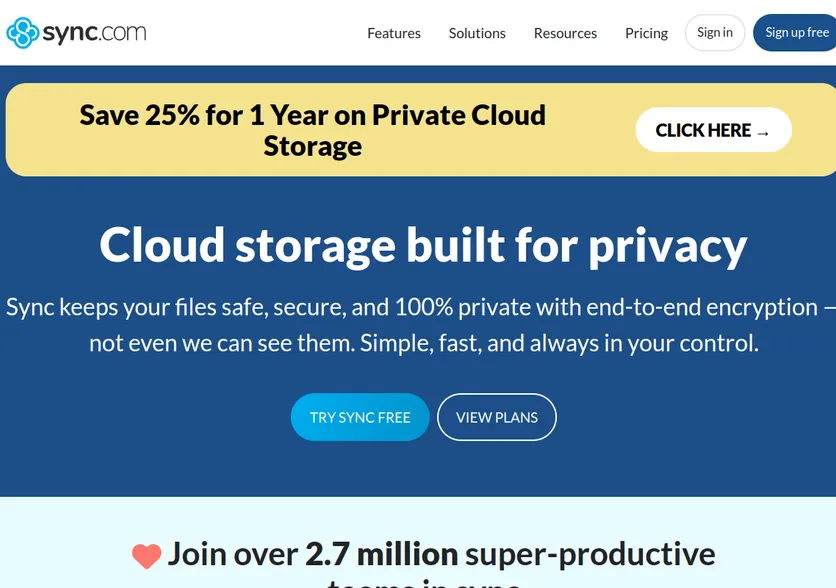
Sync encrypts files so that even the vendor cannot read them, and it backs that with HIPAA, PIPEDA and GDPR support from the entry plan. This Sync Teams 1 TB plan is the cheapest paid plan in this list, with 1 TB per user and role-based access from the higher tier. A health or legal team that needs private storage on a budget gets end-to-end encryption without enterprise pricing.
What we like
- Cheapest paid plan in this list
- Zero-knowledge encryption on every plan
- 1 TB per user from the entry plan
Watch out for
- Three-user minimum, so one person pays for three
- Fewer integrations than Dropbox or Box
How to try it
- Open the Sync pricing page and start the trial
- Create a team vault and invite three colleagues
- Share a folder with a client using a password link
6. pCloud Business
Best for: Small teams who want simple per-user storage with client-side encryption included
Paid tool Starting price: $7.99/user/month · Business plan, seven dollars and ninety-nine cents a user a month billed annually or nine dollars and ninety-nine cents billed monthly, with 1 TB per user
Free plan: Free personal plan with 10 GB; 30-day free trial on Business
pCloud Business is a low-cost team drive with client-side encryption included on business plans, plus shared folders, activity logs and 180-day file history. This pCloud Business plan gives 1 TB per user with a three-user minimum, which suits a team that wants predictable storage as it grows. A small business that shares files with clients gets encryption without paying for a compliance suite.
What we like
- Client-side encryption included on Business
- 1 TB per user with a simple flat price
- 180-day file history on the entry plan
Watch out for
- Three-user minimum, so one person pays for three
- Smaller integration list than the big suites
How to try it
- Open the pCloud Business page and start the trial
- Add three users and assign 1 TB each
- Share a folder with a client and turn on encryption
7. Egnyte
Best for: Teams with offices and field staff who need files synced across sites
Paid tool Starting price: $10/user/month · Team plan, $10 a user a month billed annually for 1 to 10 users; Business $22 a user a month on annual billing
Free plan: No free plan; 15-day free trial
Egnyte works like a cloud file server, syncing files across offices, field staff and branch locations with governance and ransomware detection. This Egnyte Team plan covers one to ten users with Microsoft 365 co-editing, which suits a firm with more than one location. A mid-size team that needs control over where files live will find more governance here than on a plain sync drive.

What we like
- Syncs files across offices and field staff
- Governance and ransomware detection built in
- Microsoft 365 co-editing included
Watch out for
- No free plan, only a fifteen-day trial
- Business plan costs more than double the Team plan
How to try it
- Open the Egnyte pricing page and start the trial
- Connect your main office folder to the cloud
- Set permissions for field staff and branch offices
8. ShareFile
Best for: Accounting and legal firms who need branded client portals and secure file requests
Paid tool Starting price: $16.50/user/month · Advanced plan, sixteen dollars and fifty cents a user a month billed annually or eighteen dollars and fifteen cents billed monthly, with a 3-user minimum
Free plan: No free plan; free trial available
ShareFile is built for exchanging sensitive documents with clients, not just sharing inside a team, with a basic client portal and unlimited client users. This ShareFile Advanced plan adds encrypted sharing, co-editing and 3 TB of pooled account storage for professional services firms. An accounting or financial firm that collects tax documents from clients gets a portal clients can use without a login maze.
What we like
- Client portal with unlimited client users
- Encrypted sharing built for sensitive documents
- Co-editing with Microsoft 365 included
Watch out for
- Three-user minimum, so one person pays for three
- Pricier than Dropbox or Box for plain team sharing
How to try it
- Open the ShareFile pricing page and start the trial
- Create a branded client portal for the firm
- Send a secure file request to a client
9. Tresorit
Best for: Regulated teams who need zero-knowledge encryption with data residency choices
Paid tool Starting price: $19/user/month · Business plan, $19 a user a month billed annually with a 3-user minimum and 2 TB per user; Business Pro $24 a user a month on annual billing
Free plan: No free plan; 14-day free trial
Tresorit is the strictest tool in this list, with zero-knowledge end-to-end encryption, ISO certification and HIPAA support, plus a choice of EU or US data residency. This Tresorit Business plan gives 2 TB per user with a three-user minimum and a 15 GB maximum file size. A legal or finance team that handles confidential files gets the strongest encryption story here.
What we like
- Zero-knowledge encryption the vendor cannot read
- Choice of EU or US data residency
- 2 TB per user on the Business plan
Watch out for
- Priciest entry plan in this list
- Three-user minimum, so one person pays for three
How to try it
- Open the Tresorit pricing page and start the trial
- Create an encrypted team room for a client matter
- Choose EU or US data residency for the account
Prices above were checked on each vendor’s own website on Nov 26, 2026 and can change — the vendor’s page is the final word. Vendor links are editorial: nobody paid to be listed or ranked here. Vendors who want a featured listing can see how it works on our Get listed page.
What file sharing software costs in 2026
Most business plans charge per user per month, and the cheapest published entry is five dollars a user a month on Box Business Starter, while the priciest is nineteen dollars a user a month on Tresorit Business. The suite tools look cheap because storage rides inside a bigger subscription: Google Drive and OneDrive both cost seven dollars a user a month with email and office apps included. The headline plan each vendor shows on its own pricing page is the number in the table above, checked on November 26, 2026.
Start with the free trial on two tools and move one real project folder into each. Compare sync speed, how sharing with an outside client works, and whether the admin console lets you revoke access in one click. Pick the tool your team opens without thinking, because a drive nobody trusts gets bypassed with email attachments.
Before you buy
- Count the seats first, because Box, ShareFile, Sync and Tresorit all require at least three paid users.
- Check the storage basis, because Box gives unlimited storage while Dropbox pools 3 TB across the team.
- Confirm the file recovery window, because Dropbox Standard keeps versions for 180 days and Box Starter keeps 25.
- Test sharing with an outside client, because some plans charge extra for every external collaborator.
- Compare annual and monthly billing, because most tools here cut the monthly rate by about a fifth on annual plans.
Official websites
Official websites of the products reviewed above. Features and prices were checked against these sites when this guide was written, and they can change, so confirm on the vendor site before you buy.
Frequently asked questions
Which file sharing software is best for business in 2026?
Box, at five dollars a user a month on annual billing for Business Starter, is the best overall pick because it pairs team sharing with admin controls and unlimited storage from the fifteen-dollar Business plan. Google Drive wins on value at seven dollars a user a month inside the Google suite. Sync is the cheapest encrypted option at six dollars a user a month with zero-knowledge encryption.
How much does file sharing software cost for a business?
Entry prices in this list run from five dollars to nineteen dollars a user a month on annual billing, and most plans need at least three paid seats. A three-person team pays fifteen dollars a month on Box Starter or fifty-seven dollars a month on Tresorit Business. Add the seat minimum to every quote, since a one-person team still pays for three on most tools here.
Is there a free file sharing software for business?
Yes, Box, Dropbox, Google Drive through a personal account, OneDrive, Sync and pCloud all offer free plans, though the free tiers are small and meant for personal use. Business plans here mostly offer free trials of fourteen to thirty days instead of a permanent free tier. Start with a trial on the tool that matches your suite, then move the team over.
Is my business data safe with these file sharing tools?
It depends on what you share. Sync and Tresorit encrypt files so the vendor cannot read them, which suits health, legal and finance teams. Box, Dropbox and Egnyte encrypt files in transit and at rest but hold the keys, which is enough for most teams. Check whether your industry needs zero-knowledge encryption before you pay for it.
What should I look for in file sharing software for business?
Look for enough storage per user, sharing controls that cover outside clients, and a file recovery window that matches how often mistakes happen. Check the seat minimum, since most tools here charge for three users even if you are alone. Test the sync speed with a real folder before you commit, because slow sync kills adoption.
Need everyday business help too? Try Toolsvine's free business tools for sharing and storage right in your browser.
Browse Business Tools tools


