On this page
Drawing your first floor plan should feel like sketching a room, not learning CAD. The eight tools below let beginners drag walls, drop furniture and see rooms in 3D, with prices from free to $25 a month and one $149.99 one-time licence. Every price was read on the vendor's own site on November 27, 2026. Floorplanner is our first pick — a free plan for five projects and a $5 a month Plus plan when you want more.
How we researched this
We started with the floor plan tools beginners actually use, then read each price on the vendor's own site on November 27, 2026 and noted the free plan, project limits and 3D features each option carries. We judged them for someone drawing a first floor plan, not a professional designer. We kept only tools with a published price and dropped any tool whose price we could not verify.
Compare the tools
| Name | Best for | Starting price | Free plan | |
|---|---|---|---|---|
 Floorplanner | Beginners who want to draw a floor plan in the browser with no install | $5/month | Free plan (5 projects) | Visit |
 RoomSketcher | Beginners who want a real room in 3D without learning design software | $12/month | Free plan | Visit |
 Planner 5D | Beginners who want a fun 3D planner that works on any device | $4.99/month | Free plan | Visit |
 SmartDraw | Beginners who want templates and automatic dimensions | $10.95/month | 7-day free trial | Visit |
 Live Home 3D | Beginners who want a one-time licence instead of a subscription | $149.99 one-time | Free version available | Visit |
 HomeByMe | Beginners who want to start free and upgrade only when needed | $25/month | Free plan | Visit |
 SketchUp | Beginners who plan to grow into professional 3D modeling | $119/year | Free plan (web version) | Visit |
 Lucidchart | Beginners who need a floor plan fast and already work in diagrams | $9/month | Free plan | Visit |
The floor plan tools, compared
1. Floorplanner
Best for: Beginners who want to draw a floor plan in the browser with no install
Paid tool Starting price: $5/month · Plus $5 a month (4 credits a month); Pro $29 a month (25 credits); Team $59 a month; prices exclude VAT; Basic free up to 5 projects
Free plan: Free plan (5 projects)
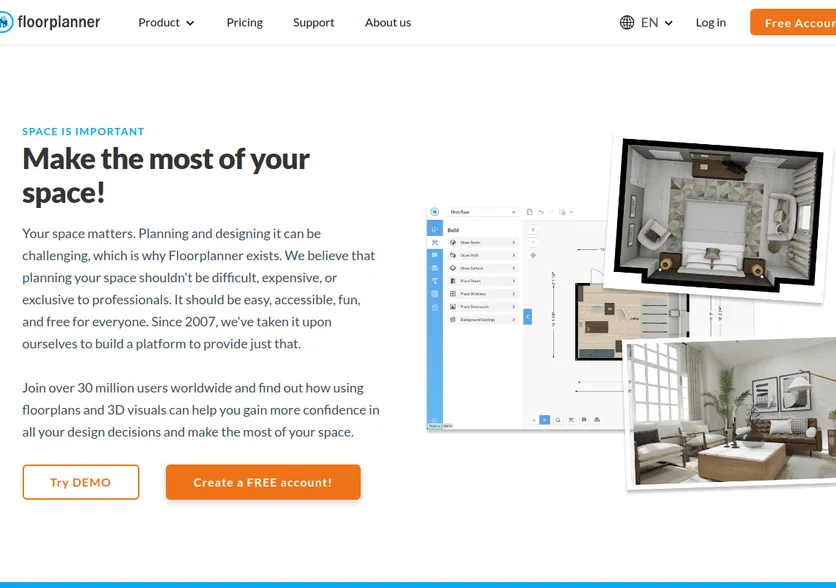
Floorplanner is the easiest first step into floor plans, because it runs in the browser and needs no install. This Floorplanner plan covers 2D drawing, 3D views and a furniture catalog, with a free Basic plan for up to five projects. It is the best pick when you want your first floor plan drawn today, not after a tutorial.
What we like
- Runs in the browser with nothing to install
- Free plan covers up to 5 projects
- 3D views included from the start
Watch out for
- Credits limit how many plans you can export each month
- Prices exclude VAT, so the bill is higher than the headline
How to try it
- Open Floorplanner and start a free Basic project
- Drag walls into place and drop in furniture
- Switch to 3D to walk through the room you just drew
2. RoomSketcher
Best for: Beginners who want a real room in 3D without learning design software
Paid tool Starting price: $12/month · Pro $12 a month billed annually ($144 a year); $24 a month monthly; Team $35 a month billed annually; the $12 rate is shown as 50% off the $24 monthly rate
Free plan: Free plan
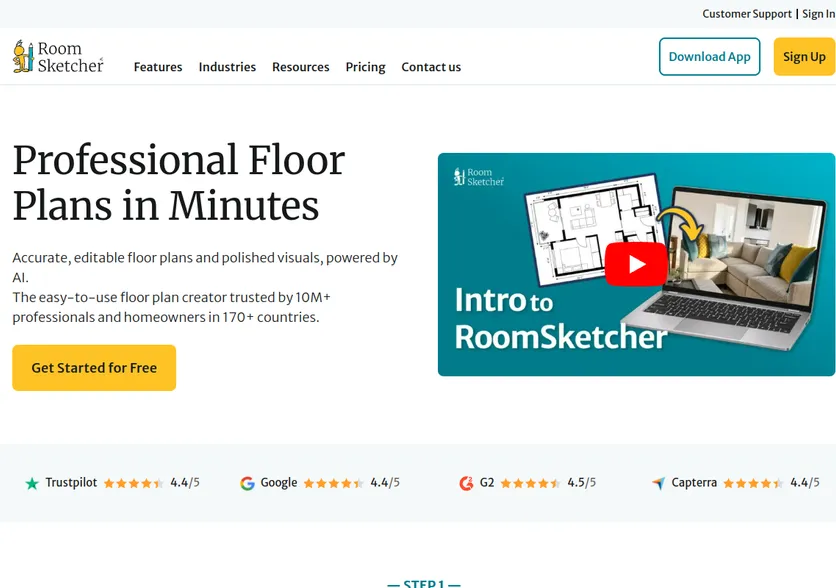
RoomSketcher is the beginner pick for people who want a real room in 3D without learning design software. This RoomSketcher plan covers floor plans, 3D photos and a furniture catalog, with a free plan to start. It is the best pick when you want to see your room furnished and lit before you buy anything for it.
What we like
- 3D photos make a room easy to picture
- Furniture catalog covers real brands and sizes
- Free plan lets you draw before you pay
Watch out for
- The $12 rate is shown as 50% off the $24 monthly rate
- 3D photos cost credits on top of the plan
How to try it
- Open RoomSketcher and start with the free plan
- Draw the room and add doors, windows and furniture
- Render a 3D photo to see how the room will look
3. Planner 5D
Best for: Beginners who want a fun 3D planner that works on any device
Paid tool Starting price: $4.99/month · Premium $4.99 a month billed annually ($59.99 a year); $19.99 a month monthly; Professional $49.99 a month or $399.99 a year; free plan
Free plan: Free plan
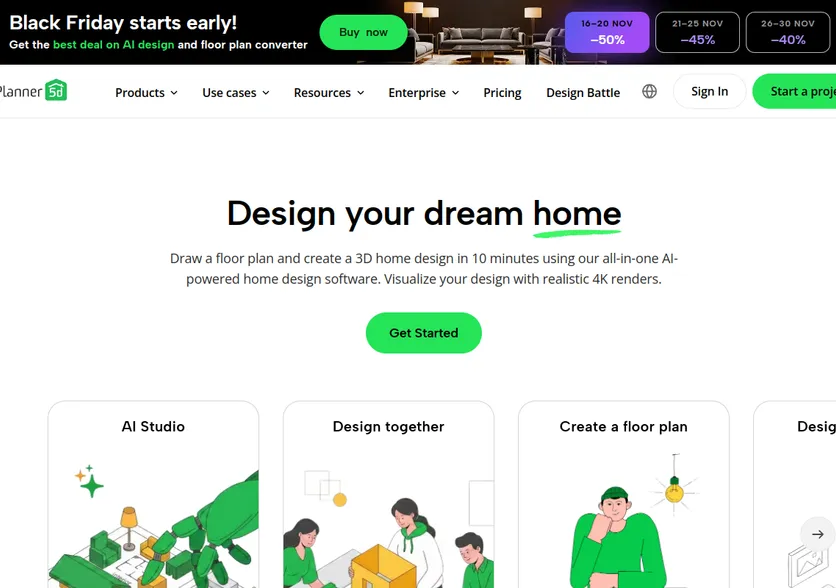
Planner 5D is the most fun way to start, with a big furniture catalog and 3D views on any device. This Planner 5D plan covers 2D plans, 3D rooms and a huge catalog of furniture and decor, with a free plan to start. It is the best pick when you want to play with a room's layout on your phone before you commit to anything.
What we like
- Huge furniture and decor catalog
- Works on phone, tablet and computer
- Free plan lets you design before you pay
Watch out for
- Monthly billing is $19.99, four times the annual rate
- App Store lists a different annual price for Premium
How to try it
- Open Planner 5D and start with the free plan
- Draw the room and drag furniture into place
- Switch to 3D and walk through the room on your phone
4. SmartDraw
Best for: Beginners who want templates and automatic dimensions
Paid tool Starting price: $10.95/month · $10.95 a month billed annually ($131.40 a year); the $9.95 figure on the site is a new-customer introductory rate; Team $10.95 a user a month list ($8.95 intro); 7-day trial, no free plan
Free plan: 7-day free trial
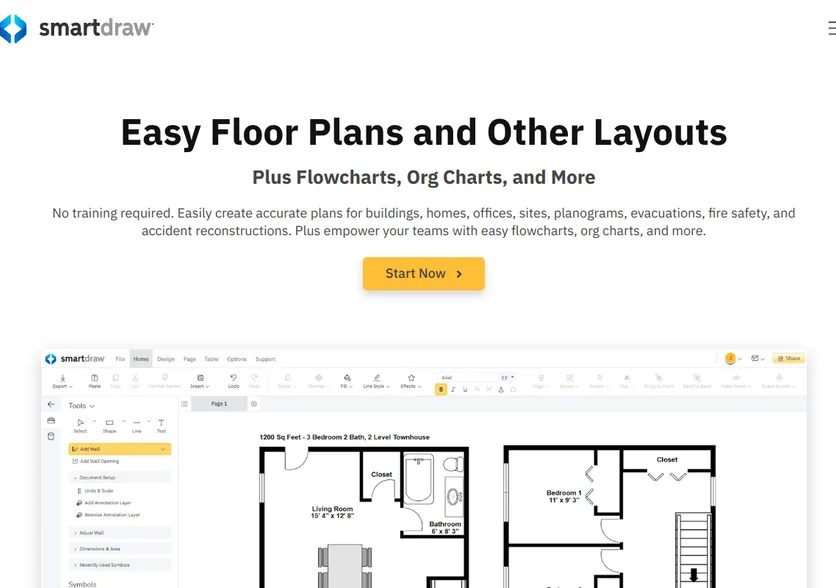
SmartDraw is the structured pick for beginners who want templates and automatic dimensions. This SmartDraw plan covers floor plans, diagrams and charts with templates that do the measuring for you. It is the best pick when you want a plan that looks right the first time, with walls that snap and dimensions that add themselves.
What we like
- Templates make a clean plan fast
- Dimensions add themselves as you draw
- Works for floor plans and diagrams alike
Watch out for
- The $9.95 rate is an introductory offer, not the list price
- No free plan, only a 7-day trial
How to try it
- Open SmartDraw and pick a floor plan template
- Drag walls and rooms into place from the template
- Let SmartDraw add the dimensions, then export your plan
5. Live Home 3D
Best for: Beginners who want a one-time licence instead of a subscription
Paid tool Starting price: $149.99 one-time · Pro $149.99 one-time lifetime licence; Standard $59.99 one-time; the store currently shows sale prices of $49.99 and $99.99; in-app Pro subscription is $14.99 a month or $49.99 a year
Free plan: Free version available
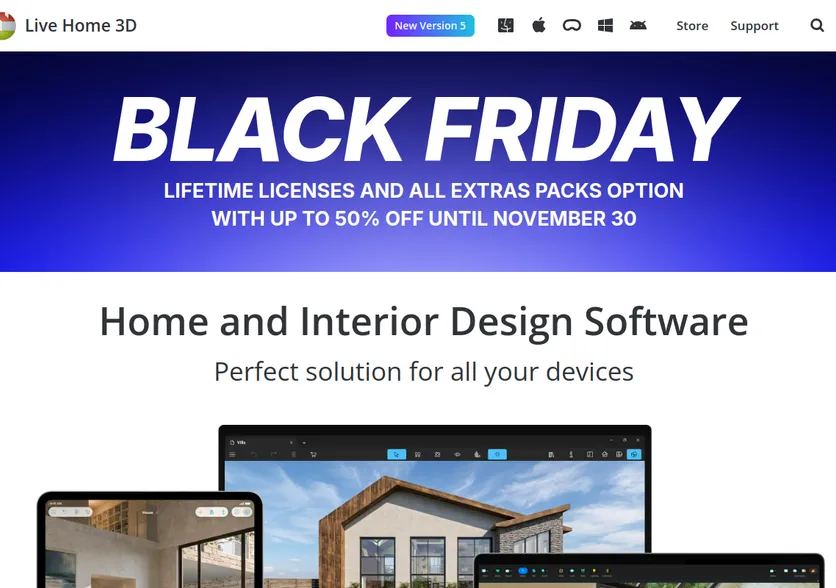
Live Home 3D gives beginners a one-time licence instead of a subscription, with 3D views on Mac, Windows and mobile. This Live Home 3D software covers 2D plans, 3D rooms and a furniture catalog, with Pro at $149.99 one-time. It is the best pick when you would rather pay once and keep the software than rent it every month.
What we like
- One-time licence, no monthly bill
- Works on Mac, Windows and mobile
- 3D views included from the start
Watch out for
- Store currently shows sale prices below the list price
- List price for Standard is $59.99 by some reads and $79.99 by others
How to try it
- Download Live Home 3D and try the free version
- Draw the room and add furniture from the catalog
- Buy the Pro licence once when you want the full toolset
6. HomeByMe
Best for: Beginners who want to start free and upgrade only when needed
Paid tool Starting price: $25/month · Essentials $25 a month billed annually ($299 a year); $29 a month monthly; Pro $53 a month billed annually ($640 a year); free Starter plan
Free plan: Free plan
HomeByMe is the free-first pick for beginners, with a Starter plan that costs nothing and 3D rooms you can furnish. This HomeByMe plan covers 2D plans, 3D views and a furniture catalog, with Essentials at $25 a month billed annually. It is the best pick when you want to design a real room for free and pay only when you need more projects.
What we like
- Free Starter plan with real 3D design
- Furniture catalog with real products
- Upgrade only when you need more projects
Watch out for
- App Store lists different prices for the same plans
- Essentials is $25 a month only on annual billing
How to try it
- Open HomeByMe and start with the free Starter plan
- Draw the room and furnish it from the catalog
- Upgrade to Essentials when you need more projects
7. SketchUp
Best for: Beginners who plan to grow into professional 3D modeling
Paid tool Starting price: $119/year · Go $119 a year; Pro $349 a year; Studio $749 a year; free web version
Free plan: Free plan (web version)
SketchUp Go is the professional route for beginners who plan to grow, with 3D modeling that architects actually use. This SketchUp plan covers 3D modeling, floor plans and a huge library of ready-made models, from $119 a year. It is the best pick when you want to learn a tool you will still use in five years, not outgrow in five weeks.

What we like
- The 3D modeler architects actually use
- Huge library of ready-made models
- Free web version to learn on
Watch out for
- Steeper learning curve than the drag-and-drop tools here
- Go is $119 a year, more than most beginner plans
How to try it
- Open SketchUp and start with the free web version
- Draw the floor plan and pull walls up into 3D
- Upgrade to Go at $119 a year when you need the full tools
8. Lucidchart
Best for: Beginners who need a floor plan fast and already work in diagrams
Paid tool Starting price: $9/month · Individual $9 a month; Team $10 a user a month; some directories still quote the older $7.95 Individual rate
Free plan: Free plan
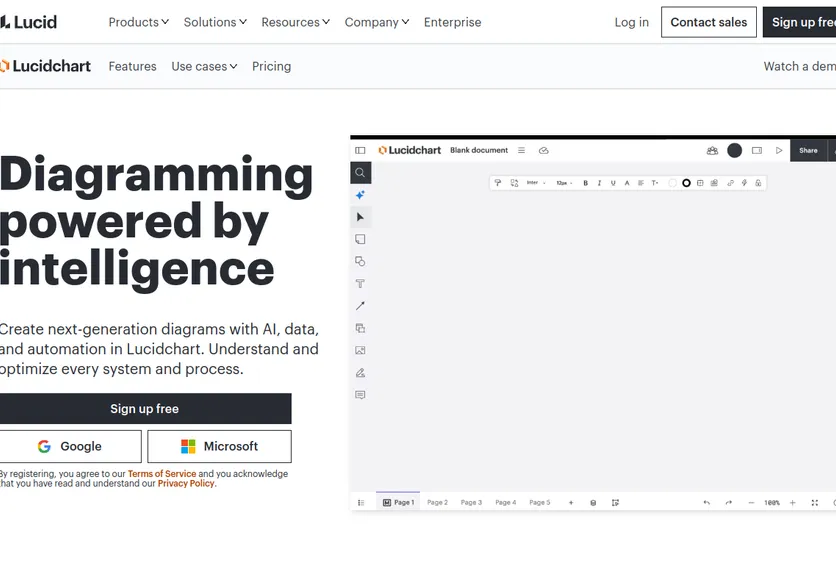
Lucidchart is the diagramming pick for beginners who need a floor plan fast and already work in diagrams. This Lucidchart plan covers floor plans, flowcharts and diagrams with drag-and-drop shapes and real-time sharing. It is the best pick when the floor plan is one diagram among many and you want it in the same tool as the rest.
What we like
- Drag-and-drop shapes make a plan fast
- Real-time sharing and commenting built in
- Free plan for light use
Watch out for
- Some directories still quote the older $7.95 Individual rate
- A general diagram tool, not a dedicated floor plan app
How to try it
- Open Lucidchart and start with the free plan
- Pick a floor plan template and drag rooms into place
- Share the plan with a link so others can comment
Prices above were checked on each vendor’s own website on Nov 27, 2026 and can change — the vendor’s page is the final word. Vendor links are editorial: nobody paid to be listed or ranked here. Vendors who want a featured listing can see how it works on our Get listed page.
What floor plan software costs for a beginner in 2026
Start free, because every tool here lets you draw a real floor plan before you pay anything. The paid plans run from $4.99 a month for Planner 5D to $25 a month for HomeByMe, and the gap is mostly about project limits and 3D renders, not drawing tools. Check the billing before you buy: Planner 5D costs $19.99 a month when billed monthly, four times its $4.99 annual rate, and RoomSketcher's $12 rate is shown as half off its $24 monthly price. The one-time outlier is Live Home 3D Pro at $149.99, which suits a beginner who would rather pay once than rent software. Pick the tool whose free plan covers your first room, then pay only when you outgrow it.
Before you buy
- Start with the free plan, because every tool here lets you draw a real floor plan before you pay anything.
- Check the project limit, because a free plan that covers five projects may not cover a whole house.
- Ask whether 3D views are included, because a flat 2D plan is hard to read when you are new to design.
- Test the furniture catalog, because a tool with no sofa your size cannot show you how a room really fits.
- Compare monthly and yearly prices, because a $4.99 a month annual plan can cost four times more when billed monthly.
Official websites
Official websites of the products reviewed above. Features and prices were checked against these sites when this guide was written, and they can change, so confirm on the vendor site before you buy.
Frequently asked questions
Which floor plan software is best for beginners?
Floorplanner is the best all-round pick for beginners, because it runs in the browser, needs no install and gives you five free projects. RoomSketcher is best for 3D photos at $12 a month, and Planner 5D is cheapest at $4.99 a month on annual billing. Start with Floorplanner's free plan, then move up only when you need more projects.
What is the cheapest floor plan software for beginners?
Planner 5D Premium costs $4.99 a month billed annually, which is the cheapest paid plan here. Floorplanner Plus is next at $5 a month. Both have free plans, so try them before you pay. Watch the billing: Planner 5D costs $19.99 a month when billed monthly, four times the annual rate.
Can I try floor plan software for free?
Yes, most of them do. Floorplanner, RoomSketcher, Planner 5D, HomeByMe, SketchUp and Lucidchart all have free plans, and SmartDraw offers a 7-day trial. Live Home 3D has a free version too. Start free, draw a real room, and only pay when you hit a project limit or need 3D renders.
Do I need to learn CAD to draw a floor plan?
For most beginners, no. Floorplanner, RoomSketcher, Planner 5D and HomeByMe all run in the browser or on your phone, so you can draw a plan in minutes. SketchUp Go is the exception: it is a real 3D modeler with a learning curve, but it is the tool you will still use once you outgrow the drag-and-drop apps.
What should a beginner check before buying floor plan software?
Check the project limit first, because a free plan that covers five projects may not cover a whole house. Then check whether 3D views and exports are included, because some tools charge credits for renders. Finally, compare annual and monthly prices, since a $4.99 a month plan can cost $19.99 a month when billed monthly.
Need the everyday image jobs too? Resize, convert and crop images free on Toolsvine right in your browser.
Browse Image Tools tools