
On this page
Online ordering is where a restaurant either keeps the full ticket or hands a slice to a marketplace, and the software choice decides which one happens. The cheapest plan is rarely the cheapest month once per-order fees, processing and add-ons are counted. Toast leads this comparison because its point of sale and ordering live in one system, but a small counter may do better on a free or flat-fee plan.
How we researched this
We checked every price on the vendor pricing page or a November 2026 vendor read, and only included tools with a published US dollar list price. We ranked each tool on what a single location actually pays in a month, including per-order fees, processing rates and whether online ordering is included or sold as an add-on. Quote-only ordering platforms were left out, so every price below can be verified.
Compare the tools
| Name | Best for | Starting price | Free plan | |
|---|---|---|---|---|
 Toast | Full-service restaurants that want one system for POS and ordering | $69/mo | $0 Starter Kit for eligible new restaurants | Visit |
 Square Online | Cafes and small counters that want free ordering to start | $49/mo | Free plan with processing fees only | Visit |
 Lightspeed Restaurant | Restaurants with complex menus and inventory to track | $69/mo | Free trial, no free plan | Visit |
 Clover | Counter-service restaurants that want ordering bundled with the register | $135/mo | No free plan; hardware bundles from $135 a month | Visit |
 ChowNow | Independents that want commission-free ordering and a branded app | $229/mo | No free plan; demo available | Visit |
| Menufy | Restaurants that want a done-for-you ordering site and marketing | $149/mo | No free plan; ask for a demo | Visit |
| UpMenu | Small restaurants that want modular, commission-free ordering | $49/mo | 7-day free trial, no free plan | Visit |
| Slice | Independent pizzerias that want ordering plus marketplace reach | $39/mo | No free plan; month-to-month plans | Visit |
The foodservice software for online ordering, compared
1. Toast
Best for: Full-service restaurants that want one system for POS and ordering
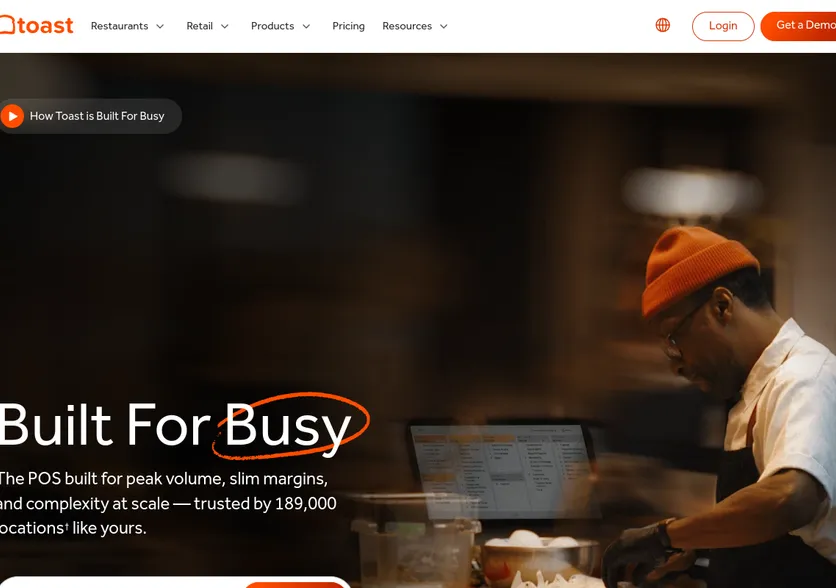
Paid tool Starting price: $69/mo · Sixty-nine dollars a month for the Point of Sale plan, with a zero-dollar Starter Kit for eligible new single-location restaurants; extra terminals cost fifty dollars a month and online ordering sits in the higher Core package
Free plan: $0 Starter Kit for eligible new restaurants
This Toast Point of Sale plan costs sixty-nine dollars a month, and it is the restaurant-only platform most full-service operators start with. It covers tables, tickets, kitchen displays and payments in one login, and its online ordering keeps takeout orders in the same flow as dine-in checks. The trade-off is lock-in: Toast requires its own payment processing and its own hardware, so switching away later is a project.
What we like
- Restaurant-only design, built for tables and tickets
- Online ordering in the same flow as dine-in
- Kitchen displays and handhelds included in the ecosystem
Watch out for
- Requires Toast payment processing, with no outside processor
- Online ordering costs extra beyond the base plan
How to try it
- Set up the menu and floor plan in the Toast dashboard
- Connect the Toast terminal and kitchen display screens
- Turn on online ordering and link it to the restaurant website
2. Square Online
Best for: Cafes and small counters that want free ordering to start
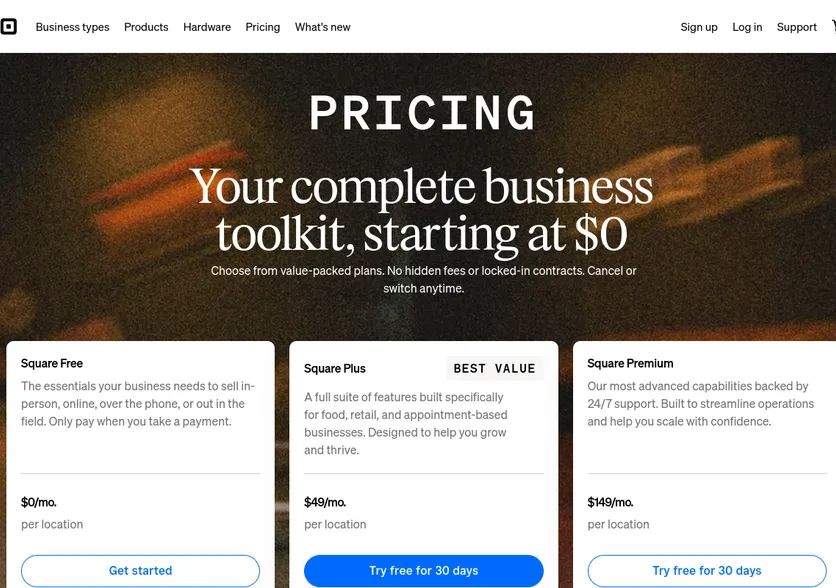
Paid tool Starting price: $49/mo · Forty-nine dollars a month for the Plus plan per location, with a free plan that charges processing only and Premium at one hundred forty-nine dollars a month; online processing is two point nine percent plus thirty cents on Plus
Free plan: Free plan with processing fees only
This Square Online Plus plan costs forty-nine dollars a month per location, and it is the cheapest honest way for a small cafe to take online orders. The free plan charges nothing monthly and takes a higher processing rate instead, so a new counter can start without a subscription. Orders, menus and payments all live in the same Square account, which keeps the daily routine simple.
What we like
- Free plan with no monthly fee to start
- No contract on paid plans
- Menus, orders and payments in one Square account
Watch out for
- Free plan charges a higher online processing rate
- No native branded app for customers
How to try it
- Build the menu and ordering page in the Square dashboard
- Set pickup and delivery options with preparation times
- Share the ordering link on the website and social profiles
3. Lightspeed Restaurant
Best for: Restaurants with complex menus and inventory to track
Paid tool Starting price: $69/mo · Sixty-nine dollars a month for the Starter plan, with Essential at one hundred eighty-nine dollars and Premium at three hundred ninety-nine dollars a month; online ordering is included on Essential and Premium and sold as an add-on on Starter
Free plan: Free trial, no free plan
This Lightspeed Restaurant Starter plan costs sixty-nine dollars a month, and it suits restaurants whose menus and stock lists are too complex for a basic register. It handles modifiers, table layouts and ingredient-level inventory, and its reporting shows which dishes actually make money. Online ordering is an add-on at this tier, so budget for it if takeout matters.
What we like
- Strong inventory and modifier handling for complex menus
- Detailed reporting on dish-level margins
- Works across multiple locations from one account
Watch out for
- Online ordering is an add-on on the Starter plan
- Higher tiers jump sharply in price
How to try it
- Import the menu with modifiers and prices
- Set up floor plans, tables and staff roles
- Add online ordering and connect it to the website
4. Clover
Best for: Counter-service restaurants that want ordering bundled with the register
Paid tool Starting price: $135/mo · One hundred thirty-five dollars a month for quick-service bundles on a thirty-six-month term, with online ordering included and no extra fee; card processing applies separately and hardware is bundled into the monthly figure
Free plan: No free plan; hardware bundles from $135 a month
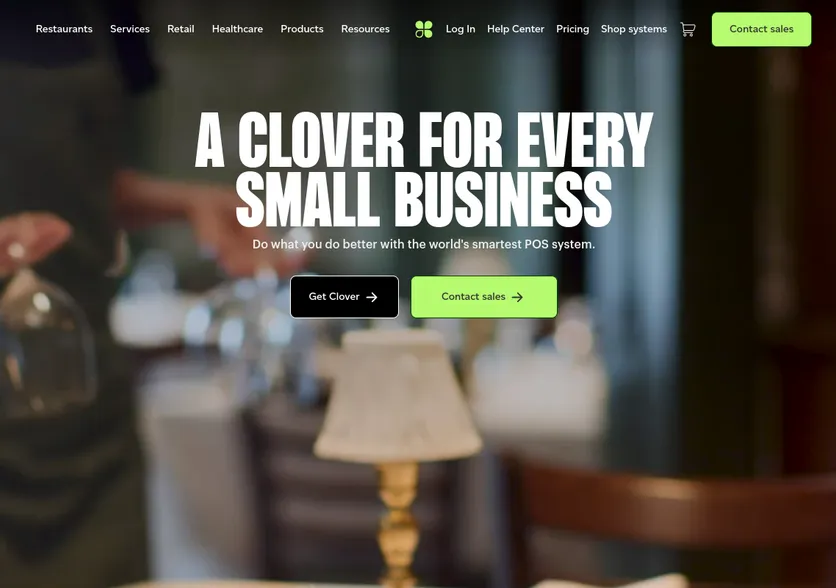
This Clover quick-service bundle costs one hundred thirty-five dollars a month on a thirty-six-month term, and online ordering is included with no extra fee. It is a counter-service workhorse: the register, the ordering page and the payment terminal all come from one vendor, so there is one number to call when something breaks. The long term is the catch, since the bundle price assumes a three-year commitment.
What we like
- Online ordering included with no extra fee
- One vendor for register, ordering and payments
- Simple setup for counter-service teams
Watch out for
- Thirty-six-month term on the bundle price
- Less depth than Toast for full table service
How to try it
- Choose the quick-service bundle for the location
- Build the menu and set pickup and delivery hours
- Publish the ordering link and test a full order
5. ChowNow
Best for: Independents that want commission-free ordering and a branded app
Paid tool Starting price: $229/mo · Two hundred twenty-nine dollars a month for the Launch plan billed annually, or two hundred forty-nine dollars month to month; setup costs one hundred nineteen to four hundred ninety-nine dollars and processing is two point nine five percent plus twenty-nine cents
Free plan: No free plan; demo available
This ChowNow Launch plan costs two hundred twenty-nine dollars a month billed annually, and its promise is simple: zero commission on orders from the restaurant's own channels. Every plan includes a branded app, and it connects to Toast, Square and Clover, so most restaurants keep their existing register. The monthly fee is high for a small counter, so it pays best once direct orders are steady.
What we like
- Zero commission on orders from own channels
- Branded app included on every plan
- Connects to Toast, Square and Clover
Watch out for
- High monthly fee for a small restaurant
- Setup fee of up to four hundred ninety-nine dollars
How to try it
- Sign up and connect the existing POS system
- Build the branded ordering page and app listing
- Promote the direct ordering link to regular customers
6. Menufy
Best for: Restaurants that want a done-for-you ordering site and marketing
Paid tool Starting price: $149/mo · One hundred forty-nine dollars a month on a twelve-month agreement, or one hundred seventy-nine dollars month to month; no per-order commission, with a setup specialist included and an online fee charged to guests
Free plan: No free plan; ask for a demo
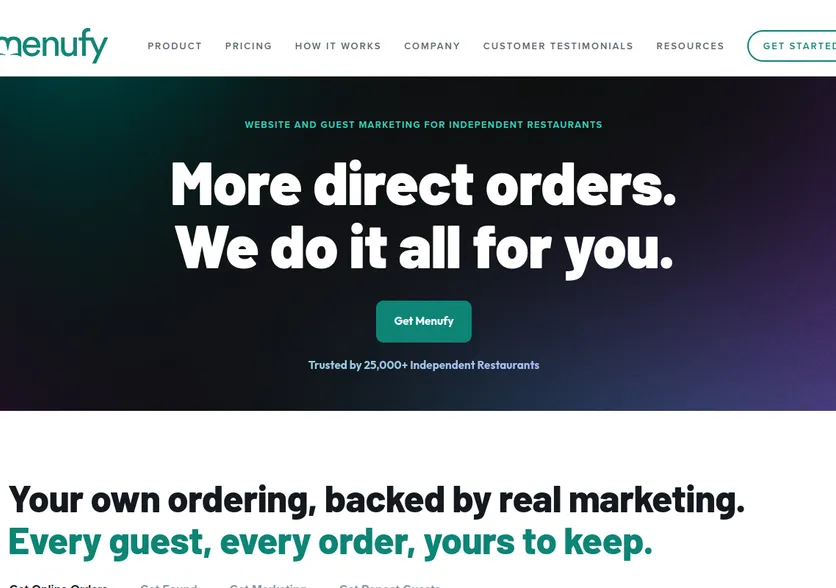
This Menufy plan costs one hundred forty-nine dollars a month on a twelve-month agreement, and it sells the work as much as the software. Menufy builds the ordering site, runs monthly email and text offers, and charges no commission on orders. It is a good fit for an owner who wants ordering handled rather than another dashboard to manage.
What we like
- No commission on orders
- Ordering site built for the restaurant
- Monthly email and text marketing included
Watch out for
- Twelve-month agreement for the lower price
- Guests pay an online fee at checkout
How to try it
- Send the menu and branding to the Menufy team
- Review the ordering site they build
- Launch the site and the monthly marketing offers
7. UpMenu
Best for: Small restaurants that want modular, commission-free ordering
Paid tool Starting price: $49/mo · Forty-nine dollars a month for Web Ordering for up to seventy-five orders, with eighty-nine dollars for two hundred ten orders and one hundred sixty-nine dollars for unlimited orders; extra orders cost one dollar ninety per order and modules are priced per location
Free plan: 7-day free trial, no free plan
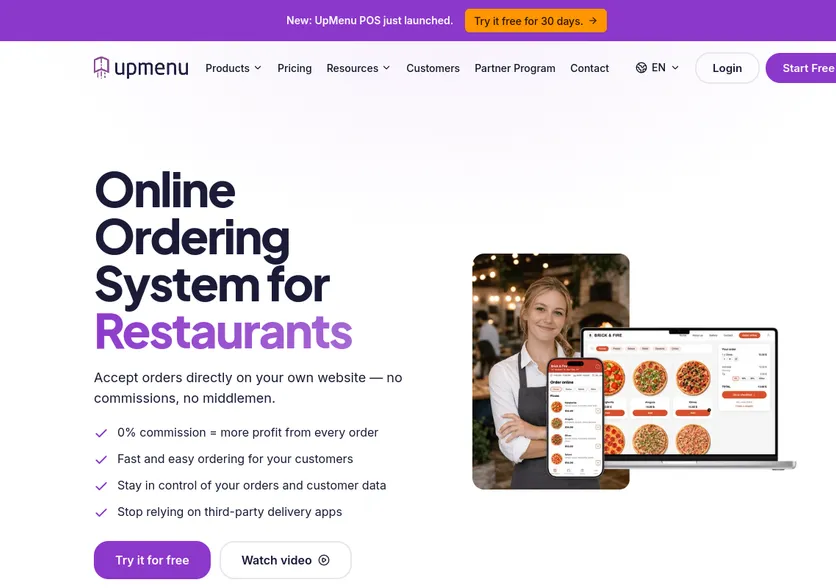
This UpMenu Web Ordering plan costs forty-nine dollars a month for up to seventy-five orders, and it charges no commission on any of them. The modular pricing lets a restaurant buy only what it needs, adding a branded app, loyalty or a driver app as separate modules. The order cap is the thing to watch, since orders past seventy-five cost one dollar ninety each.
What we like
- No commission on orders
- Modular pricing, buy only the features needed
- Branded app and loyalty available as add-ons
Watch out for
- Seventy-five-order cap on the entry plan
- Modules add up quickly at larger volumes
How to try it
- Choose the Web Ordering module for the location
- Build the menu and set the ordering hours
- Add the app or loyalty module only if needed
8. Slice
Best for: Independent pizzerias that want ordering plus marketplace reach
Paid tool Starting price: $39/mo · Thirty-nine dollars a month for the Online Growth plan plus three dollars per card order of ten dollars or more; the Complete plan is ninety-nine dollars a month plus two dollars per order, with marketplace placement in the Slice app included
Free plan: No free plan; month-to-month plans
This Slice Online Growth plan costs thirty-nine dollars a month plus three dollars per card order, and it is built for independent pizzerias. It covers online, phone and in-store ordering, builds the website, and lists the shop in the Slice ordering app, which brings new customers. The per-order fee is the real cost, so a busy shop should compare it with a flat-fee plan before signing.
What we like
- Marketplace placement in the Slice app
- Online, phone and in-store ordering in one plan
- Website built for the pizzeria
Watch out for
- Three-dollar fee on every card order
- Built for pizzerias, not general restaurants
How to try it
- Sign up and send the menu to Slice
- Review the ordering website they build
- Turn on the Slice app listing for new customers
Prices above were checked on each vendor’s own website on Nov 27, 2026 and can change — the vendor’s page is the final word. Vendor links are editorial: nobody paid to be listed or ranked here. Vendors who want a featured listing can see how it works on our Get listed page.
How to pick foodservice software for online ordering
Start with the monthly order count, not the feature list. A counter doing fifty orders a month pays very little on a per-order plan, while a shop doing five hundred pays far less on a flat monthly fee. Count the processing rate next, because a free plan with a higher rate can cost more than a paid plan at volume. Check whether online ordering is included or an add-on, and whether the plan needs the vendor's register or works with the one already on the counter. Finally, test a full order as a customer before launch, including pickup times and a refund. Finally, read the contract term before signing, since a low monthly price on a three-year bundle can cost more than a higher month-to-month plan.
Before you buy
- Count monthly orders first, because per-order fees beat flat fees only at low volume
- Compare the card processing rate, not just the monthly plan price
- Confirm whether online ordering is included or sold as an add-on
- Check if the tool needs its own register or works with the current POS
- Place a test order as a customer before the launch day
Official websites
Official websites of the products reviewed above. Features and prices were checked against these sites when this guide was written, and they can change, so confirm on the vendor site before you buy.
Frequently asked questions
What is the cheapest foodservice software for online ordering?
Square Online has the cheapest start, with a free plan that charges processing only and no monthly fee. UpMenu follows at forty-nine dollars a month for up to seventy-five orders, and Slice starts at thirty-nine dollars a month plus three dollars per card order. The cheapest plan depends on volume, because a per-order fee overtakes a flat monthly fee once orders climb past a few hundred a month.
Does Toast charge commission on online orders?
Toast does not charge commission on orders placed through its own online ordering, but online ordering is not included in the sixty-nine-dollar Point of Sale plan and sits in a higher package. The Starter Kit is free for eligible new restaurants, though it carries a higher processing rate. Ask for the full package price in writing before comparing Toast with a flat-fee ordering tool.
Is ChowNow worth $229 a month for a small restaurant?
ChowNow is worth it when direct orders are steady enough that zero commission saves more than the monthly fee. A restaurant doing three hundred orders a month at thirty dollars each would pay thousands in marketplace commission, so a flat two hundred twenty-nine dollars looks cheap. A counter doing fifty orders a month will likely do better on Square Online or UpMenu until volume grows.
Do I need a POS system to use online ordering software?
It depends on the tool. Toast, Lightspeed and Clover sell online ordering as part of their point of sale, so the register comes with it. ChowNow, Menufy, UpMenu and Slice work with or without a POS, and ChowNow connects to Toast, Square and Clover. A restaurant that already has a register should pick a tool that connects to it rather than replacing it.
What hidden costs should I check before buying?
Check four costs beyond the monthly plan: the card processing rate, any per-order fee, the setup or implementation fee, and the price of extra terminals or kitchen screens. Toast charges fifty dollars a month per extra terminal, ChowNow charges up to four hundred ninety-nine dollars for setup, and Slice adds three dollars to every card order. Add all four together for a real monthly total.
Compare the eight tools above, then start with a free trial on the tool that matches your order volume before you pay for a full year.
Browse Business Tools tools


