
On this page
Support forecasting is the difference between a team that staffs the Tuesday spike and a team that apologizes for it. Most workforce tools hide their prices behind a sales call, so this list only includes tools with a published dollar figure. Assembled leads because it publishes per-agent prices and forecasts from real ticket history, but a small team may do better on a two-dollar scheduling add-on.
How we researched this
We checked every price on the vendor pricing page or a November 2026 vendor read, and only included tools with a published US dollar list price and a real forecasting feature. We ranked each tool on what a support team pays per agent, how the forecast is built, and whether forecasting is included or gated behind a higher tier. Quote-only suites such as Calabrio, Verint, NICE and Playvox were left out, so every price below can be verified.
Compare the tools
| Name | Best for | Starting price | Free plan | |
|---|---|---|---|---|
| Assembled | Support teams that want forecast-driven schedules tied to Zendesk | $25/agent/mo | No free plan; demo available | Visit |
| Zendesk WFM | Zendesk teams that want forecasting inside the help desk | $25/agent/mo | Free trial, no free plan | Visit |
| Soon | In-house support teams that plan staffing in fifteen-minute intervals | $16/user/mo | 30-day free trial, no free plan | Visit |
 Deputy | Shift-based support teams that want demand forecasting at a low price | $6.50/user/mo | 31-day free trial, no free plan | Visit |
| Shifton | Hourly teams that already know how many people each hour needs | $2/employee/mo | Free plan for up to 10 employees | Visit |
 When I Work | Small hourly teams that want forecasting in the cheapest plan | $2.50/user/mo | 14-day free trial, no free plan | Visit |
| Dialpad WFM | Dialpad contact centers that want WFM inside the phone system | $149/user/mo | No free plan; 14-day Dialpad trial | Visit |
The forecasting software for customer support, compared
1. Assembled
Best for: Support teams that want forecast-driven schedules tied to Zendesk
Paid tool Starting price: $25/agent/mo · Twenty-five dollars per agent a month for Core, forty-five for Pro and seventy-five for Enterprise, plus a separate platform fee that is not published; AI Copilot starts at thirty-five dollars a month and AI Agents at sixty-five cents per resolved conversation
Free plan: No free plan; demo available
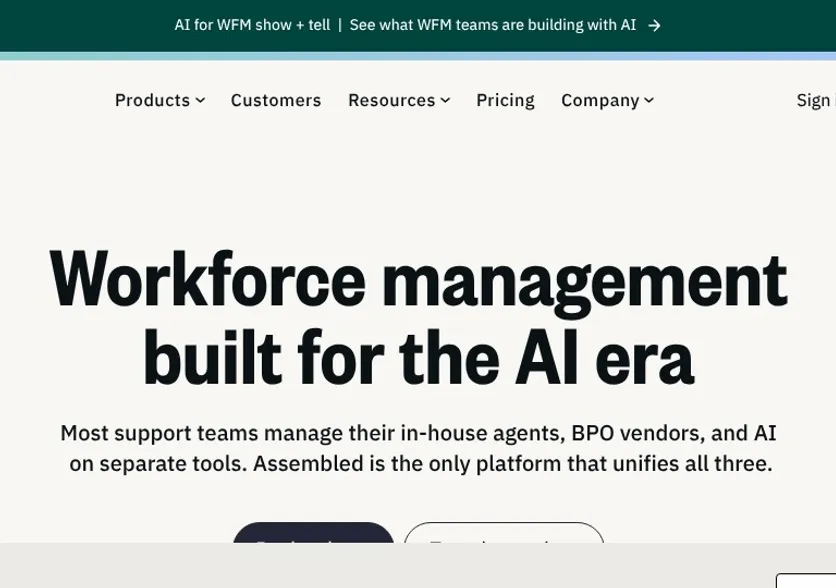
This Assembled Core plan costs twenty-five dollars per agent a month, and it is the most transparent workforce management option for modern support teams. It forecasts ticket volume from Zendesk, Salesforce or Intercom history, builds schedules against that forecast and tracks real-time adherence. The unpublished platform fee is the catch, so ask for the full annual total before signing.
What we like
- Publishes per-agent prices, unlike most WFM vendors
- Forecasts from real ticket and call history
- Real-time adherence and intraday management included
Watch out for
- A separate platform fee sits on top of the seat price
- Assumes a modern ticketing tool as the system of record
How to try it
- Connect Zendesk, Salesforce or Intercom to Assembled
- Let the forecast build from ticket history
- Publish the first schedule and watch adherence live
2. Zendesk WFM
Best for: Zendesk teams that want forecasting inside the help desk
Paid tool Starting price: $25/agent/mo · Twenty-five dollars per agent a month as a Zendesk add-on, with a Workforce Engagement bundle of WFM plus quality assurance at fifty dollars per agent a month; formerly Tymeshift, acquired by Zendesk in 2023
Free plan: Free trial, no free plan
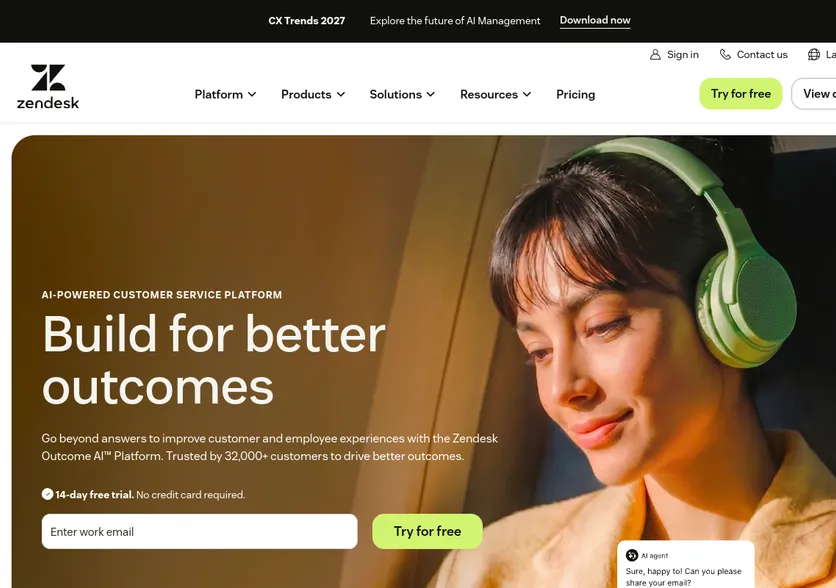
This Zendesk WFM add-on costs twenty-five dollars per agent a month, and it is the simplest forecasting choice for a team already on Zendesk. It was formerly Tymeshift, and it now runs natively inside Zendesk, forecasting ticket volume, building schedules and tracking agent performance without a separate login. The catch is the lock-in: it only makes sense inside a Zendesk account.
What we like
- Native inside Zendesk, no separate tool to learn
- Forecasting, scheduling and adherence in one add-on
- Bundle with quality assurance at fifty dollars a month
Watch out for
- Only useful for teams already paying for Zendesk
- Less depth than a standalone WFM suite
How to try it
- Turn on the WFM add-on from the Zendesk admin panel
- Let it forecast volume from ticket history
- Build schedules and track adherence from the same dashboard
3. Soon
Best for: In-house support teams that plan staffing in fifteen-minute intervals
Paid tool Starting price: $16/user/mo · Sixteen dollars per user a month for the Scale plan billed yearly, which is the tier that includes forecasting; Start is four dollars and Grow is eight dollars, with a thirty-nine-dollar monthly minimum covering ten users
Free plan: 30-day free trial, no free plan
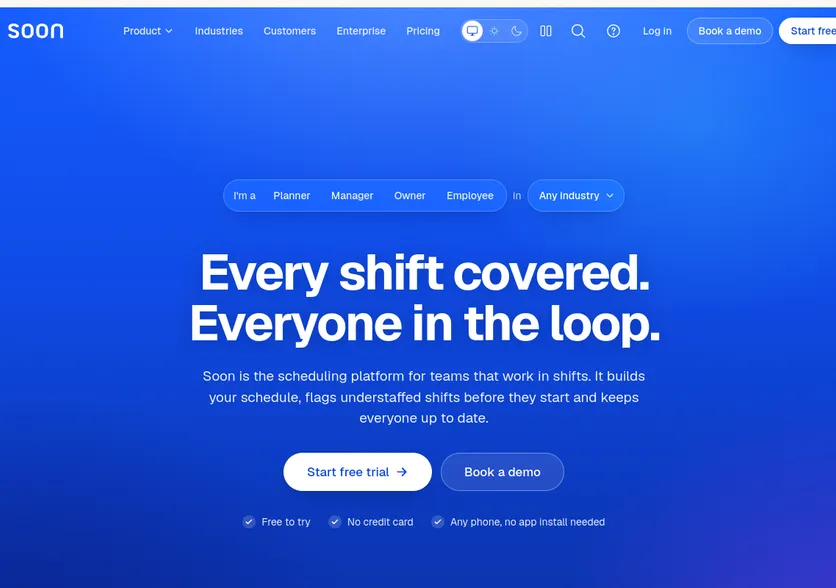
This Soon Scale plan costs sixteen dollars per user a month billed yearly, and it is the tier where forecasting actually lives. It plans staffing in fifteen-minute intervals up to a year ahead, schedules timed activities inside each shift, and syncs two-way with Google and Outlook calendars. The entry Start plan is cheaper but has no forecasting, so the real price of the forecast is the Scale tier.
What we like
- Interval forecasting up to a year ahead
- Activity planning inside each shift
- Two-way calendar sync included
Watch out for
- Forecasting sits only on the sixteen-dollar Scale plan
- Smaller vendor with fewer integrations than Assembled
How to try it
- Create the team and set the planning intervals
- Enter demand by interval or import it
- Generate the schedule and publish it to the team
4. Deputy
Best for: Shift-based support teams that want demand forecasting at a low price
Paid tool Starting price: $6.50/user/mo · Six dollars fifty per user a month for the Core plan billed annually, or seven dollars twenty-five month to month; Lite is five dollars and Pro is nine dollars, and monthly plans carry a thirty-dollar minimum per invoice
Free plan: 31-day free trial, no free plan
This Deputy Core plan costs six dollars fifty per user a month billed annually, and it is the cheapest published route to real demand forecasting. Core adds auto-scheduling, demand forecasting, labor optimization and wage budgets to the basic scheduling in Lite. It pulls sales data from a POS integration and compares forecasts with actuals, so a manager can see where the schedule missed.

What we like
- Demand forecasting included on the Core plan
- Auto-scheduling built from the forecast
- Wage and labor budgets keep shifts inside budget
Watch out for
- Forecasting needs the Core plan, not Lite
- Monthly plans carry a thirty-dollar minimum invoice
How to try it
- Connect the POS or sales data to Deputy
- Set labor budgets and coverage rules
- Let auto-scheduling build the week from the forecast
5. Shifton
Best for: Hourly teams that already know how many people each hour needs
Paid tool Starting price: $2/employee/mo · Two dollars per employee a month for the Forecasting module, plus one dollar per employee for Basic functions once any paid module is on; the core schedule is free for up to ten employees, and annual billing saves twenty percent
Free plan: Free plan for up to 10 employees
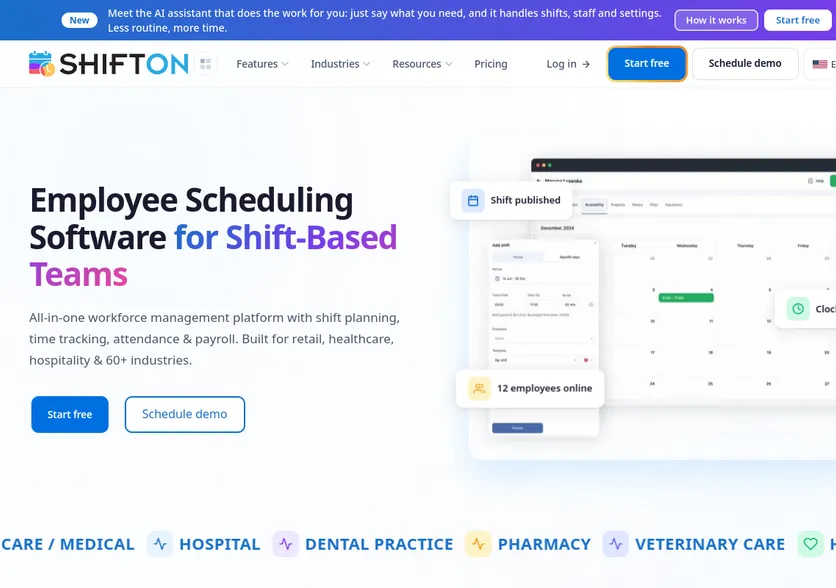
This Shifton Forecasting module costs two dollars per employee a month, and it is the most modular forecasting option in this list. The core schedule is free for up to ten employees, and the module builds shifts from a headcount-per-hour table the team supplies, typed by hand or uploaded as a file. It does not predict demand by itself, so it fits teams that already know their load pattern.
What we like
- Modular pricing, pay only for the modules used
- Free core scheduling for up to ten employees
- Scenario testing against different demand tables
Watch out for
- Forecasting does not predict demand from sales data
- Basic functions cost one dollar more once a module is on
How to try it
- Enter the headcount needed for each hour
- Turn on the Forecasting module
- Let the wizard build shifts against the demand table
6. When I Work
Best for: Small hourly teams that want forecasting in the cheapest plan
Paid tool Starting price: $2.50/user/mo · Two dollars fifty per user a month for the single-location plan, with five dollars for multiple locations and eight dollars for Premium; every plan includes scheduling, time tracking, team messaging and labor forecasting
Free plan: 14-day free trial, no free plan
This When I Work single-location plan costs two dollars fifty per user a month, and labor forecasting is included from the very first tier. It compares scheduled hours with sales and labor budgets before publishing, so overtime shows while it can still be fixed. It is a scheduler first and a forecaster second, so teams that need deep interval forecasting should look at Assembled or Soon.

What we like
- Labor forecasting included on the cheapest plan
- Auto-scheduling and time clock included
- Simple mobile app staff actually use
Watch out for
- Forecasting is budget-based, not interval-based
- Custom reporting needs the five-dollar plan
How to try it
- Create the schedule and set labor budgets
- Let auto-scheduling fill shifts from availability
- Check the forecast against actuals each week
7. Dialpad WFM
Best for: Dialpad contact centers that want WFM inside the phone system
Paid tool Starting price: $149/user/mo · One hundred forty-nine dollars per user a month for Dialpad Support Premium billed annually, the only tier that includes workforce management; Essentials is eighty-nine dollars and Advanced is one hundred nineteen dollars, and Premium is annual only
Free plan: No free plan; 14-day Dialpad trial
This Dialpad WFM costs one hundred forty-nine dollars per user a month on the Support Premium plan, and it is built on Surfboard, the UK workforce tool Dialpad acquired in 2024. It forecasts demand across queues and channels from historical interaction volume, builds shifts from that forecast, and tracks adherence in real time. The price buys a full contact center, so it only fits teams already standardizing on Dialpad.
What we like
- WFM built into the contact center, no separate login
- Forecasts across voice and digital channels
- AI quality management included on the same plan
Watch out for
- Only available on the top annual-only plan
- Cannot be bought for use with a non-Dialpad platform
How to try it
- Move the contact center to Dialpad Support
- Turn on Premium to unlock workforce management
- Build forecasts from historical interaction volume
Prices above were checked on each vendor’s own website on Nov 27, 2026 and can change — the vendor’s page is the final word. Vendor links are editorial: nobody paid to be listed or ranked here. Vendors who want a featured listing can see how it works on our Get listed page.
How to pick forecasting software for customer support
Start with the channel mix, because a tool that forecasts tickets cannot help a voice-heavy floor without call data. Check whether the forecast learns from history or needs a demand table typed by hand, since the two feel very different in week one. Count the real monthly cost per agent, including platform fees and minimums, not just the headline seat price. Confirm that forecasting is included on the plan you would buy, because several vendors gate it behind a higher tier. Finally, run one real week on the forecast before committing to a year. Finally, ask who owns the forecast when volume spikes, because a tool that needs a manager to rebuild the schedule every week is not really forecasting.
Before you buy
- Match the forecast to the channels the team actually runs
- Check whether the forecast learns from history or needs a manual demand table
- Count platform fees and minimums on top of the per-agent price
- Confirm forecasting is included on the plan you would buy, not a higher tier
- Run one real week on the forecast before signing a yearly contract
Official websites
Official websites of the products reviewed above. Features and prices were checked against these sites when this guide was written, and they can change, so confirm on the vendor site before you buy.
Frequently asked questions
What is the cheapest forecasting software for customer support?
Shifton is the cheapest route, with its Forecasting module at two dollars per employee a month plus one dollar for Basic functions. When I Work follows at two dollars fifty per user a month with labor forecasting included, and Deputy Core adds demand forecasting at six dollars fifty. The cheapest option depends on the team: Shifton needs a demand table supplied by hand, while Deputy and When I Work forecast from budgets and sales data.
Why are most workforce management tools quote-only?
Enterprise workforce suites such as Calabrio, Verint, NICE and Playvox sell by module, seat count and contract length, so no single price fits every buyer. They also bundle quality management, coaching and analytics as separate line items, which makes a published price misleading. The tools in this list publish at least one per-agent or per-user rate, which is why a team can budget for them without a sales call.
Does Assembled charge more than $25 per agent?
Yes, in practice. The Core plan is twenty-five dollars per agent a month, but Assembled adds a separate platform fee that it does not publish, so the headline rate understates the real bill. Pro is forty-five dollars and Enterprise is seventy-five dollars per agent, and the AI Copilot and AI Agents are sold separately. Ask for the full annual total, including the platform fee, before comparing it with a flat-rate tool.
What is the difference between forecasting and scheduling?
Forecasting predicts how much work is coming, usually by channel and by fifteen- or thirty-minute interval, using history, seasonality and events. Scheduling turns that forecast into shifts, assigning named agents to the hours the forecast says are needed. A tool can schedule without forecasting, but then a manager is guessing the load. The best tools in this list do both, so the schedule follows the forecast automatically.
Can a small support team afford forecasting software?
Yes, if it picks a scheduling-first tool rather than an enterprise suite. When I Work includes labor forecasting at two dollars fifty per user, Deputy Core adds demand forecasting at six dollars fifty, and Shifton charges two dollars per employee for its module. A ten-agent team can run forecasting for twenty-five to sixty-five dollars a month, which is far below the quote-only enterprise suites.
Compare the seven tools above, then run one real week on the forecast before you commit to a full year.
Browse Business Tools tools


