
On this page
A delivery fleet lives or dies on the next load: an empty truck on the return leg, a delivery without proof, an invoice that goes out late. The eight tools below were checked on their own pricing pages on November 27, 2026, and each one helps a delivery fleet manage freight differently, from filling backhauls to tracking drivers and settling invoices. AscendTMS is our first pick, the transport system that never charges for drivers, trucks or loads, with Basic at sixty-nine dollars per user a month.
How we researched this
We started with the tools delivery fleets actually use to manage loads, drivers and invoices, then read each price on the vendor pricing page on November 27, 2026. We judged them on dispatch, tracking, billing and whether the price fits a fleet running daily delivery routes. We kept only tools with a published dollar price and dropped any tool whose price we could not verify on its own site.
Compare the tools
| Name | Best for | Starting price | Free plan | |
|---|---|---|---|---|
| DAT One | Delivery fleets that want to fill empty trucks between runs | $59/month | No free plan listed on the pricing page | Visit |
| Truckstop | Delivery fleets that want backhauls and broker vetting together | $42/month | No free plan listed on the pricing page | Visit |
| AscendTMS | Delivery fleets that want loads, dispatch and tracking in one system | $69/user/month | No free plan; 30-day free trial on paid plans | Visit |
| TruckingOffice | Owner-operators and delivery fleets on a tight budget | $25/month | No free plan; 30-day free trial, no card required | Visit |
| Super Dispatch | Delivery fleets that move vehicles, not pallets | $55/month | Free Carrier TMS Lite plan | Visit |
| Alvys | Delivery fleets that want pricing by deliveries, not desks | From $3.95/load | No free plan; 14-day free trial | Visit |
| Tailwind TMS | Delivery fleets that want dispatch, billing and proof of delivery together | $99/user/month | No free plan; free trial available | Visit |
| Truckbase | Delivery fleets that have outgrown spreadsheets | From $290/month | No free plan; demo only | Visit |
The tools, compared
1. DAT One
Best for: Delivery fleets that want to fill empty trucks between runs
Paid tool Starting price: $59/month · DAT One Standard plan; Enhanced is $149, Pro $169, Select $259 and Office $339 a month; broker plans start at $159 a month
Free plan: No free plan listed on the pricing page
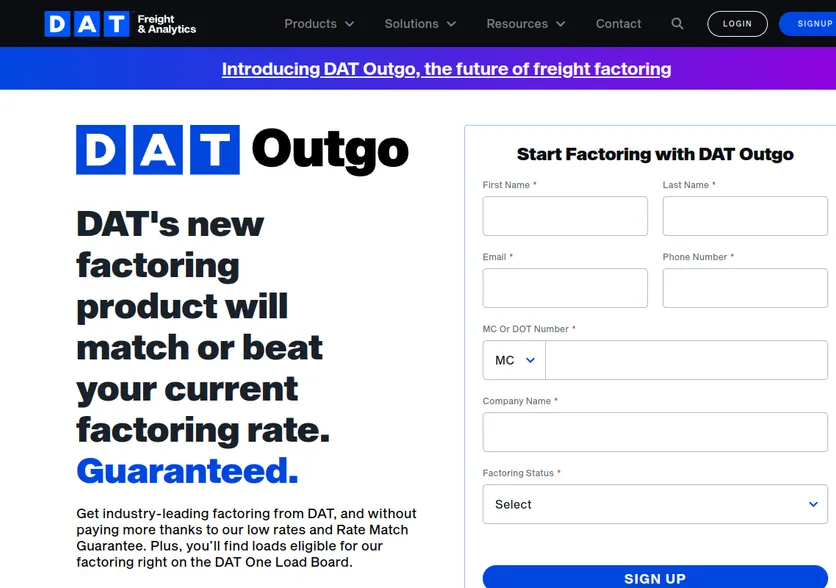
DAT One is the load board delivery fleets use to fill empty trucks between scheduled runs. Standard costs fifty-nine dollars a month for load search and truck posting, with up to five hundred searches and posts a month. Broker credit scores on every plan help a dispatcher check the payer before accepting a backhaul load.
What we like
- Largest load board network in North America
- Lane rate averages on Enhanced and above
- Broker credit scores on every plan
Watch out for
- Lane rate data starts at Enhanced, $149 a month
- Standard is built for box trucks and partial loads
How to try it
- Open the DAT pricing page and pick a carrier plan
- Search loads and post your trucks on the board
- Check lane rate averages before you accept a rate
2. Truckstop
Best for: Delivery fleets that want backhauls and broker vetting together
Paid tool Starting price: $42/month · Basic carrier plan, per user, for up to 3 users; Advanced is $135 and Pro $159 a month; a $42 application fee applies and is credited to the first month if approved
Free plan: No free plan listed on the pricing page
Truckstop is the load board delivery fleets use to find backhauls and check broker reliability in one place. Basic costs forty-two dollars a month per user, while Advanced at one hundred thirty-five dollars a month adds broker ratings, Book It Now and FuelDesk. A forty-two dollar application fee applies, and it is credited to the first month if you are approved.
What we like
- Book It Now on Advanced and above
- Broker ratings weed out slow payers
- Basic at $42 a month per user
Watch out for
- A $42 application fee applies up front
- Rate Insights needs Pro at $159 a month
How to try it
- Open the Truckstop pricing page and pick a carrier plan
- Search loads and post your trucks
- Use Rate Insights on Pro to check a lane before you book
3. AscendTMS
Best for: Delivery fleets that want loads, dispatch and tracking in one system
Paid tool Starting price: $69/user/month · Basic plan, per user; Premium is $119 and Pro $149 per user a month; no charges for drivers, trucks or loads; large-team pricing is quoted by phone
Free plan: No free plan; 30-day free trial on paid plans
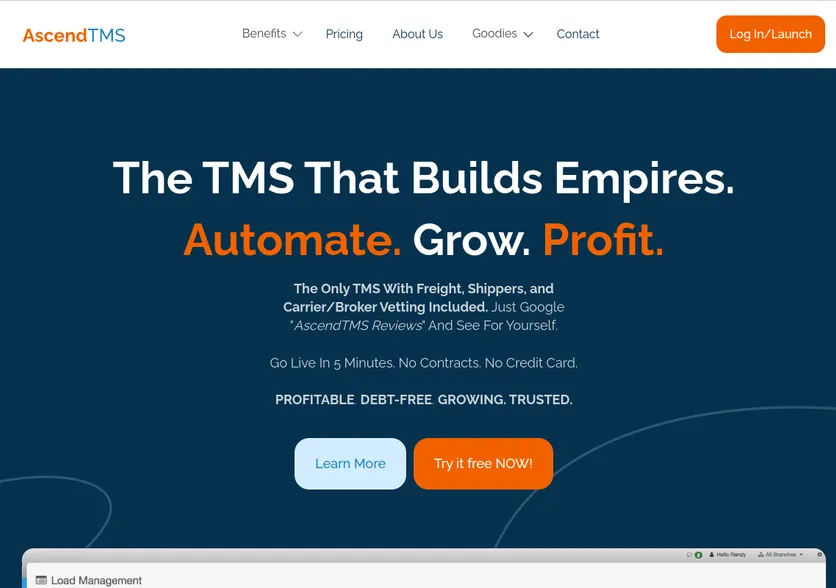
AscendTMS is the transport system delivery fleets use to plan loads, dispatch drivers and track deliveries from one dashboard. Basic costs sixty-nine dollars per user a month, with more than two hundred thirty standard features and no charges for drivers, trucks or loads. Premium at one hundred nineteen dollars a user adds full accounting, IFTA and EDI for fleets that bill by the load.
What we like
- Basic at $69 per user a month
- Never charges for drivers, trucks or loads
- 140+ integrations with load boards and accounting
Watch out for
- Per-user pricing adds up as the office grows
- Full accounting and IFTA need Premium at $119 a user
How to try it
- Open the AscendTMS pricing page and start the 30-day trial
- Add loads, dispatch drivers and track deliveries
- Move to Premium for full accounting, IFTA and EDI
4. TruckingOffice
Best for: Owner-operators and delivery fleets on a tight budget
Paid tool Starting price: $25/month · Basic plan for 1-2 trucks; Pro is $35 for 1-2 trucks; 3-7 trucks cost $55 Basic or $75 Pro; no per-user fees; billed monthly with no contract
Free plan: No free plan; 30-day free trial, no card required
TruckingOffice is the low-cost transport system for owner-operators and delivery fleets that want loads, mileage and invoicing in one place. Basic costs twenty-five dollars a month for one to two trucks, with a thirty-day free trial and no card required. Pro at thirty-five dollars a month adds less-than-truckload work and a load planner for mixed delivery routes.
What we like
- Cheapest TMS in this list at $25 a month
- No per-user fees and no contract
- IFTA reporting built in
Watch out for
- Basic covers full truckload work only
- PC*MILER routing is a paid add-on
How to try it
- Open the TruckingOffice pricing page and start the 30-day trial
- Enter loads, miles and expenses for each truck
- Run IFTA reports and invoices from the same records
5. Super Dispatch
Best for: Delivery fleets that move vehicles, not pallets
Paid tool Starting price: $55/month · Carrier Pro for the first seat ($50 a seat for 2 or more seats); Carrier TMS Lite is free; Shipper Pro starts at $159 a month
Free plan: Free Carrier TMS Lite plan
Super Dispatch is the auto transport platform for delivery fleets that move vehicles, not pallets. Carrier TMS Lite is free for single drivers, while Carrier Pro starts at fifty-five dollars a month for the first seat and fifty dollars a seat after that. Load management, electronic bills of lading, GPS tracking and invoicing run through the driver app and the desktop dashboard.
What we like
- Free Lite plan for single drivers
- Carrier Pro from $55 a month for one seat
- Electronic bills of lading and digital inspections
Watch out for
- Built for vehicle transport, not general freight
- Advanced reporting and GPS need the Pro plan
How to try it
- Open the Super Dispatch pricing page and start with the free Lite plan
- Book loads on the Super Loadboard
- Upgrade to Carrier Pro for GPS tracking and invoicing
6. Alvys
Best for: Delivery fleets that want pricing by deliveries, not desks
Paid tool Starting price: From $3.95/load · Foundations starting rate per load, with unlimited users; exact plan prices are quoted by load volume; a 14-day free trial is available
Free plan: No free plan; 14-day free trial
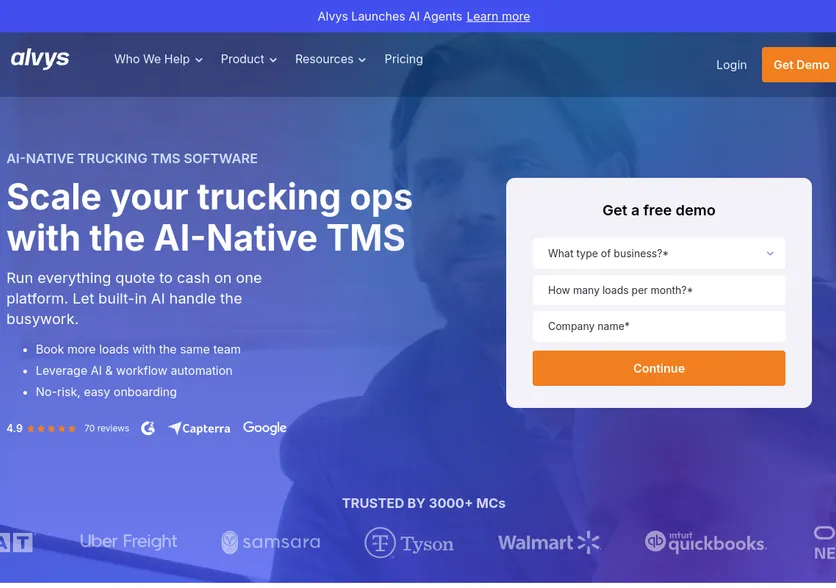
Alvys is the cloud transport system delivery fleets use when pricing should follow the number of deliveries, not the number of desks. Foundations starts at three dollars and ninety-five cents a load with unlimited users, and the exact rate is quoted by volume. A driver app, AI load creation and QuickBooks two-way sync are included, which suits a fleet that dispatches from the road.
What we like
- Per-load pricing with unlimited users
- Driver app, IFTA and settlements included
- No per-truck or per-seat fees
Watch out for
- Final rate is set on a quote call
- Per-load billing punishes months with many small loads
How to try it
- Open the Alvys pricing page and request a quote
- Set up your drivers, trucks and customer billing
- Run dispatch, settlements and IFTA from one system
7. Tailwind TMS
Best for: Delivery fleets that want dispatch, billing and proof of delivery together
Paid tool Starting price: $99/user/month · Pro plan, per user; Enterprise is $149 and Unlimited $199 per user a month; Pro covers up to 25 loads a month per user
Free plan: No free plan; free trial available
Tailwind TMS is the cloud system delivery fleets use to combine dispatch, billing and settlements in one place. Pro costs ninety-nine dollars per user a month and covers up to twenty-five loads a month per user, with the POD Complete driver app on every tier. It suits a fleet that needs proof of delivery and settlements without running two systems.
What we like
- Dispatch, accounting and settlements in one system
- QuickBooks Online sync on every tier
- No upfront setup fees
Watch out for
- Pro caps at 25 loads a month per user
- Per-user pricing means a 3-person office pays $297 a month
How to try it
- Open the Tailwind site and start a free trial
- Set up dispatch, billing and settlements
- Move to Enterprise for customer and carrier portals
8. Truckbase
Best for: Delivery fleets that have outgrown spreadsheets
Paid tool Starting price: From $290/month · Published minimum, billed annually; per-truck, per-driver, per-load and flat annual options are quoted per customer; demo quotes are reported from $599 a month
Free plan: No free plan; demo only
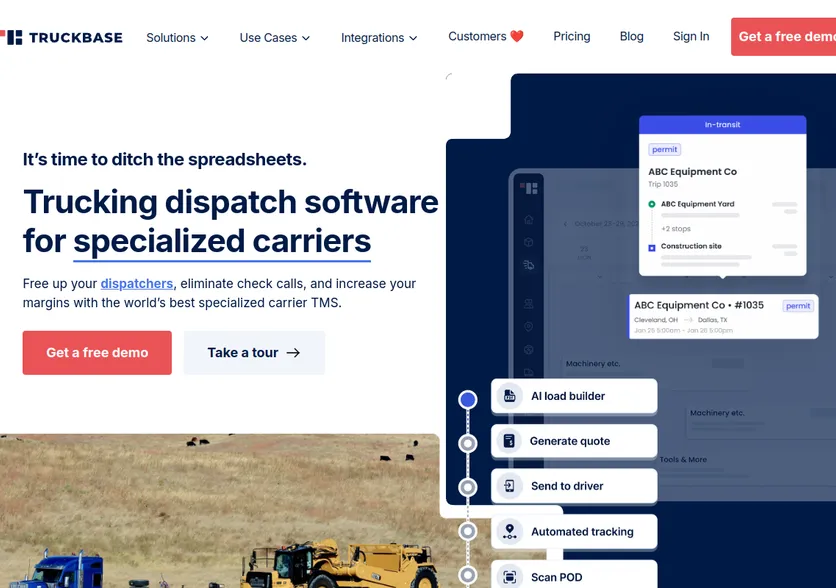
Truckbase is the dispatch system for delivery fleets that have outgrown spreadsheets and want simple, mobile-first dispatch. It lists a minimum of two hundred ninety dollars a month billed annually, with per-truck, per-driver or per-load billing quoted per customer. Document capture from driver phones, simple load tracking and basic customer visibility come standard.
What we like
- Per-truck, per-driver or per-load billing options
- 30+ ELD integrations for live tracking
- Free live virtual onboarding included
Watch out for
- $290 a month is a minimum, not a per-truck rate
- Final price is quoted, and demos report $599 a month and up
How to try it
- Open the Truckbase pricing page and book a demo
- Set up dispatch, invoicing and driver settlements
- Connect your ELD for live truck tracking
Prices above were checked on each vendor’s own website on Nov 27, 2026 and can change — the vendor’s page is the final word. Vendor links are editorial: nobody paid to be listed or ranked here. Vendors who want a featured listing can see how it works on our Get listed page.
What freight management costs a delivery fleet
A delivery fleet pays for freight management by the user, by the truck or by the load, and the right unit depends on how the fleet runs. A fleet with more trucks than office staff saves money on per-load pricing, while a fleet with a big dispatch office saves money on per-truck pricing. Before you buy, count your trucks, your office users and your monthly loads, then ask every vendor for the total at those three numbers. A tool that looks cheap at one truck can be the most expensive at twenty.
Proof of delivery is the feature delivery fleets forget to check. A driver app that captures signatures and documents at the stop prevents more disputes than any rate tool, and it is worth confirming on a trial before you commit. Run two weeks of real deliveries through your shortlist, then pick the tool your drivers actually use.
Before you buy
- Count trucks, office users and monthly loads before you compare prices.
- Check proof of delivery: a driver app that captures signatures prevents disputes.
- Ask whether tracking, invoicing and settlements are included or sold as add-ons.
- Compare the total at your fleet size, not the headline price for one truck.
- Trial the driver app on real deliveries for two weeks before you commit.
Official websites
Official websites of the products reviewed above. Features and prices were checked against these sites when this guide was written, and they can change, so confirm on the vendor site before you buy.
Frequently asked questions
What is the best freight management software for delivery fleets in 2026?
AscendTMS is our first pick because it never charges for drivers, trucks or loads, with Basic at $69 per user a month. TruckingOffice is the best choice for the lowest price, with dispatch, invoicing and IFTA from $25 a month. Super Dispatch wins for vehicle delivery fleets, with a free Lite plan and Carrier Pro from $55 a month.
How much does freight management software cost for a delivery fleet?
Prices here run from $25 a month for TruckingOffice Basic to $290 a month minimum for Truckbase. DAT One Standard is $59 a month and Truckstop Basic is $42, while AscendTMS starts at $69 per user a month. Alvys charges from $3.95 per load, and Super Dispatch Carrier Pro starts at $55 a month.
How do delivery fleets fill empty trucks on the return leg?
Load boards are the usual answer. DAT One, Truckstop and 123Loadboard all let a dispatcher search loads near the delivery point and post the truck for a backhaul. DAT One Standard covers up to 500 searches and posts a month, while Truckstop Basic offers unlimited search. Check the broker credit score before you accept a backhaul load.
What should I check for proof of delivery?
Check that the driver app captures signatures, photos and documents at the stop, and that the proof reaches the office without retyping. Truckbase captures documents from driver phones, Super Dispatch handles electronic bills of lading and digital inspections, and Tailwind TMS includes the POD Complete driver app on every tier.
Can I try these tools before paying?
AscendTMS and TruckingOffice both offer 30-day free trials, and Alvys offers 14 days. Super Dispatch has a free Lite plan for single drivers, while 123Loadboard offers a 5-day trial. Truckbase and Rose Rocket are demo only, and DAT One and Truckstop list no free trial on their pricing pages.
Compare the tools above, then trial the one that fits your workflow with a real job before you roll it out to the whole team.
Browse Business Tools tools


