
On this page
Frontline workers never sit at a desk, so the communication tool has to live on a phone and work in one tap. The seven tools below start at about two and a half dollars a user a month, and most of them let a small team start free and pay only for the people who actually use them. Every price here was checked on the vendor pricing page on November 26, 2026. Blink is our first pick, because it puts company news, chat and documents in the pocket of every shift worker.
How we researched this
We started with the frontline tools small teams actually buy, then read each price on the vendor pricing page on November 26, 2026 and noted the free plan and user minimum each one carries. We judged them for a freelancer or small team with deskless workers who need news, chat and voice on a phone. We kept only tools with a published price, and we dropped Beekeeper because its price is quoted, not published, along with Workvivo and Staffbase.
Compare the tools
| Name | Best for | Starting price | Free plan | |
|---|---|---|---|---|
 Blink | Frontline teams who want an intranet that lives on a phone | $3.75/user/month | Free trial available | Visit |
 Pumble | Small teams who want simple chat with a generous free plan | $2.49/user/month | Free plan with unlimited users and message history | Visit |
 Connecteam | Deskless teams who want chat plus scheduling and time clocks for one flat price | $29/month | Free plan for up to 10 users | Visit |
 RedeApp | Frontline teams who want a dedicated app with broadcasts and read receipts | $5/employee/month | Free Go plan with no user cap | Visit |
 Voxer | Field teams who want live voice plus recorded messages they can replay | $6/user/month | Free plan with 30-day message storage | Visit |
 Zello | Teams who need instant push-to-talk voice across sites | $6.80/user/month | 14-day free trial; free for first responders | Visit |
 WorkJam | Large retail and hospitality operations with hundreds of frontline staff | $799/month | No free tier published on the pricing page | Visit |
The frontline worker communication platforms, compared
1. Blink
Best for: Frontline teams who want an intranet that lives on a phone
Paid tool Starting price: $3.75/user/month · Core plan, $3.75 a user a month
Free plan: Free trial available
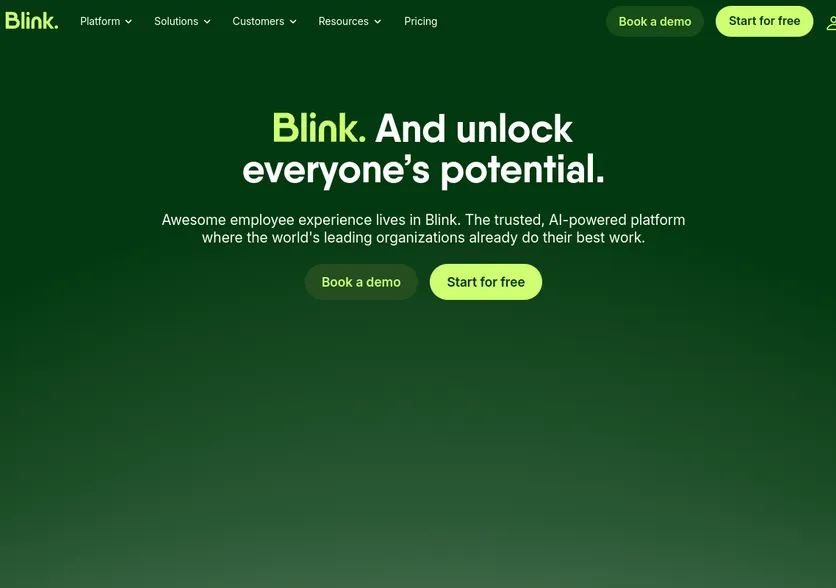
Blink is the frontline intranet that lives on a phone, putting company news, chat and documents in the pocket of every shift worker. This Blink Core plan covers news feeds, messaging, surveys and document hubs for three dollars seventy-five a user a month. A freelancer with a retail or warehouse crew can reach every worker in one tap, with no email address needed.
What we like
- Built for workers who never sit at a desk
- News, chat and documents in one app
- No email address needed to join
Watch out for
- Core plan costs three dollars seventy-five a user a month
- Advanced features need higher plans
How to try it
- Open the Blink pricing page and start the free trial
- Add your team and post the first company update
- Set up chat channels for each shift or site
2. Pumble
Best for: Small teams who want simple chat with a generous free plan
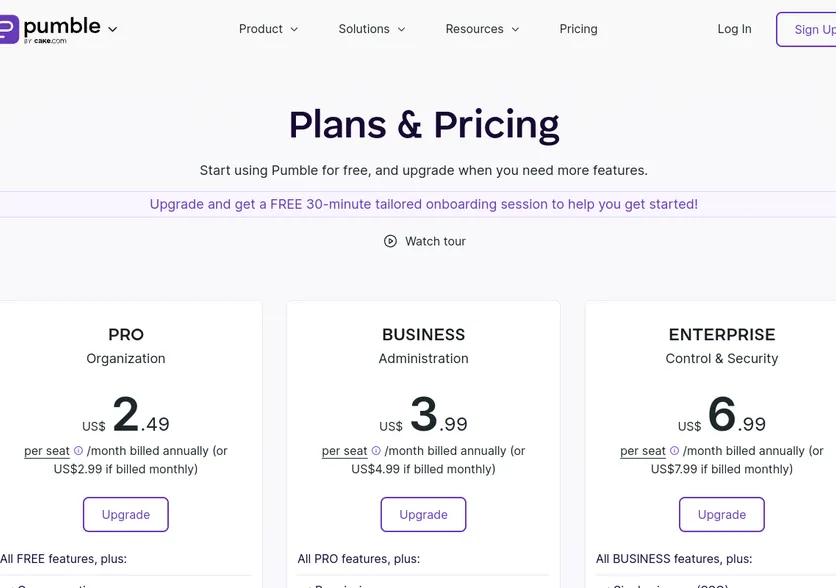
Paid tool Starting price: $2.49/user/month · Pro plan, $2.49 a user a month billed annually or $2.99 a month billed monthly; Business is $3.99 and Enterprise is $6.99 billed annually
Free plan: Free plan with unlimited users and message history
Pumble is the simple chat app here, with unlimited users and unlimited message history even on the free plan. This Pumble Pro plan adds group meetings, screen sharing and more integrations for about two and a half dollars a user a month billed annually. A freelancer can move the team off text messages and into channels that keep every conversation findable.
What we like
- Free plan with unlimited users and history
- Cheapest paid plan here
- Channels keep every conversation findable
Watch out for
- Guest access needs the Business plan
- Pro plan costs about two and a half dollars a user a month
How to try it
- Open the Pumble pricing page and create a free account
- Set up channels for each team or shift
- Invite the team and start the first conversation
3. Connecteam
Best for: Deskless teams who want chat plus scheduling and time clocks for one flat price
Paid tool Starting price: $29/month · Communications Basic plan, $29 a month for up to 30 users; extra users cost more
Free plan: Free plan for up to 10 users
Frontline teams live on their phones, and Connecteam meets them there with schedules, time tracking, forms and chat under one flat monthly price. This Connecteam Communications Basic plan costs twenty-nine dollars a month for up to 30 users. A freelancer with a field crew can run schedules, time clocks and chat from one app, with no per-user bill to watch.

What we like
- One flat price for up to 30 users
- Scheduling, time clocks and chat in one app
- Free plan covers up to 10 users
Watch out for
- Flat price covers only the first 30 users
- Advanced features need higher plans
How to try it
- Open the Connecteam pricing page and create a free account
- Add your team and build the first schedule
- Turn on chat and time tracking for the crew
4. RedeApp
Best for: Frontline teams who want a dedicated app with broadcasts and read receipts
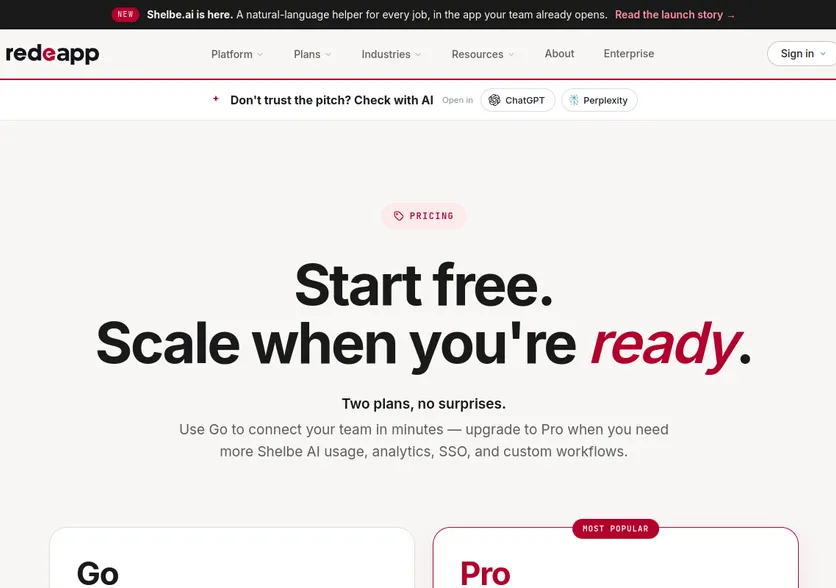
Paid tool Starting price: $5/employee/month · Pro plan list price, $5 an employee a month billed annually; Go plan is free forever; Plus is $3 an employee a month
Free plan: Free Go plan with no user cap
RedeApp is purpose-built for deskless teams, with communities, broadcasts and a document hub that work on any phone. This RedeApp Pro plan adds shift management, workflows and analytics for five dollars an employee a month billed annually. A freelancer can send a broadcast, see who read it and follow up with the rest, all before the shift starts.
What we like
- Free Go plan with no user cap
- Read receipts prove the message landed
- Broadcasts reach the whole workforce fast
Watch out for
- Pro plan costs five dollars an employee a month
- Vendor page also shows a higher figure in its FAQ
How to try it
- Open the RedeApp pricing page and create a free account
- Set up communities and post a first broadcast
- Check read receipts and follow up with the rest
5. Voxer
Best for: Field teams who want live voice plus recorded messages they can replay
Paid tool Starting price: $6/user/month · Business plan, $6 a user a month billed yearly at $72; for teams of 20 or more; Pro + AI is $4.17 a user a month billed yearly
Free plan: Free plan with 30-day message storage
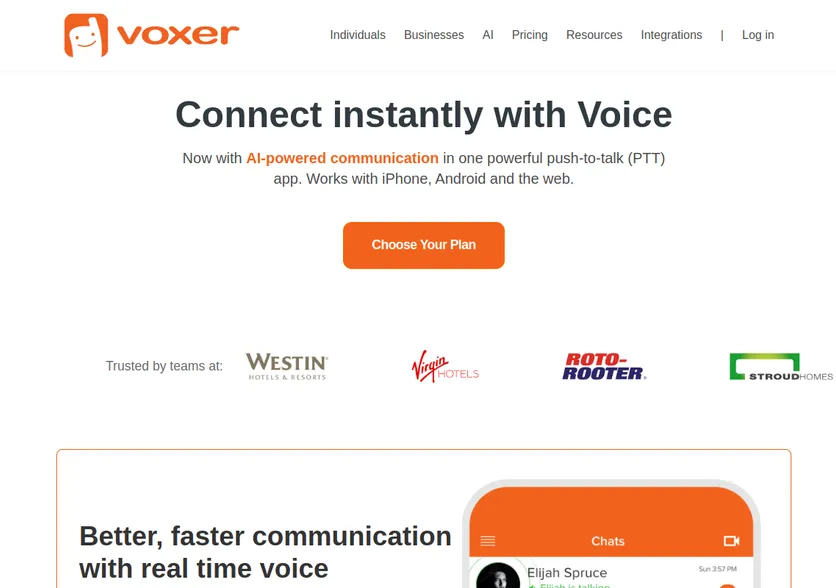
Voxer blends live walkie-talkie calls with recorded voice messages, so a busy worker can listen later instead of missing the update. This Voxer Business plan adds a private network, team management and single sign-on for six dollars a user a month billed annually. A freelancer with drivers or crews can send a voice note and know it stays available until everyone hears it.
What we like
- Live voice plus recorded messages
- Free plan keeps messages for 30 days
- Works on any phone with no hardware
Watch out for
- Business plan is for teams of 20 or more
- AI features sit on the pricier personal plan
How to try it
- Open the Voxer pricing page and start the free trial
- Create channels for each crew or site
- Send a voice message and check who heard it
6. Zello
Best for: Teams who need instant push-to-talk voice across sites
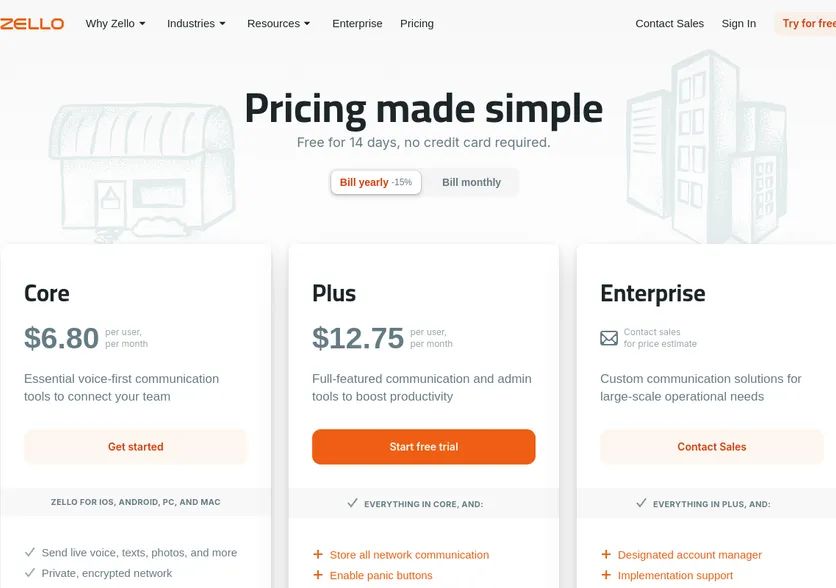
Paid tool Starting price: $6.80/user/month · Core plan, $6.80 a user a month billed yearly or $8 a month billed monthly; Plus is $12.75 billed yearly
Free plan: 14-day free trial; free for first responders
Zello turns a phone into a radio, with channels, live location and an admin console for teams that talk all day. This Zello Core plan covers live voice, text and photo messages for about seven dollars a user a month billed annually. A freelancer with crews on two sites can reach everyone at the push of a button, with no radio hardware to buy.
What we like
- Instant push-to-talk voice
- Live location tracking on Core
- Channels hold up to 6,000 users
Watch out for
- Transcription needs the Plus plan
- No browser version available
How to try it
- Open the Zello pricing page and start the free trial
- Create channels for each crew or site
- Push to talk and check live locations
7. WorkJam
Best for: Large retail and hospitality operations with hundreds of frontline staff
Paid tool Starting price: $799/month · Frontline Connect Essential plan, $799 a month billed annually for up to 500 users; Operations Elite is $1,599; add-on modules are $999 a month each
Free plan: No free tier published on the pricing page
WorkJam is the only flat-priced option here for a large operation, covering up to 500 users for one monthly price. This WorkJam Essential plan covers five communication channels, auto translation and setup for about eight hundred dollars a month billed annually. A retail chain can reach every store associate in one place, with the same price whether the team is 30 or 500 strong.
What we like
- Flat price for up to 500 users
- Auto translation for multilingual teams
- Setup, training and configuration included
Watch out for
- Essential costs about eight hundred dollars a month
- Add-on modules cost extra each month
How to try it
- Open the WorkJam pricing page and compare the tiers
- Choose Essential for up to 500 users
- Set up channels and invite your locations
Prices above were checked on each vendor’s own website on Nov 26, 2026 and can change — the vendor’s page is the final word. Vendor links are editorial: nobody paid to be listed or ranked here. Vendors who want a featured listing can see how it works on our Get listed page.
What frontline communication platforms cost in 2026
Most frontline tools charge per user, so the bill follows headcount, but two tools here charge flat prices that suit large teams. This list runs from about two and a half dollars a user a month to a flat eight hundred dollars a month, and the free plans at Pumble and RedeApp mean a small team can start for nothing. The headline plan each vendor shows on its own pricing page is the number in the table above, checked on November 26, 2026.
Start with the free plan or trial on two tools and send the same update through both for a week. Compare how many workers actually read it and whether anyone replies, then pay for the tool your team opens without being told. A three-dollar tool workers read beats an eight-hundred-dollar platform they ignore.
Before you buy
- Count your workers first, because most plans here charge per person and a large team raises the bill fast.
- Check whether email is needed, because frontline workers without company email need phone sign-in to join.
- Test the message flow yourself, because an update nobody reads is an update that never happened.
- Ask whether translation is included, because multilingual teams need every update in the language each worker reads.
- Confirm read receipts work, because a broadcast without proof leaves you guessing who actually got the message.
Official websites
Official websites of the products reviewed above. Features and prices were checked against these sites when this guide was written, and they can change, so confirm on the vendor site before you buy.
Frequently asked questions
Which frontline worker communication platform is best in 2026?
Blink, at three dollars seventy-five a user a month, is the best frontline pick because news, chat and documents live in one phone app. Pumble is the cheapest start at about two and a half dollars a user a month, with a generous free plan. Connecteam wins on flat pricing at twenty-nine dollars a month for up to 30 users, with scheduling and time clocks included.
What is the cheapest frontline communication platform?
Pumble Pro, at about two and a half dollars a user a month billed annually, is the cheapest paid plan here, and its free plan covers unlimited users and message history. Blink follows at three dollars seventy-five a user a month. RedeApp offers a free Go plan with no user cap, so a small team can run broadcasts and communities for nothing.
Can frontline workers use these tools without an email address?
Yes, on the tools built for them. Blink and Connecteam let workers join with a phone number, so nobody needs a company email to get updates. That matters because most frontline staff never get a corporate inbox. Check the sign-in options before you buy, because a tool that needs email will leave half your team outside.
Should I pick chat or push-to-talk voice for my team?
It depends on how your team works. Chat tools like Blink, Pumble and Connecteam suit updates, documents and schedules that workers read when they can. Voice tools like Zello and Voxer suit crews who need instant talk across a site, like drivers or warehouse teams. Many teams run both, with chat for news and voice for the urgent moments.
Why is WorkJam so much more expensive than the rest?
WorkJam is built for large operations, not small teams. Its Essential plan costs about eight hundred dollars a month, but it covers up to 500 users, so a 500-person team pays less than two dollars each. Smaller teams should pick Blink, Pumble or Connecteam instead, because a flat price for 500 users is wasted on a team of 30.
Need business help too? Try Toolsvine's free business tools for small teams right in your browser.
Browse Business Tools tools


