On this page
Fullstory shows you what users did, but the bill and the learning curve grow with the team, and the quote-only enterprise tier is where most teams end up. LogRocket is the straightest swap: session replay with error tracking and performance data in the same timeline, starting at sixty-nine dollars a month. This guide compares eight Fullstory alternatives with live 2026 prices, free plans and trials, so you can pick the replay tool that fits your traffic and your budget.
How we researched this
We checked the pricing page of every tool on this list on November 26, 2026, and kept only tools that publish a real dollar price for a self-serve plan. Each tool had to record user sessions and turn them into product insight, and we compared entry prices, free plans, session limits and how the bill scales as traffic grows.
Compare the tools
| Name | Best for | Starting price | Free plan | |
|---|---|---|---|---|
 LogRocket | Teams that want replay, errors and performance in one timeline | $69/month | Free plan | Visit |
 Smartlook | Teams that want the best-known replay tool with a free plan | $55/month | Free plan | Visit |
 Mouseflow | Small sites that want replay and heatmaps on a budget | $31/month | Free plan | Visit |
 Mixpanel | Teams that want analytics first and replay second | $100/month | Free plan up to 1M events a month | Visit |
 Amplitude | Product teams that want analytics with session replay included | $49/month | Free plan | Visit |
 Crazy Egg | Small teams that want heatmaps and recordings at the lowest price | $29/month | 30-day free trial | Visit |
 Contentsquare | Teams that want enterprise-grade analytics at a self-serve price | $49/month | Free plan | Visit |
 Lucky Orange | Small businesses that want replay, chat and surveys in one tool | $32/month | Free plan | Visit |
The Fullstory alternatives, compared
1. LogRocket
Best for: Teams that want replay, errors and performance in one timeline
Paid tool Starting price: $69/month · Team plan at $69 a month; Enterprise is custom priced; a free plan covers light use
Free plan: Free plan
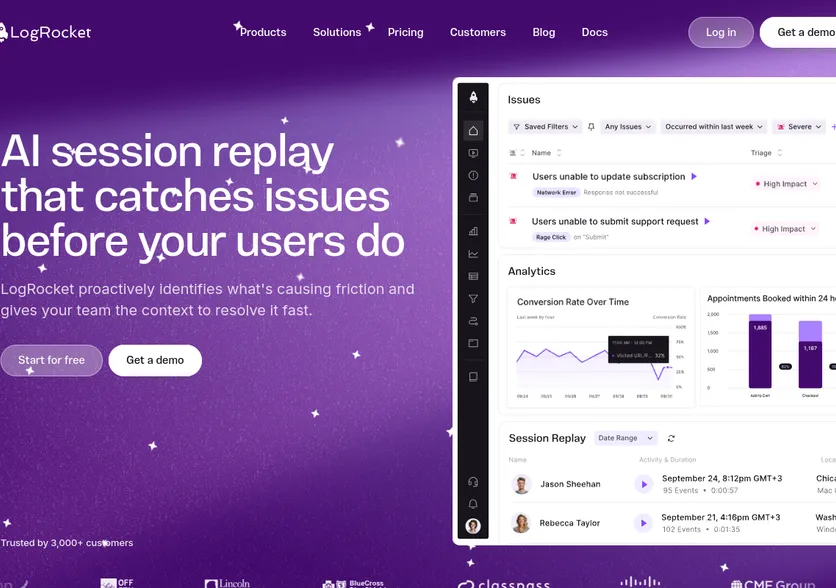
LogRocket records sessions and ties every click to the console errors and network requests behind it, so a bug report comes with the evidence attached. This LogRocket Team plan costs sixty-nine dollars a month and covers a larger monthly session allowance, while the free plan covers a smaller one for testing. It is the pick when the team fixes bugs from replays instead of just watching them.
What we like
- Replay, errors and performance in one view
- Strong search across sessions
- Free plan for testing
Watch out for
- Session limits can bite busy sites
- Enterprise pricing is custom
How to try it
- Open the LogRocket pricing page and start the Team plan
- Install the tracking snippet on your site
- Watch a replay and click through to the error behind it
2. Smartlook
Best for: Teams that want the best-known replay tool with a free plan
Paid tool Starting price: $55/month · Pro plan at $55 a month; Enterprise is custom priced; a free plan covers light use
Free plan: Free plan
Smartlook is the replay tool most teams have heard of, with heatmaps and funnels sitting next to recordings so the why behind a drop-off is one click away. This Smartlook Pro plan costs fifty-five dollars a month and adds a larger session allowance plus funnels, while the free plan covers a smaller allowance. It is the pick when you want a proven tool that the whole team can open without training.

What we like
- Heatmaps and funnels included
- Free plan for small sites
- Easy for non-technical teams
Watch out for
- Pro plan session cap is modest
- Enterprise features need a sales call
How to try it
- Open the Smartlook pricing page and start the Pro plan
- Add the tracking code to your site
- Build a funnel and watch the recordings behind it
3. Mouseflow
Best for: Small sites that want replay and heatmaps on a budget
Paid tool Starting price: $31/month · Starter plan at $31 a month billed annually, or $39 a month billed monthly; a free plan covers light use
Free plan: Free plan
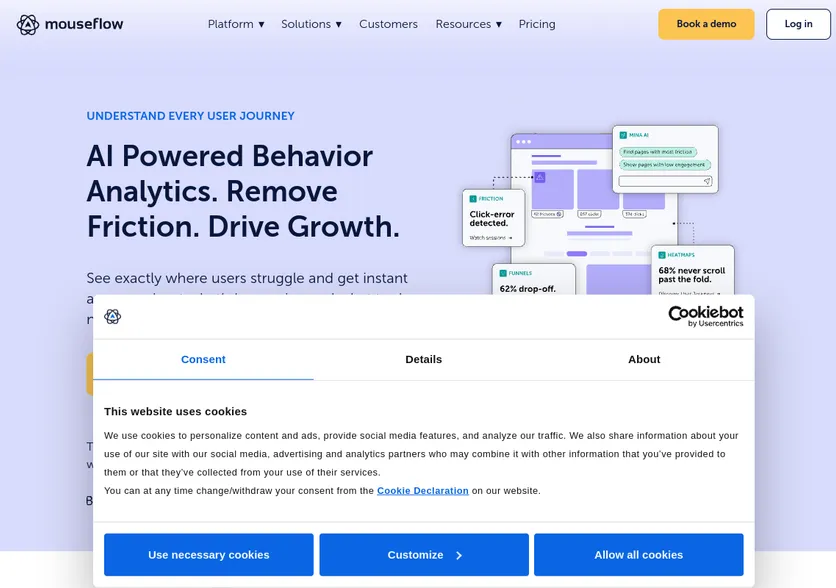
Mouseflow keeps the setup simple: one snippet records sessions, builds heatmaps and flags the forms where visitors give up. This Mouseflow Starter plan costs thirty-one dollars a month on annual billing and covers five hundred recordings a month, while the free plan covers a smaller allowance. It is the pick when the site is small and the budget is smaller.
What we like
- Form analytics included in Starter
- Cheapest paid plan on this list
- Free plan for small sites
Watch out for
- Recording cap is low on Starter
- Fewer integrations than bigger rivals
How to try it
- Open the Mouseflow pricing page and start the Starter plan
- Add the tracking snippet to your site
- Check the form analytics for the biggest drop-off
4. Mixpanel
Best for: Teams that want analytics first and replay second
Paid tool Starting price: $100/month · Growth plan for 1.5 million events is $100 a month billed annually, or $140 a month billed monthly; the first 1 million events a month are free
Free plan: Free plan up to 1M events a month
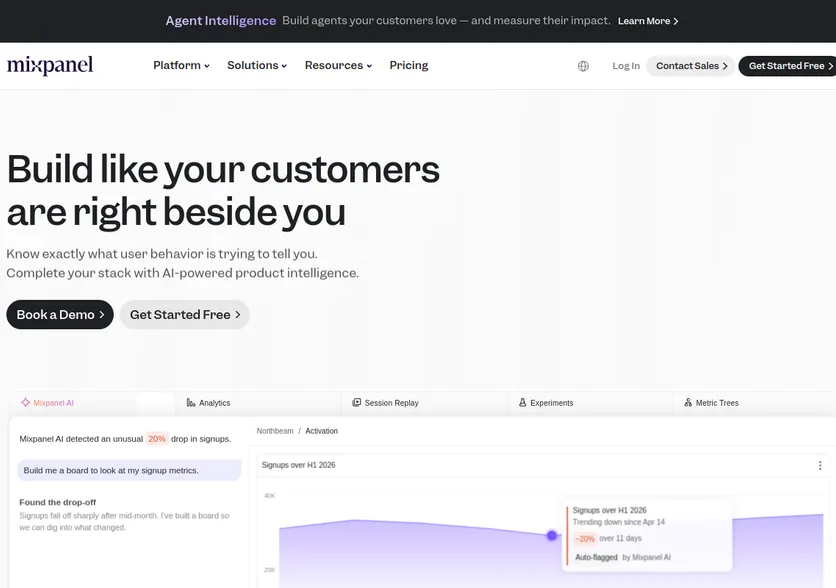
Mixpanel is the analytics-first choice here, with funnels, cohorts and retention reports that go far deeper than a replay tool, plus session replay on top. This Mixpanel Growth plan costs one hundred dollars a month on annual billing for one and a half million events, while the first million events a month are free. It is the pick when the question is why users behave a certain way, not just what they clicked.
What we like
- Deepest analytics on this list
- Generous free event allowance
- Replay included in Growth
Watch out for
- Price jumps as event volume grows
- Heavier setup than pure replay tools
How to try it
- Open the Mixpanel pricing page and start the free plan
- Send events from your site or app
- Build a funnel, then watch the replays behind it
5. Amplitude
Best for: Product teams that want analytics with session replay included
Paid tool Starting price: $49/month · Plus plan at $49 a month; Growth and Enterprise are custom priced; a free plan covers light use
Free plan: Free plan
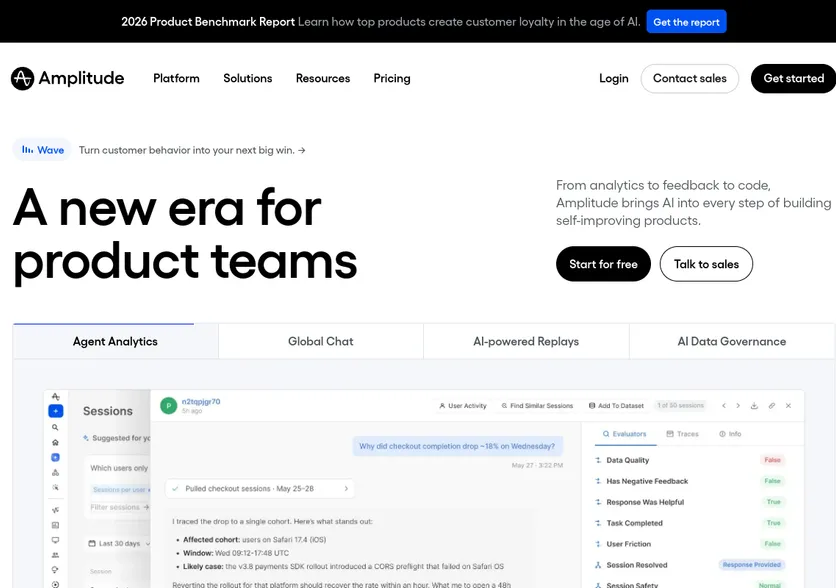
Amplitude pairs product analytics with session replay, so a funnel that looks wrong can be checked against the actual sessions behind it in the same tool. This Amplitude Plus plan costs forty-nine dollars a month and adds a larger event allowance, while the free plan covers a smaller one for testing. It is the pick when the team already thinks in funnels and cohorts and wants replay as a second opinion.
What we like
- Analytics and replay in one tool
- Free plan for small products
- Strong cohort and retention reports
Watch out for
- Growth tier pricing is custom
- Learning curve is steeper than replay-only tools
How to try it
- Open the Amplitude pricing page and start the Plus plan
- Send events from your product
- Open a funnel and watch the sessions behind it
6. Crazy Egg
Best for: Small teams that want heatmaps and recordings at the lowest price
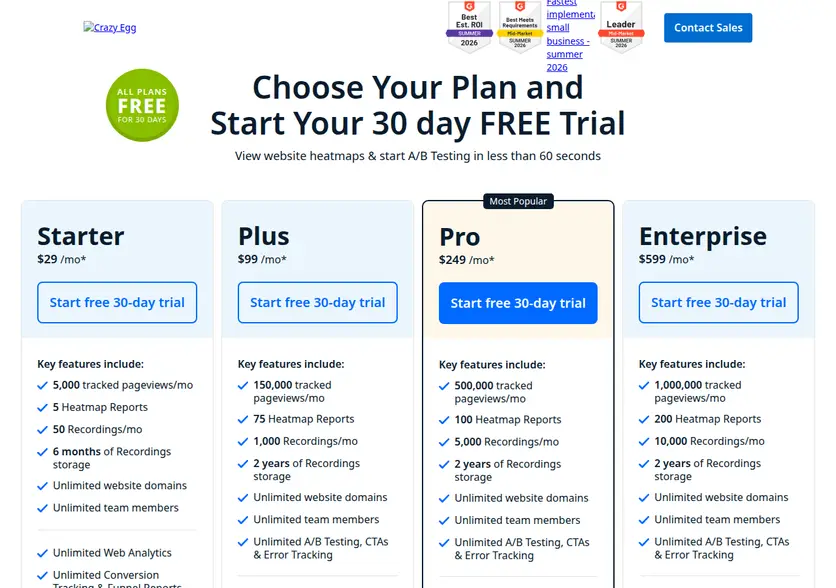
Paid tool Starting price: $29/month · Starter plan at $29 a month billed annually; a 30-day free trial is included
Free plan: 30-day free trial
Crazy Egg is the veteran of this list, pairing heatmaps and scrollmaps with session recordings in a tool that takes minutes to set up. This Crazy Egg Starter plan costs twenty-nine dollars a month on annual billing and covers a set number of pageviews, with a thirty-day free trial. It is the pick when the job is understanding one website, not a whole product suite.
What we like
- Cheapest entry price on this list
- Heatmaps and recordings together
- Setup takes minutes
Watch out for
- No free plan, trial only
- Analytics depth is lighter than Mixpanel
How to try it
- Open the Crazy Egg pricing page and start the trial
- Add the tracking script to your site
- Read the heatmap, then watch the recordings behind it
7. Contentsquare
Best for: Teams that want enterprise-grade analytics at a self-serve price
Paid tool Starting price: $49/month · Growth plan at $49 a month, or $39 a month billed annually; a free plan covers light use
Free plan: Free plan
Contentsquare is the enterprise name on this list, and its Growth plan brings session replay and journey analysis to teams that could never afford the old enterprise contracts. This Contentsquare Growth plan costs forty-nine dollars a month, or thirty-nine on annual billing, while the free plan covers a smaller session allowance. It is the pick when the site is large and the team wants serious analytics without a sales call.
What we like
- Enterprise-grade journey analysis
- Growth plan is self-serve
- Free plan for testing
Watch out for
- Session caps can limit busy sites
- Full power needs the higher tiers
How to try it
- Open the Contentsquare pricing page and start the Growth plan
- Install the tracking tag on your site
- Open a journey analysis and follow the biggest drop-off
8. Lucky Orange
Best for: Small businesses that want replay, chat and surveys in one tool
Paid tool Starting price: $32/month · Build plan at $32 a month billed annually, or $39 a month billed monthly; a free plan covers light use
Free plan: Free plan
Lucky Orange bundles session recordings with live chat, heatmaps and surveys, so one tool covers both watching visitors and talking to them. This Lucky Orange Build plan costs thirty-two dollars a month on annual billing and covers a larger pageview allowance, while the free plan covers a smaller one. It is the pick when the site is a small business and one subscription should do several jobs.
What we like
- Live chat and surveys included
- Good value for small businesses
- Free plan for testing
Watch out for
- Pageview cap limits busy sites
- Analytics depth is lighter than Mixpanel
How to try it
- Open the Lucky Orange pricing page and start the Build plan
- Add the tracking code to your site
- Turn on live chat and watch a session in real time
Prices above were checked on each vendor’s own website on Nov 26, 2026 and can change — the vendor’s page is the final word. Vendor links are editorial: nobody paid to be listed or ranked here. Vendors who want a featured listing can see how it works on our Get listed page.
How to read session limits before you pay
Every tool on this list charges by volume, and the volume that matters is sessions or pageviews, not users on your team. Check your real monthly traffic first, because a plan that looks cheap at five hundred recordings a month turns expensive when the site gets five thousand visits. Run the free plan or trial on live traffic for a full week, not on a staging site, so the session count is honest. And ask whether unused sessions roll over or vanish, because most plans reset the allowance every month whether you used it or not.
Before you buy
- Check your real monthly sessions first, because the allowance is where the cheap plans get expensive.
- Run the free plan or trial on live traffic for a full week before paying.
- Confirm recordings, heatmaps and funnels are all included, not sold as add-ons.
- Ask whether unused sessions roll over or vanish at the end of the month.
- Compare the annual price too, since several plans drop by about a fifth on yearly billing.
Official websites
Official websites of the products reviewed above. Features and prices were checked against these sites when this guide was written, and they can change, so confirm on the vendor site before you buy.
Frequently asked questions
What is the best Fullstory alternative?
LogRocket is the straightest swap, with session replay, error tracking and performance data in one timeline from $69 a month. Smartlook is the best-known replay tool with a free plan and Pro at $55 a month. Mixpanel is the pick when analytics matters more than replay, with a free plan up to one million events a month.
Is there a free Fullstory alternative?
Yes. LogRocket, Smartlook, Mouseflow, Mixpanel, Amplitude, Contentsquare and Lucky Orange all have free plans with a smaller session or event allowance. Crazy Egg is the exception, with a thirty-day free trial instead of a free plan. Start on a free plan to see whether the session cap fits your traffic before paying.
Which Fullstory alternative is cheapest?
Crazy Egg Starter is the cheapest paid plan at $29 a month on annual billing, followed by Mouseflow Starter at $31 a month and Lucky Orange Build at $32 a month. Amplitude Plus and Contentsquare Growth are both $49 a month, while LogRocket Team is $69 a month. The cheapest fit depends on how many sessions your site records each month.
Do these tools work on any website?
Yes. Every tool on this list works by adding a small tracking snippet to your site, and most offer plugins for common platforms so no code is needed. They record sessions on marketing sites, web apps and online stores alike. Check the privacy settings before installing, since recordings can capture form inputs unless you mask them.
What is the difference between session replay and heatmaps?
Session replay shows a video-like recording of one visitor's journey, including clicks, scrolls and errors, while a heatmap aggregates many visitors into one picture of where people click and scroll. Replay answers what one person did, and heatmaps answer what most people do. Most tools on this list include both, so you rarely have to choose.
Still guessing what visitors do on your site? Try free business tools on Toolsvine right in your browser.
Browse Business Tools tools