On this page
A remote marketing team lives in its tools. The campaign brief, the email draft, the social calendar and the analytics report all have to travel between people who never share a room, and the wrong tool turns every handoff into a meeting. This comparison ranks eight marketing tools for remote teams on whether they keep the work moving without the meeting. HubSpot Marketing Hub leads the list because its CRM, email and landing pages share one record, and every tool below is judged on the same test: can a distributed team plan, send and measure a campaign together?
How we researched this
We checked every price on the vendor pricing page on November 27, 2026, and only included tools with a published US dollar list price. We ranked each tool on email and automation depth, collaboration for distributed teams, contact-based pricing, and whether a free plan lets a small team start. Tools with quote-only pricing were left out, so every price below can be verified on the vendor site.
Compare the tools
| Name | Best for | Starting price | Free plan | |
|---|---|---|---|---|
 HubSpot Marketing Hub | Remote teams that want marketing, CRM and sales on one record | $15/mo/seat | Free plan with CRM, forms and email | Visit |
 Mailchimp | Small remote teams that want the most familiar email suite | $13/mo | Free plan for 250 contacts | Visit |
 ActiveCampaign | Remote teams that need the deepest email automation | $15/mo | 14-day free trial, no free plan | Visit |
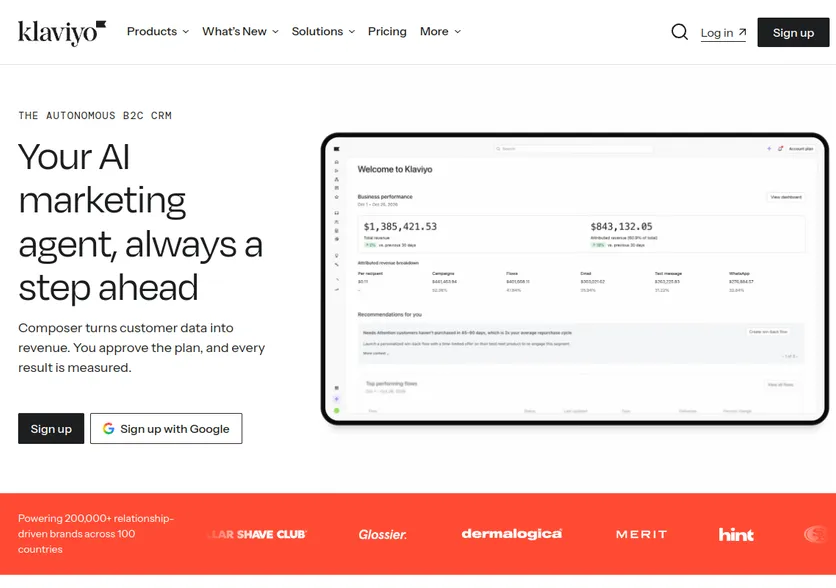
 Klaviyo | Ecommerce teams that personalize by purchase behavior | $20/mo | Free plan for 250 profiles | Visit |
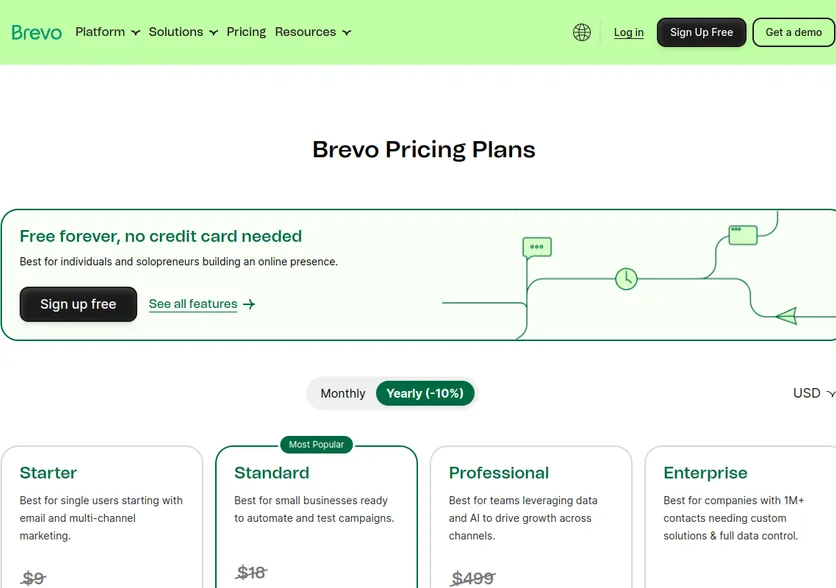
 Brevo | Remote teams that pay by emails sent, not contacts stored | $9/mo | Free plan with 300 emails a day | Visit |
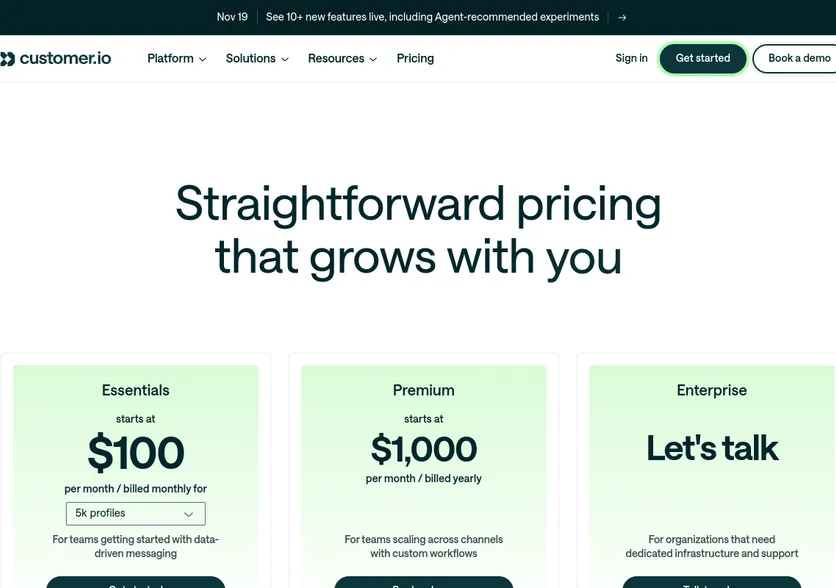
 Customer.io | Product teams that message by user behavior, not by list | $100/mo | Free trial, no free plan | Visit |
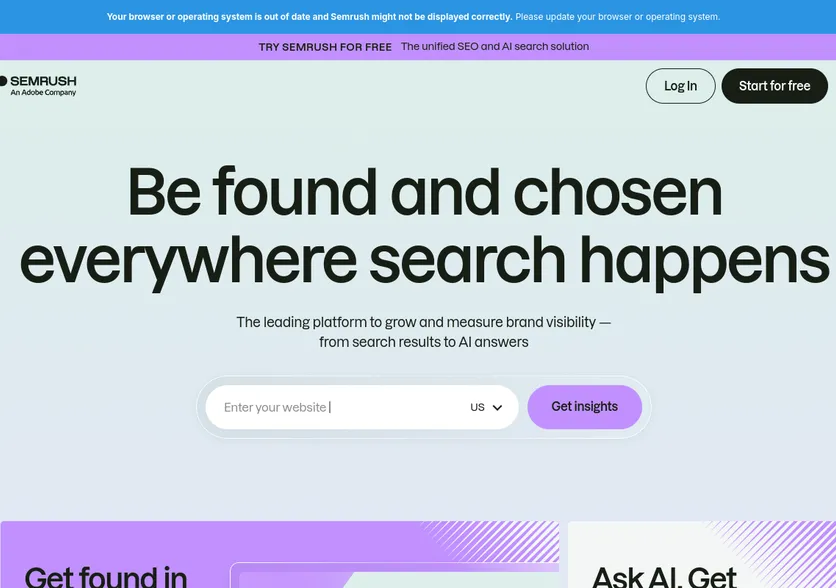
 Semrush | Remote teams that need SEO, content and competitor data in one subscription | $117.33/mo | Free account with limited searches | Visit |
 MailerLite | Small remote teams that want clean, cheap email | $9/mo | Free plan for 250 subscribers | Visit |
The google workspace for marketing software for remote teams, compared
1. HubSpot Marketing Hub
Best for: Remote teams that want marketing, CRM and sales on one record
Paid tool Starting price: $15/mo/seat · Starter plan at fifteen dollars a month per seat billed annually, or twenty dollars billed monthly; a new-customer promo from seven dollars a seat billed annually is a first-term offer, not the list price, and Professional starts at eight hundred ninety dollars a month
Free plan: Free plan with CRM, forms and email
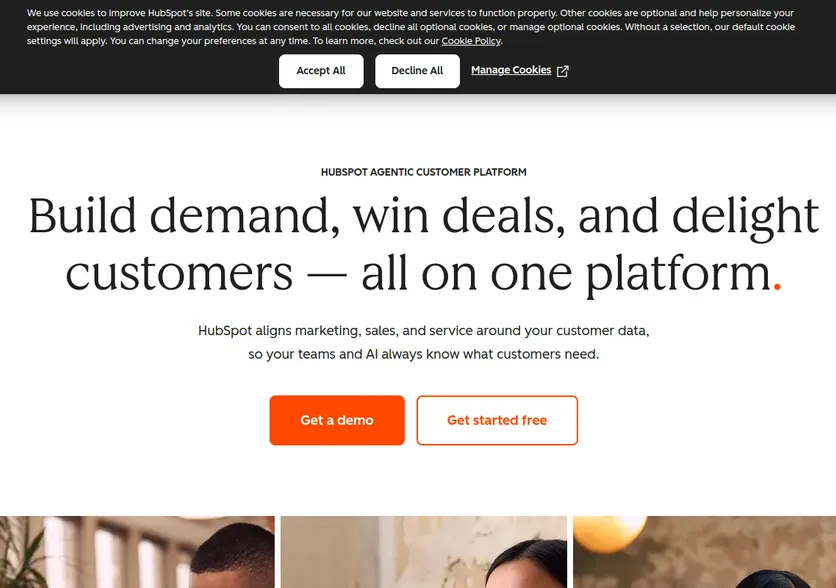
This HubSpot Marketing Hub Starter plan costs fifteen dollars a month per seat billed annually, and it puts email, forms, landing pages and live chat on the same contact record as the CRM. A remote marketer can see every open, form fill and deal for a contact without asking sales for the data. It suits teams that want one system of record, though the per-seat price multiplies fast when the whole team needs a seat.
What we like
- Marketing, CRM and sales on one record
- Free plan covers CRM, forms and email
- Landing pages and live chat included on Starter
Watch out for
- Per-seat pricing multiplies with team size
- Extra marketing contacts cost fifty dollars per thousand a month
How to try it
- Create the campaign in the shared marketing workspace
- Build the email and landing page from the same contact list
- Report on opens, clicks and deals in one dashboard
2. Mailchimp
Best for: Small remote teams that want the most familiar email suite
Paid tool Starting price: $13/mo · Essentials plan at thirteen dollars a month for five hundred contacts with no annual rate published; Standard is twenty dollars a month and Premium is three hundred fifty dollars a month, and the free plan covers two hundred fifty contacts
Free plan: Free plan for 250 contacts
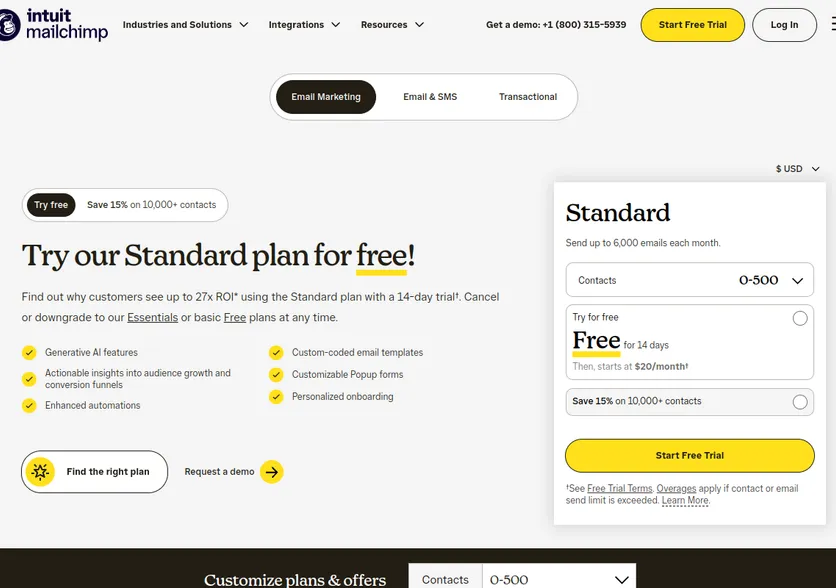
This Mailchimp Essentials plan costs thirteen dollars a month for five hundred contacts, and it is the most familiar email marketing suite a remote team can pick: templates that look good out of the box, scheduling, A/B testing and flows of up to four steps. A distributed team can hand a campaign from writer to designer to approver without training, because nearly everyone has used it before. It suits small teams that send a weekly newsletter and want the least friction.
What we like
- Most familiar email tool for new team members
- Templates look good with almost no design work
- Free plan covers two hundred fifty contacts
Watch out for
- All contacts count toward the limit, even unsubscribed ones
- Real automation needs the twenty-dollar Standard plan
How to try it
- Import the contact list and build the audience
- Design the campaign from a pre-built template
- Schedule the send and review the opens and clicks
3. ActiveCampaign
Best for: Remote teams that need the deepest email automation
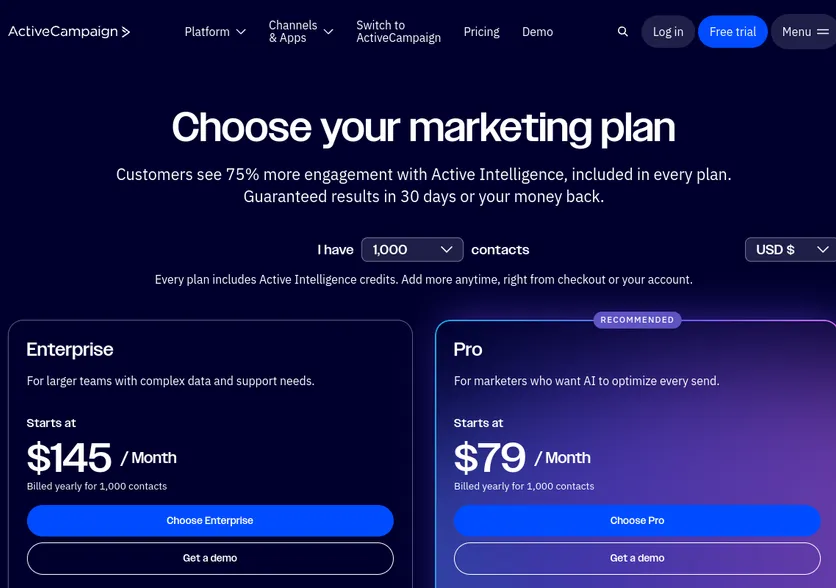
Paid tool Starting price: $15/mo · Starter plan at fifteen dollars a month billed annually for one thousand contacts, or nineteen dollars billed monthly; Plus is forty-nine dollars a month and Pro is seventy-nine dollars a month at one thousand contacts
Free plan: 14-day free trial, no free plan
This ActiveCampaign Starter plan costs fifteen dollars a month billed annually for one thousand contacts, and its workflow builder is the deepest in this list, with conditional logic, site tracking and goal-based journeys. A remote team can build a multi-step onboarding flow once and let it run for every new signup without touching it again. It suits teams that treat email as a journey rather than a broadcast, though the automation caps at five actions per workflow on Starter.
What we like
- Deepest workflow builder in this comparison
- Site tracking and goal-based journeys included
- Forms, landing pages and A/B testing on Starter
Watch out for
- Starter caps each automation at five actions
- No free plan, only a fourteen-day trial
How to try it
- Map the customer journey as a workflow
- Add conditions, waits and tags to each step
- Test the flow with a small segment before full launch
4. Klaviyo
Best for: Ecommerce teams that personalize by purchase behavior
Paid tool Starting price: $20/mo · Email plan from twenty dollars a month for two hundred fifty-one to five hundred profiles; the bill rises with the profile count, reaching about one hundred fifty dollars at ten thousand profiles, and SMS is billed separately
Free plan: Free plan for 250 profiles
This Klaviyo Email plan starts at twenty dollars a month for up to five hundred profiles, and it turns store events into personalized email and SMS: a browse, a cart add or a purchase can trigger the right message without manual work. A remote ecommerce team can segment by behavior, test flows and watch revenue per email in one dashboard. It suits online stores best, because the value comes from the purchase data that only a store generates.
What we like
- Store events trigger personalized messages
- Revenue per email is reported clearly
- Free plan covers two hundred fifty profiles
Watch out for
- Price climbs steeply as the profile count grows
- SMS is billed separately from email
How to try it
- Connect the online store to sync purchase events
- Build segments from browsing and buying behavior
- Launch flows for abandoned carts and post-purchase follow-up
5. Brevo
Best for: Remote teams that pay by emails sent, not contacts stored
Paid tool Starting price: $9/mo · Starter plan at nine dollars a month for five thousand emails; Standard is eighteen dollars a month and adds automation, landing pages and A/B testing, and the free plan allows three hundred emails a day
Free plan: Free plan with 300 emails a day
This Brevo Starter plan costs nine dollars a month for five thousand emails, and it prices by send volume rather than contact count, so a big list with light sending stays cheap. The same account covers email, SMS, chat and transactional mail, which suits a remote team that wants one inbox for every customer message. It is the cheapest paid entry in this list, though real automation waits for the eighteen-dollar Standard plan.
What we like
- Cheapest paid entry in this comparison
- Pricing by sends, not by stored contacts
- Email, SMS, chat and transactional mail in one place
Watch out for
- Automation needs the Standard plan at eighteen dollars
- Free plan caps at three hundred emails a day
How to try it
- Import contacts with no per-contact charge
- Design the campaign and set the monthly send volume
- Add chat and transactional email from the same account
6. Customer.io
Best for: Product teams that message by user behavior, not by list
Paid tool Starting price: $100/mo · Essentials plan at one hundred dollars a month for five thousand profiles; the price rises with profiles, reaching about one hundred forty-five dollars at ten thousand profiles
Free plan: Free trial, no free plan
This Customer.io Essentials plan costs one hundred dollars a month for five thousand profiles, and it sends messages triggered by what users actually do in the product: a feature used, a trial expiring, a plan upgraded. A remote product team can build lifecycle journeys across email, push, SMS and in-app messages from one workflow. It suits software teams best, because the value comes from product events that a simple email list cannot see.
What we like
- Messages triggered by real product behavior
- Email, push, SMS and in-app in one journey
- Built for lifecycle messaging, not broadcasts
Watch out for
- Highest entry price in this comparison
- Setup needs product events wired up first
How to try it
- Connect the product to stream user events
- Build a lifecycle journey from the event triggers
- Send across email, push, SMS and in-app from one flow
7. Semrush
Best for: Remote teams that need SEO, content and competitor data in one subscription
Paid tool Starting price: $117.33/mo · Pro plan at one hundred seventeen dollars thirty-three a month billed annually, or one hundred thirty-nine dollars ninety-five billed monthly; Guru is two hundred eight dollars thirty-three billed annually, and a newer Semrush One Starter plan is one hundred ninety-nine dollars a month
Free plan: Free account with limited searches
This Semrush Pro plan costs about one hundred seventeen dollars a month billed annually, and it covers keyword research, site audits, rank tracking, backlinks and competitor data in a single subscription. A remote marketing team can research a topic, brief the writer, audit the page and track the ranking without switching tools. It is the broadest research tool in this list, and the Pro plan covers five projects with five hundred keywords tracked daily.
What we like
- SEO, content and competitor data in one subscription
- Five projects with five hundred tracked keywords
- Free account for limited searches
Watch out for
- Highest monthly price in this comparison
- Content tools need the Guru plan or higher
How to try it
- Add the website as a project and run the site audit
- Research keywords and track the top five hundred daily
- Brief content from the keyword and competitor data
8. MailerLite
Best for: Small remote teams that want clean, cheap email
Paid tool Starting price: $9/mo · Comfort plan at nine dollars a month billed annually, or twelve dollars billed monthly; the plan was renamed from Growing Business in June 2026, and the free plan covers two hundred fifty subscribers
Free plan: Free plan for 250 subscribers
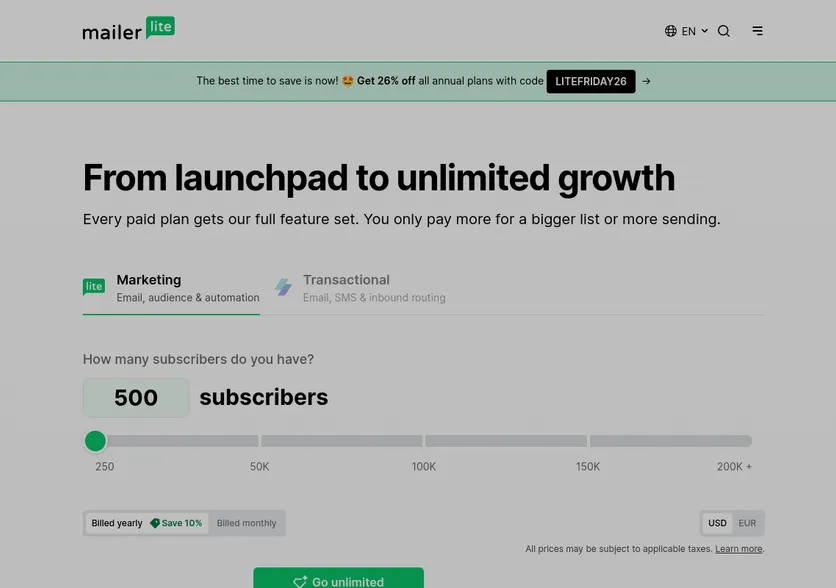
This MailerLite Comfort plan costs nine dollars a month billed annually, and it is the cleanest cheap email tool in this list: a simple editor, automation, landing pages and a real free plan for two hundred fifty subscribers. A remote team can run the whole newsletter from it without learning a complex platform, and the pricing stays transparent as the list grows. It suits creators and small businesses that want email done well at a low price.
What we like
- Clean editor with almost no learning curve
- Transparent pricing as the list grows
- Free plan covers two hundred fifty subscribers
Watch out for
- Fewer advanced features than the bigger platforms
- Automation depth is lighter than ActiveCampaign
How to try it
- Import the subscriber list and set up groups
- Build the campaign in the drag-and-drop editor
- Automate the welcome series and track the opens
Prices above were checked on each vendor’s own website on Nov 27, 2026 and can change — the vendor’s page is the final word. Vendor links are editorial: nobody paid to be listed or ranked here. Vendors who want a featured listing can see how it works on our Get listed page.
How a remote marketing team should pick its stack
Start with how the team works, not the feature list. A team that sells through an online store should build on Klaviyo, a team that runs lifecycle emails for a product should build on Customer.io, and a team that sends a weekly newsletter should start with Mailchimp or MailerLite. Count the real cost by contacts or profiles, because a thirteen-dollar plan for five hundred contacts becomes a seventy-five dollar plan at five thousand. Check whether the plan includes the automation the team actually needs: Brevo gates it behind Standard, Mailchimp behind Standard, and ActiveCampaign caps Starter workflows at five actions. Test the handoff during the trial with a real campaign, because a tool that looks good alone can fail when three people edit the same draft. Finally, confirm the free plan limits, since Mailchimp cut its free plan to two hundred fifty contacts in February 2026.
Before you buy
- Count the real cost by contacts or profiles, since a cheap plan for five hundred contacts costs far more at five thousand
- Check whether the automation the team needs is on the plan it would buy, not only on the top tier
- Confirm the free plan limits, because contact caps and send caps changed in 2026
- Test a real campaign handoff with three people during the trial, not a solo draft
- Look at whether the tool prices by contacts, profiles or sends, since the cheapest basis depends on the list
Official websites
Official websites of the products reviewed above. Features and prices were checked against these sites when this guide was written, and they can change, so confirm on the vendor site before you buy.
Frequently asked questions
What is the best marketing software for remote teams?
HubSpot Marketing Hub is the best all-round pick, because marketing, CRM and sales share one contact record that any remote teammate can open. ActiveCampaign is the best choice for deep email automation, Klaviyo for ecommerce personalization, and Customer.io for product-led lifecycle messaging. Brevo is the best value at nine dollars a month. Pick HubSpot for one system of record, ActiveCampaign for journeys, and Brevo for price.
How much does email marketing software cost?
Entry prices in this comparison run from nine dollars a month for Brevo Starter and MailerLite Comfort to one hundred dollars a month for Customer.io Essentials, with most tools between thirteen and twenty dollars. HubSpot Starter costs fifteen dollars a month per seat billed annually, and Semrush Pro costs about one hundred seventeen dollars a month billed annually. The real cost depends on the contact count, because most plans rise steeply as the list grows.
Which email tool has the best free plan?
Brevo has the most generous free plan for sending, with three hundred emails a day and unlimited contacts stored. HubSpot offers a free plan with CRM, forms, landing pages and email, though sends are capped at two thousand a month. Mailchimp and MailerLite both offer free plans for two hundred fifty contacts, after Mailchimp cut its limits in February 2026. Klaviyo is free for two hundred fifty profiles and five hundred emails a month.
Do remote marketing teams need a CRM as well as email software?
It depends on how the team sells. HubSpot Marketing Hub includes the CRM, so the email and the sales record never drift apart, and Brevo bundles a CRM with its email plans. Mailchimp, Klaviyo, ActiveCampaign and MailerLite are email-first tools that integrate with a separate CRM instead. A team that closes deals from email should pick a bundled tool, while a team that only sends newsletters can use an email-first tool and skip the CRM.
What is the difference between Mailchimp and MailerLite?
Mailchimp is the more familiar tool with richer templates and a bigger brand, at thirteen dollars a month for five hundred contacts on Essentials. MailerLite is the cleaner and cheaper tool at nine dollars a month billed annually on Comfort, with a simpler editor and more transparent pricing as the list grows. Mailchimp counts every contact including unsubscribed ones, while MailerLite keeps the interface light. Pick Mailchimp for familiarity and MailerLite for price and simplicity.
Compare the eight tools above, then start with a free plan on the tool that matches your list size before you pay for a full year.
Browse Business Tools tools