
On this page
Remote teams hire across states and countries, and HR has to keep up. Rippling leads this list because it unifies payroll, HR and IT in one system, so a remote hire gets paid, equipped and onboarded from a single flow. The eight HR tools below were priced live on November 27, 2026, from just over a dollar per user a month to 299 dollars a month, and every one supports distributed teams with mobile apps and global payroll.
How we researched this
We started with the HR tools remote teams actually use, then read each price on the vendor's own site on November 27, 2026 and noted the free trial, the global payroll support and the mobile apps. We judged them for a distributed team hiring across states and countries.
Compare the tools
| Name | Best for | Starting price | Free plan | |
|---|---|---|---|---|
 Rippling | Distributed teams unifying people, pay and devices | $8/user/month | Free trial | Visit |
 Gusto | Remote teams needing payroll that runs itself | $49/month | Free trial | Visit |
 TriNet Zenefits | Remote staff managing benefits from a phone | $8/employee/month | 14-day free trial | Visit |
 Breezy HR | Remote hiring with structured pipelines | $157/month | 14-day free trial (no free plan) | Visit |
 Workable | Remote hiring across time zones | $299/month | 15-day free trial | Visit |
 JazzHR | Small remote teams hiring fast | $75/month | 21-day free trial | Visit |
 Zoho People | Remote teams tracking leave and time online | $1.25/user/month | Free plan (up to 5 users) | Visit |
 Deel | Teams hiring across borders | $5/employee/month | Free demo (no free plan) | Visit |
The healthcare HR tools for remote teams, compared
1. Rippling
Best for: Distributed teams unifying people, pay and devices
Paid tool Starting price: $8/user/month · Starting at $8 per user a month plus a $40 a month base fee; US payroll starts at $8 per employee a month billed annually; other modules are quoted
Free plan: Free trial
Distributed teams need one system for people, pay and devices. Rippling unifies HR, payroll and IT, so a remote hire gets accounts, payroll and a laptop from one flow. Pricing starts at eight dollars per user a month plus a base fee, with global payroll support.

What we like
- Payroll, HR, IT and devices in one system
- Strong automations for onboarding and offboarding
- Global payroll support for distributed teams
Watch out for
- Base fee plus per-user pricing needs careful math
- Many modules are quoted separately
How to try it
- Book a demo and map your payroll and HR needs
- Import employees and connect your payroll
- Turn on the modules your team needs
2. Gusto
Best for: Remote teams needing payroll that runs itself
Paid tool Starting price: $49/month · Simple plan, $49 a month plus $6 per person; Plus is $80 plus $12 and Premium is $180 plus $22 a month; month-to-month with no contract
Free plan: Free trial
Remote teams need payroll that runs itself while staff work from anywhere. Gusto handles payroll, benefits and onboarding online, with automatic tax filings and no contract. Simple starts at 49 dollars a month plus six dollars per person.

What we like
- Simple payroll with automatic tax filings
- Benefits and onboarding in one place
- Month-to-month billing with no contract
Watch out for
- Per-person fees add up as headcount grows
- Advanced HR features need the pricier tiers
How to try it
- Create an account and add your employees
- Run your first payroll and set up tax filings
- Turn on benefits and onboarding checklists
3. TriNet Zenefits
Best for: Remote staff managing benefits from a phone
Paid tool Starting price: $8/employee/month · Essentials plan, $8 per employee a month billed annually with a five-employee minimum; monthly billing is $10; payroll is a $6 add-on; Growth and Zen tiers run higher
Free plan: 14-day free trial
Remote staff need benefits and time off managed from a phone. TriNet Zenefits offers a mobile app for benefits, time off and pay, with payroll as a six-dollar add-on. Essentials starts at eight dollars per employee a month billed annually.
What we like
- Low entry price for a full HR platform
- Benefits administration built in
- Mobile app for employees on the go
Watch out for
- Payroll is a $6 add-on, not included
- Upper tiers cost much more than Essentials
How to try it
- Start the 14-day trial and add your employees
- Set up benefits and time-off policies
- Add payroll if your team needs it
4. Breezy HR
Best for: Remote hiring with structured pipelines
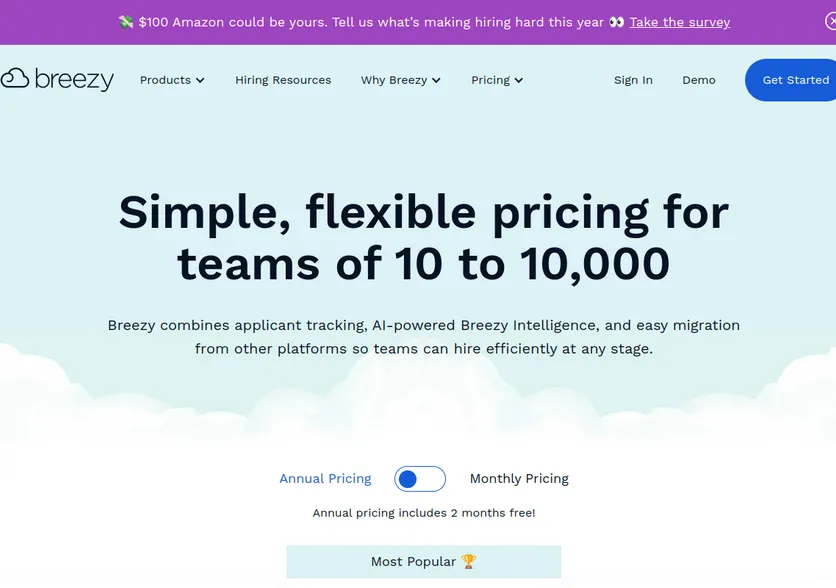
Paid tool Starting price: $157/month · Startup plan, $157 a month billed annually; monthly billing is $189 a month; Growth is $273 and Business is $439 a month billed annually
Free plan: 14-day free trial (no free plan)
Hiring remotely means judging candidates you never meet in person. Breezy HR offers scorecards, video screening and structured pipelines that keep remote hiring fair. Startup starts at 157 dollars a month billed annually, with a 14-day trial.
What we like
- Visual hiring pipelines that are easy to follow
- Built-in candidate sourcing and scorecards
- Good automations for interview scheduling
Watch out for
- Free plan was removed in early November 2026
- Startup plan covers limited users and jobs
How to try it
- Start the 14-day trial and create your first job
- Publish the job to boards and your careers page
- Move candidates through the pipeline
5. Workable
Best for: Remote hiring across time zones
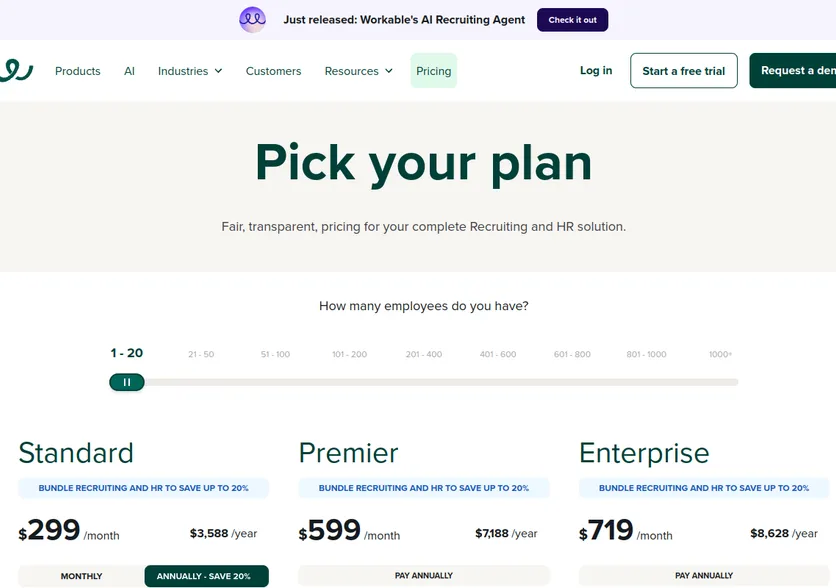
Paid tool Starting price: $299/month · Standard plan, $299 a month for 1 to 20 employees billed annually; monthly billing is $360 a month; Premier is $599 and Enterprise is $719 a month
Free plan: 15-day free trial
Remote hiring needs sourcing that reaches candidates in every time zone. Workable combines AI sourcing with interview kits, so distributed hiring teams stay aligned. Standard starts at 299 dollars a month for up to 20 employees, billed annually.
What we like
- AI sourcing finds candidates across job boards
- Strong interview kits and scorecards
- Scales from one hire to hundreds
Watch out for
- Entry price is $299 a month, high for small teams
- Pricing scales with employee count
How to try it
- Start the 15-day trial and post your first job
- Set up your hiring pipeline and interview kits
- Invite your hiring team to review candidates
6. JazzHR
Best for: Small remote teams hiring fast
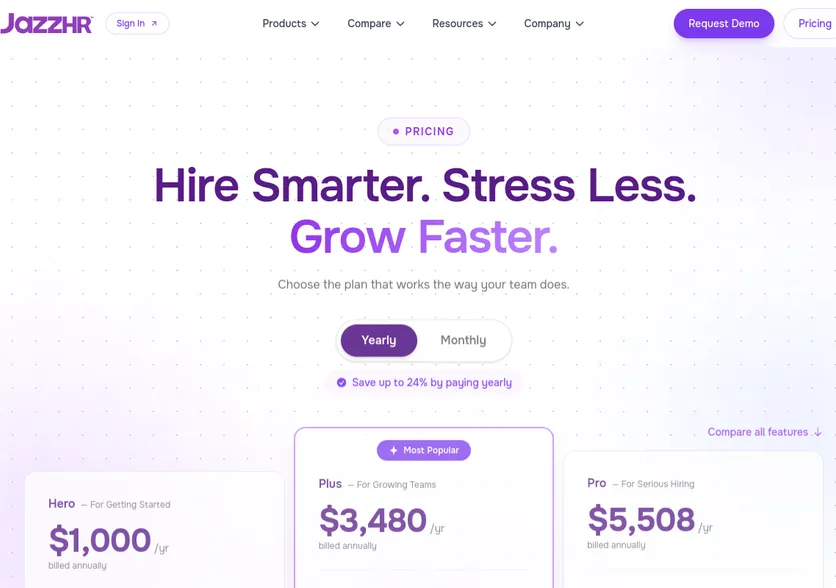
Paid tool Starting price: $75/month · Hero plan, $75 a month billed annually; monthly billing is $99 a month; Plus is $269 and Pro is $420 a month billed annually; three active jobs are included
Free plan: 21-day free trial
Small remote teams need hiring software that is up and running in a day. JazzHR offers simple workflows and job board syndication that a small team can run without training. Hero starts at 75 dollars a month billed annually, with three active jobs.
What we like
- Low entry price for a full ATS
- Good job board syndication
- Simple workflows for small hiring teams
Watch out for
- Hero plan covers only three active jobs
- Extra jobs cost $9 each a month
How to try it
- Start the 21-day trial and create a job
- Publish it to job boards from one place
- Review applicants and schedule interviews
7. Zoho People
Best for: Remote teams tracking leave and time online
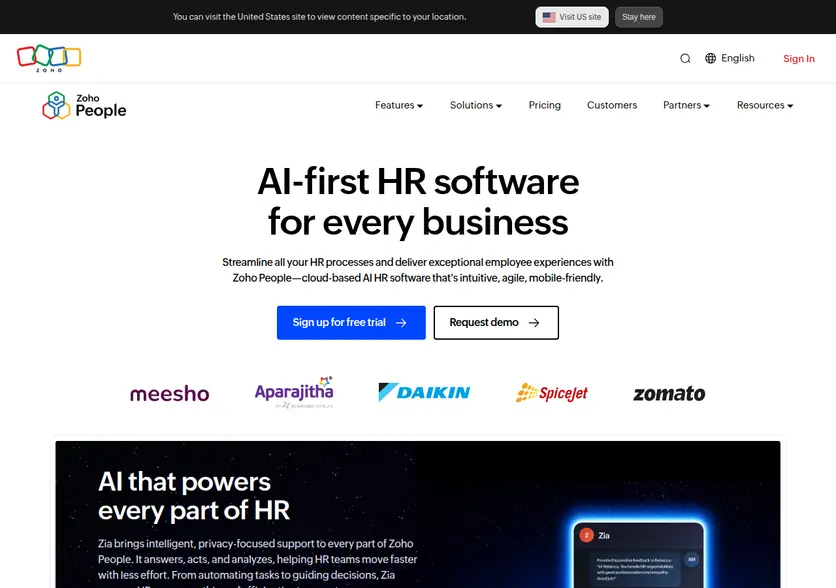
Paid tool Starting price: $1.25/user/month · Essential HR plan, $1.25 per user a month billed annually; monthly billing is $1.50; Professional is $2, Premium is $3 and Enterprise is $4.50 a month; no plan includes payroll
Free plan: Free plan (up to 5 users)
Remote teams need attendance and leave tracked without office systems. Zoho People covers leave, attendance and time tracking online, with a free plan for up to five users. Essential HR costs just over a dollar per user a month billed annually.
What we like
- Extremely low price per user
- Free plan for up to five users
- Time tracking and leave management included
Watch out for
- No payroll in any plan
- Interface feels dated next to newer HR tools
How to try it
- Start the free plan and add your employees
- Set up leave policies and attendance
- Add time tracking for hourly staff
8. Deel
Best for: Teams hiring across borders
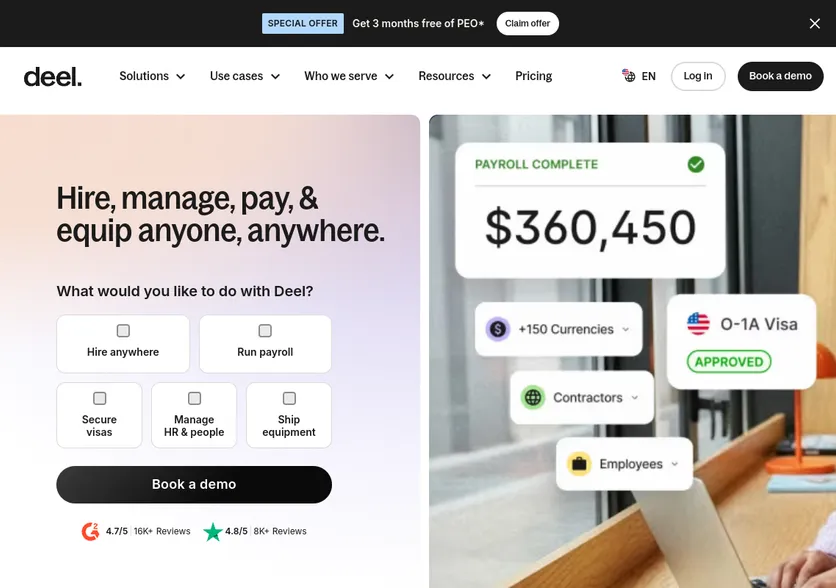
Paid tool Starting price: $5/employee/month · Deel HR Core plan, $5 per employee a month; Advanced is $19 and Elite is $29 a month; employer-of-record service is $599 a month; no free plan
Free plan: Free demo (no free plan)
Hiring across borders needs contracts and payroll that respect local law. Deel handles international contractors and employees with compliant contracts and global payroll. HR Core starts at five dollars per employee a month, with employer-of-record service at 599 dollars.
What we like
- Hire and pay contractors in many countries
- Compliance built in for global employment
- Simple onboarding for remote workers
Watch out for
- No free plan, demo only
- Employer-of-record service costs $599 a month
How to try it
- Book a demo and list your contractor countries
- Onboard workers with compliant contracts
- Run payroll and manage time off in one place
Prices above were checked on each vendor’s own website on Nov 27, 2026 and can change — the vendor’s page is the final word. Vendor links are editorial: nobody paid to be listed or ranked here. Vendors who want a featured listing can see how it works on our Get listed page.
What HR software costs a remote team in 2026
Remote teams should price HR software by headcount and by country. Per-person plans like Zoho People stay cheap, while global payroll through Deel costs more but covers compliance in each country. Check whether contractors count as paid seats, because some tools charge for every person you invite. Test the mobile app too, since remote staff will use HR mostly from a phone, and confirm time-off and payroll rules work for each location. Also check contract lengths and cancellation terms, because some tools lock you in for a year even on a monthly price.
Before you buy
- Check whether contractors count as paid seats, since remote teams hire many of them.
- Test the mobile app, because remote staff will use HR mostly from a phone.
- Confirm payroll and time-off rules work in every country where you hire.
- Ask about global payroll costs before you hire abroad.
- Compare the trial and the paid tiers, and check the contract length.
Official websites
Official websites of the products reviewed above. Features and prices were checked against these sites when this guide was written, and they can change, so confirm on the vendor site before you buy.
Frequently asked questions
Which HR software is best for remote teams?
Rippling is the best pick for remote teams, because it unifies payroll, HR and IT in one system, so a remote hire gets paid, equipped and onboarded from a single flow. Gusto suits teams that want simple payroll, while Deel is best for hiring across borders. The right choice depends on where your team works and how many countries you hire in.
How do remote teams manage HR across countries?
Remote teams manage HR across countries with global payroll, compliant contracts and local time-off rules. Deel handles international contractors and employees with contracts that respect local law, while Rippling covers global payroll for distributed teams. Check the cost per country, because payroll and compliance fees vary widely by location.
Can HR software track remote employee time?
Yes, most tools here track time and attendance for remote staff. Zoho People includes time tracking, Rippling covers time and attendance through its modules, and BambooHR offers it in higher tiers. Check whether hourly staff and contractors are covered, and confirm the mobile app works well, because remote staff will log time from a phone.
What does HR software cost a remote team?
Remote teams usually pay per person, so the bill depends on headcount and countries. Zoho People costs just over a dollar per user a month, Gusto starts at 49 dollars a month plus six dollars per person, and Deel HR Core starts at five dollars per employee a month. Add payroll and employer-of-record fees for international hires before you compare totals.
Do remote teams need a mobile HR app?
Yes, a mobile app matters more for remote teams than for office teams, because staff use HR from a phone. TriNet Zenefits, Gusto and Zoho People all offer mobile apps for time off, pay and benefits. Test the app during the trial, because a weak app means staff will email HR instead, which defeats the purpose of the software.
Need the everyday business jobs too? Calculate margins, invoices and growth free on Toolsvine right in your browser.
Browse Business Tools tools


