
On this page
A solo inspector needs software that writes the report, books the job and collects the payment without hiring office help. The seven tools below run from $4.99 a report to $109 a month, and every one offers a free trial or free inspections to test first. Spectora is our first pick, because it combines report writing, scheduling, agreements and payments in one cloud app that works from any device.
How we researched this
We started with the inspection tools solo inspectors actually buy, then read each price on the vendor site or in several agreeing November 2026 price guides. We judged them for one inspector who writes reports in the field and needs scheduling, agreements and payment collection without office staff. We kept only tools with a verifiable published price and dropped any vendor whose price we could not confirm.
Compare the tools
| Name | Best for | Starting price | Free plan | |
|---|---|---|---|---|
| Spectora | Full-time inspectors who want reporting plus business tools | $109/month | No free plan; 2 free inspections, no card | Visit |
| HomeGauge | Inspectors who want a flat rate with a desktop report writer | $89/month | No free plan; 30-day free trial | Visit |
| Palm-Tech | New inspectors who want the easiest report writer | $50/user/month | No free plan; free trial available | Visit |
| InspectorNexus | Part-time inspectors who want to pay per report | $4.99/report | Free trial available | Visit |
| 3D Inspection System | Inspectors who want to buy once and own the software | $1,199 one-time | No free plan; free trial available | Visit |
| Home Inspector Pro | Inspectors who want deep template control across devices | $74/month | No free plan; 30-day free trial | Visit |
| Tap Inspect | iPhone and iPad inspectors who finish reports on site | $7.50/job | First 5 inspections free; no free plan | Visit |
The home inspection tools, compared
1. Spectora
Best for: Full-time inspectors who want reporting plus business tools
Paid tool Starting price: $109/month · $109 a month for one inspector, or $1,090 a year; each additional inspector $99 a month; Advanced add-on $4 per published inspection
Free plan: No free plan; 2 free inspections, no card
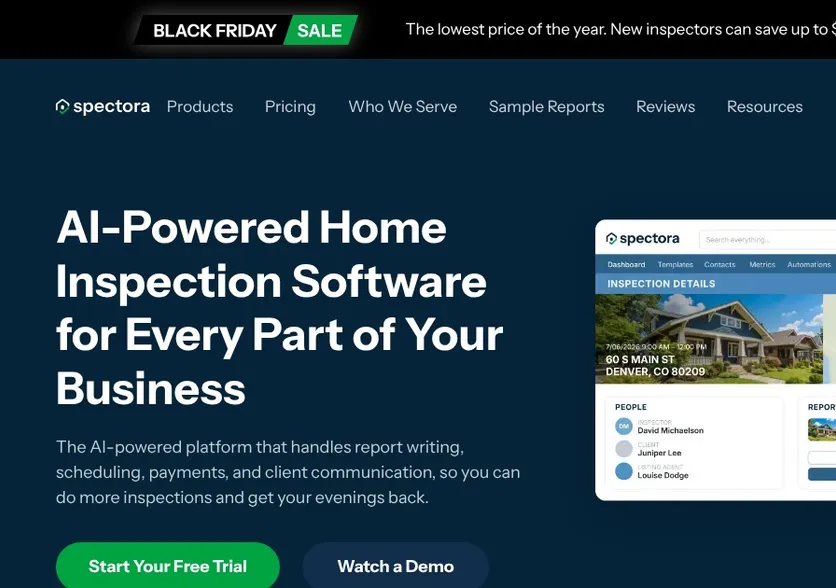
Spectora is the all-in-one pick for a solo inspector who wants the business to run itself, because reports, scheduling, agreements and payments share one system. The Spectora app lets clients book online, sign the agreement and pay before the report unlocks, so you stop chasing invoices after delivery. It is the strongest choice when you treat the software as your office, not just a report writer.
What we like
- Reports, scheduling, agreements and payments in one app
- Online booking and payment collection built in
- Free trial of 2 inspections with no time limit
Watch out for
- The $109 monthly price is the highest flat rate here
- Advanced automation costs $4 per published inspection extra
How to try it
- Start the trial with 2 free inspections, no card and no time limit
- Build one report template and test it on a real inspection
- Turn on online scheduling and payments before your next booking
2. HomeGauge
Best for: Inspectors who want a flat rate with a desktop report writer
Paid tool Starting price: $89/month · $89 a month after a 30-day free trial; no annual billing option listed on the vendor pricing page
Free plan: No free plan; 30-day free trial
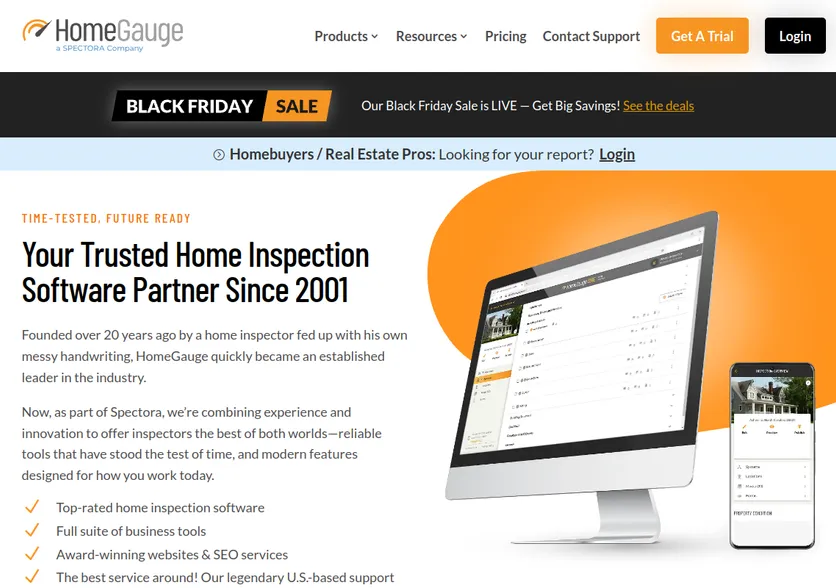
HomeGauge is the steady flat-rate option, charging $89 a month with no per-inspector surcharge spelled out on its pricing page. The HomeGauge package pairs the Desktop Report Writer for Windows and Mac with the Companion mobile app for photos and field data, plus online report hosting and a reusable comment library. It fits an inspector who writes long, detailed reports at a desk and wants one predictable bill.
What we like
- Flat $89 a month with no per-inspector add-on published
- Desktop report writer plus a mobile Companion app
- Comment library speeds up repeat report writing
Watch out for
- Desktop-first, so Mac users need a virtual machine
- No annual billing option to cut the yearly cost
How to try it
- Start the 30-day free trial and write a full report
- Test the Companion app for photos and field notes
- Check the cancellation terms, since the trial renews automatically
3. Palm-Tech
Best for: New inspectors who want the easiest report writer
Paid tool Starting price: $50/user/month · $50 per user a month; free trial available
Free plan: No free plan; free trial available
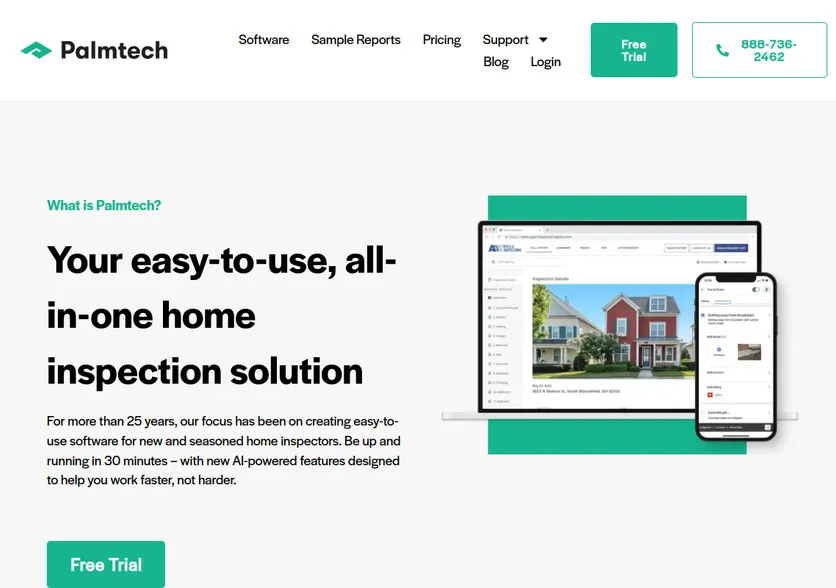
Palm-Tech is the simplest tool here, built around a report writer that new inspectors can learn in an afternoon. The Palm-Tech software focuses on easy report writing for new and seasoned inspectors, without the automation and growth features that complicate bigger platforms. It is the right pick when fast, clean reports matter more than scheduling, marketing or add-on sales.
What we like
- Easiest report writer here for new inspectors
- Low $50 per user monthly price
- Straightforward fit for solo reporting workflows
Watch out for
- No automation or add-on sales features
- Fewer business management extras than Spectora
How to try it
- Start the free trial and write your first report the same day
- Test the report on a phone and on a computer
- Compare the template options with your own report style
4. InspectorNexus
Best for: Part-time inspectors who want to pay per report
Paid tool Starting price: $4.99/report · $4.99 per report billed monthly on the pay-as-you-go plan; Standard $54.99 a month, or $49.99 a month billed annually; free trial available
Free plan: Free trial available
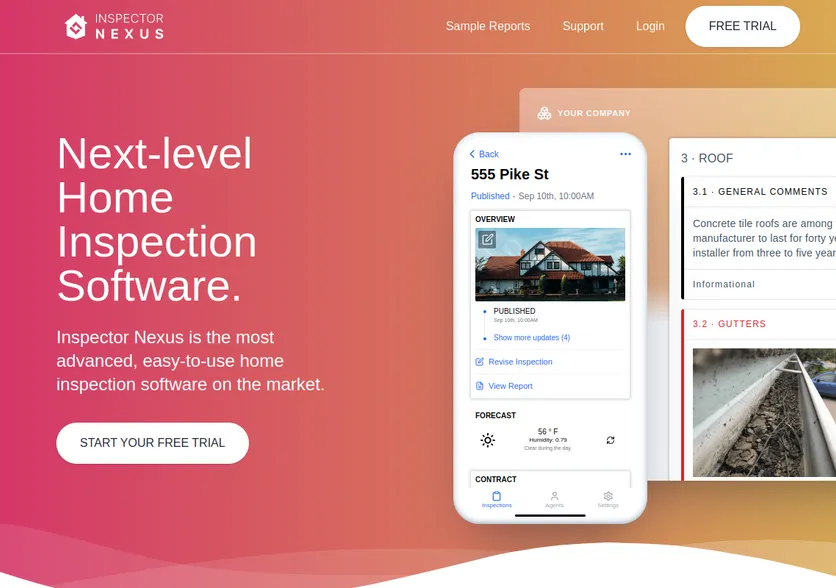
InspectorNexus is the flexible pick, because you can pay per report instead of a monthly subscription when work is slow. The InspectorNexus platform offers unlimited reports, unlimited devices, automatic cloud backups and customizable templates on every plan. It suits a part-time inspector who does a handful of jobs a month and hates paying for software in quiet weeks.
What we like
- Pay $4.99 per report instead of a monthly fee
- Unlimited devices with automatic cloud backups
- Modern templates that impress agents and clients
Watch out for
- Standard at $54.99 a month costs more than Palm-Tech
- Fewer published integrations than the bigger platforms
How to try it
- Start the free trial and import a template from your current tool
- Write one report on your phone and finish it on your computer
- Compare the per-report cost with Standard at your real volume
5. 3D Inspection System
Best for: Inspectors who want to buy once and own the software
Paid tool Starting price: $1,199 one-time · $1,199 one-time purchase; free trial available
Free plan: No free plan; free trial available
3D Inspection System is the buy-once option, charging a $1,199 one-time fee instead of a monthly subscription that never ends. The 3D Inspection System software covers efficient reporting across residential and marine inspections, which suits inspectors whose work extends beyond standard houses. It is the right pick when you would rather pay once and keep the tool for years than rent it every month.
What we like
- One-time $1,199 purchase with no monthly bill
- Covers residential and marine inspection types
- Economical over several years of steady use
Watch out for
- Upfront cost is the highest single payment here
- Less emphasis on scheduling and business growth tools
How to try it
- Start the free trial and test the reporting workflow
- Check that your inspection types are covered by the templates
- Compare the one-time cost with two years of any subscription
6. Home Inspector Pro
Best for: Inspectors who want deep template control across devices
Paid tool Starting price: $74/month · $74 a month for the Pro subscription; Pro+ $89 a month; Foundation one-time $799; 30-day free trial
Free plan: No free plan; 30-day free trial
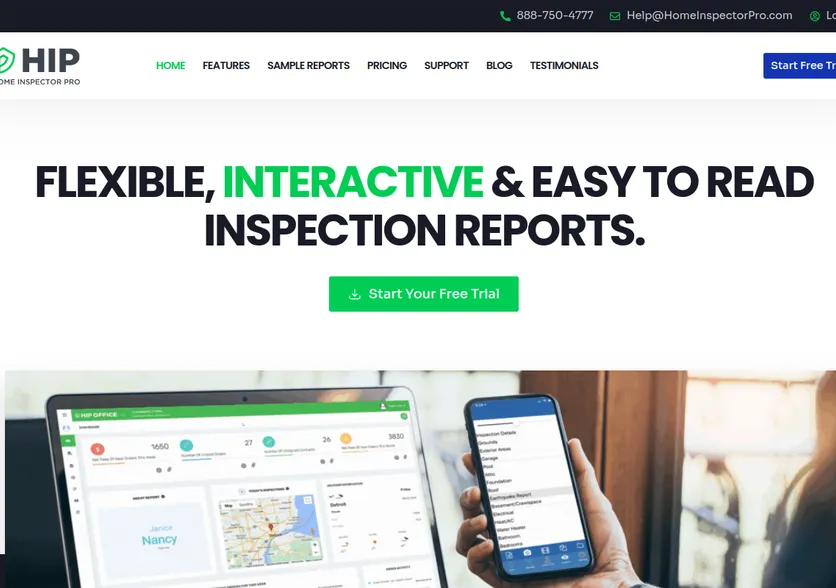
Home Inspector Pro is the customization pick, giving inspectors flexible templates and business tools across Windows, Mac, iOS and Android. The Home Inspector Pro subscription includes report delivery, scheduling, online payments and future updates, with a 30-day free trial to test it all. It fits an inspector who moves between a desktop office setup and a phone in the field and wants reports to look exactly their way.
What we like
- Works on Windows, Mac, iOS and Android
- Deep template customization for your own report style
- Scheduling, payments and delivery in one subscription
Watch out for
- Customization takes time to set up properly
- Pro+ at $89 a month adds the automation features
How to try it
- Start the 30-day free trial on your main device
- Build one custom template and test it on a real inspection
- Check the mobile app covers your full field workflow
7. Tap Inspect
Best for: iPhone and iPad inspectors who finish reports on site
Paid tool Starting price: $7.50/job · Pay as you go $7.50 per job in blocks of 20 for $150; Unlimited $90 a month; first 5 inspections free
Free plan: First 5 inspections free; no free plan
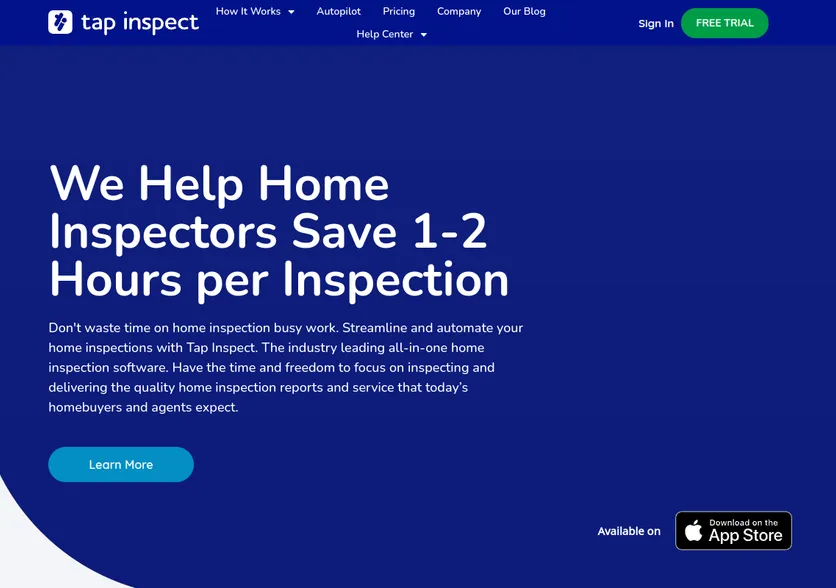
Tap Inspect is the field-first pick, built for iPhone and iPad so inspectors can finish the report while still at the property. The Tap Inspect app covers scheduling, reporting and client management from Apple devices, with a pay-as-you-go plan that costs a few dollars a job. It suits a part-time inspector who does a few jobs a month and wants the cheapest possible start.
What we like
- Finish reports on site from an iPhone or iPad
- Pay $7.50 a job when volume is low
- Scheduling and client management included
Watch out for
- Apple only, with no Android app
- No new release since July 2025, so ask about the roadmap
How to try it
- Use the 5 free inspections to test the full workflow
- Finish one report on site before you leave the property
- Compare pay-as-you-go with Unlimited at your real volume
Prices above were checked on each vendor’s own website on Nov 27, 2026 and can change — the vendor’s page is the final word. Vendor links are editorial: nobody paid to be listed or ranked here. Vendors who want a featured listing can see how it works on our Get listed page.
Before you buy, check the workflow
Start with your volume, because that decides the cheapest model: under about 12 inspections a month, Tap Inspect at $7.50 a job or InspectorNexus at $4.99 a report beats every subscription. Above that, compare the flat rates, from Palm-Tech at $50 a month to Spectora at $109 a month, and remember that 3D Inspection System costs $1,199 once and then nothing. Then check your devices, since Tap Inspect is Apple only and HomeGauge is desktop-first, while Spectora and Home Inspector Pro work across phones and computers.
The other cost to watch is the time each report takes, because an hour saved per inspection is worth more than $20 saved per month. A report writer that finishes on site beats a cheaper one that keeps you at the desk until midnight, and a template that agents love will bring repeat work. Ask each vendor how long a typical report takes from photos to delivery, and test it on a real inspection. The cheapest software is the one that lets you do more inspections in the same week, not the one with the lowest monthly bill.
Before you buy
- Count your inspections per month, then price the per-report tools against the flat subscriptions at that volume.
- Test the report writer on a real inspection, not a demo, and send the finished report to an agent for feedback.
- Confirm which devices the software supports for field work and for office report writing.
- Check how reports are delivered to clients and agents, and whether agreements and payments are included.
- Ask what support and onboarding the vendor provides for a one-person business before you commit.
Official websites
Official websites of the products reviewed above. Features and prices were checked against these sites when this guide was written, and they can change, so confirm on the vendor site before you buy.
Frequently asked questions
Which home inspection software is best for a solo inspector in 2026?
Spectora is the best all-round pick at $109 a month, because it combines report writing with scheduling, agreements and payments in one cloud app. Palm-Tech is better if you want the simplest report writer at $50 a month, and Tap Inspect wins for part-timers at $7.50 a job. The right choice depends on your volume, your devices and whether you want business tools or just reports.
How much does home inspection software cost per month?
Flat subscriptions here run from $50 a month for Palm-Tech to $109 a month for Spectora, with HomeGauge at $89 and Home Inspector Pro at $74 a month. Per-report pricing is cheaper at low volume: InspectorNexus charges $4.99 a report and Tap Inspect $7.50 a job. A solo inspector doing 20 inspections a month pays roughly $600 to $1,308 a year on the flat plans.
Is there free home inspection software for solo inspectors?
No tool here has a permanent free plan, but every one offers a free way to test it. Spectora gives 2 free inspections with no time limit, Tap Inspect gives 5 free inspections, and HomeGauge, Home Inspector Pro, Palm-Tech, InspectorNexus and 3D Inspection System all offer free trials. Start with the trial that matches your volume and only pay once a real report has impressed a client.
Can I write home inspection reports on a phone or tablet?
Yes, several tools support mobile report writing, including Tap Inspect for iPhone and iPad and Home Inspector Pro across Windows, Mac, iOS and Android. Spectora and InspectorNexus also work on phones and tablets through their apps and web tools. Check that the mobile app covers your full report workflow, not just photos and notes, before you commit to a phone-first tool.
Should a solo inspector pay per report or per month?
Pay per report when you do fewer than about 12 inspections a month, because Tap Inspect at $7.50 a job and InspectorNexus at $4.99 a report cost less than any subscription at that volume. Switch to a flat monthly plan once volume rises, since Palm-Tech at $50 a month beats per-report pricing above roughly 10 jobs. Rework the math every few months as your inspection count changes.
Need the everyday business numbers too? Work out quotes, taxes and schedules free on Toolsvine right in your browser.
Browse Business Tools tools


