
On this page
A freelancer who hires help, even one contractor, suddenly needs contracts, time off and payroll, and a spreadsheet stops being enough. The seven tools below run from about a dollar a user a month to around a hundred and fifty dollars a month, and every price was checked on the vendor site on November 26, 2026. Most offer a free plan or a free trial, so you can test hiring and payroll on a real engagement before paying. Gusto is our first pick — payroll and HR from forty-nine dollars a month.
How we researched this
We started with the HR tools small operators actually buy, then read each price on the vendor pricing page on November 26, 2026 and noted the free plan or trial each one carries. We judged them for a freelancer who hires contractors or a first employee and needs payroll, hiring and time tracking without an HR department. We kept only tools with a published price and dropped any tool whose price we could not verify on the vendor site.
Compare the tools
| Name | Best for | Starting price | Free plan | |
|---|---|---|---|---|
 Gusto | Freelancers hiring a first employee or paying contractors | $49/month | No free tier published on the pricing page; seven-day free trial | Visit |
 Rippling | Freelancers growing into a small agency | $8/user/month | No free tier published on the pricing page; demo available | Visit |
 Zoho People | Freelancers who need leave and attendance tracking on a budget | $1.25/user/month | Free plan for up to five users | Visit |
 Breezy HR | Freelancers hiring their first team members | $157/month | Free Bootstrap plan with one active position | Visit |
 Workable | Freelancers who hire occasionally and want published prices | $299/month | No free tier published on the pricing page; fifteen-day free trial | Visit |
 Deputy | Freelancers managing shift workers and rosters | $4.50/user/month | No free tier published on the pricing page; free trial available | Visit |
 OnPay | Freelancers who want one flat payroll price | $49/month | First month free; no free tier published | Visit |
The HR software for freelancers, compared
1. Gusto
Best for: Freelancers hiring a first employee or paying contractors
Paid tool Starting price: $49/month · Simple plan, $49 a month plus $6 a person a month; Plus is $80 a month plus $12 a person
Free plan: No free tier published on the pricing page; seven-day free trial
Gusto is the payroll-first HR tool that most small American teams start with, because it files taxes and pays people without a finance degree. This Gusto Simple plan covers payroll in every state, contractor payments, benefits administration and new-hire onboarding in one place. A freelancer who hires a first employee can run payroll, file taxes and offer benefits from a single dashboard.

What we like
- Full-service payroll with tax filings included
- Contractor payments in more than one hundred countries
- Benefits administration built into the plan
Watch out for
- Simple costs forty-nine dollars a month plus six dollars a person
- Plus tier doubles the base price for richer benefits
How to try it
- Open the Gusto pricing page and start the seven-day trial
- Add your first employee or contractor and set their pay
- Run payroll once and check the tax filings go through
2. Rippling
Best for: Freelancers growing into a small agency
Paid tool Starting price: $8/user/month · Core HR module, $8 a user a month; payroll and IT are paid add-ons
Free plan: No free tier published on the pricing page; demo available
Rippling is the all-in-one that ties payroll, devices and apps to a single employee record, so nothing about a hire lives in two places. This Rippling platform starts at eight dollars a user a month for the core HR module, with payroll and IT tools as add-ons. A freelancer growing into a small agency can onboard a hire, issue a laptop and set up payroll from one screen.

What we like
- One employee record drives payroll, IT and apps
- Modular pricing, so you buy only what you use
- Strong automation for onboarding and offboarding
Watch out for
- Core HR starts at eight dollars a user a month
- Payroll and IT modules add to the bill
How to try it
- Open the Rippling pricing page and request a demo
- Set up the core HR module for your first hire
- Add payroll and device management as the team grows
3. Zoho People
Best for: Freelancers who need leave and attendance tracking on a budget
Paid tool Starting price: $1.25/user/month · Essential HR plan, $1.25 a user a month billed annually
Free plan: Free plan for up to five users
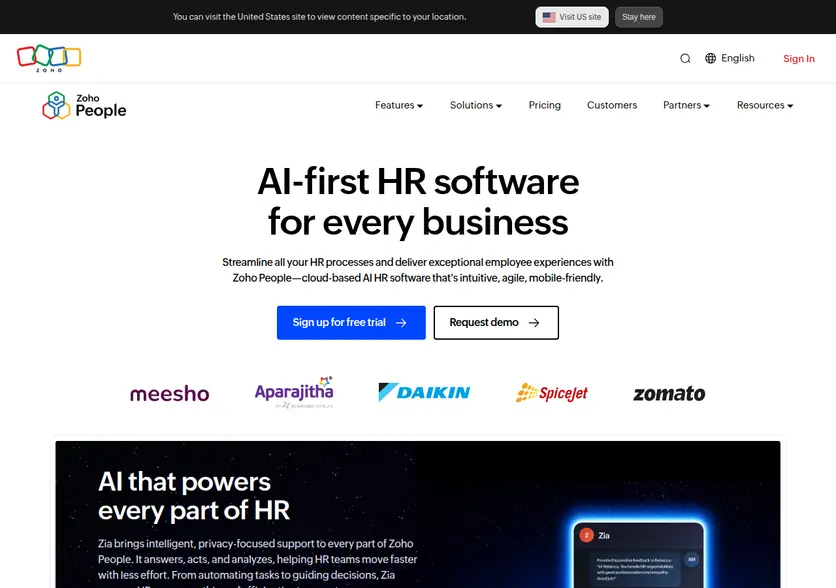
Zoho People is the budget HR system for a freelancer who already uses Zoho apps, covering leave, attendance and employee records for pocket money. This Zoho People Essential plan tracks time off, attendance and performance at about a dollar a user a month. A solo operator with a handful of contractors can keep every record straight without paying enterprise prices.
What we like
- Cheapest paid plan on this list by a wide margin
- Free plan covers up to five users
- Shares one login with Zoho CRM and Books
Watch out for
- Essential costs about a dollar a user a month
- Payroll needs a separate Zoho or third-party tool
How to try it
- Open the Zoho People pricing page and start a trial
- Add your contractors and set their leave policies
- Track attendance and time off from the mobile app
4. Breezy HR
Best for: Freelancers hiring their first team members
Paid tool Starting price: $157/month · Startup plan, $157 a month billed annually or $189 a month billed monthly; Bootstrap is free
Free plan: Free Bootstrap plan with one active position
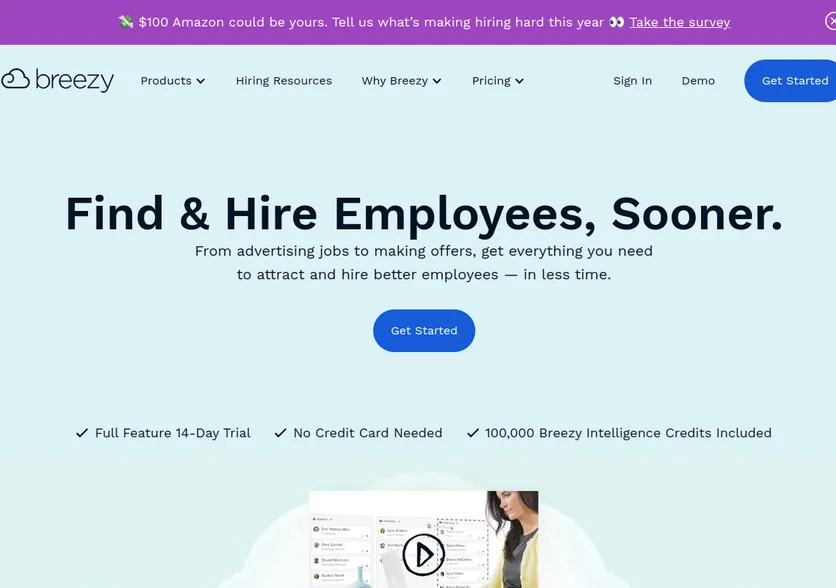
Breezy HR is the hiring tool a freelancer reaches for when a first job post brings a flood of applications that need sorting. This Breezy HR Startup plan adds unlimited positions, automations and self-scheduling interviews on top of the free Bootstrap plan. A small team can post a role, score candidates together and send offers without losing anyone in email.
What we like
- Free Bootstrap plan covers one open role
- Unlimited users and candidates on every plan
- Automations and self-scheduling save hours
Watch out for
- Startup costs a hundred and fifty-seven dollars a month billed annually
- Scorecards and offer tools need higher tiers
How to try it
- Open the Breezy pricing page and start with the free Bootstrap plan
- Post your first role to more than fifty job boards
- Score candidates with the team and send an offer
5. Workable
Best for: Freelancers who hire occasionally and want published prices
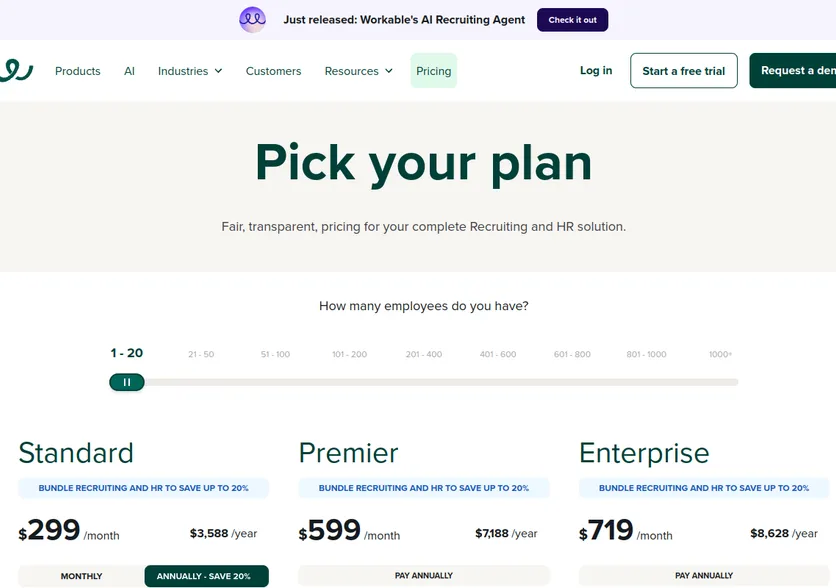
Paid tool Starting price: $299/month · Standard plan, $299 a month billed annually for one to twenty employees; Premier is $599 a month and Enterprise $719 a month
Free plan: No free tier published on the pricing page; fifteen-day free trial
Workable is the applicant tracking system that publishes its prices, which is rare in hiring software and a relief for a freelancer budgeting a hire. This Workable Standard plan covers job posting to more than two hundred job boards and AI sourcing for a small team. A freelancer hiring occasionally can run a professional process without a recruiter on retainer.
What we like
- Published prices with no sales call needed
- Posts to more than two hundred job boards
- AI sourcing finds passive candidates
Watch out for
- Standard costs two hundred ninety-nine dollars a month billed annually
- Texting, video interviews and assessments cost extra on Standard
How to try it
- Open the Workable pricing page and start the fifteen-day trial
- Create your first job and post it to the free boards
- Review AI-sourced candidates and shortlist the best two
6. Deputy
Best for: Freelancers managing shift workers and rosters
Paid tool Starting price: $4.50/user/month · Scheduling plan, $4.50 a user a month; Premium bundle with time tracking is $6 a user a month
Free plan: No free tier published on the pricing page; free trial available
Deputy is the scheduling and time-tracking tool for a freelancer whose team works shifts, with rosters, clock-ins and payroll exports in one app. This Deputy Scheduling plan builds rosters from demand forecasts and checks certifications before a shift is assigned. A freelancer running a small crew can publish the rota, track hours and export timesheets without a spreadsheet.

What we like
- Auto-scheduling built from demand forecasts
- Mobile clock-in with geofencing built in
- Payroll exports for common providers
Watch out for
- Scheduling costs four dollars fifty a user a month
- Premium bundle costs six dollars a user a month
How to try it
- Open the Deputy pricing page and start a trial
- Add your team and build the first roster
- Let staff clock in on the mobile app and export timesheets
7. OnPay
Best for: Freelancers who want one flat payroll price
Paid tool Starting price: $49/month · Payroll Essentials, $49 a month plus $6 a worker a month; HR add-on is $15 a month plus $2 a worker
Free plan: First month free; no free tier published
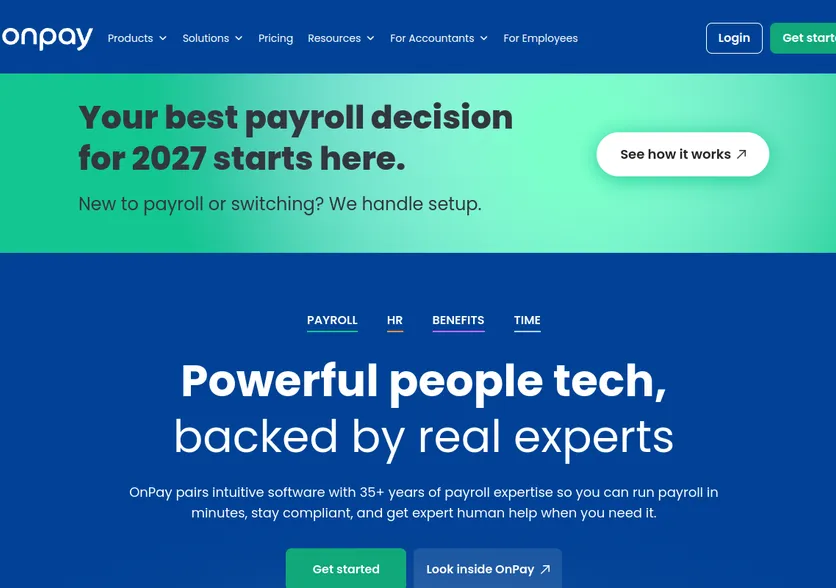
OnPay is the single-plan payroll service for a freelancer who wants one flat price and no tier puzzle to solve. This OnPay Payroll Essentials plan covers payroll in every state, tax filings, unlimited pay runs and benefits administration at one rate. A small team can pay employees and contractors at the same per-person price with no state add-on fees.
What we like
- One flat plan with no tier puzzle
- Multi-state payroll with no per-state fee
- Same per-person price for employees and contractors
Watch out for
- Essentials costs forty-nine dollars a month plus six dollars a worker
- HR module costs extra as an add-on
How to try it
- Open the OnPay pricing page and claim the first month free
- Add employees and contractors at the same per-person rate
- Run payroll and let OnPay file the taxes
Prices above were checked on each vendor’s own website on Nov 26, 2026 and can change — the vendor’s page is the final word. Vendor links are editorial: nobody paid to be listed or ranked here. Vendors who want a featured listing can see how it works on our Get listed page.
What HR software costs a freelancer in 2026
A freelancer hires one or two people at a time, so the per-person price is the whole budget and the cheapest plan is not always the cheapest deal. This list runs from about a dollar a user a month for leave tracking to around a hundred and fifty dollars a month for a hiring platform, and payroll tools add a per-person fee on top of the base price. The headline plan each vendor shows on its own pricing page is the number in the table above, checked on November 26, 2026.
Start with the free plan or trial on two tools and run a real hire through both. Compare how long onboarding takes and what the total bill looks like with your headcount, then pick the tool you will actually open every week. A forty-nine-dollar tool that files taxes for you beats a cheap tool that leaves payroll to a spreadsheet.
Before you buy
- Count the people first, because payroll tools charge per person and a freelancer feels every extra hire.
- Check what the base price covers, because payroll, hiring and scheduling are often separate modules.
- Test the tool on a real hire first, because a demo onboarding never shows how it handles your tax forms.
- Ask whether the tool fits your team: Deputy schedules shifts, Breezy hires, and Gusto pays people.
- Add up the total bill, because a cheap base price with per-person fees can pass a flat-rate rival fast.
Official websites
Official websites of the products reviewed above. Features and prices were checked against these sites when this guide was written, and they can change, so confirm on the vendor site before you buy.
Frequently asked questions
Which HR software is best for freelancers in 2026?
Gusto, at forty-nine dollars a month plus six dollars a person, is the safest default because it covers payroll, tax filings and benefits in one plan. Zoho People is better when you only need leave and attendance tracking, since it costs about a dollar a user a month. Rippling wins when you are growing into an agency and want payroll, devices and apps on one employee record.
What is the cheapest HR software for a freelancer?
Zoho People Essential, at about a dollar a user a month billed annually, is the cheapest paid plan here by a wide margin, and its free plan covers up to five users. Deputy Scheduling, at four dollars fifty a user a month, is the cheapest way to manage shift workers. Rippling core HR, at eight dollars a user a month, is the cheapest all-in-one start.
Can I run HR for free as a freelancer?
Yes, two tools on this list have free plans. Zoho People is free for up to five users, and Breezy HR Bootstrap is free for one open role with unlimited candidates. Gusto, Workable, Deputy and OnPay offer free trials or a free first month instead, so you can test hiring and payroll before the first payment.
Do I need payroll software as a freelancer?
Yes, as soon as you pay anyone regularly. Payroll software calculates tax, files federal and state returns and produces year-end forms, which a spreadsheet cannot do safely. Gusto and OnPay both cover multi-state payroll and contractor payments, so a freelancer hiring across state lines stays compliant without an accountant on retainer.
Which HR tool is best for hiring my first employee?
Breezy HR is the strongest pick for a first hire, because the free Bootstrap plan covers one open role and the Startup plan adds unlimited positions with automations. Workable is the alternative when you want published prices and posting to more than two hundred job boards. Both let a freelancer run a professional hiring process without a recruiter.
Need free business help too? Try Toolsvine's free business tools for everyday work right in your browser.
Browse Business Tools tools


