
On this page
Midsize means a hundred employees, five managers and one very tired spreadsheet, and HR software earns its keep by replacing all three with one system. The eight tools below run from two dollars per user a month to about sixty dollars per employee, with prices checked on each vendor site on November 26, 2026. Compare the total at your headcount, not the headline rate, because per-person pricing grows with every hire. Rippling is our first pick — one record that carries HR, payroll and IT together.
How we researched this
We started with HR tools that publish prices for companies of roughly one hundred to one thousand people, then read each price on the vendor pricing page on November 26, 2026 and noted the free trial or free plan each one carries. We judged them for a business that needs approvals, reporting and payroll scale without an enterprise sales cycle. We kept tools with a published price, except TriNet Zenefits and GoCo, which now price by quote.
Compare the tools
| Name | Best for | Starting price | Free plan | |
|---|---|---|---|---|
 Rippling | Midsize teams that want HR, payroll and IT on one record | $8/user/month | No free plan; demo available | Visit |
 BambooHR | Midsize teams that need real records and reporting without enterprise bloat | $10/employee/month | No free plan; 14-day free trial | Visit |
 Justworks | Midsize employers competing on benefits through a PEO | $59/employee/month | No free plan; demo available | Visit |
 Gusto | Midsize teams in more than one state that need reliable payroll | $49/month + $6/person/month | No free plan; 1-month free trial | Visit |
 TriNet Zenefits | Budget-conscious midsize teams that need the basics done well | Custom pricing | No free plan; demo available | Visit |
 GoCo | Midsize teams that already have payroll and need a modular HR layer | Custom pricing | No free plan; demo available | Visit |
 Workable | Midsize teams hiring ten or more people a year | $299/month | No free plan; 15-day free trial | Visit |
 Zoho People | Midsize teams with hourly staff that need attendance and shifts | $2/user/month | Free plan for up to 5 users; 15-day free trial | Visit |
The HR software for midsize businesses, compared
1. Rippling
Best for: Midsize teams that want HR, payroll and IT on one record
Paid tool Starting price: $8/user/month · Core platform starts at eight dollars per user a month plus a forty dollar monthly base fee; payroll and other modules are quoted separately
Free plan: No free plan; demo available
A midsize business feels the pain of disconnected HR, payroll and IT first, and Rippling answers by putting all three on one employee record. This Rippling core platform starts at eight dollars per user a month plus a monthly base fee, with payroll, benefits and device management added as modules. A company with a hundred or more employees will notice the automation most when onboarding, offboarding and access changes happen in bulk.

What we like
- One record for HR, payroll, IT and spend
- Bulk automation for onboarding and offboarding
- Reporting that spans every module at once
Watch out for
- Modules are quoted separately from the core platform
- Implementation takes longer than simpler HR tools
How to try it
- Open the Rippling pricing page and request a demo
- Map the modules to your headcount and growth plans
- Test bulk onboarding with a real hiring batch
2. BambooHR
Best for: Midsize teams that need real records and reporting without enterprise bloat
Paid tool Starting price: $10/employee/month · Core plan, ten dollars per employee a month for teams over twenty five employees; flat two hundred fifty dollars a month for twenty five or fewer
Free plan: No free plan; 14-day free trial
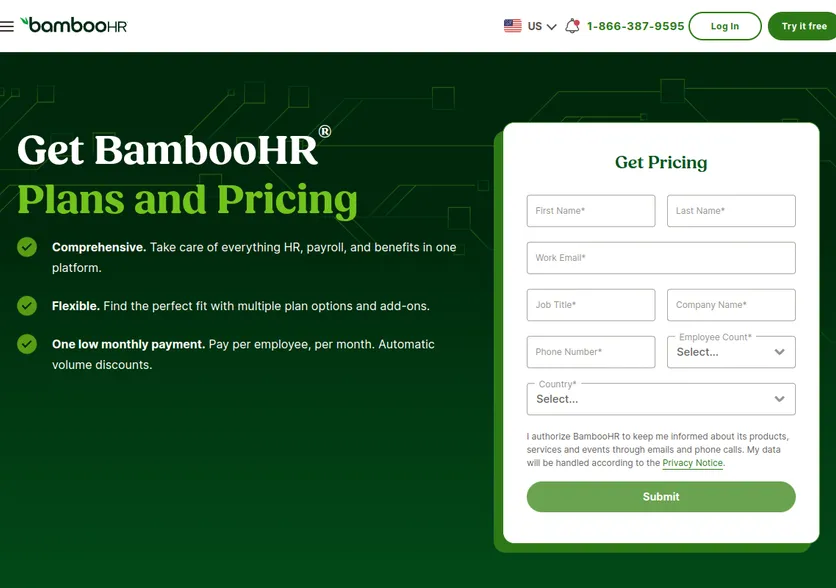
BambooHR scales cleanly into the midsize range, where a hundred employees need real records, approvals and reporting but not an enterprise project. This BambooHR Core plan starts at ten dollars per employee a month for teams over twenty five employees, with Pro adding performance and engagement at seventeen dollars. A growing company can start on Core and move up a tier when reviews and recognition matter.
What we like
- Records and reporting that scale to hundreds of staff
- Pro tier adds performance and engagement tools
- Quick to roll out without consultants
Watch out for
- Payroll and benefits administration are quoted add-ons
- Advanced analytics need the higher Elite tier
How to try it
- Open the BambooHR pricing page and start the free trial
- Set up approval chains for time off and expenses
- Compare Core with Pro for performance reviews
3. Justworks
Best for: Midsize employers competing on benefits through a PEO
Paid tool Starting price: $59/employee/month · PEO Basic plan, fifty nine dollars per employee a month; payroll-only plan is fifty dollars a month plus eight dollars per employee
Free plan: No free plan; demo available
Justworks takes the PEO route for midsize teams, acting as co-employer so the business gets group benefits, compliance cover and payroll in one subscription. This Justworks PEO Basic plan costs fifty nine dollars per employee a month, with Plus adding managed health plans at one hundred nine dollars. A midsize employer that competes for talent on benefits will find the group rates hard to match alone.
What we like
- Group health benefits a midsize firm cannot buy alone
- Payroll, compliance and HR in one subscription
- Volume pricing improves as headcount grows
Watch out for
- PEO means Justworks co-employs your team
- Managed health plans need the Plus tier
How to try it
- Open the Justworks pricing page and read the PEO plans
- Compare Basic with Plus for health benefits
- Ask how co-employment changes your current setup
4. Gusto
Best for: Midsize teams in more than one state that need reliable payroll
Paid tool Starting price: $49/month + $6/person/month · Simple plan, forty nine dollars a month plus six dollars per person a month; Plus is eighty dollars plus twelve dollars per person
Free plan: No free plan; 1-month free trial
Gusto keeps payroll boring in the best way, running unlimited pay cycles with automatic tax filing while HR and benefits ride along. This Gusto Simple plan costs forty nine dollars a month plus six dollars per person a month, and Plus adds multi-state payroll, time tracking and next-day pay. A midsize business with staff in more than one state should price Plus first, because Simple stops at one state.

What we like
- Unlimited payroll runs with automatic tax filing
- Plus adds multi-state payroll and next-day pay
- Benefits and onboarding next to payroll
Watch out for
- Simple covers single-state payroll only
- Per-person fees grow with every hire
How to try it
- Open the Gusto pricing page and start the free trial
- List every state where your team works
- Price Plus for multi-state payroll and time tracking
5. TriNet Zenefits
Best for: Budget-conscious midsize teams that need the basics done well
Paid tool Starting price: Custom pricing · TriNet no longer publishes prices for the HR Plus platform, so pricing is by custom quote; the former Essentials plan was eight dollars per employee a month billed annually or ten dollars billed monthly, with a five-employee minimum
Free plan: No free plan; demo available
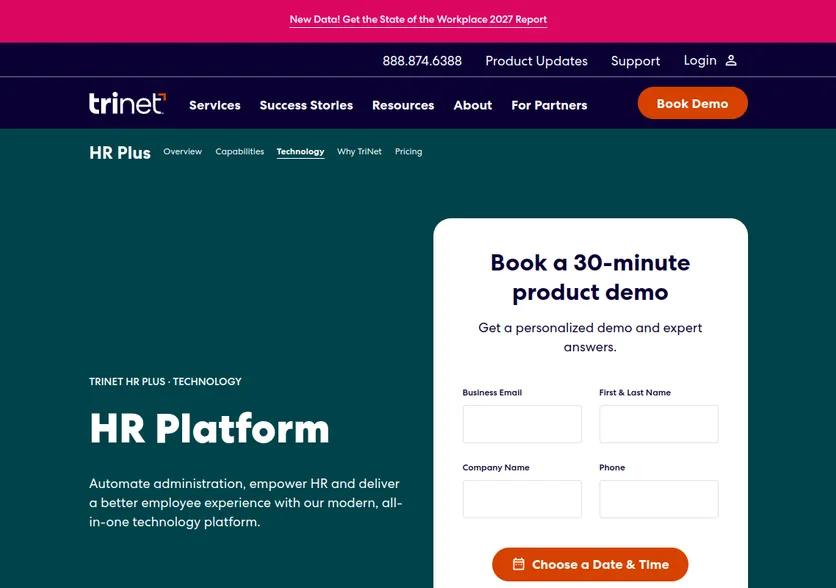
TriNet Zenefits covers the HR basics for midsize teams without a big implementation bill. This TriNet Zenefits plan is priced by custom quote, because TriNet no longer publishes per-employee rates, though the former Essentials plan was eight dollars per employee a month billed annually. A company watching every dollar can run core HR here and buy payroll elsewhere.
What we like
- Benefits administration built into the HR Plus platform
- Scheduling and time tracking in the base plan
- No enterprise implementation project needed
Watch out for
- Payroll is not included in the Essentials plan
- Bills a five-employee minimum on every plan
How to try it
- Open the TriNet Zenefits page and request a quote
- Start on Essentials for records and scheduling
- Move to Growth when you need deeper reporting
6. GoCo
Best for: Midsize teams that already have payroll and need a modular HR layer
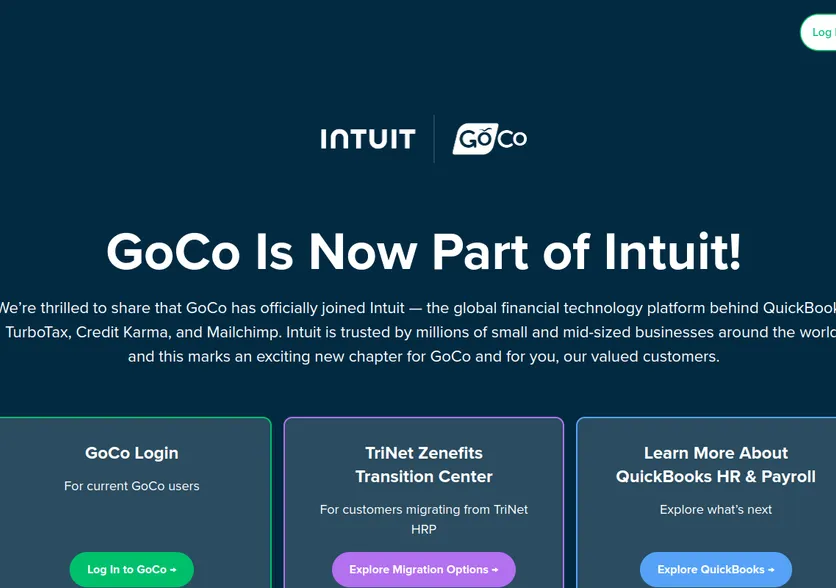
Paid tool Starting price: Custom pricing · GoCo no longer publishes a price — its pricing page now redirects to QuickBooks, and new buyers are quoted through Intuit; the former Core plan started at five dollars per employee a month
Free plan: No free plan; demo available
GoCo is the modular option for midsize teams, covering hiring, onboarding and self-service — now part of Intuit, with new buyers routed through QuickBooks. This GoCo Core plan covers the essentials, while benefits, payroll and time tracking are quoted add-ons you attach as needed. A business that already has a payroll provider will like keeping it and adding GoCo for the HR layer only.
What we like
- Now part of Intuit, with QuickBooks in the same family
- Modular add-ons you attach only when needed
- Syncs with the payroll provider you already use
Watch out for
- Payroll, benefits and time tracking cost extra
- Final price depends on modules and headcount
How to try it
- Open the GoCo site and request a quote through Intuit
- Keep your current payroll and sync it to GoCo
- Add benefits administration only when the team asks for it
7. Workable
Best for: Midsize teams hiring ten or more people a year
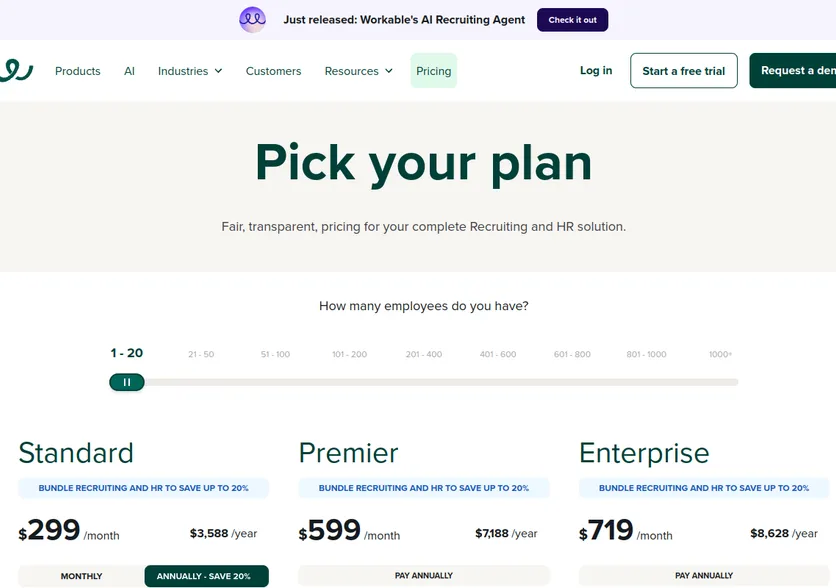
Paid tool Starting price: $299/month · Standard plan, two hundred ninety nine dollars a month billed annually or three hundred sixty dollars billed monthly for teams of one to twenty employees
Free plan: No free plan; 15-day free trial
Workable earns its place in a midsize stack by turning hiring into a pipeline the whole company can see, from sourcing to signed offer. This Workable Standard plan costs two hundred ninety nine dollars a month billed annually for teams of one to twenty employees, rising with headcount bands. A midsize team hiring ten or more people a year will save more time in the pipeline than the subscription costs.
What we like
- AI sourcing across a large candidate database
- Pipeline view the whole hiring team can share
- Unlimited active jobs on the Standard plan
Watch out for
- Price rises with total headcount, not recruiter seats
- Video interviews and texting are paid add-ons
How to try it
- Open the Workable pricing page and pick your headcount band
- Run one hiring round through the full pipeline
- Check the AI sourcing results on a real role
8. Zoho People
Best for: Midsize teams with hourly staff that need attendance and shifts
Paid tool Starting price: $2/user/month · Professional plan, two dollars per user a month billed annually or two dollars fifty billed monthly; free plan covers up to five users
Free plan: Free plan for up to 5 users; 15-day free trial
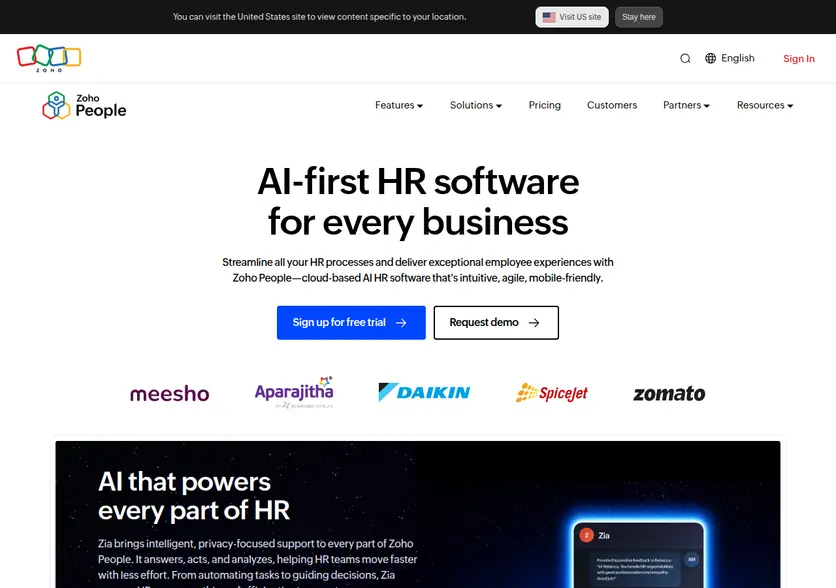
Zoho People is the cheapest per-user HR system in this list, and its Professional plan adds attendance, shifts and timesheets for two dollars per user a month. This Zoho People Professional plan costs two dollars per user a month billed annually, or two dollars fifty billed monthly, with a free plan for up to five users. A midsize business with hourly staff will get the most value from the attendance and rostering tools.
What we like
- Cheapest per-user price in this list
- Attendance, shifts and timesheets on Professional
- Free plan for the smallest teams
Watch out for
- HR help desk needs the Enterprise plan
- Payroll is a separate Zoho product
How to try it
- Open the Zoho People pricing page and start the free plan
- Set up attendance rules and shift rosters
- Upgrade to Professional for timesheets and billing
Prices above were checked on each vendor’s own website on Nov 26, 2026 and can change — the vendor’s page is the final word. Vendor links are editorial: nobody paid to be listed or ranked here. Vendors who want a featured listing can see how it works on our Get listed page.
What HR software for midsize businesses costs in 2026
At midsize scale the per-person price is the budget, so do the multiplication before you fall for a low headline rate. Two dollars per user a month is two hundred dollars a month at a hundred people, while fifty nine dollars per employee is nearly six thousand dollars a month at the same headcount, and the gap buys payroll, benefits and compliance cover in the PEO case. The headline price in the table above is the vendor list price checked on November 26, 2026, before add-ons and volume discounts.
Trial two finalists with your real org chart and one full pay cycle. Watch how approvals, time off and reporting behave at a hundred people, not ten, and ask what the price becomes at two hundred. Pick the system your managers adopt without training sessions, because a midsize rollout fails on adoption, not features.
Before you buy
- Multiply the rate by one hundred people first, because a small per-person price becomes a large monthly bill at midsize scale.
- Ask what the price becomes at two hundred people, because Workable and Justworks both change price with headcount.
- Check whether payroll is bundled, because BambooHR, Zenefits and GoCo quote it as a separate add-on.
- Confirm benefits administration is included, because a PEO bundles group health plans that standalone HR tools do not.
- Test approvals and reporting at scale, because workflows that work for ten people can break at one hundred.
Official websites
Official websites of the products reviewed above. Features and prices were checked against these sites when this guide was written, and they can change, so confirm on the vendor site before you buy.
Frequently asked questions
Which HR software is best for midsize businesses in 2026?
Rippling is the safest default at eight dollars per user a month plus a base fee, because one record carries HR, payroll, IT and spend together. BambooHR is the simpler pick at ten dollars per employee a month for teams that mainly need records and reporting. Justworks wins when benefits decide the hire, at fifty nine dollars per employee a month for the PEO bundle.
How much does HR software cost for a midsize business?
Core HR in this list runs from two to ten dollars per user a month, so a hundred-person team pays about two hundred to one thousand dollars a month before add-ons. Payroll and PEO bundles run from forty nine to fifty nine dollars per employee a month, or about five thousand dollars a month at a hundred people. Always multiply the rate by your headcount before you compare tools.
When should a midsize business move from BambooHR to Rippling?
Move when onboarding, offboarding and access changes eat hours every week, because Rippling automates those flows across HR, payroll and IT at once. BambooHR stays the better pick while the team mainly needs records, time off and reviews. The switch makes sense once headcount passes a hundred and manual updates start causing payroll or access mistakes.
Does a midsize business need a PEO?
Not always, but it is worth pricing when the team wants group health benefits and compliance cover without a benefits specialist. Justworks PEO Basic costs fifty nine dollars per employee a month and bundles payroll, tax filing and HR support. A business with strong benefits already in place can skip the PEO and buy payroll and HR separately for less.
What should a midsize business check before buying HR software?
Multiply the per-person price by your headcount at one hundred and at two hundred people, and add payroll and benefits administration if they are quoted extras. Check headcount bands, multi-state payroll and approval workflows at real scale. Run a trial with your org chart and one pay cycle, because adoption at a hundred people decides whether the rollout succeeds.
Need everyday business help too? Try Toolsvine's free business tools for midsize teams right in your browser.
Browse Business Tools tools


