On this page
An MSP runs its own people while serving many clients, so HR software has to cover payroll, onboarding and compliance without adding admin overhead. Technicians move between sites, contractors join for single projects, and the back office stays small. Rippling leads this list because one employee record covers HR, payroll, IT and benefits, and the other seven tools are ranked on what an MSP actually pays and how well each one handles a distributed, multi-client team.
How we researched this
We checked every price on the vendor pricing page on November 27, 2026, and only included tools with a published US dollar list price and a free trial, free plan or free demo. We ranked each tool on what an MSP pays in practice, including per-user pricing, contractor support, multi-state payroll and whether the plan fits a small back office. Tools with quote-only pricing were left out, so every price below can be verified on the vendor site.
Compare the tools
| Name | Best for | Starting price | Free plan | |
|---|---|---|---|---|
 Rippling | MSPs that want one employee record for HR, payroll, IT and benefits | $8/user/mo | Free demo, no free plan | Visit |
 Gusto | Small MSPs that want payroll and HR with no sales call | $49/mo + $6/person | No free plan | Visit |
 BambooHR | MSPs that need a clean system of record for a growing team | $10/employee/mo | Seven-day free trial, no free plan | Visit |
 Deel | MSPs hiring contractors and engineers abroad | $49/contractor/mo | No free plan | Visit |
 Remote | MSPs with technicians in several countries | $19/employee/mo | Free HR Management plan | Visit |
 Justworks | MSPs that want a PEO to carry compliance | $50/mo + $8/employee | No free plan or free trial | Visit |
 TriNet Zenefits | MSPs that want low-cost HR with benefits admin | $10/employee/mo | No free plan; 14-day free trial | Visit |
| GoCo | Small MSPs that want the cheapest all-in-one HR | $5/employee/mo | Free trial, no free plan | Visit |
The HR software for MSPs, compared
1. Rippling
Best for: MSPs that want one employee record for HR, payroll, IT and benefits
Paid tool Starting price: $8/user/mo · Eight dollars per user a month plus a forty-dollar monthly base fee on the vendor small-business page; United States payroll starts at eight dollars per employee a month billed annually, and every other module is quoted
Free plan: Free demo, no free plan
Rippling gives an MSP one employee record that covers HR, payroll, IT and benefits, so a technician who moves between client sites keeps the same record, devices and access. The platform starts at eight dollars per user a month plus a base fee, and payroll, benefits and device management are modules an MSP adds only where a client engagement needs them. That modular shape fits an MSP because the firm pays for the core once and layers on extras per team rather than per client.

What we like
- One record covers HR, payroll, IT and benefits
- Modules let an MSP pay only for what each team needs
- Automations handle onboarding and offboarding fast
Watch out for
- Every module beyond the platform is quoted separately
- The real bill grows quickly once payroll and benefits are added
How to try it
- Set up the core platform and import the employee roster
- Add payroll and device management for the teams that need them
- Build onboarding workflows that run when a technician joins
2. Gusto
Best for: Small MSPs that want payroll and HR with no sales call
Paid tool Starting price: $49/mo + $6/person · Forty-nine dollars a month plus six dollars per person on the Simple plan; Plus is eighty dollars a month plus twelve dollars per person and Premium is one hundred eighty dollars plus twenty-two dollars per person, and there is no free plan
Free plan: No free plan
Gusto Simple costs forty-nine dollars a month plus six dollars per person, and it handles payroll, tax filing and onboarding for a small MSP without a sales call. An MSP that bills clients by the hour can run unlimited pay runs and let technicians self-onboard from a phone, which keeps admin time low between engagements. Benefits brokerage is built in at no markup, so a growing MSP can offer health cover without hiring a broker.

What we like
- Published prices with no sales call needed
- Unlimited pay runs suit hourly billing
- Benefits brokerage included at no markup
Watch out for
- Simple covers one state only, so multi-state teams pay more
- Time tracking needs the Plus plan
How to try it
- Create the company account and add each technician
- Run the first payroll and set up tax filing
- Invite staff to self-onboard and pick benefits
3. BambooHR
Best for: MSPs that need a clean system of record for a growing team
Paid tool Starting price: $10/employee/mo · Ten dollars per employee a month is the entry rate shown on the vendor pricing page, with Advantage and add-ons such as payroll priced separately; a free trial is available and the final figure depends on headcount and modules
Free plan: Seven-day free trial, no free plan
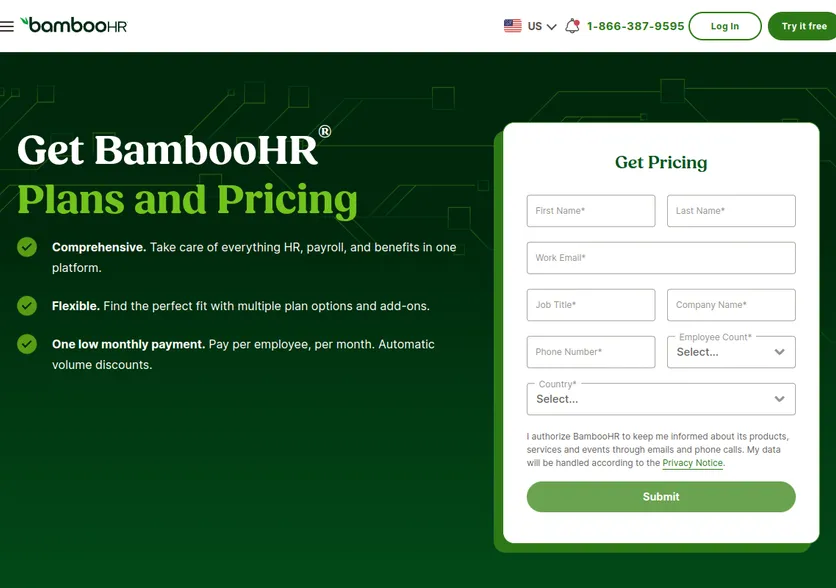
BambooHR is the HR system of record an MSP uses to track employees, time off and onboarding across several client teams from one directory. The entry rate is ten dollars per employee a month, and the Advantage tier adds applicant tracking and performance reviews for an MSP that hires technicians steadily. Its clean interface means a small operations team can run HR without a dedicated HR hire.
What we like
- Easy directory and time-off tracking for every team
- Advantage adds hiring and performance tools
- Simple enough for a small operations team
Watch out for
- The final figure depends on headcount and the modules you add
- Payroll is a paid add-on, not part of the core
How to try it
- Import the employee directory and set up time-off policies
- Build an onboarding checklist for new technicians
- Add hiring to the Advantage tier when recruiting picks up
4. Deel
Best for: MSPs hiring contractors and engineers abroad
Paid tool Starting price: $49/contractor/mo · Forty-nine dollars per contractor a month for contractor management; employer of record starts at five hundred ninety-nine dollars per employee a month and the United States PEO starts at one hundred twenty-five dollars per employee a month, with no free plan
Free plan: No free plan
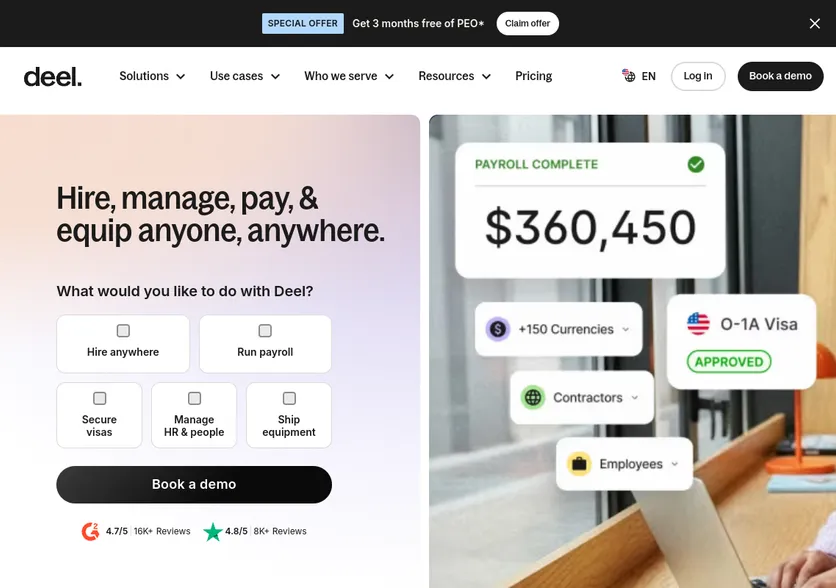
Deel lets an MSP pay contractors in other countries at forty-nine dollars per contractor a month, with compliant contracts and payments in local currencies. Employer of record starts at five hundred ninety-nine dollars per employee a month, which suits an MSP that needs a full-time engineer abroad without opening a local entity. The same account also covers the United States PEO, so an MSP can mix domestic staff and overseas contractors in one place.
What we like
- Contractor payments in local currencies
- Employer of record in more than one hundred fifty countries
- United States PEO in the same account
Watch out for
- Per-person pricing scales fast with a large overseas team
- No free plan, so every seat is paid from day one
How to try it
- Add each contractor and generate a compliant local contract
- Set the pay schedule and currency for every worker
- Move a contractor to employer of record when the role turns full time
5. Remote
Best for: MSPs with technicians in several countries
Paid tool Starting price: $19/employee/mo · Nineteen dollars per employee a month for Global Payroll; contractor management is twenty-nine dollars per contractor a month, employer of record is five hundred ninety-nine dollars per employee a month on annual contracts, and the HR Management tier is free
Free plan: Free HR Management plan
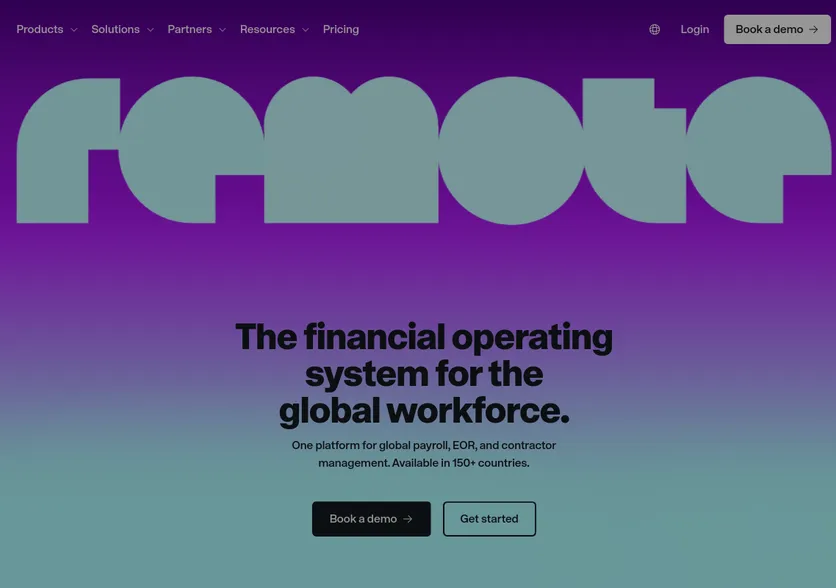
Remote runs global payroll from nineteen dollars per employee a month, and its free HR Management tier covers employee records, onboarding and documents at no cost. An MSP with technicians in several countries gets compliant contracts and local payroll through Remote-owned entities, which removes the need for a local subsidiary. The United States PEO starts at ninety-nine dollars per employee a month for domestic staff spread across states.
What we like
- Free HR Management tier for records and onboarding
- Payroll through Remote-owned entities in many countries
- United States PEO for multi-state domestic staff
Watch out for
- Employer of record costs far more than payroll alone
- HR tools are tied to Remote payroll products
How to try it
- Start on the free HR Management tier for records
- Add Global Payroll for each country with staff
- Use the PEO for United States employees across states
6. Justworks
Best for: MSPs that want a PEO to carry compliance
Paid tool Starting price: $50/mo + $8/employee · Fifty dollars a month plus eight dollars per employee a month on the standalone Payroll plan; PEO Basic is seventy-nine dollars per employee a month and PEO Plus is one hundred twenty-four dollars per employee a month, with no free plan or free trial
Free plan: No free plan or free trial
Justworks Payroll costs fifty dollars a month plus eight dollars per employee, and it covers multi-state payroll, tax filing and compliance alerts for an MSP with staff in several states. PEO Basic at seventy-nine dollars per employee a month adds co-employment, workers compensation access and HR consulting, which suits an MSP that wants compliance cover without an in-house team. Support runs around the clock on PEO plans, which matters when technicians work evenings and weekends.
What we like
- Published PEO prices, rare among PEOs
- Multi-state payroll with compliance alerts
- Around-the-clock support on PEO plans
Watch out for
- PEO pricing climbs steeply per employee
- No free plan or free trial to test first
How to try it
- Choose the Payroll plan or a PEO plan for the team
- Move payroll and tax filing onto Justworks
- Use the compliance alerts before each state deadline
7. TriNet Zenefits
Best for: MSPs that want low-cost HR with benefits admin
Paid tool Starting price: $10/employee/mo · Ten dollars per employee a month on the entry plan, with a fourteen-day free trial; higher tiers add time tracking, performance management and advanced reporting, and there is no free plan
Free plan: No free plan; 14-day free trial
TriNet Zenefits costs ten dollars per employee a month and pairs core HR with benefits administration, time tracking and payroll integrations. An MSP can manage employee records, time off and open enrollment from one dashboard, and the platform is now sold as TriNet HR Plus. The price stays low as headcount grows, which helps an MSP whose team expands with each new client contract.
What we like
- Ten dollars per employee is hard to beat
- Benefits administration built into the core
- Time tracking and payroll integrations included
Watch out for
- Higher tiers are needed for performance management
- No free plan, only a fourteen-day trial
How to try it
- Import employee records and set up time-off policies
- Connect payroll and run open enrollment
- Add time tracking for technicians who bill hours
8. GoCo
Best for: Small MSPs that want the cheapest all-in-one HR
Paid tool Starting price: $5/employee/mo · Five dollars per employee a month on the Starter plan; time tracking, benefits administration and training are paid add-ons, and the final price depends on headcount and modules, with a free trial and no free plan GoCo is now part of Intuit and new buyers purchase through QuickBooks; GoCo no longer publishes prices on its site, so confirm the current price before buying.
Free plan: Free trial, no free plan
GoCo starts at five dollars per employee a month, making it the cheapest all-in-one HR option in this list for a small MSP. Every plan includes hiring, onboarding, employee self-service and document tools, so a lean MSP can run the whole employee lifecycle without add-ons. Time tracking, benefits administration and training cost extra, so an MSP should price those modules before committing.
What we like
- Five dollars per employee is the lowest entry here
- Onboarding and documents included on every plan
- Simple setup for a team with no HR staff
Watch out for
- Time tracking and benefits are paid add-ons
- Final price depends on headcount and modules
How to try it
- Set up the company profile and add employees
- Build onboarding workflows with document signing
- Price the add-ons the team actually needs
Prices above were checked on each vendor’s own website on Nov 27, 2026 and can change — the vendor’s page is the final word. Vendor links are editorial: nobody paid to be listed or ranked here. Vendors who want a featured listing can see how it works on our Get listed page.
How an MSP should pick HR software
Start with how the team actually works: count full-time staff, contractors and the states or countries they sit in, because that mix decides the price more than any feature list. An MSP with overseas contractors needs Deel or Remote, while a domestic team is cheaper on Gusto or Justworks Payroll. Check whether the plan charges per user or per location, since a per-user fee climbs with every hire while a flat fee stays still. Test onboarding with a real technician, because a slow first week costs billable hours. Finally, confirm who files taxes in each state, since multi-state compliance is the job an MSP most wants to hand off.
Before you buy
- Count full-time staff, contractors and every state or country they work in before comparing prices
- Check whether the plan bills per user, per location or per employee, because the unit changes the real bill
- Confirm who files payroll taxes in each state, since multi-state compliance is easy to get wrong
- Test onboarding with a real technician, because a slow first week costs billable hours
- Ask which modules cost extra, since payroll, benefits and time tracking are often separate
Official websites
Official websites of the products reviewed above. Features and prices were checked against these sites when this guide was written, and they can change, so confirm on the vendor site before you buy.
Frequently asked questions
What is the cheapest HR software for an MSP?
GoCo is the cheapest entry at five dollars per employee a month, and Rippling starts at eight dollars per user plus a base fee. Gusto Simple costs forty-nine dollars a month plus six dollars per person, while Justworks Payroll is fifty dollars plus eight dollars per employee. For a ten-person MSP, GoCo costs about fifty dollars a month before add-ons, while Gusto costs about one hundred nine dollars, so the gap is real but the feature mix differs.
Does an MSP need a PEO or just payroll software?
Payroll software is enough when the MSP only needs pay runs, tax filing and basic HR, and Gusto or Justworks Payroll covers that at a low price. A PEO fits when the MSP wants co-employment, group health benefits, workers compensation and HR consulting, which Justworks PEO Basic provides at seventy-nine dollars per employee a month. The PEO premium only pays off when those benefits and compliance services would cost more bought separately.
How should an MSP pay overseas contractors compliantly?
Use a platform that generates compliant local contracts and pays in local currency, such as Deel at forty-nine dollars per contractor a month or Remote from nineteen dollars per employee a month for payroll. Both handle tax forms and classification risk, which a plain bank transfer does not. When a contractor becomes full time, move them to employer of record, which starts at five hundred ninety-nine dollars per employee a month on both platforms.
Can one HR tool cover technicians across several states?
Yes, and multi-state payroll is the feature to check first, since not every plan files taxes in all fifty states. Justworks, Gusto Plus and Rippling all run multi-state payroll, while Gusto Simple covers one state only. Remote adds a United States PEO at ninety-nine dollars per employee a month for teams spread across states. Confirm state tax registration is included before signing, because registering in a new state takes weeks.
What should an MSP check before switching HR software?
Export employee records, time-off balances and payroll history from the old system first, since a bad migration loses data that is hard to rebuild. Run one pay cycle in parallel on the new tool to catch tax and direct deposit errors before the old contract ends. Tell technicians the switch date and what changes for them, because a new self-service portal needs one clear announcement. Keep the old account active for one month after the move.
Compare the eight tools above, then trial the one that fits your MSP with a real technician onboard before you move the whole team.
Browse Business Tools tools