
On this page
A small business owner does HR between everything else, usually late at night, and the software has to work without a training course. The eight tools below run from two dollars per user a month to about sixty dollars per employee, with prices checked on each vendor site on November 26, 2026. Some start free, others charge per person, so count your team before you compare the headline price. Gusto is our first pick — payroll first, HR built around it, and taxes that file themselves.
How we researched this
We started with HR tools that publish prices for owner-run businesses, then read each price on the vendor pricing page on November 26, 2026 and noted the free trial or free plan each one carries. We judged them for an owner who does HR alongside everything else and needs setup in hours, not weeks. We kept tools with a published price, except TriNet Zenefits and GoCo, which now price by quote.
Compare the tools
| Name | Best for | Starting price | Free plan | |
|---|---|---|---|---|
 Gusto | Owners who want payroll first with HR built around it | $49/month + $6/person/month | No free plan; 1-month free trial | Visit |
 BambooHR | Owners who want HR records handled properly from the first hire | $10/employee/month | No free plan; 14-day free trial | Visit |
 Homebase | Owners with hourly teams at one shop, salon or restaurant | $24/location/month | Free plan for 1 location and up to 10 employees | Visit |
 Zoho People | Owners who want to stop tracking time off in a spreadsheet | $2/user/month | Free plan for up to 5 users; 15-day free trial | Visit |
 GoCo | Owners who want modular core HR now part of Intuit | Custom pricing | No free plan; demo available | Visit |
 TriNet Zenefits | Owners who want the HR basics with benefits administration in one login | Custom pricing | No free plan; demo available | Visit |
 Justworks | Owners competing for hires with real benefits | $59/employee/month | No free plan; demo available | Visit |
 Rippling | Owners planning fast growth on one employee record | $8/user/month | No free plan; demo available | Visit |
The HR software for small business owners, compared
1. Gusto
Best for: Owners who want payroll first with HR built around it
Paid tool Starting price: $49/month + $6/person/month · Simple plan, forty nine dollars a month plus six dollars per person a month; Plus is eighty dollars plus twelve dollars per person
Free plan: No free plan; 1-month free trial
Gusto is the first HR software most small business owners should price, because it starts with payroll and adds HR around it. This Gusto Simple plan costs forty nine dollars a month plus six dollars per person a month, with unlimited payroll runs and automatic tax filing. An owner who does payroll themselves will feel the difference on the first pay run, when taxes file themselves.

What we like
- Unlimited payroll runs with automatic tax filing
- Published pricing with no sales quote needed
- Onboarding and benefits sit next to payroll
Watch out for
- Simple covers single-state payroll only
- Per-person fees grow with every hire
How to try it
- Open the Gusto pricing page and start the free trial
- Run one payroll cycle with your real team
- Compare Simple with Plus for multi-state needs
2. BambooHR
Best for: Owners who want HR records handled properly from the first hire
Paid tool Starting price: $10/employee/month · Core plan, ten dollars per employee a month for teams over twenty five employees; flat two hundred fifty dollars a month for twenty five or fewer
Free plan: No free plan; 14-day free trial
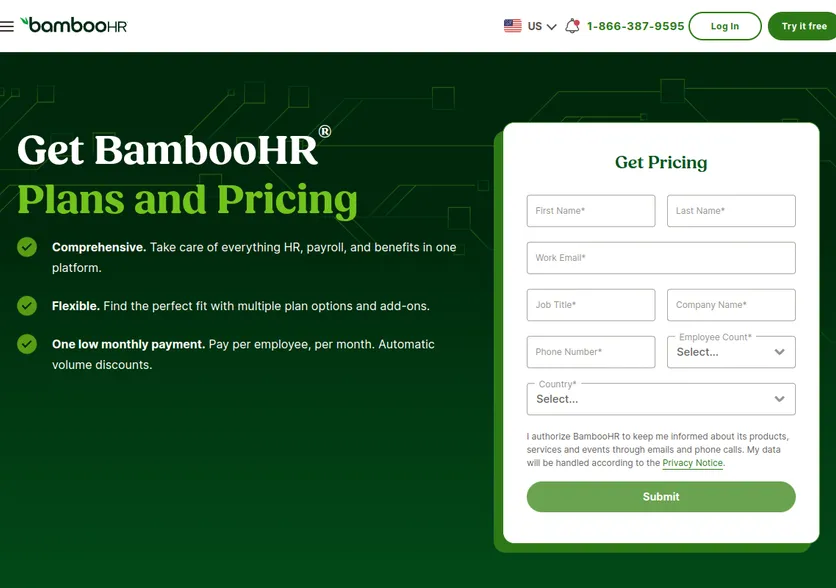
BambooHR is the pick for an owner who wants HR records handled properly from the first hire, without learning a new system every month. This BambooHR Core plan starts at ten dollars per employee a month for teams over twenty five employees, with a flat monthly rate for smaller teams. A business with a dozen employees gets onboarding, time off and reporting in one place the owner can check in minutes.
What we like
- Clean records, hiring and time off in one login
- Flat monthly rate for teams of twenty five or fewer
- Fast setup with no enterprise implementation project
Watch out for
- Payroll and benefits administration are quoted add-ons
- Payroll covers US employees only
How to try it
- Open the BambooHR pricing page and start the free trial
- Import your employee list and set up time off rules
- Build an onboarding checklist for your next hire
3. Homebase
Best for: Owners with hourly teams at one shop, salon or restaurant
Paid tool Starting price: $24/location/month · Essentials plan, twenty four dollars per location a month billed annually or thirty dollars billed monthly; Basic plan is free for one location
Free plan: Free plan for 1 location and up to 10 employees
Homebase is the owner-friendly pick for hourly teams, because scheduling, time clock and hiring live in one free-to-start app. This Homebase Essentials plan costs twenty four dollars per location a month billed annually, or thirty dollars billed monthly, with unlimited employees at that site. An owner running a shop, salon or restaurant can build the week schedule on a phone and add payroll when ready.

What we like
- Free plan for one location and up to ten employees
- Flat per-location price with unlimited staff
- Scheduling, time clock and hiring in one app
Watch out for
- Per-location pricing punishes multi-site owners
- Payroll is a separate add-on
How to try it
- Open the Homebase pricing page and start the free plan
- Build the schedule for your busiest week first
- Upgrade to Essentials for unlimited employees
4. Zoho People
Best for: Owners who want to stop tracking time off in a spreadsheet
Paid tool Starting price: $2/user/month · Professional plan, two dollars per user a month billed annually or two dollars fifty billed monthly; free plan covers up to five users
Free plan: Free plan for up to 5 users; 15-day free trial
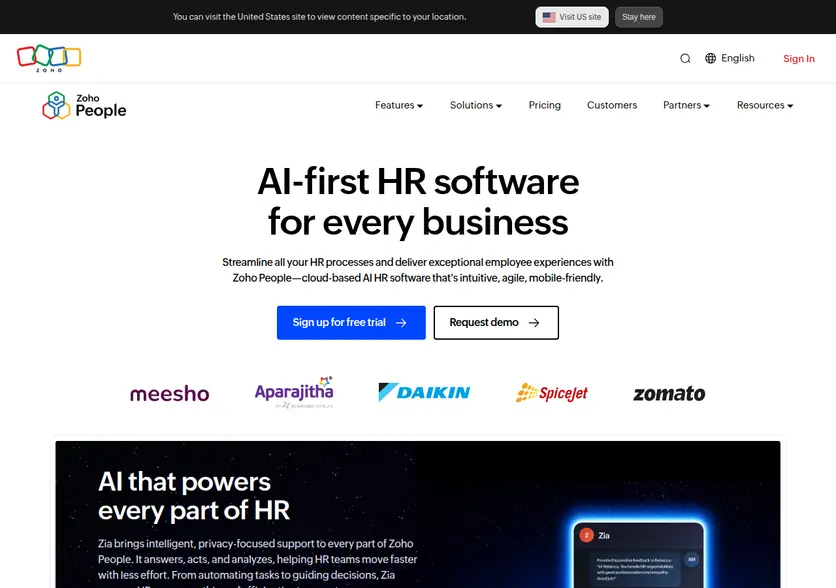
Zoho People is the cheapest way for an owner to stop tracking time off in a spreadsheet, with a free plan for up to five users. This Zoho People Professional plan costs two dollars per user a month billed annually, or two dollars fifty billed monthly, adding attendance, shifts and timesheets. An owner with hourly staff gets the attendance tools that matter for two dollars a head.
What we like
- Free plan for up to five users
- Professional adds attendance and shifts for two dollars
- Cheapest per-user price in this list
Watch out for
- HR help desk needs the Enterprise plan
- Payroll is a separate Zoho product
How to try it
- Open the Zoho People pricing page and start the free plan
- Add your staff and set up time off rules
- Upgrade to Professional for attendance and shifts
5. GoCo
Best for: Owners who want modular core HR now part of Intuit
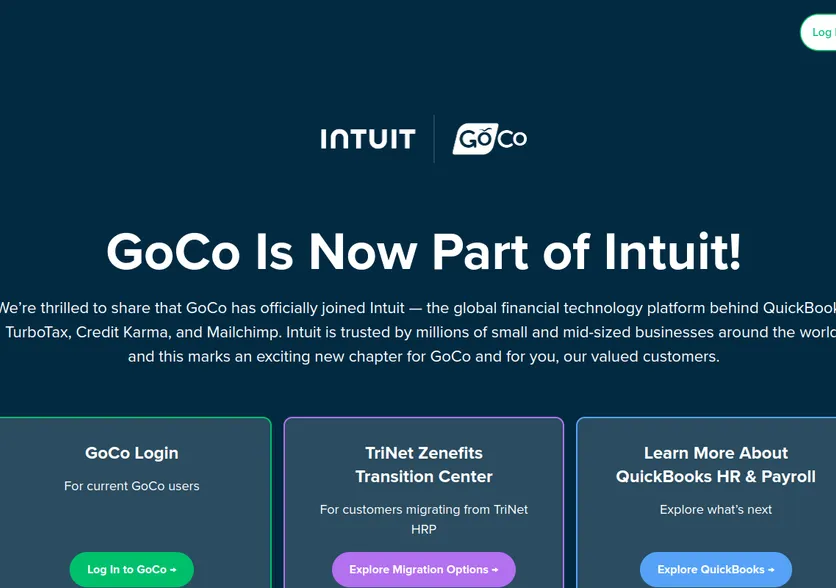
Paid tool Starting price: Custom pricing · GoCo no longer publishes a price — its pricing page now redirects to QuickBooks, and new buyers are quoted through Intuit; the former Core plan started at five dollars per employee a month
Free plan: No free plan; demo available
GoCo gives an owner core HR for hiring and onboarding — now part of Intuit, with new buyers routed through QuickBooks. This GoCo Core plan covers the essentials, while benefits, payroll and time tracking are quoted add-ons you attach as the business grows. An owner who already has payroll can keep it and add GoCo for the HR layer only.
What we like
- Now part of Intuit, with QuickBooks in the same family
- Modular add-ons you attach only when needed
- Syncs with the payroll provider you already use
Watch out for
- Payroll, benefits and time tracking cost extra
- Final price depends on modules and headcount
How to try it
- Open the GoCo site and request a quote through Intuit
- Keep your current payroll and sync it to GoCo
- Add benefits administration only when the team asks for it
6. TriNet Zenefits
Best for: Owners who want the HR basics with benefits administration in one login
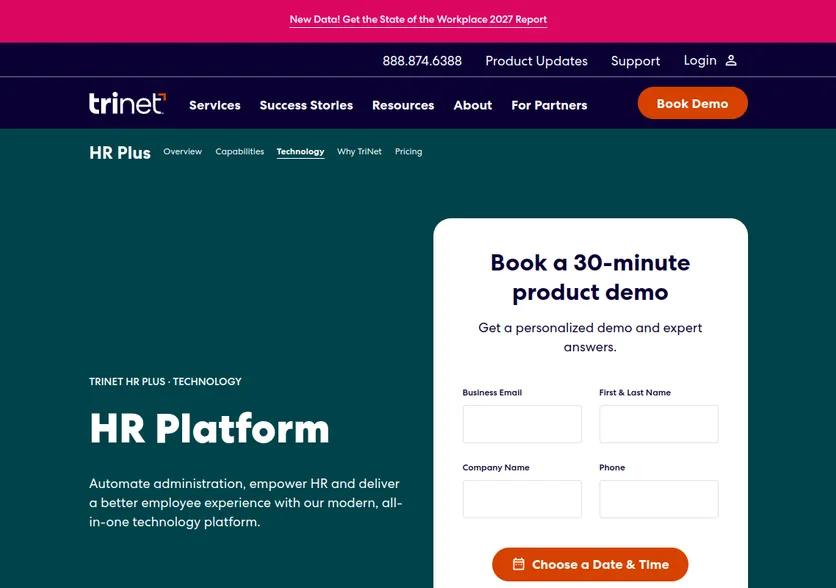
Paid tool Starting price: Custom pricing · TriNet no longer publishes prices for the HR Plus platform, so pricing is by custom quote; the former Essentials plan was eight dollars per employee a month billed annually or ten dollars billed monthly, with a five-employee minimum
Free plan: No free plan; demo available
TriNet Zenefits is the straightforward pick for an owner who needs HR basics with benefits administration in one login. This TriNet Zenefits plan is priced by custom quote, because TriNet no longer publishes per-employee rates, though the former Essentials plan was eight dollars per employee a month billed annually. An owner who wants onboarding, scheduling and time tracking in one login can start here and add payroll later.
What we like
- Benefits administration built into the HR Plus platform
- Scheduling and time tracking in the base plan
- Clear tier ladder from Essentials to Zen
Watch out for
- Payroll is not included in the Essentials plan
- Bills a five-employee minimum on every plan
How to try it
- Open the TriNet Zenefits page and request a quote
- Start on Essentials for core HR and scheduling
- Add payroll only when the team is ready for it
7. Justworks
Best for: Owners competing for hires with real benefits
Paid tool Starting price: $59/employee/month · PEO Basic plan, fifty nine dollars per employee a month; payroll-only plan is fifty dollars a month plus eight dollars per employee
Free plan: No free plan; demo available
Justworks is the owner pick for teams that want real benefits, because the PEO bundles group health plans with payroll and compliance. This Justworks PEO Basic plan costs fifty nine dollars per employee a month and covers payroll, tax filing, workers compensation and HR support. An owner competing for good hires will find the benefits package worth more than the per-head price.
What we like
- Group health benefits a small firm cannot buy alone
- Payroll, benefits and compliance in one subscription
- No setup fees and month-to-month billing
Watch out for
- PEO means Justworks co-employs your team
- Health benefits need the higher Plus plan
How to try it
- Open the Justworks pricing page and read the PEO plans
- List the benefits your team asks about most
- Book a demo and ask about the Plus plan difference
8. Rippling
Best for: Owners planning fast growth on one employee record
Paid tool Starting price: $8/user/month · Core platform starts at eight dollars per user a month plus a forty dollar monthly base fee; payroll and other modules are quoted separately
Free plan: No free plan; demo available
Rippling is the owner pick for a business that plans to grow fast, because one employee record runs HR, payroll, IT and spend together. This Rippling core platform starts at eight dollars per user a month plus a monthly base fee, with payroll, benefits and device management added as modules. An owner hiring ten people this year will like that onboarding, access and payroll update from a single change.

What we like
- One record for HR, payroll, IT and spend
- Automation that updates every system at once
- Grows with the company without a rebuild
Watch out for
- Payroll and benefits are quoted modules on top of the base
- The monthly base fee adds up on small teams
How to try it
- Open the Rippling pricing page and request a demo
- Pick the modules that match your next year of growth
- Run one hire through onboarding, payroll and IT setup
Prices above were checked on each vendor’s own website on Nov 26, 2026 and can change — the vendor’s page is the final word. Vendor links are editorial: nobody paid to be listed or ranked here. Vendors who want a featured listing can see how it works on our Get listed page.
What HR software for small business owners costs in 2026
An owner should budget HR software like any other monthly bill, by multiplying the rate by the team and adding the extras. Core HR in this list runs from two to ten dollars per employee a month, payroll bundles run from forty nine to fifty nine dollars per employee, and a free plan can cover the smallest teams entirely. The headline price in the table above is the vendor list price checked on November 26, 2026, before add-ons like payroll and benefits administration.
Start with a free plan or a trial and run one real pay cycle or one real hire through it before you pay. Check how much of the work the tool does for you, because an owner buys time as much as software. Pick the tool you can run alone at midnight, because that is when the HR work actually happens.
Before you buy
- Count your whole team first, because per-person pricing grows with every hire you make.
- Check whether payroll is included, because most cheap HR plans quote payroll as a separate add-on.
- Start on a free plan where one exists, because Zoho People and Homebase cost nothing to test properly.
- Confirm multi-state payroll support, because Gusto reserves it for the Plus plan and above.
- Test the tool alone late at night, because an owner-run business needs software that works without support.
Official websites
Official websites of the products reviewed above. Features and prices were checked against these sites when this guide was written, and they can change, so confirm on the vendor site before you buy.
Frequently asked questions
Which HR software is best for small business owners in 2026?
Gusto is the safest default at forty nine dollars a month plus six dollars per person, because payroll, benefits and onboarding sit in one login with taxes that file themselves. BambooHR is the records-first pick at ten dollars per employee a month for owners who mainly need clean files and time off. Homebase wins for hourly teams, with a free plan for one location and scheduling built in.
How much does HR software cost for a small business owner?
Core HR in this list runs from two to ten dollars per employee a month, so a ten-person business pays about twenty to one hundred dollars a month before add-ons. Payroll bundles run from forty nine to fifty nine dollars per employee a month. Zoho People and Homebase both offer free plans, so the smallest teams can start at no cost and pay only when they outgrow the free tier.
Can I run HR software alone as an owner?
Yes, every tool in this list is built for owner-run businesses with no HR department. Setup takes hours, not weeks, and the trials let you run a real pay cycle or a real hire before you pay. Pick the tool whose daily work you can finish alone, because the owner is usually the whole HR team at this size.
Do I need payroll bundled with HR?
Bundling is simpler and usually cheaper, because payroll data already feeds time off, benefits and reporting in the same system. Gusto and Justworks bundle both, while BambooHR, Zenefits and GoCo sell payroll as a quoted add-on. Keep payroll separate only when your current provider is deeply tied to your accounting and you only need HR records elsewhere.
What should a small business owner check before buying HR software?
Count your whole team, confirm whether payroll is included, and start on a free plan or a trial with real data. Check multi-state payroll if staff work in more than one state, and ask about the monthly base fee on tools like Rippling. Pick the tool you can run alone late at night, because that is when the HR work actually happens.
Need everyday business help too? Try Toolsvine's free business tools for small business owners right in your browser.
Browse Business Tools tools


