On this page
Benefits are where HR software earns its keep: open enrollment, health plans, retirement and perks all live or die on whether staff can actually use them. A confusing enrollment flow means HR answers the same questions for weeks. Gusto leads this list because its benefits brokerage comes with no markup, and the other seven tools are ranked on how smoothly they run enrollment, admin and renewals.
How we researched this
We checked every price on the vendor pricing page on November 27, 2026, and only included tools with a published US dollar list price and a free trial, free plan or free demo. We ranked each tool on benefits brokerage, open enrollment, plan administration, retirement options and whether the price fits a small team. Tools with quote-only pricing were left out, so every price below can be verified on the vendor site.
Compare the tools
| Name | Best for | Starting price | Free plan | |
|---|---|---|---|---|
 Gusto | Small teams that want benefits without a broker | $49/mo + $6/person | No free plan | Visit |
 Justworks | Teams that want large-group health plans through a PEO | $50/mo + $8/employee | No free plan or free trial | Visit |
 TriNet Zenefits | Teams that want low-cost benefits admin | $10/employee/mo | No free plan; 14-day free trial | Visit |
 Rippling | Growing teams that want benefits on one employee record | $8/user/mo | Free demo, no free plan | Visit |
 BambooHR | Teams that want benefits tracking tied to the record | $10/employee/mo | Seven-day free trial, no free plan | Visit |
 Deel | Global teams that need benefits in many countries | $49/contractor/mo | No free plan | Visit |
 Remote | Global teams that want benefits bundled with payroll | $19/employee/mo | Free HR Management plan | Visit |
 Sage HR | Small teams that want simple benefits tracking | $6.50/employee/mo | 30-day free trial, no free plan | Visit |
The HR software for staff benefits, compared
1. Gusto
Best for: Small teams that want benefits without a broker
Paid tool Starting price: $49/mo + $6/person · Forty-nine dollars a month plus six dollars per person on the Simple plan; Plus is eighty dollars a month plus twelve dollars per person and Premium is one hundred eighty dollars plus twenty-two dollars per person, and there is no free plan
Free plan: No free plan
Gusto bundles a no-markup benefits brokerage into every plan, so a small team can offer health, dental and vision cover without hiring a broker. Simple costs forty-nine dollars a month plus six dollars per person, and staff pick plans during self-onboarding. Plus at eighty dollars a month plus twelve dollars per person adds multi-state payroll and workforce cost reports for a growing team.

What we like
- No-markup benefits brokerage built in
- Staff pick plans during self-onboarding
- Published prices with no sales call needed
Watch out for
- Simple covers one state only, so multi-state teams pay more
- Retirement plans cost extra as an add-on
How to try it
- Create the account and set up payroll
- Open benefits enrollment during onboarding
- Let staff pick plans and file the elections
2. Justworks
Best for: Teams that want large-group health plans through a PEO
Paid tool Starting price: $50/mo + $8/employee · Fifty dollars a month plus eight dollars per employee a month on the standalone Payroll plan; PEO Basic is seventy-nine dollars per employee a month and PEO Plus is one hundred twenty-four dollars per employee a month, with no free plan or free trial
Free plan: No free plan or free trial
Justworks PEO Plus pools staff into large-group health plans at one hundred twenty-four dollars per employee a month, with medical, dental and vision administration included. PEO Basic at seventy-nine dollars per employee a month covers payroll, compliance and HR consulting without the full benefits package. That pooling suits a small company that could not get large-group rates on its own.
What we like
- Large-group health plans through the PEO
- Medical, dental and vision administration on Plus
- Published PEO prices, rare among PEOs
Watch out for
- No screenshot available yet, so the vendor page is the reference
- PEO pricing climbs steeply per employee
How to try it
- Compare PEO Basic and PEO Plus for the team
- Move payroll and benefits onto Justworks
- Run open enrollment through the PEO portal
3. TriNet Zenefits
Best for: Teams that want low-cost benefits admin
Paid tool Starting price: $10/employee/mo · Ten dollars per employee a month on the entry plan, with a fourteen-day free trial; higher tiers add time tracking, performance management and advanced reporting, and there is no free plan
Free plan: No free plan; 14-day free trial
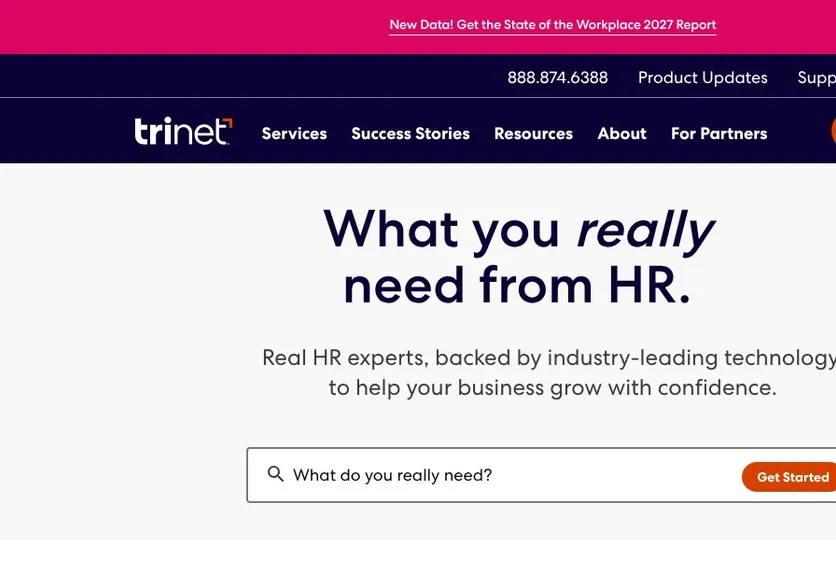
TriNet Zenefits costs ten dollars per employee a month and pairs benefits administration with core HR, time tracking and payroll integrations. Staff enroll in health cover during onboarding, and the platform is now sold as TriNet HR Plus. That price suits a small team that wants real benefits admin without paying PEO rates.
What we like
- Ten dollars per employee is hard to beat
- Benefits enrollment built into onboarding
- Time tracking and payroll integrations included
Watch out for
- Higher tiers are needed for performance management
- No free plan, only a fourteen-day trial
How to try it
- Import employee records and set up benefits
- Run open enrollment during onboarding
- Track elections in the employee record
4. Rippling
Best for: Growing teams that want benefits on one employee record
Paid tool Starting price: $8/user/mo · Eight dollars per user a month plus a forty-dollar monthly base fee on the vendor small-business page; United States payroll starts at eight dollars per employee a month billed annually, and every other module is quoted
Free plan: Free demo, no free plan
Rippling runs benefits administration as a module on the same employee record as HR, payroll and IT, so a change in one place updates everywhere. The platform starts at eight dollars per user a month plus a base fee, and benefits administration is priced per user on top. That single record suits a team whose headcount and benefit needs grow together.

What we like
- Benefits on the same record as HR and payroll
- One change updates every system
- Automations handle enrollment and renewals
Watch out for
- Benefits administration is a paid module, not in the core
- Each module beyond the platform is quoted separately
How to try it
- Set up the core platform and employee record
- Add the benefits administration module
- Run open enrollment and track elections
5. BambooHR
Best for: Teams that want benefits tracking tied to the record
Paid tool Starting price: $10/employee/mo · Ten dollars per employee a month is the entry rate shown on the vendor pricing page, with Advantage and add-ons such as payroll priced separately; a free trial is available and the final figure depends on headcount and modules
Free plan: Seven-day free trial, no free plan
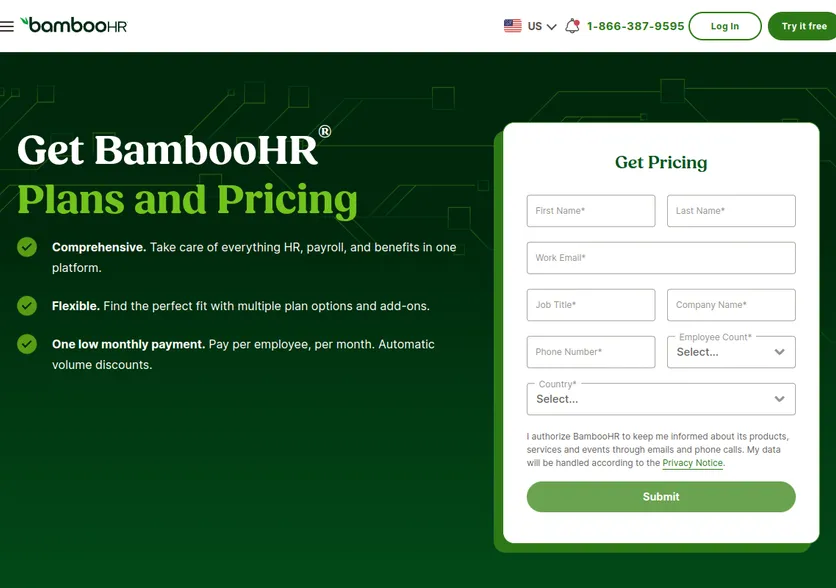
BambooHR tracks benefits alongside employee records, time off and onboarding, so HR sees who is enrolled and what is missing from one directory. The entry rate is ten dollars per employee a month, and the Advantage tier adds performance reviews and applicant tracking. Benefits administration is an add-on, so a team pays for the core first and layers on benefits when the headcount justifies it.
What we like
- Benefits tracked against the employee record
- Clean directory for the whole team
- Advantage adds hiring and performance tools
Watch out for
- Benefits administration is a paid add-on
- The final figure depends on headcount and the modules you add
How to try it
- Import the employee directory and set up records
- Add the benefits administration add-on
- Track enrollments and renewals from the directory
6. Deel
Best for: Global teams that need benefits in many countries
Paid tool Starting price: $49/contractor/mo · Forty-nine dollars per contractor a month for contractor management; employer of record starts at five hundred ninety-nine dollars per employee a month and the United States PEO starts at one hundred twenty-five dollars per employee a month, with no free plan
Free plan: No free plan
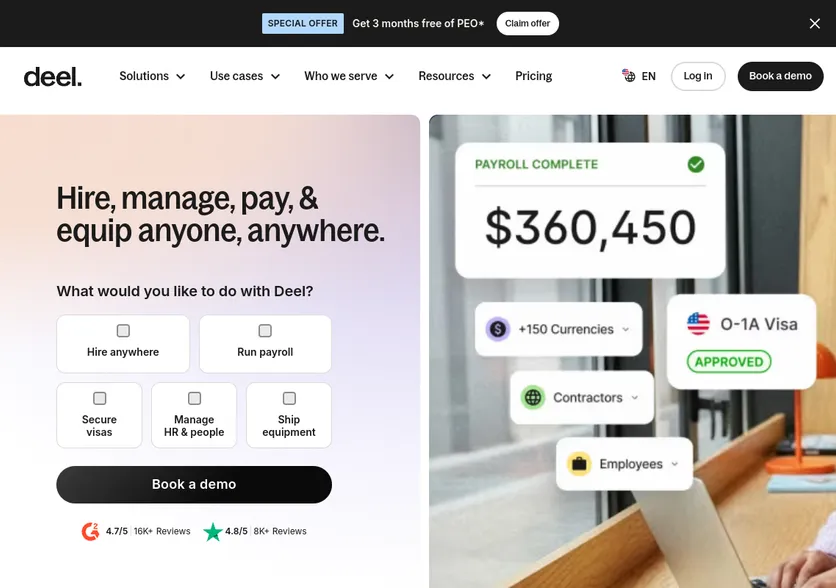
Deel offers localized benefits in the countries where it employs staff, with health cover and retirement products that match local law. Contractor management starts at forty-nine dollars per contractor a month, and employer of record starts at five hundred ninety-nine dollars per employee a month. That local approach suits a team spread across borders that cannot run one benefits plan everywhere.
What we like
- Localized benefits in each country
- Employer of record in more than one hundred fifty countries
- One dashboard for global and domestic staff
Watch out for
- Benefits quality varies by country
- Per-person pricing scales fast with a large team
How to try it
- Add each worker with a compliant local contract
- Pick the local benefits package for each country
- Track enrollments from the Deel dashboard
7. Remote
Best for: Global teams that want benefits bundled with payroll
Paid tool Starting price: $19/employee/mo · Nineteen dollars per employee a month for Global Payroll; contractor management is twenty-nine dollars per contractor a month, employer of record is five hundred ninety-nine dollars per employee a month on annual contracts, and the HR Management tier is free
Free plan: Free HR Management plan
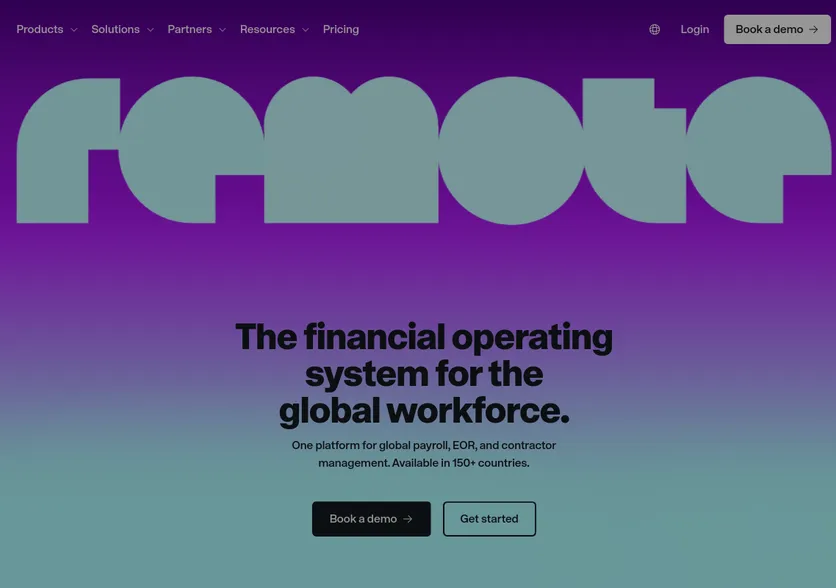
Remote bundles localized benefits into its employer of record and payroll products, with health cover and equity administration in the countries where it operates. Global Payroll starts at nineteen dollars per employee a month, and the free HR Management tier covers records and onboarding. That bundle suits a distributed team that wants one vendor for pay and benefits abroad.
What we like
- Localized benefits bundled with payroll
- Free HR tier covers records and onboarding
- Equity administration for EOR employees
Watch out for
- Benefits vary by country and plan
- Employer of record costs far more than payroll alone
How to try it
- Start on the free HR Management tier
- Add Global Payroll for each country
- Pick the local benefits package per country
8. Sage HR
Best for: Small teams that want simple benefits tracking
Paid tool Starting price: $6.50/employee/mo · Six dollars and fifty cents per employee a month on the entry plan, with a thirty-day free trial; higher tiers add performance management, expenses and advanced reporting
Free plan: 30-day free trial, no free plan
Sage HR tracks benefits and leave on a modular platform, with the entry plan at six dollars and fifty cents per employee a month. Higher tiers add performance management, expenses and advanced reporting, so a team buys the benefits tools it actually uses. The thirty-day free trial shows the core before the team commits to a full rollout.
What we like
- Low per-employee core for records and leave
- Benefits tracking on a modular platform
- Thirty-day free trial to test the fit
Watch out for
- No screenshot available yet, so the vendor page is the reference
- Higher tiers are needed for the full feature set
How to try it
- Set up employee records and benefits tracking
- Add the performance module when reviews start
- Connect expenses once the team travels
Prices above were checked on each vendor’s own website on Nov 27, 2026 and can change — the vendor’s page is the final word. Vendor links are editorial: nobody paid to be listed or ranked here. Vendors who want a featured listing can see how it works on our Get listed page.
How to pick HR software for staff benefits
Start with the plans staff actually want, because a benefits package nobody uses is wasted money. Check whether the tool runs open enrollment end to end, from plan choice to carrier filing, since a half-finished enrollment means HR fixes it by hand. Count the total cost including premiums, because a cheap admin fee means little when the health plan costs thousands per person. Test enrollment with a real employee, since a confusing flow generates weeks of questions. Finally, confirm the tool handles renewals, because benefits work peaks once a year and the software should carry that peak.
Before you buy
- Ask staff which plans they actually want, because a package nobody uses is wasted money
- Check whether the tool runs open enrollment end to end, from choice to carrier filing
- Count health premiums on top of the admin fee, because premiums dwarf the software cost
- Test enrollment with a real employee, since a confusing flow generates weeks of questions
- Confirm the tool handles renewals, because benefits work peaks once a year
Official websites
Official websites of the products reviewed above. Features and prices were checked against these sites when this guide was written, and they can change, so confirm on the vendor site before you buy.
Frequently asked questions
What is the cheapest HR software with benefits?
TriNet Zenefits is the cheapest benefits admin at ten dollars per employee a month, with enrollment built into onboarding. Gusto Simple costs forty-nine dollars a month plus six dollars per person and includes a no-markup benefits brokerage. Sage HR starts at six dollars and fifty cents per employee a month, with benefits tracking on the modular platform. The cheapest admin fee is not the whole cost, since health premiums dwarf the software price.
Does Gusto include health insurance?
Gusto does not sell insurance itself, but it runs a no-markup benefits brokerage on every plan, so a team can buy health, dental and vision cover through Gusto without paying a broker markup. Simple costs forty-nine dollars a month plus six dollars per person, and staff pick plans during self-onboarding. Premiums are billed separately from the Gusto subscription, and the plan choice depends on the state and the carrier options Gusto lists for that team.
How does open enrollment work in HR software?
The tool opens a window where staff pick plans, compare costs and submit elections, then files those elections with the carrier and stores them against the employee record. Gusto, TriNet Zenefits and Rippling all run enrollment this way, with reminders for staff who have not chosen. HR should test the flow with one employee first, since a confusing enrollment page generates weeks of questions, and confirm the carrier filing completes before the deadline.
Can a small company offer the same benefits as a large one?
Yes, through a PEO, because the PEO pools many small companies into large-group health plans with better rates. Justworks PEO Plus offers that pooling at one hundred twenty-four dollars per employee a month, with medical, dental and vision administration included. A small team on its own pays small-group rates, which are usually higher, so the PEO premium can pay for itself when the team wants strong health cover.
What benefits should a small team offer first?
Health cover comes first, since staff rank it above every other benefit, followed by paid time off and a retirement plan. Gusto covers health through its brokerage and retirement as an add-on, while TriNet Zenefits handles health enrollment for ten dollars per employee a month. Add dental, vision and perks only after the core is running smoothly, because each extra benefit adds enrollment work and carrier admin that a small team must manage.
Compare the eight tools above, then trial the one that fits your benefits with a real open enrollment before the next renewal.
Browse Business Tools tools