On this page
Team management is scheduling, time tracking, communication and leave in one daily flow, and the tool has to work for the manager and the staff on the floor. A schedule that nobody reads is worse than no schedule at all. Connecteam leads this list because its mobile app is built for deskless teams, and the other seven tools are ranked on how well they schedule shifts, track time and keep a team talking.
How we researched this
We checked every price on the vendor pricing page on November 27, 2026, and only included tools with a published US dollar list price and a free trial, free plan or free demo. We ranked each tool on scheduling, time tracking, team communication, leave management and whether the price fits an hourly team. Tools with quote-only pricing were left out, so every price below can be verified on the vendor site.
Compare the tools
| Name | Best for | Starting price | Free plan | |
|---|---|---|---|---|
 Connecteam | Deskless teams that need scheduling and chat in one app | $29/mo | Free Small Business plan for up to 10 users | Visit |
 Deputy | Shift teams that need labor-law compliance built in | $5/user/mo | 30-day free trial, no free plan | Visit |
 7shifts | Restaurant teams that want scheduling plus hiring | $39.99/location/mo | Free Comp plan for 1 location and up to 15 employees | Visit |
| When I Work | Small teams that want the simplest per-user scheduling | $2.50/user/mo | 14-day free trial, no free plan | Visit |
 Hubstaff | Teams that need time tracking with proof of work | $4.99/user/mo | Free plan for 1 user | Visit |
 Planday | Shift teams that need working-time rule warnings | $2.99/user/mo | 30-day free trial, no free plan | Visit |
 Sling | Small teams that want free scheduling to start | $2/user/mo | Free plan for up to 30 users | Visit |
 Timeero | Mobile teams that need GPS time and mileage tracking | $5/user/mo | 14-day free trial, no free plan | Visit |
The HR software for team management, compared
1. Connecteam
Best for: Deskless teams that need scheduling and chat in one app
Paid tool Starting price: $29/mo · Twenty-nine dollars a month on the Basic plan for up to thirty users; the Small Business plan is free for up to ten users, and higher tiers add scheduling, time tracking and HR tools
Free plan: Free Small Business plan for up to 10 users
Connecteam runs scheduling, time tracking and team communication for deskless teams, with a mobile app that field staff actually open. Basic costs twenty-nine dollars a month for up to thirty users, and the Small Business plan is free for up to ten users. That shape suits a team where most people never sit at a desk and the schedule lives on a phone.

What we like
- Mobile app built for deskless staff
- Free plan for up to ten users
- Scheduling, time tracking and chat in one place
Watch out for
- HR tools sit on higher tiers
- Per-user pricing climbs with a large hourly team
How to try it
- Start on the free plan for a small team
- Add scheduling and time clocks for the whole team
- Use the team chat for shift changes
2. Deputy
Best for: Shift teams that need labor-law compliance built in
Paid tool Starting price: $5/user/mo · Five dollars per user a month billed annually on the Lite plan, or five dollars and fifty cents month to month; Core is six dollars and fifty cents and Pro is nine dollars billed annually, with a thirty-day free trial and no free plan
Free plan: 30-day free trial, no free plan
Deputy is the shift-team workhorse in this list, scheduling shifts, tracking time and managing leave at five dollars per user a month billed annually on Lite. The app flags overtime and labor-law issues before a shift starts, and Core at six dollars and fifty cents adds auto-scheduling and demand forecasting. That warning system suits a manager who cannot watch every rule by hand.

What we like
- Labor-law warnings before a shift starts
- Auto-scheduling on the Core plan
- Five dollars per user is cheap for scheduling
Watch out for
- No free plan, only a thirty-day trial
- HR tools are a paid add-on, not in the core
How to try it
- Add staff and set up the schedule
- Turn on labor-law warnings for each location
- Add the HR add-on for onboarding and documents
3. 7shifts
Best for: Restaurant teams that want scheduling plus hiring
Paid tool Starting price: $39.99/location/mo · Thirty-nine dollars and ninety-nine cents per location a month billed annually on Essentials, or forty-four dollars and ninety-nine cents month to month; the Comp plan is free for one location with up to fifteen employees
Free plan: Free Comp plan for 1 location and up to 15 employees
7shifts is the restaurant-only platform that covers hiring, scheduling, time clocking, payroll and tips in one product. Essentials costs thirty-nine dollars and ninety-nine cents per location a month billed annually, and the Comp plan is free for one location with up to fifteen employees. Per-location pricing means a busy restaurant pays the same whether it schedules twelve people or thirty.

What we like
- Built only for restaurants, with tip pooling
- Per-location pricing suits large crews
- Free Comp plan for one small location
Watch out for
- Payroll is a separate add-on on most plans
- Higher tiers are needed for full labor compliance
How to try it
- Set up the location and add the crew
- Build the schedule with sales forecasting
- Add payroll when the restaurant wants one bill
4. When I Work
Best for: Small teams that want the simplest per-user scheduling
Paid tool Starting price: $2.50/user/mo · Two dollars and fifty cents per user a month billed annually on Essentials; Pro is five dollars and Premium is eight dollars per user a month, with a fourteen-day free trial and no free plan
Free plan: 14-day free trial, no free plan
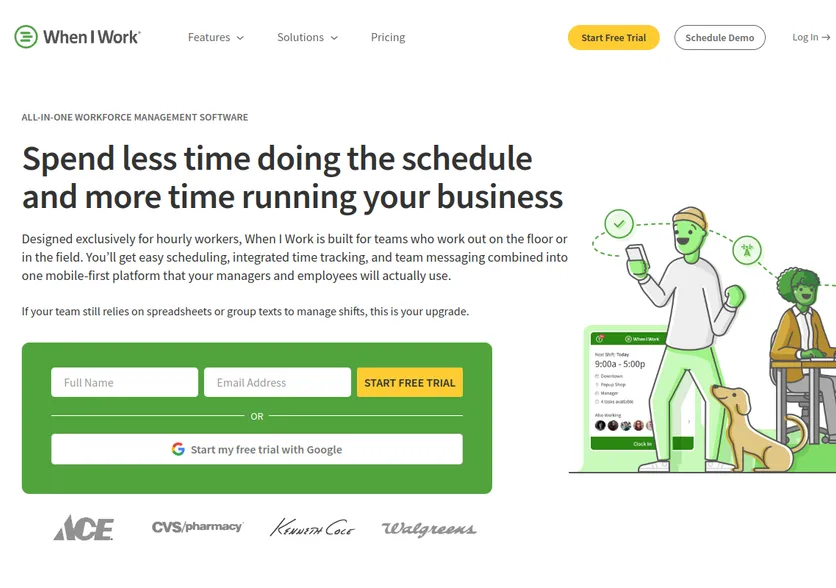
When I Work charges two dollars and fifty cents per user a month billed annually on Essentials, with auto-scheduling and multi-location support included. Staff swap shifts and request time off from the mobile app, and managers approve from the same screen. That simplicity suits a small team that wants scheduling done without a training session.
What we like
- Simplest per-user pricing in this list
- Shift swaps and time off in the mobile app
- Multi-location scheduling on Essentials
Watch out for
- No logo on file yet for this vendor
- Advanced features sit on the Pro and Premium plans
How to try it
- Add staff and set up the first schedule
- Let staff swap shifts from the mobile app
- Approve time-off requests from the same screen
5. Hubstaff
Best for: Teams that need time tracking with proof of work
Paid tool Starting price: $4.99/user/mo · Four dollars and ninety-nine cents per user a month billed annually on the Starter plan; the free plan covers one user, and higher tiers add scheduling, payroll and advanced reporting
Free plan: Free plan for 1 user
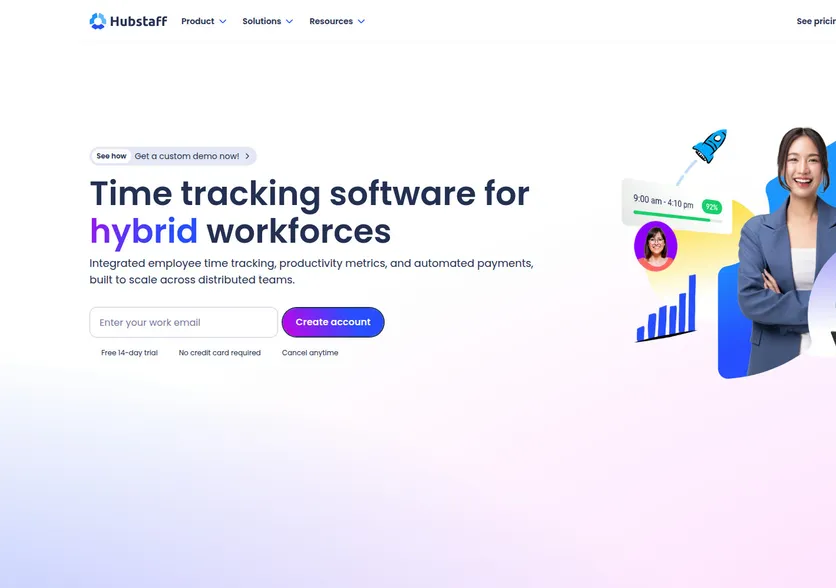
Hubstaff tracks time with screenshots and activity levels, which matters when a client wants proof of the hours billed. Starter costs four dollars and ninety-nine cents per user a month billed annually, and the free plan covers one user. Higher tiers add scheduling, payroll and advanced reporting for a team that grows beyond simple time tracking.
What we like
- Screenshots and activity levels prove hours worked
- Free plan for one user
- Scheduling and payroll on higher tiers
Watch out for
- Screenshots can feel intrusive to staff
- Time tracking alone does not cover HR records
How to try it
- Set up the team and start the time tracker
- Review activity levels and screenshots weekly
- Add scheduling when the team needs shifts too
6. Planday
Best for: Shift teams that need working-time rule warnings
Paid tool Starting price: $2.99/user/mo · Two dollars and ninety-nine cents per user a month on Starter, with a five-user minimum and billing in bundles of five; Plus is four dollars and forty-nine cents per user a month plus a fifteen-dollar monthly fee, with a thirty-day free trial and no free plan
Free plan: 30-day free trial, no free plan
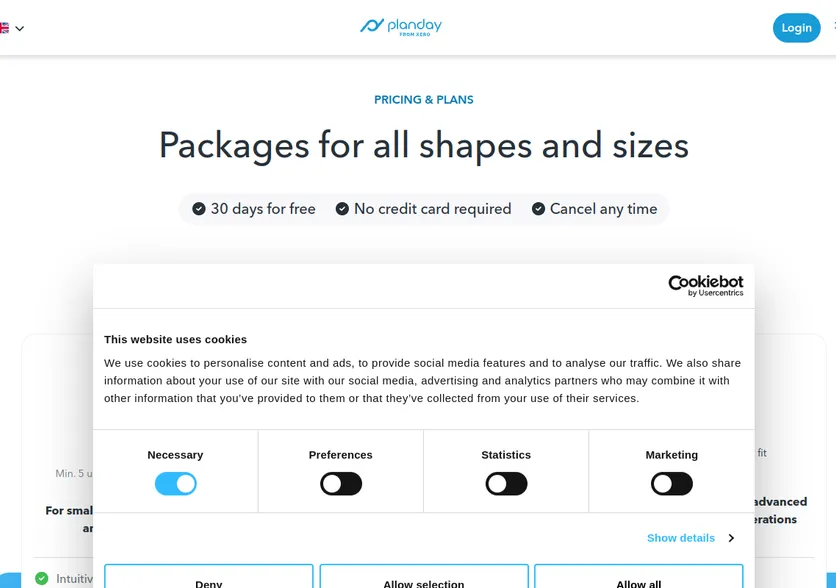
Planday pairs scheduling with working-time rules, warning managers before a shift breaks a rest or hours limit. Starter costs two dollars and ninety-nine cents per user a month with a five-user minimum, and users are billed in bundles of five. Plus at four dollars and forty-nine cents per user a month adds leave management and payroll integrations.
What we like
- Working-time warnings before a shift breaks a rule
- Low per-user price at two dollars and ninety-nine cents
- Simple time tracking and payroll reporting included
Watch out for
- Users billed in bundles of five, so eight users pay for ten
- No free plan, only a thirty-day trial
How to try it
- Add staff and set up working-time rules
- Build the schedule and watch the warnings
- Add leave management on the Plus plan
7. Sling
Best for: Small teams that want free scheduling to start
Paid tool Starting price: $2/user/mo · Two dollars per user a month billed annually on Premium; the free plan covers up to thirty users, and Business adds advanced scheduling and reporting
Free plan: Free plan for up to 30 users
Sling offers a free plan for up to thirty users, with scheduling, time off and team communication included. Premium costs two dollars per user a month billed annually, and Business adds advanced scheduling and reporting. That free tier suits a small team that wants to test scheduling software before paying anything at all.

What we like
- Free plan for up to thirty users
- Two dollars per user is among the cheapest paid plans
- Scheduling, time off and chat in one app
Watch out for
- Advanced features sit on the Business plan
- No built-in payroll, only integrations
How to try it
- Start on the free plan for up to thirty users
- Build the schedule and invite the team
- Move to Premium when the team needs more
8. Timeero
Best for: Mobile teams that need GPS time and mileage tracking
Paid tool Starting price: $5/user/mo · Five dollars per user a month on the entry plan, with a fourteen-day free trial; higher tiers add scheduling, GPS mileage tracking and advanced reporting
Free plan: 14-day free trial, no free plan
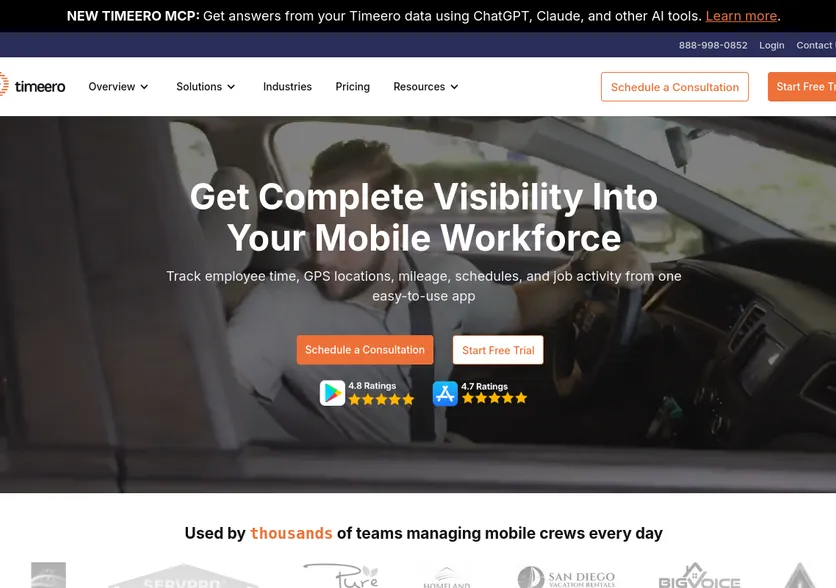
Timeero tracks time, GPS location and mileage for mobile teams, so a manager sees where the day went without chasing timesheets. The entry plan costs five dollars per user a month, with a fourteen-day free trial. Higher tiers add scheduling, GPS mileage tracking and advanced reporting for a team that works across several sites.
What we like
- GPS time and mileage tracking for mobile teams
- Five dollars per user is a low entry price
- Scheduling on higher tiers
Watch out for
- GPS tracking can feel intrusive to staff
- HR records are not the core of the product
How to try it
- Add the team and set up GPS tracking
- Review time and mileage each week
- Add scheduling when the team needs shifts too
Prices above were checked on each vendor’s own website on Nov 27, 2026 and can change — the vendor’s page is the final word. Vendor links are editorial: nobody paid to be listed or ranked here. Vendors who want a featured listing can see how it works on our Get listed page.
How to pick HR software for team management
Start with where the team actually works, because a deskless team needs a mobile app while an office team can live with a desktop tool. Check whether scheduling, time tracking and chat live in one app, since three apps mean three logins and three places where a shift change gets lost. Count the staff who need a login, because per-user pricing charges every manager and supervisor too. Test the schedule with a real week, including a sick call and a swap, since the edge cases are where a tool fails. Finally, confirm the tool exports payroll-ready hours, because a schedule that cannot feed payroll creates double entry.
Before you buy
- Check whether scheduling, time tracking and chat live in one app, since three apps lose shift changes
- Count every login including managers, because per-user pricing charges supervisors too
- Test a real week with a sick call and a shift swap, since edge cases are where a tool fails
- Confirm the tool exports payroll-ready hours, because a schedule that cannot feed payroll means double entry
- Ask whether the mobile app works offline, since field staff often lose signal on site
Official websites
Official websites of the products reviewed above. Features and prices were checked against these sites when this guide was written, and they can change, so confirm on the vendor site before you buy.
Frequently asked questions
What is the cheapest team management software?
Sling is the cheapest way in, with a free plan for up to thirty users and Premium at two dollars per user a month billed annually. When I Work starts at two dollars and fifty cents per user a month billed annually, and Planday starts at two dollars and ninety-nine cents per user a month. Connecteam is free for up to ten users and twenty-nine dollars a month for up to thirty users.
Do I need separate scheduling and HR software?
Not always, because several tools in this list cover both scheduling and basic HR records. Connecteam and Deputy both add HR tools on higher tiers or as add-ons, while 7shifts covers hiring and payroll for restaurants. A small team can start with one scheduling tool and add an HR system later, but the schedule should export payroll-ready hours either way, since double entry is where errors creep in.
How does shift swapping work in these tools?
Staff request a swap from the mobile app, the manager approves it, and the schedule updates for everyone at once. When I Work, Sling and Deputy all handle swaps this way, with notifications to the staff involved. Check whether the tool checks labor rules before approving a swap, since Deputy flags overtime and working-time issues, and confirm the swap history is stored, because a dispute over a missed shift needs a record.
Can team management software track time for payroll?
Yes, and most tools in this list export hours in a format payroll software can read. Connecteam, Deputy, 7shifts and Timeero all track clock-ins and clock-outs with GPS or location checks, and Hubstaff adds screenshots and activity levels. Check whether the export matches the payroll tool the team already uses, since a mismatched export means manual entry, and confirm overtime rules are applied before the hours leave the system.
What should a manager check before switching scheduling software?
Export the current schedule, staff list and leave balances first, since a bad migration loses data that is hard to rebuild. Run one week in parallel on the new tool to catch shift and overtime errors before the old contract ends. Tell staff the switch date and what changes for them, because a new app needs one clear announcement and a short training session. Keep the old account active for one month after the move.
Compare the eight tools above, then trial the one that fits your team with a real week of shifts before you move everyone over.
Browse Business Tools tools