
On this page
Most incentive compensation tools hide their prices behind a sales call, which makes budgeting a guessing game. QuotaPath leads this list as the only tool with fully published pricing, and the other six are ranked on the same test: what an enterprise actually pays each month, and how well each tool handles the splits, tiers and overrides that define a real commission plan. The quote-only enterprise tools publish no prices, so they are not in this list.
How we researched this
We checked every price on the vendor pricing page on November 27, 2026, and only included tools with a published US dollar list price and a free trial or demo. We ranked each tool on what an enterprise actually pays, including platform fees, edition minimums and per-user versus per-payee billing. Quote-only tools like Varicent, Xactly, Anaplan, Performio, CaptivateIQ, Forma and Everstage publish no prices and were excluded, so this list covers only the priced tools an enterprise can budget for.
Compare the tools
| Name | Best for | Starting price | Free plan | |
|---|---|---|---|---|
 QuotaPath | Mid-market teams that want published pricing and a fast setup | $35/user/mo | 14-day free trial, no free plan | Visit |
 Salesforce Spiff | Salesforce-based teams that want commissions inside Sales Cloud | $75/user/mo | No free plan; demo available | Visit |
 NICE CXone | Large sales and service teams that run incentives inside NICE CXone | $110/agent/mo | No free plan; demo only | Visit |
| Commissionly | Small teams that want flat monthly commission pricing | $75/mo | Free trial available, no free plan | Visit |
 QCommission | QuickBooks and Salesforce shops that want the cheapest entry price | $17/user/mo | No free trial listed, demo available | Visit |
 Sales Cookie | Small teams that want month-to-month commission software with no contract | $40/user/mo | 14-day free trial, no free plan | Visit |
 Core Commissions | Teams with complex plans that want building-block commission design | $20/payee/mo | No free trial listed, demo available | Visit |
The ICM software for enterprise, compared
1. QuotaPath
Best for: Mid-market teams that want published pricing and a fast setup
Paid tool Starting price: $35/user/mo · Growth is thirty-five dollars per user a month plus a five hundred twenty-five dollar monthly platform fee, billed annually; Premium is fifty dollars plus an eight hundred dollar fee, the platform fee covers the first five users and includes implementation and support, and Strategic is a quote-only managed service
Free plan: 14-day free trial, no free plan
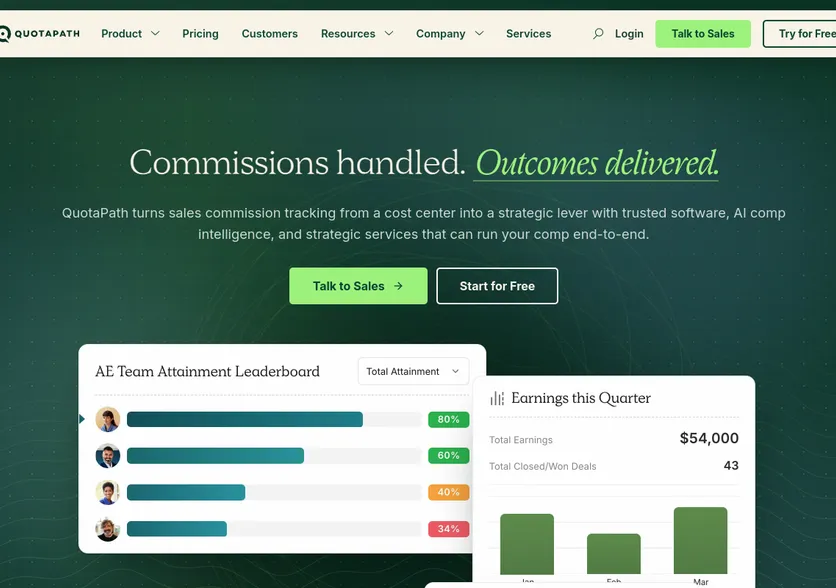
QuotaPath Growth costs thirty-five dollars per user a month plus a five hundred twenty-five dollar monthly platform fee, billed annually, and it is the most transparently priced ICM tool in this list. The platform fee covers the first five users and includes implementation, an account team and support, which suits a lean revenue team that wants to know the full bill before the sales call. Premium costs fifty dollars per user a month plus an eight hundred dollar fee, and a fourteen-day trial is included.
What we like
- Only fully published pricing in this list
- Implementation and support in the platform fee
- Fastest setup here for standard plans
Watch out for
- Platform fee sets a five hundred twenty-five dollar monthly floor
- Multi-level approvals need the Premium plan
How to try it
- Create a QuotaPath account and start the trial
- Build one real commission plan in the Plan Builder
- Run a test payout cycle and check the rep statements
2. Salesforce Spiff
Best for: Salesforce-based teams that want commissions inside Sales Cloud
Paid tool Starting price: $75/user/mo · Seventy-five dollars per user a month billed annually, on top of a Sales Cloud licence; each connector to a system outside Salesforce costs an extra two hundred fifty dollars a month, and Premium Support adds thirty percent
Free plan: No free plan; demo available
Salesforce Spiff costs seventy-five dollars per user a month billed annually, and it is the native Salesforce pick in this list. It runs inside Sales Cloud, so reps see a commission estimator and real-time statements on the deal record, which suits a team that already lives in Salesforce and wants no second system. Each connector to a system outside Salesforce costs an extra two hundred fifty dollars a month, and Premium Support adds thirty percent.
What we like
- Native inside Salesforce Sales Cloud
- Real-time statements on the deal record
- Low-code plan builder with spreadsheet formulas
Watch out for
- Requires a Sales Cloud licence on top
- Non-Salesforce connectors cost extra each month
How to try it
- Add Spiff to the Salesforce org
- Build the first plan in the Spiff Designer
- Check rep statements against the last payout cycle
3. NICE CXone
Best for: Large sales and service teams that run incentives inside NICE CXone
Paid tool Starting price: $110/agent/mo · Omnichannel Suite is one hundred ten dollars per agent a month, billed monthly in arrears with no prepay; Essential is one hundred thirty-five dollars, Core is one hundred sixty-nine, Complete is two hundred nine and Ultimate is two hundred forty-nine, with quality management and workforce tools in the higher suites, so performance management costs more than the entry price
Free plan: No free plan; demo only
NICE CXone starts at one hundred ten dollars per agent a month on the Omnichannel Suite, and it is the enterprise platform pick in this list. It pairs omnichannel routing, recording and reporting with workforce tools, which suits a large team that wants incentives and performance management inside the same contact-center platform. Essential costs one hundred thirty-five dollars, Core one hundred sixty-nine and Complete two hundred nine, with quality management and workforce tools sitting in the higher suites.
What we like
- Full platform from routing to workforce tools
- Published tier ladder from one hundred ten dollars
- Strong compliance and recording coverage
Watch out for
- Performance tools need higher suites
- Highest entry price in this list
How to try it
- Book a NICE CXone demo with your team size
- Map the performance management features to your plans
- Check which suite covers quality and workforce tools
4. Commissionly
Best for: Small teams that want flat monthly commission pricing
Paid tool Starting price: $75/mo · Individual is seventy-five dollars a month for one user; Small Business is two hundred dollars a month for five users and Medium Business is three hundred fifty dollars for ten users, with Enterprise quoted; these are flat monthly tiers, not per-user pricing, and directories quoting fifteen to thirty-three dollars per user a month do not match the vendor's own page
Free plan: Free trial available, no free plan
Commissionly costs seventy-five dollars a month for one user on the Individual plan, and it is the flat-rate pick in this list. It automates commission calculations with a simple interface and integrations for Salesforce, Zoho CRM and QuickBooks, which suits a small team with straightforward plans that wants one predictable monthly bill. Small Business costs two hundred dollars a month for five users and Medium Business three hundred fifty dollars for ten, while Enterprise is quoted.
What we like
- Flat monthly tiers, not per-user billing
- Simple interface for straightforward plans
- Salesforce, Zoho and QuickBooks integrations
Watch out for
- Directories quote conflicting per-user prices
- Flat tiers get expensive per user at small scale
How to try it
- Start a Commissionly trial and add the team
- Connect Salesforce, Zoho or QuickBooks
- Build the first commission plan and run a test payout
5. QCommission
Best for: QuickBooks and Salesforce shops that want the cheapest entry price
Paid tool Starting price: $17/user/mo · Pro is seventeen dollars per payee or user a month; Premier is twenty-five dollars and Enterprise is thirty-nine dollars, and the vendor page lists edition minimums from two hundred dollars a month rather than a flat per-user rate, so confirm the billing unit in writing, with no free trial listed
Free plan: No free trial listed, demo available
QCommission Pro costs seventeen dollars per payee or user a month, and it is the cheapest entry price in this list. It calculates flat, tiered and quota-based plans with splits, and integrates with Salesforce and QuickBooks, which suits a team with straightforward to mid-level plan rules that wants a low-cost tool. Premier costs twenty-five dollars per payee a month and Enterprise thirty-nine, and the vendor page lists edition minimums from two hundred dollars a month rather than a flat per-user rate.

What we like
- Cheapest entry price in this list
- Handles flat, tiered and quota-based plans
- Long-running tool with QuickBooks integration
Watch out for
- Edition minimums can exceed the per-user headline
- No free trial listed
How to try it
- Book a QCommission demo with your plan rules
- Add payees and connect Salesforce or QuickBooks
- Run a test calculation against last quarter's payouts
6. Sales Cookie
Best for: Small teams that want month-to-month commission software with no contract
Paid tool Starting price: $40/user/mo · Business is forty dollars per user a month and Business Plus is sixty dollars, billed monthly with no long-term contract and no setup fee; a fifteen-dollar dashboard-disabled user rate appears in the vendor blog but not on the pricing page, the first plan is configured free, and a fourteen-day trial is available
Free plan: 14-day free trial, no free plan
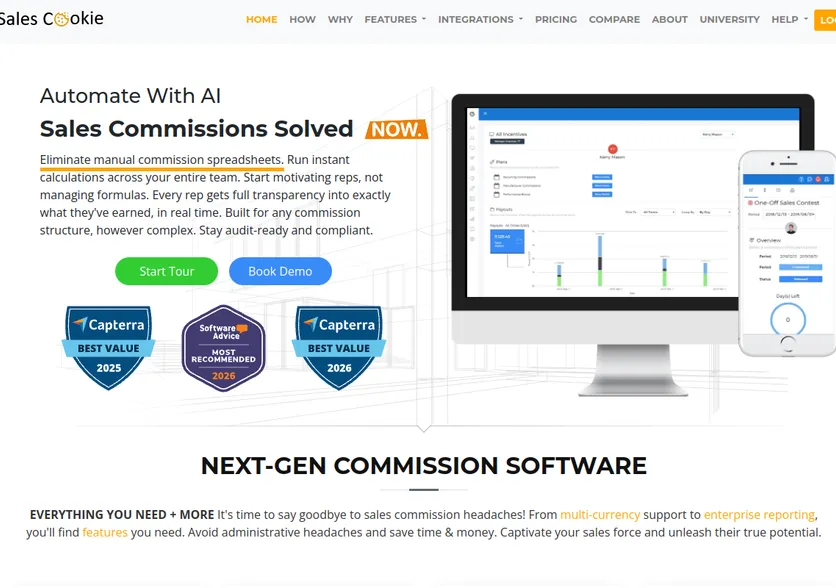
Sales Cookie Business costs forty dollars per user a month, and it is the no-contract pick in this list. It bills monthly with no long-term commitment and no setup fee, and the first plan is configured free, which suits a small team leaving spreadsheets that does not want to sign a yearly deal. Business Plus costs sixty dollars per user a month, a fifteen-dollar dashboard-disabled user rate appears in the vendor blog but not on the pricing page, and a fourteen-day trial is available.
What we like
- Month to month with no contract
- No setup fee and first plan configured free
- AI assistants and dispute management included
Watch out for
- Custom integration needs the Business Plus plan
- All payees plus admins count as users
How to try it
- Start the Sales Cookie trial with sample data
- Build the first incentive plan in the designer
- Run a test payout and check the rep statements
7. Core Commissions
Best for: Teams with complex plans that want building-block commission design
Paid tool Starting price: $20/payee/mo · Launch is twenty dollars per payee a month; Enterprise is thirty-five dollars and Managed Services is five dollars per payee a month, and some directories list five dollars as the starting price, which matches the Managed Services add-on rate rather than the Launch plan, so confirm in writing before budgeting
Free plan: No free trial listed, demo available
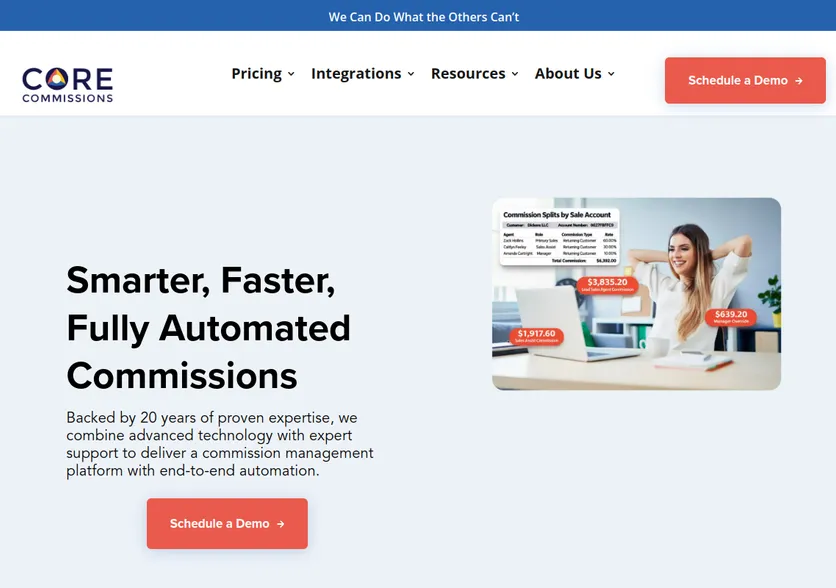
Core Commissions Launch costs twenty dollars per payee a month, and it is the complex-plans pick in this list. It automates intricate commission plans with intuitive building blocks and drag-and-drop analytics, which suits a team whose plans have splits, tiers and overrides that spreadsheets cannot hold. Enterprise costs thirty-five dollars per payee a month and Managed Services five dollars, though some directories list five dollars as the starting price, which matches the Managed Services add-on rate rather than the Launch plan.
What we like
- Handles complex plans with building blocks
- Drag-and-drop analytics with drill-downs
- Strong fit for intricate commission rules
Watch out for
- Price reads conflict across sources, confirm in writing
- Learning curve for unfamiliar teams
How to try it
- Book a Core Commissions demo with your plan rules
- Add payees and build the first plan from blocks
- Run a test calculation and check the drill-down reports
Prices above were checked on each vendor’s own website on Nov 27, 2026 and can change — the vendor’s page is the final word. Vendor links are editorial: nobody paid to be listed or ranked here. Vendors who want a featured listing can see how it works on our Get listed page.
How an enterprise should pick ICM software
Start with the plan, not the price, because an ICM tool that cannot model the real commission structure is useless at any price. Bring last quarter's plan and payout data to the demo, and ask the vendor to reproduce the numbers live. Next, read the full bill: platform fees, edition minimums and per-admin charges often double the headline rate. Check implementation time too, since a tool that takes ninety days to go live will miss the next commission cycle. Finally, test the rep statement, because a statement a rep cannot understand will generate a dispute for every single payout.
Before you buy
- Check whether the published price covers implementation and support or hides them in fees
- Confirm the tool handles your plan shapes, including splits, tiers and overrides
- Count every user including admins, because most tools charge for all seats
- Ask how long implementation takes and whether it fits the next commission cycle
- Test the tool on one real commission plan before you move the whole sales team
Official websites
Official websites of the products reviewed above. Features and prices were checked against these sites when this guide was written, and they can change, so confirm on the vendor site before you buy.
Frequently asked questions
What is the cheapest ICM software for enterprise?
QCommission is the cheapest entry at seventeen dollars per payee or user a month on the Pro plan, though edition minimums start at two hundred dollars a month. Core Commissions Launch costs twenty dollars per payee a month, and QuotaPath Growth thirty-five dollars per user a month plus a platform fee. Sales Cookie Business costs forty dollars per user a month with no contract. The cheapest pick depends on team size, because platform fees and minimums change the bill.
Why do most ICM tools publish no prices?
Most ICM vendors publish no prices at all, which is why this list is short on enterprise names. Varicent, Xactly, Anaplan, Performio, CaptivateIQ, Forma.ai and Everstage all sell by custom quote, with third-party contract data putting median annual deals between about twenty-eight thousand and eighty thousand dollars. Only QuotaPath, Salesforce Spiff, NICE, Commissionly, QCommission, Sales Cookie and Core Commissions publish prices, so budget for a sales call for the rest.
What features matter most for ICM software?
A good ICM tool should handle the plan shapes the business actually runs, including splits, tiers, quotas and manager overrides, and show reps real-time statements they can trust. It should integrate with the CRM the team already uses, keep an audit trail for disputes, and export clean payout data for payroll. The plan builder matters most, because a tool that cannot model the real plan is useless no matter how cheap it is.
Can I trial ICM software before buying?
QuotaPath and Sales Cookie both offer fourteen-day free trials, and Commissionly offers a free trial too. QCommission, Salesforce Spiff, NICE CXone and Core Commissions offer demos instead of trials. Use the trial or demo on one real commission plan with last quarter's data, because a tool that cannot reproduce the last payout correctly will not handle the next one.
How do I pick ICM software for an enterprise?
Start with the plan shapes, because splits, tiers and overrides decide whether a tool can model the real commission structure. Check whether the published price covers implementation and support or hides them in fees, and count every user including admins, since most tools charge for all seats. Test the tool on one real plan with last quarter's data before moving the whole sales team across.
Compare the seven tools above, then test the one that fits your team on a real commission plan before you commit.
Browse Business Tools tools


