
On this page
An in-house legal team that manages employee visas needs more than a spreadsheet and a shared inbox. Immigration software tracks every case, deadline and document in one place, and it gives HR and employees a clear view of where each visa stands. Docketwise leads this comparison as the strongest immigration specialist for in-house teams, with INSZoom close behind for global caseloads. We checked every price on the vendor site on November 27, 2026.
How we researched this
We started with tools that handle immigration casework for employers, then read each price on the vendor site on November 27, 2026 and noted the free trial or demo each one carries. We judged them for an in-house legal team that manages employee visas, deadlines and HR coordination across the company. We dropped quote-only platforms and general tools with no immigration features because a legal team needs a published price and real visa workflows.
Compare the tools
| Name | Best for | Starting price | Free plan | |
|---|---|---|---|---|
| Docketwise | In-house teams that manage employee visas end to end | $80/user/month | No free plan; free trial available | Visit |
| INSZoom | In-house teams that handle global corporate immigration at scale | $50/feature/month | No free plan; demo available | Visit |
| eImmigration | In-house teams that want modern case management with strong automation | $55/user/month | No free plan; free trial available | Visit |
 Clio | In-house teams that need practice management beyond immigration | $49/user/month | No free plan; 7-day free trial | Visit |
 MyCase | In-house teams that want simple case tracking with client communication | $50/user/month | No free plan; 10-day free trial | Visit |
 PracticePanther | In-house teams that want fast setup and strong workflow automation | $49/user/month | No free plan; 7-day free trial | Visit |
| CampLegal | Smaller in-house teams that want a dedicated immigration tool at a fair price | $69/user/month | No free plan; free trial available | Visit |
| LollyLaw | In-house teams that want a simple immigration tracker at a known price | $120/user/month | No free plan; demo available | Visit |
The immigration software for in-house legal teams, compared
1. Docketwise
Best for: In-house teams that manage employee visas end to end
Paid tool Starting price: $80/user/month · Basic at eighty dollars per user a month billed annually, or ninety dollars a month on monthly billing; Pro at one hundred dollars and Advanced at one hundred twenty dollars; free trial available
Free plan: No free plan; free trial available
This Docketwise platform is the strongest fit for an in-house legal team, because it was built for immigration casework and covers intake, forms, deadlines and client communication in one place. A team can track every employee visa from petition to approval, with automated questionnaires that collect documents from employees instead of chasing them by email. The Basic plan starts at eighty dollars per user a month on annual billing, and the vendor is now part of the 8am group.
What we like
- Built only for immigration casework
- Automated questionnaires collect employee documents
- Deadline tracking keeps filings on schedule
Watch out for
- Immigration only, so it will not run other legal work
- Higher tiers climb fast for a large team
How to try it
- Create a case and send the intake questionnaire
- Track deadlines and government filings from the dashboard
- Share status updates with HR and the employee
2. INSZoom
Best for: In-house teams that handle global corporate immigration at scale
Paid tool Starting price: $50/feature/month · Basic at fifty dollars per feature a month, as listed on G2, because the vendor sells by quote only; demo available INSZoom is now Mitratech INSZoom.
Free plan: No free plan; demo available
This INSZoom platform is the corporate immigration specialist for an in-house team with employees in many countries, because it manages global casework, compliance and reporting from one system. HR and legal share the same case data, which cuts duplicate entry and keeps every stakeholder looking at the same status. The vendor sells by quote, and the entry figure of fifty dollars per feature a month comes from a G2 listing rather than the vendor site.

What we like
- Global casework across many countries
- Shared portal for HR, legal and employees
- Compliance reporting built for large employers
Watch out for
- No published price on the vendor site
- Enterprise focus may overwhelm a small team
How to try it
- Set up case types for each country you hire in
- Give HR and employees access to the shared portal
- Run compliance reports from the central dashboard
3. eImmigration
Best for: In-house teams that want modern case management with strong automation
Paid tool Starting price: $55/user/month · Starter at fifty-five dollars per user a month billed annually, or sixty dollars a month on monthly billing; Essentials at eighty-two dollars and Complete at one hundred dollars; free trial available
Free plan: No free plan; free trial available
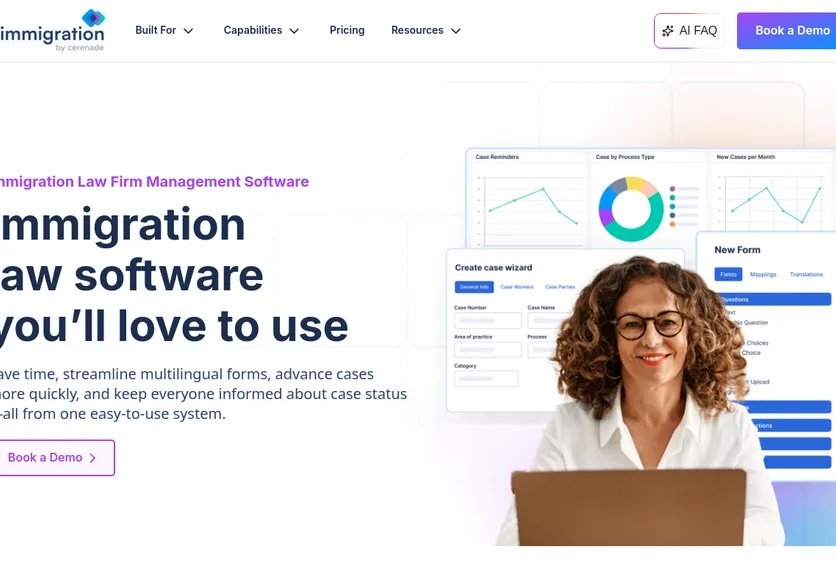
This eImmigration platform from Cerenade is the modern option for an in-house team that wants immigration casework with heavy automation. It generates forms from case data, tracks deadlines across matters and gives employees a portal to upload documents and check status. The Starter plan starts at fifty-five dollars per user a month on annual billing, which undercuts most rivals in this comparison.
What we like
- Strong automation for forms and deadlines
- Employee portal cuts document chasing
- Lowest entry price among the specialists here
Watch out for
- Smaller user community than the big names
- Premium features add fifteen dollars per feature per user
How to try it
- Import your active cases and employee records
- Set up form templates for your common visa types
- Invite employees to the portal to upload documents
4. Clio
Best for: In-house teams that need practice management beyond immigration
Paid tool Starting price: $49/user/month · EasyStart at forty-nine dollars per user a month billed annually; higher tiers at seventy-nine, one hundred nine and one hundred thirty-nine dollars; seven-day free trial
Free plan: No free plan; 7-day free trial
This Clio platform is the general practice manager that an in-house team can use for immigration alongside other legal work, with matter management, billing, documents and calendaring in one system. It does not specialize in immigration forms, but it connects with immigration tools and keeps every matter in the same place. The EasyStart plan begins at forty-nine dollars per user a month on annual billing, which makes it the cheapest full practice option here.

What we like
- Full practice management beyond immigration
- Matter, billing and documents in one place
- Large integration library for other tools
Watch out for
- No built-in immigration forms or questionnaires
- Immigration workflows need add-ons or integrations
How to try it
- Create a matter for each employee case
- Track time and documents inside the matter
- Use the calendar to manage filing deadlines
5. MyCase
Best for: In-house teams that want simple case tracking with client communication
Paid tool Starting price: $50/user/month · Basic at fifty dollars per user a month billed annually; immigration add-on powered by Docketwise has no published price; ten-day free trial
Free plan: No free plan; 10-day free trial
This MyCase platform is the straightforward option for an in-house team that wants case tracking, messaging and billing without a complex setup. Employees and HR can message the legal team inside each case, which keeps updates out of email threads and easy to find later. The Basic plan starts at fifty dollars per user a month on annual billing, and an immigration add-on powered by Docketwise is available at an unpublished price.

What we like
- Built-in messaging keeps updates inside each case
- Simple setup with no long onboarding
- Billing and invoicing included from the start
Watch out for
- Immigration depth needs the Docketwise add-on
- Fewer automation features than the specialists
How to try it
- Create a case for each employee visa
- Message HR and the employee inside the case
- Track billable time and share invoices
6. PracticePanther
Best for: In-house teams that want fast setup and strong workflow automation
Paid tool Starting price: $49/user/month · Solo at forty-nine dollars per user a month billed annually, or fifty-nine dollars a month on monthly billing; Essential at sixty-nine dollars a month billed annually; seven-day free trial
Free plan: No free plan; 7-day free trial
This PracticePanther platform is the quick-setup option for an in-house team that wants matters, documents, billing and calendaring running in a day. Workflow automation moves cases forward without manual checklists, and the mobile app keeps the team working from anywhere. The Solo plan starts at forty-nine dollars per user a month on annual billing, which makes it one of the cheapest full practice tools here.

What we like
- Fast setup with workflow automation built in
- Mobile app for working away from the office
- Strong document and billing tools included
Watch out for
- No immigration-specific forms or questionnaires
- Reporting is lighter than the specialist tools
How to try it
- Create a matter and attach the case documents
- Set up automated workflows for common steps
- Track time and invoice from the same dashboard
7. CampLegal
Best for: Smaller in-house teams that want a dedicated immigration tool at a fair price
Paid tool Starting price: $69/user/month · Essentials at sixty-nine dollars per user a month billed annually, or seventy-nine dollars a month on monthly billing; Pro at eighty-nine dollars a month billed annually; free trial available
Free plan: No free plan; free trial available
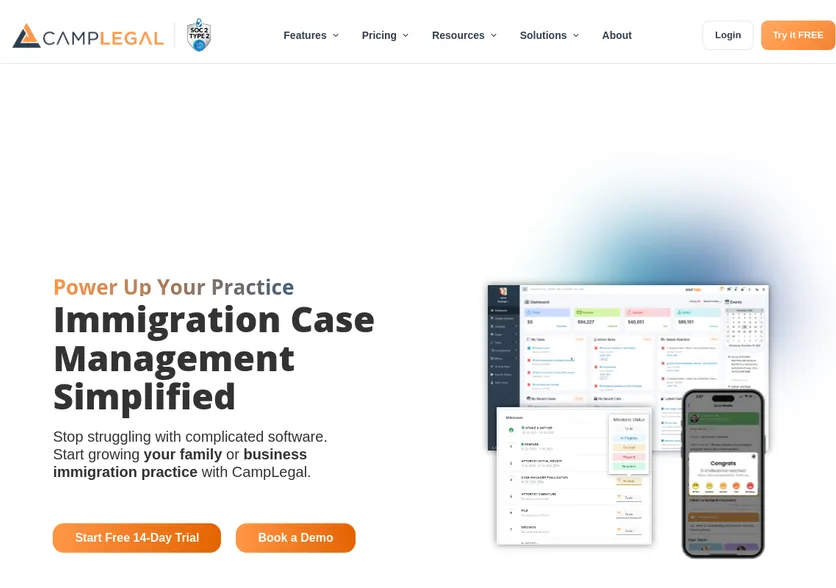
This CampLegal platform is the dedicated immigration option for a smaller in-house team, with case management, forms and deadline tracking built for visa work. It covers the core immigration workflow without the enterprise complexity of the bigger platforms, which suits a team that handles a steady but modest caseload. The Essentials plan starts at sixty-nine dollars per user a month on annual billing, and the vendor is still building its review track record.
What we like
- Built for immigration casework from the start
- Simple workflow for a modest caseload
- Fair price for a dedicated immigration tool
Watch out for
- Thin track record with only a handful of reviews
- Fewer integrations than the established names
How to try it
- Set up case types for your common visa categories
- Add deadlines and assign cases to team members
- Share case status with HR from the dashboard
8. LollyLaw
Best for: In-house teams that want a simple immigration tracker at a known price
Paid tool Starting price: $120/user/month · Basic at one hundred twenty dollars per user a month; price is vendor-published on G2 because LollyLaw lists no price on its own site; demo available
Free plan: No free plan; demo available
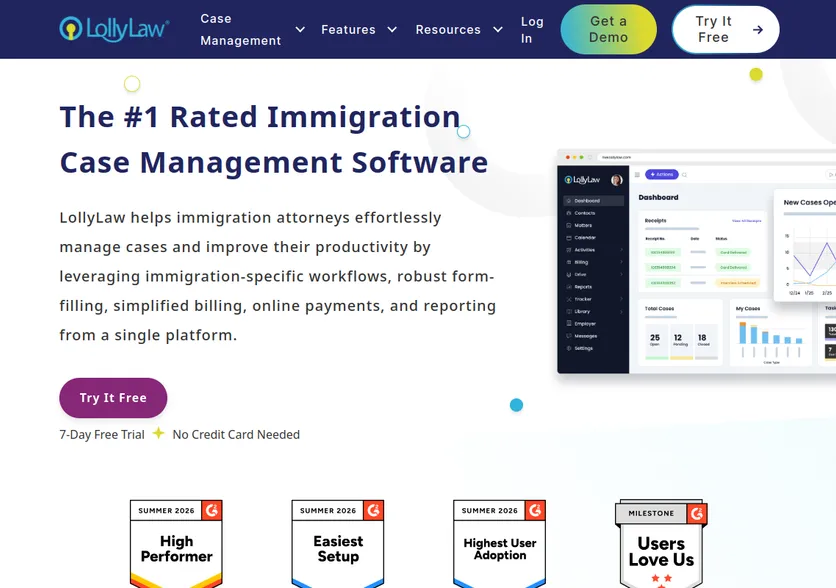
This LollyLaw platform is a focused immigration case manager for an in-house team that wants the basics done well: matters, forms, deadlines and documents in one place. It is a smaller vendor than the names above, but its workflow is straightforward and its team supports immigration work specifically. The Basic plan is listed at one hundred twenty dollars per user a month on G2, because LollyLaw publishes no price on its own site.
What we like
- Focused immigration workflow without extra bulk
- Straightforward setup for a small team
- Support team that knows immigration work
Watch out for
- No published price on the vendor site
- Smallest vendor in this comparison
How to try it
- Create a matter for each employee case
- Load the forms and deadlines for that visa type
- Track documents and share updates with HR
Prices above were checked on each vendor’s own website on Nov 27, 2026 and can change — the vendor’s page is the final word. Vendor links are editorial: nobody paid to be listed or ranked here. Vendors who want a featured listing can see how it works on our Get listed page.
How an in-house team should roll out immigration software
Start with one visa type and one hiring manager, not the whole company at once. Pick the case type you handle most often, load its forms and deadlines into the tool, and run a few live cases through it before you migrate the rest. The team will learn the workflow faster on real cases, and HR will see the status portal working before you ask them to change how they work.
Agree on who owns each step before you go live. Legal should own deadlines and filings, HR should own employee data and start dates, and the employee should own document uploads through the portal. When the handoffs are clear, a case moves without daily check-in emails, and a missed deadline becomes rare instead of routine.
Before you buy
- Check the case types covered, because not every tool handles all visa categories
- Confirm the tool tracks deadlines and government filing dates automatically
- Look for employee self-service portals that cut HR inbox traffic
- Make sure the tool integrates with your HR system and document storage
- Test the case workflow on one real visa type before rolling it out company-wide
Official websites
Official websites of the products reviewed above. Features and prices were checked against these sites when this guide was written, and they can change, so confirm on the vendor site before you buy.
Frequently asked questions
What is the best immigration software for an in-house legal team?
Docketwise is the strongest pick for most in-house teams, because it is built only for immigration and covers intake, forms and deadlines from eighty dollars per user a month on annual billing. eImmigration is cheaper at fifty-five dollars a user a month and automates more of the form work. INSZoom fits best when your caseload spans many countries and needs global compliance reporting.
Do these tools track immigration deadlines automatically?
Yes, and it is the main reason to buy a specialist tool. Docketwise, eImmigration, CampLegal and INSZoom all track government deadlines and send alerts before a filing date passes. A missed deadline can cost an employee their status, so confirm the tool alerts on the dates that matter to your caseload, not just on generic reminders.
Should an in-house team buy an immigration specialist or a general practice tool?
A specialist tool like Docketwise or eImmigration handles immigration forms, questionnaires and visa-specific workflows out of the box. A general tool like Clio or PracticePanther manages matters, billing and documents well but needs an add-on or integration for immigration forms. Pick the specialist if immigration is most of the work, and the general tool if it is one part of a wider legal caseload.
Can employees upload documents themselves?
Most of these tools give employees a portal or questionnaire to upload documents and check case status, which cuts the email traffic between legal, HR and the employee. Docketwise and eImmigration both automate the intake step, so the team spends less time chasing paperwork. Confirm the portal is included in the plan you buy, since some vendors charge extra for it.
How much does immigration software cost for an in-house team?
Published entry prices run from forty-nine dollars per user a month for Clio and PracticePanther to one hundred twenty dollars for LollyLaw, with the immigration specialists in between. LollyLaw and INSZoom prices come from G2 listings because neither vendor publishes a price on its own site. Budget per user, and remember that a quote-only vendor will need a sales call before you get a firm number.
Pick the immigration tool that matches your caseload and headcount, then run a trial on one visa type before moving every case across.
Browse Business Tools tools


