On this page
Product-led growth lives or dies on the first ten minutes inside the product, and in-app messages are what guide a new user to value before they drift away. The right tool shows a tour, a checklist or a tip at exactly the right moment, then measures whether it worked. Userflow leads this comparison as the cheapest published entry point, with Appcues close behind for mobile products. We checked every price on the vendor site on November 27, 2026.
How we researched this
We started with tools built for in-app messaging in product-led SaaS, then read each price on the vendor site on November 27, 2026 and noted the free trial each one carries. We judged them for a product team that wants users to activate and adopt features without sales calls or support tickets. We dropped quote-only platforms like Pendo and WalkMe because a growing team needs a published price to budget around.
Compare the tools
| Name | Best for | Starting price | Free plan | |
|---|---|---|---|---|
 Userflow | Product-led teams that want the lowest published entry price | $240/month | No free plan; 14-day free trial | Visit |
 Appcues | Product teams that need in-app messaging inside native mobile apps | $249/month | No free plan; 14-day free trial | Visit |
 UserGuiding | Small product teams that want affordable no-code onboarding | $249/month | No free plan; 14-day free trial | Visit |
| Chameleon | Design-led teams that want polished tours with A/B testing | $279/month | No free plan; 14-day free trial | Visit |
 Userpilot | Product teams that want tours plus analytics and surveys together | $299/month | No free plan; 14-day free trial | Visit |
| Product Fruits | Startups that want onboarding, feedback and a knowledge base in one tool | $111/month | No free plan; 14-day free trial | Visit |
| Userlist | B2B SaaS teams that message companies, not just individual users | $149/month | No free plan; 14-day free trial | Visit |
The in-app messaging software for product-led growth, compared
1. Userflow
Best for: Product-led teams that want the lowest published entry price
Paid tool Starting price: $240/month · Essentials at two hundred forty dollars a month billed annually for one thousand monthly active users, or three hundred dollars a month on monthly billing; Studio at four hundred dollars a month billed annually; unlimited team members on every plan
Free plan: No free plan; 14-day free trial
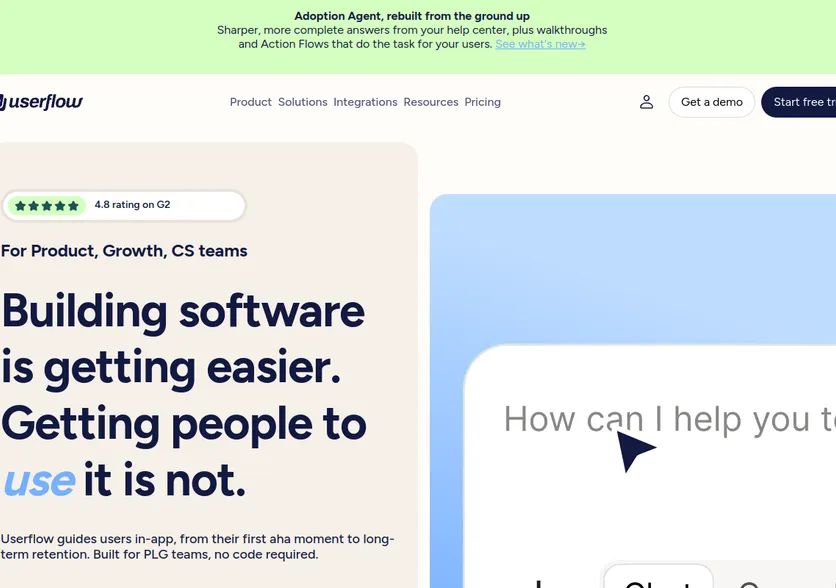
This Userflow platform is the cheapest way for a product-led team to start sending in-app messages, with Essentials at two hundred forty dollars a month on annual billing for one thousand monthly active users. One shared flow library covers tours, checklists, tooltips, banners and surveys, so a team can build a whole onboarding journey without engineering tickets. Every plan includes unlimited team members and unlimited core experiences, which keeps costs predictable as the team grows.
What we like
- Lowest published entry price in this comparison
- Shared flow library for tours and surveys
- Unlimited team members on every plan
Watch out for
- Thin monthly active user base on the entry plan
- No native mobile SDK, web products only
How to try it
- Install the snippet and open the visual builder
- Build a tour or announcement for new users
- Target it by user behavior and publish
2. Appcues
Best for: Product teams that need in-app messaging inside native mobile apps
Paid tool Starting price: $249/month · Essentials at two hundred forty-nine dollars a month billed annually for two thousand five hundred monthly active users; Growth at eight hundred seventy-nine dollars a month billed annually; Enterprise is quote-only
Free plan: No free plan; 14-day free trial
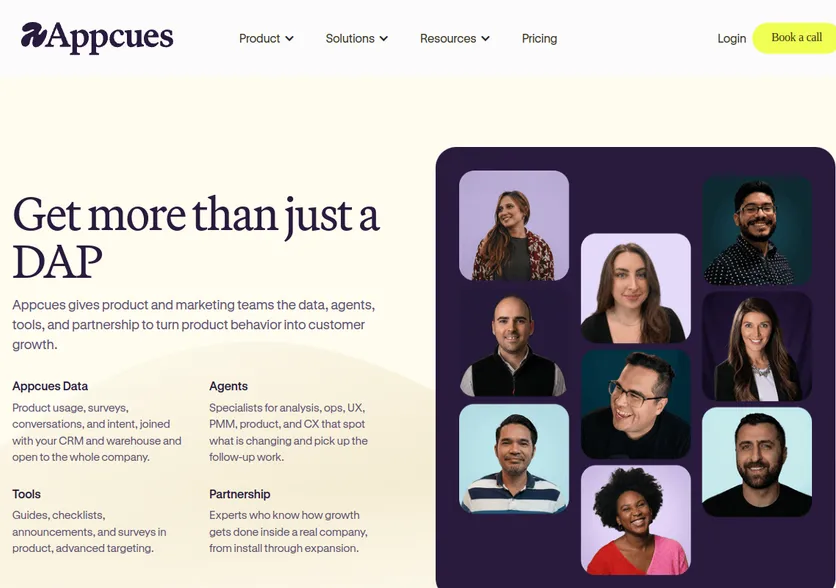
This Appcues platform is the pick for a product-led team whose users live in a native mobile app, because it ships software kits for iOS, Android, React Native, Flutter and Ionic. The no-code builder creates flows, checklists and tooltips without developer help, and targeting runs off user segments and events. Essentials starts at two hundred forty-nine dollars a month on annual billing for two thousand five hundred monthly active users.
What we like
- Native mobile SDKs for iOS and Android
- No-code builder that needs no developers
- Checklists and flows in one platform
Watch out for
- Essentials limits segments and checklists
- The bill climbs fast as monthly users grow
How to try it
- Install the SDK for your mobile platform
- Build a flow in the no-code builder
- Target it by segment and publish to users
3. UserGuiding
Best for: Small product teams that want affordable no-code onboarding
Paid tool Starting price: $249/month · Starter from two hundred forty-nine dollars a month; Growth from four hundred ninety-nine dollars a month; fourteen-day free trial
Free plan: No free plan; 14-day free trial
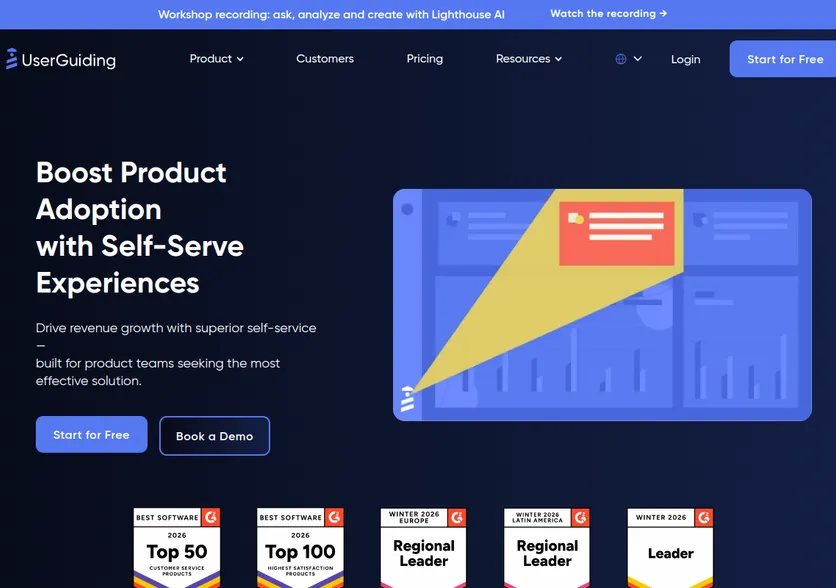
This UserGuiding platform is the budget-friendly no-code option for a product-led team, with a Starter plan from two hundred forty-nine dollars a month. It builds product tours, checklists, resource centers and in-app surveys without code, and it covers the core onboarding jobs a small team needs. The builder is simple enough for a product manager to ship a first flow in a day, which matters when the team has no dedicated onboarding engineer.
What we like
- Affordable no-code onboarding for small teams
- Tours, checklists and surveys in one tool
- Simple builder that ships a first flow fast
Watch out for
- Advanced analytics need higher plans
- Mobile support is thinner than Appcues
How to try it
- Install the snippet on your product
- Build a tour with the no-code builder
- Publish it to the right user segment
4. Chameleon
Best for: Design-led teams that want polished tours with A/B testing
Paid tool Starting price: $279/month · Startup at two hundred seventy-nine dollars a month for two thousand monthly tracked users; Pro from seven hundred fifty dollars a month; Growth from one thousand two hundred fifty dollars a month billed annually
Free plan: No free plan; 14-day free trial
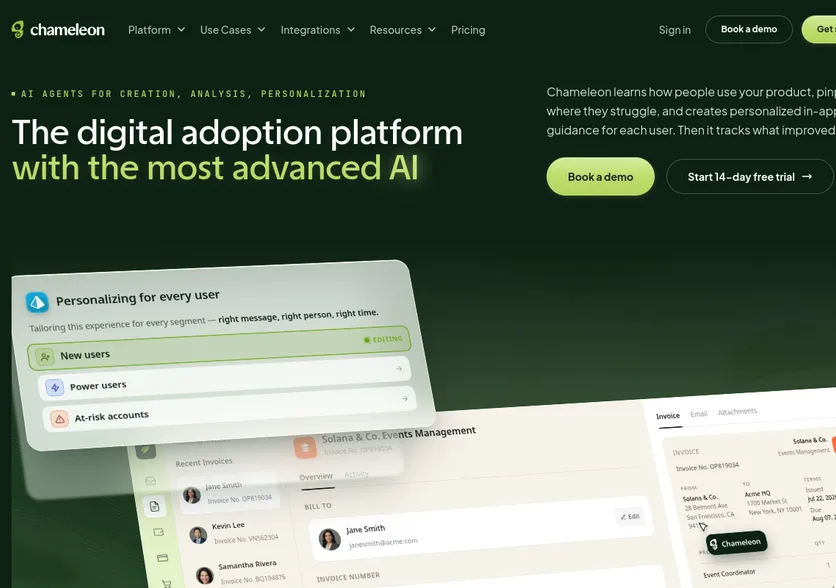
This Chameleon platform is the design-first pick for a product-led team, with clean theming controls and tour variants that can be A/B tested against each other. It bills on monthly tracked users rather than active users, and the Startup plan starts at two hundred seventy-nine dollars a month for two thousand tracked users. Microsurveys and an engagement index help a team learn which messages actually move activation.
What we like
- A/B testing for tour variants built in
- Clean theming that matches your design system
- Microsurveys for in-app feedback
Watch out for
- Pro caps live experiences at twenty
- Single sign-on costs extra on lower plans
How to try it
- Install the snippet and style the tour theme
- Build tour variants to test against each other
- Launch the winner and track engagement
5. Userpilot
Best for: Product teams that want tours plus analytics and surveys together
Paid tool Starting price: $299/month · Starter at two hundred ninety-nine dollars a month for up to two thousand monthly active users; Growth from eight hundred forty-nine dollars a month; fourteen-day free trial
Free plan: No free plan; 14-day free trial
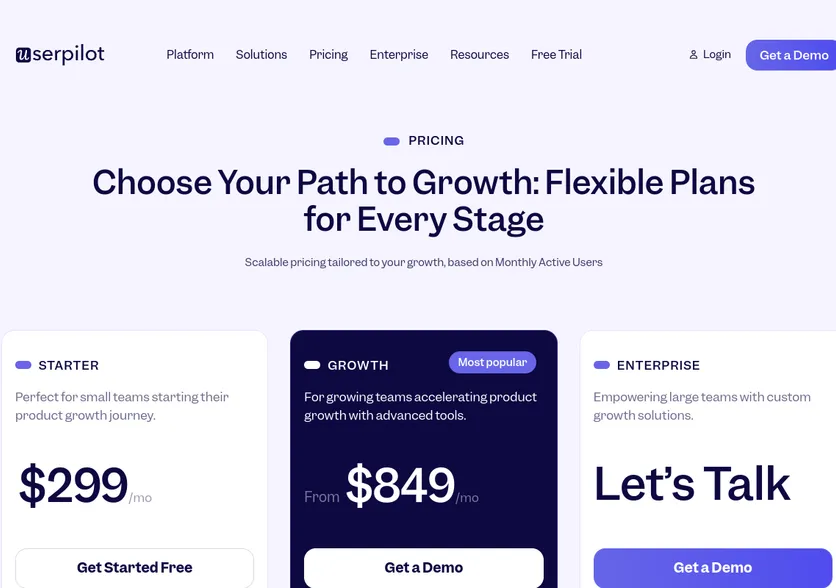
This Userpilot platform combines in-app tours, checklists, a resource center and surveys with product analytics, so a product-led team can see which messages drive activation instead of guessing. The Starter plan costs two hundred ninety-nine dollars a month for up to two thousand monthly active users, and it works across web and mobile. It suits a team that wants engagement and measurement in one tool rather than two separate subscriptions.
What we like
- Tours plus analytics and surveys in one tool
- Works across web and native mobile
- Strong targeting by user behavior
Watch out for
- Starter is pricier than Userflow and Appcues
- Analytics depth needs the Growth plan
How to try it
- Install the SDK and define your user segments
- Build a tour, checklist or survey
- Check the analytics to see what moved activation
6. Product Fruits
Best for: Startups that want onboarding, feedback and a knowledge base in one tool
Paid tool Starting price: $111/month · Starter at one hundred eleven dollars a month billed annually for one thousand five hundred monthly active users; Pro at one hundred eighty-seven dollars and Business at three hundred seventy-four dollars; fourteen-day free trial
Free plan: No free plan; 14-day free trial
This Product Fruits platform is the budget all-rounder for a startup, bundling product tours, feedback widgets and a knowledge base for one hundred eleven dollars a month on annual billing. The Starter plan covers one thousand five hundred monthly active users, and an AI agent can answer user questions with guided tours. It suits a small SaaS team that wants onboarding, support content and feedback without buying three separate tools.
What we like
- Tours, feedback and knowledge base in one tool
- Lowest price in this comparison
- AI agent answers users with guided tours
Watch out for
- Older listings still show a seventy-nine dollar price
- Smaller vendor with a narrower integration list
How to try it
- Install the snippet on your web app
- Build a tour and set up the knowledge base
- Turn on the AI agent for user questions
7. Userlist
Best for: B2B SaaS teams that message companies, not just individual users
Paid tool Starting price: $149/month · Basic at one hundred forty-nine dollars a month for up to ten thousand users; Professional at three hundred forty-nine dollars a month; fourteen-day free trial
Free plan: No free plan; 14-day free trial
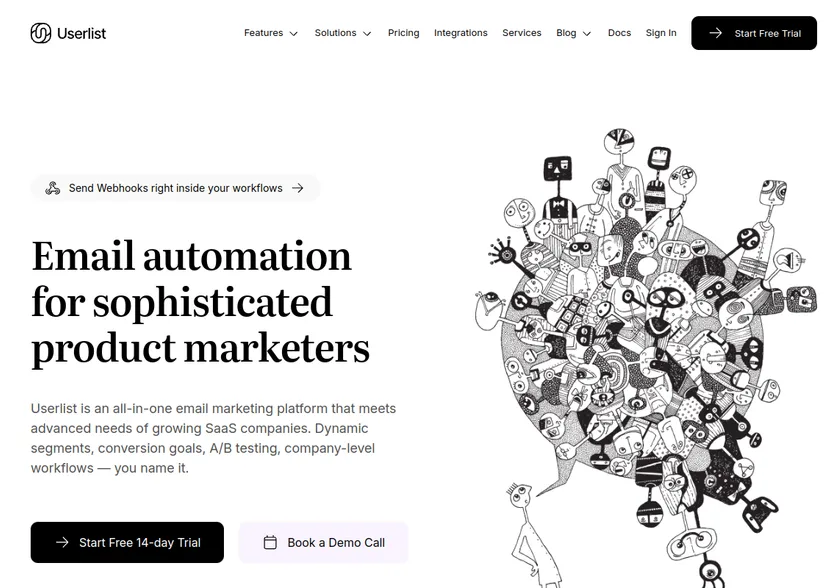
This Userlist platform is the B2B pick for a product-led team, because it treats companies as first-class objects alongside the people inside them. It sends marketing email, lifecycle messages and in-app messages from one system, with company segments and workflows that trigger on account behavior. The Basic plan costs one hundred forty-nine dollars a month for up to ten thousand tracked users, with a startup discount for teams that raised under five hundred thousand dollars.
What we like
- Company accounts built in, not bolted on
- Email and in-app messages in one system
- Flat price for up to ten thousand users
Watch out for
- No free plan, only a fourteen-day trial
- The price floor is high for a tiny user base
How to try it
- Connect your product and import user data
- Build company segments and message workflows
- Send in-app messages triggered by account behavior
Prices above were checked on each vendor’s own website on Nov 27, 2026 and can change — the vendor’s page is the final word. Vendor links are editorial: nobody paid to be listed or ranked here. Vendors who want a featured listing can see how it works on our Get listed page.
How a product team should start with in-app messaging
Start with one moment that matters, such as the first time a user opens your core feature, and build a single flow for it. A short tour, a checklist or a well-timed tip will teach you more about your users than a dozen messages sent everywhere at once. Measure activation before and after the flow goes live, because a message that does not move the number is noise, not onboarding.
Keep the message count low and the targeting tight. Show each message only to the users who need it, based on what they have already done in the product, and stop showing it once they complete the step. A product that nags every user with the same tour will train them to dismiss everything, including the messages that would have helped.
Before you buy
- Check the monthly active user limit, because the bill grows with your user base
- Confirm the tool works in your product type, web or native mobile
- Look for targeting by user behavior, not just by page or role
- Make sure analytics show which messages actually drive activation
- Test the builder on one real flow during the trial before buying
Official websites
Official websites of the products reviewed above. Features and prices were checked against these sites when this guide was written, and they can change, so confirm on the vendor site before you buy.
Frequently asked questions
What is the cheapest in-app messaging software for product-led growth?
Userflow is the cheapest entry at two hundred forty dollars a month on annual billing for one thousand monthly active users, with unlimited team members. Product Fruits is cheaper still at one hundred eleven dollars a month, but it is a broader onboarding suite rather than a pure messaging tool. Appcues and UserGuiding both start at two hundred forty-nine dollars a month for larger user bases.
Can I try in-app messaging software for free?
Yes, most of these tools offer fourteen-day free trials, and they do not need a credit card to start. Use the trial to build one real onboarding flow, target it at new users and measure whether activation improves. A trial that only shows the builder is not enough; the value is in the targeting and the analytics behind the messages.
Why send messages inside the product instead of by email?
A product-led team should send messages inside the product at the moment a user needs help, not by email after they leave. In-app messages guide users through features, announce changes and collect feedback where the work happens. Email still matters for re-engagement, but onboarding and activation belong inside the product itself.
How is in-app messaging software priced?
The bill is driven by monthly active users or monthly tracked users, so the same plan costs more as your product grows. Userflow charges by monthly active users, Chameleon by tracked users and Userlist by tracked users up to ten thousand. Check how each vendor defines a user before you compare prices, because the definitions differ.
What about Pendo for in-app messaging?
Pendo is the enterprise option in this category, but it is quote-only and paid plans run into tens of thousands of dollars a year, which puts it out of reach for most startups. The tools in this list all publish entry prices between one hundred eleven and two hundred ninety-nine dollars a month. A small product-led team should start here and move to Pendo only when the scale demands it.
Pick the in-app tool that fits your user count and product type, then build one real onboarding flow during the trial before you pay.
Browse Marketing & Ads Calculators tools