On this page
An inbound lead that waits hours for a reply is a lead that books with a competitor, which is why routing speed matters as much as routing logic. The best tools qualify a visitor, send them to the right rep and book the meeting in seconds. Distribution Engine leads this comparison as the cheapest dedicated router for Salesforce teams, with Chili Piper close behind for inbound conversion. We checked every price on the vendor site on November 27, 2026.
How we researched this
We started with tools that route inbound leads for B2B SaaS teams, then read each price on the vendor site on November 27, 2026 and noted the free trial or demo each one carries. We judged them for a SaaS team that turns website visitors into booked meetings without losing hot leads to slow handoffs. We dropped quote-only platforms like Salesloft because a team needs a published price to compare.
Compare the tools
| Name | Best for | Starting price | Free plan | |
|---|---|---|---|---|
| Distribution Engine | Salesforce teams that want no-code routing at the lowest price | $10/user/month | No free plan; free trial available | Visit |
| Chili Piper | B2B SaaS teams that want visitors recognized, qualified and booked | $15,000/year | No free plan; demo available | Visit |
| Default | B2B SaaS teams that want routing inside a wider go-to-market workflow | $240/user/year | No free plan; free trial available | Visit |
 HubSpot Sales Hub | B2B SaaS teams that already run sales and marketing on HubSpot | $20/seat/month | Free CRM for up to 2 users | Visit |
| Salesforce Sales Cloud | B2B SaaS teams that run complex sales on Salesforce | $25/user/month | No free plan; 30-day free trial | Visit |
 Calendly | B2B SaaS teams that want simple scheduling with basic routing | $10/seat/month | Free plan for one event type | Visit |
| RevenueHero | B2B SaaS teams that qualify form leads before they see a calendar | $25/seat/month | No free plan; demo available | Visit |
The inbound lead routing software for B2B SaaS, compared
1. Distribution Engine
Best for: Salesforce teams that want no-code routing at the lowest price
Paid tool Starting price: $10/user/month · From ten dollars per user a month; free trial available
Free plan: No free plan; free trial available
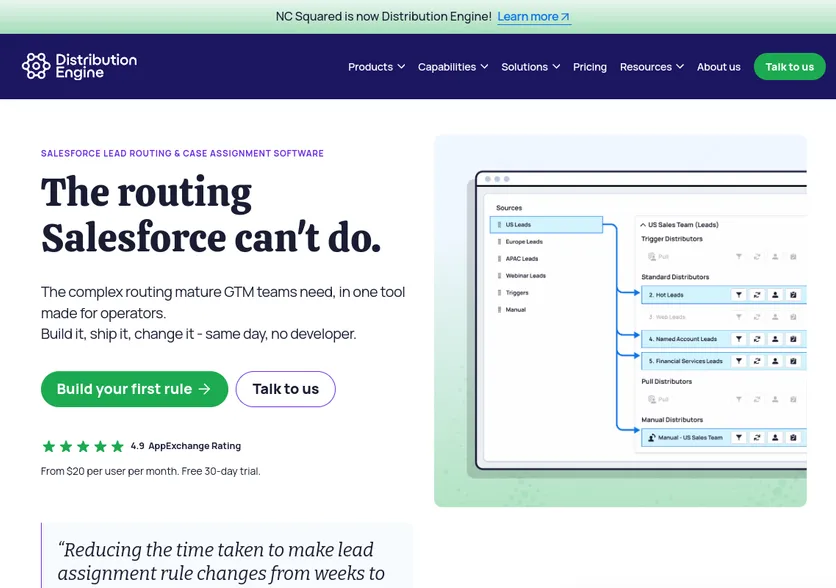
This Distribution Engine tool is the cheapest dedicated lead router for a B2B SaaS team, with pricing from ten dollars per user a month. It runs natively inside Salesforce, so routing and scheduling happen where the sales team already works, with no-code automation that sends each lead to the right rep in seconds. A free trial lets a team test the routing rules on real leads before paying.
What we like
- Cheapest dedicated router in this comparison
- Native Salesforce routing with no code
- Scheduling and routing in one tool
Watch out for
- Salesforce only, so other CRMs get no value
- Narrower than a full go-to-market platform
How to try it
- Install Distribution Engine in your Salesforce org
- Build routing rules by territory or round robin
- Test the rules on live leads and refine them
2. Chili Piper
Best for: B2B SaaS teams that want visitors recognized, qualified and booked
Paid tool Starting price: $15,000/year · Routing and Scheduling platform pricing from fifteen thousand dollars a year, billed annually; per-user pricing is no longer listed; demo available
Free plan: No free plan; demo available
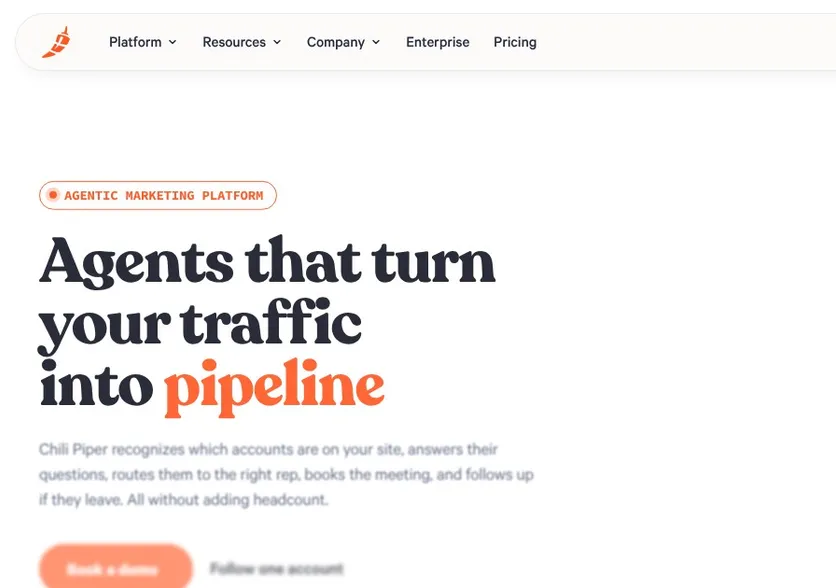
This Chili Piper platform is the inbound conversion specialist, with agents that recognize every visitor, answer questions, route them to the right rep and book the meeting before they leave. It focuses on the visitor journey rather than back-office assignment, which suits a team that measures success in booked meetings. Pricing moved to a platform model in 2026, starting at fifteen thousand dollars a year for Routing and Scheduling, so the old per-user price no longer applies.
What we like
- Agents that qualify visitors and book meetings
- Instant routing from form to calendar
- Strong fit for inbound conversion goals
Watch out for
- Platform pricing prices out small teams
- Older per-user prices no longer apply
How to try it
- Add the Chili Piper form to your website
- Set routing rules by territory or account
- Let visitors book meetings instantly with the right rep
3. Default
Best for: B2B SaaS teams that want routing inside a wider go-to-market workflow
Paid tool Starting price: $240/user/year · From two hundred forty dollars per user a year; free trial available
Free plan: No free plan; free trial available
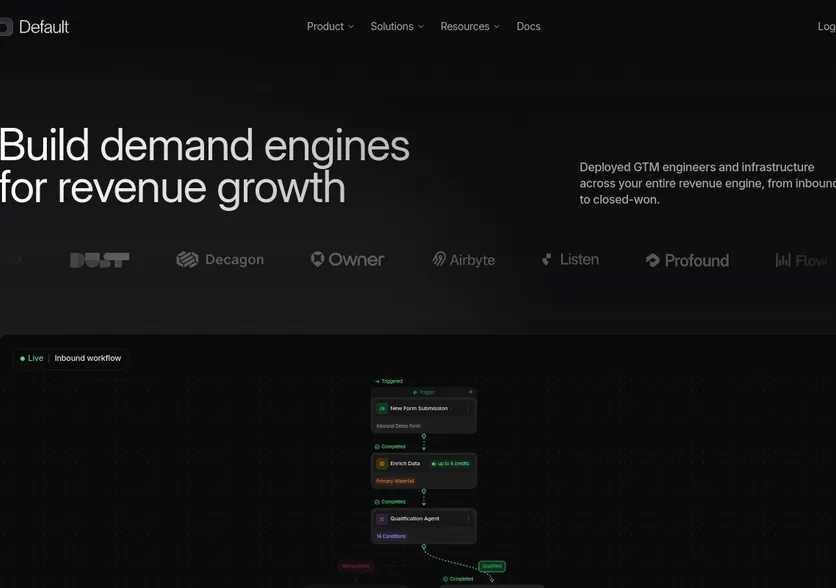
This Default platform puts lead routing inside a broader go-to-market workflow, so a B2B SaaS team can route, schedule and hand off leads without stitching several tools together. It suits a team that wants routing as one step in a larger revenue process rather than a standalone scheduler. Pricing starts at two hundred forty dollars per user a year, which makes it a mid-priced option for a team that uses the full workflow.
What we like
- Routing inside a wider go-to-market platform
- One workflow from lead to booked meeting
- Clear per-user yearly pricing
Watch out for
- Newer vendor with a smaller track record
- Routing alone may not justify the full platform
How to try it
- Connect your CRM and import the lead flow
- Build routing rules inside the go-to-market workflow
- Hand off qualified leads to the right rep
4. HubSpot Sales Hub
Best for: B2B SaaS teams that already run sales and marketing on HubSpot
Paid tool Starting price: $20/seat/month · Sales Hub Starter at twenty dollars per seat a month list price; a seven dollar new-customer offer is a promotion, not the list price; free CRM for up to two users
Free plan: Free CRM for up to 2 users
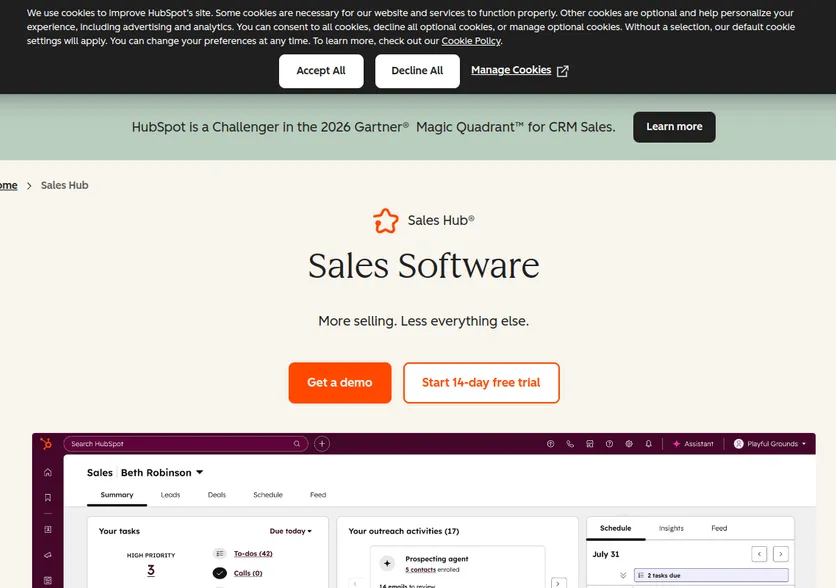
This HubSpot Sales Hub platform is the natural pick for a B2B SaaS team already on HubSpot, because lead routing, sequences and meetings share the same CRM records as marketing. The Starter plan costs twenty dollars per seat a month at list price, and a free CRM covers up to two users for a team that is just starting. A seven dollar new-customer offer is a promotion, not the list price, so budget on the twenty dollar figure.
What we like
- Routing shares records with marketing in one CRM
- Free CRM for up to two users
- Sequences and meetings built in
Watch out for
- Routing depth is lighter than a dedicated router
- Professional tier adds a large onboarding fee
How to try it
- Set up lead routing rules in Sales Hub
- Connect your calendar for instant meeting booking
- Track routed leads through the shared CRM
5. Salesforce Sales Cloud
Best for: B2B SaaS teams that run complex sales on Salesforce
Paid tool Starting price: $25/user/month · Starter Suite at twenty-five dollars per user a month, billed monthly or annually; Pro Suite at one hundred dollars per user a month billed annually; thirty-day free trial
Free plan: No free plan; 30-day free trial
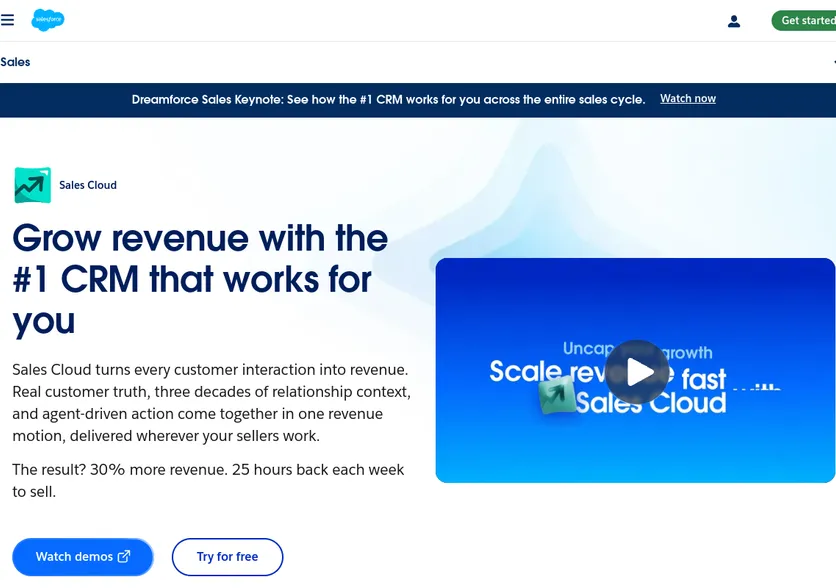
This Salesforce Sales Cloud platform is the enterprise CRM option for a B2B SaaS team with a complex sales process, and its Starter Suite includes lead assignment and routing from twenty-five dollars per user a month. The lineup changed in September 2026, with new Core, Advanced and Max editions above the Starter Suite. It suits a team that wants routing inside a CRM it can shape to any process, with the largest integration library in this comparison.
What we like
- Lead routing built into the CRM itself
- Largest integration library in this list
- Scales from a small team to an enterprise
Watch out for
- Setup takes longer than a dedicated router
- Higher editions climb steeply in price
How to try it
- Set up lead assignment rules in Sales Cloud
- Connect calendars for instant booking
- Track routed leads through the pipeline
6. Calendly
Best for: B2B SaaS teams that want simple scheduling with basic routing
Paid tool Starting price: $10/seat/month · Standard at ten dollars per seat a month billed annually, or twelve dollars a month on monthly billing; routing forms need the Teams plan at sixteen dollars a seat a month billed annually; free plan for one event type
Free plan: Free plan for one event type
This Calendly tool is the simplest way for a B2B SaaS team to let leads book meetings, with a free plan for one event type and a Standard plan at ten dollars per seat a month on annual billing. Routing forms and round robin need the Teams plan at sixteen dollars a seat a month on annual billing, so a team that needs real routing should budget for that tier. It connects to HubSpot and Salesforce, which keeps booked meetings in the CRM.

What we like
- Simplest scheduling in this comparison
- Free plan for one event type
- Connects to HubSpot and Salesforce
Watch out for
- Real routing needs the Teams plan, not Standard
- Routing logic is basic next to a dedicated router
How to try it
- Create an event type and connect your calendar
- Add routing forms on the Teams plan
- Share the booking link on your website and emails
7. RevenueHero
Best for: B2B SaaS teams that qualify form leads before they see a calendar
Paid tool Starting price: $25/seat/month · Essentials at twenty-five dollars per seat a month plus a seventy-nine dollar monthly platform fee, billed yearly; Advanced at thirty-five dollars a seat a month plus a one hundred fifty-nine dollar platform fee; demo available
Free plan: No free plan; demo available
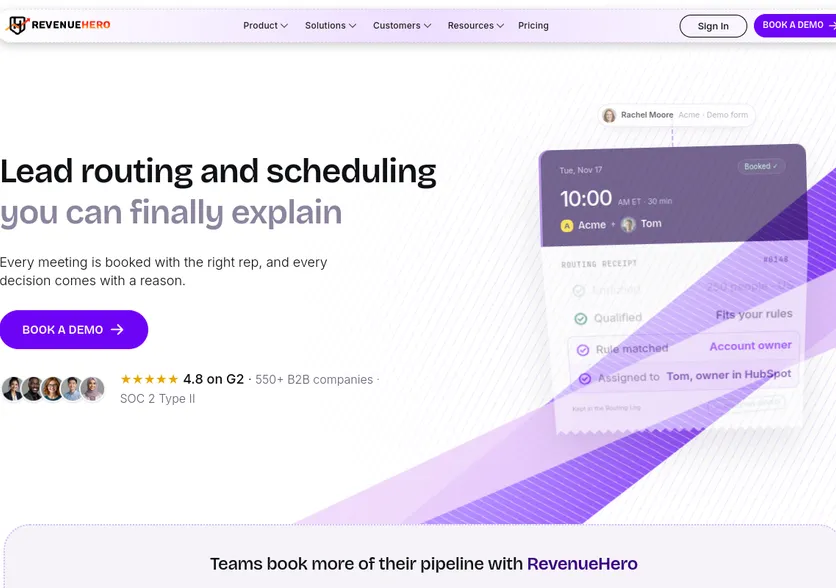
This RevenueHero platform is the qualification-first router for a B2B SaaS team, because it asks form questions first and only shows a calendar to leads that fit. Qualified leads route by round robin, territory or account, with HubSpot and Salesforce on every plan. Essentials costs twenty-five dollars per seat a month plus a seventy-nine dollar monthly platform fee on yearly billing, so a small team should model the full monthly cost before comparing.
What we like
- Qualifies leads before they see a calendar
- Routing by territory, account or round robin
- HubSpot and Salesforce on every plan
Watch out for
- Platform fee adds to the per-seat price
- No free plan or self-serve trial
How to try it
- Connect your lead forms to RevenueHero
- Set qualification rules and routing logic
- Let qualified leads book instantly with the right rep
Prices above were checked on each vendor’s own website on Nov 27, 2026 and can change — the vendor’s page is the final word. Vendor links are editorial: nobody paid to be listed or ranked here. Vendors who want a featured listing can see how it works on our Get listed page.
How a SaaS team should set up lead routing
Start with one campaign and one routing rule, such as round robin by territory, and watch it for a week before you add complexity. A simple rule that works beats a clever rule that misroutes leads, and the team will learn the failure modes faster on a small slice of traffic. Measure the time from form submit to booked meeting, because that number tells you whether the setup is actually working.
Agree on what counts as a qualified lead before you build the rules. Sales, marketing and RevOps should share one definition, so the router sends the same leads to the same reps every time. When the definition is clear, unqualified leads get a nurture path instead of a calendar invite, and the sales team stops wasting calls on the wrong people.
Before you buy
- Check the routing logic, because round robin and territory rules are very different
- Confirm the tool connects to your CRM before you buy
- Look for instant booking, since a slow handoff loses hot leads
- Make sure the plan covers your lead volume, not just your seat count
- Test the routing on one real campaign before moving every inbound lead across
Official websites
Official websites of the products reviewed above. Features and prices were checked against these sites when this guide was written, and they can change, so confirm on the vendor site before you buy.
Frequently asked questions
What is the cheapest inbound lead routing software for B2B SaaS?
Distribution Engine is the cheapest dedicated router at ten dollars per user a month, and it runs natively inside Salesforce. Calendly is the same price per seat on Standard, but real routing needs the Teams plan at sixteen dollars a seat a month. Default costs two hundred forty dollars per user a year and covers a wider go-to-market workflow than routing alone.
How much does Chili Piper cost now?
Chili Piper moved to platform pricing in 2026, with Routing and Scheduling starting at fifteen thousand dollars a year on annual billing. Older listings still show a twelve dollar per user price, but that figure no longer appears on the vendor site. Budget on the platform price and ask sales for the exact tier that fits your lead volume.
Should I buy a dedicated router or route inside my CRM?
A dedicated router like Distribution Engine or RevenueHero gives deeper routing logic, qualification and scheduling in one flow. A CRM like HubSpot Sales Hub or Salesforce Sales Cloud routes leads inside a system your team already uses, which avoids a second tool. Pick the dedicated router when routing is the bottleneck, and the CRM when it is one step in a wider sales process.
How fast should lead routing be?
Speed matters more than most teams expect, because a lead that waits hours for a reply often books with a competitor. The best tools route and book in seconds, straight from the form to the rep's calendar. Check that your tool offers instant booking, not just assignment, and measure the time from form submit to booked meeting before you judge the setup.
Can lead routing qualify leads automatically?
Yes, and the best setups do it automatically. RevenueHero qualifies form leads before they see a calendar, Chili Piper agents qualify visitors in conversation, and Distribution Engine routes by territory or account rules. Unqualified leads should get a nurture path or a thank-you page, not a sales rep's calendar, so the team spends its time on leads that can actually buy.
Pick the router that fits your CRM and lead volume, then test it on one campaign before moving every inbound lead across.
Browse Marketing & Ads Calculators tools