On this page
A home inspector's day is a chain of appointments, and the software decides whether that chain runs smoothly or falls apart. The eight tools below handle scheduling, report writing, agreements and payments in different combinations, from a nineteen-dollar starter to the platform most full-time inspectors use. Spectora leads the list because it ties booking, contracts, payments and reports into one app for one hundred and nine dollars a month, and the other seven tools are ranked on the same practical test: how much office work they take off an inspector's plate.
How we researched this
We checked every price on the vendor pricing page on November 28, 2026, and only included tools with a published US dollar list price. Prices were read from the vendors' own pages and cross-checked against November 2026 comparison guides. Prices change, so confirm the current figure on the vendor site before you buy.
Compare the tools
| Name | Best for | Starting price | Free plan | |
|---|---|---|---|---|
| Spectora | Full-time inspectors who want booking, reports and payments in one app | $109/month | Free trial of 2 inspections | Visit |
| HomeGauge | Inspectors who finish reports at a desk with a desktop writer | $89/month | 30-day free trial | Visit |
| Home Inspector Pro | Inspectors who want desktop and mobile apps on one flat price | $89/month | 30-day free trial | Visit |
| Palm-Tech | Inspectors who want a simple flat price for report writing | $50/month | Free trial | Visit |
| Tap Inspect | Inspectors who want a modern mobile-first report tool | $90/month | Free trial | Visit |
| Inspection Support Network | Part-time inspectors who want to pay only for the inspections they do | $7.25/inspection | Free trial | Visit |
| InspectForge | Inspectors who want AI help and a low starting price | $39.99/month | 30-day free trial | Visit |
| House Fly Pro | Small inspection teams that want the lowest monthly bill | $19/month | 14-day free trial | Visit |
The inspection scheduling software for home inspectors, compared
1. Spectora
Best for: Full-time inspectors who want booking, reports and payments in one app
Paid tool Starting price: $109/month · One hundred and nine dollars a month, or $1,090 a year, for one inspector; each extra inspector is $99 a month or $999 a year, and the optional Advanced add-on costs $4 per inspection
Free plan: Free trial of 2 inspections
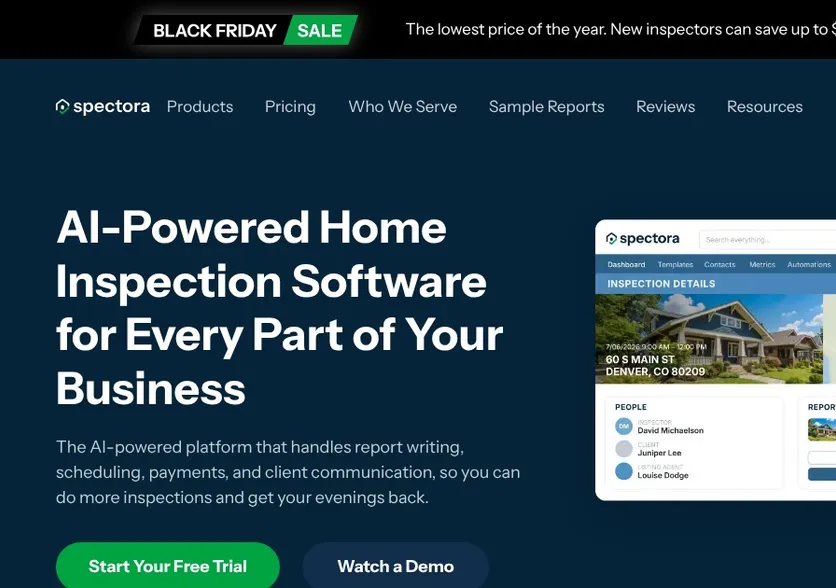
This Spectora plan costs one hundred and nine dollars a month, and it combines the report writer with the office work around each job. Clients and agents book online, the agreement and payment attach to the inspection, and the report stays locked until the contract is signed and the fee is paid. It is the most recommended tool among full-time inspectors, with more than twelve thousand active users.
What we like
- Online booking, agreements and payments in one app
- Reports lock until the contract is signed and paid
- Offline reporting with automatic syncing
Watch out for
- The highest flat monthly price in this list
- Automation and CRM tools need the Advanced add-on
How to try it
- Set up online booking and connect your calendar
- Run the inspection with the mobile app and photos
- Send the agreement, collect payment and deliver the report
2. HomeGauge
Best for: Inspectors who finish reports at a desk with a desktop writer
Paid tool Starting price: $89/month · Eighty-nine dollars a month after a 30-day free trial for new customers, with no annual billing option listed on the pricing page; Spectora acquired HomeGauge in April 2025 and the products remain separate
Free plan: 30-day free trial
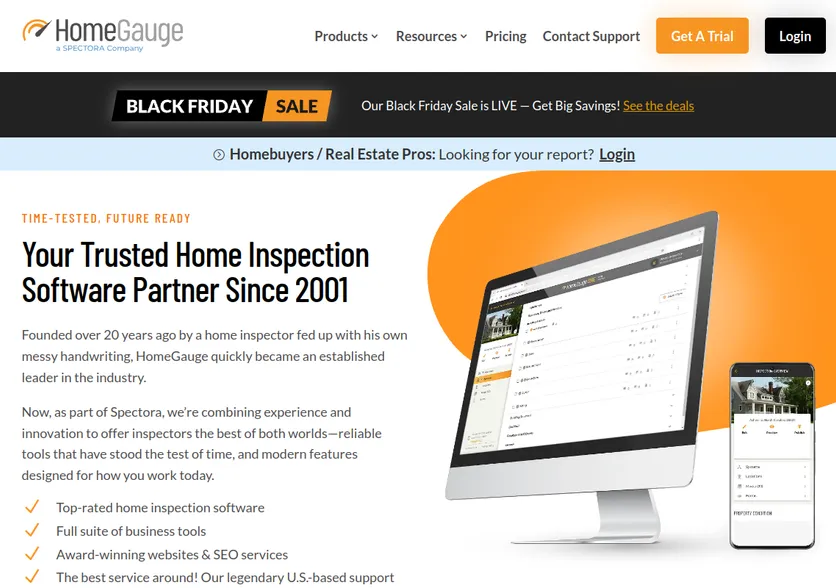
This HomeGauge plan costs eighty-nine dollars a month, and it is built around a desktop report writer. An inspector collects photos and data in the field with the Companion app, then edits and finishes the report at a desk with custom templates and several report formats. Spectora acquired HomeGauge in April 2025, and the two products still operate separately with unchanged pricing.
What we like
- A full desktop report writer for detailed reports
- Companion app for field data collection
- A large comment library for reusable narratives
Watch out for
- No published price for added inspectors or teams
- The browser-based Web Writer was retired in September 2025
How to try it
- Collect photos and data in the field with the Companion app
- Finish the report in the desktop writer with your templates
- Host the report online and send it to the client and agent
3. Home Inspector Pro
Best for: Inspectors who want desktop and mobile apps on one flat price
Paid tool Starting price: $89/month · Eighty-nine dollars a month after a 30-day free trial for new customers, with annual discounts available through sales
Free plan: 30-day free trial
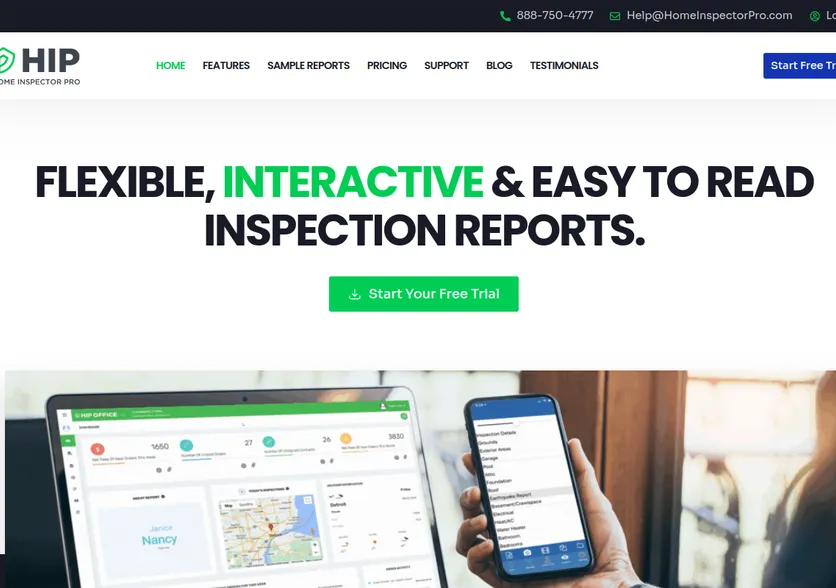
This Home Inspector Pro plan costs eighty-nine dollars a month, and it gives you desktop apps for Windows and Mac plus mobile apps for iOS and Android on a single subscription. An inspector can start a report on a phone at the property and finish it on a laptop, or do the whole job on a tablet. It is a straightforward flat price with no tiers to compare.
What we like
- Native desktop and mobile apps on one plan
- A single flat price with no tiers to compare
- Used by more than ten thousand inspectors
Watch out for
- No published annual price on the pricing page
- Fewer automation features than Spectora's Advanced tier
How to try it
- Start the inspection on your phone or tablet at the property
- Add photos, comments and findings as you walk through
- Finish the report on your desktop and deliver it to the client
4. Palm-Tech
Best for: Inspectors who want a simple flat price for report writing
Paid tool Starting price: $50/month · Fifty dollars per month for one inspector, per the vendor's published pricing
Free plan: Free trial
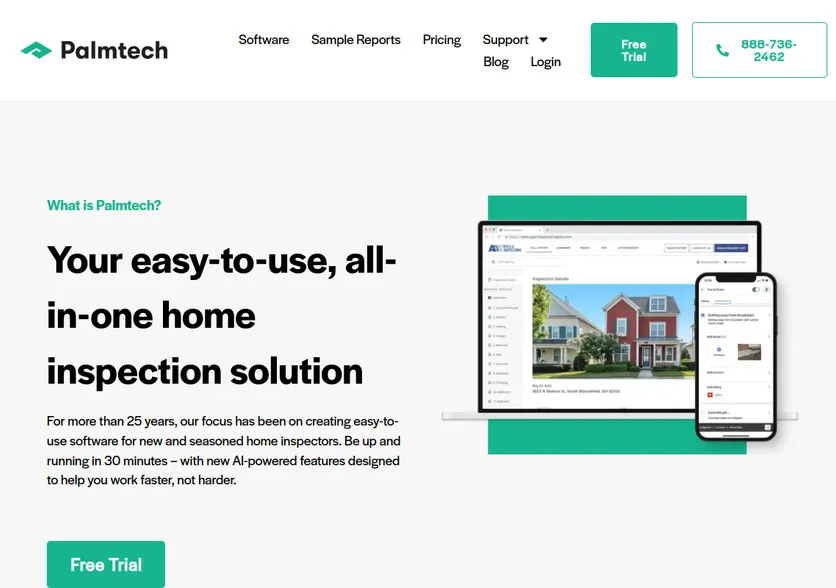
This Palm-Tech plan costs fifty dollars a month, and it is one of the cheapest flat-rate inspection tools in this list. It covers report writing, photos and templates on mobile and desktop, without the scheduling and payment extras that raise the price elsewhere. An inspector who already handles booking and payments another way will find Palm-Tech covers the core job for half the price of the bigger tools.
What we like
- A low flat price for report writing
- Simple templates that are quick to customize
- Mobile and desktop apps included
Watch out for
- Scheduling and payments are thinner than on Spectora
- A smaller user community than the market leaders
How to try it
- Set up your report templates and comment library
- Run the inspection with the mobile app and photos
- Generate the report and send it to the client
5. Tap Inspect
Best for: Inspectors who want a modern mobile-first report tool
Paid tool Starting price: $90/month · Ninety dollars per month, or $1,080 a year, for one inspector, per the vendor's published pricing
Free plan: Free trial
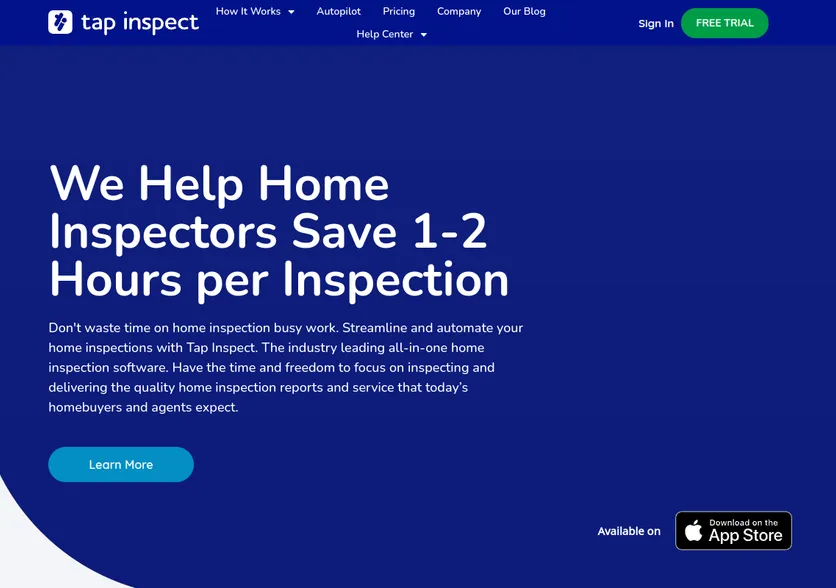
This Tap Inspect plan costs ninety dollars a month, and it is built mobile-first for inspectors who work from a phone or tablet. It covers scheduling, report writing, photos and client delivery in one app, with templates for home inspections and related services. An inspector who wants a clean modern interface without the complexity of the bigger platforms will find it a comfortable fit.
What we like
- A clean mobile-first interface
- Scheduling, reports and delivery in one app
- Templates for home inspections and related services
Watch out for
- Fewer integrations than Spectora or HomeGauge
- A smaller template library for specialty inspections
How to try it
- Book the inspection and set up your templates
- Complete the report on your phone with photos
- Deliver the finished report to the client and agent
6. Inspection Support Network
Best for: Part-time inspectors who want to pay only for the inspections they do
Paid tool Starting price: $7.25/inspection · Seven dollars and twenty-five cents per inspection; at twenty inspections a month that is about $145 a month, and the cost stays under Spectora's flat $109 a month up to fifteen inspections a month
Free plan: Free trial
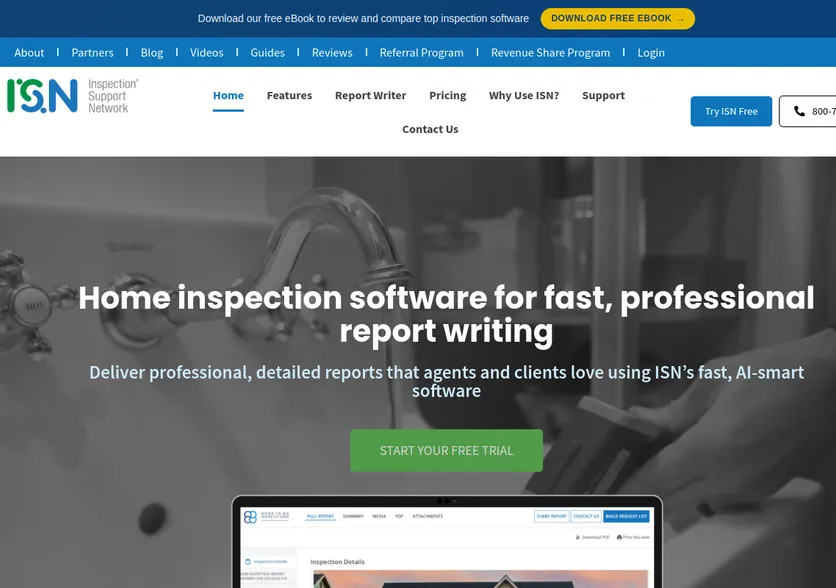
This Inspection Support Network plan costs seven dollars and twenty-five cents per inspection, and it charges by the job rather than by the month. A part-time inspector doing a few inspections a month pays far less than a flat subscription, while a busy inspector doing twenty a month pays about one hundred and forty-five dollars. It covers scheduling, agreements, payments and report delivery in one office system.
What we like
- Pay per inspection, with no monthly subscription
- Scheduling, agreements and payments in one office system
- A long track record with inspection businesses
Watch out for
- Costs more than a flat plan once volume passes fifteen a month
- Report writing needs a separate tool or integration
How to try it
- Book the inspection through the online scheduler
- Send the agreement and collect payment before the visit
- Deliver the report through the client portal
7. InspectForge
Best for: Inspectors who want AI help and a low starting price
Paid tool Starting price: $39.99/month · Thirty-nine dollars and ninety-nine cents per month on the Starter plan, or $369.99 a year, for one inspector and fifty inspections a month; Pro is $69.99 per month and Business is $99.99 per month
Free plan: 30-day free trial
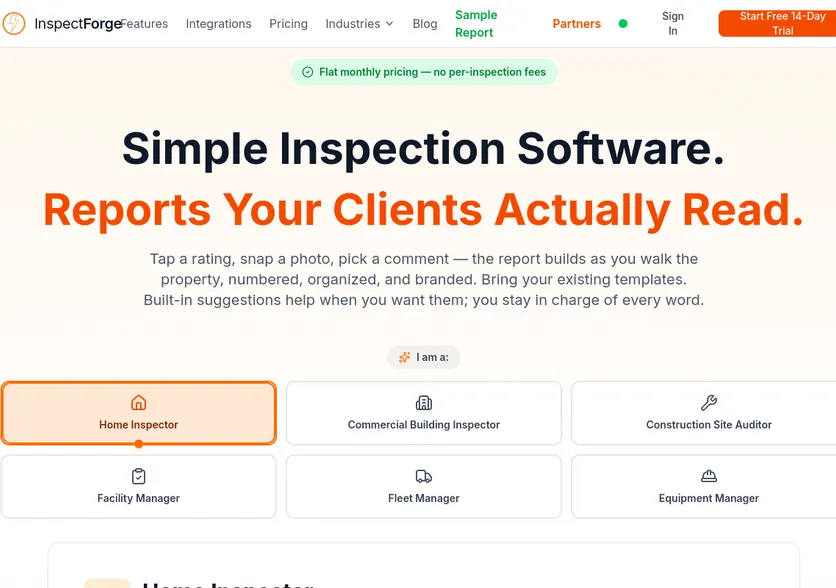
This InspectForge plan costs thirty-nine dollars and ninety-nine cents a month, and it is the cheapest flat-rate tool in this list. The Starter plan covers one inspector, fifty inspections a month and three custom templates, with AI features for comment suggestions and photo defect detection. It suits a solo inspector who wants modern AI help without paying the full price of the market leaders.
What we like
- The lowest flat monthly price in this list
- AI comment suggestions and photo defect detection
- A clean modern interface with scheduling on Pro
Watch out for
- Scheduling is not included on the Starter plan
- A newer tool with a smaller user base than Spectora
How to try it
- Set up your templates and AI comment suggestions
- Run the inspection with the mobile app
- Generate the report and send it to the client
8. House Fly Pro
Best for: Small inspection teams that want the lowest monthly bill
Paid tool Starting price: $19/month · Nineteen dollars per month on the Silver plan, or $199 a year, for the owner plus three team members; Gold is $49 per month and Platinum is $99 per month, all month to month with no contracts
Free plan: 14-day free trial
This House Fly Pro plan costs nineteen dollars a month, and it covers the owner plus three team members on a single subscription. It handles scheduling, reports and client management at a price far below the market leaders, which suits a small team that wants the basics without a hundred-dollar bill. The Silver plan is the entry tier, with Gold at forty-nine dollars and Platinum at ninety-nine dollars a month for larger teams.
What we like
- The lowest monthly price in this comparison
- Covers the owner plus three team members on one plan
- Simple scheduling and reporting for small teams
Watch out for
- Fewer features than the established inspection platforms
- A smaller user community for templates and support
How to try it
- Add your team members to the Silver plan
- Schedule inspections and assign them to inspectors
- Complete reports and share them with clients
Prices above were checked on each vendor’s own website on Nov 28, 2026 and can change — the vendor’s page is the final word. Vendor links are editorial: nobody paid to be listed or ranked here. Vendors who want a featured listing can see how it works on our Get listed page.
How home inspectors should pick scheduling software that fits their volume
Start with your inspection count, not the feature list. A part-time inspector doing five jobs a month saves money on a per-inspection plan, while a full-time inspector doing twenty a month saves money on a flat subscription. Check that online booking, agreements and payments work together, because chasing a signature after the inspection wastes the evening. Make sure the report writer works offline at the property, since signal is often weak on site. Finally, run a real inspection through the trial before you pay, because a template that looks good on a demo can still be slow in the field.
Before you buy
- Confirm online booking is included, since clients and agents expect to book without a phone call
- Check whether agreements and payments attach to the inspection or need a separate tool
- Count the cost per inspector, because some tools charge per user and others charge a flat fee
- Make sure reports work offline at the property, since signal is often weak on site
- Test the report template with a real inspection before you commit, including photos and comments
Official websites
Official websites of the products reviewed above. Features and prices were checked against these sites when this guide was written, and they can change, so confirm on the vendor site before you buy.
Frequently asked questions
What is inspection scheduling software for home inspectors?
It is software that helps a home inspector schedule jobs, write reports, collect agreements and get paid. The tools in this list cover different parts of that job: some focus on report writing, while others add online booking, contracts and payment collection. A good tool replaces the phone calls, paper forms and email chains that eat an inspector's day.
How much does Spectora cost?
Spectora costs one hundred and nine dollars a month, or $1,090 a year, for one inspector. Each extra inspector is $99 a month or $999 a year, and the optional Advanced add-on costs $4 per inspection. It is the most recommended tool among full-time inspectors, with more than twelve thousand active users.
Which inspection software is cheapest for a home inspector?
House Fly Pro is the cheapest at nineteen dollars a month for the owner plus three team members. InspectForge follows at $39.99 a month for one inspector, and Palm-Tech at $50 a month. For a part-time inspector, Inspection Support Network at $7.25 per inspection is cheapest until volume passes about fifteen inspections a month.
Which inspection software is best for a full-time inspector?
Spectora is the best pick for a full-time inspector who wants booking, reports, agreements and payments in one app. Home Inspector Pro is the best pick if you want desktop and mobile apps on one flat price. HomeGauge is the best pick if you prefer finishing reports at a desk with a full desktop writer.
Can I pay per inspection instead of monthly?
Yes, with Inspection Support Network, which charges $7.25 per inspection with no monthly subscription. That suits a part-time inspector doing a few jobs a month. Spectora also lets you try the software with two free inspections and no time limit, and most other tools in this list offer thirty-day free trials.
Compare the eight tools above, then start with a free trial on the tool that matches your inspection volume before you pay for a full year.
Browse Business Tools tools