On this page
A recruiting firm lives on volume: dozens of clients, hundreds of candidates and interviewers who change every week. The eight tools below were judged on agency terms: a price that stays low when the team grows, a free plan that actually covers real work, and booking pages that carry the client's brand. Calendly leads because it handles the volume without a per-interview fee, and the other seven tools are ranked on the same test: what does it cost when the firm is running ten searches at once?
How we researched this
We checked every price on the vendor pricing page on November 27, 2026, and only included tools with a published US dollar list price, so confirm the current figure on the vendor site before you buy. GoodTime Hire is not in this list because it is quote-only with no published dollar price, and Prelude is also out because Calendly acquired it in September 2022 and the standalone product is being wound down, with no new buyers in 2026.
Compare the tools
| Name | Best for | Starting price | Free plan | |
|---|---|---|---|---|
 Calendly | Recruiting firms that need one tool across all their clients | $10/seat/month | Free plan with 1 event type | Visit |
 Setmore | Recruiting firms that want the lowest per-user cost | $5/user/month | Free plan for up to 4 users | Visit |
 Appointlet | Recruiting firms that want branded booking pages per client | $8/member/month | Free plan available | Visit |
 SimplyBook.me | Recruiting firms that book by the hundred and need provider limits | $11.90/month | Free plan with 50 bookings | Visit |
 Picktime | Small recruiting firms that want unlimited appointments for free | $3/user/month | Free plan for up to 3 users with unlimited appointments | Visit |
 Spark Hire | Recruiting firms screening hundreds of candidates per role | $149/month | No free plan; free trial available | Visit |
 Doodle | Recruiting firms coordinating client interview panels | $6.95/user/month | Free plan available | Visit |
 SavvyCal | Recruiting firms that want candidates to love the booking experience | $10/user/month | No free plan; 30-day money-back guarantee | Visit |
The interview scheduling software for recruiting firms, compared
1. Calendly
Best for: Recruiting firms that need one tool across all their clients
Paid tool Starting price: $10/seat/month · Ten dollars per seat per month billed annually on the Standard plan (twelve dollars on monthly billing); Teams is sixteen dollars per seat per month billed annually (twenty dollars monthly)
Free plan: Free plan with 1 event type
This Calendly plan costs ten dollars per seat per month billed annually, and it is the safest pick for a recruiting firm running many searches at once. Each recruiter gets unlimited event types, so one seat can serve five clients with five different interview flows, and candidates book themselves around the clock. The per-seat price is easy to pass on to clients or absorb into the placement fee.

What we like
- One seat serves many clients with unlimited event types
- Candidates book themselves at any hour
- Automatic reminders cut no-shows across every search
Watch out for
- Free plan covers only one event type
- Per-seat pricing grows with every recruiter hired
How to try it
- Create one event type per client and interview stage
- Share the right link in each candidate email
- Connect each recruiter's calendar so double bookings are impossible
2. Setmore
Best for: Recruiting firms that want the lowest per-user cost
Paid tool Starting price: $5/user/month · Five dollars per user per month billed annually on the Pro plan (twelve dollars on monthly billing); the vendor FAQ still shows an older nine dollar monthly figure, but the pricing page lists twelve dollars monthly and five dollars annually
Free plan: Free plan for up to 4 users
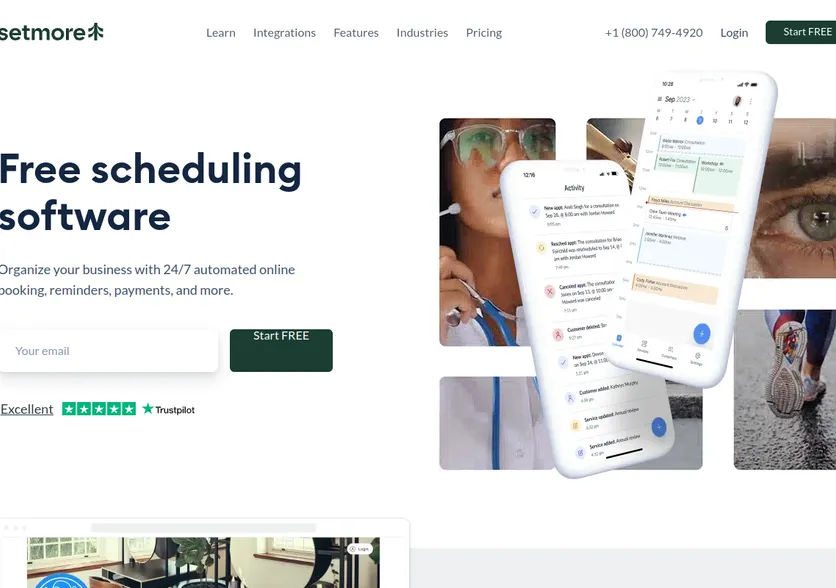
This Setmore plan costs five dollars per user per month billed annually, and it is the cheapest per-user plan in this list. A small firm can put the whole team on it for the price of one Calendly seat, and the free plan already covers four users, so a new firm can start without spending anything. The booking page is clean, the calendar syncs with Google and Outlook, and the price leaves room in the margin on every placement.
What we like
- Cheapest per-user price in this list
- Free plan covers four users
- Clean booking pages that need no training
Watch out for
- Monthly billing jumps to twelve dollars a user
- Fewer hiring integrations than Calendly
How to try it
- Start on the free plan with up to four users
- Create a booking page per recruiter or per client
- Sync each recruiter's Google or Outlook calendar
3. Appointlet
Best for: Recruiting firms that want branded booking pages per client
Paid tool Starting price: $8/member/month · Eight dollars per member per month billed annually on the Premium plan (ten dollars on monthly billing)
Free plan: Free plan available
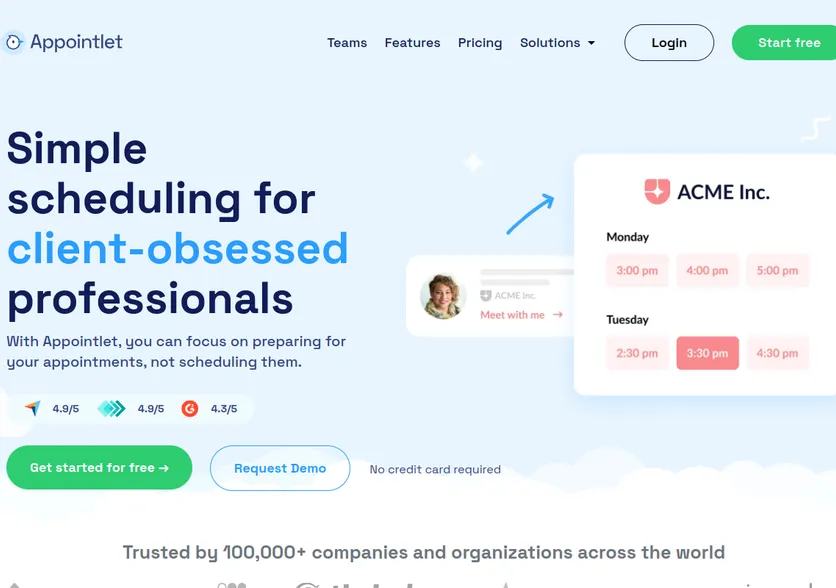
This Appointlet plan costs eight dollars per member per month billed annually, and it gives a recruiting firm a booking page per client that looks like the client's own brand. Each member gets their own page, the calendars sync across the team, and the firm can run a dozen searches without the pages looking alike. It is a strong middle ground between the cheapest tools and the most expensive ones.
What we like
- Booking pages carry each client's branding
- Calendar sync across the whole team
- Free plan to test the workflow
Watch out for
- Smaller integration library than Calendly
- No video interview features built in
How to try it
- Create a booking page per client with its branding
- Sync each member's calendar to stop double bookings
- Use the buffer settings to protect interviewers between calls
4. SimplyBook.me
Best for: Recruiting firms that book by the hundred and need provider limits
Paid tool Starting price: $11.90/month · Eleven dollars and ninety cents per month billed annually on the Basic plan (thirteen dollars and ninety cents on monthly billing), with one hundred bookings and five providers; Standard is twenty-four dollars and ninety cents and Premium is forty-nine dollars and ninety cents per month
Free plan: Free plan with 50 bookings
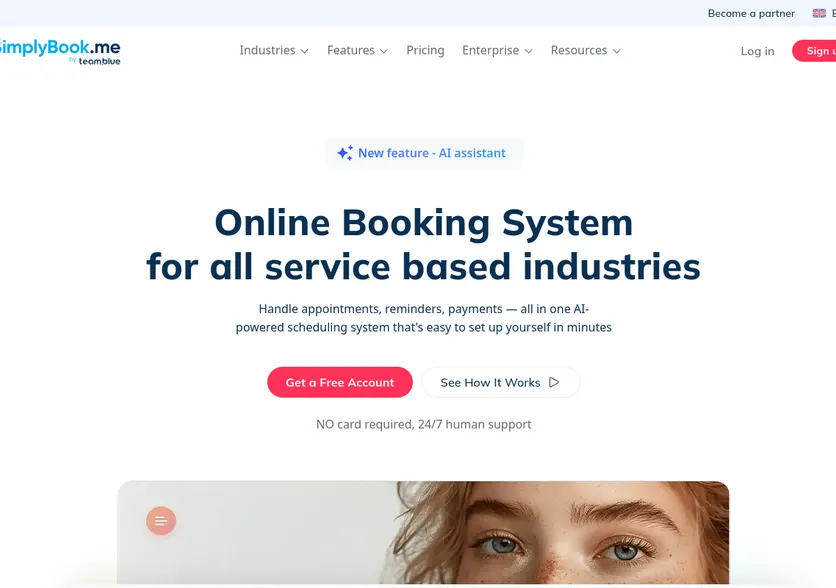
This SimplyBook.me plan costs eleven dollars and ninety cents a month billed annually, and it is priced by bookings and providers rather than by seats. A firm that books a hundred interviews a month across five recruiters pays one flat fee, which is easier to budget than a per-seat bill that grows with every hire. The free plan covers fifty bookings, so a firm can prove the workflow on a single search before paying.
What we like
- Flat fee for five providers and a hundred bookings
- Free plan covers fifty bookings
- Good for firms that budget by volume, not headcount
Watch out for
- Booking cap on the entry plan needs watching
- Interface feels older than Calendly or Setmore
How to try it
- Set up one provider per recruiter
- Create a service per interview stage
- Watch the booking count and upgrade before it caps out
5. Picktime
Best for: Small recruiting firms that want unlimited appointments for free
Paid tool Starting price: $3/user/month · Three dollars per user per month billed annually on the Starter plan (four dollars on monthly billing); Pro is two dollars and twenty-five cents per user per month billed annually (three dollars monthly) on a ten-user block, which is cheaper per user than Starter
Free plan: Free plan for up to 3 users with unlimited appointments
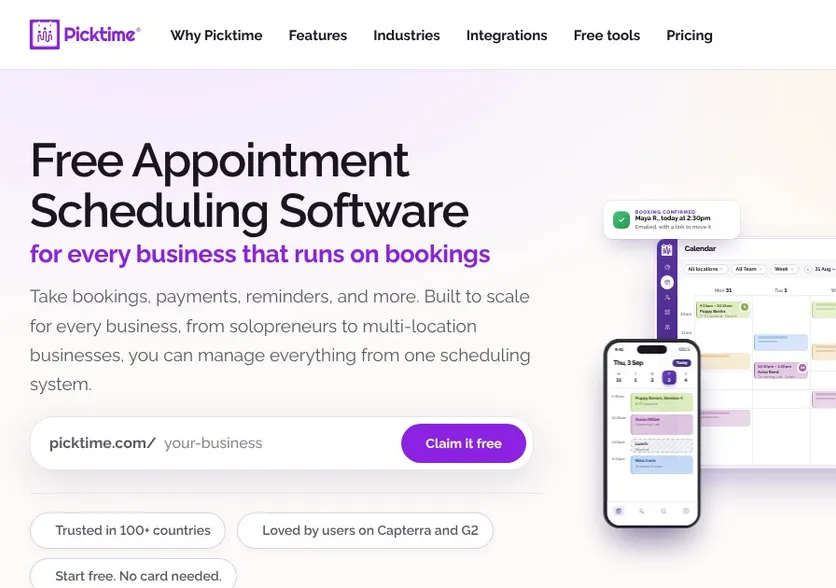
This Picktime plan costs three dollars per user per month billed annually, and its free plan is the most generous in this list for a small firm: three users and unlimited appointments. The Pro plan is unusual because it costs less per user than Starter, at two dollars and twenty-five cents on a ten-user block, though it caps at ten users and resources. A firm that grows past ten needs to check the next tier before it commits.
What we like
- Free plan has unlimited appointments
- Pro is cheaper per user than Starter
- Simple setup with no training needed
Watch out for
- Pro caps at ten users and resources
- Thin feature set for large firms
How to try it
- Start on the free plan with up to three users
- Create a booking page per recruiter
- Upgrade to Pro when the team passes three users
6. Spark Hire
Best for: Recruiting firms screening hundreds of candidates per role
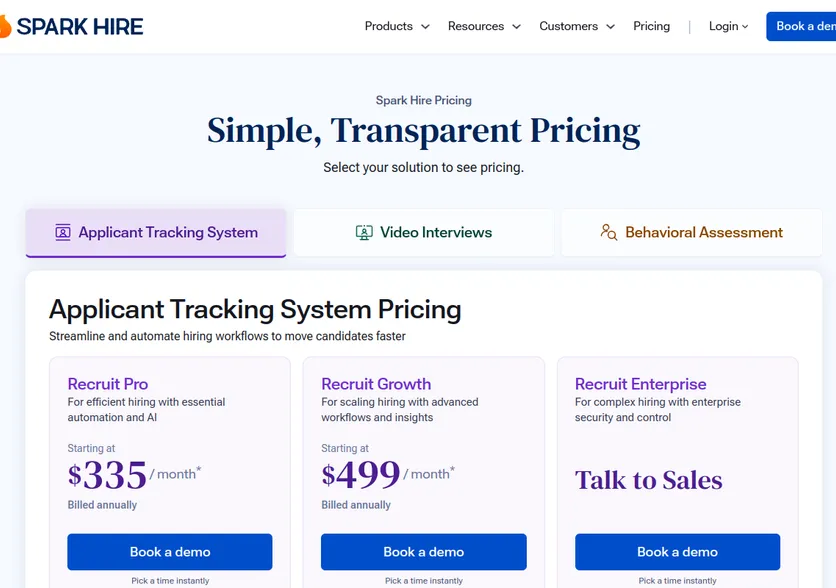
Paid tool Starting price: $149/month · One hundred and forty-nine dollars per month on the Lite plan for one job, three users and unlimited one-way and live interviews; higher plans add jobs and users, so confirm their current figures on the vendor site before you buy
Free plan: No free plan; free trial available
This Spark Hire plan costs one hundred and forty-nine dollars a month for one job and three users, and it is the tool that lets a firm screen hundreds of candidates without booking hundreds of live interviews. Candidates record one-way video answers, the team scores them together, and only the strongest get a live slot. For a firm paid on placement, the time saved on first-round interviews goes straight to the bottom line.
What we like
- One-way video screens hundreds of candidates fast
- Unlimited interviews on the Lite plan
- Team scoring keeps the shortlist consistent
Watch out for
- Lite plan covers only one job
- No free plan, only a trial
How to try it
- Set up the job and write the video questions
- Invite candidates to record answers on their own time
- Score the videos as a team and shortlist the best
7. Doodle
Best for: Recruiting firms coordinating client interview panels
Paid tool Starting price: $6.95/user/month · Six dollars and ninety-five cents per user per month billed annually on the Pro plan (fourteen dollars and ninety-five cents on monthly billing); Team is eight dollars and ninety-five cents per user per month billed annually
Free plan: Free plan available
This Doodle plan costs six dollars and ninety-five cents per user per month billed annually, and it is the tool for the hardest scheduling problem a firm faces: getting a client, a hiring manager and three interviewers in one room. A group poll collects everyone's availability, the best slot wins, and the invite goes out without a chain of emails. For panel interviews across client calendars, nothing else in this list is as fast.
What we like
- Group polls solve the multi-calendar problem
- Fastest setup in this list
- Free plan covers basic scheduling
Watch out for
- Monthly billing jumps to fourteen dollars and ninety-five cents
- Thinner than Calendly for one-to-one booking
How to try it
- Create a group poll for each panel interview
- Share the poll with the client and the interviewers
- Book the winning slot and send the invite
8. SavvyCal
Best for: Recruiting firms that want candidates to love the booking experience
Paid tool Starting price: $10/user/month · Ten dollars per user per month billed annually on the Basic plan (twelve dollars on monthly billing); the Premium plan costs more, so confirm its current figure on the vendor site before you buy
Free plan: No free plan; 30-day money-back guarantee
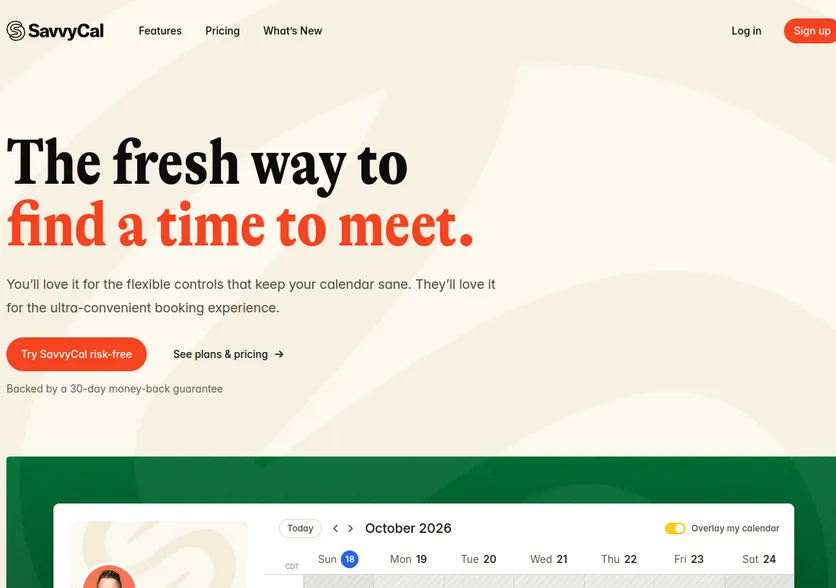
This SavvyCal plan costs ten dollars per user per month billed annually, and it gives a firm's candidates the smoothest booking experience in this list. The candidate overlays their own calendar on the recruiter's availability and picks a slot that works for both sides, which makes the firm look organised from the first contact. In a market where candidates judge the firm by the process, that first impression is worth the ten dollars.
What we like
- Candidates see real availability, not a blank grid
- Calendar overlay makes booking easy
- Makes the firm look organised from the first contact
Watch out for
- No free plan, only a money-back guarantee
- Fewer integrations than Calendly
How to try it
- Create a scheduling link per client and stage
- Let candidates overlay their calendar on yours
- Send the link in the first candidate email
Prices above were checked on each vendor’s own website on Nov 28, 2026 and can change — the vendor’s page is the final word. Vendor links are editorial: nobody paid to be listed or ranked here. Vendors who want a featured listing can see how it works on our Get listed page.
How recruiting firms should run interview scheduling
Give every client its own booking page, because a candidate who lands on a generic page does not know whose interview they are booking. Price the tool into the placement fee, not the overhead: ten dollars a seat is invisible next to a placement worth thousands. Use one-way video for the first screen on high-volume roles, and save live interviews for the shortlist. Track the no-show rate per client, because a client whose interviewers cancel twice will lose candidates to the firm that respects their time. Finally, keep the candidate experience the same across clients: one link, one reminder, one reschedule button.
Before you buy
- Check that each client gets its own branded booking page
- Confirm the price stays low when the firm adds recruiters
- Ask how group polls work for client interview panels
- Test the candidate experience on a phone before you roll it out
- Make sure reminders go out by email and text, not email alone
Official websites
Official websites of the products reviewed above. Features and prices were checked against these sites when this guide was written, and they can change, so confirm on the vendor site before you buy.
Frequently asked questions
What is the best interview scheduling software for recruiting firms?
Calendly is the best overall pick for most recruiting firms at ten dollars a seat a month billed annually, because one seat can serve many clients with unlimited event types. Setmore is the best budget pick at five dollars a user a month, with a free plan for four users. Spark Hire is the best choice for high-volume screening, at one hundred and forty-nine dollars a month for unlimited one-way and live video interviews.
How much does Calendly cost for a recruiting firm?
Calendly costs ten dollars per seat per month billed annually on the Standard plan, or twelve dollars on monthly billing. Teams is sixteen dollars per seat per month billed annually, or twenty dollars monthly. The free plan covers one event type, which is enough to test the workflow, and the paid plans add unlimited event types, so one seat can serve several clients at once.
What is the cheapest interview scheduling tool for a recruiting firm?
Setmore is the cheapest per-user plan in this list at five dollars a user per month billed annually, and its free plan covers four users. Picktime follows at three dollars a user a month on Starter, with a free plan for three users and unlimited appointments. Doodle is six dollars and ninety-five cents a user a month billed annually, though monthly billing jumps to fourteen dollars and ninety-five cents.
Should a recruiting firm use one-way video interviews?
Yes, for high-volume roles. One-way video lets candidates record answers on their own time, and the team scores them together and shortlists the best. Spark Hire covers unlimited one-way and live interviews on its one hundred and forty-nine dollar Lite plan, though it covers only one job. For a firm paid on placement, the hours saved on first-round interviews go straight to the bottom line.
How do you schedule a panel interview across a client and a firm?
Use a group poll. Doodle is the fastest tool for this: create a poll, share it with the client and the interviewers, and book the winning slot. Calendly also handles panels with collective events on its Teams plan. The key is to stop proposing times by email, because a panel of five people needs six emails to agree on one slot, and the best candidate is talking to three other firms while you wait.
Compare the eight tools above, then give every client its own booking page and let candidates book themselves.
Browse Business Tools tools