
On this page
Scheduling is the front door of a freelance business, and a clean booking page turns enquiries into confirmed work without the email back-and-forth. Setmore leads this list on price at $5 a month, but the best pick depends on whether you need payments, polls or intake forms. These seven paid tools cover scheduling from $5 a month, with prices verified on each vendor site in November 2026.
How we researched this
We picked tools with published per-month prices, a plan a solo freelancer can afford, and scheduling that works on real bookings rather than demo data. Every price below was read on the vendor pricing page and checked against a second source where the page was hard to read. Tools with quote-only pricing were left out.
Compare the tools
| Name | Best for | Starting price | Free plan | |
|---|---|---|---|---|
 Setmore | Freelancers who want the cheapest paid scheduling with a usable free tier | $5/month | Free plan for up to 4 users | Visit |
 Calendly | Freelancers who want polished scheduling with video meeting links | $10/month | Free plan with 1 event type | Visit |
 Acuity Scheduling | Freelancers who need intake forms and flat per-account pricing | $16/month | No free plan; 7-day free trial | Visit |
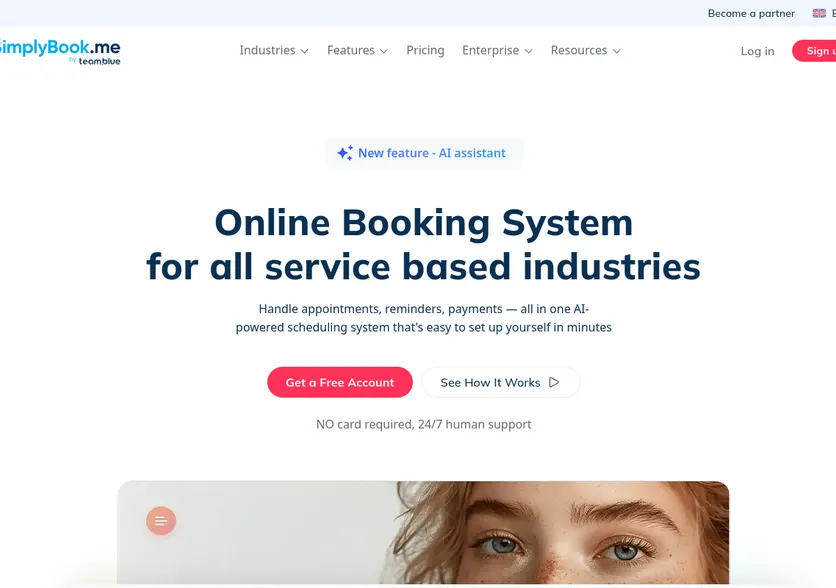
 SimplyBook.me | Freelancers who run classes, sessions or services with custom booking rules | $11.90/month | Free plan with 50 bookings a month | Visit |
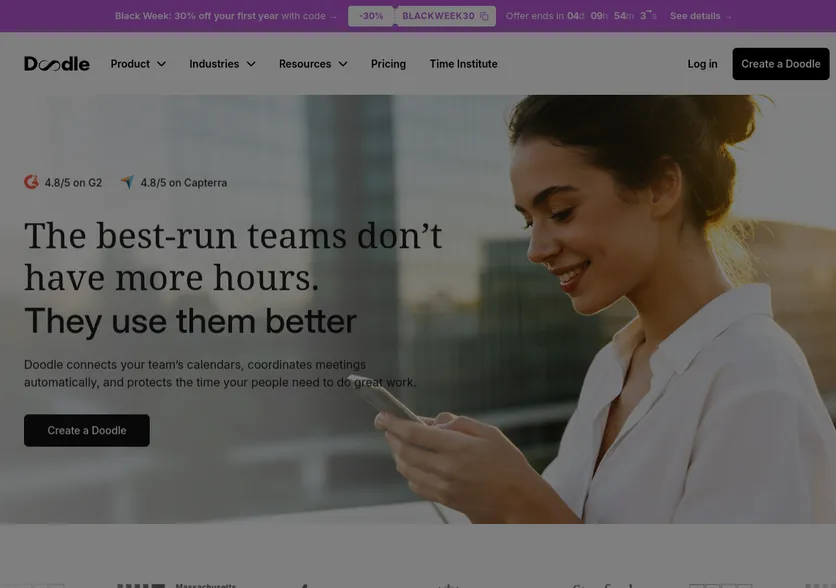
 Doodle | Freelancers who schedule group meetings and polls with clients | $11/month | Free plan available | Visit |
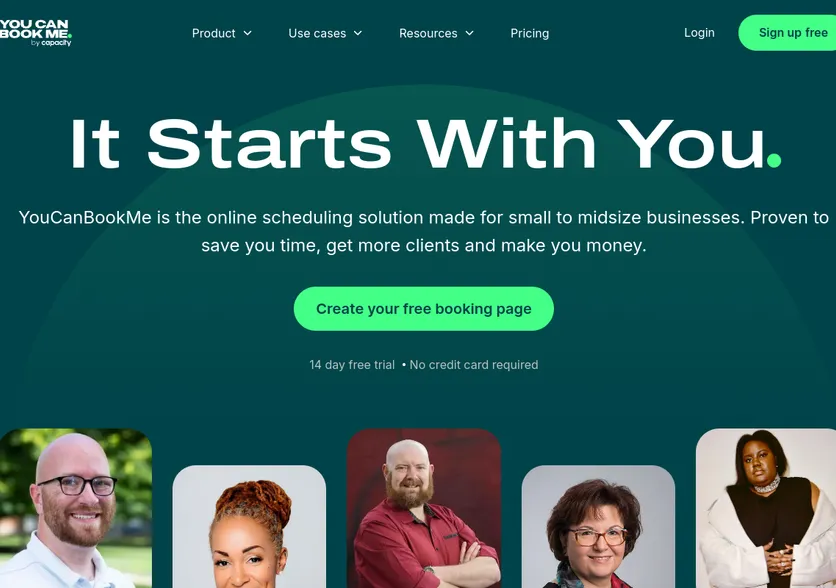
 YouCanBookMe | Freelancers who want simple bookings with payment links | $8.10/month | Free plan with 1 calendar | Visit |
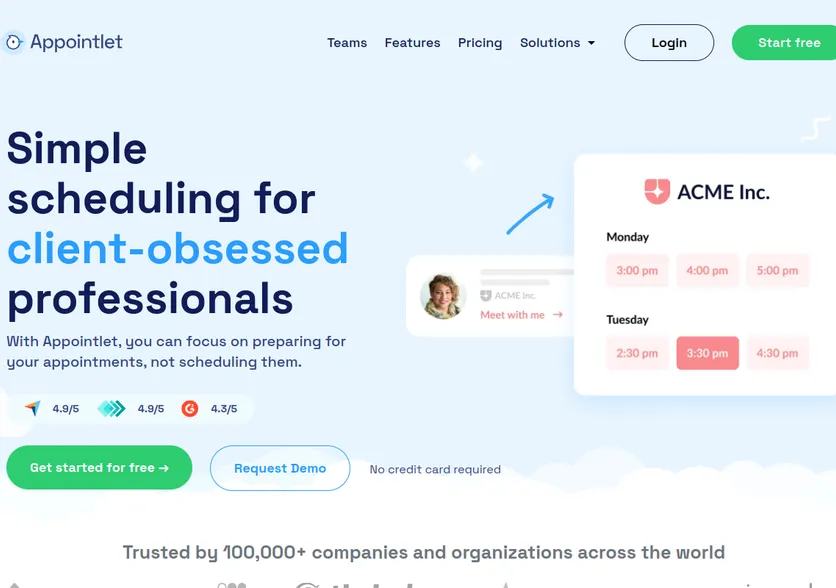
 Appointlet | Freelancers who want one simple paid plan with team booking | $9/month | Free plan for up to 5 members | Visit |
The 7 best scheduling tools for freelancers
1. Setmore
Best for: Freelancers who want the cheapest paid scheduling with a usable free tier
Paid tool Starting price: $5/month · Pro $5 per user a month billed annually, $12 monthly; free up to 4 users and 200 appointments
Free plan: Free plan for up to 4 users
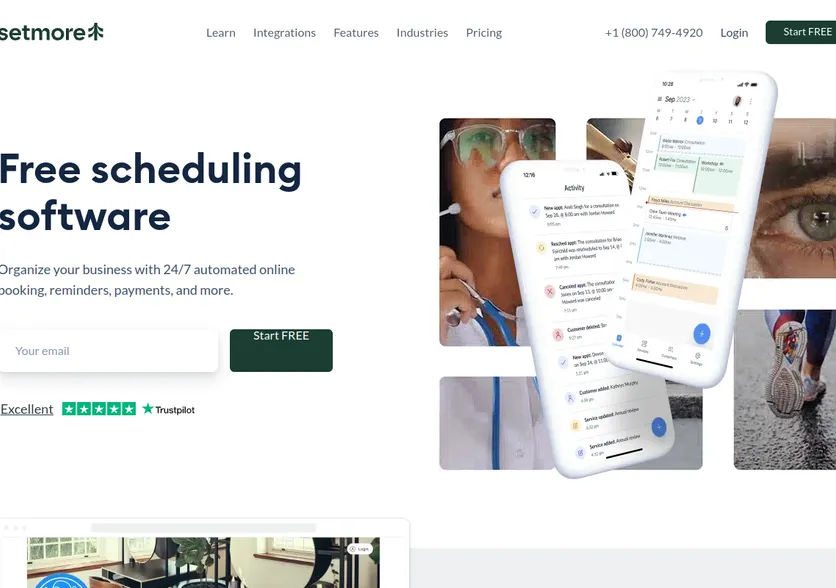
Setmore is the budget pick for freelancers who take bookings online and want reminders without paying much. This Setmore Pro plan costs $5 per user a month on annual billing and adds unlimited appointments, reminders and payment links over the free tier. The free plan covers up to four users and 200 appointments, so many solo freelancers never need to pay.
What we like
- Lowest paid entry on this list
- Free plan covers four users
- Booking page is quick to set up
Watch out for
- Mobile app plans are priced differently
- Reminders need the paid tier
How to try it
- Start free and set up your services with prices and durations
- Share the booking page link on your website and profiles
- Upgrade to Pro when you need reminders or payment links
2. Calendly
Best for: Freelancers who want polished scheduling with video meeting links
Paid tool Starting price: $10/month · Standard $10 per seat a month billed annually, $12 monthly; Teams $16
Free plan: Free plan with 1 event type
Calendly is the scheduling tool most clients already recognise, which makes booking friction almost zero. This Calendly Standard plan costs $10 per seat a month on annual billing and adds multiple event types, group scheduling and payment links over the free tier. The free plan covers one event type, which is enough for a freelancer with a single service.

What we like
- Clients already know how it works
- Clean booking pages with no learning curve
- Integrations with calendars and video tools
Watch out for
- Free plan covers only one event type
- Higher tiers add up for teams
How to try it
- Start free and create one event type for your main service
- Connect your calendar and video meeting tool
- Upgrade to Standard for more event types and payments
3. Acuity Scheduling
Best for: Freelancers who need intake forms and flat per-account pricing
Paid tool Starting price: $16/month · Starter $16 a month billed annually, $20 monthly, flat per account; Standard $27, Premium $49
Free plan: No free plan; 7-day free trial
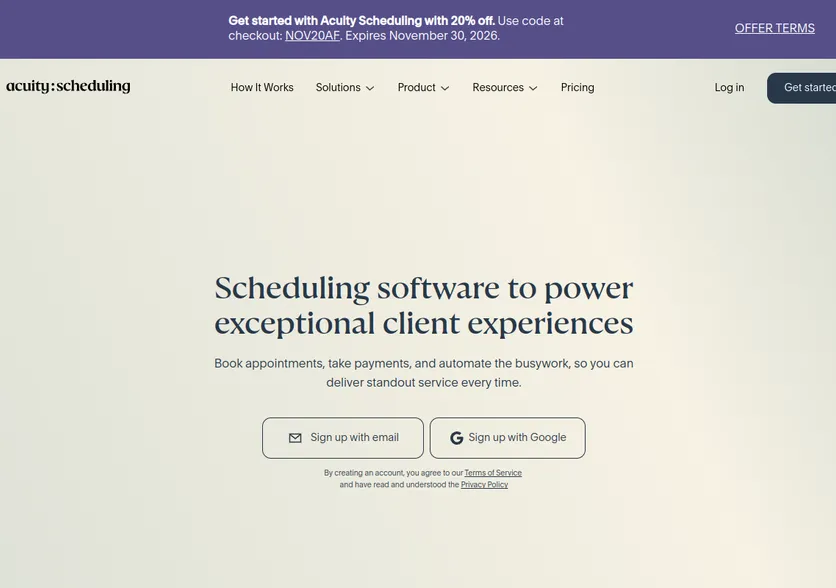
Acuity Scheduling, now sold as Squarespace Scheduling, is the form-heavy option for freelancers who need intake details before the meeting. This Acuity Scheduling Starter plan costs $16 a month on annual billing and is priced flat per account rather than per user, with one calendar included. Plan names vary between Starter and Emerging depending on where you buy it, so check the plan card before checkout.
What we like
- Flat pricing with no per-user maths
- Intake forms collect details before booking
- Strong payment and package options
Watch out for
- No free plan, only a trial
- Plan names vary by sales channel
How to try it
- Start the trial and build your first booking page with intake forms
- Set availability, buffers and cancellation rules
- Connect payments so clients pay when they book
4. SimplyBook.me
Best for: Freelancers who run classes, sessions or services with custom booking rules
Paid tool Starting price: $11.90/month · Basic $11.90 a month billed annually, $13.90 monthly; Standard $24.90, Premium $49.90
Free plan: Free plan with 50 bookings a month
SimplyBook is the most configurable scheduler here, with booking rules, memberships and packages for service businesses. This SimplyBook Basic plan costs about $12 a month on annual billing and covers 100 bookings a month with a custom booking page. The free plan covers 50 bookings, so a freelancer with a light schedule can start free and upgrade as bookings grow.
What we like
- Deep booking rules and customisation
- Memberships and packages included
- Free plan covers 50 bookings a month
Watch out for
- Interface has more options than most need
- Price shown in euros on some pages
How to try it
- Start free and add your services with durations and prices
- Customise the booking page with your branding
- Upgrade to Basic when bookings pass 50 a month
5. Doodle
Best for: Freelancers who schedule group meetings and polls with clients
Paid tool Starting price: $11/month · Pro $11 a month billed annually, $132 a year; Team $16 annual
Free plan: Free plan available
Doodle is the poll-first scheduler, built for finding a time that works for a group instead of a single booking. This Doodle Pro plan costs $11 a month on annual billing and adds unlimited booking pages, reminders and calendar connections over the free tier. The monthly rate varies by region, so the annual figure of $132 a year is the stable number to budget around.
What we like
- Group polls find meeting times fast
- Booking pages are simple to share
- Free plan covers basic scheduling
Watch out for
- Monthly rate varies by region
- Best for polls, weaker for service bookings
How to try it
- Start free and send a poll to find a meeting time
- Create a booking page for one-to-one sessions
- Upgrade to Pro for reminders and unlimited pages
6. YouCanBookMe
Best for: Freelancers who want simple bookings with payment links
Paid tool Starting price: $8.10/month · Individual $8.10 a month billed annually, $9 monthly; Professional $11.70, Team $16.20 per member
Free plan: Free plan with 1 calendar
YouCanBookMe is the straightforward scheduler for freelancers who want a booking page, reminders and payments without extra fuss. This YouCanBookMe Individual plan costs about $8 a month on annual billing and covers one calendar with unlimited bookings. Note that SMS credits are billed separately, and a small commission applies to client payments, so the real cost depends on how you take money.
What we like
- Simple setup with a clean booking page
- Unlimited bookings on paid plans
- Payment links built in
Watch out for
- SMS credits billed separately
- Small commission on client payments
How to try it
- Start free and build a booking page for your main service
- Connect your calendar and set your availability
- Upgrade to Individual for payments and more features
7. Appointlet
Best for: Freelancers who want one simple paid plan with team booking
Paid tool Starting price: $9/month · Premium $9 per member a month billed annually, $12 monthly; single paid plan
Free plan: Free plan for up to 5 members
Appointlet keeps scheduling simple with a single paid plan, which suits freelancers who do not want to compare tiers. This Appointlet Premium plan costs $9 per member a month on annual billing and adds unlimited meetings, integrations and branding over the free tier. The free plan covers up to five members and 25 meetings, so a small team can start free.
What we like
- One paid plan, no tier confusion
- Free plan covers five members
- Clean booking pages with video links
Watch out for
- Fewer features than bigger schedulers
- Free plan caps at 25 meetings
How to try it
- Start free and create a booking page for your service
- Connect your calendar and video meeting tool
- Upgrade to Premium for unlimited meetings and branding
Prices above were checked on each vendor’s own website on Nov 26, 2026 and can change — the vendor’s page is the final word. Vendor links are editorial: nobody paid to be listed or ranked here. Vendors who want a featured listing can see how it works on our Get listed page.
How to set up a booking page clients actually use
Keep the booking page to one service at a time with a clear duration and price, and set buffers between appointments so a late client never wrecks the next one. Turn on reminders the moment you pay for them, and link the booking page from your email signature, website and social profiles so clients find it without asking. Ask every new client to pay a deposit at booking, because a paid booking is a kept booking, and block one afternoon a week for admin so the calendar never fills completely.
Before you buy
- Count the bookings you take each month, because free plans cap them and paid tiers lift the limits.
- Check whether reminders are included or sold separately, since no-shows cost more than any plan.
- Confirm the tool takes payments or deposits, because chasing payment after a booking wastes time.
- Ask whether clients can reschedule themselves, since self-service cuts the back-and-forth emails.
- Test the booking page on your phone first, because most clients book from a mobile device.
Official websites
Official websites of the products reviewed above. Features and prices were checked against these sites when this guide was written, and they can change, so confirm on the vendor site before you buy.
Frequently asked questions
What is the cheapest scheduling software for freelancers?
Setmore starts at $5 per user a month on annual billing, the lowest paid entry here, and its free plan covers four users. YouCanBookMe follows near $8, Appointlet at $9 and Calendly at $10, while Acuity is the priciest at $16 flat per account. For most solo freelancers, a free plan covers the whole workload.
Can freelancers schedule bookings for free?
Yes, every tool except Acuity offers a free plan, and Setmore free covers four users with 200 appointments. Paid tiers add reminders, payments, more bookings and branding. Start free and pay only when a limit you actually hit, such as the booking cap or the need for reminders, forces the upgrade.
Which scheduling tool takes payments at booking?
Setmore, Calendly and YouCanBookMe all support payment links or deposits on paid tiers, and Acuity handles packages and memberships. Taking payment at booking cuts no-shows sharply, because a client who has paid is far more likely to show up. Check the payment fees before you commit, since they vary by tool.
Do scheduling tools send reminders to clients?
Yes, most tools here send email reminders on paid tiers, and some add SMS for an extra fee. Reminders are the single best way to cut no-shows, so pick a plan that includes them rather than paying per message. Setmore and Calendly both include reminders on their entry paid plans.
How do I choose a scheduling tool?
Pick the tool whose booking page you would happily send to a client, then test it on your phone to see what the client sees. If the page looks clean and the booking takes under a minute, it is the right one. Features matter less than the booking experience, because a confusing page loses clients before they book.
Keep the rest of your toolkit free — try Toolsvine's browser tools for invoices, budgets and time right now.
Browse Business Tools tools


