On this page
An engineering firm's inventory is test rigs, tools, spares and components spread across offices, labs and sites, and losing track of any of them stalls a project. The eight tools below track equipment, parts and stores from one list, from $24 a user up to a multichannel system. UpKeep leads because it ties parts and maintenance to the asset that consumes them, and the rest are ranked on the same test: whether the team can find the item without walking the building.
How we researched this
We checked every price on the vendor pricing page on November 28, 2026, and only included tools with a published US dollar list price and a free trial or free plan. Engineering ERPs that publish no price are not in this list, however well they fit a project team. Prices change, so confirm the current figure on the vendor site before you buy.
Compare the tools
| Name | Best for | Starting price | Free plan | |
|---|---|---|---|---|
 UpKeep | Engineering firms maintaining test rigs, tools and spares | $24/user/month | Free trial | Visit |
 EZOfficeInventory | Engineering firms tracking equipment across offices, labs and sites | $44.75/month | No free plan; 14-day free trial | Visit |
 Fishbowl | Engineering firms stocking components for builds | $229/month | Free trial | Visit |
 Sortly | Engineering firms counting consumables in lab, workshop and store | $49/month | Free plan at $0 with 100 unique items and 1 user | Visit |
 Zoho Inventory | Engineering firms that sell spares or kits alongside services | $29/month | Free plan with 50 orders a month and 1 user | Visit |
 inFlow Inventory | Engineering firms with one stores room and a few buyers | $99/month | No free plan; 14-day free trial | Visit |
 QuickBooks Online | Engineering firms keeping books and stock in QuickBooks | $140/month | 30-day free trial | Visit |
 Cin7 Core | Engineering firms distributing spares through several channels | $349/month | 14-day free trial; no free plan | Visit |
The inventory management software for engineering firms, compared
1. UpKeep
Best for: Engineering firms maintaining test rigs, tools and spares
Paid tool Starting price: $24/user/month · Twenty-four dollars per user a month on the Essential plan; Premium is $55 per user a month, and the $20 Lite plan was retired
Free plan: Free trial
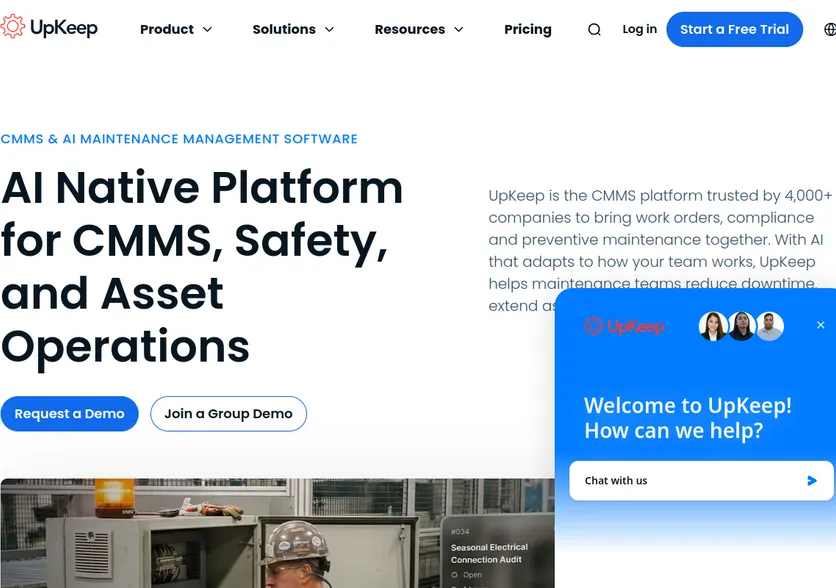
An engineering firm runs test rigs, tools and spares that all need servicing on schedule, and UpKeep manages them for $24 per user a month on Essential. Preventive work orders stop equipment failing mid-project, and parts issue against the work order that used them. Per-user pricing adds up on a large team, so keep the seats to the people who run maintenance.
What we like
- Work orders, assets and parts share one mobile-first system
- Preventive maintenance schedules stop breakdowns before they happen
- Parts inventory ties to the assets that consume them
Watch out for
- Per-user pricing adds up fast on a large crew
- The $20 Lite plan was retired, so Essential is the floor
How to try it
- Register each asset with its parts list and service history
- Schedule preventive work orders on a calendar the crew can see
- Issue parts from stock against the work order that used them
2. EZOfficeInventory
Best for: Engineering firms tracking equipment across offices, labs and sites
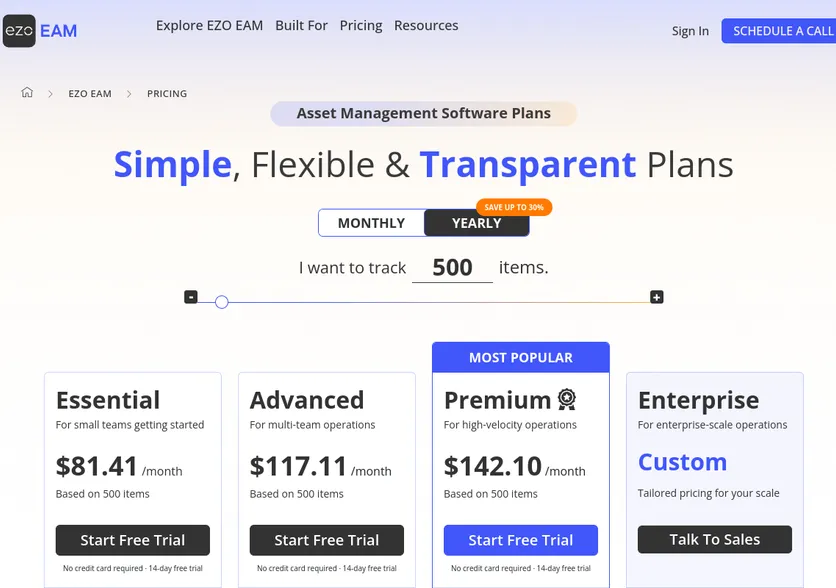
Paid tool Starting price: $44.75/month · Essential plan, $44.75 a month billed annually for 100 items ($48 billed monthly); the price rises with item count ($63.55 at 300 items, $81.41 at 500 items); Advanced $117.11 and Premium $142.10 at 500 items; every plan includes unlimited users
Free plan: No free plan; 14-day free trial
An engineering firm with equipment spread across offices, labs and sites needs a register that follows each item, and EZOfficeInventory keeps it, starting at $44.75 a month billed annually on Essential for 100 items. Unlimited users mean every engineer can scan items in and out, and assets run from purchase through retirement. The bill rises with the item count, so a large equipment register costs more.
What we like
- Pricing follows item count, with unlimited users on every plan
- Assets run from purchase through retirement in one register
- Barcode, QR and RFID check-in workflows
Watch out for
- The bill rises with the tracked item count
- Offline mode and telematics need the Enterprise plan
How to try it
- Import the asset register and tag items with QR or barcode labels
- Check items in and out with the mobile app as they move
- Run location audits and retire assets with their service history attached
3. Fishbowl
Best for: Engineering firms stocking components for builds
Paid tool Starting price: $229/month · Two hundred and twenty-nine dollars a month billed annually on the Essentials plan for 2 users; Growth is $429 and Scale is $729 a month, and manufacturing needs Fishbowl Advanced
Free plan: Free trial
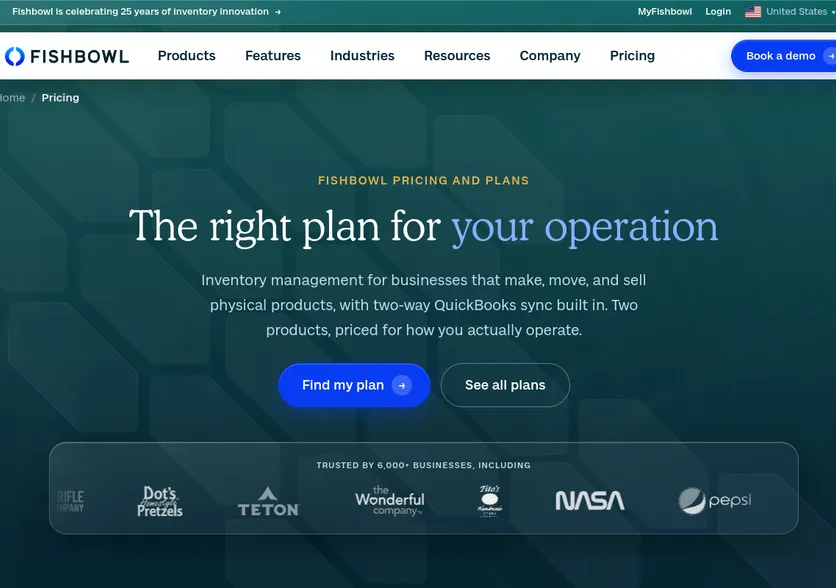
An engineering firm that also stocks components for builds needs reorder points and barcode receiving, and Fishbowl brings them for $229 a month billed annually on Essentials. The plan covers 2 users with QuickBooks Online and Xero sync and mobile barcode scanning. An implementation package is part of every purchase, and manufacturing needs Fishbowl Advanced.
What we like
- Real-time tracking syncs with QuickBooks Online and Xero
- Mobile barcode scanning is included from Essentials
- Reorder points are built into every plan
Watch out for
- An implementation package is part of every purchase
- Manufacturing is not in the Inventory tiers and needs Fishbowl Advanced
How to try it
- Sync Fishbowl with QuickBooks Online or Xero first
- Set reorder points on stocked items and scan receipts by barcode
- Run cycle counts on the mobile app and reconcile the variances
4. Sortly
Best for: Engineering firms counting consumables in lab, workshop and store
Paid tool Starting price: $49/month · Forty-nine dollars a month on the Advanced plan for 500 unique items and 2 users; the $24 a month yearly figure is a first-year promotion only, and Ultra is $149 and Premium $299 a month
Free plan: Free plan at $0 with 100 unique items and 1 user
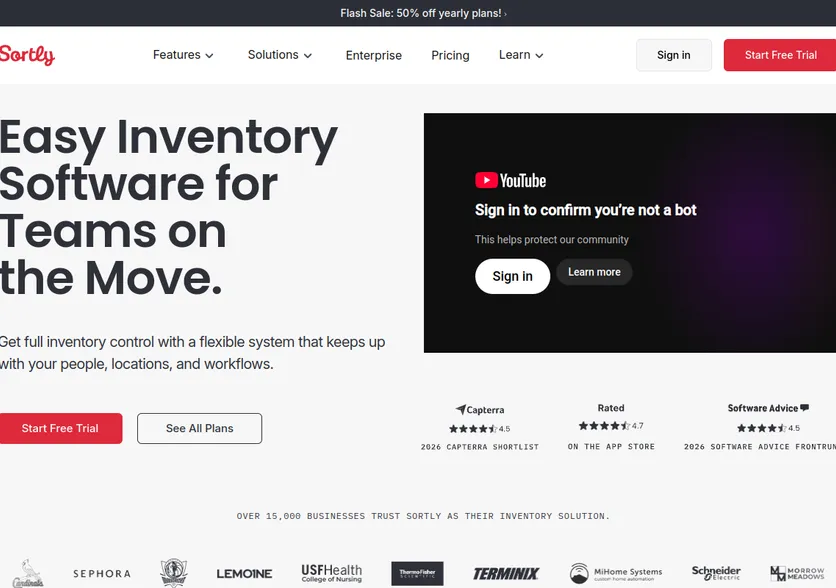
An engineering firm's consumables live in the lab, the workshop and the site store, and Sortly photographs them by location for $49 a month on Advanced. The plan covers 500 unique items and 2 users with QR labels and low-stock alerts, and a free plan covers 100 items. Purchase orders start on Ultra, so ordering needs the higher plan.
What we like
- Photos and QR codes make stock counts fast on a phone
- A free plan covers 100 items for one user
- Low-stock and date-based alerts catch expiry before it happens
Watch out for
- The $24 yearly figure is a first-year promotion, not the list price
- Purchase orders start on Ultra, not Advanced
How to try it
- Photograph each item and file it in folders by location
- Print QR labels and scan items in and out as they move
- Turn on low-stock alerts and count stock with the mobile app
5. Zoho Inventory
Best for: Engineering firms that sell spares or kits alongside services
Paid tool Starting price: $29/month · Twenty-nine dollars a month billed annually on the Standard plan per organization ($39 on monthly billing); Professional is $79, Premium $129 and Enterprise $249 a month billed annually
Free plan: Free plan with 50 orders a month and 1 user
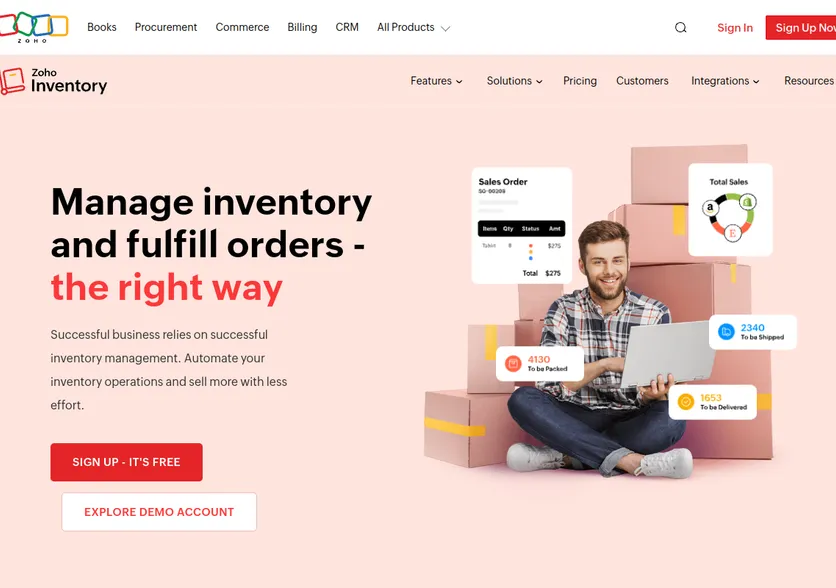
An engineering firm that sells spares or kits alongside services needs real stock control, and Zoho Inventory gives it from $29 a month on Standard. The plan covers 500 orders a month for 2 users at 2 locations, with composite items for kits assembled from parts. It is a stock system for the stores, not a project tool, so it sits beside the engineering software.
What we like
- A genuinely usable free plan covers 50 orders a month
- Pricing is per organization, not per user
- Serial and batch tracking arrive on paid plans
Watch out for
- Order, user and location caps force upgrades as volume grows
- The Zoho Books link is the smoothest accounting path, not QuickBooks
How to try it
- Add products with SKUs and opening stock at each location
- Connect the sales channels and let orders pull stock automatically
- Set reorder points and let the system raise purchase orders
6. inFlow Inventory
Best for: Engineering firms with one stores room and a few buyers
Paid tool Starting price: $99/month · Ninety-nine dollars a month billed annually on the Lite plan for 2 team members and 1 location ($129 on monthly billing); Core is $299, Pro $499 and Max $699 a month billed annually
Free plan: No free plan; 14-day free trial
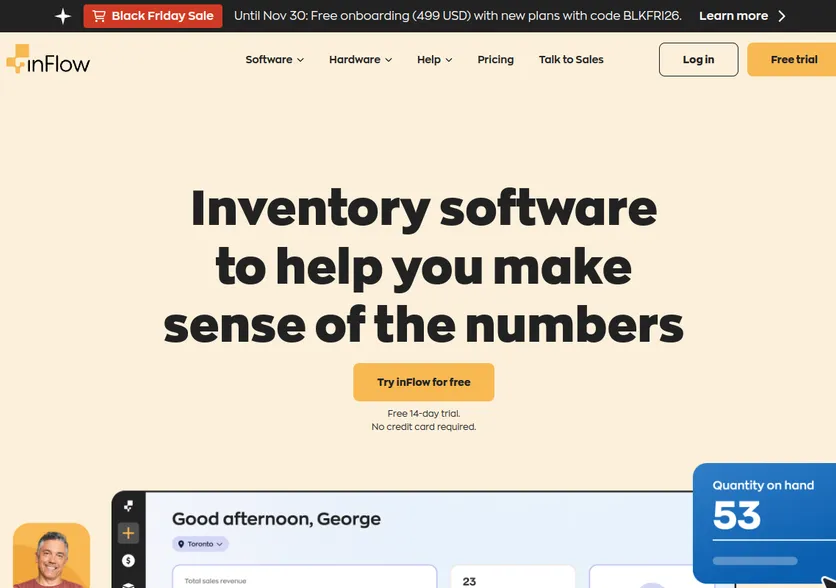
An engineering firm with one stores room and a handful of buyers needs purchase orders, barcodes and one stock list, and inFlow Inventory fits that shape on Lite at $99 a month billed annually. The plan covers unlimited products and orders for 2 team members at 1 location, with Core at $299 a month for 5 members and 5 locations. Serial tracking is a paid add-on on lower plans.
What we like
- Flat-rate plans keep the bill predictable as the team grows
- Unlimited products and orders on every plan
- Barcode scanning works on phones and desktops
Watch out for
- A $499 onboarding package is required on Core, Pro and Max
- Serial and lot tracking are paid add-ons on lower plans
How to try it
- Import the product list and set opening stock per location
- Create purchase orders from low-stock alerts and receive stock by barcode
- Run the inventory valuation report at month end for the books
7. QuickBooks Online
Best for: Engineering firms keeping books and stock in QuickBooks
Paid tool Starting price: $140/month · One hundred and forty dollars a month on the Plus plan for 5 users, which is where inventory tracking starts; Simple Start is $38 and Essentials is $85 a month, and new customers get 50% off the first three months
Free plan: 30-day free trial
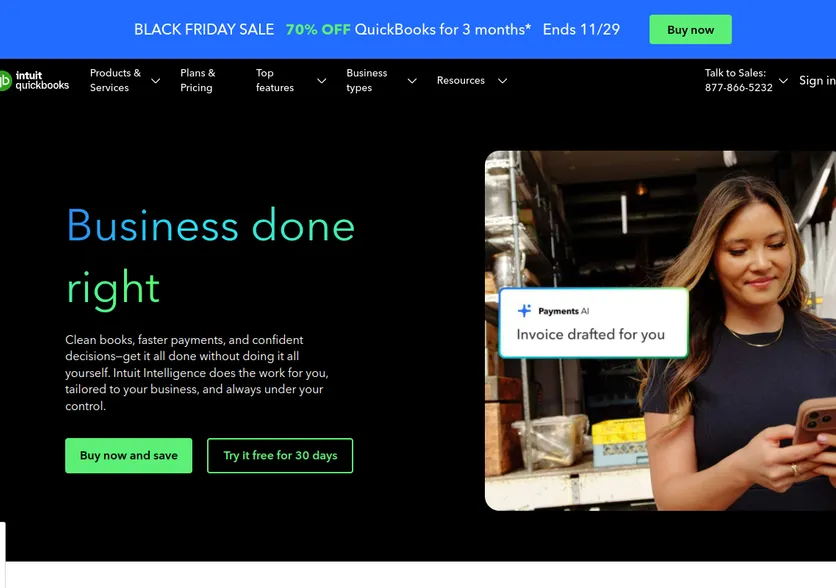
An engineering firm already running the books in QuickBooks needs stock to post to the same ledger, and QuickBooks Online adds inventory tracking on the $140 a month Plus plan. Plus covers 5 users with budgets, project profitability and 40 classes and locations, which suits job costing. The cheaper plans do not include inventory, so Plus is the entry point for stock.
What we like
- Inventory, invoicing and the books share one ledger
- Five users and two accountants on the Plus plan
- Budgets and project profitability sit beside stock
Watch out for
- Inventory tracking starts on Plus at $140, not on cheaper plans
- New-customer 50%-off pricing lasts three months only
How to try it
- Turn on inventory tracking and add products with costs
- Raise purchase orders and receive stock against them
- Reconcile the stock valuation with the balance sheet monthly
8. Cin7 Core
Best for: Engineering firms distributing spares through several channels
Paid tool Starting price: $349/month · Three hundred and forty-nine dollars a month on the Standard plan for 5 users and 6,000 sale orders a year; Pro is $599 and Advanced is $1,199 a month
Free plan: 14-day free trial; no free plan
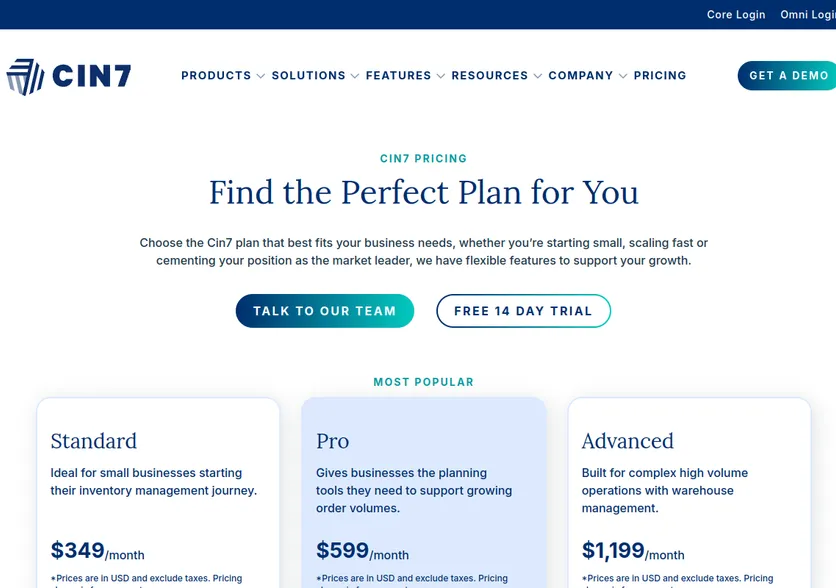
An engineering firm selling spares and kits through several channels needs one stock figure everywhere, and Cin7 Core syncs it for $349 a month on Standard. The plan covers 5 users, 6,000 sale orders a year and demand forecasting, with Pro at $599 and Advanced at $1,199 a month. It is more system than a single stores room needs, and the right size once distribution becomes a real channel.
What we like
- Stock syncs across every sales channel in real time
- Demand forecasting is built in, not an add-on
- More than 700 integrations cover most storefronts and warehouses
Watch out for
- The $349 entry price is steep for a single-channel seller
- Sale-order caps push high-volume sellers to Pro or Advanced
How to try it
- Connect each sales channel and warehouse to one Cin7 Core account
- Set reorder points on the fastest-moving SKUs and turn on forecasting
- Review the low-stock report daily and raise purchase orders from it
Prices above were checked on each vendor’s own website on Nov 28, 2026 and can change — the vendor’s page is the final word. Vendor links are editorial: nobody paid to be listed or ranked here. Vendors who want a featured listing can see how it works on our Get listed page.
How an engineering firm should run inventory with software
Start with the asset, not the shelf. An engineering firm that registers each rig, tool and instrument with its parts list and service history can answer a breakdown in minutes instead of days. Schedule preventive maintenance on the equipment that stalls projects when it fails, and issue spares against the work order that used them, so the stores record matches the job record. Count the stores room monthly and the site stores weekly, because the site is where small items disappear and the stores room is where expensive ones sit. Keep the offices, labs and sites on one register, so a tool booked out to one site is not promised to another.
Before you buy
- Check that equipment, spares and consumables share one register
- Confirm whether preventive maintenance schedules are included in the plan
- Ask whether the system tracks assets across offices, labs and sites
- Count the cost per user if the whole team needs a seat
- Run a trial with one real project, from stores issue to job close, before you commit
Official websites
Official websites of the products reviewed above. Features and prices were checked against these sites when this guide was written, and they can change, so confirm on the vendor site before you buy.
Frequently asked questions
What is inventory management software for engineering firms?
It is software that tracks the equipment, spares, components and consumables an engineering firm owns and uses, so projects do not stall for want of a part. The tools in this list do that through maintenance and asset management, equipment registers, or warehouse stock control. None of them does the engineering, but a good one stops a project waiting on a tool that is sitting in another building.
Which tool is cheapest for an engineering firm?
UpKeep is cheapest at $24 per user a month on Essential, and Zoho Inventory follows at $29 a month with a free plan below it. Sortly has a free plan for 100 items, then $49 a month on Advanced. Compare the total per user, because UpKeep charges by seat while Zoho and Sortly charge a flat plan price.
What does UpKeep cost for an engineering firm?
UpKeep costs $24 per user a month on the Essential plan, which covers work orders, assets and parts inventory in one mobile-first system. Premium is $55 per user a month, and the $20 Lite plan was retired. Per-user pricing adds up fast on a large team, so keep the seats to the people who run maintenance and issue parts.
Do engineering firms need maintenance software or stock software?
Most need both, and the split is simple: maintenance software such as UpKeep tracks the equipment and the work done on it, while stock software such as Zoho Inventory or inFlow tracks the spares and consumables on the shelf. The two meet at the work order, where parts issue against the asset. A firm that only tracks one side will keep losing the other.
Can these tools track assets across several sites?
Yes, the asset tools can: EZOfficeInventory follows each item across offices, labs and sites with location audits, and UpKeep shows where each asset sits with its service history. The stock tools, Fishbowl and inFlow, cover multi-location warehouses and stores rooms. Pick the register that matches the problem: moving equipment needs an asset tool, while stored spares need a stock tool.
Compare the eight tools above, then start with a free trial on the tool that matches how your engineering firms operation already counts stock before you pay for a full year.
Browse Business Tools tools