On this page
Selling products means tracking stock, and the accounting tool that ignores inventory leaves a seller counting boxes at midnight. The eight tools below pair bookkeeping with stock tracking, from a forty nine dollar visual app to a three hundred and forty nine dollar system, and every price was checked on the vendor site on November 26, 2026. Most offer a free trial, so you can test stock counts and purchase orders before paying. QuickBooks Online is our first pick — inventory and accounting in one place from a hundred and forty dollars a month.
How we researched this
We started with the accounting tools sellers actually buy, then read each price on the vendor pricing page on November 26, 2026 and checked which plan unlocks inventory tracking. We judged them for a small business that sells physical products and needs stock levels, purchase orders and costs in the same place as the books. We kept only tools with a published price, and we dropped any tool whose price we could not verify on the vendor site.
Compare the tools
| Name | Best for | Starting price | Free plan | |
|---|---|---|---|---|
 QuickBooks Online | Small sellers who want inventory and accounting in one place | $140/month | 30-day free trial | Visit |
 Katana | Makers and manufacturers who build what they sell | $299/month | 14-day free trial | Visit |
 Sortly | Small teams that want visual stock tracking with barcodes | $49/month | Free plan for up to 100 items | Visit |
 Xero | Small businesses that want clean cloud accounting with tracked stock | $27/month | 30-day free trial | Visit |
 Zoho Books | Small businesses already using Zoho apps that need inventory too | $50/month | Free plan for businesses under fifty thousand dollars in revenue | Visit |
 FreshBooks | Service businesses that sell a few physical products on the side | $23/month | 30-day free trial | Visit |
 inFlow Inventory | Sellers who outgrew spreadsheets and need warehouse-grade stock control | $129/month | 14-day free trial | Visit |
 Cin7 Core | Growing brands selling across several channels and warehouses | $349/month | No free tier published on the pricing page | Visit |
The accounting software for inventory management, compared
1. QuickBooks Online
Best for: Small sellers who want inventory and accounting in one place
Paid tool Starting price: $140/month · Plus plan, $140 a month; Simple Start $38 and Essentials $85 sit below it, Advanced $340 above it
Free plan: 30-day free trial
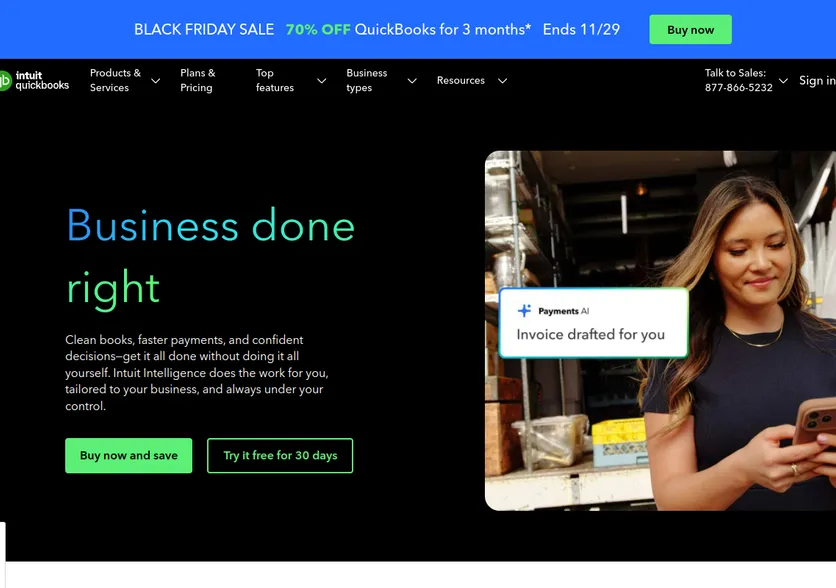
QuickBooks Online Plus is the accounting default for sellers who need stock levels, purchase orders and cost tracking in the same place as the books. This QuickBooks Online Plus plan tracks inventory quantities and values, ties stock to sales and purchases, and reports on what each product really earns. A small seller can run the whole business from one login instead of stitching a separate inventory app onto the accounts.
What we like
- Inventory, sales and accounting in one login
- Purchase orders tied to stock levels
- Reports show what each product really earns
Watch out for
- Plus costs a hundred and forty dollars a month
- Inventory tools sit behind the Plus tier, not the cheaper plans
How to try it
- Open the QuickBooks pricing page and start the Plus trial
- Add your products with opening stock quantities and costs
- Raise a purchase order and watch stock levels update on receipt
2. Katana
Best for: Makers and manufacturers who build what they sell
Paid tool Starting price: $299/month · Starter plan, $299 a month; higher tiers add more users and automation
Free plan: 14-day free trial
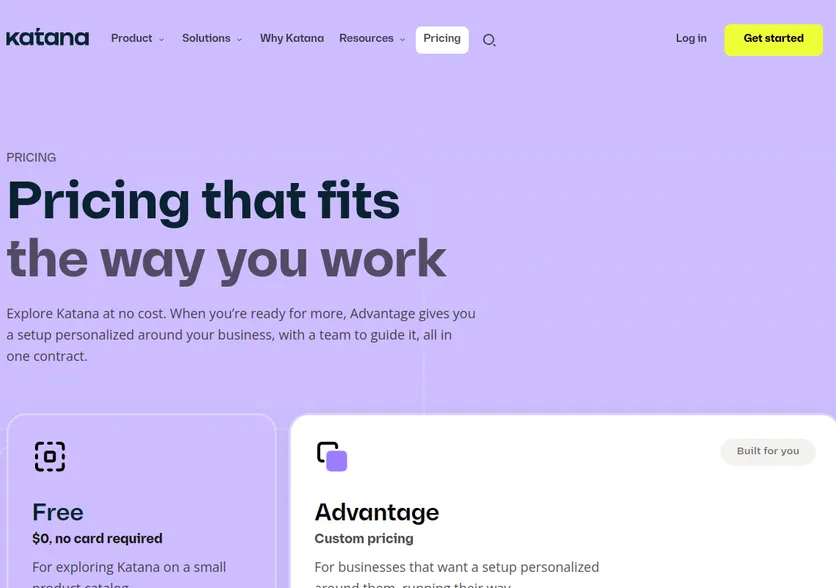
Katana is built for makers who sell what they build, and it treats inventory as the center of the business rather than an add-on. This Katana plan tracks raw materials, finished goods and work in progress, and it turns a sales order into a production plan with one click. A workshop that loses track of parts will find the live stock levels and reorder alerts worth the price alone.
What we like
- Live stock levels for raw materials and finished goods
- Sales orders turn into production plans
- Reorder alerts stop stockouts before they happen
Watch out for
- Two hundred and ninety nine dollars a month is steep for a hobby seller
- No accounting included, so pair it with a bookkeeping tool
How to try it
- Open the Katana pricing page and start a trial
- Add your raw materials and finished products with stock levels
- Create a sales order and let Katana plan the production run
3. Sortly
Best for: Small teams that want visual stock tracking with barcodes
Paid tool Starting price: $49/month · Advanced plan, $49 a month billed monthly; Ultra $149 and Premium $299 sit above it
Free plan: Free plan for up to 100 items
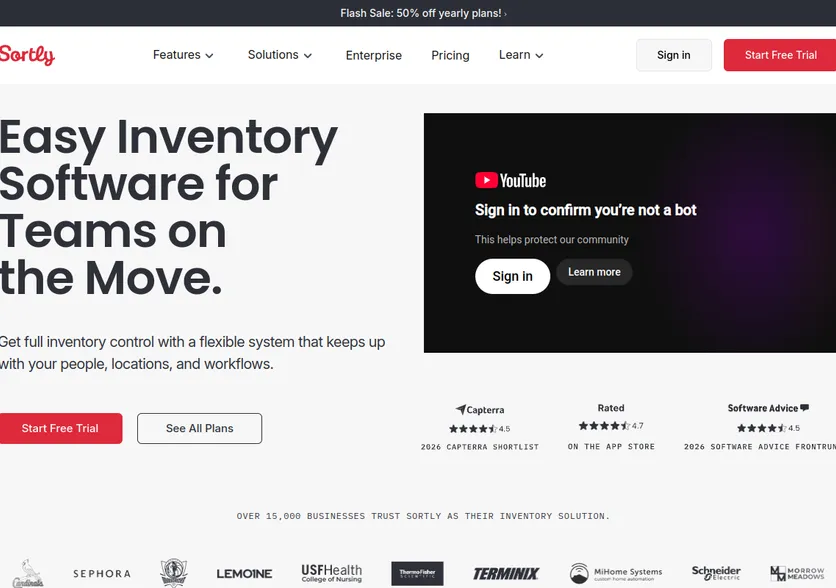
Sortly is the simplest tool on this list, a visual inventory app that a small team can learn in an afternoon. This Sortly Advanced plan adds barcode scanning, custom fields and low-stock alerts to the visual item lists, and it runs on phones as well as desktops. A seller with a stockroom full of boxes will like counting stock by scanning rather than typing.
What we like
- Visual item lists with photos are easy to scan
- Barcode scanning makes stock counts fast
- Runs on phones as well as desktops
Watch out for
- Advanced costs forty nine dollars a month
- Built for stock tracking, not full accounting
How to try it
- Open the Sortly pricing page and create a free account
- Add your items with photos, quantities and locations
- Scan a barcode when stock moves and check the low-stock alerts
4. Xero
Best for: Small businesses that want clean cloud accounting with tracked stock
Paid tool Starting price: $27/month · Early plan, $27 a month; Growing is $59 and Established is $97 a month; basic inventory tracking (up to 4,000 tracked items) is on every plan, while the fuller Inventory Plus add-on (Shopify and Amazon stock sync) needs Growing or Established
Free plan: 30-day free trial
Xero pairs clean cloud accounting with tracked inventory, so a small business can watch stock and cash in the same dashboard. This Xero plan tracks inventory items, values stock on hand and ties quantities to invoices and purchase orders. A business that already banks and bills online will find the learning curve short and the reports easy to share with an accountant.

What we like
- Clean dashboard shows stock and cash together
- Tracked items link to invoices and purchase orders
- Easy to share reports with an accountant
Watch out for
- The fuller Inventory Plus add-on needs the Growing or Established plan
- Inventory features are lighter than dedicated stock tools
How to try it
- Open the Xero pricing page and start a trial
- Set up tracked inventory items with purchase and sale prices
- Raise an invoice and watch the stock quantity drop automatically
5. Zoho Books
Best for: Small businesses already using Zoho apps that need inventory too
Paid tool Starting price: $50/month · Professional plan, $50 a month billed monthly or $40 a month billed annually; inventory tracking starts at Professional
Free plan: Free plan for businesses under fifty thousand dollars in revenue
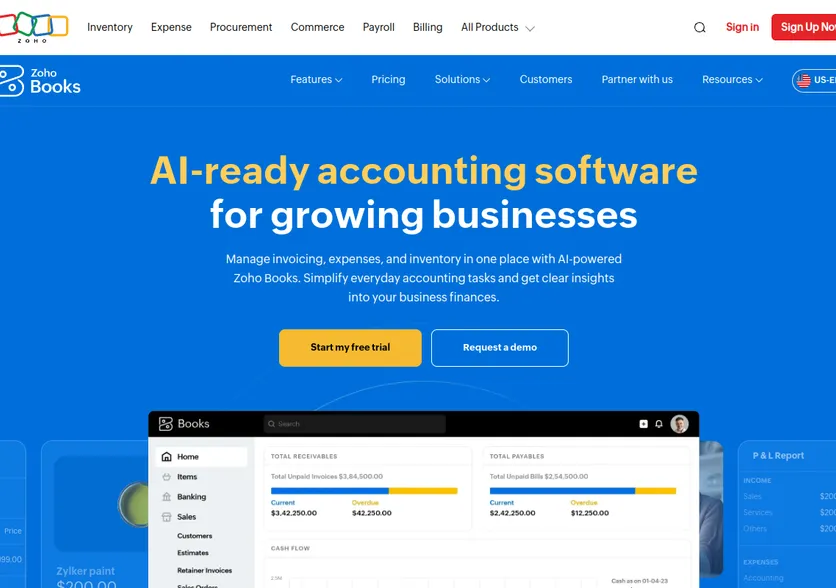
Zoho Books brings inventory into the same subscription as invoicing, expenses and tax, which keeps the monthly bill small. This Zoho Books Professional plan adds inventory tracking, warehouse management and multi-currency billing to the core accounting tools. A small business already using other Zoho apps will get the most value, since the tools share customers, items and reports.
What we like
- Inventory, invoicing and tax in one low bill
- Warehouse management included at Professional
- Shares customers and items with other Zoho apps
Watch out for
- Professional costs fifty dollars a month billed monthly
- The interface takes a day to learn
How to try it
- Open the Zoho Books pricing page and start a trial
- Add your items and opening stock to the Professional plan
- Connect your sales channel and let orders update stock levels
6. FreshBooks
Best for: Service businesses that sell a few physical products on the side
Paid tool Starting price: $23/month · Lite plan, $23 a month; Plus $43 and Premium $70 sit above it; inventory features are light, so check the fit before buying
Free plan: 30-day free trial
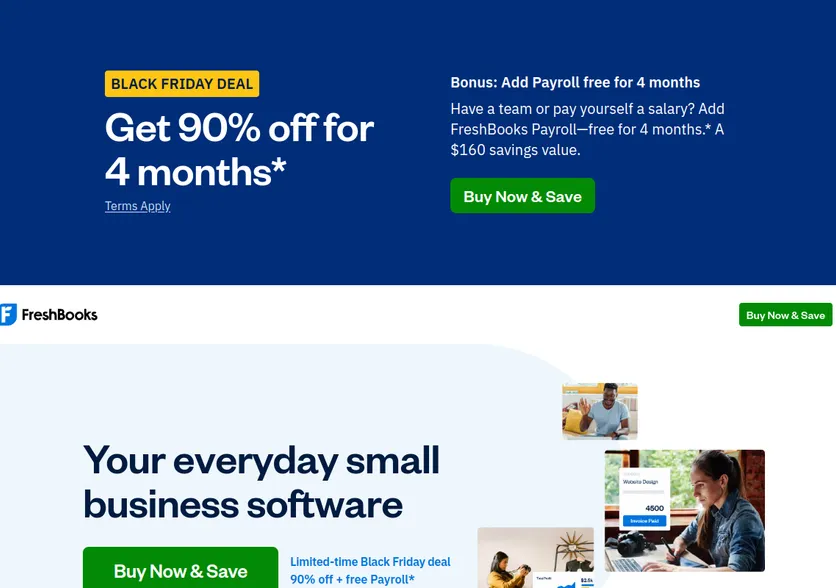
FreshBooks is the friendliest accounting tool here, built for service businesses that also sell a few physical products. This FreshBooks Lite plan covers invoicing, expenses and time tracking, with basic inventory tracking for simple stock. A freelancer who sells a handful of products alongside services will find it enough, while a warehouse business should look at the dedicated inventory tools above.
What we like
- The friendliest interface on this list
- Invoicing and expenses feel effortless
- Good for service businesses with a few products
Watch out for
- Lite costs twenty three dollars a month
- Inventory tracking is basic, not warehouse-grade
How to try it
- Open the FreshBooks pricing page and start a trial
- Add your products and set the stock quantities
- Send an invoice and check the inventory report at month end
7. inFlow Inventory
Best for: Sellers who outgrew spreadsheets and need warehouse-grade stock control
Paid tool Starting price: $129/month · Lite plan, $129 a month billed monthly or $99 a month billed annually; Core $379 and Pro $629 sit above it
Free plan: 14-day free trial
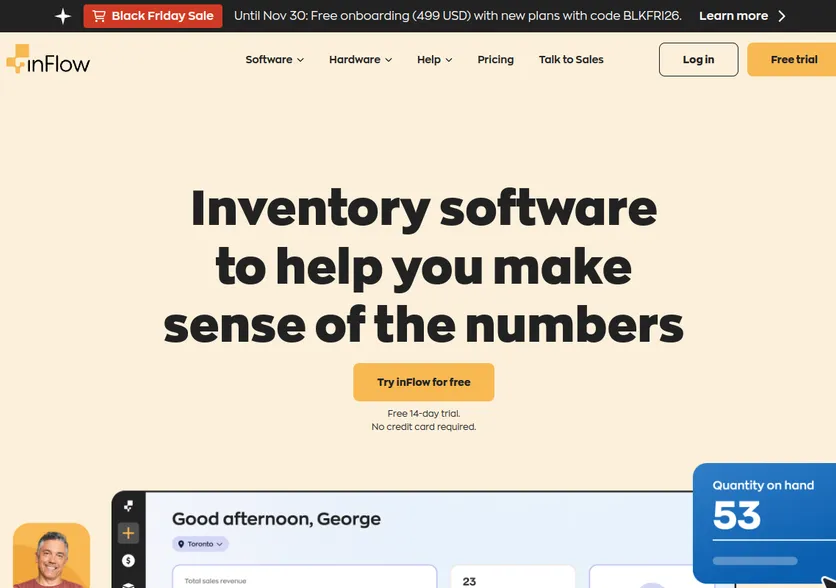
inFlow Inventory is a dedicated stock system that handles the warehouse side in depth, from purchase orders to barcodes. This inFlow Inventory Lite plan tracks stock across locations, manages suppliers and prints barcode labels, and it connects to common sales channels. A seller who outgrew spreadsheets will like the pick lists, stock counts and reorder points that keep the shelves honest.
What we like
- Deep stock tools across multiple locations
- Barcode labels and pick lists included
- Supplier and purchase order management built in
Watch out for
- Lite costs a hundred and twenty nine dollars a month billed monthly
- The interface looks dated next to newer tools
How to try it
- Open the inFlow pricing page and start a trial
- Import your product list with stock levels and suppliers
- Print barcode labels and run your first stock count
8. Cin7 Core
Best for: Growing brands selling across several channels and warehouses
Paid tool Starting price: $349/month · Core Standard plan, $349 a month; Pro $599 and Advanced $1,199 sit above it
Free plan: No free tier published on the pricing page
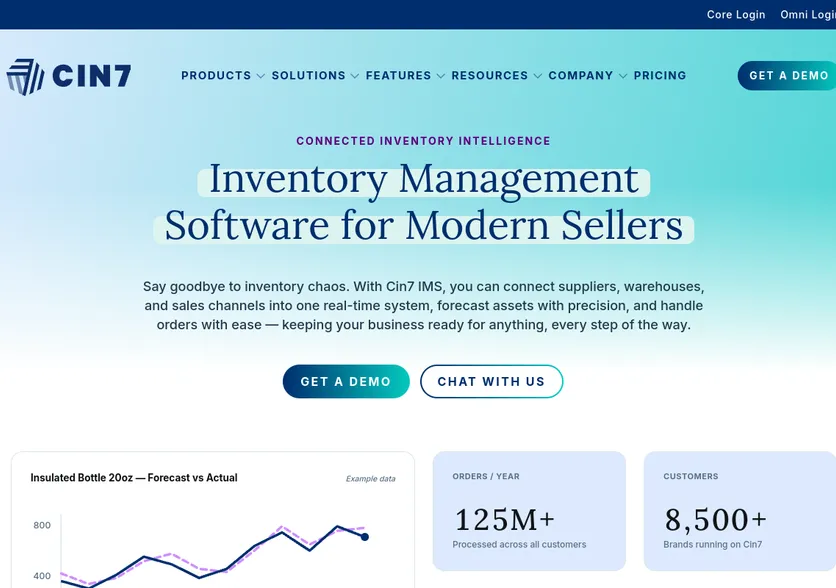
Cin7 Core is the heavyweight of this list, built for sellers who run stock across several sales channels and warehouses at once. This Cin7 Core Standard plan syncs inventory across online stores, marketplaces and physical locations, and it automates purchase orders and fulfillment. A growing brand with stock in more than one place will find the automation worth the higher price, while a single-store seller will not need it.
What we like
- Syncs stock across every sales channel
- Automates purchase orders and fulfillment
- Handles multiple warehouses without spreadsheets
Watch out for
- Standard costs three hundred and forty nine dollars a month
- Too much tool for a single-store seller
How to try it
- Open the Cin7 pricing page and book a demo
- Connect your sales channels and map the warehouses
- Sync stock across channels and set the reorder rules
Prices above were checked on each vendor’s own website on Nov 26, 2026 and can change — the vendor’s page is the final word. Vendor links are editorial: nobody paid to be listed or ranked here. Vendors who want a featured listing can see how it works on our Get listed page.
What accounting software with inventory costs in 2026
Most sellers pay for one seat, so the per-user price is the whole budget and the cheapest plan is not always the cheapest deal. This list runs from about forty nine dollars a month for visual stock tracking to three hundred and forty nine dollars a month for multi-channel inventory, and the plan that unlocks inventory is rarely the entry plan, so check the tier before you buy. The headline plan each vendor shows on its own pricing page is the number in the table above, checked on November 26, 2026.
Start with the free trial on two tools and run a real week of sales through both. Compare the stock counts, the purchase orders and the reports, then pick the tool your team will actually open every day. A tool that keeps stock honest pays for itself the first time it stops a stockout.
Before you buy
- Count the seats first, because most plans here charge per user and a small business feels every extra seat.
- Check which plan unlocks inventory, because the cheapest tier often hides stock tracking behind a pricier plan.
- Test the tool on your own products first, because a demo catalog never shows how it handles your stock.
- Ask whether it connects to your sales channels, because stock that does not sync will drift out of date fast.
- Add up the hours saved, because a tool that stops stockouts and late orders pays for itself in a month.
Official websites
Official websites of the products reviewed above. Features and prices were checked against these sites when this guide was written, and they can change, so confirm on the vendor site before you buy.
Frequently asked questions
Which accounting software is best for inventory management in 2026?
QuickBooks Online Plus, at a hundred and forty dollars a month, is the safest default because it pairs full accounting with stock tracking, purchase orders and product profitability in one login. Katana is better when you build what you sell, since it plans production from sales orders. Sortly wins on simplicity and price, at forty nine dollars a month for visual stock lists with barcode scanning.
What is the cheapest accounting software with inventory tracking?
Sortly Advanced, at forty nine dollars a month, is the cheapest entry here and covers visual stock lists, barcode scanning and low-stock alerts. Zoho Books Professional, at fifty dollars a month billed monthly, adds full accounting and warehouse management for nearly the same money. FreshBooks Lite, at twenty three dollars a month, is cheaper still, but its inventory tools are basic.
Can I try accounting software with inventory tracking for free?
Most of them, yes. QuickBooks Online, Xero and FreshBooks all offer free trials from their pricing pages, and Zoho Books and Sortly both carry free plans with limits. Start with the trial on two tools and run a real week of sales through each one, so you can compare stock counts and reports on your own products before paying.
Do I need separate inventory software if I use QuickBooks Online?
Not usually. QuickBooks Online Plus tracks stock quantities and values, ties inventory to invoices and purchase orders, and reports on what each product earns. Separate inventory software makes sense when you run several warehouses, sell across many channels, or manufacture goods, which is where Katana, inFlow Inventory and Cin7 Core earn their higher prices.
What is the difference between Zoho Books and Xero for inventory?
Both track inventory, but Zoho Books Professional adds warehouse management and multi-currency billing at fifty dollars a month, while Xero Growing keeps inventory simpler at fifty nine dollars a month with a cleaner dashboard. Zoho wins on price and depth, Xero wins on ease of use and its accountant-friendly reports. Try both free trials with your own stock list.
Need to run the numbers too? Try Toolsvine's free finance calculators right in your browser.
Browse Finance Calculators tools