
On this page
An IT team that cannot find a laptop, a licence or a warranty date is guessing, so inventory software with real reporting turns a pile of assets into answers. The seven tools below run from about twenty dollars a user a month to around three hundred dollars a month, and every price was checked on the vendor site on November 26, 2026. Most offer a free plan or a free trial, so you can load your real asset list before paying. Lansweeper is our first pick — deep network discovery from two hundred ninety-nine dollars a month.
How we researched this
We started with the IT inventory tools teams actually buy, then read each price on the vendor pricing page on November 26, 2026 and noted the free plan or trial each one carries. We judged them for a small IT team that needs asset discovery, licence tracking and reports it can hand to a manager. We kept only tools with a published price and dropped any tool whose price we could not verify on the vendor site.
Compare the tools
| Name | Best for | Starting price | Free plan | |
|---|---|---|---|---|
 Freshservice | IT teams that need ticketing beside the asset register | $19/agent/month | No free tier published on the pricing page; fourteen-day free trial | Visit |
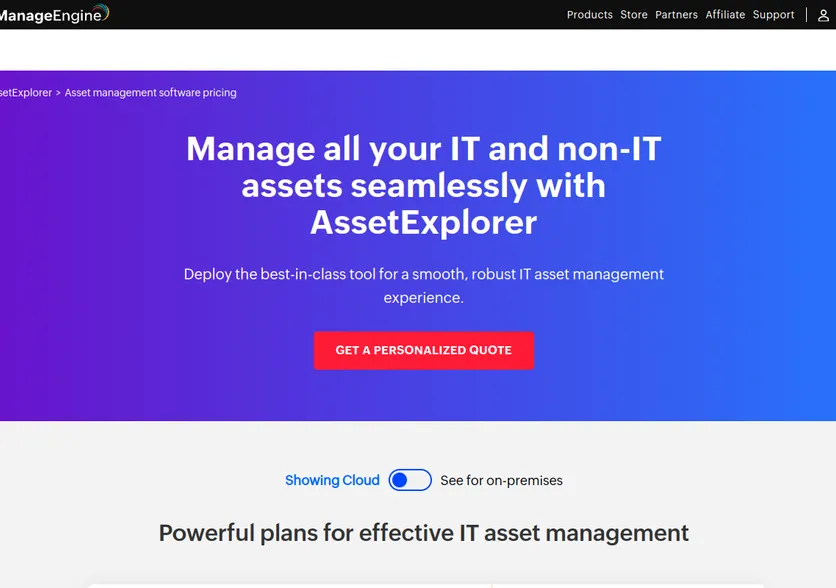
 ManageEngine AssetExplorer | IT teams that need full asset lifecycle tracking | $115/month | No free tier published on the pricing page; thirty-day free trial | Visit |
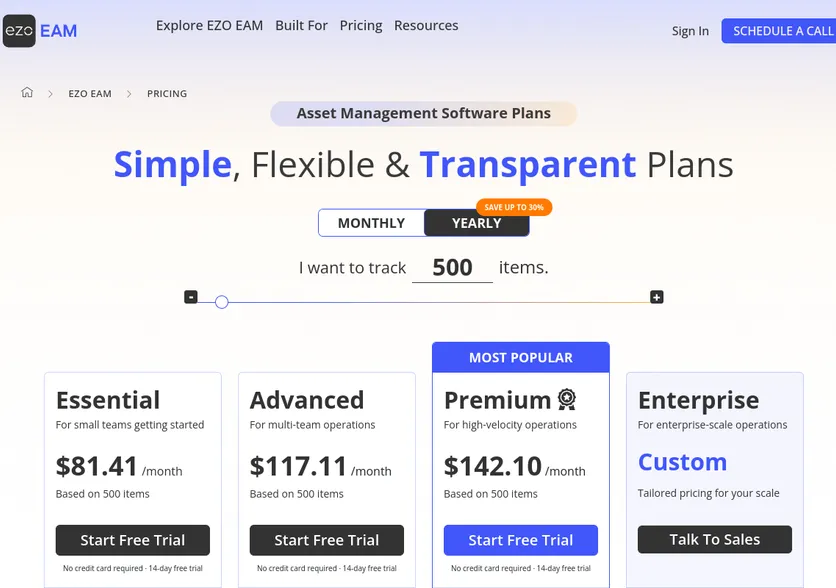
 EZOfficeInventory | Small teams that track assets by item count | $44.75/month | No free tier published on the pricing page; fourteen-day free trial | Visit |
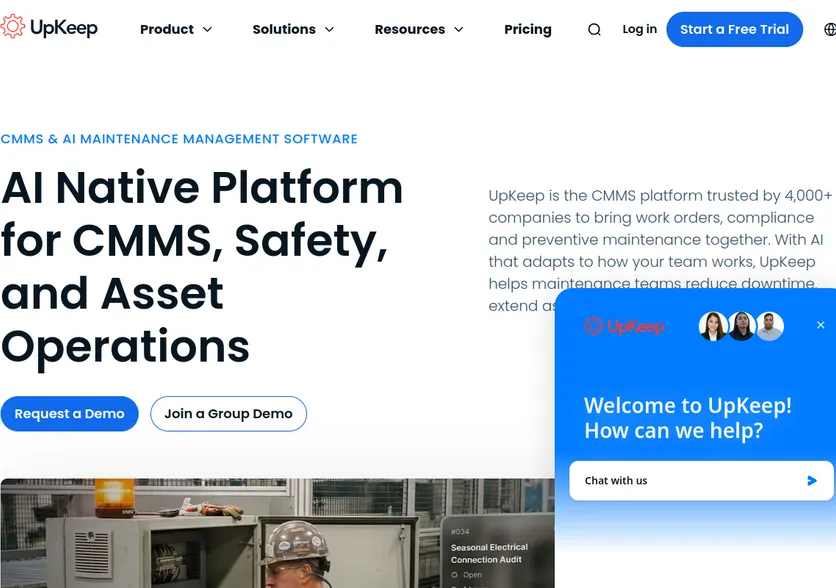
 UpKeep | Field teams that maintain assets on the go | $24/user/month | Free plan for up to three users | Visit |
 Lansweeper | IT teams that need full network discovery and audit reports | $299/month | No free tier published on the pricing page; free trial available | Visit |
 Snipe-IT | Budget-minded IT teams that want a full asset register | $39.99/month | No free tier published on the pricing page; fourteen-day free trial | Visit |
 IT Glue | IT teams that document client assets and passwords | $29/user/month | No free tier published on the pricing page; free trial available | Visit |
The IT inventory software with reporting tools, compared
1. Freshservice
Best for: IT teams that need ticketing beside the asset register
Paid tool Starting price: $19/agent/month · Starter plan, $19 an agent a month billed annually; Growth is $29
Free plan: No free tier published on the pricing page; fourteen-day free trial
Freshservice pairs asset tracking with the service desk, so every laptop and licence lives beside the tickets that mention it. This Freshservice Starter plan covers the asset inventory, ticket queue, knowledge base and automations for a small IT team. A team can see which laptop a ticket refers to without opening a second system.

What we like
- Assets and tickets in one workspace
- Discovery finds devices automatically
- Starter plan is the cheapest paid option here
Watch out for
- Starter costs nineteen dollars an agent a month
- Reporting depth grows only on higher plans
How to try it
- Open the Freshservice pricing page and start a trial
- Import your asset list and let discovery find the rest
- Link assets to tickets so support sees the device history
2. ManageEngine AssetExplorer
Best for: IT teams that need full asset lifecycle tracking
Paid tool Starting price: $115/month · Starts at $115 a month
Free plan: No free tier published on the pricing page; thirty-day free trial
ManageEngine AssetExplorer is the dedicated asset manager that tracks hardware, software and licences from purchase to retirement. This ManageEngine AssetExplorer plan covers asset discovery, licence compliance, purchase orders and depreciation reports for a growing IT team. A team can answer licence audits and warranty questions from one console instead of three spreadsheets.
What we like
- Full asset lifecycle from purchase to retirement
- Licence compliance reports built in
- Strong value for the feature depth
Watch out for
- Plans start at a hundred and fifteen dollars a month
- Interface feels dated beside newer rivals
How to try it
- Open the AssetExplorer pricing page and start a trial
- Run discovery across your network and import the results
- Set up licence compliance reports for your software
3. EZOfficeInventory
Best for: Small teams that track assets by item count
Paid tool Starting price: $44.75/month · Essential plan, $44.75 a month billed annually for 100 items; $81.41 a month at 500 items
Free plan: No free tier published on the pricing page; fourteen-day free trial
EZOfficeInventory is the asset tracker priced by how many items you own, so a small team pays for its register rather than per seat. This EZOfficeInventory Essential plan covers asset tracking, check-in and check-out, reservations and barcode labels for a hundred items. A team can scan a barcode, see who holds an asset and book it out without a per-user licence.
What we like
- Priced by item count, not per user
- Unlimited users on every plan
- Barcode and QR labels built in
Watch out for
- Essential costs about forty-five dollars a month billed annually
- Price rises with the item count
How to try it
- Open the EZOfficeInventory pricing page and start a trial
- Import your asset list and print barcode labels
- Check an asset out to a user and track its return
4. UpKeep
Best for: Field teams that maintain assets on the go
Paid tool Starting price: $24/user/month · Essential plan, $24 a user a month; Premium is $55 a user a month; Professional and Enterprise are quoted
Free plan: Free plan for up to three users
UpKeep is the mobile-first maintenance tool that puts asset history on the technician phone, so a field team can scan a QR code and see the full record. This UpKeep Essential plan covers work orders, asset tracking and the mobile app for a small maintenance team. A team can log a repair, attach a photo and close the work order from the asset itself.
What we like
- Mobile app built for field technicians
- QR codes pull up asset history instantly
- Free plan covers up to three users
Watch out for
- Essential costs twenty-four dollars a user a month
- Preventive maintenance needs the Premium plan
How to try it
- Open the UpKeep pricing page and start a trial
- Add your assets and print QR codes for each one
- Create a work order from a scanned asset in the field
5. Lansweeper
Best for: IT teams that need full network discovery and audit reports
Paid tool Starting price: $299/month · Starts at $299 a month
Free plan: No free tier published on the pricing page; free trial available
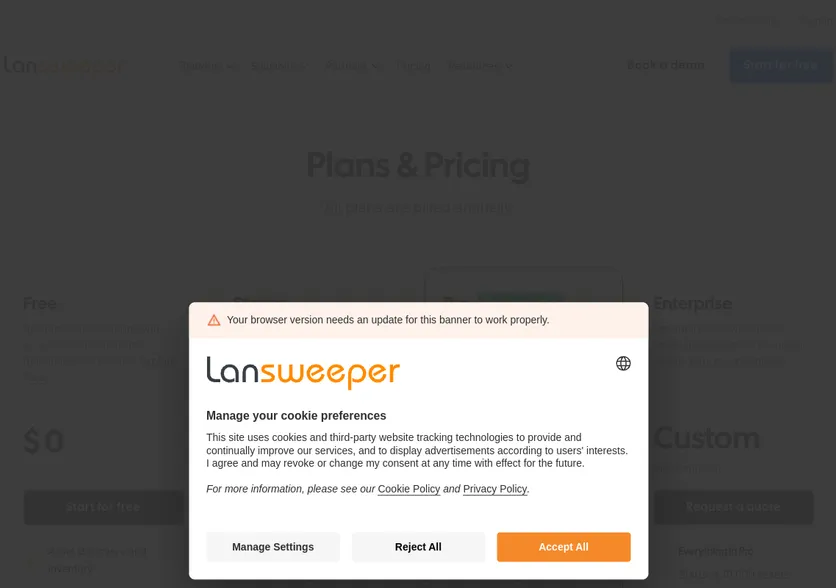
Lansweeper is the network discovery specialist that finds every device on the network and builds the inventory for you. This Lansweeper plan covers automated discovery, asset records, software recognition and reporting across the whole estate. An IT team can stop guessing what is plugged in and start reporting on the full inventory instead.
What we like
- Discovery finds devices you forgot existed
- Deep software recognition for audits
- Reports cover the whole estate at once
Watch out for
- Plans start at two hundred ninety-nine dollars a month
- Priced for teams, not solo operators
How to try it
- Open the Lansweeper pricing page and start a trial
- Run a network scan and review the discovered assets
- Build a software report for your next licence audit
6. Snipe-IT
Best for: Budget-minded IT teams that want a full asset register
Paid tool Starting price: $39.99/month · Cloud plan, $39.99 a month
Free plan: No free tier published on the pricing page; fourteen-day free trial
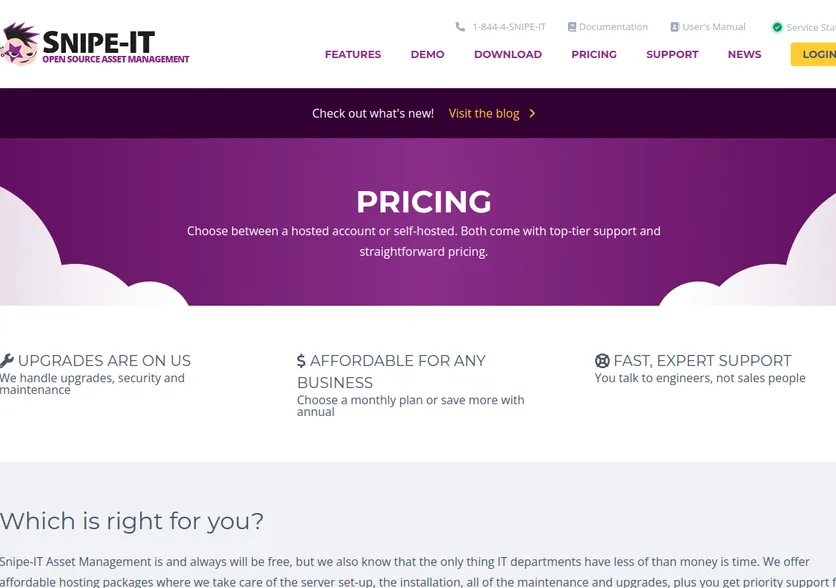
Snipe-IT is the open-source asset manager that a budget-minded IT team runs when the register matters more than the polish. This Snipe-IT cloud plan covers asset tracking, check-in and check-out, licences and custom reports for a small team. A team can self-host for free or pay a small monthly fee for the hosted version with support.
What we like
- Cheapest full asset manager on this list
- Open source with a self-hosting option
- Custom reports for audits and renewals
Watch out for
- Cloud plans start at about forty dollars a month
- Interface feels plainer than the polished rivals
How to try it
- Open the Snipe-IT pricing page and start a trial
- Import your asset register and assign items to users
- Build a custom report for licences due this quarter
7. IT Glue
Best for: IT teams that document client assets and passwords
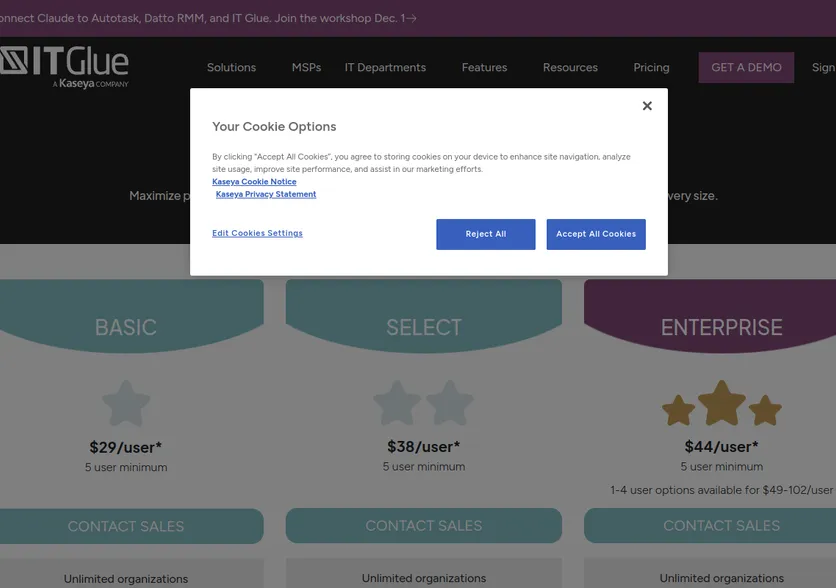
Paid tool Starting price: $29/user/month · Basic plan, $29 a user a month with a five-user minimum on a 36-month term; one-time onboarding fee applies
Free plan: No free tier published on the pricing page; free trial available
IT Glue is the documentation platform where asset records live beside passwords, procedures and client configurations. This IT Glue Basic plan covers structured documentation, the password vault and asset relationships for a five-user team. An IT team can look up a client device, its password and its warranty from one structured record.
What we like
- Structured records keep documentation consistent
- Password vault built into every plan
- Two-way PSA sync on higher plans
Watch out for
- Basic costs twenty-nine dollars a user a month
- Five-user minimum on a thirty-six-month term
How to try it
- Open the IT Glue pricing page and start a trial
- Create structured records for your client assets
- Link passwords and procedures to each asset
Prices above were checked on each vendor’s own website on Nov 26, 2026 and can change — the vendor’s page is the final word. Vendor links are editorial: nobody paid to be listed or ranked here. Vendors who want a featured listing can see how it works on our Get listed page.
What IT inventory software costs in 2026
A small IT team pays for a handful of seats or a flat monthly rate, so the billing unit is the whole budget and the cheapest plan is not always the cheapest deal. This list runs from about twenty dollars a user a month to around three hundred dollars a month, and some tools price by item count instead of seats. The headline plan each vendor shows on its own pricing page is the number in the table above, checked on November 26, 2026.
Start with the free plan or trial on two tools and load your real asset list into both. Compare how complete the discovery is and how useful the reports look, then pick the tool your team will actually keep updated. A forty-dollar tool with a current register beats a three-hundred-dollar tool nobody maintains.
Before you buy
- Count the assets first, because some plans here price by item count and a big estate feels every extra device.
- Check the discovery on the plan you like, because manual entry costs hours that automated scans save.
- Test the tool on your real register first, because a demo asset list never shows how it handles your messy licences.
- Ask whether the tool fits your work: Lansweeper discovers networks, Snipe-IT tracks assets cheaply, and Freshservice ties them to tickets.
- Add up the audit value, because a two-hundred-ninety-nine-dollar tool that passes a licence audit pays for itself once.
Official websites
Official websites of the products reviewed above. Features and prices were checked against these sites when this guide was written, and they can change, so confirm on the vendor site before you buy.
Frequently asked questions
Which IT inventory software is best in 2026?
Lansweeper, at two hundred ninety-nine dollars a month, is the safest default because automated discovery builds the inventory for you with deep software recognition. Snipe-IT is better when budget rules, since its cloud plan costs about forty dollars a month with custom reports. Freshservice wins when assets must sit beside the tickets that mention them.
What is the cheapest IT inventory software?
UpKeep Essential costs twenty-four dollars a user a month, and its free plan covers up to three users. IT Glue Basic, at twenty-nine dollars a user a month, is next, though it needs five users on a thirty-six-month term. Snipe-IT cloud, at about forty dollars a month, is the cheapest full asset register.
Can I track IT inventory for free?
Yes, UpKeep has a free plan for up to three users, and Snipe-IT can be self-hosted for free as open-source software. Freshservice, AssetExplorer, EZOfficeInventory, Lansweeper and IT Glue offer free trials instead, usually fourteen to thirty days, so you can load your real asset list before the first payment.
Do I need network discovery or manual asset entry?
Discovery scans the network and builds the register automatically, which suits teams with hundreds of devices that change often. Manual entry suits a small fixed register where every asset is known and rarely moves. Lansweeper and Freshservice discover devices for you, while Snipe-IT and EZOfficeInventory lean on imports and barcode scans.
Which tool is best for software licence compliance?
ManageEngine AssetExplorer is the strongest pick, because licence compliance reports are built into the plan. Lansweeper also reports software across the whole estate, which makes audits straightforward. Snipe-IT covers the same ground with custom reports, though you build the report yourself instead of opening a ready-made one.
Need free business help too? Try Toolsvine's free business tools for everyday work right in your browser.
Browse Business Tools tools


