On this page
An engineering firm runs on IT that carries real work: CAD workstations, license servers, project files and the VPN that connects the office to the site. When a workstation fails mid-project, the deadline slips. Atera leads this list because its $129-a-technician-a-month plan covers unlimited endpoints with patching, monitoring and remote access in one console, and the other eight tools are judged on the same practical test: how well they keep engineers working and projects on schedule.
How we researched this
We checked every price on the vendor pricing page on November 28, 2026, and only included tools with a published US dollar list price and a free trial or free plan. The big names in this category, including Datto, Kaseya and ConnectWise, publish no prices, so they are not in this list. Prices change, so confirm the current figure on the vendor site before you buy.
Compare the tools
| Name | Best for | Starting price | Free plan | |
|---|---|---|---|---|
 Atera | Engineering firms that want one console for workstations and servers | $129/technician/month | 30-day free trial | Visit |
 Syncro | Engineering firms that bill IT time to projects | $129/user/month | Free trial | Visit |
 SuperOps | Engineering firms that want per-technician pricing with a low entry | $99/technician/month | Free trial | Visit |
 NinjaOne | Engineering firms that want per-device pricing that falls with scale | $3.75/device/month | 14-day free trial | Visit |
 ManageEngine Endpoint Central | Engineering firms that want endpoint management with patching and software deployment | $795/year | Free edition for up to 25 endpoints | Visit |
 Jira Service Management | Engineering firms that want IT service tied to project work | $21.50/agent/month | Free plan for up to 3 agents | Visit |
 SolarWinds Service Desk | Engineering firms that want a straightforward IT service desk | $39/technician/month | 30-day free trial | Visit |
| ManageEngine ServiceDesk Plus | Engineering firms that want a low-cost IT service desk | $13/technician/month | Standard free for up to 5 technicians | Visit |
 Zoho Desk | Engineering firms that want low-cost support with a free start | $14/agent/month | Free plan for up to 3 users | Visit |
The IT management software for engineering firms, compared
1. Atera
Best for: Engineering firms that want one console for workstations and servers
Paid tool Starting price: $129/technician/month · MSP Pro $129 per technician a month billed annually, or $139 on monthly billing; Growth $159 a month; Power $209; IT Dept Professional $149; unlimited endpoints on every plan
Free plan: 30-day free trial
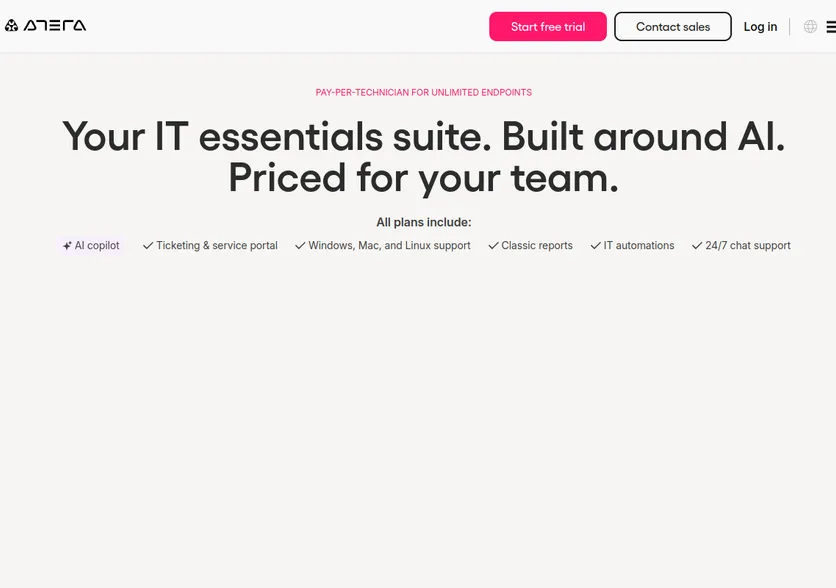
Atera manages an engineering firm's workstations and license servers for $129 per technician a month billed annually, with unlimited endpoints and ticketing in one console. CAD workstations, the license server and the office PCs all show in one place, and remote access fixes most issues without a visit to the desk. The AI Copilot is included free on all plans, which helps a small team triage tickets faster.
What we like
- Unlimited endpoints on every plan
- Monitoring, patching and ticketing in one console
- AI Copilot included free on all plans
Watch out for
- Per-technician pricing suits small teams, not large ones
- The Growth plan price varies between sources, so confirm it
How to try it
- Install the Atera agent on every workstation and server
- Set up monitoring alerts for CAD machines and the license server
- Fix issues remotely and track tickets to completion
2. Syncro
Best for: Engineering firms that bill IT time to projects
Paid tool Starting price: $129/user/month · MSP Core $129 per user a month billed annually, or $159 on monthly billing; Team $179; IT Teams $179; unlimited endpoints on every plan
Free plan: Free trial
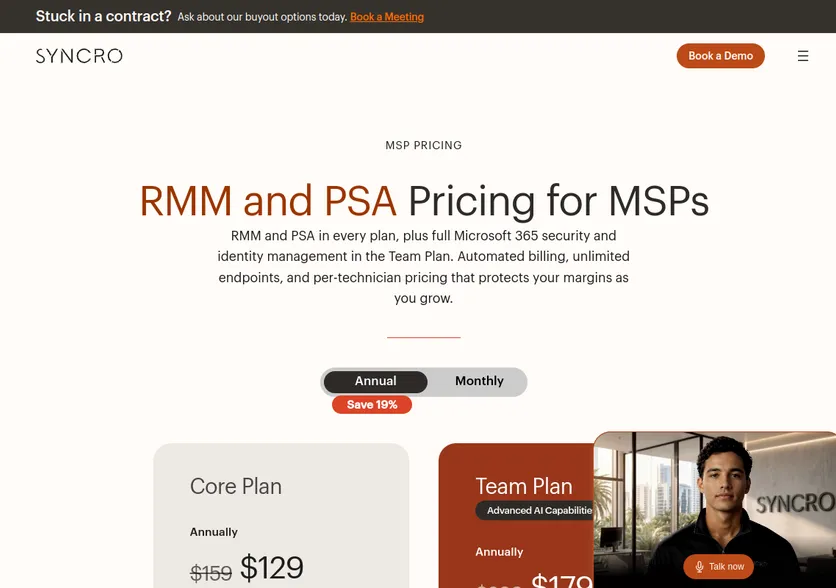
Syncro pairs remote monitoring with ticketing and billing for $129 per user a month billed annually, which suits an engineering firm that bills IT time to projects. Unlimited endpoints come on every plan, so the bill follows the team size, not the device count, and the customer portal keeps the firm's own clients informed. The billing system suits a firm that charges IT support back to project budgets.
What we like
- RMM, ticketing and billing share one system
- Unlimited endpoints on every plan
- Customer portal keeps clients informed
Watch out for
- AI features become usage-based after January 2027
- Billing features suit MSPs more than single firms
How to try it
- Install the Syncro agent on every workstation and server
- Set up monitoring alerts and ticket rules for common failures
- Invoice IT support time back to project budgets
3. SuperOps
Best for: Engineering firms that want per-technician pricing with a low entry
Paid tool Starting price: $99/technician/month · MSP RMM only $99 per technician a month billed annually, or $109 on monthly billing; Pro $129; Super $159; IT teams Prime from $1.50 per endpoint a month
Free plan: Free trial
SuperOps covers an engineering firm's devices for $99 per technician a month billed annually on the RMM-only plan, with monitoring, patching and remote access included. Each licence covers 150 endpoints, which is more than a firm's workstations and servers will ever need, and Pro at $129 adds PSA ticketing. The per-technician model suits a firm with one or two IT people and a growing workstation fleet.
What we like
- Lowest per-technician entry at $99 a month
- Each licence covers 150 endpoints
- Modern interface that is quick to learn
Watch out for
- RMM only on the entry plan, ticketing costs more
- Per-endpoint pricing for IT teams works differently
How to try it
- Install the SuperOps agent on every workstation and server
- Set up patch policies for CAD machines and office PCs
- Upgrade to Pro when the firm needs PSA ticketing
4. NinjaOne
Best for: Engineering firms that want per-device pricing that falls with scale
Paid tool Starting price: $3.75/device/month · Published range only: $3.75 per device a month at 50 or fewer endpoints, down to $1.50 at 10,000; tiers between are not published, and the exact rate is by quote; varies by region and products; commercial non-FedRAMP instance only
Free plan: 14-day free trial
NinjaOne manages an engineering firm's workstations for under $4 per device a month at 50 or fewer endpoints, with the published rate falling to a dollar fifty a device at 10,000. Monitoring, patching, remote access and ticketing share one console, so CAD workstations and the license server are managed together. The exact rate between those two points is by quote, so a firm should ask for its rate at its real device count.
What we like
- Per-device pricing falls with scale
- Monitoring, patching and ticketing share one console
- Low entry rate for small device fleets
Watch out for
- Mid-tier rates are not published, only the range
- Exact rate is by quote, so confirm it before buying
How to try it
- Install the NinjaOne agent on every workstation and server
- Set up patch policies and monitoring alerts for the fleet
- Ask for a quote at the firm's real device count before committing
5. ManageEngine Endpoint Central
Best for: Engineering firms that want endpoint management with patching and software deployment
Paid tool Starting price: $795/year · Professional $795 a year for 50 endpoints on-premises, or $1,045 a year on cloud; Enterprise $945 on-premises; UEM $1,095; Security $1,695; free edition for up to 25 endpoints
Free plan: Free edition for up to 25 endpoints
This ManageEngine Endpoint Central plan costs $795 a year for 50 endpoints on the on-premises Professional edition, and it covers patching, software deployment and remote control for the firm's workstations. CAD software updates can be pushed to every workstation at once, and the free edition covers 25 endpoints, which lets a small firm start without paying. The cloud edition costs $1,045 a year for the same 50 endpoints.
What we like
- Patching and software deployment share one console
- Free edition covers 25 endpoints
- On-premises edition suits firms that keep data in-house
Watch out for
- Cloud and on-premises prices differ, so compare both
- The entry tier caps at 50 endpoints
How to try it
- Install the Endpoint Central agent on every workstation
- Set up patch policies for CAD software and the operating system
- Push software updates to all workstations at once
6. Jira Service Management
Best for: Engineering firms that want IT service tied to project work
Paid tool Starting price: $21.50/agent/month · Standard $21.50 per agent a month at the pricing page's default 75-agent size; tiered from $26.90 at 1 to 15 agents down to $17.50 at 100 agents on annual billing; Premium $55.28; free for up to 3 agents
Free plan: Free plan for up to 3 agents
This Jira Service Management plan costs about $21 per agent a month at the pricing page's default 75-agent size, and it is the IT service desk that speaks the same language as the firm's project work. IT tickets link to the engineering projects they affect, so a workstation failure shows up beside the project it delays. The free plan covers 3 agents, and Premium at about $55 adds the automation a larger firm needs.
What we like
- IT tickets link to engineering projects
- Free plan covers 3 agents
- Deep integration with Jira project work
Watch out for
- Pricing is tiered by agent count, so the rate varies
- AI usage billing starts in December 2026
How to try it
- Set up service desk projects for each engineering team
- Link IT tickets to the projects they affect
- Automate common requests like access and software installs
7. SolarWinds Service Desk
Best for: Engineering firms that want a straightforward IT service desk
Paid tool Starting price: $39/technician/month · Essentials $39 per technician a month billed annually; Advanced $99; Premier $124; 30-day free trial
Free plan: 30-day free trial
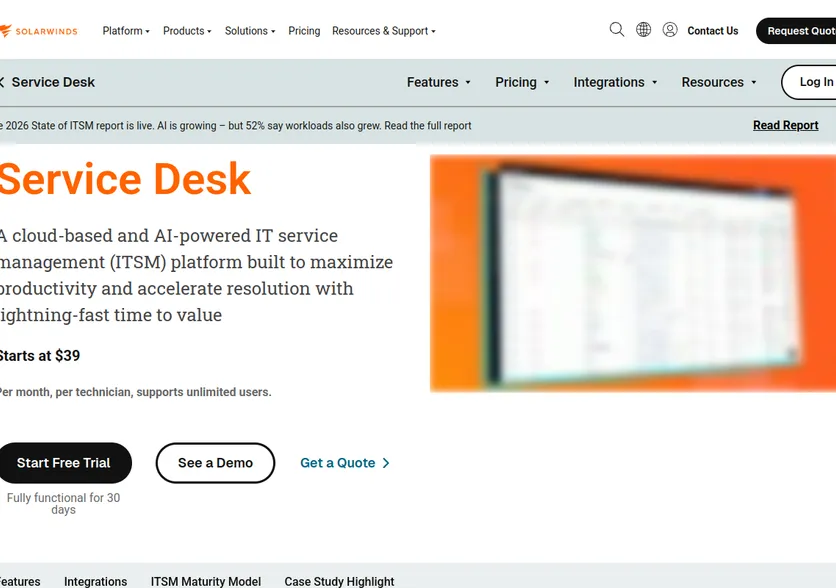
This SolarWinds Service Desk plan costs $39 per technician a month billed annually on Essentials, and it is a straightforward IT service desk for incident and asset management. A workstation failure becomes a tracked ticket with the asset record attached, so the fix is documented and the history is kept. Advanced at $99 adds the automation and change management a larger firm needs.
What we like
- Straightforward service desk with no learning curve
- Incident and asset management share one system
- Low entry price at $39 a technician a month
Watch out for
- Deeper automation needs the Advanced plan
- No free plan, only a 30-day trial
How to try it
- Set up the service desk for incident and asset management
- Link tickets to the affected workstation from the asset register
- Add change management when the firm needs it
8. ManageEngine ServiceDesk Plus
Best for: Engineering firms that want a low-cost IT service desk
Paid tool Starting price: $13/technician/month · Cloud Standard $13 per technician a month on annual billing; Professional $27; Enterprise $67; Standard is free for up to 5 technicians; paid cloud Standard from $1,545 a year for 10 technicians; add-ons $1,595 a year each in cloud
Free plan: Standard free for up to 5 technicians
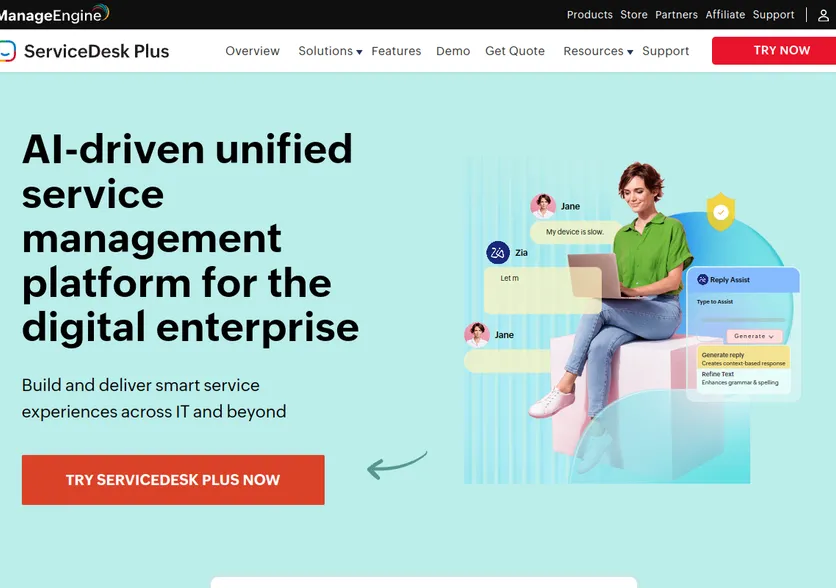
This ManageEngine ServiceDesk Plus plan costs $13 per technician a month on annual billing for cloud Standard, and it is the cheapest service desk in this list. Incident, problem and change management share one system, and Standard is free for up to 5 technicians, which lets a small firm start without paying. Professional at $27 adds the asset management a firm with a workstation fleet needs.
What we like
- Cheapest service desk in this list at $13 a technician a month
- Free for up to 5 technicians
- Incident, problem and change management in one system
Watch out for
- Add-ons cost $1,595 a year each in cloud
- Asset management needs the Professional plan
How to try it
- Set up the service desk for incident and problem management
- Link tickets to workstations from the asset register
- Add asset management on Professional when the fleet grows
9. Zoho Desk
Best for: Engineering firms that want low-cost support with a free start
Paid tool Starting price: $14/agent/month · Standard $14 per agent a month billed annually, or $20 on monthly billing; Express $7; Professional $23; Enterprise $40; free for up to 3 users; Zoho geo-serves its pricing page, so the USD figures may show in another currency from some locations
Free plan: Free plan for up to 3 users
Zoho Desk runs an engineering firm's support inbox for $14 per agent a month billed annually on Standard, and it is the cheapest support desk in this list. Ticketing, a knowledge base and a customer portal come on the entry plan, and the free plan covers 3 users, which lets a small firm start without paying. Professional at $23 adds the automation and reporting a growing support team needs.

What we like
- Cheapest support desk in this list at $14 an agent a month
- Free plan covers 3 users
- Knowledge base and customer portal on the entry plan
Watch out for
- Pricing page shows local currency from some locations
- Deeper automation needs the Professional plan
How to try it
- Set up the support inbox and customer portal
- Add a knowledge base for the questions staff ask most
- Upgrade to Professional when the team needs automation
Prices above were checked on each vendor’s own website on Nov 28, 2026 and can change — the vendor’s page is the final word. Vendor links are editorial: nobody paid to be listed or ranked here. Vendors who want a featured listing can see how it works on our Get listed page.
How an engineering firm should run its IT
Start with the workstations. CAD machines and the license server are the two systems that stop a project when they fail, so monitor those first and patch them on a schedule that does not interrupt project work. Tie IT tickets to the projects they affect, so a workstation failure shows up beside the deadline it threatens. Keep one system as the home for tickets, so a broken license server and a dead workstation both become tracked jobs instead of hallway requests. Finally, run a trial on one real failure, from alert to fixed, before you commit to a year.
Before you buy
- Check that monitoring covers CAD workstations and license servers, not only office PCs
- Confirm whether the price is per technician, per device or per agent before you compare
- Ask how IT tickets link to the engineering projects they affect
- Count the cost at your real device and agent count, including free tiers
- Run a trial on one real workstation failure, from ticket to fixed, before you commit
Official websites
Official websites of the products reviewed above. Features and prices were checked against these sites when this guide was written, and they can change, so confirm on the vendor site before you buy.
Frequently asked questions
What is IT management software for engineering firms?
It is software that monitors, patches and fixes the computers an engineering firm depends on, from CAD workstations to license servers, and runs the service desk that answers staff requests. The tools in this list cover remote monitoring, endpoint management, ticketing and service desks, from free for small teams to $129 a technician a month. A firm needs it because a failed workstation stops a project, and a project that stops misses its deadline.
How much does IT management software cost for an engineering firm?
The tools in this list start free: Endpoint Central is free for 25 endpoints, Jira Service Management is free for 3 agents, and ServiceDesk Plus is free for 5 technicians. Paid plans run from $13 a technician a month on ServiceDesk Plus and about $21 an agent a month on Jira Service Management, to under $4 a device a month on NinjaOne. A firm with 20 workstations and 3 agents pays roughly $60 to $150 a month.
Which tool is best for an engineering firm?
Atera is the best overall pick, since unlimited endpoints with patching, monitoring and remote access cost $129 a technician a month. Jira Service Management is the best pick for engineering workflows at $21.50 an agent a month, since IT tickets link to the projects they affect. NinjaOne is the best per-device pick at $3.75 a month, with the rate falling to $1.50 at scale.
Can these tools manage CAD workstations and license servers?
Yes, Atera, Syncro, SuperOps and NinjaOne monitor workstations and servers together, with patching and remote access for both. Endpoint Central pushes CAD software updates to every workstation at once for $795 a year for 50 endpoints on-premises. The service desks in this list, including Jira Service Management and ServiceDesk Plus, track failures on those machines with the asset record attached.
How do I keep IT tickets tied to project deadlines?
Use a service desk that links tickets to projects, like Jira Service Management, where a workstation failure shows up beside the project it delays. Raise the ticket with the project named, set the priority by the deadline, and review open tickets in the project stand-up. The RMM tools in this list monitor the machines, while the service desk tracks the work, so a firm that wants both needs one tool from each side.
Compare the nine tools above, then start with a free trial on the tool that matches how your firm already runs IT and projects before you pay for a full year.
Browse Business Tools tools