
On this page
A freelance IT technician runs a whole department alone, so the right tool has to monitor the fleet, push patches, answer tickets and keep the documentation straight. The seven tools below run from about nineteen dollars an agent a month to a hundred and forty-nine dollars a technician a month, and every price was checked on the vendor site on November 26, 2026. Most offer a free trial, so you can install agents on real client machines before paying. Atera is our first pick — the whole stack from a hundred and forty-nine dollars a technician a month.
How we researched this
We started with the IT management tools freelancers actually buy, then read each price on the vendor pricing page on November 26, 2026 and noted the free plan or trial each one carries. We judged them for a solo technician who needs remote monitoring, patching, ticketing and documentation without a team behind them. We kept only tools with a published price and dropped any tool whose price we could not verify on the vendor site.
Compare the tools
| Name | Best for | Starting price | Free plan | |
|---|---|---|---|---|
 Atera | Freelancers who run the whole IT stack for clients | $149/technician/month | No free tier published on the pricing page; thirty-day free trial | Visit |
 Syncro | Freelancers who want RMM and PSA in one subscription | $129/user/month | No free tier published on the pricing page; free trial available | Visit |
 Pulseway | Freelancers who manage a small fleet of devices | $27/month | No free tier published on the pricing page; fourteen-day free trial | Visit |
 SuperOps | Freelancers who want modern RMM with AI assistance | $129/technician/month | No free tier published on the pricing page; free trial available | Visit |
 IT Glue | IT teams that document client assets and passwords | $29/user/month | No free tier published on the pricing page; free trial available | Visit |
 Hudu | Freelancers who need documentation without a minimum | $27/user/month | No free tier published on the pricing page; fourteen-day free trial | Visit |
 Freshservice | Freelancers who need ticketing beside the IT stack | $19/agent/month | No free tier published on the pricing page; fourteen-day free trial | Visit |
The IT management software for freelancers, compared
1. Atera
Best for: Freelancers who run the whole IT stack for clients
Paid tool Starting price: $149/technician/month · $149 a technician a month billed monthly; $129 a month billed annually
Free plan: No free tier published on the pricing page; thirty-day free trial
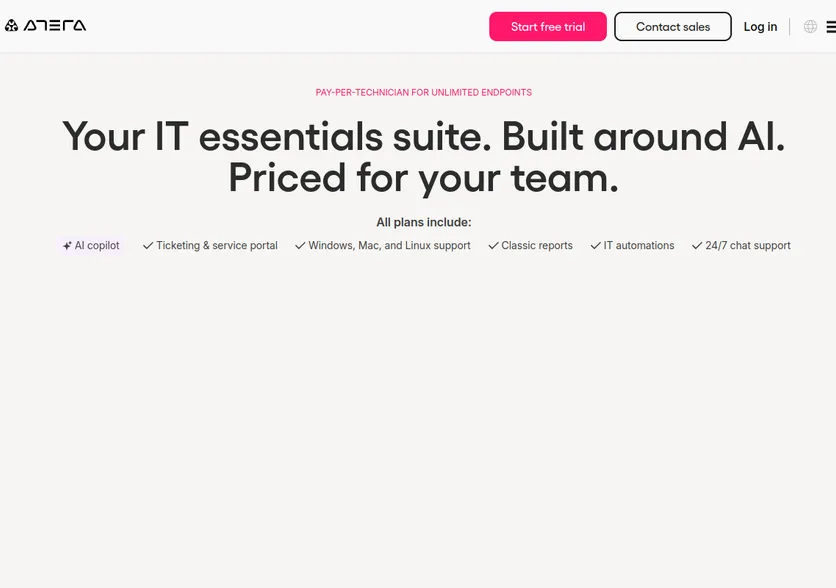
Atera is the all-in-one IT platform that puts remote monitoring, patching, helpdesk and automation in one console for a solo technician. This Atera plan covers unlimited devices, remote access, ticketing and automations for one technician. A freelancer can monitor every client machine, push patches and answer tickets without buying four tools.
What we like
- Unlimited devices on every plan
- Remote monitoring and helpdesk in one console
- Automations handle patching and alerts for you
Watch out for
- Costs a hundred and forty-nine dollars a month per technician
- Per-technician pricing, not per device
How to try it
- Open the Atera pricing page and start a trial
- Install agents on your client devices and group them by site
- Turn on patching automations for the whole fleet
2. Syncro
Best for: Freelancers who want RMM and PSA in one subscription
Paid tool Starting price: $129/user/month · Core plan, $129 a user a month billed annually; $159 a month billed monthly; Team is $179
Free plan: No free tier published on the pricing page; free trial available
Syncro is the RMM and PSA platform that pairs remote monitoring with the billing a freelancer needs to invoice clients. This Syncro Core plan covers remote monitoring, ticketing, scripting and invoicing for a solo technician. A freelancer can watch client machines, fix issues remotely and send the invoice from the same login.
What we like
- RMM and PSA in one subscription
- Invoicing built in for client billing
- Scripting automates repeat fixes
Watch out for
- Core costs a hundred and twenty-nine dollars a user a month
- Some features need the Team plan
How to try it
- Open the Syncro pricing page and start a trial
- Install agents on client machines and set up monitoring alerts
- Create an invoice for a client from a completed ticket
3. Pulseway
Best for: Freelancers who manage a small fleet of devices
Paid tool Starting price: $27/month · About $27 a month for 20 devices; price rises with device count
Free plan: No free tier published on the pricing page; fourteen-day free trial
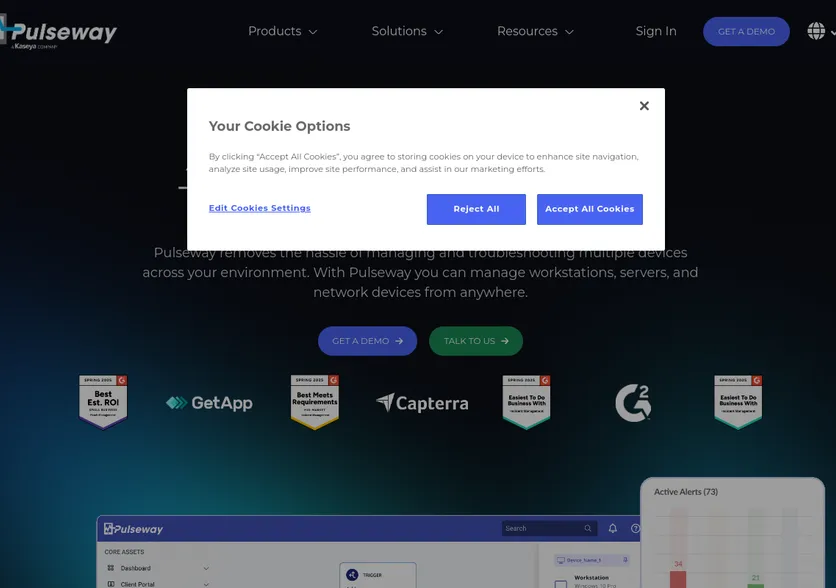
Pulseway is the mobile-first RMM that lets a freelancer monitor and fix client machines from a phone, so the office can stay in your pocket. This Pulseway plan covers remote monitoring, patch management and automation for about twenty devices. A freelancer can restart a server, push a patch and check alerts from anywhere without opening a laptop.
What we like
- Mobile app controls the whole fleet
- Priced by device count, not per technician
- Automation handles patches and alerts
Watch out for
- Costs about twenty-seven dollars a month for twenty devices
- Price rises as the device count grows
How to try it
- Open the Pulseway pricing page and start a trial
- Install agents on your client devices and set alert rules
- Approve a patch from the mobile app while you are out
4. SuperOps
Best for: Freelancers who want modern RMM with AI assistance
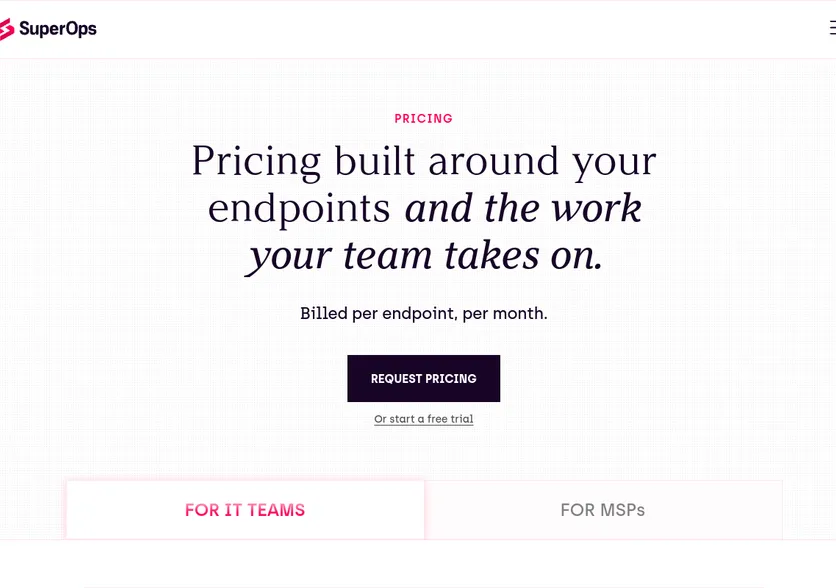
Paid tool Starting price: $129/technician/month · Pro plan, $129 a technician a month billed annually; $149 a month billed monthly; PSA-only is $79 and RMM-only is $99
Free plan: No free tier published on the pricing page; free trial available
SuperOps is the modern RMM and PSA platform that wraps remote monitoring, ticketing and automation in a clean interface built for small teams. This SuperOps Pro plan covers remote monitoring, patching, ticketing and the AI assistant for one technician. A freelancer can monitor clients, automate the routine fixes and lean on the AI helper for the rest.
What we like
- Clean interface built for small teams
- AI assistant triages tickets for you
- RMM and PSA in one plan
Watch out for
- Pro costs a hundred and twenty-nine dollars a technician a month
- Some features need the higher Super plan
How to try it
- Open the SuperOps pricing page and start a trial
- Install agents on client devices and set up monitoring
- Turn on the AI assistant to triage tickets for you
5. IT Glue
Best for: IT teams that document client assets and passwords
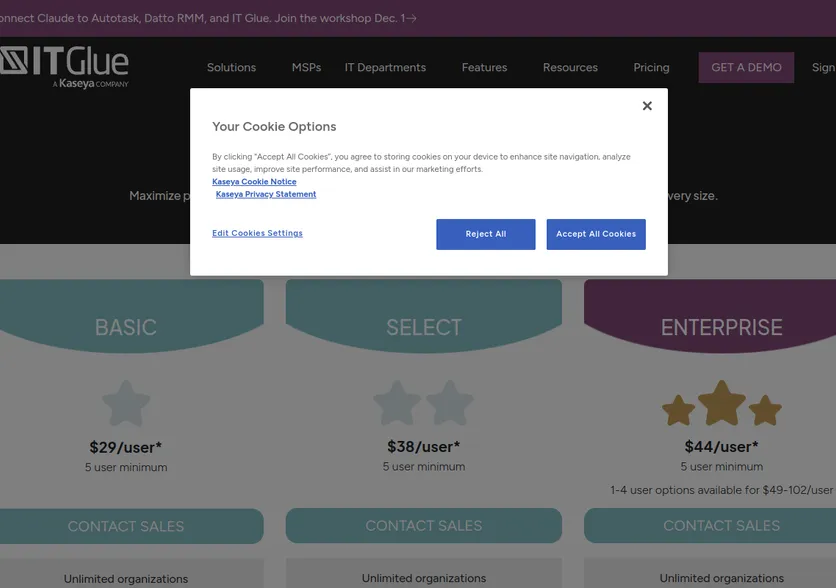
Paid tool Starting price: $29/user/month · Basic plan, $29 a user a month with a five-user minimum on a 36-month term; one-time onboarding fee applies
Free plan: No free tier published on the pricing page; free trial available
IT Glue is the documentation platform where every client device, password and procedure lives in one structured record. This IT Glue Basic plan covers structured documentation, the password vault and asset relationships for a five-user team. A freelancer can look up a client machine, its password and its warranty from one record instead of three notebooks.
What we like
- Structured records keep documentation consistent
- Password vault built into every plan
- Two-way PSA sync on higher plans
Watch out for
- Basic costs twenty-nine dollars a user a month
- Five-user minimum on a thirty-six-month term
How to try it
- Open the IT Glue pricing page and start a trial
- Create structured records for each client and their assets
- Link passwords and procedures to every device record
6. Hudu
Best for: Freelancers who need documentation without a minimum
Paid tool Starting price: $27/user/month · $27 a user a month billed annually; $30 a month billed monthly; no minimum, no contract
Free plan: No free tier published on the pricing page; fourteen-day free trial
Hudu is the self-hosted documentation platform that keeps client records, passwords and procedures in a system you own. This Hudu plan covers unlimited documentation, the password vault and asset tracking with no user minimum and no contract. A freelancer can document every client from day one and scale the team without renegotiating a term.

What we like
- No user minimum and no contract
- Self-hosting option for full control
- Unlimited documentation on every plan
Watch out for
- Costs twenty-seven dollars a user a month
- Self-hosting needs your own server
How to try it
- Open the Hudu pricing page and start a trial
- Create documentation for your first client and their assets
- Add passwords and procedures to each client record
7. Freshservice
Best for: Freelancers who need ticketing beside the IT stack
Paid tool Starting price: $19/agent/month · Starter plan, $19 an agent a month billed annually; Growth is $29
Free plan: No free tier published on the pricing page; fourteen-day free trial
Freshservice pairs the service desk with asset tracking, so every client ticket sits beside the machine it refers to. This Freshservice Starter plan covers the ticket queue, asset inventory, knowledge base and automations for a small IT team. A freelancer can take a client call, open the ticket and see the device history without switching systems.

What we like
- Tickets and assets in one workspace
- Discovery finds client devices automatically
- Starter plan is the cheapest paid option here
Watch out for
- Starter costs nineteen dollars an agent a month
- Reporting depth grows only on higher plans
How to try it
- Open the Freshservice pricing page and start a trial
- Import your client asset list and let discovery find the rest
- Link tickets to assets so every fix shows the device history
Prices above were checked on each vendor’s own website on Nov 26, 2026 and can change — the vendor’s page is the final word. Vendor links are editorial: nobody paid to be listed or ranked here. Vendors who want a featured listing can see how it works on our Get listed page.
What IT management software costs a freelancer in 2026
A solo technician pays per seat or per device, so the billing unit is the whole budget and the cheapest plan is not always the cheapest deal. This list runs from about nineteen dollars an agent a month to a hundred and forty-nine dollars a technician a month, and some tools price by device count instead of seats. The headline plan each vendor shows on its own pricing page is the number in the table above, checked on November 26, 2026.
Start with the free trial on two tools and install agents on real client machines for a week. Compare how many issues the monitoring catches and how fast you can fix them remotely, then pick the tool you will actually open every morning. A hundred-and-forty-nine-dollar tool that patches the fleet itself beats a twenty-seven-dollar tool that leaves you driving to site.
Before you buy
- Count the devices first, because some plans here price per device and a growing client list feels every extra endpoint.
- Check the contract on the plan you like, because some tools here ask for a twelve-month or thirty-six-month term.
- Test the tool on your real client fleet first, because a demo console never shows how it handles your odd machines.
- Ask whether the tool fits your work: Atera covers the whole stack, Hudu documents everything, and Freshservice ties it to tickets.
- Add up the time saved, because a hundred-and-forty-nine-dollar tool that patches the fleet itself buys you a billable day.
Official websites
Official websites of the products reviewed above. Features and prices were checked against these sites when this guide was written, and they can change, so confirm on the vendor site before you buy.
Frequently asked questions
Which IT management software is best for freelancers in 2026?
Atera, at a hundred and forty-nine dollars a technician a month, is the safest default because it covers unlimited devices with remote monitoring, patching and ticketing in one console. Syncro is better when you want invoicing built in, since it pairs RMM with client billing. Hudu wins when documentation matters most, with no user minimum and no contract.
What is the cheapest IT management software for a freelancer?
Freshservice Starter, at nineteen dollars an agent a month, is the cheapest paid plan here. Pulseway, at about twenty-seven dollars a month for twenty devices, is the cheapest RMM for a small fleet. Hudu, at twenty-seven dollars a user a month, is the cheapest documentation platform with no minimum.
Do these tools charge per device or per technician?
Atera covers unlimited devices on every plan, which suits a freelancer with a large client fleet. Syncro and SuperOps price per user, so the cost stays flat as you add devices. Pulseway prices by device count, which is cheapest for a small fleet but rises as you grow.
Can I self-host any of these tools?
Yes, Hudu can be self-hosted on your own server, and it carries no user minimum and no contract. Snipe-IT, from the inventory list, is also open source with a self-hosting option. The other tools here are cloud-only, so check the data rules on your client contracts before choosing one.
Which tool is best for IT documentation as a solo freelancer?
Hudu, at twenty-seven dollars a user a month with no minimum, is the cheapest documentation-first pick for a solo freelancer. IT Glue, at twenty-nine dollars a user a month, is stronger on structured records and PSA sync, but it needs five users on a thirty-six-month term. Pick Hudu solo and IT Glue once the team grows past five.
Need free developer help too? Try Toolsvine's free developer tools for everyday work right in your browser.
Browse Developer Tools tools


