On this page
A new hire should be productive on day one, not waiting on accounts, a laptop and three approval emails. The tools below automate that first week, from identity and device setup to app access and payroll. Rippling leads the list because it ties HR, IT and payroll onboarding to one employee record for eight dollars a user a month, and the other six tools are judged on the same test: how little manual work stands between an accepted offer and a working setup.
How we researched this
We checked every price on the vendor pricing page on November 28, 2026, and only included tools with a published US dollar list price and a free trial or free plan. Jamf Pro, BambooHR, Kandji, BetterCloud, Torii and Workato publish no usable list price for onboarding, so they are not in this list. Prices change, so confirm the current figure on the vendor site before you buy.
Compare the tools
| Name | Best for | Starting price | Free plan | |
|---|---|---|---|---|
 Rippling | Growing companies that want HR, IT and payroll onboarding in one system | $8/user/month | No free plan; demo available | Visit |
 Okta | Companies that want identity and app access to lead onboarding | $6/user/month | Free trial | Visit |
 JumpCloud | Small teams that want directory, identity and device setup without servers | $11/user/month | Free plan for up to 10 users | Visit |
 NinjaOne | Companies onboarding large fleets of Windows and Mac devices | $1.50–$3.75/device/month | Free trial | Visit |
 Hexnode | Teams onboarding mixed Windows, Mac, iOS and Android devices | $2.20/device/month | Free trial | Visit |
 Mosyle | Apple-heavy companies onboarding Macs, iPhones and iPads | $1/device/month | Free Business plan for up to 30 devices | Visit |
 Scalefusion | Teams onboarding shared and frontline devices across platforms | $2/device/month | Free trial | Visit |
The IT onboarding automation software for growing companies, compared
1. Rippling
Best for: Growing companies that want HR, IT and payroll onboarding in one system
Paid tool Starting price: $8/user/month · Eight dollars per user per month plus a forty-dollar monthly base fee on the vendor-published starting price; US payroll is also eight dollars per employee per month on annual billing, and HR, IT and finance modules are quoted separately
Free plan: No free plan; demo available
This Rippling plan starts at eight dollars per user a month plus a forty-dollar monthly base fee, and it turns an accepted offer into a working setup without a ticket queue. Payroll, benefits, device management and app access all hang off one employee record, so IT stops retyping the same details into four systems. When a hire leaves, the same record reverses the process and shuts access down the same day.

What we like
- One employee record drives HR, IT and payroll onboarding together
- Devices, apps and access provision by role before day one
- Offboarding reverses the same steps automatically
Watch out for
- The base fee and module pricing push the real bill above the headline rate
- Some HR and finance modules are quoted rather than listed
How to try it
- Create the employee record once and let Rippling provision payroll, benefits and IT together
- Assign the device, apps and access levels by role before the first day
- Use the same record to revoke access automatically when someone leaves
2. Okta
Best for: Companies that want identity and app access to lead onboarding
Paid tool Starting price: $6/user/month · Six dollars per user per month billed annually on the Workforce Identity Starter plan, with a fifteen-hundred-dollar annual minimum; Core Essentials is fourteen dollars and Essentials is seventeen dollars per user per month
Free plan: Free trial
This Okta plan costs six dollars per user a month billed annually, and it makes single sign-on the front door of onboarding. A new hire signs in once and reaches every approved app, while IT enforces multi-factor authentication and lifecycle rules from the same console. The fifteen-hundred-dollar annual minimum means very small teams should check the total before they commit.
What we like
- One sign-in reaches every approved app on day one
- Lifecycle rules automate joins, moves and leavers
- A huge integration catalog covers most business apps
Watch out for
- The fifteen-hundred-dollar annual minimum prices out tiny teams
- Advanced features sit on the higher tiers
How to try it
- Connect your apps to Okta and assign them by group or role
- Set the multi-factor policy a new hire must clear on first sign-in
- Automate deprovisioning so access ends the day employment does
3. JumpCloud
Best for: Small teams that want directory, identity and device setup without servers
Paid tool Starting price: $11/user/month · Eleven dollars per user per month billed annually on the SSO package; device management and other packages are priced separately
Free plan: Free plan for up to 10 users
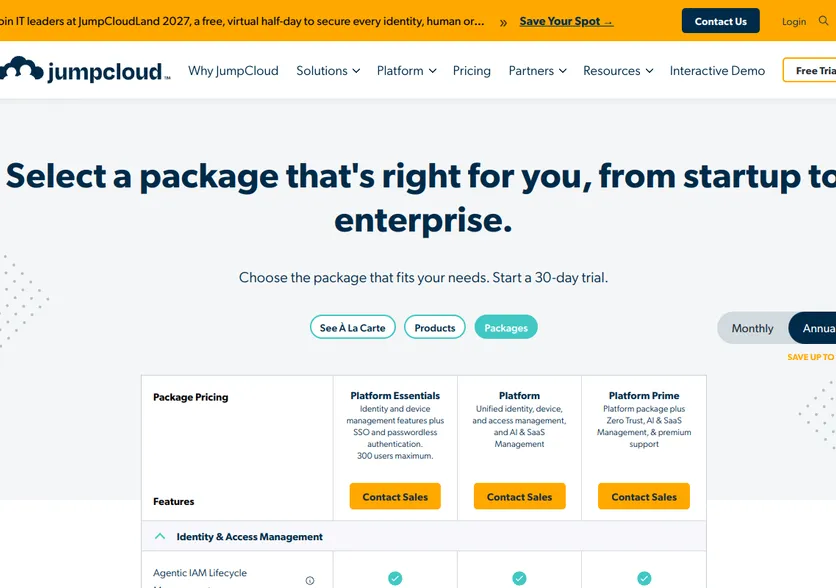
This JumpCloud package costs eleven dollars per user a month billed annually, and it replaces the on-site directory with a cloud one. New hires get an identity, device policies and single sign-on from the same console, so a ten-person team can onboard like a much bigger IT department. The free plan covers up to ten users, which makes it an easy trial for a growing company.
What we like
- Cloud directory replaces on-site servers entirely
- Free plan covers up to ten users
- Device policies and single sign-on share one console
Watch out for
- The headline price covers the SSO package only
- Larger device fleets need the separate device plan
How to try it
- Set up the cloud directory and import your existing users
- Assign device policies and app access by group
- Let new hires self-enroll their device on the first day
4. NinjaOne
Best for: Companies onboarding large fleets of Windows and Mac devices
Paid tool Starting price: $1.50–$3.75/device/month · Three dollars and seventy-five cents per device per month at fifty or fewer endpoints, falling to one dollar fifty at ten thousand endpoints; volume-tiered pricing with no single flat rate
Free plan: Free trial
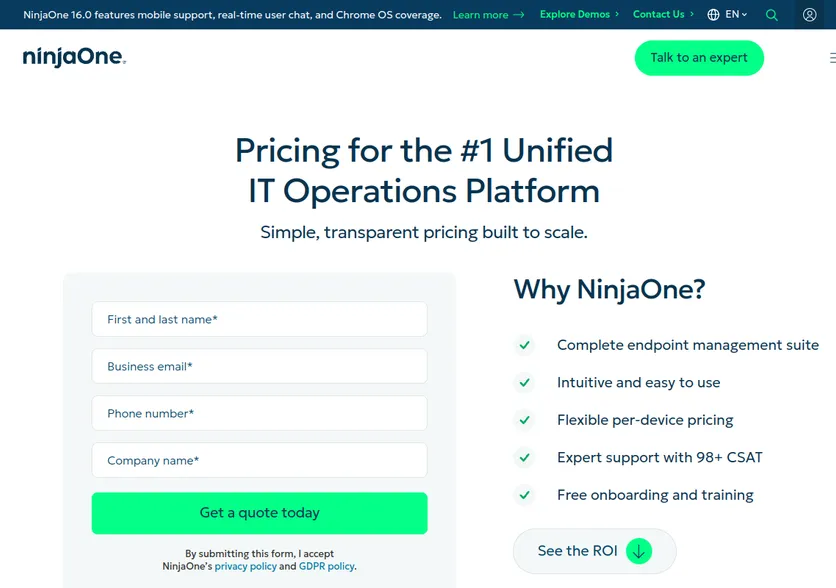
This NinjaOne plan costs three dollars and seventy-five cents per device a month for small fleets, falling to one dollar fifty at ten thousand endpoints, and it automates device onboarding end to end. A new laptop enrolls, receives policies, apps and patches, and reports its health without a technician touching it. The per-device price drops as the fleet grows, which suits a company hiring in waves.
What we like
- Zero-touch enrollment provisions a laptop without hands-on work
- Patching and monitoring share the same agent
- Per-device pricing falls sharply as the fleet grows
Watch out for
- Small fleets pay the highest per-device rate
- Some advanced automation needs higher tiers
How to try it
- Enroll new devices with an installer or autopilot-style flow
- Apply policies, apps and patches automatically at enrollment
- Monitor device health and patch status from the same dashboard
5. Hexnode
Best for: Teams onboarding mixed Windows, Mac, iOS and Android devices
Paid tool Starting price: $2.20/device/month · Two dollars and twenty cents per device per month billed annually on the UEM Pro plan (two dollars forty on monthly billing); Enterprise is three dollars twenty and Ultimate is four dollars seventy, with a fifteen-device minimum
Free plan: Free trial
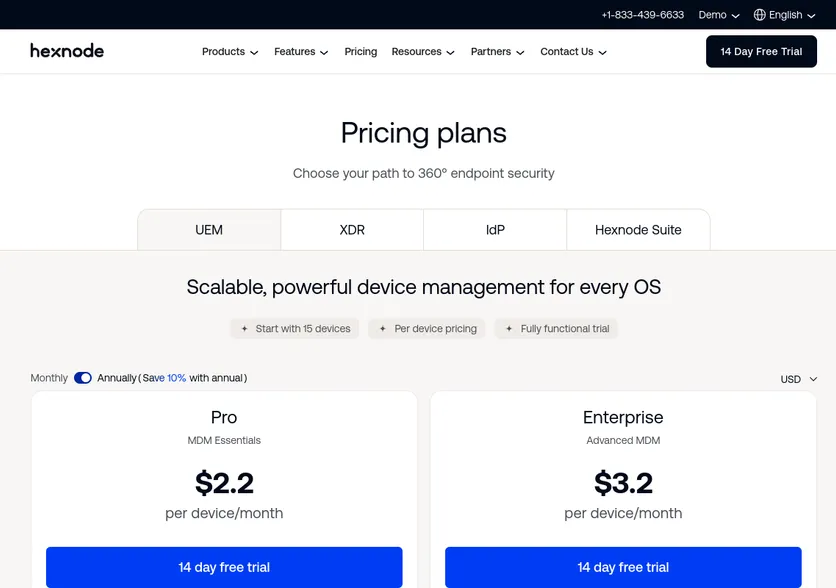
This Hexnode plan costs two dollars and twenty cents per device a month billed annually, and it manages every device type from one console. A new hire's phone, laptop and tablet enroll together, receive the right apps and restrictions, and can be wiped remotely if one is lost. The fifteen-device minimum fits a growing company better than a five-person startup.
What we like
- One console covers Windows, Mac, iOS and Android
- Kiosk and BYOD modes suit mixed device fleets
- Remote lock and wipe protect lost devices
Watch out for
- A fifteen-device minimum applies to paid plans
- The Ultra tier is quote-only
How to try it
- Enroll devices across Windows, Mac, iOS and Android from one console
- Push apps, Wi-Fi, email and security policies by device group
- Lock or wipe a lost device remotely from the same dashboard
6. Mosyle
Best for: Apple-heavy companies onboarding Macs, iPhones and iPads
Paid tool Starting price: $1/device/month · One dollar per device per month billed annually on Mosyle Business Premium, with a thirty-license minimum; Mosyle Business Free covers up to thirty devices, and Fuse is three dollars per Mac and one dollar fifty per iPhone or iPad
Free plan: Free Business plan for up to 30 devices
This Mosyle plan costs one dollar per device a month billed annually, and it is the cheapest way to onboard an Apple fleet properly. Macs enroll through Apple Business Manager, receive apps and profiles automatically, and a new hire can unbox a laptop that is already configured. The free tier covers thirty devices, so a small Apple shop can start without paying at all.
What we like
- One dollar per device a month on annual billing
- Free tier covers up to thirty devices
- Apple Business Manager enrollment is genuinely zero-touch
Watch out for
- Apple devices only, no Windows or Android management
- A thirty-license minimum applies to the paid plan
How to try it
- Connect Apple Business Manager and assign devices to Mosyle
- Build the app and profile bundle a new hire needs on day one
- Let the Mac configure itself when the hire first opens it
7. Scalefusion
Best for: Teams onboarding shared and frontline devices across platforms
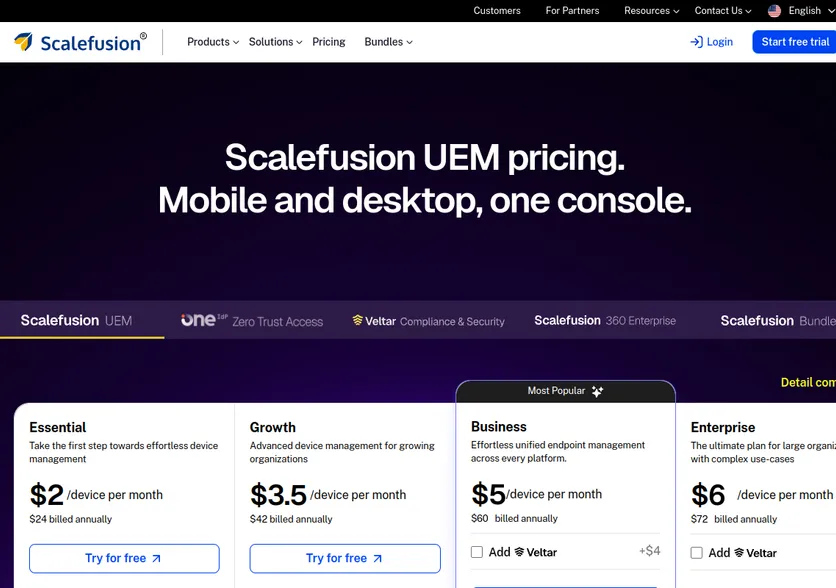
Paid tool Starting price: $2/device/month · Two dollars per device per month billed annually (twenty-four dollars a year) on the Essential plan; Growth is three dollars fifty, Business is five dollars and Enterprise is six dollars, with annual billing only and a ten-device minimum
Free plan: Free trial
This Scalefusion plan costs two dollars per device a month billed annually, and it handles the devices other tools forget: shared tablets, kiosks and frontline phones. Enrollment pushes apps, content and restrictions in one pass, and the dashboard shows which devices are ready before the shift starts. Annual billing only, with a ten-device minimum, keeps the price simple to budget.
What we like
- Strong fit for shared, kiosk and frontline devices
- Bulk enrollment gets a whole batch ready at once
- Simple annual pricing with no monthly-billing confusion
Watch out for
- Annual billing only, no monthly option
- A ten-device minimum applies to paid plans
How to try it
- Enroll shared and frontline devices in bulk from the dashboard
- Push the apps, content and restrictions each role needs
- Check device readiness before a shift or a new hire starts
Prices above were checked on each vendor’s own website on Nov 28, 2026 and can change — the vendor’s page is the final word. Vendor links are editorial: nobody paid to be listed or ranked here. Vendors who want a featured listing can see how it works on our Get listed page.
How a growing company should automate IT onboarding
Start with the identity, not the laptop. When a new hire's accounts, groups and app access are created from one record, the device setup becomes a checklist instead of a project. Pick one system as the source of truth for who works here and what they can access, then let provisioning flow from it. Enroll devices before the first day so the unboxing is the setup, and build an offboarding checklist that mirrors onboarding step for step, because access that nobody revokes is the quietest security gap a growing company has.
Before you buy
- Check whether the price is per user, per device or per month, because the three bills scale very differently
- Confirm that offboarding revokes access automatically, not only when someone remembers to file a ticket
- Ask which apps and identity providers connect without custom work before you commit
- Test enrollment with one real new hire, from offer to first login, before you roll it out
- Count any base fee, minimum seat count and hardware costs before you compare headline prices
Official websites
Official websites of the products reviewed above. Features and prices were checked against these sites when this guide was written, and they can change, so confirm on the vendor site before you buy.
Frequently asked questions
What is IT onboarding automation software for growing companies?
It is software that turns a new hire into a working employee without manual IT tickets: accounts, app access, device setup and payroll all provision from one record. The tools in this list cover identity, device management or the full HR and IT stack. The goal is a first day spent working, not waiting for logins, a laptop or three approval emails.
What does Rippling cost for IT onboarding?
Rippling starts at eight dollars per user per month plus a forty-dollar monthly base fee. US payroll is also eight dollars per employee per month on annual billing. HR, IT and finance modules are quoted separately, so the real bill depends on which modules you add. There is no free plan, but a demo is available before you buy.
Which tool is cheapest for onboarding Apple devices?
Mosyle is cheapest at one dollar per device per month billed annually on Business Premium, and its free tier covers up to thirty devices. Scalefusion follows at two dollars per device per month, and Hexnode at two dollars twenty. If the fleet is mostly Macs and iPhones, Mosyle is the obvious first look.
Do I need a separate identity tool and a device tool?
Not always. Rippling and JumpCloud combine identity with device or HR onboarding, while Okta focuses on identity and NinjaOne on devices. A small team can start with one combined tool and add a specialist later. The deciding question is whether device setup or app access causes more first-week delays in your company.
What happens to access when someone leaves?
The better tools reverse onboarding automatically: one status change in the employee record disables accounts, revokes app access and wipes or locks the device. Rippling, Okta and JumpCloud all automate this. Whatever you choose, test the leaver flow with a real departure checklist, because access that nobody revokes is a quiet security gap.
Compare the seven tools above, then run a free trial with one real new hire, from offer to first login, before you pay for a full year.
Browse Business Tools tools