
On this page
A startup that answers the same support questions twice is burning time it cannot afford, and a knowledge base fixes that by turning answers into searchable help articles. The eight tools below run from a free plan to about two hundred fifty dollars a month, and every price was checked on the vendor site on November 26, 2026. Most include search, templates and analytics, so compare the whole package rather than the headline price alone. HelpDocs is our first pick — the most polished hosted knowledge base for a new startup.
How we researched this
We started with the knowledge base tools startups actually buy, then read each price on the vendor pricing page on November 26, 2026 and noted the free trial each plan carries. We judged them for a young company that needs public help docs live fast, with search and templates included, and we kept only tools with a published price. We dropped Document360 and Guru because neither publishes a price, and ScreenSteps because its published prices conflict.
Compare the tools
| Name | Best for | Starting price | Free plan | |
|---|---|---|---|---|
 HelpDocs | Startups that want a clean hosted knowledge base with a fast setup and no per-author surprises | $99/month | No free plan; 14-day free trial | Visit |
 Slab | Startups that want a simple team wiki with a generous free tier | $6.67/user/month | Free plan for up to 10 users | Visit |
 GitBook | Startups that want beautiful public docs with a strong editor and version control | $65/site/month | Free plan for individuals; 14-day free trial | Visit |
 Helpjuice | Startups that expect heavy support traffic and want a flat price with no per-author math | $249/month | No free plan; 14-day free trial, no card required | Visit |
 ProProfs Knowledge Base | Startups that want a low starting price and a free plan to test with real customers | $49/author/month | Free plan for 1 author and 25 pages; 15-day free trial, no card required | Visit |
 Tettra | Startups that want internal docs with Slack answers and simple upkeep | $8/user/month | No free plan; 30-day free trial, no card required | Visit |
 Archbee | Startups that want a docs platform with AI search and API docs in one place | $49/month | No free plan; 14-day free trial | Visit |
 KnowledgeOwl | Startups that want a no-nonsense knowledge base with strong access controls | $100/month | No free plan; free trial available | Visit |
The knowledge base software for startups, compared
1. HelpDocs
Best for: Startups that want a clean hosted knowledge base with a fast setup and no per-author surprises
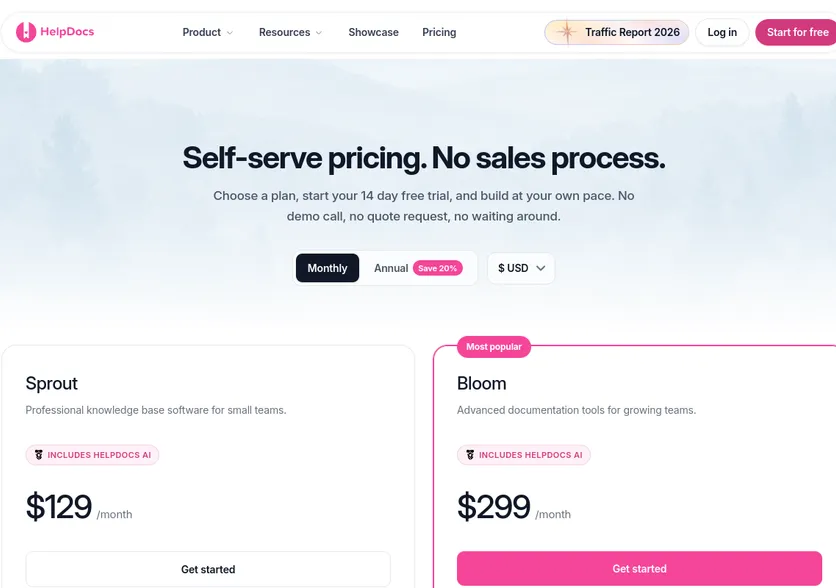
Paid tool Starting price: $99/month · Sprout plan, $99 a month billed annually or $129 billed monthly; Bloom $239 and Harvest $399 a month
Free plan: No free plan; 14-day free trial
HelpDocs gives a startup a hosted knowledge base that looks polished from day one, with search, categories and article feedback built in. This HelpDocs Sprout plan covers five editors and unlimited articles, so a small team can publish without counting pages. A startup that needs docs live this week, not next quarter, will find the setup refreshingly quick.
What we like
- Fast setup with a polished hosted site
- Unlimited articles on every plan
- Built-in search and article feedback
Watch out for
- Sprout covers five editors, then the price steps up
- No free plan, so the trial is the only test
How to try it
- Open the HelpDocs pricing page and start the 14-day trial
- Import or write your first ten help articles
- Publish the site and link it from your product and support pages
2. Slab
Best for: Startups that want a simple team wiki with a generous free tier
Paid tool Starting price: $6.67/user/month · Startup plan, about seven dollars a user a month billed annually or eight dollars billed monthly; Business about thirteen dollars a user a month billed annually
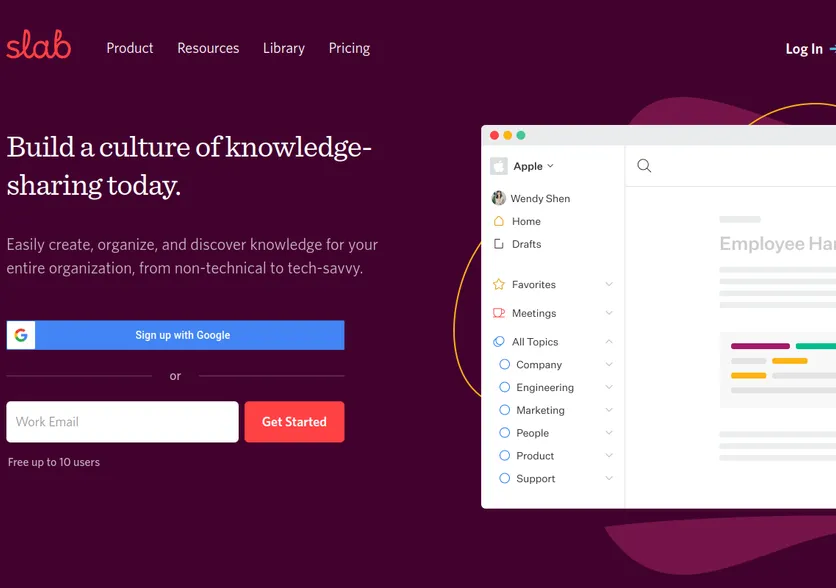
Free plan: Free plan for up to 10 users
Slab is a clean team wiki where a startup can keep product docs, onboarding guides and meeting notes in one searchable place. This Slab Startup plan costs about seven dollars a user a month on annual billing, with the free plan covering up to ten users. A small team that lives in docs all day will like how fast Slab feels compared with heavier wikis.
What we like
- Generous free plan for up to ten users
- Fast clean editor the whole team learns quickly
- Strong search across every page and topic
Watch out for
- Per-user pricing climbs as the team grows
- Fewer support-focused features than dedicated help tools
How to try it
- Claim the Slab free plan for your team
- Create topics for product, onboarding and support
- Invite the team and move your scattered docs into Slab
3. GitBook
Best for: Startups that want beautiful public docs with a strong editor and version control
Paid tool Starting price: $65/site/month · Essential plan, $65 a site a month billed annually or $79 billed monthly, plus $12 a user a month; Ultimate $249 a site a month
Free plan: Free plan for individuals; 14-day free trial
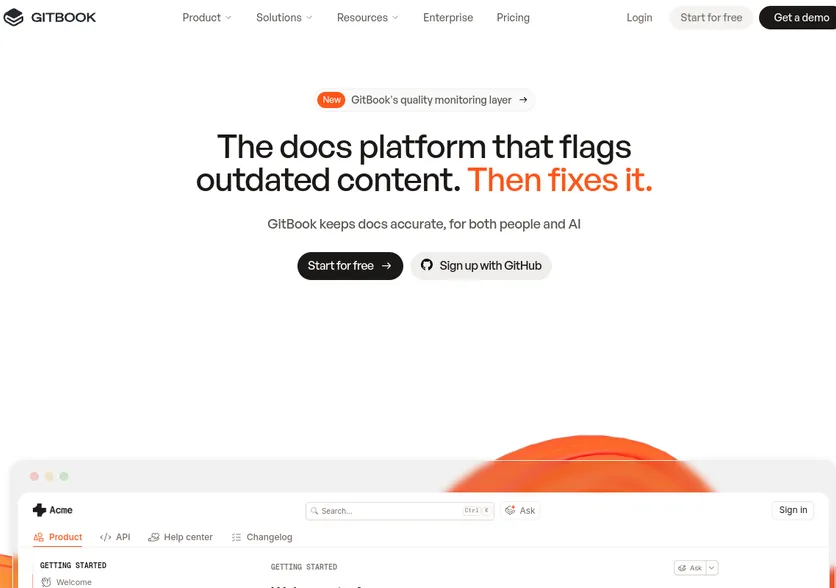
GitBook turns documentation into a polished public site, with a modern editor, version history and search that just works. This GitBook Essential plan starts at sixty-five dollars a site a month on annual billing, plus a per-user fee, and the free plan suits a solo founder. A startup that treats docs as part of the product will like how good GitBook pages look.
What we like
- Beautiful public docs with a modern editor
- Version history and search built in
- Free plan for a solo founder
Watch out for
- Per-site plus per-user pricing needs a calculator
- Costs climb once the whole team needs seats
How to try it
- Start the GitBook free plan and create your first space
- Write your getting-started guide with the block editor
- Publish the docs site and link it from your homepage
4. Helpjuice
Best for: Startups that expect heavy support traffic and want a flat price with no per-author math
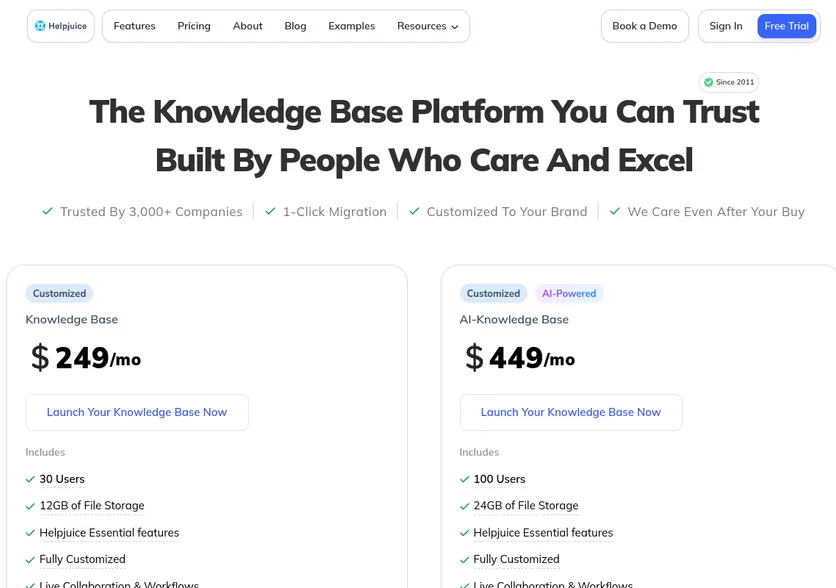
Paid tool Starting price: $249/month · Knowledge Base plan, $249 a month flat for 30 users and 12 GB of storage; AI-KB $449 and Unlimited $799 a month
Free plan: No free plan; 14-day free trial, no card required
Helpjuice is a dedicated knowledge base built for support teams, with analytics that show which articles actually deflect tickets. This Helpjuice Knowledge Base plan costs two hundred forty-nine dollars a month flat for thirty users, so the bill stays put as the team grows. A startup with a busy support inbox will get more from the search analytics than from a generic wiki.
What we like
- Flat price with thirty users included
- Search analytics show which articles deflect tickets
- Built for support teams, not generic wikis
Watch out for
- Two hundred forty-nine dollars is steep for a tiny team
- No free plan, so the trial is the only test
How to try it
- Start the Helpjuice 14-day trial
- Import your existing help articles and set up categories
- Check the search analytics after a week of real traffic
5. ProProfs Knowledge Base
Best for: Startups that want a low starting price and a free plan to test with real customers
Paid tool Starting price: $49/author/month · Essentials plan, $49 an author a month billed annually or $79 billed monthly; Business $69 and Business Complete Elite $79 a month
Free plan: Free plan for 1 author and 25 pages; 15-day free trial, no card required
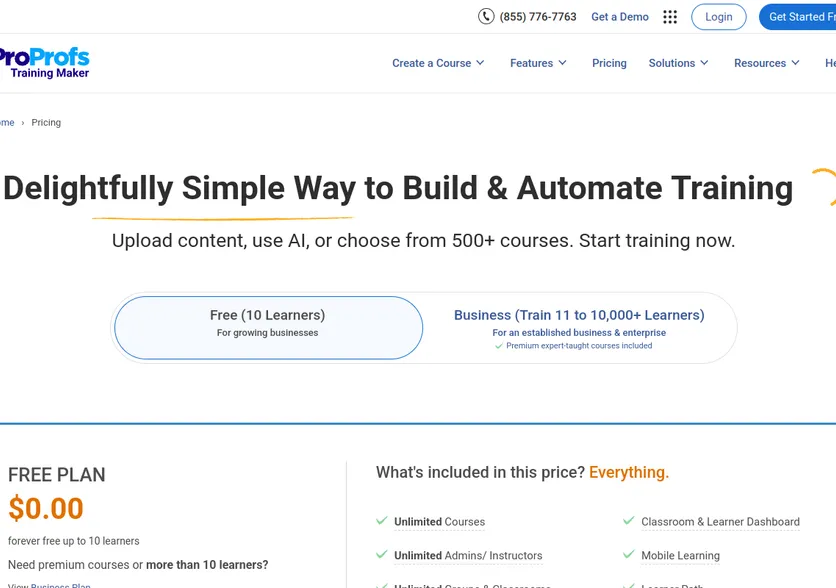
ProProfs Knowledge Base is a straightforward help center with templates, search and reports, aimed at teams that want docs live fast. This ProProfs Essentials plan costs forty-nine dollars an author a month on annual billing, and the free plan covers one author and twenty-five pages. A startup on a tight budget can start free and pay only when the docs grow.
What we like
- Lowest starting price in this list
- Free plan for one author and twenty-five pages
- Templates and reports included from the start
Watch out for
- Per-author pricing adds up with a bigger team
- Custom domain costs three hundred dollars a year extra
How to try it
- Claim the ProProfs free plan and pick a template
- Write your top ten support articles
- Publish the help center and add it to your product menu
6. Tettra
Best for: Startups that want internal docs with Slack answers and simple upkeep
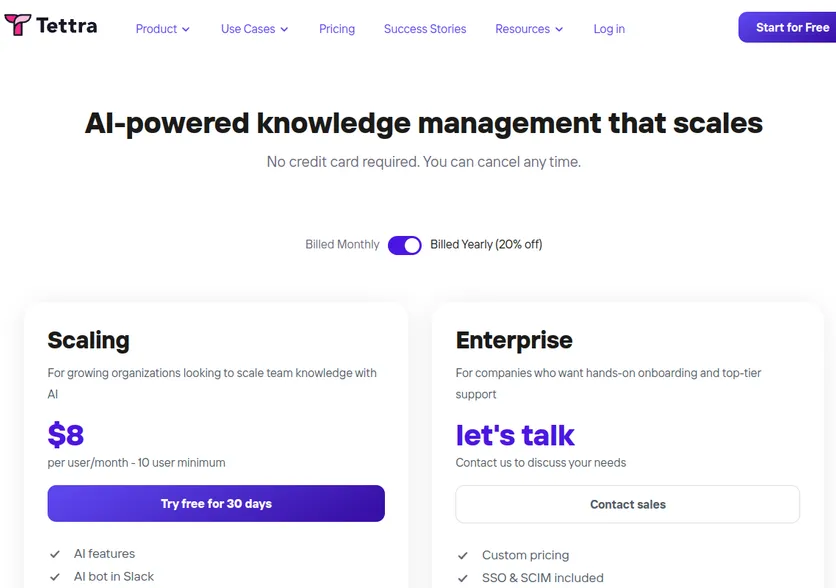
Paid tool Starting price: $8/user/month · Scaling plan, $8 a user a month billed annually or $10 billed monthly, with a ten-user minimum; 30-day free trial, no card required
Free plan: No free plan; 30-day free trial, no card required
Tettra is an internal knowledge base that answers questions inside Slack, so teammates find answers without leaving chat. This Tettra Scaling plan costs eight dollars a user a month on annual billing, with a ten-user minimum that sets the floor at eighty dollars a month. A startup that lives in Slack will get more use from Tettra than from a separate wiki nobody opens.
What we like
- Answers questions right inside Slack
- Simple upkeep with verification reminders
- Thirty-day trial with no card required
Watch out for
- Ten-user minimum sets an eighty-dollar floor
- No free plan for tiny teams
How to try it
- Start the Tettra 30-day trial and connect Slack
- Write answers to your ten most asked questions
- Let the team ask in Slack and watch the answers surface
7. Archbee
Best for: Startups that want a docs platform with AI search and API docs in one place
Paid tool Starting price: $49/month · Growing plan, $49 a month billed annually or $59 billed monthly with one team member included; Scaling $199 a month; AI add-on $49 a month extra
Free plan: No free plan; 14-day free trial
Archbee combines a knowledge base with API documentation and AI search, so product docs and developer docs live together. This Archbee Growing plan costs forty-nine dollars a month on annual billing with one team member included. A startup shipping an API alongside its product will save time keeping both kinds of docs in one tool.
What we like
- API docs and knowledge base in one tool
- AI search helps readers find answers fast
- Clean editor with version control
Watch out for
- Growing plan includes only one team member
- AI features cost forty-nine dollars a month extra
How to try it
- Start the Archbee 14-day trial and create your first space
- Publish a getting-started guide and one API reference
- Test the AI search with real customer questions
8. KnowledgeOwl
Best for: Startups that want a no-nonsense knowledge base with strong access controls
Paid tool Starting price: $100/month · Basic plan, $100 a month; Pro $250 and Business $500 a month; extra authors $25 each and extra knowledge bases $50 each
Free plan: No free plan; free trial available
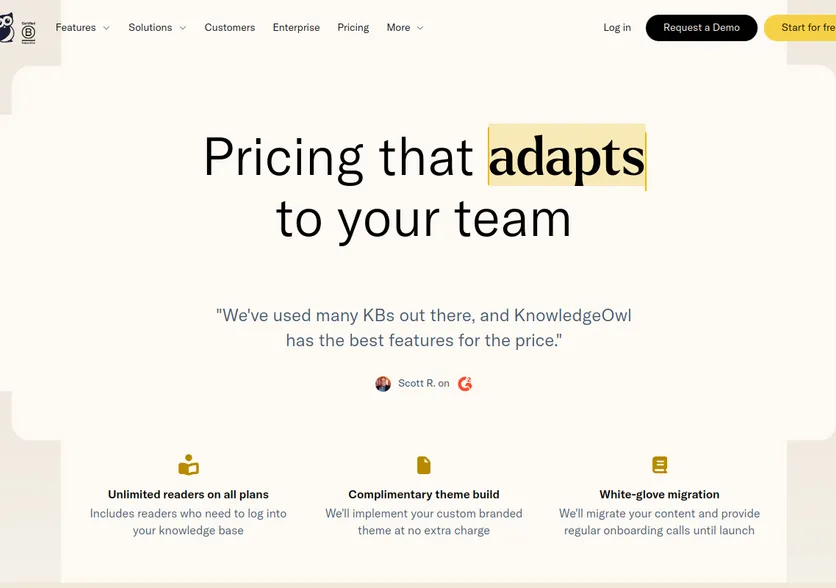
KnowledgeOwl is a plain, capable knowledge base with strong access controls, so a startup can run public help and private internal docs side by side. This KnowledgeOwl Basic plan costs one hundred dollars a month flat, with extra authors at twenty-five dollars each. A team that needs private docs for staff and public docs for customers will like the split.
What we like
- Public and private docs in one account
- Flat price with no per-author surprises on Basic
- Strong access controls for internal content
Watch out for
- One hundred dollars is a lot for a brand-new startup
- No free plan, so the trial is the only test
How to try it
- Open the KnowledgeOwl pricing page and start a trial
- Build one public help center and one private staff space
- Set access rules and publish your first articles
Prices above were checked on each vendor’s own website on Nov 26, 2026 and can change — the vendor’s page is the final word. Vendor links are editorial: nobody paid to be listed or ranked here. Vendors who want a featured listing can see how it works on our Get listed page.
What knowledge base software costs for a startup in 2026
Most startups pay for one plan, so the headline monthly price is the whole budget here, and this list runs from free to about two hundred fifty dollars a month. The cheapest plans are not always the cheapest deal, because per-author tools like ProProfs charge for every writer while flat-fee tools like Helpjuice stay put as the team grows. The headline plan each vendor shows on its own pricing page is the number in the table above, checked on November 26, 2026.
Start with the free trial on two tools and run ten real support questions through each one, from search to article. Compare how the help center looks to a customer, how fast you can publish an article, and whether the search finds it. Pick the tool your customers can actually use without emailing support, because a knowledge base nobody reads is money wasted.
Before you buy
- Count the authors first, because per-author pricing doubles the bill the moment you add writers.
- Check whether the plan includes a public help center, because some tools charge extra for one.
- Test the search as a customer, because a knowledge base that cannot find answers is useless.
- Confirm the free trial length, because fourteen days is barely enough to publish real articles.
- Compare annual and monthly billing, because most tools here cut the price by a fifth on annual plans.
Official websites
Official websites of the products reviewed above. Features and prices were checked against these sites when this guide was written, and they can change, so confirm on the vendor site before you buy.
Frequently asked questions
Which knowledge base software is best for startups in 2026?
HelpDocs, at ninety-nine dollars a month on annual billing, is the safest default because its hosted help center looks polished from day one and the Sprout plan covers five editors. Slab wins on price with a free plan for up to ten users. GitBook is the best-looking option, with a modern editor and a free plan for a solo founder.
How much does knowledge base software cost for a startup?
Most tools in this list cost between free and about two hundred fifty dollars a month, with annual billing cutting the monthly rate by roughly a fifth. Per-author tools like ProProfs start at forty-nine dollars an author a month, while flat-fee tools like Helpjuice cost two hundred forty-nine dollars a month for thirty users. Expect to pay more once you add authors, private docs or AI features.
Is there a free knowledge base for startups?
Slab offers a free plan for up to ten users, GitBook offers one for individuals, and ProProfs offers one for a single author and twenty-five pages. The other five tools offer free trials of fourteen to thirty days instead of a permanent free plan. A trial is enough to publish your first articles and test the search before you commit.
Do I need a separate tool for internal docs?
No, several tools here cover both public and private docs in one account. KnowledgeOwl runs public help and private staff docs side by side, Tettra keeps internal answers inside Slack, and Slab works as a team wiki as well as a help center. Pick one tool that handles both, rather than paying for two systems.
What should I look for in a knowledge base as a startup?
Look for a hosted help center your customers can open without a login, plus search that finds answers fast and templates that speed up publishing. Check the per-author cost if you plan to add writers, and test the search with real customer questions before you buy. The best knowledge base is the one your customers actually read.
Need everyday business help too? Try Toolsvine's free business tools for startups right in your browser.
Browse Business Tools tools


