On this page
A plumber's knowledge lives in the heads of the best techs — and walks out the door when they retire or leave. We compared eight paid tools that fit a small or mid-sized plumbing business, checking every price on the vendor's own site on November 28, 2026, and weighing mobile access, customer self-service and training features. Jobber leads because it covers quoting, scheduling and invoicing for $29 a month, with Housecall Pro close behind for dispatch and online booking.
How we researched this
We ranked each tool on five trade-specific checks: mobile access for technicians in the van, step-by-step guides a new hire can follow, a customer-facing help center that cuts calls, structured training with sign-offs, and a price a small crew can justify. We checked every price on the vendor's own site on November 28, 2026, and we dropped any vendor that had gone quote-only or stopped publishing prices.
Compare the tools
| Name | Best for | Starting price | Free plan | |
|---|---|---|---|---|
 Jobber | Plumbing contractors that want quoting, scheduling, invoicing and client records in one place. | $29/month | Free trial | Visit |
 Housecall Pro | Plumbing businesses that want dispatch, online booking and estimates in one system. | $59/month | Free trial | Visit |
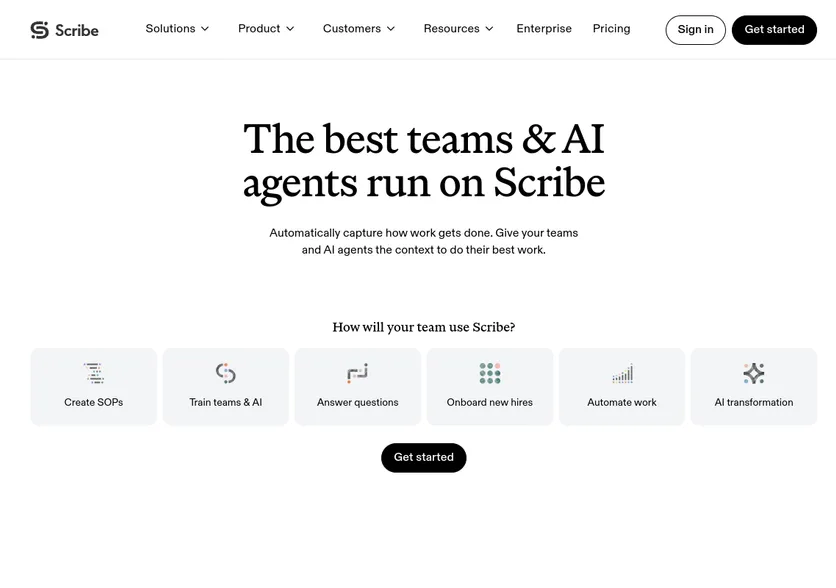
 Scribe | Plumbing teams that need to turn expert know-how into step-by-step guides fast. | $13/seat/month | Free Basic plan | Visit |
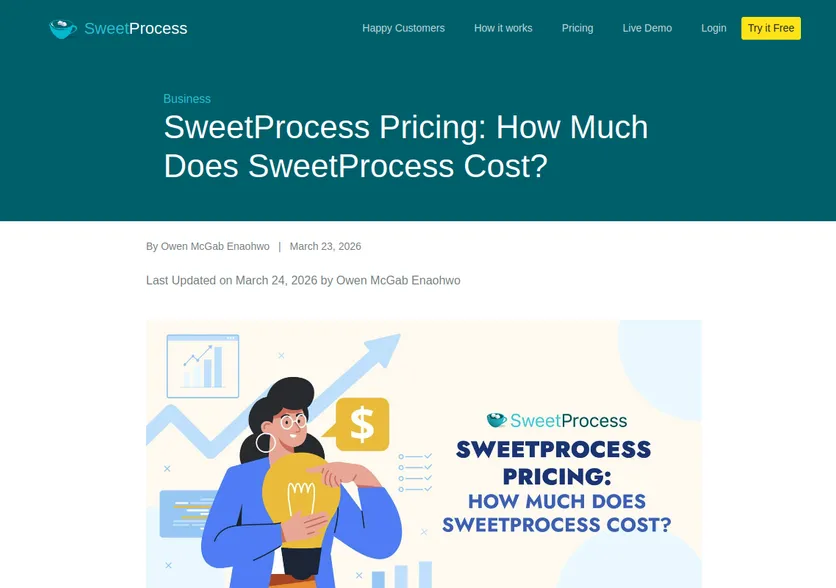
 SweetProcess | Plumbing businesses that want every procedure documented with flowcharts and checklists. | $99/month | Free trial (14 days) | Visit |
 Notion | Plumbing teams that need one cheap wiki for SOPs, safety rules and supplier contacts. | $10/user/month | Free plan for individuals | Visit |
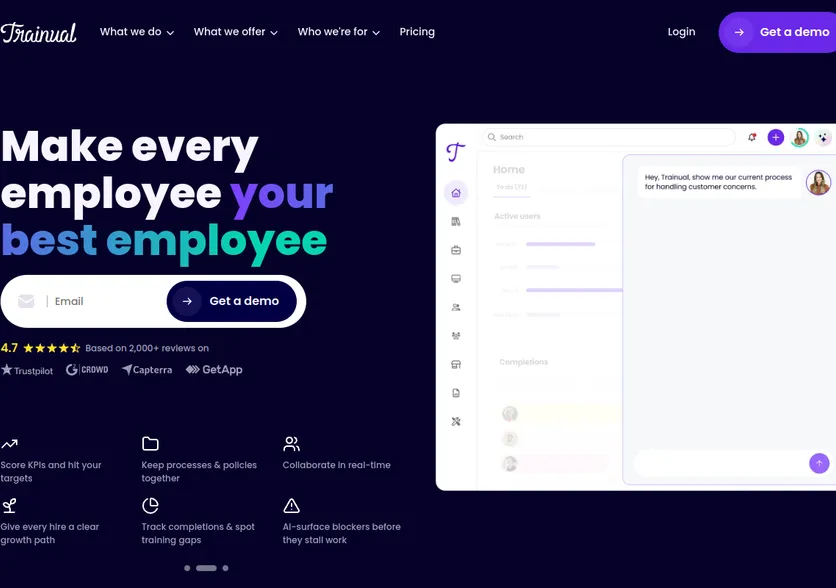
 Trainual | Plumbing companies that need structured training, onboarding and compliance tracking. | $249/month | Free trial (7 days) | Visit |
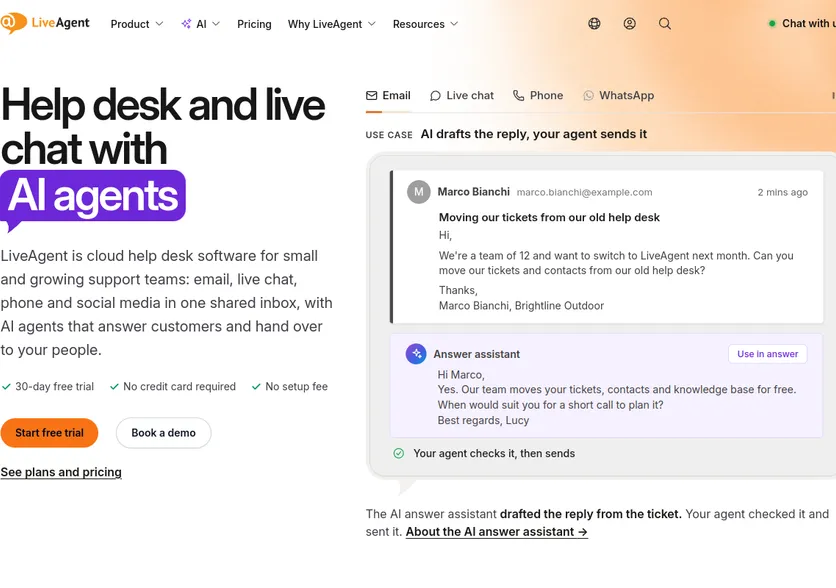
 LiveAgent | Plumbing businesses that need a help desk plus a knowledge base at a low per-agent price. | $15/agent/month | Free trial (30 days) | Visit |
| HelpSite | Plumbing businesses that want a simple customer help center with flat pricing. | $49/month | Free trial (14 days) | Visit |
The 8 best knowledge management tools for plumbers
1. Jobber
Best for: Plumbing contractors that want quoting, scheduling, invoicing and client records in one place.
Paid tool Starting price: $29/month · Twenty-nine dollars a month on the Core plan billed annually; it covers quoting, scheduling, invoicing and client communication for one user, with extra users billed separately.
Free plan: Free trial
This Jobber plan costs $29 a month on Core, and it is the best all-rounder for a small plumbing business that still runs jobs on paper. Quotes, scheduling, invoicing, client communication and payment collection live in one system, so a job moves from estimate to paid invoice without retyping anything, and the mobile app keeps technicians in the loop from the van. It is not a dedicated knowledge base, so pair it with Scribe or Notion if you want a proper SOP library alongside the job management.

What we like
- Quotes, scheduling and invoicing in one place.
- Strong mobile app for technicians.
- Easy to set up without training.
Watch out for
- Core covers one user — extra techs cost more.
- Not a dedicated SOP or knowledge base tool.
How to try it
- Create quote templates for your most common jobs.
- Set up recurring schedules for maintenance contracts.
- Add job photos and notes to each client record.
2. Housecall Pro
Best for: Plumbing businesses that want dispatch, online booking and estimates in one system.
Paid tool Starting price: $59/month · Fifty-nine dollars a month on the Basic plan billed annually for one user; the trade view lists seventy-nine dollars a month. Higher tiers add dispatch boards, automation and more users.
Free plan: Free trial
For a plumbing business whose jobs come through the phone and the website at the same time, Housecall Pro costs $59 a month on Basic. Online booking, estimates, dispatch boards, invoicing and review requests run in one place, so a customer can book a leak repair at midnight and the tech sees it on the board at 7 a.m. The trade view lists $79 a month, so confirm which price your account shows before signing up, and check the higher tiers if you need more than one user.

What we like
- Online booking brings in jobs after hours.
- Dispatch board keeps the whole crew in sync.
- Review requests build local reputation.
Watch out for
- Basic covers one user only.
- Two different prices appear on the vendor site.
How to try it
- Turn on online booking for your most common services.
- Build estimate templates for leak repairs and installs.
- Set up automated review requests after each completed job.
3. Scribe
Best for: Plumbing teams that need to turn expert know-how into step-by-step guides fast.
Paid tool Starting price: $13/seat/month · Thirteen dollars per seat per month on Pro Team billed annually, with a five-seat minimum, so the smallest team bill is sixty-five dollars a month; monthly billing is seventeen dollars per seat. Pro Personal for a single seat is $25 per seat per month billed annually.
Free plan: Free Basic plan
This Scribe plan costs $13 per seat a month on Pro Team, and it is the fastest way to capture what your best plumber knows and put it in front of the whole crew. Record the screen once while doing a job, and Scribe turns it into a written guide with screenshots, so a new hire can follow a boiler install step by step instead of shadowing for weeks. The five-seat minimum means the smallest team bill is $65 a month, which suits crews of five or more better than a solo operator.
What we like
- Turns a screen recording into a written guide.
- New hires learn without shadowing for weeks.
- Guides stay current when procedures change.
Watch out for
- Five-seat minimum on Pro Team.
- Not a full knowledge base — guides only.
How to try it
- Record your best plumber doing a standard job once.
- Let Scribe generate the guide, then edit the steps.
- Share the guide link in your team chat and pin it.
4. SweetProcess
Best for: Plumbing businesses that want every procedure documented with flowcharts and checklists.
Paid tool Starting price: $99/month · Ninety-nine dollars a month for up to 10 users, or $990 a year, with extra users at $5 a month; every feature is included on every plan. A Small Team plan costs $495 a year for up to five users.
Free plan: Free trial (14 days)
For a plumbing owner who wants every job done the same way, every time, SweetProcess costs $99 a month for up to 10 users. Procedures, policies and flowcharts live in one place, tasks can be assigned and tracked against each procedure, and every feature is included on every plan, so there is no tier to upgrade through. At $9.90 per user for a ten-person crew it is good value, though a solo plumber will find the flat price harder to justify.
What we like
- Every feature included on every plan.
- Flowcharts make complex jobs easy to follow.
- Task tracking proves procedures were followed.
Watch out for
- Flat price is steep for a solo plumber.
- No free plan — only a 14-day trial.
How to try it
- Write your top 10 procedures with flowcharts.
- Assign each procedure to the techs who do it.
- Track task completion against each procedure weekly.
5. Notion
Best for: Plumbing teams that need one cheap wiki for SOPs, safety rules and supplier contacts.
Paid tool Starting price: $10/user/month · Ten dollars per user per month on the Plus plan billed annually; monthly billing is twelve dollars. Business is twenty dollars per user per month billed annually.
Free plan: Free plan for individuals
This Notion plan costs $10 per user a month on Plus, and it is the cheapest way for a plumbing team to keep every procedure in one searchable place. Safety checklists, boiler manuals, supplier contacts and new-hire training can all live in linked pages with databases that track licence renewals and equipment tests. It is not a customer-facing help center by design, so use it for the internal wiki and pair it with HelpSite if customers need self-service answers.

What we like
- Cheapest full wiki in this roundup.
- Databases track licences and equipment tests.
- Templates cover SOPs and training.
Watch out for
- No built-in public help center.
- Search is weaker than dedicated KB tools.
How to try it
- Create a wiki page for each core procedure.
- Add a database to track licence renewals and equipment tests.
- Share the wiki with the crew and set guest access for subcontractors.
6. Trainual
Best for: Plumbing companies that need structured training, onboarding and compliance tracking.
Paid tool Starting price: $249/month · Trainual no longer publishes prices on its pricing page. Two hundred and forty-nine dollars a month for Core, covering the first 10 seats billed annually, is the figure captured in Trainual's app in July 2026 and reported by multiple reviewers, so confirm your quote before buying. A one-time $1,000 implementation fee applies to every plan.
Free plan: Free trial (7 days)
This Trainual plan costs $249 a month on Core, and it is the most structured option when you need every plumber trained the same way and able to prove it. Roles, learning paths, quizzes and sign-offs turn your SOPs into training that new hires complete before touching a live job, and managers can see exactly who has finished what. Trainual no longer publishes prices on its pricing page, so confirm your quote before buying — the $249 figure comes from in-app pricing reported by multiple reviewers in 2026.
What we like
- Structured training with quizzes and sign-offs.
- Managers see exactly who finished what.
- Fits compliance and safety requirements.
Watch out for
- Price is not published on the vendor site.
- A $1,000 implementation fee applies to every plan.
How to try it
- Map each role to its training path and SOPs.
- Assign the path to every new hire on day one.
- Check completion reports before sign-off on live jobs.
7. LiveAgent
Best for: Plumbing businesses that need a help desk plus a knowledge base at a low per-agent price.
Paid tool Starting price: $15/agent/month · Fifteen dollars per agent per month on the Starter plan billed annually; monthly billing is nineteen dollars. Starter includes ticketing, live chat and a knowledge base. Team, with the call center and social channels, is $29 per agent per month billed annually.
Free plan: Free trial (30 days)
This LiveAgent plan costs $15 per agent a month on Starter, and it is the cheapest way to combine a knowledge base, live chat and ticketing in one system. Customers browse the help center for answers, and anything they cannot solve becomes a ticket with a clear owner and a reply deadline, which stops emergency callouts falling through the cracks. The Black Friday 40%-off promo running to December 15, 2026 is a first-year discount — the list price is $15, not $9.
What we like
- Cheapest KB plus live chat combination here.
- Customer portal turns questions into tickets.
- Free trial runs for 30 days.
Watch out for
- Call center only starts on the Team plan.
- The $9 Black Friday price is a first-year promo.
How to try it
- Publish your most-asked customer questions in the knowledge base.
- Turn on live chat for emergency callout questions.
- Set up ticket categories for leaks, installs and billing.
8. HelpSite
Best for: Plumbing businesses that want a simple customer help center with flat pricing.
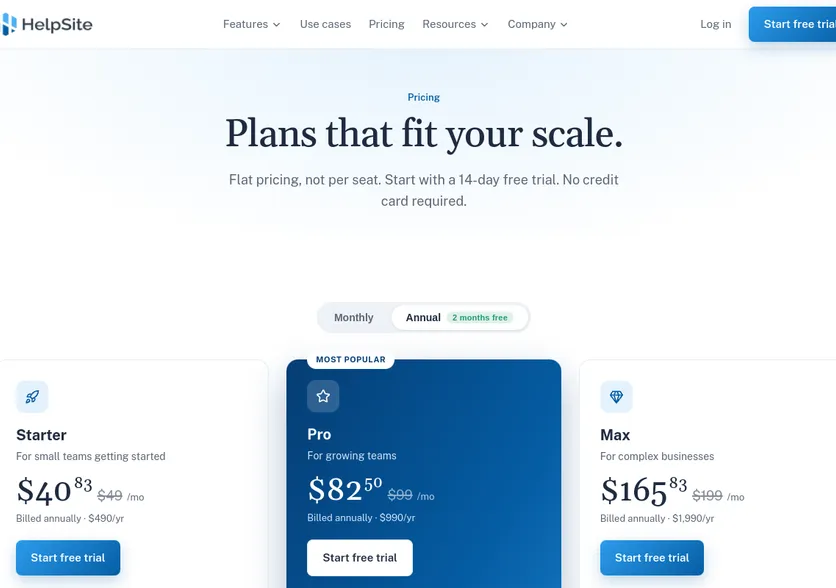
Paid tool Starting price: $49/month · Forty-nine dollars a month on the Starter plan for 3 team members and 2 knowledge bases, or $490 a year with annual billing. Pro is $99 a month for 15 team members and 5 knowledge bases.
Free plan: Free trial (14 days)
This HelpSite plan costs $49 a month on Starter, and it is the simplest way for a plumbing business to give customers a self-service help center. The flat price covers 3 team members and 2 knowledge bases, so a small office team can run a customer FAQ site and an internal wiki side by side, and readers are always free. There is no free plan, only a 14-day trial, but the flat monthly price is easy to budget against the calls it saves.
What we like
- Flat $49 a month — easy to budget.
- 3 team members and 2 knowledge bases included.
- Readers are always free.
Watch out for
- No screenshot or logo available for this tool.
- No free plan — only a 14-day trial.
How to try it
- Write the 20 questions customers call about most.
- Publish them as a help center on your own domain.
- Link the help center from your website and invoices.
Prices above were checked on each vendor’s own website on Nov 28, 2026 and can change — the vendor’s page is the final word. Vendor links are editorial: nobody paid to be listed or ranked here. Vendors who want a featured listing can see how it works on our Get listed page.
How to run a plumbing knowledge base day to day
Start with the procedures that cause the most callbacks: boiler installs, leak detection, drain clearing and safety checks. Record your best plumber doing each one, turn the recording into a written guide, and make it readable on a phone in the van. Publish the customer questions separately in a help center like HelpSite, so the office phone stops ringing with the same pricing and appointment queries. Assign one person to own the library and review it whenever a regulation or supplier changes a procedure. Put the most-used guides on the office wall and the rest on phones, so a tech on a job can check a procedure in seconds instead of calling the office.
Before you buy
- Does it cover quoting, scheduling and invoicing as well as documentation?
- Can a tech in a van find a procedure on a phone with one hand?
- Can customers find answers themselves instead of calling the office?
- Does the price cover every technician, or does each seat cost extra?
- Can new hires learn the job from the SOPs without shadowing for weeks?
Official websites
Official websites of the products reviewed above. Features and prices were checked against these sites when this guide was written, and they can change, so confirm on the vendor site before you buy.
Frequently asked questions
What is the best knowledge management software for plumbers?
Jobber is the best overall pick for most plumbing businesses: it covers quoting, scheduling, invoicing and client records for $29 a month, and the mobile app keeps technicians in the loop. Housecall Pro is the best for online booking and dispatch, and HelpSite is the best value for a customer help center at $49 a month flat. Most firms end up with Jobber plus one documentation tool.
How much does knowledge management software cost for plumbers?
Expect $29 to $99 a month for a small crew, plus per-user costs on some tools. Jobber starts at $29 a month and Housecall Pro at $59, while documentation tools like Notion ($10 per user), Scribe ($13 per seat) and HelpSite ($49 a month flat) are affordable add-ons. LiveAgent costs $15 per agent a month for a knowledge base plus live chat and ticketing.
Can a knowledge base help a plumbing business work faster?
Yes, if it is built around the jobs your crew actually does. Document the 10 procedures that cause the most callbacks or delays, make them readable on a phone in a van, and assign one person to keep them current. Teams that do this onboard new hires faster and make fewer repeat visits, because every tech follows the same steps.
Do Jobber and Housecall Pro include a knowledge base?
No — Jobber and Housecall Pro cover the customer-facing side of the business, but they are not dedicated knowledge bases. Pair one of them with HelpSite for a customer help center, Scribe for step-by-step guides, or Notion for a wiki. The combination costs less than one extra callback a month and saves far more time than either tool alone.
What should a plumber put in a knowledge base first?
Start with safety: gas safety, water shutoff procedures and PPE requirements, then the procedures that cause the most callbacks, such as boiler installs and leak detection. Add supplier contacts, warranty terms and pricing rules last. Keep every article short, photo-heavy and readable on a phone, and review them whenever a regulation changes.
Pick the tool that matches your biggest pain: Jobber for quoting and scheduling plus documentation, Housecall Pro for dispatch and online booking, or HelpSite for a customer help center that cuts calls. Then compare the rest of the tools above before you buy.
Browse Business Tools tools