On this page
Enterprise artwork dies in email threads: version twelve attached to a reply, a label file nobody can find, an approval nobody recorded. The tools below give that artwork one home, with versions, comments and approvals on the record. Filestage leads the list because it runs structured artwork review with unlimited free reviewers for one hundred and ninety-nine dollars a month, and the other six tools are ranked on the same practical test: whether an artwork file can go from upload to signed-off print file without leaving the system.
How we researched this
We checked every price on the vendor pricing page on November 28, 2026, and only included tools with a published US dollar list price. The specialist label and artwork vendors, including Loftware, NiceLabel, Ziflow, PageProof, Esko and Kallik, publish no prices, so they are not in this list. The tools below are the priced approval, asset-delivery and design tools enterprises use to manage labels and artwork, and prices change, so confirm the current figure on the vendor site before you buy.
Compare the tools
| Name | Best for | Starting price | Free plan | |
|---|---|---|---|---|
| Filestage | Enterprises that need structured artwork review with unlimited reviewers | $199/month | Free plan for 1 project and 5 files a month | Visit |
 ProofHub | Enterprises that want project management and proofing at one flat price | $45/month | 14-day free trial; no free plan | Visit |
 Cloudinary | Enterprises that need to store, transform and deliver artwork at scale | $89/month | Free plan with 25 credits a month | Visit |
 ApprovalMax | Enterprises that need finance-grade approval trails for artwork spend | $49.50/month | 14-day free trial; no free plan | Visit |
 Adobe Creative Cloud | Enterprises that create the artwork itself across twenty-plus Adobe apps | $99.99/license/month | Free trial available | Visit |
| Frame.io | Enterprises that review video and motion artwork with clients | $15/member/month | Free plan for up to 2 members | Visit |
 Figma | Enterprises that manage design systems and brand assets at scale | $55/seat/month | Free Starter plan | Visit |
The label and artwork management software for enterprise, compared
1. Filestage
Best for: Enterprises that need structured artwork review with unlimited reviewers
Paid tool Starting price: $199/month · One hundred and ninety-nine dollars a month billed annually on the Starter plan (two hundred and forty-nine dollars on monthly billing), covering ten team members with unlimited reviewers; Business is three hundred and twenty-nine dollars a month billed annually
Free plan: Free plan for 1 project and 5 files a month
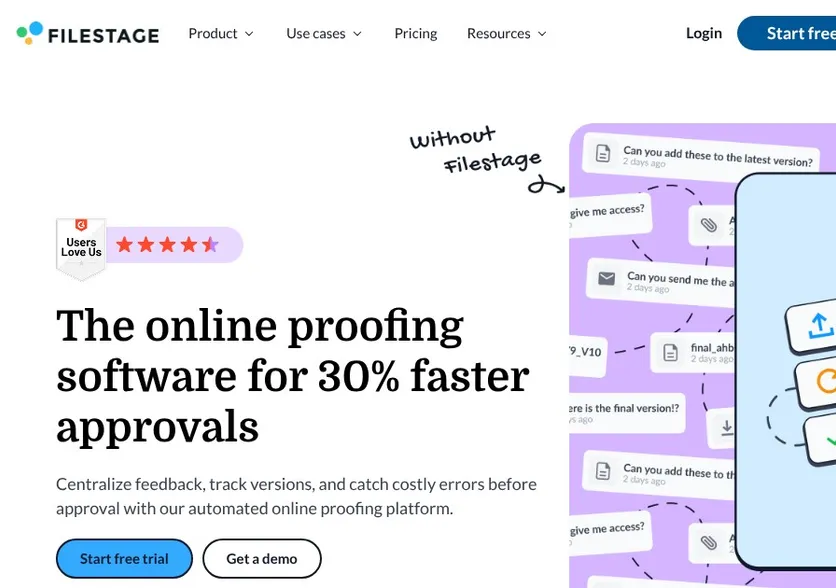
This Filestage plan costs one hundred and ninety-nine dollars a month billed annually, and it is the most dedicated approval tool in this list. Artwork, video, PDFs and web pages go through review steps with annotated comments, version comparison and a clear approval trail, and reviewers are free on every plan, so clients and legal never need a paid seat. The flat price covers ten team members, which means a solo designer pays the same as a ten-person team, so count your monthly file volume first.
What we like
- Reviewers are free on every plan, including clients
- Version comparison shows exactly what changed
- Review steps and due dates keep approvals moving
Watch out for
- The flat price is the same for one user or ten
- AI reviewers and automations wait for Business
How to try it
- Upload the artwork and set the review steps for the team
- Collect annotated comments and compare the new version with the old
- Approve the final version and keep the approval trail on file
2. ProofHub
Best for: Enterprises that want project management and proofing at one flat price
Paid tool Starting price: $45/month · Forty-five dollars a month billed annually on the Essential plan (fifty dollars monthly), with unlimited users, forty projects and fifteen gigabytes; Ultimate Control is one hundred and thirty-five dollars a month billed annually after a three-month introductory rate of eighty-nine dollars
Free plan: 14-day free trial; no free plan
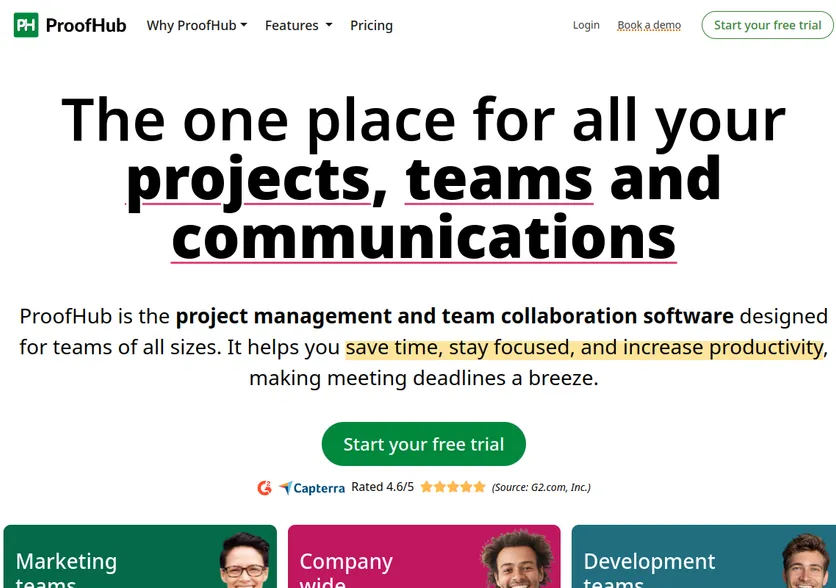
This ProofHub plan costs forty-five dollars a month billed annually, and it is the cheapest way to put proofing beside project work. Tasks, boards, Gantt charts, time tracking, chat and file proofing share one flat-priced account with unlimited users, so the cost never rises when the team grows. The Essential plan caps at forty projects and fifteen gigabytes, which binds a busy artwork team sooner than the price does, but for the money it is the best value in this list.
What we like
- One flat price with unlimited users
- Proofing sits beside tasks, Gantt and chat
- The cheapest entry price in this list
Watch out for
- Essential caps at forty projects and fifteen gigabytes
- The Ultimate Control intro price rises after three months
How to try it
- Set up a project for the artwork campaign with tasks and deadlines
- Upload the artwork and collect proofing comments in the same project
- Approve the file and hand it to production from the same record
3. Cloudinary
Best for: Enterprises that need to store, transform and deliver artwork at scale
Paid tool Starting price: $89/month · Eighty-nine dollars a month billed annually on the Plus plan (ninety-nine dollars monthly), with two hundred and twenty-five credits a month for storage, bandwidth and transformations; Advanced is two hundred and twenty-four dollars a month billed annually
Free plan: Free plan with 25 credits a month
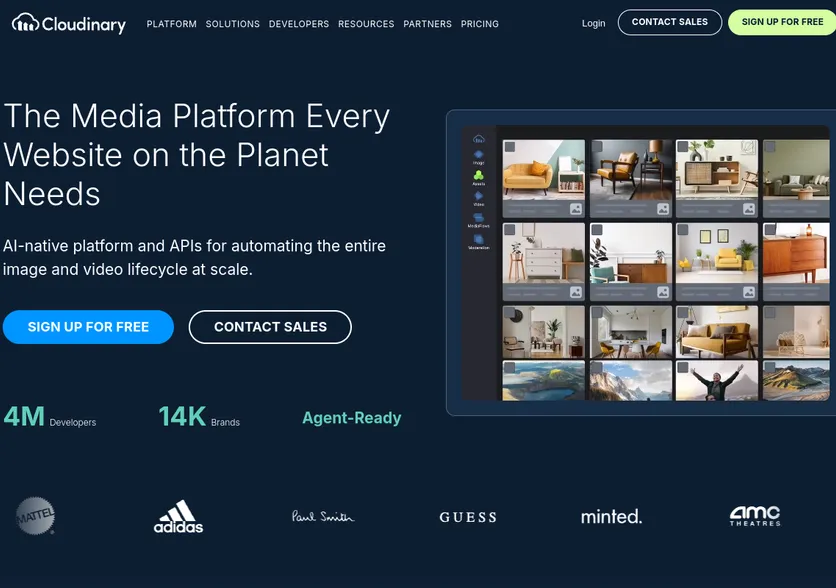
This Cloudinary plan costs eighty-nine dollars a month billed annually, and it is the asset-delivery engine in this list. Artwork and product images are stored once and transformed, resized and delivered in the right format for every channel, with auto-tagging and search so a team can find the approved label file without hunting through folders. The credit model takes a little learning, because storage, bandwidth and transformations all draw from one monthly pool of two hundred and twenty-five credits.
What we like
- One file serves every channel in the right format
- Auto-tagging search finds the approved version fast
- A free plan covers small teams getting started
Watch out for
- The credit model is hard to understand at first
- The jump from free to Plus is large
How to try it
- Upload the approved artwork to a Cloudinary account
- Set up the transformations each channel needs from the same file
- Use auto-tagging search to find the approved version fast
4. ApprovalMax
Best for: Enterprises that need finance-grade approval trails for artwork spend
Paid tool Starting price: $49.50/month · Forty-nine dollars and fifty cents per organisation per month billed annually on the Standard plan, excluding tax, with unlimited users; Advanced is seventy-nine dollars and twenty cents and Premium is one hundred and eleven dollars a month, and usage fees apply per approved document
Free plan: 14-day free trial; no free plan
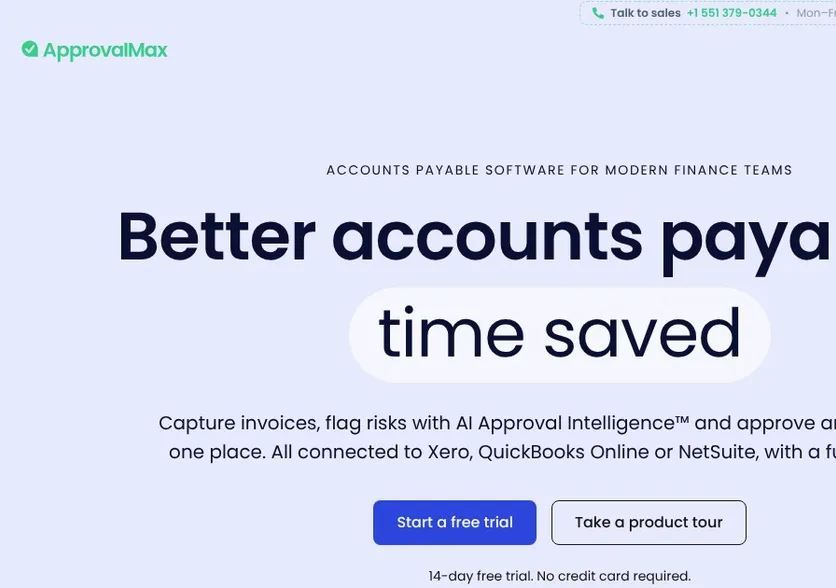
This ApprovalMax plan costs forty-nine dollars and fifty cents per organisation per month billed annually, and it is the audit-trail tool in this list. Approval workflows for bills, purchase orders and invoices run with unlimited users and a detailed audit report attached to every approved document, which is what an enterprise needs when label and artwork spend has to be accounted for. Usage fees apply per approved document, so the real bill depends on volume as well as the subscription.
What we like
- Unlimited users on one organisation price
- A detailed audit report for every approval
- Integrates with Xero, QuickBooks Online and NetSuite
Watch out for
- Usage fees apply per approved document on top of the plan
- Built for finance approvals, not artwork review itself
How to try it
- Set up the approval workflow for artwork and print spend
- Route each bill or purchase order through the right approvers
- Check the audit report attached to every approved document
5. Adobe Creative Cloud
Best for: Enterprises that create the artwork itself across twenty-plus Adobe apps
Paid tool Starting price: $99.99/license/month · Ninety-nine dollars and ninety-nine cents per license per month for Creative Cloud Pro for teams on an annual term; individual Pro is sixty-nine dollars and ninety-nine cents a month after a thirty-four-dollar-ninety-nine-cent introductory price for the first three months, and Essentials for teams is thirty-nine dollars and ninety-nine cents. Older pages still show the retired All Apps plan at fifty-nine dollars and ninety-nine cents, which is no longer the current list price
Free plan: Free trial available
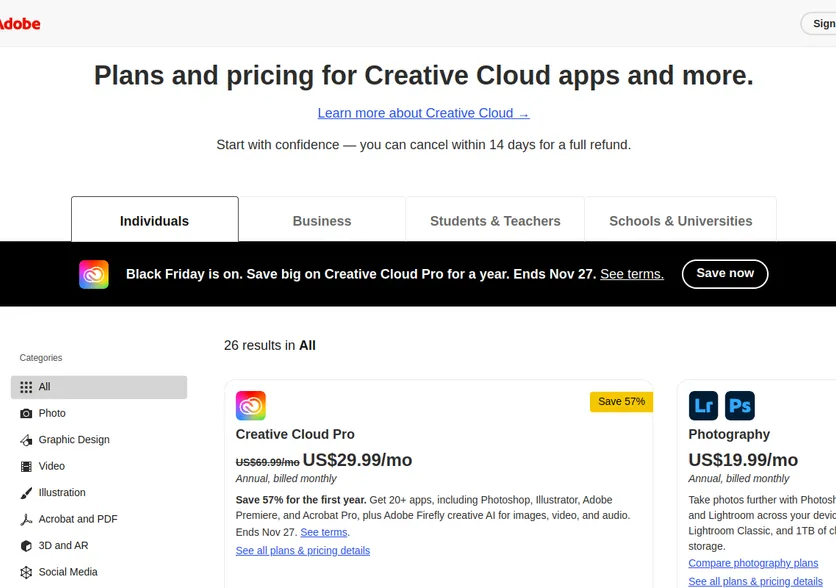
This Adobe Creative Cloud plan costs ninety-nine dollars and ninety-nine cents per license per month for teams, and it is where most enterprise label and artwork is actually made. Photoshop, Illustrator, InDesign and Premiere share one subscription with one terabyte of storage, shared libraries and an admin console, so the artwork, the label file and the print-ready PDF all come from the same suite. Older pages still show the retired All Apps plan at fifty-nine dollars and ninety-nine cents, which is no longer the current list price.
What we like
- Twenty-plus apps in one subscription
- Shared libraries keep brand assets consistent
- One terabyte of storage and an admin console for teams
Watch out for
- The per-license price adds up fast for a large team
- The old All Apps price still appears on stale pages
How to try it
- Set up the team plan with licences for each designer
- Build the label artwork in Illustrator with shared libraries
- Export the print-ready file and hand it to the approval tool
6. Frame.io
Best for: Enterprises that review video and motion artwork with clients
Paid tool Starting price: $15/member/month · Fifteen dollars per member per month on the Pro plan (thirteen dollars on annual billing, or one hundred and fifty-six dollars a year), for up to five members; Team is twenty-five dollars per member per month for up to fifteen members, and Enterprise is quoted
Free plan: Free plan for up to 2 members
This Frame.io plan costs fifteen dollars per member per month, and it is the review tool for moving artwork. Video, motion and image files get time-stamped comments, version stacks and branded share pages, and clients review for free through share links. The Pro plan stops at five members, so a bigger team moves to Team at twenty-five dollars per member per month, and the sixteenth member means an Enterprise quote.

What we like
- Time-stamped comments on video and motion artwork
- Clients review for free through share links
- Version stacks keep every cut organised
Watch out for
- Pro stops at five members, so growth forces a plan change
- Built for video, not for print label files
How to try it
- Upload the video or motion artwork to a project
- Share the review link with clients and collect time-stamped comments
- Approve the final version and hand it to the delivery team
7. Figma
Best for: Enterprises that manage design systems and brand assets at scale
Paid tool Starting price: $55/seat/month · Fifty-five dollars per Full seat per month billed annually on the Organization plan; Professional is sixteen dollars per Full seat per month, and Enterprise is ninety dollars. Dev seats are twenty-five dollars and Collab seats five dollars on Organization. Older listings showing forty-five dollars for Organization are stale
Free plan: Free Starter plan
This Figma plan costs fifty-five dollars per Full seat per month billed annually on the Organization plan, and it is where enterprise artwork is designed and governed. Shared libraries, branching, single sign-on and centralised admin keep the label system consistent across teams, while Dev and Collab seats cost less than a Full seat, so reviewers and developers do not pay the designer rate. Older listings showing forty-five dollars for Organization are stale, because Figma raised the price in 2026.

What we like
- Shared libraries keep label systems consistent
- Branching lets teams test artwork changes safely
- Cheaper Dev and Collab seats for non-designers
Watch out for
- The Organization price rose in 2026, so old quotes are stale
- Only designers need the Full seat, so seat mix matters
How to try it
- Set up the Organization plan with shared libraries for the brand
- Build the label system as components with branching for changes
- Give reviewers Collab seats so they comment without the Full seat price
Prices above were checked on each vendor’s own website on Nov 28, 2026 and can change — the vendor’s page is the final word. Vendor links are editorial: nobody paid to be listed or ranked here. Vendors who want a featured listing can see how it works on our Get listed page.
How an enterprise should manage labels and artwork
Start with one record per artwork file, not one thread per version. Every file gets a version number, a comment trail and an approval decision, so the print file is always the approved one and nobody has to guess. Give reviewers free access wherever the tool allows it, because an approval step that needs a paid seat will be skipped. Store the approved file where the team can find it, with a name that says what it is, and retire the old versions instead of leaving them beside the current one. Review the approval trail monthly, because a trail nobody reads is just storage.
Before you buy
- Check that artwork versions, comments and approvals live on one record
- Confirm whether reviewers need paid seats or can approve for free
- Ask how label files move from design to print without re-uploading
- Count the per-seat cost at your real team size before you compare prices
- Run a trial with one real artwork approval, from upload to signed-off print file, before you commit
Official websites
Official websites of the products reviewed above. Features and prices were checked against these sites when this guide was written, and they can change, so confirm on the vendor site before you buy.
Frequently asked questions
What is label and artwork management software for enterprise?
It is software that manages artwork and labels from design to approved print file: version control, review comments, approvals, asset storage and the audit trail. The specialist label vendors in this category, including Loftware, NiceLabel, Ziflow, PageProof, Esko and Kallik, publish no prices, so this list covers the priced approval, asset and design tools enterprises actually use to manage labels and artwork, and says so plainly for each tool.
Which tool is best for enterprise label and artwork management?
Filestage is the best dedicated approval tool at one hundred and ninety-nine dollars a month billed annually, with unlimited reviewers on every plan. ProofHub is the best value at forty-five dollars a month with unlimited users and proofing beside project work. Cloudinary is the best pick for storing and delivering the approved artwork at scale, and Figma is the best pick for designing and governing the label system itself.
How much does Filestage cost?
Filestage costs one hundred and ninety-nine dollars a month billed annually on the Starter plan, or two hundred and forty-nine dollars on monthly billing, covering ten team members with unlimited reviewers. Business is three hundred and twenty-nine dollars a month billed annually and adds automations, review agents and API access. A free plan covers one project and five files a month.
Do reviewers need paid seats to approve artwork?
Yes, and it is the feature that matters most for enterprise approvals. Legal, brand and client reviewers should be able to approve without a paid seat, or the approval step becomes a budget argument. Filestage and Frame.io both give reviewers free access, while ProofHub charges one flat price for unlimited users, which has the same effect.
How should an enterprise compare these prices?
Count seats at your real team size, because most of these tools bill per seat or per member. Adobe charges per licence, Figma charges per seat type, and Frame.io caps members per plan, so the same ten people cost very different amounts on each. Check whether reviewers are free, and whether storage and transformation credits are included or metered, before you compare headline prices.
Compare the seven tools above, then start with a free trial on the tool that matches how your team already approves artwork before you pay for a full year.
Browse Business Tools tools