On this page
A startup training its first model needs labeled data before it needs a bigger GPU: the labels decide how well the model learns. The seven tools below label images, text and video without a full data team, with prices checked on the vendor site on November 27, 2026. Label Studio is our first pick — the open labeling platform that runs in the cloud or on your own server for ninety-nine dollars a month.
How we researched this
We started with the labeling tools startups actually buy, then read each price on the vendor pricing page or vendor documentation on November 27, 2026 and noted the free tier each one carries. We judged them for a startup that labels images, text and video to train its first model without hiring a labeling team. We dropped Encord, SuperAnnotate, Kili Technology, Dataloop, Diffgram, Datasaur, Scale AI, Snorkel AI, V7 Darwin, Sama and Appen because none of them publishes a clear list price a buyer can compare.
Compare the tools
| Name | Best for | Starting price | Free plan | |
|---|---|---|---|---|
| Label Studio | Startups that want an open labeling platform for images, text, audio and video | $99/month | Free Community Edition to self-host | Visit |
| Labelbox | Startups that want model-assisted labeling to speed up large datasets | $0.10/LBU | Free tier with 500 LBU a month | Visit |
| CVAT | Startups that label video and need frame-by-frame annotation | $23/month | Free plan plus free self-hosted Community edition | Visit |
 Roboflow | Startups building computer vision features from raw images to trained models | $39/month | Free tier with 10 credits a month | Visit |
| Segments.ai | Startups with steady labeling volume that prefer per-hour pricing | $2.67/hour | Free 14-day trial; free for academic users | Visit |
| Supervisely | Startups that label images, video and point clouds in one platform | €199/month | Free Community edition for 2 members | Visit |
| Prodigy | Startups that label text data on their own machines with a one-time licence | $390 once | No free plan | Visit |
The data labeling software for startups, compared
1. Label Studio
Best for: Startups that want an open labeling platform for images, text, audio and video
Paid tool Starting price: $99/month · Ninety-nine dollars a month for the first user on the Starter Cloud plan, with forty-nine dollars a month per additional user up to twelve; the Community Edition is free to self-host and Enterprise is quoted
Free plan: Free Community Edition to self-host
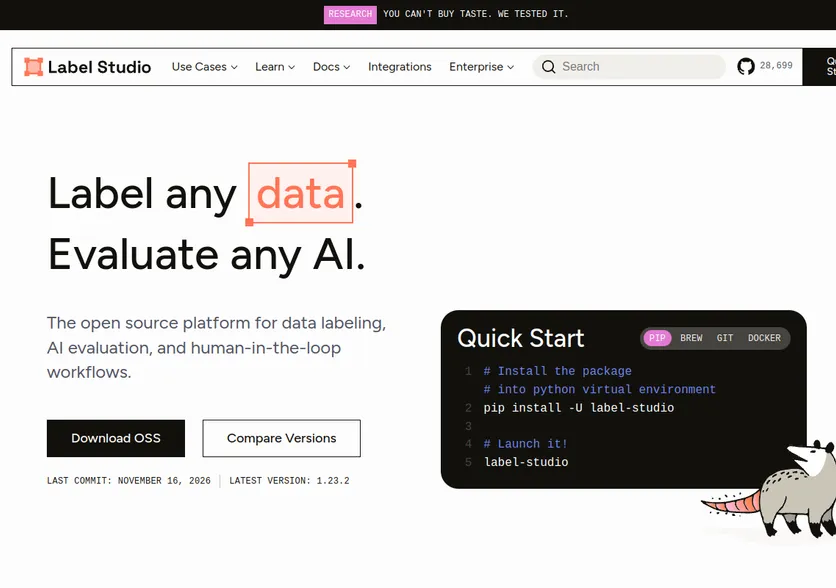
Label Studio gives a startup an open labeling platform for images, text, audio and video, hosted in the cloud or on its own server. This Label Studio Starter Cloud plan costs ninety-nine dollars a month for the first user, with forty-nine dollars a month per additional user up to twelve, and the Community Edition is free to self-host. A startup that wants full control over its labeling setup gets an open platform with no per-label meter on the free edition.
What we like
- Open platform that handles images, text, audio and video
- Cloud hosting or free self-hosted edition
- Flexible templates that cover many labeling tasks
Watch out for
- Cloud pricing is per user, so a bigger labeling team costs more
- Self-hosted setup needs someone technical to maintain it
How to try it
- Open the Label Studio site and try the free Community Edition
- Import a sample of your images or text and set up a labeling task
- Label a few examples and export them in your training format
2. Labelbox
Best for: Startups that want model-assisted labeling to speed up large datasets
Paid tool Starting price: $0.10/LBU · Ten cents per Labelbox Unit on the Starter plan, with a free tier covering five hundred units a month; the vendor pricing page is retired, so the rate comes from the vendor documentation at docs dot labelbox dot com
Free plan: Free tier with 500 LBU a month
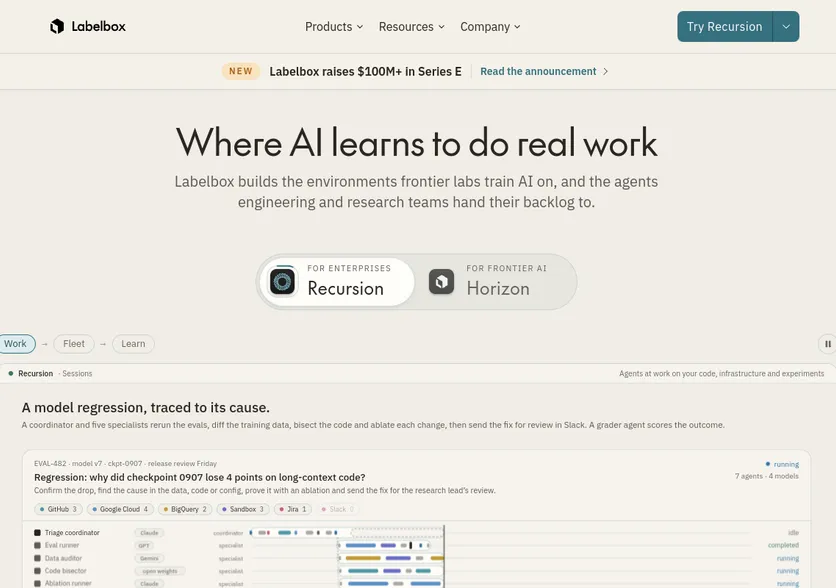
Labelbox labels images, video and text at scale, with model-assisted labeling that pre-labels data before a human reviews it. This Labelbox Starter plan costs ten cents per Labelbox Unit, with a free tier covering five hundred units a month. A startup that wants labeling to speed up as its dataset grows gets tools that pre-label the easy cases and leave humans the hard ones.
What we like
- Model-assisted labeling that speeds up large datasets
- Handles images, video and text in one platform
- Free tier that covers small labeling runs
Watch out for
- Per-unit pricing grows with the dataset, so large volumes add up
- The marketing pricing page is retired, so plans are quoted beyond Starter
How to try it
- Open the Labelbox site and start with the free tier
- Upload a sample dataset and try model-assisted labeling
- Review the pre-labels and check the export format
3. CVAT
Best for: Startups that label video and need frame-by-frame annotation
Paid tool Starting price: $23/month · Twenty-three dollars a month billed annually for the Online Solo plan, or thirty-three dollars monthly; Team costs twenty-three dollars per user a month billed annually with a two-seat minimum
Free plan: Free plan plus free self-hosted Community edition
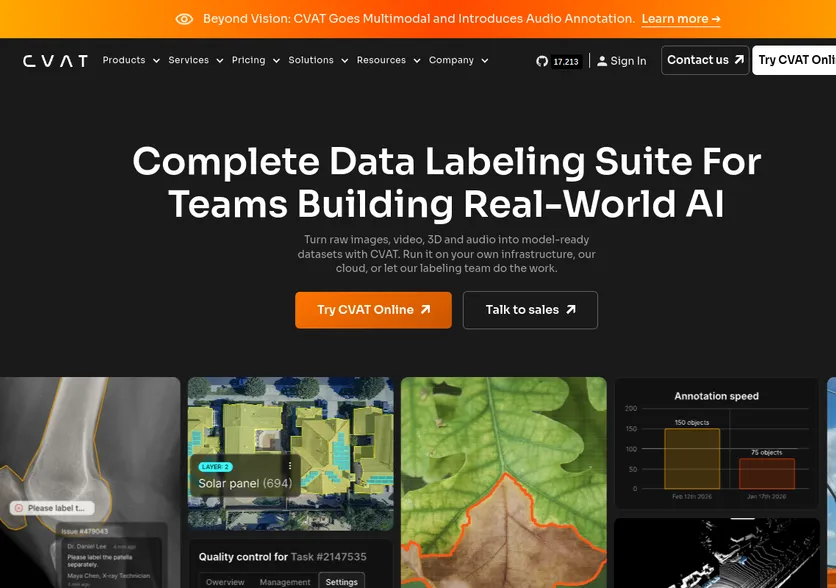
CVAT labels video and image data in the browser, with annotation tools built for tracking objects across frames. This CVAT Online Solo plan costs twenty-three dollars a month billed annually, or thirty-three dollars monthly, while the self-hosted Community edition is free. A startup working mostly with video gets a specialist tool that handles frame-by-frame annotation without per-label pricing.
What we like
- Strong video annotation with object tracking across frames
- Free self-hosted Community edition with no per-label meter
- Browser-based, so labelers need no install
Watch out for
- Team pricing is per user, so a bigger labeling team costs more
- Setup is heavier than a simple image labeling tool
How to try it
- Open the CVAT site and start the free plan
- Upload a short video and set up an annotation task
- Track an object across frames and export the annotations
4. Roboflow
Best for: Startups building computer vision features from raw images to trained models
Paid tool Starting price: $39/month · Thirty-nine dollars a month for Core credit packs with twenty total credits including ten free credits; the free tier covers ten credits a month and Enterprise is priced by sales
Free plan: Free tier with 10 credits a month
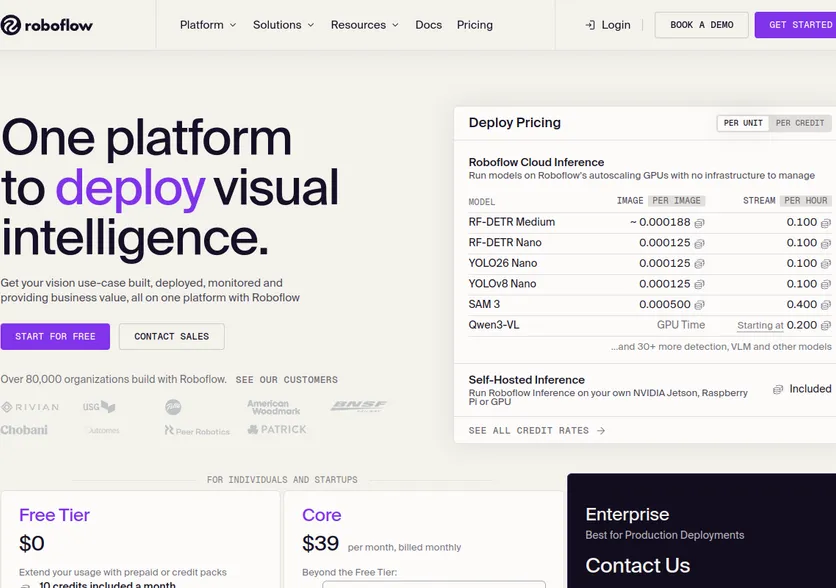
Roboflow takes a startup from raw images to a trained computer vision model, with labeling, augmentation and dataset management in one place. This Roboflow Core credit packs start from thirty-nine dollars a month for twenty total credits, including ten free credits, and the free tier covers ten credits a month. A startup building computer vision features gets a labeling tool that feeds straight into model training.
What we like
- Labeling, augmentation and training in one place
- Free tier that covers small computer vision projects
- Dataset management that keeps versions organized
Watch out for
- Credit packs mean heavy labeling months cost more
- Enterprise pricing is by sales, so larger teams cannot compare upfront
How to try it
- Open the Roboflow site and start with the free tier
- Upload a set of images and label them in the browser
- Augment the dataset and export it for training
5. Segments.ai
Best for: Startups with steady labeling volume that prefer per-hour pricing
Paid tool Starting price: $2.67/hour · Two dollars and sixty-seven cents per labeling hour on the Core plan, with a minimum of three thousand six hundred hours a year; Fusion and Enterprise are custom quoted and a fourteen-day trial is included
Free plan: Free 14-day trial; free for academic users
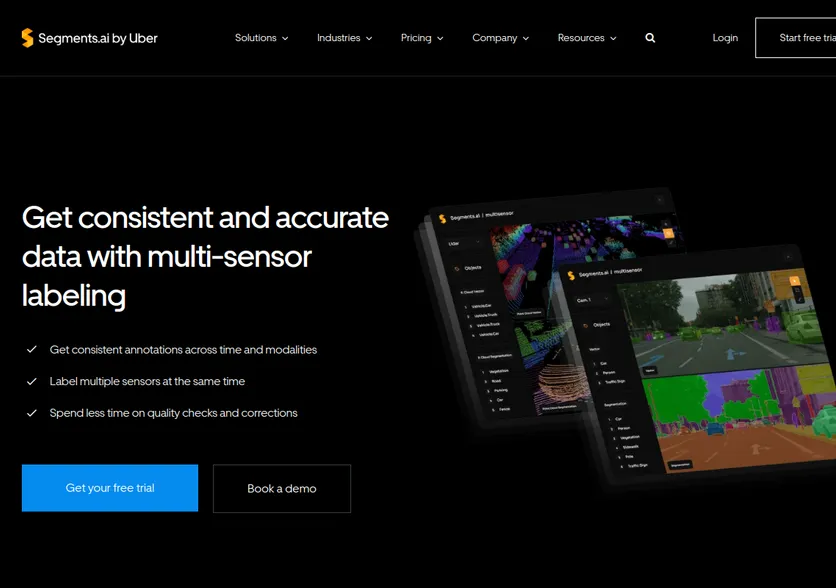
Segments labels images and video by the hour, with a platform built for teams that label continuously. This Segments Core plan starts from two dollars and sixty-seven cents per labeling hour, with a minimum of three thousand six hundred hours a year. A startup with steady labeling volume gets predictable per-hour pricing instead of per-seat fees.
What we like
- Per-hour pricing that suits steady labeling volume
- Built for teams that label continuously
- Free trial that covers a real labeling run
Watch out for
- The annual hour minimum is a big commitment for a small team
- Per-hour pricing punishes slow or difficult labeling tasks
How to try it
- Open the Segments site and start the free trial
- Upload a sample of images or video and set up a labeling task
- Label a few hours of data and check the export format
6. Supervisely
Best for: Startups that label images, video and point clouds in one platform
Paid tool Starting price: €199/month · One hundred and ninety-nine euros a month for the Pro plan, with three members included and an extra member at eighty-five euros a month; about two hundred and eighteen dollars at current rates, and the Community edition is free for two members
Free plan: Free Community edition for 2 members
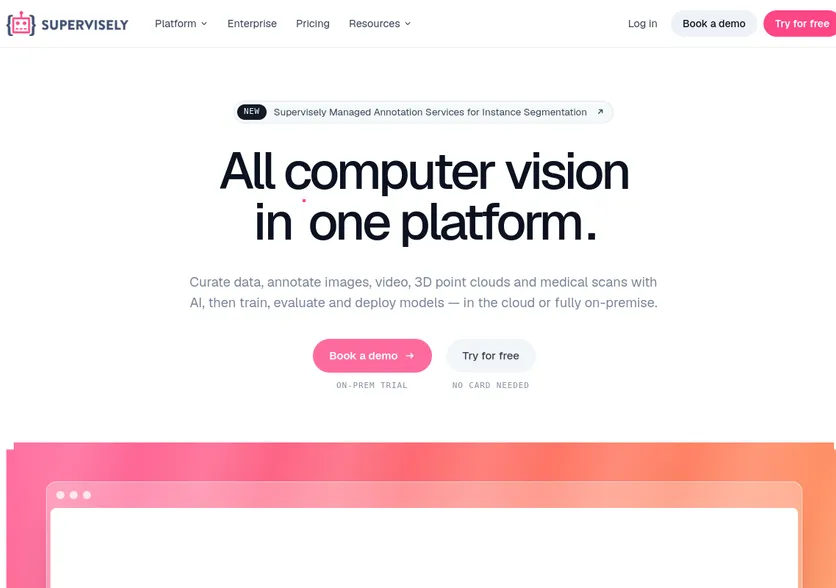
Supervisely labels images, video and point clouds in one platform, with a workflow engine that routes tasks between labelers. This Supervisely Pro plan costs one hundred and ninety-nine euros a month for three members included, with an extra member at eighty-five euros a month, or about two hundred and eighteen dollars. A startup that needs labeling for three-dimensional or point-cloud data gets a platform that covers more data types than most.
What we like
- Covers images, video and point clouds in one platform
- Workflow engine that routes tasks between labelers
- Free Community edition for small teams
Watch out for
- Pricing is in euros, so dollar costs move with the exchange rate
- The platform is bigger than a startup needs for simple image labeling
How to try it
- Open the Supervisely site and try the free Community edition
- Import a sample dataset and set up a labeling workflow
- Assign tasks to labelers and review the first batch
7. Prodigy
Best for: Startups that label text data on their own machines with a one-time licence
Paid tool Starting price: $390 once · Three hundred and ninety dollars once for the Personal licence with twelve months of upgrades included; the Company licence costs four hundred and ninety dollars per seat once, sold in packs of five
Free plan: No free plan
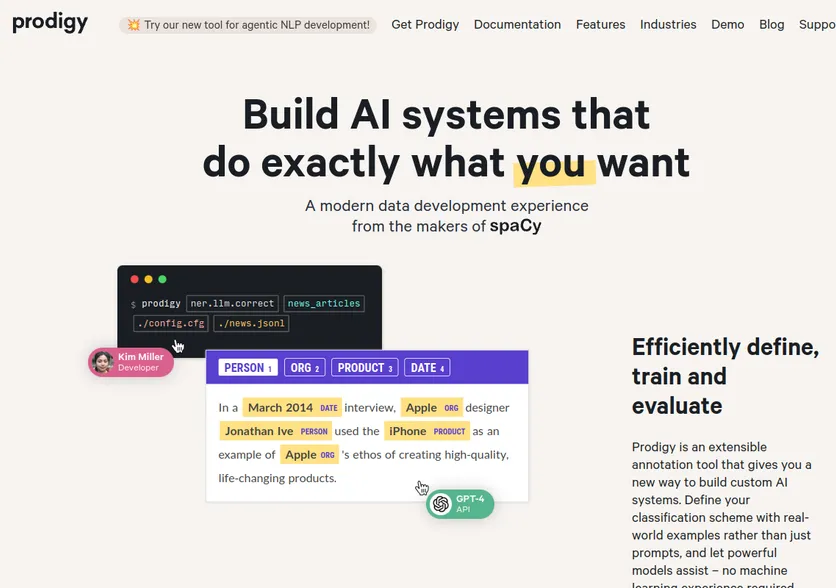
Prodigy labels text and image data with active learning, so the model picks the examples a human should label next. This Prodigy Personal licence costs three hundred and ninety dollars once, with twelve months of upgrades included, and the Company licence costs four hundred and ninety dollars per seat once in packs of five. A startup that labels text data on its own machines gets a one-time licence with no monthly bill.
What we like
- Active learning that picks the most useful examples to label
- One-time licence with no monthly bill
- Runs locally, so data never leaves your machines
Watch out for
- No free plan, so the only way to try it is to buy it
- Self-hosted setup needs someone technical to install it
How to try it
- Open the Prodigy site and buy the Personal licence
- Install it on your own machine and load a text dataset
- Label the examples the model picks and export the results
Prices above were checked on each vendor’s own website on Nov 27, 2026 and can change — the vendor’s page is the final word. Vendor links are editorial: nobody paid to be listed or ranked here. Vendors who want a featured listing can see how it works on our Get listed page.
What labeling software costs a startup
Labeling pricing follows three models, so a startup should match the model to its dataset before it compares headline prices. Per-label and per-hour tools charge by volume, per-seat tools charge by team size, and one-time licences charge once and never again. The cheapest entry here costs ten cents per unit, while the most expensive licence costs three hundred and ninety dollars once, and the right choice depends on whether the team labels every week or only in bursts.
Start with a free tier on two tools and label a sample of real data, not a demo set. Check how long each label takes, whether the export format matches your training pipeline, and whether reviewers can correct a bad label without redoing the whole file. Pick the tool whose export drops straight into your training code, because a labeling tool that needs a custom converter costs more than the plan above it.
Before you buy
- Match the pricing model to your dataset, because per-label billing punishes a large training set.
- Check the export format first, because a tool that exports in the wrong format adds a conversion step.
- Ask how review and quality control work, because bad labels teach the model the wrong answers.
- Confirm the tool labels your data type, because video and point clouds need specialist annotation tools.
- Test with a real sample of your data, because a demo dataset hides the edge cases your data carries.
Official websites
Official websites of the products reviewed above. Features and prices were checked against these sites when this guide was written, and they can change, so confirm on the vendor site before you buy.
Frequently asked questions
Which data labeling software is best for startups in 2026?
Label Studio is the best overall pick at ninety-nine dollars a month for the first user, with an open platform that labels images, text, audio and video. CVAT is the best budget pick at twenty-three dollars a month, with a free self-hosted edition for video annotation. Roboflow is the best pick for computer vision at thirty-nine dollars a month, taking a startup from raw images to a trained model.
How much does data labeling software cost for a startup?
Prices in this list run from ten cents per Labelbox Unit to three hundred and ninety dollars once for a Prodigy licence, with most monthly plans landing between twenty-three and ninety-nine dollars a month. Per-label and per-hour tools charge by volume, so a startup should count its dataset size before comparing headline prices. Add review time and export work to the subscription before you compare totals.
Do startups need model-assisted labeling, or is manual labeling enough?
Manual labeling is enough for a small dataset, because a founder can label a few hundred examples in an afternoon. Model-assisted labeling pays once the dataset grows past a few thousand examples, because pre-labels cut the time each human label takes. A startup should start manual, then switch on model assistance when labeling becomes the bottleneck.
Can a startup label data without hiring a labeling team?
Yes, and most of the tools here are built for that buyer. Label Studio and CVAT both offer free self-hosted editions, and Roboflow and Labelbox both carry free tiers that cover small datasets. A startup should pick a tool with a free tier, label a real sample first, and only pay once the first model shows the labels are good enough.
What is the difference between a labeling tool and a data annotation service?
A labeling tool is software your own team uses to label data, while an annotation service hires labelers to do the work for you. A tool costs less and keeps the data in-house, but your team spends the hours labeling. A service costs more and moves faster, but the data leaves your servers. A startup that labels every week should buy a tool, while one with a single large dataset should price a service.
Need everyday business help too? Try Toolsvine's free business tools right in your browser.
Browse Business Tools tools